Clicknav - Easy Navigation Lau
ACKMANIAC
4.1 ★
113 ratings
10,000+
downloads
Free
With this navigation app, you can save, organize, and start routes with one click or widget. Includes support for multiple map providers, transportation modes, location sharing, and data backup options.
AppRecs review analysis
AppRecs rating 4.1. Trustworthiness 0 out of 100. Review manipulation risk 0 out of 100. Based on a review sample analyzed.
★★★★☆
4.1
AppRecs Rating
Ratings breakdown
5 star
72%
4 star
5%
3 star
0%
2 star
5%
1 star
17%
What to know
✓
High user satisfaction
77% of sampled ratings are 4+ stars (4.1★ average)
✓
Authentic reviews
No red flags detected
About Clicknav - Easy Navigation Lau
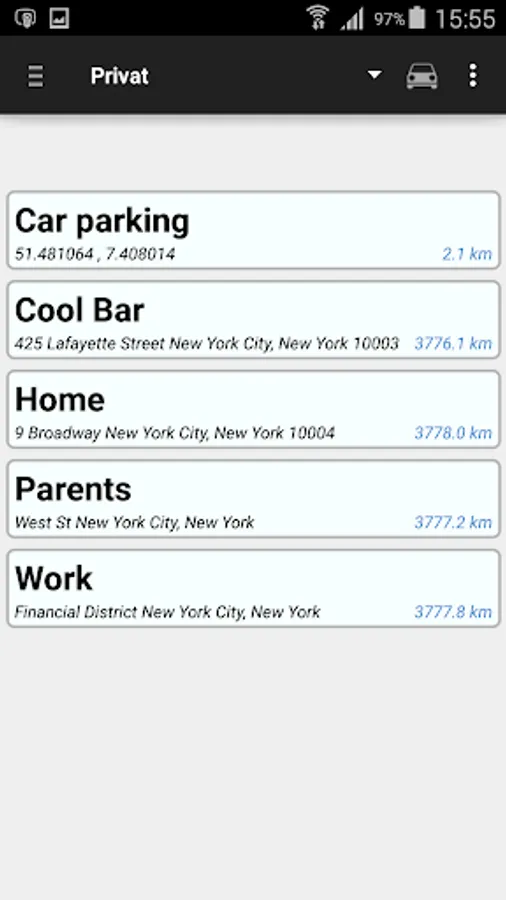
Save and manage your favorite places and start the navigation by just one click or by widget with this easy-to-use app.
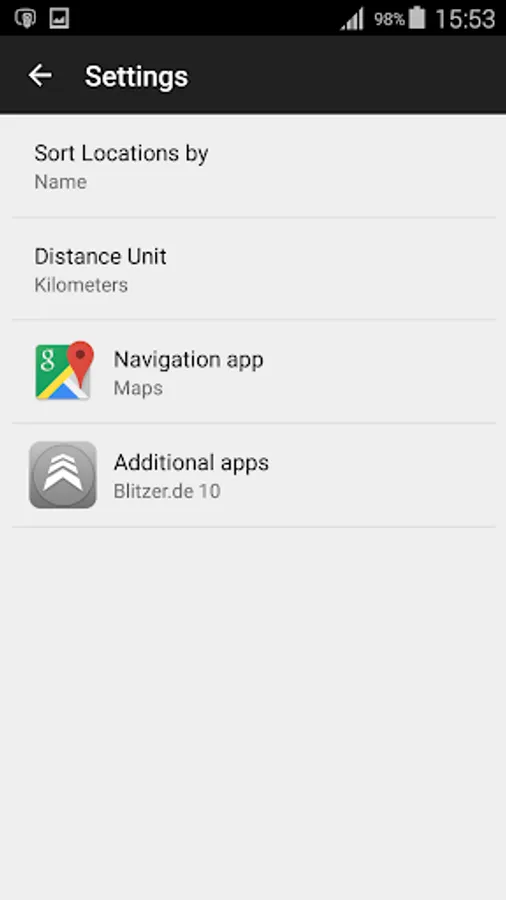
Supported Navigation Applications:
- Google Maps
- HERE
- Waze
- Sygic
- Mapfactor
- Navigon
- CoPilot GPS
- OsmAnd
- Wisepilot
- Be-on-road
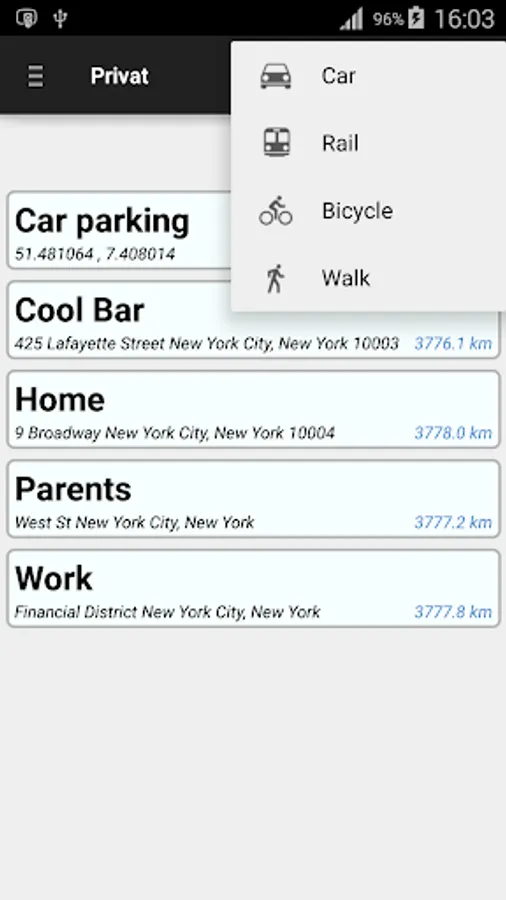
Supported navigation modes:
- car
- public transport (train, bus)
- bicycle
- foot
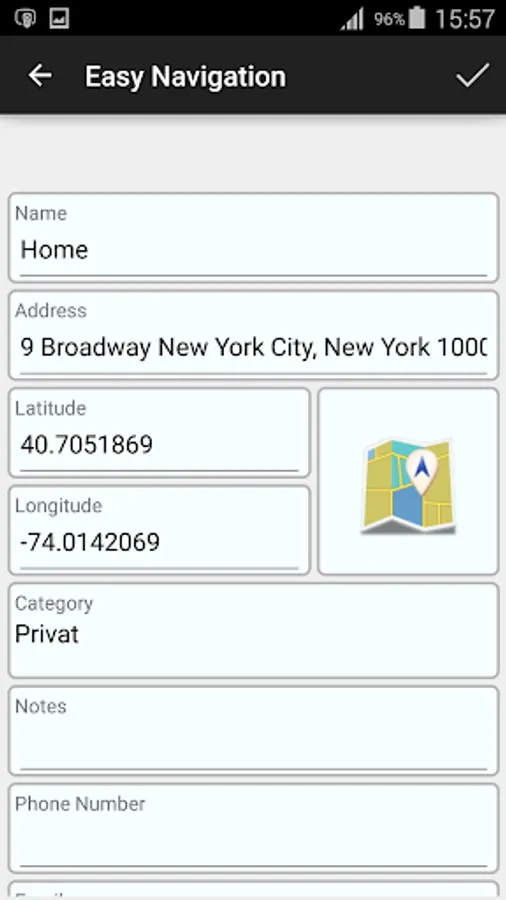
- You can add places based on their address or GPS coordinates.
- Start navigation with just one click.
- Choose your route based on means of transportation. By car, public transport, bicycle or foot.
- You can add Widgets for your destinations to start the navigation directly from your home screen.
- Sort your frequently used addresses by the help of categories (e.g. family, friends, business contacts).
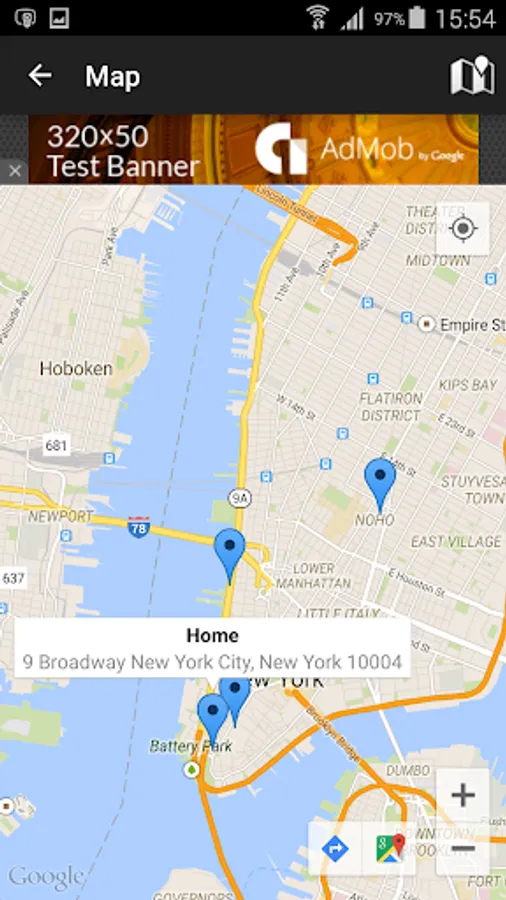
- Enables you to set exact place markers by using the map or GPS coordinates.
- Share your locations with friends by sms or any other applications.
- Save your current position, for example to quickly find where you have parked your car.
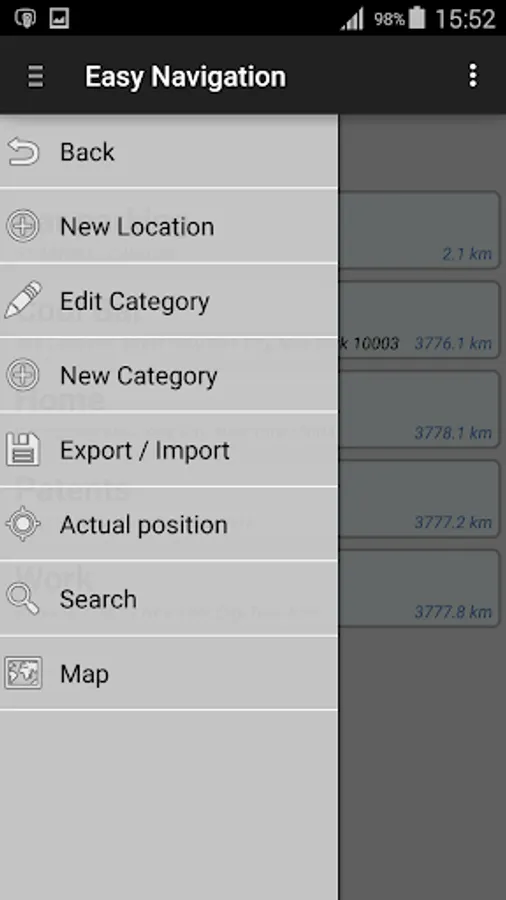
- Backup your locations or export them in a excel file and import them on another device or after an update.
- Supported by Android smartphones and tablets beginning with Version 2.1.
Note: To call up extended functions, press longer.
Supported Navigation Applications:
- Google Maps
- HERE
- Waze
- Sygic
- Mapfactor
- Navigon
- CoPilot GPS
- OsmAnd
- Wisepilot
- Be-on-road
Supported navigation modes:
- car
- public transport (train, bus)
- bicycle
- foot
- You can add places based on their address or GPS coordinates.
- Start navigation with just one click.
- Choose your route based on means of transportation. By car, public transport, bicycle or foot.
- You can add Widgets for your destinations to start the navigation directly from your home screen.
- Sort your frequently used addresses by the help of categories (e.g. family, friends, business contacts).
- Enables you to set exact place markers by using the map or GPS coordinates.
- Share your locations with friends by sms or any other applications.
- Save your current position, for example to quickly find where you have parked your car.
- Backup your locations or export them in a excel file and import them on another device or after an update.
- Supported by Android smartphones and tablets beginning with Version 2.1.
Note: To call up extended functions, press longer.
Clicknav - Easy Navigation Lau Screenshots
Tap to Rate: