AppRecs review analysis
AppRecs rating 4.2. Trustworthiness 83 out of 100. Review manipulation risk 25 out of 100. Based on a review sample analyzed.
★★★★☆
4.2
AppRecs Rating
Ratings breakdown
5 star
80%
4 star
0%
3 star
0%
2 star
0%
1 star
20%
What to know
✓
Low review manipulation risk
25% review manipulation risk
✓
Credible reviews
83% trustworthiness score from analyzed reviews
✓
High user satisfaction
80% of sampled ratings are 4+ stars (4.2★ average)
About Aether Widgets KWGT
Aether Widgets Pack for KWGT
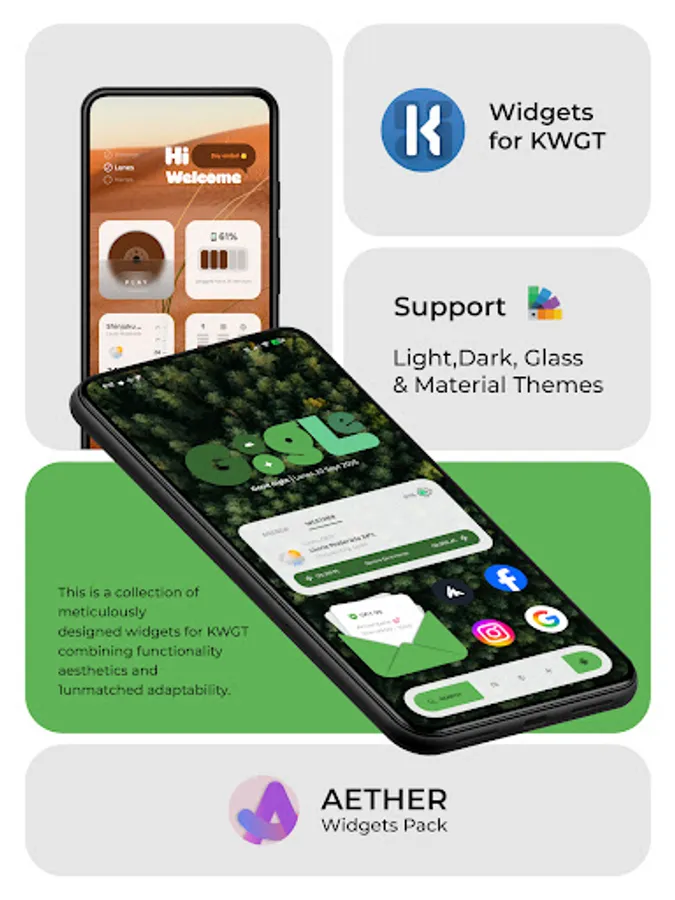
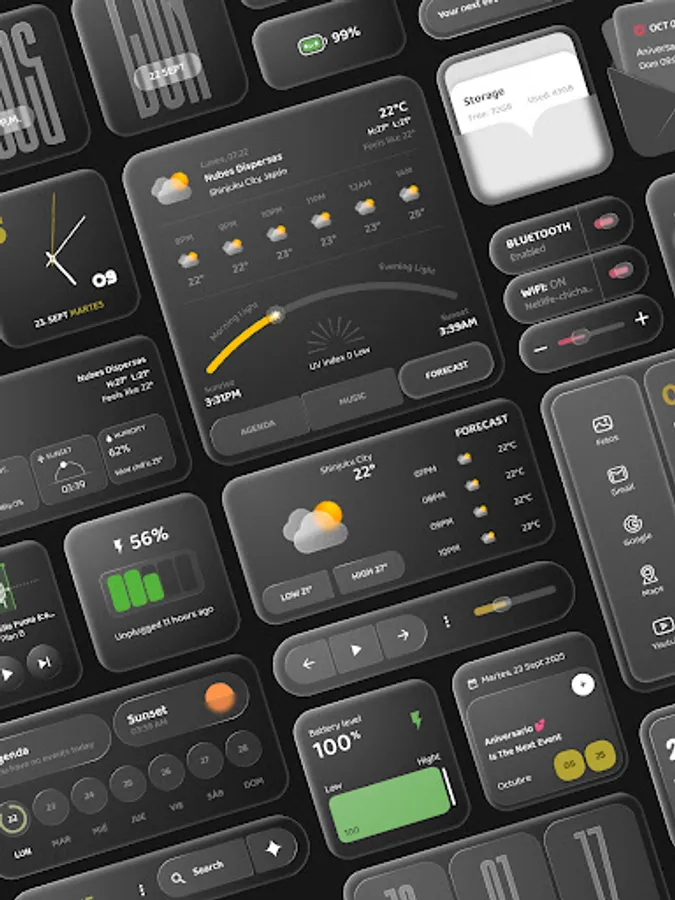
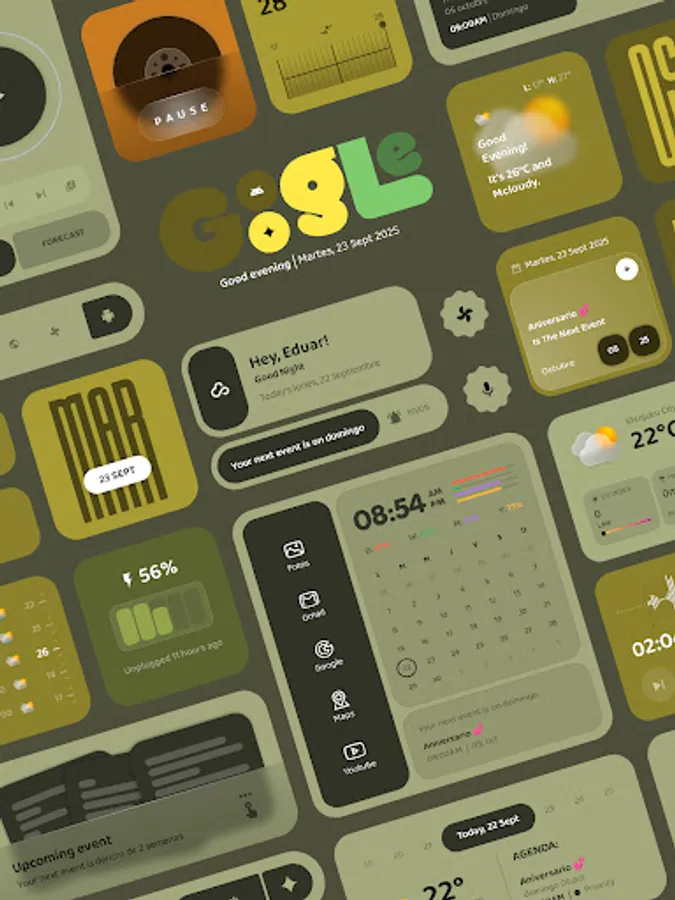
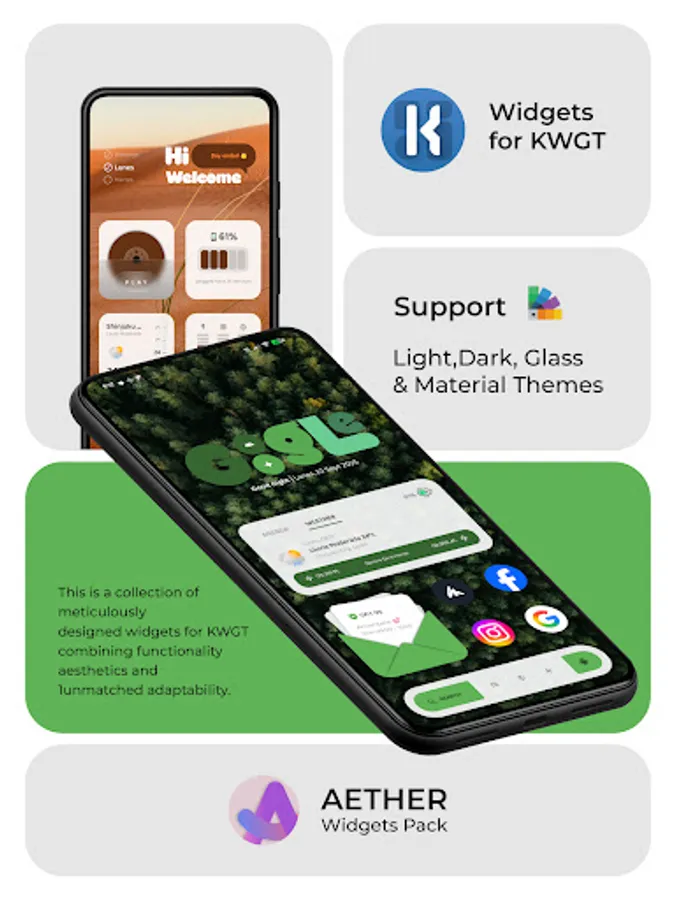
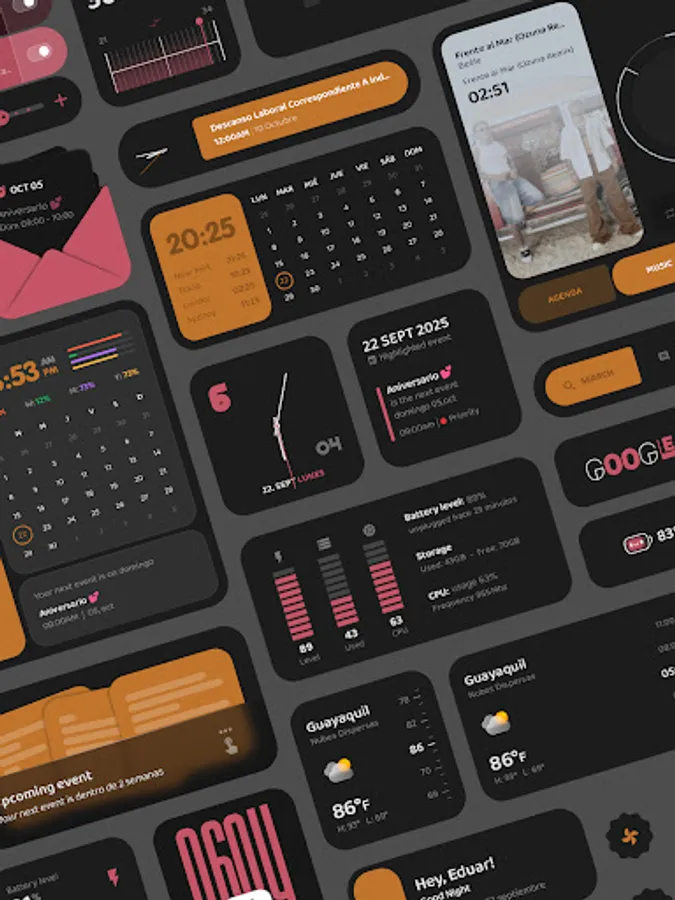
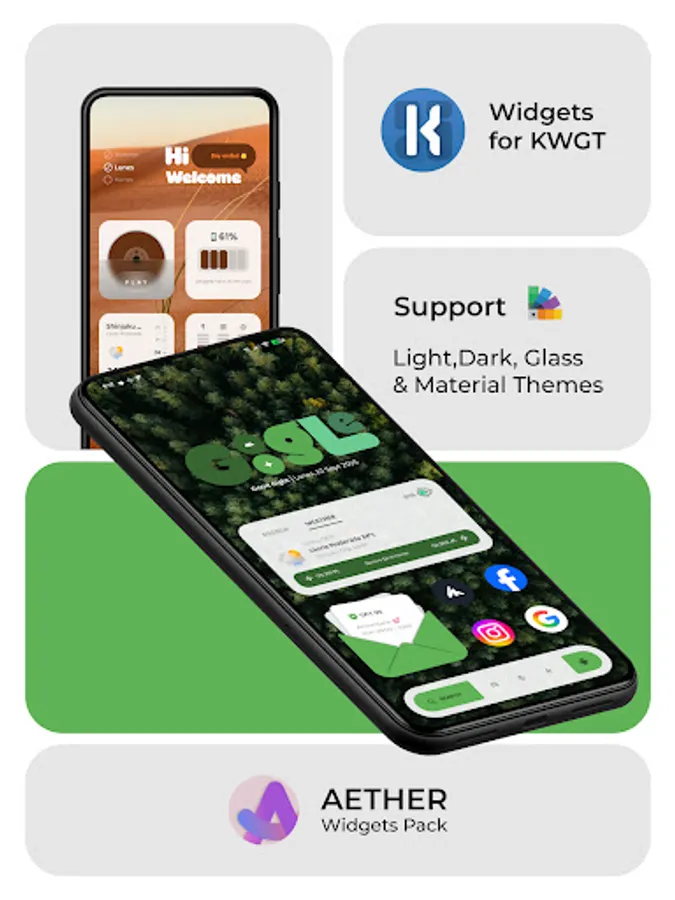
Give your home screen a unique and stylish makeover with Aether Widgets Pack! This is a collection of meticulously designed widgets for KWGT Kustom, combining functionality, aesthetics and unmatched adaptability.
Characteristics:
𝗥𝗲𝘀𝗽𝗼𝗻𝘀𝗶𝘃𝗲 𝗹𝗮𝘆𝗼𝘂𝘁: Aether widgets are not static. They adjust perfectly to any size and proportion you choose on your screen, ensuring a flawless appearance no matter your launcher's grid.
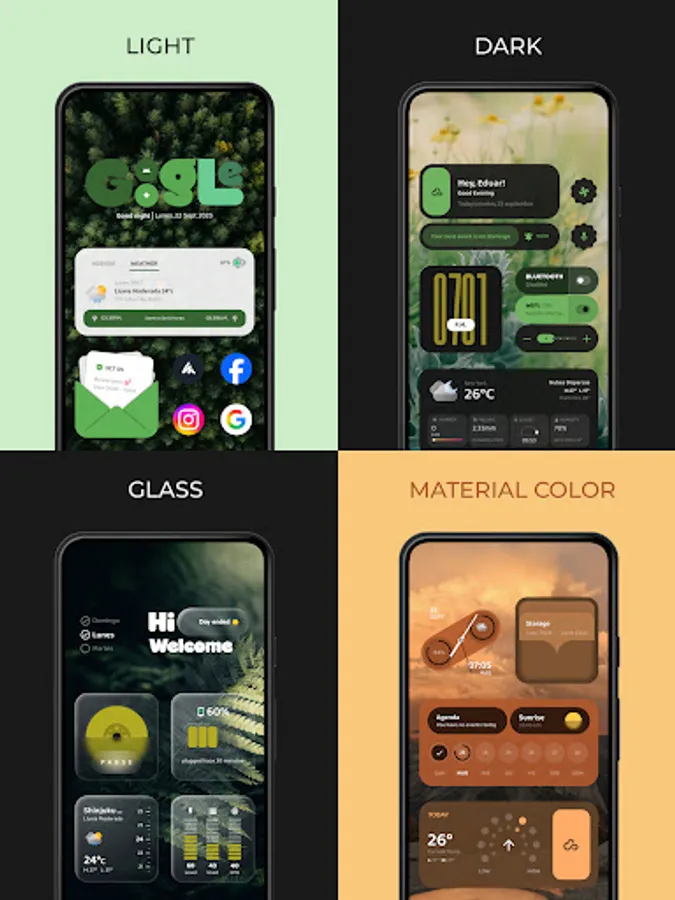
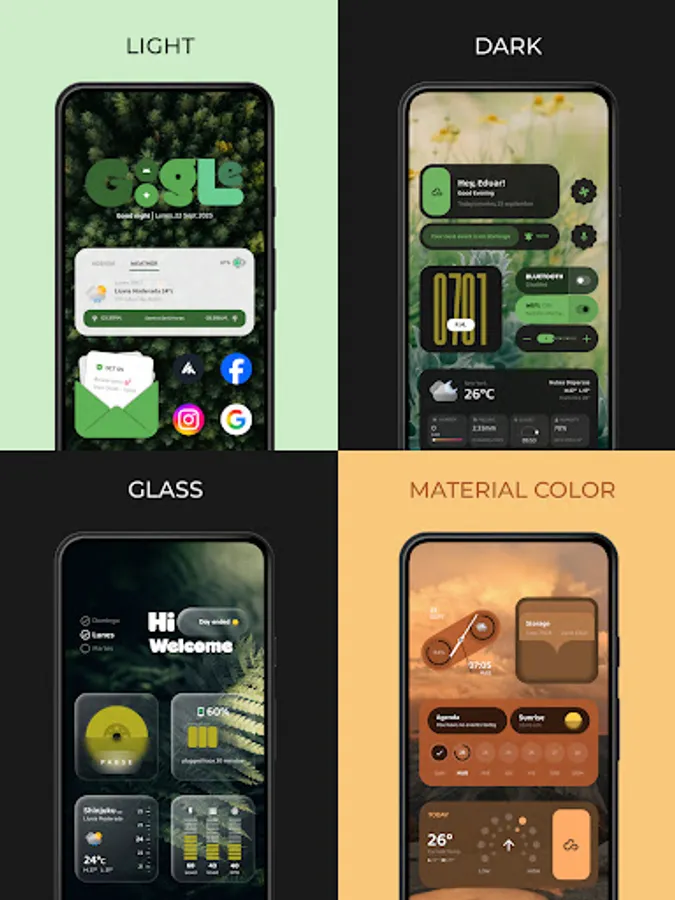
𝗔𝘂𝘁𝗼𝗺𝗮𝘁𝗶𝗰 𝘁𝗵𝗲𝗺𝗲𝘀: Enjoy seamless integration with your device. Each widget includes multiple display modes that you can change instantly
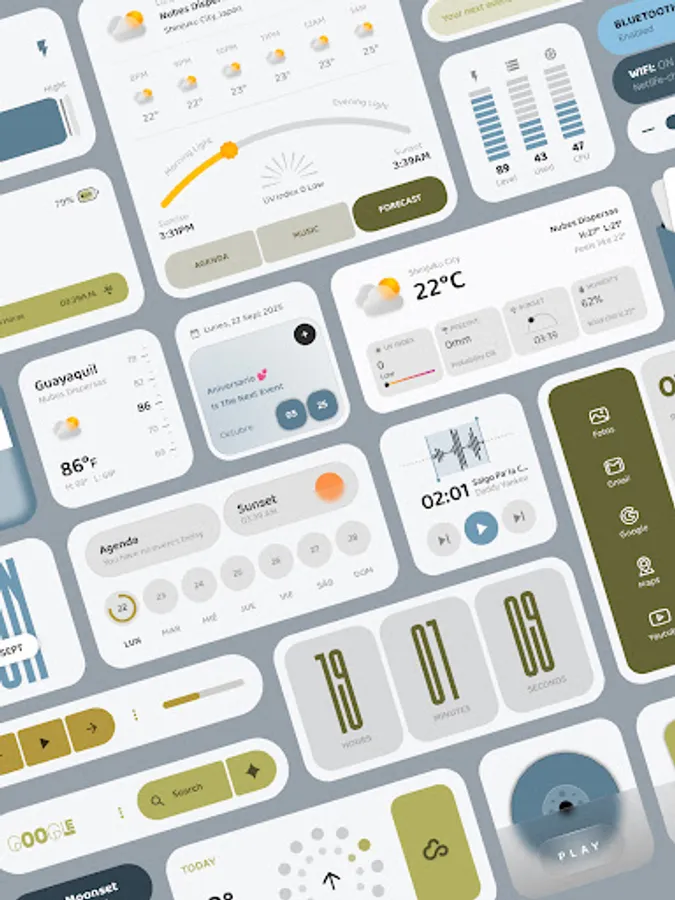
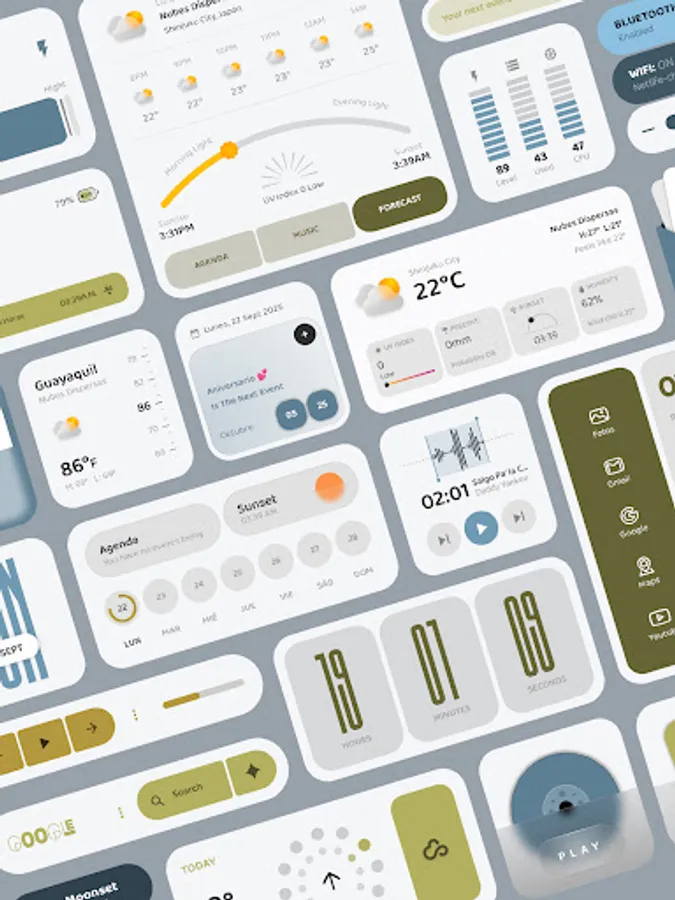
𝗟𝗶𝗴𝗵𝘁 𝗠𝗼𝗱𝗲: For a clean, bright look.
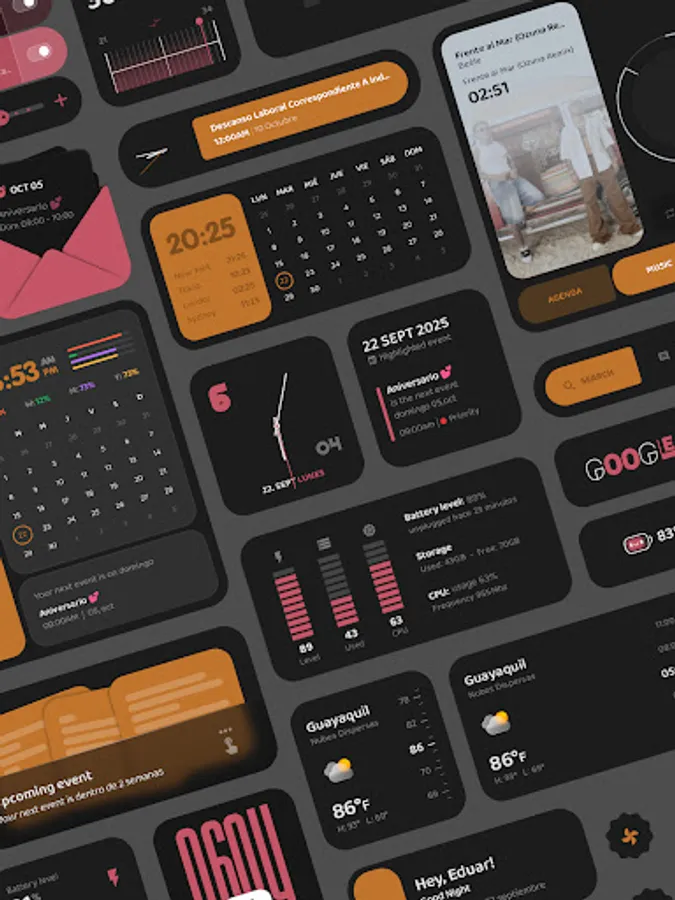
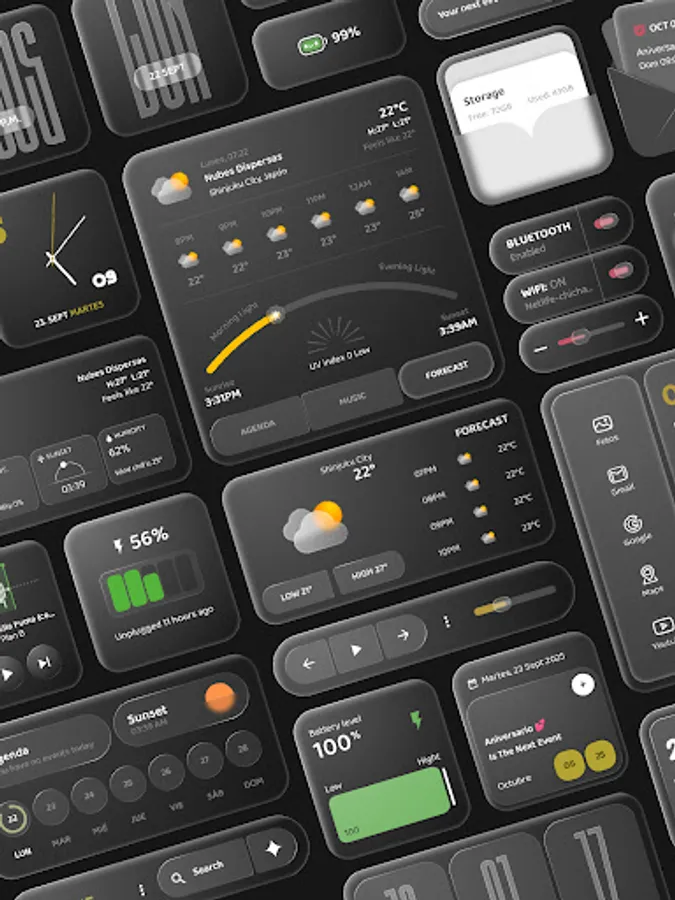
𝗗𝗮𝗿𝗸 𝗠𝗼𝗱𝗲: Ideal for AMOLED screens and to reduce eye strain.
𝗚𝗹𝗮𝘀𝘀 𝗠𝗼𝗱𝗲: A translucent design that allows you to see your wallpaper through the widget.
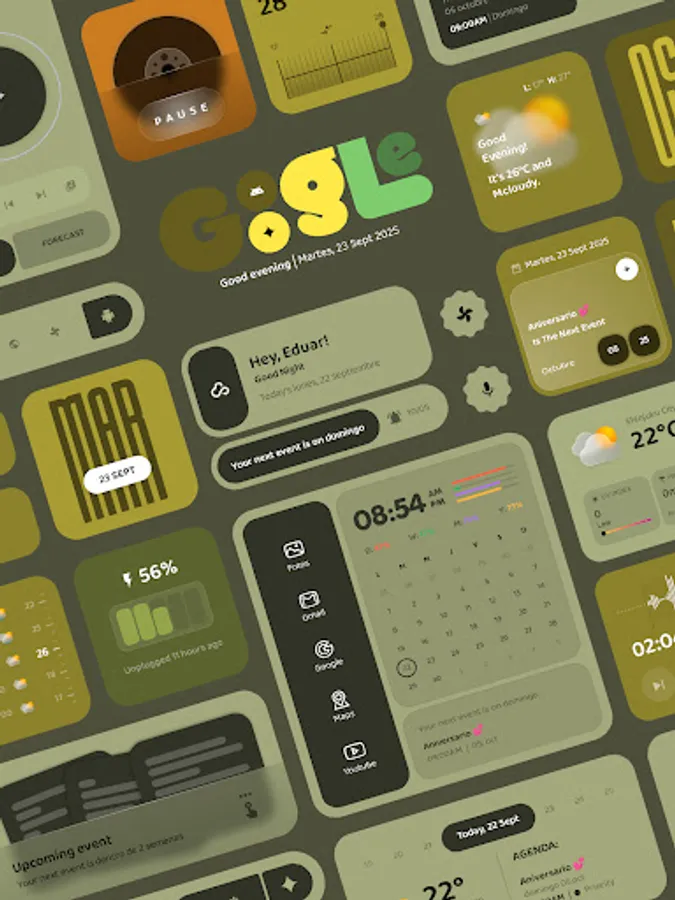
𝗠𝗮𝘁𝗲𝗿𝗶𝗮𝗹 𝗬𝗼𝘂 𝗦𝘂𝗽𝗽𝗼𝗿𝘁: With color extraction feature, widgets capture the dominant color of your wallpaper to generate a cohesive and dynamic color palette. Your interface will feel more alive and unified than ever.
What you need to use the app.
𝗦𝗲𝘁𝘁𝗶𝗻𝗴𝘀: In the global ones you can customize with the color, size and the way you want to use your widgets
How to use:
-Download and install [Name of your app] and KWGT Pro.
-Long press your home screen and select "Widgets."
-Search and select a KWGT widget.
-Tap the blank widget and navigate to the "Installed Pack" tab.
-Select Eether Widgets and choose the widget you like the most.
-Adjust the size and position in the KWGT editor and, if desired, customize
the options in the "Globals" tab.
-Save and enjoy your new home screen.
If the widget is not right sized use the scaling in the KWGT option to apply correctly size.
Please contact me with any questions/issues before leaving a negative rating.
Credits:
• Jahir Fiquitiva for creating Kuper which allows for easy
app making
Give your home screen a unique and stylish makeover with Aether Widgets Pack! This is a collection of meticulously designed widgets for KWGT Kustom, combining functionality, aesthetics and unmatched adaptability.
Characteristics:
𝗥𝗲𝘀𝗽𝗼𝗻𝘀𝗶𝘃𝗲 𝗹𝗮𝘆𝗼𝘂𝘁: Aether widgets are not static. They adjust perfectly to any size and proportion you choose on your screen, ensuring a flawless appearance no matter your launcher's grid.
𝗔𝘂𝘁𝗼𝗺𝗮𝘁𝗶𝗰 𝘁𝗵𝗲𝗺𝗲𝘀: Enjoy seamless integration with your device. Each widget includes multiple display modes that you can change instantly
𝗟𝗶𝗴𝗵𝘁 𝗠𝗼𝗱𝗲: For a clean, bright look.
𝗗𝗮𝗿𝗸 𝗠𝗼𝗱𝗲: Ideal for AMOLED screens and to reduce eye strain.
𝗚𝗹𝗮𝘀𝘀 𝗠𝗼𝗱𝗲: A translucent design that allows you to see your wallpaper through the widget.
𝗠𝗮𝘁𝗲𝗿𝗶𝗮𝗹 𝗬𝗼𝘂 𝗦𝘂𝗽𝗽𝗼𝗿𝘁: With color extraction feature, widgets capture the dominant color of your wallpaper to generate a cohesive and dynamic color palette. Your interface will feel more alive and unified than ever.
What you need to use the app.
𝗦𝗲𝘁𝘁𝗶𝗻𝗴𝘀: In the global ones you can customize with the color, size and the way you want to use your widgets
How to use:
-Download and install [Name of your app] and KWGT Pro.
-Long press your home screen and select "Widgets."
-Search and select a KWGT widget.
-Tap the blank widget and navigate to the "Installed Pack" tab.
-Select Eether Widgets and choose the widget you like the most.
-Adjust the size and position in the KWGT editor and, if desired, customize
the options in the "Globals" tab.
-Save and enjoy your new home screen.
If the widget is not right sized use the scaling in the KWGT option to apply correctly size.
Please contact me with any questions/issues before leaving a negative rating.
Credits:
• Jahir Fiquitiva for creating Kuper which allows for easy
app making