control screen rotation
ah_apps
4.1 ★
32K ratings
10,000,000+
downloads
Free
+ in-app
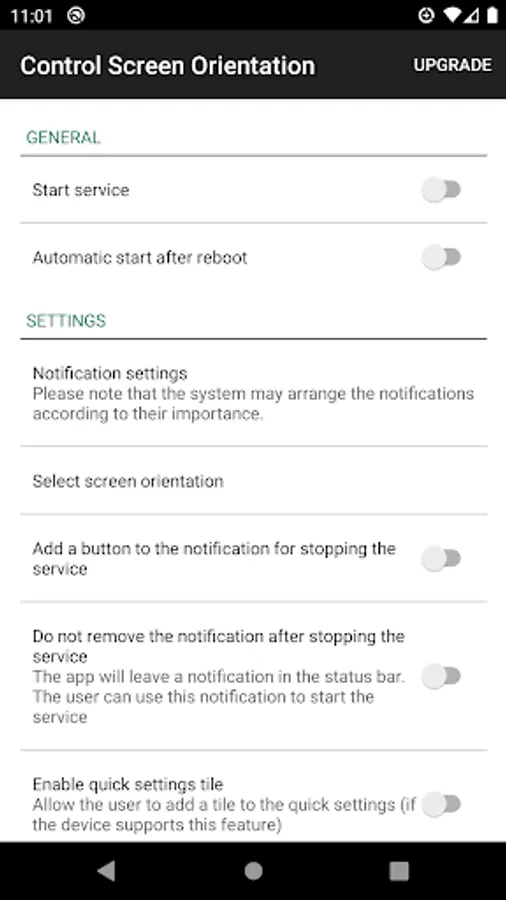
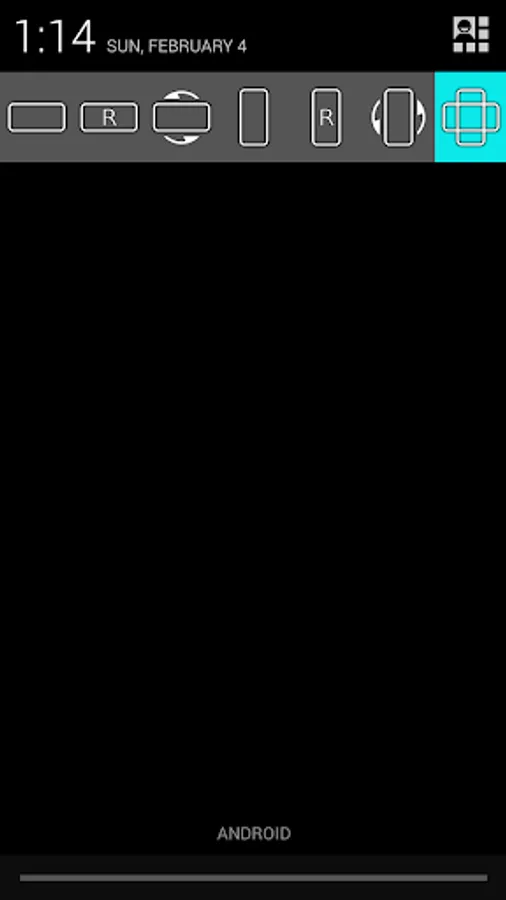
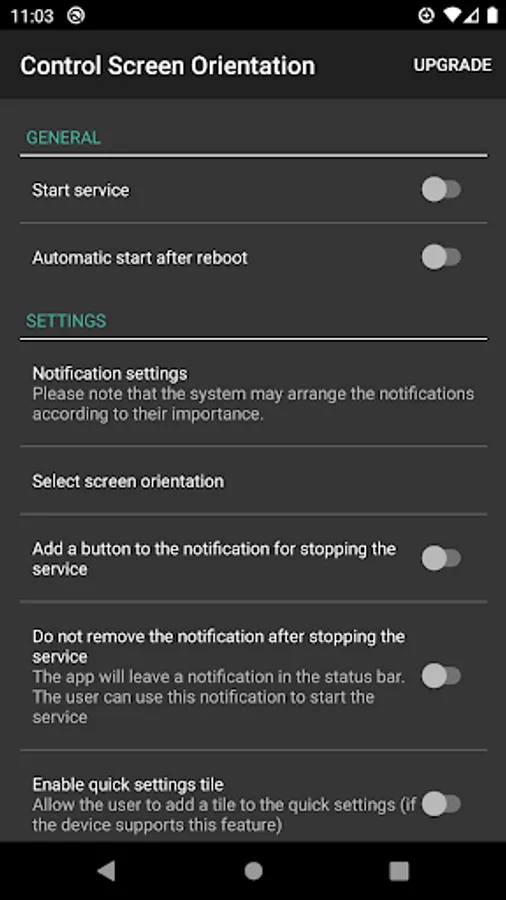
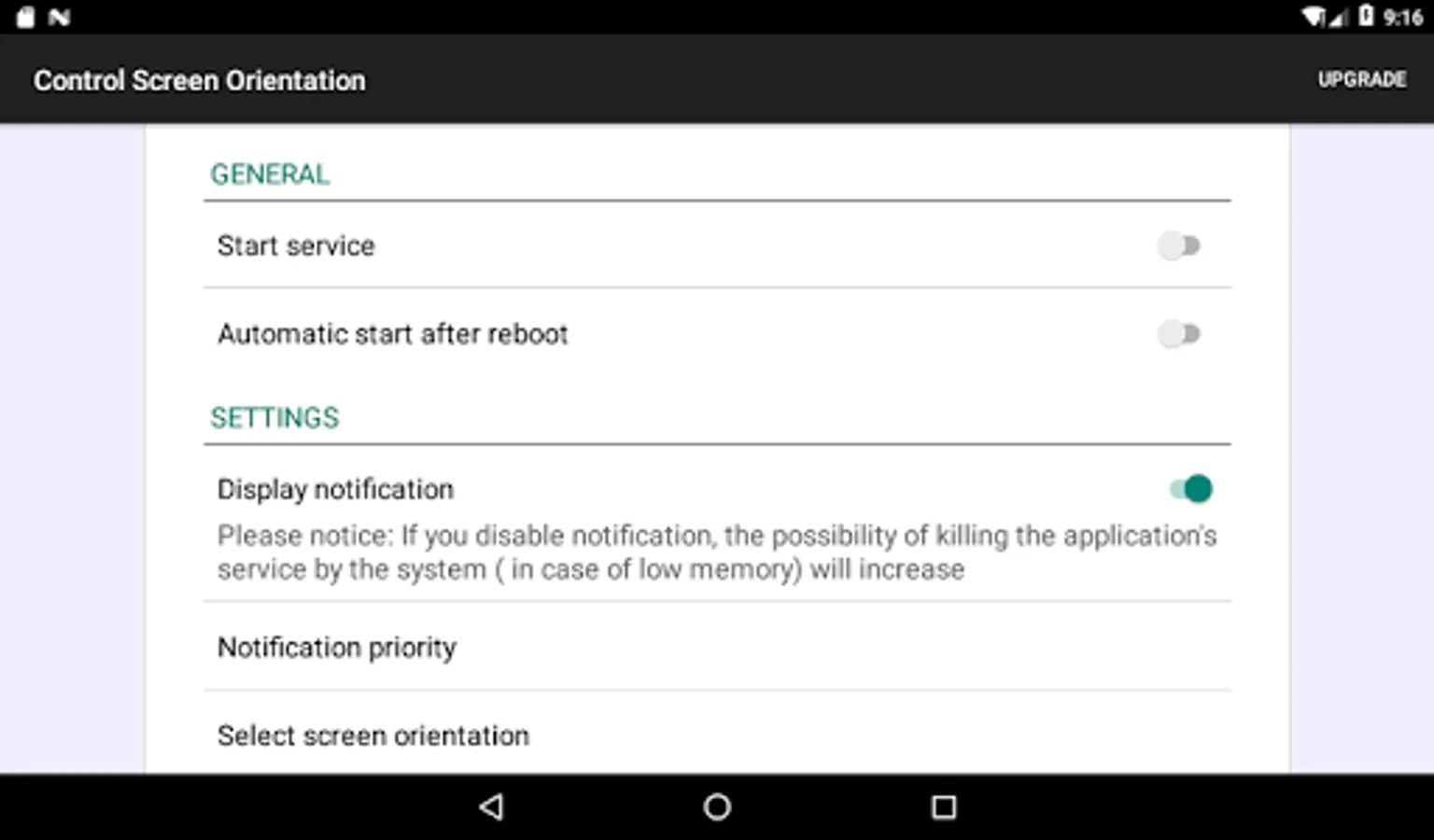
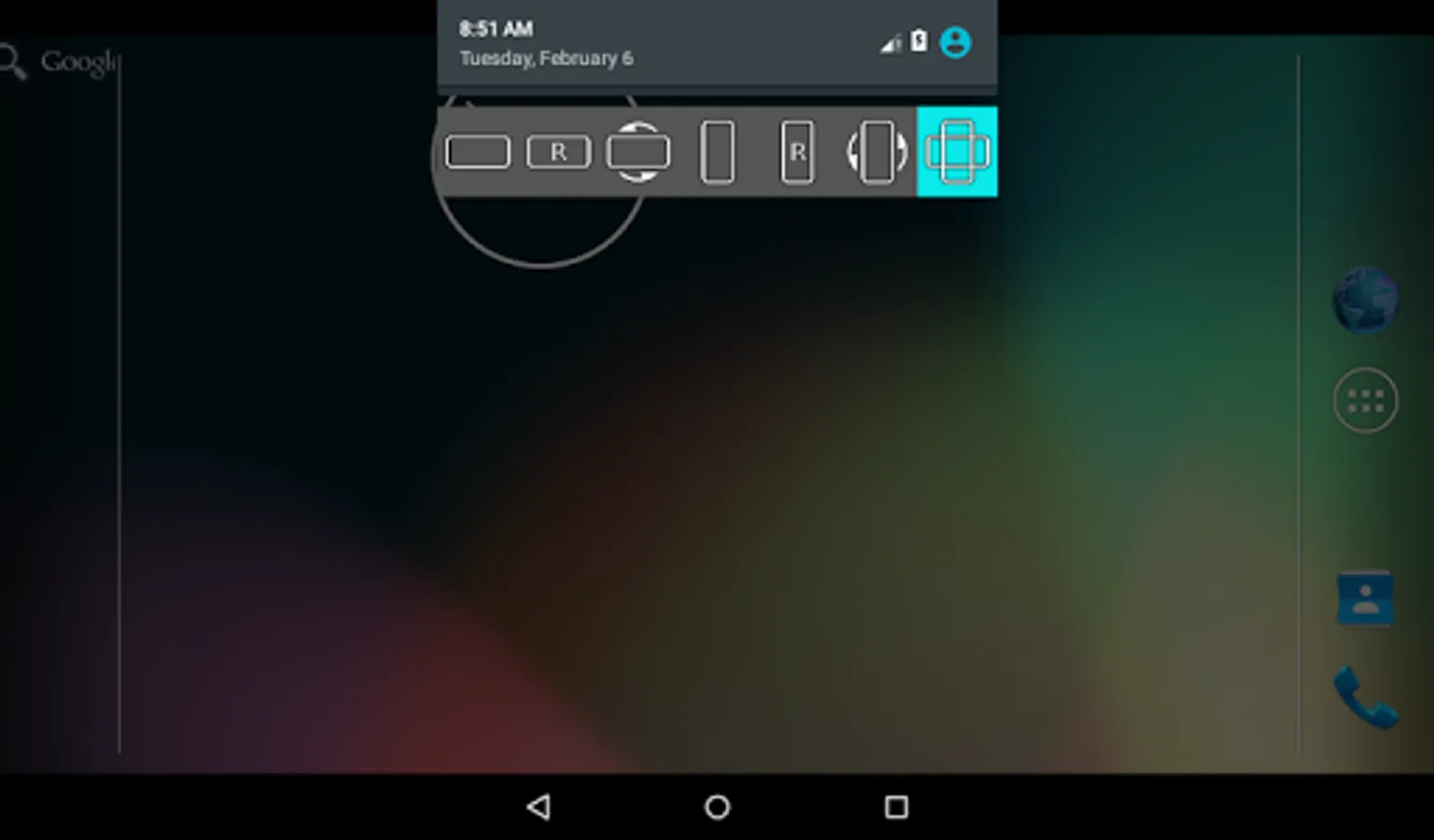
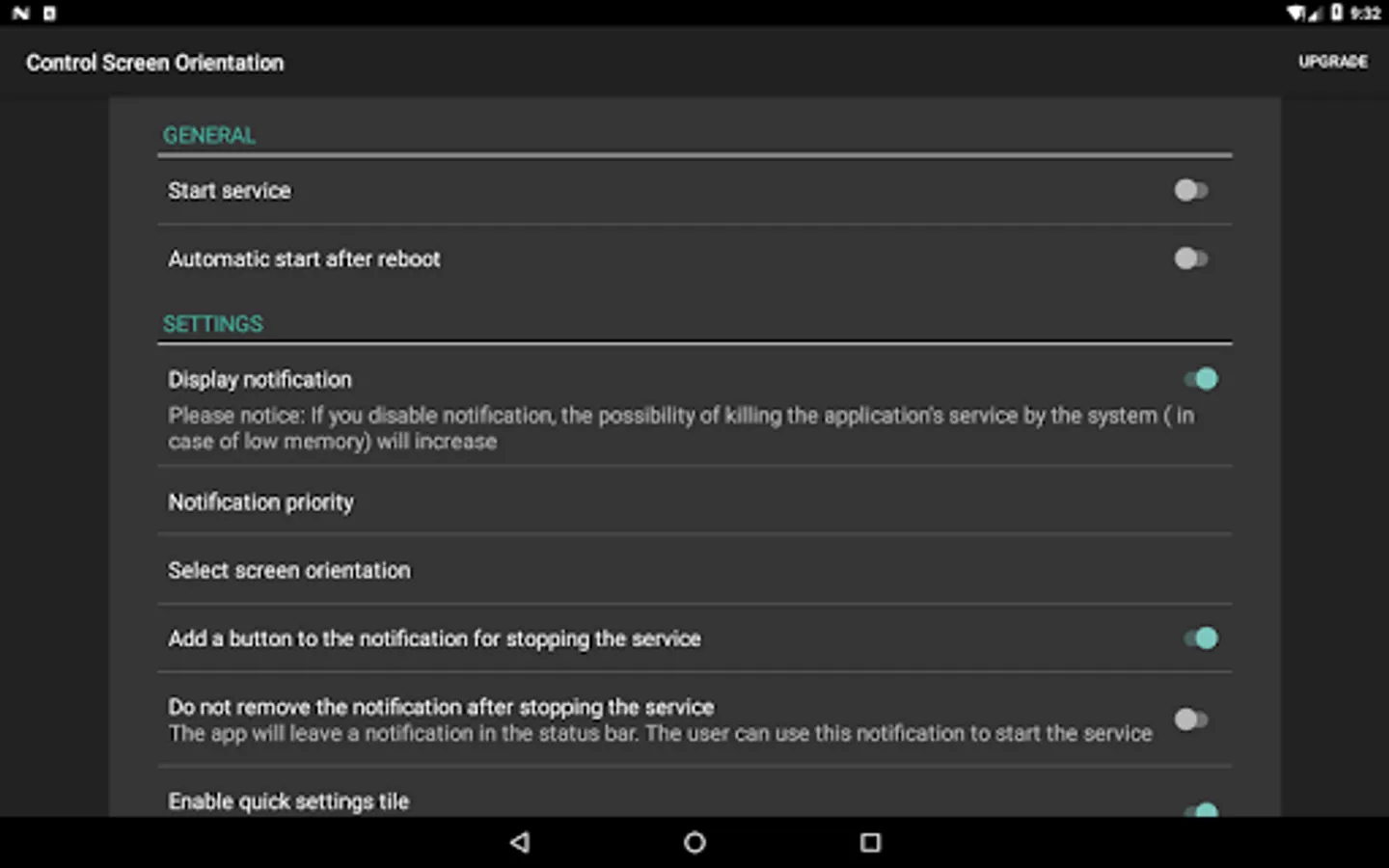
With this app, you can easily change and lock your device’s screen orientation from the notification bar. Includes options for various orientations and auto-rotation controls.
AppRecs review analysis
AppRecs rating 4.1. Trustworthiness 76 out of 100. Review manipulation risk 31 out of 100. Based on a review sample analyzed.
★★★★☆
4.1
AppRecs Rating
Ratings breakdown
5 star
66%
4 star
12%
3 star
4%
2 star
5%
1 star
12%
What to know
✓
Credible reviews
76% trustworthiness score from analyzed reviews
✓
High user satisfaction
78% of sampled ratings are 4+ stars (4.1★ average)
✓
Authentic reviews
Natural distribution, no red flags
About control screen rotation
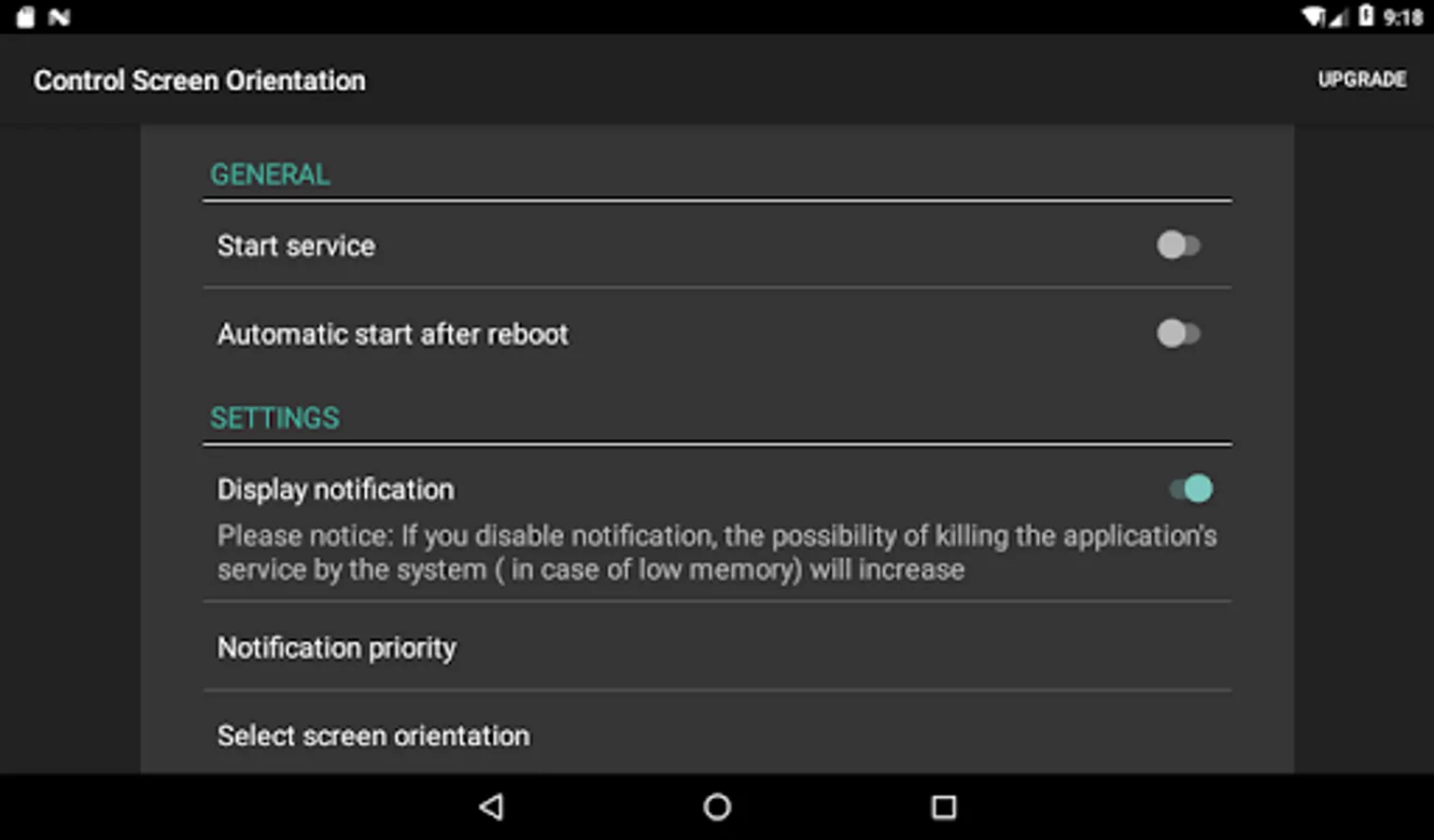
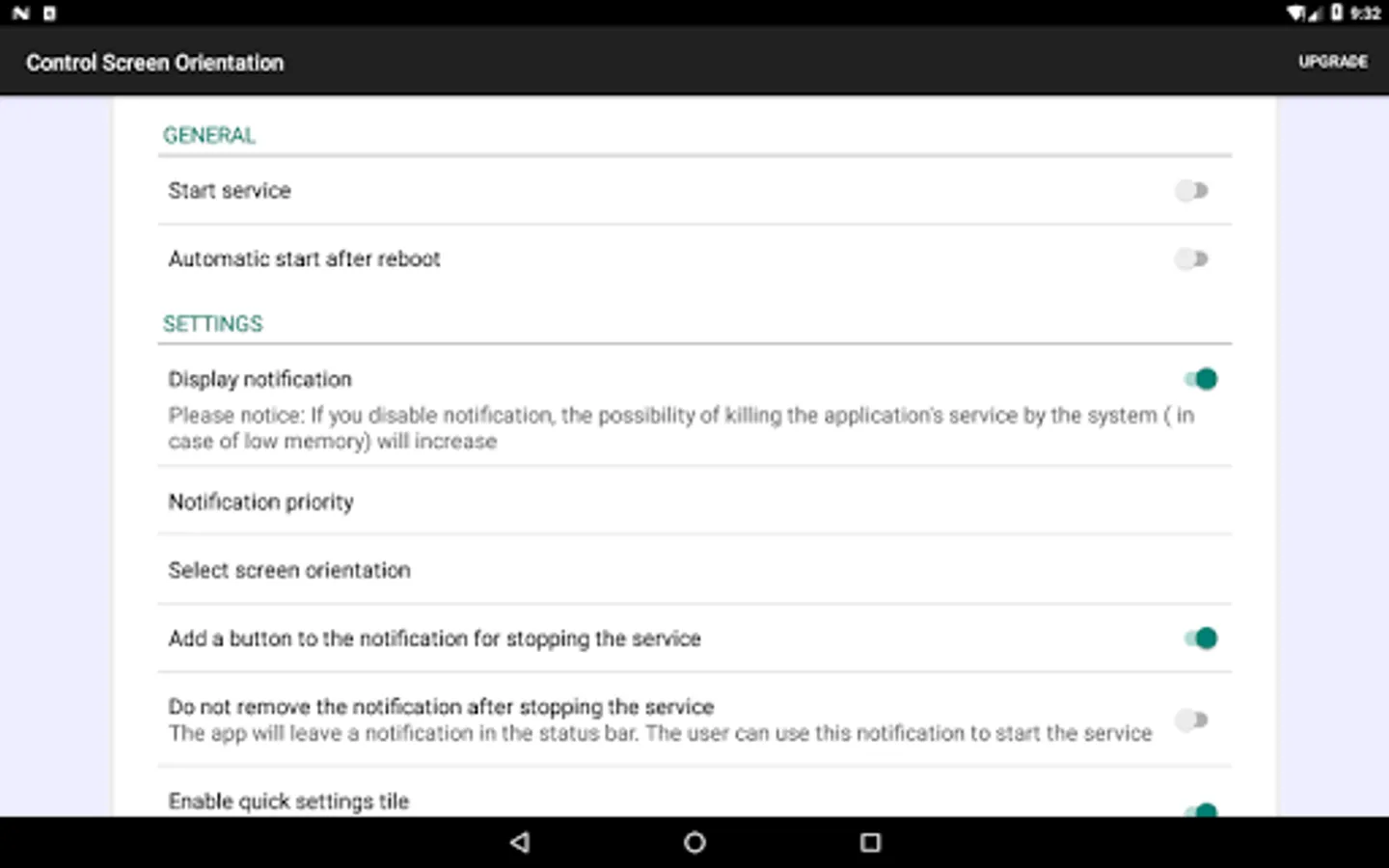
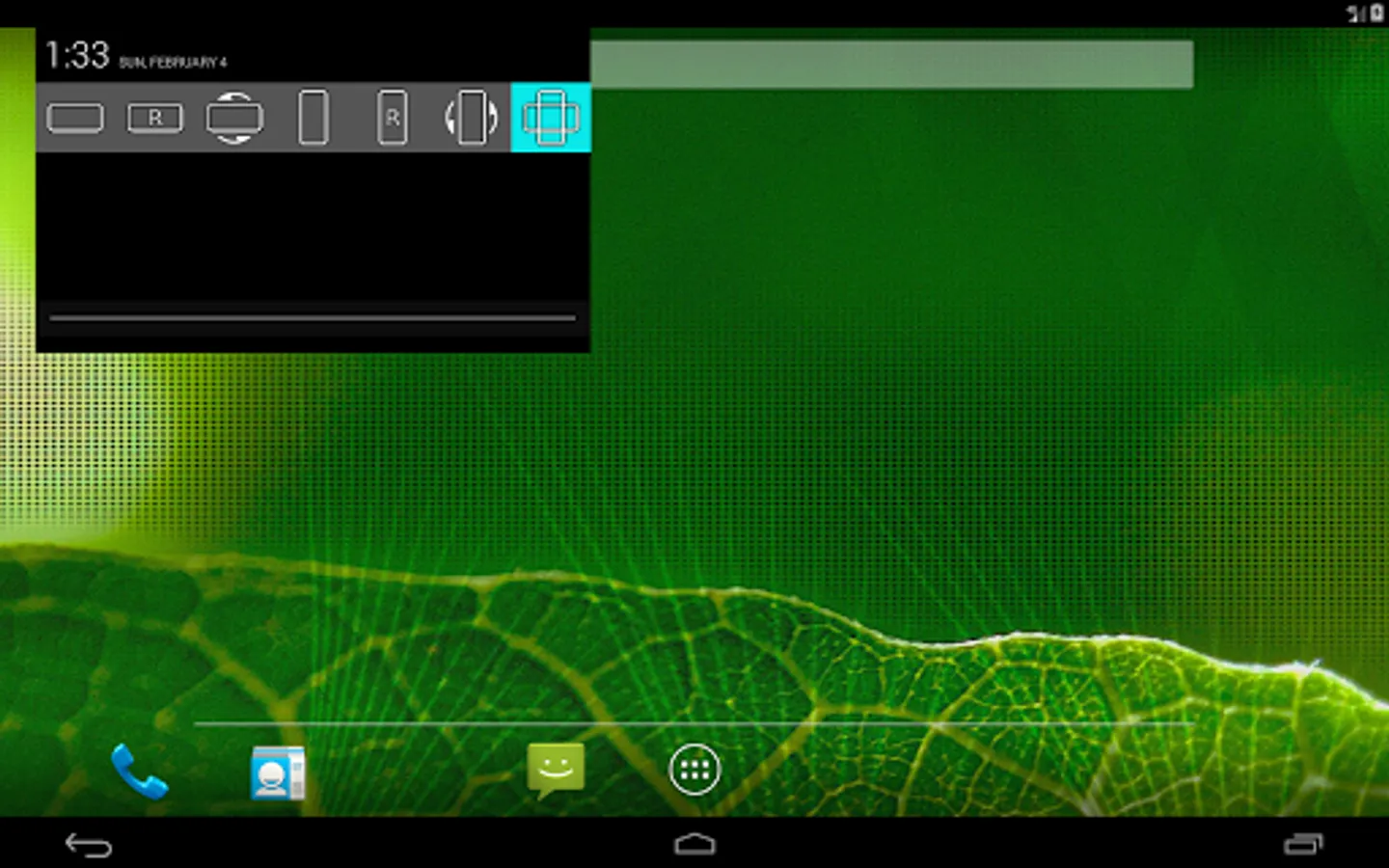
Control your screen orientation very easily from your device notification bar.
Prevent screen auto rotation and choose the screen orientation that you want with any application
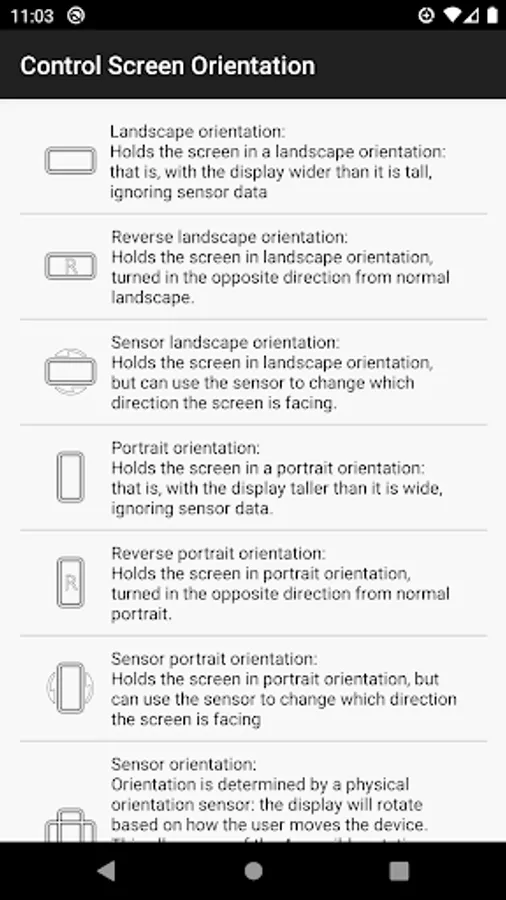
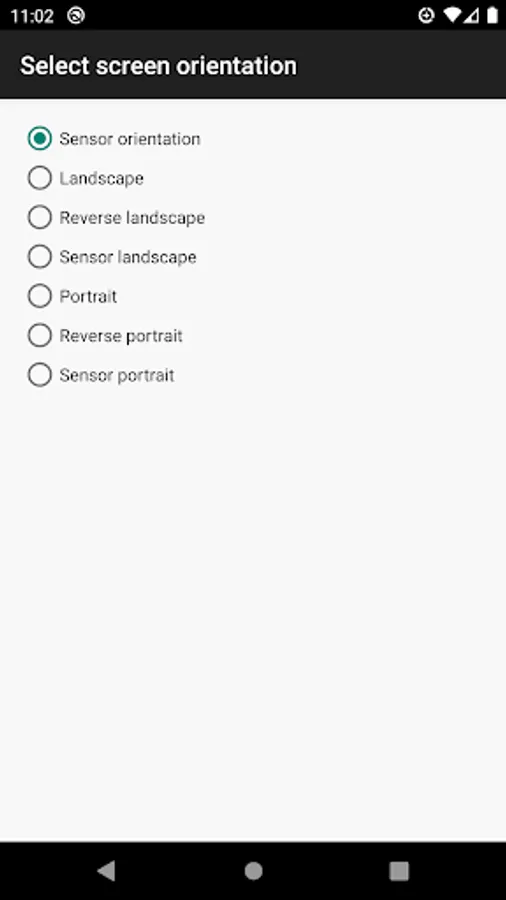
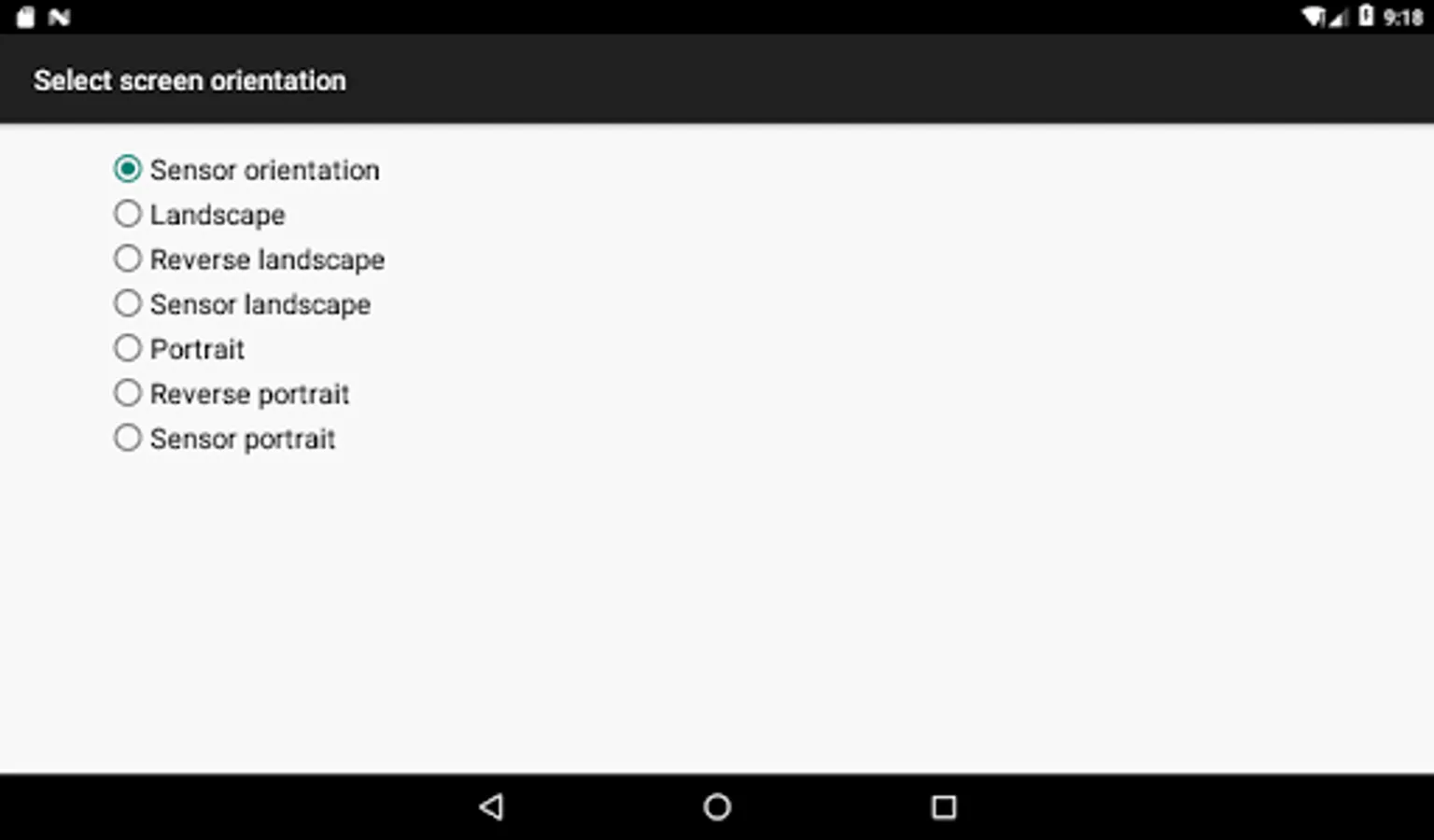
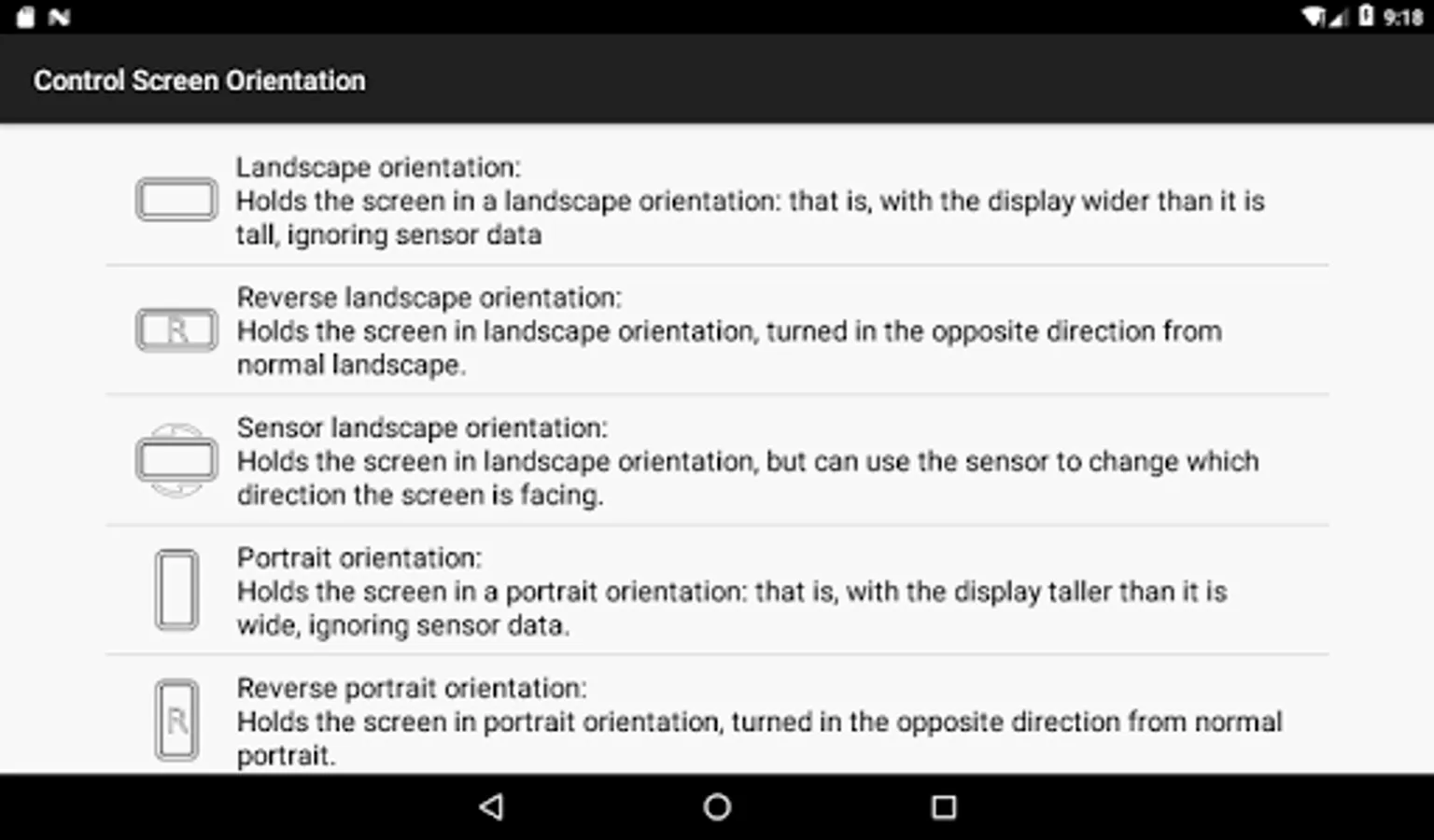
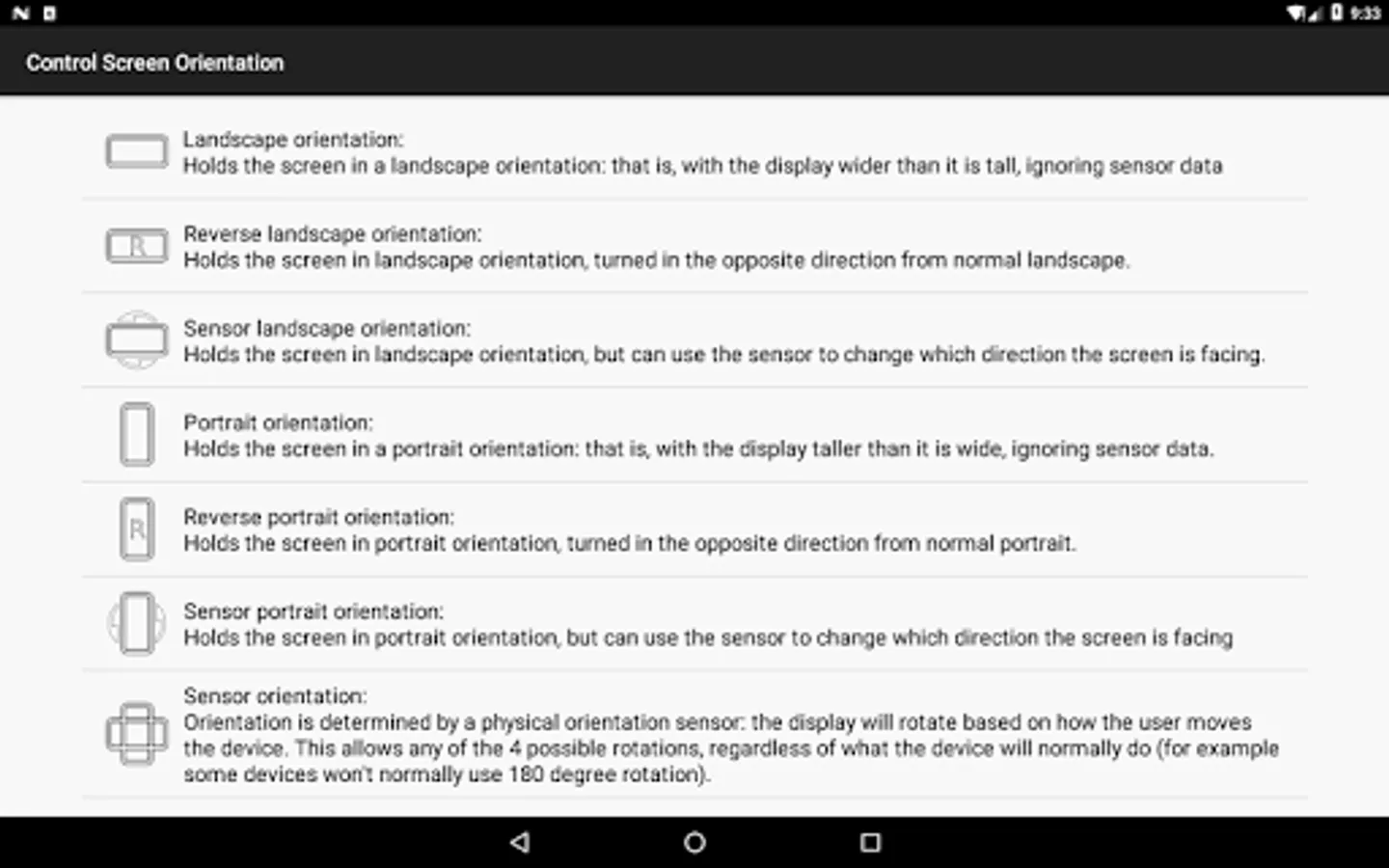
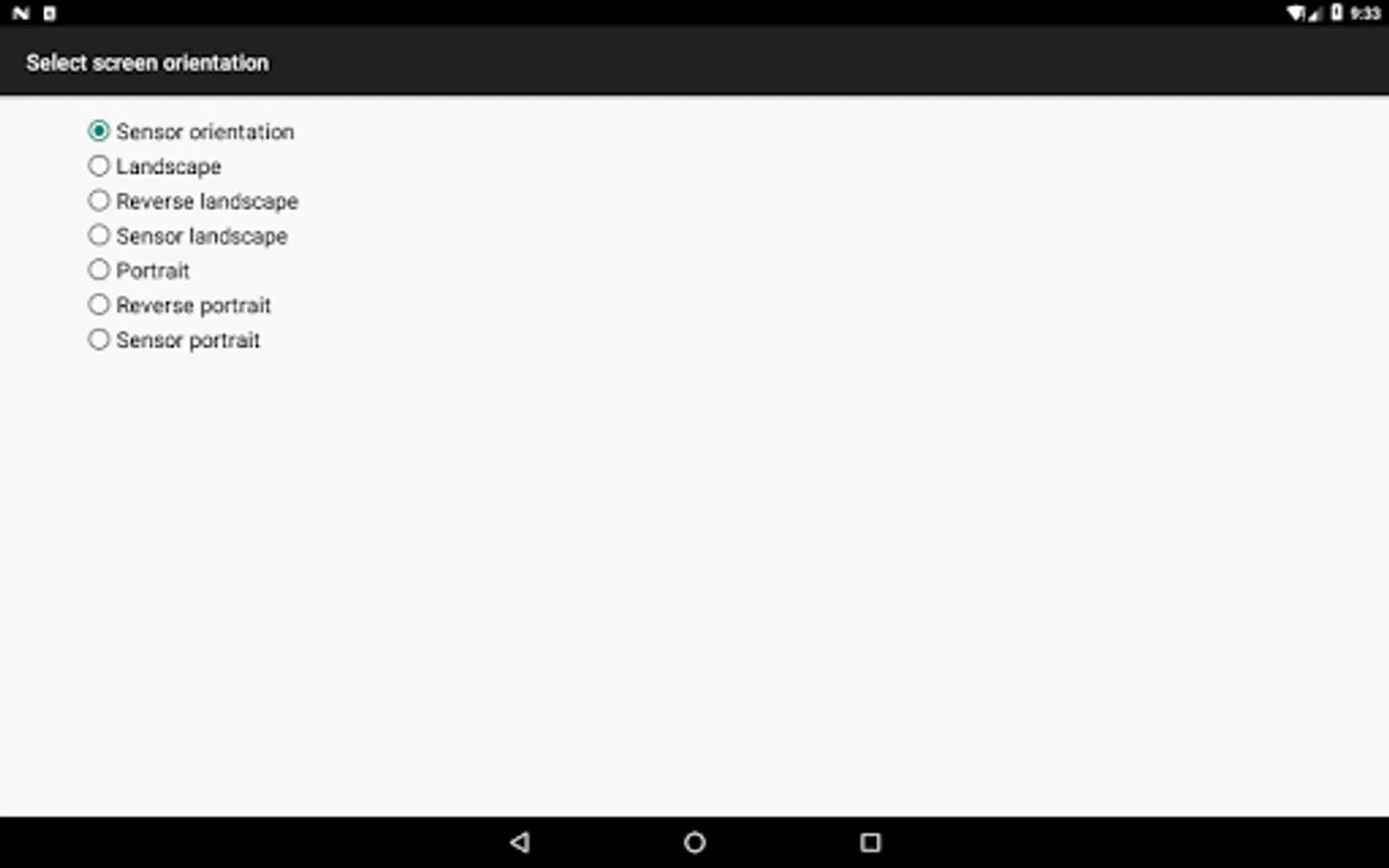
Available orientations:
Landscape
Reverse landscape
Sensor landscape
Portrait
Revers portrait
Sensor portrait
Sensor orientation (auto rotation)
PLEASE NOTICE THAT:
Some screen orientations may not available in some devices
Prevent screen auto rotation and choose the screen orientation that you want with any application
Available orientations:
Landscape
Reverse landscape
Sensor landscape
Portrait
Revers portrait
Sensor portrait
Sensor orientation (auto rotation)
PLEASE NOTICE THAT:
Some screen orientations may not available in some devices