Chessvision.ai eBook Reader
Chessvision.ai
3.7 ★
store rating
1,000+
downloads
Free
+ in-app
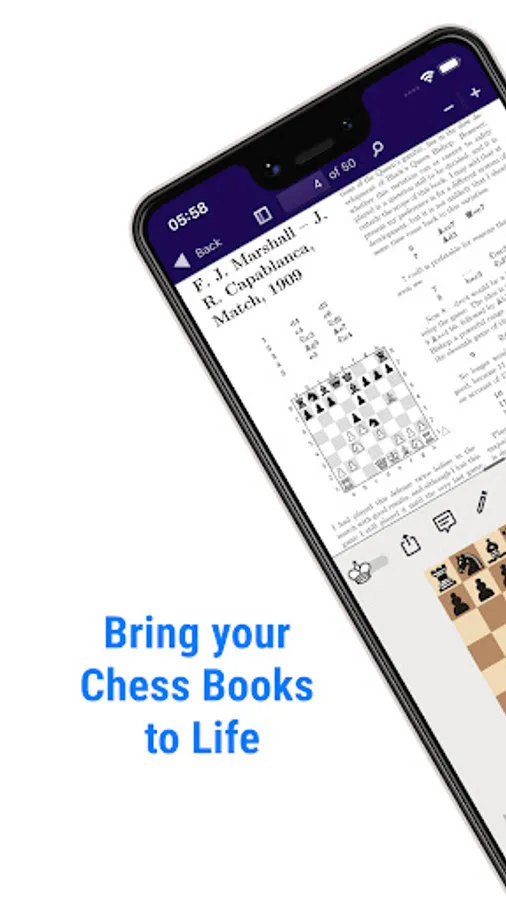
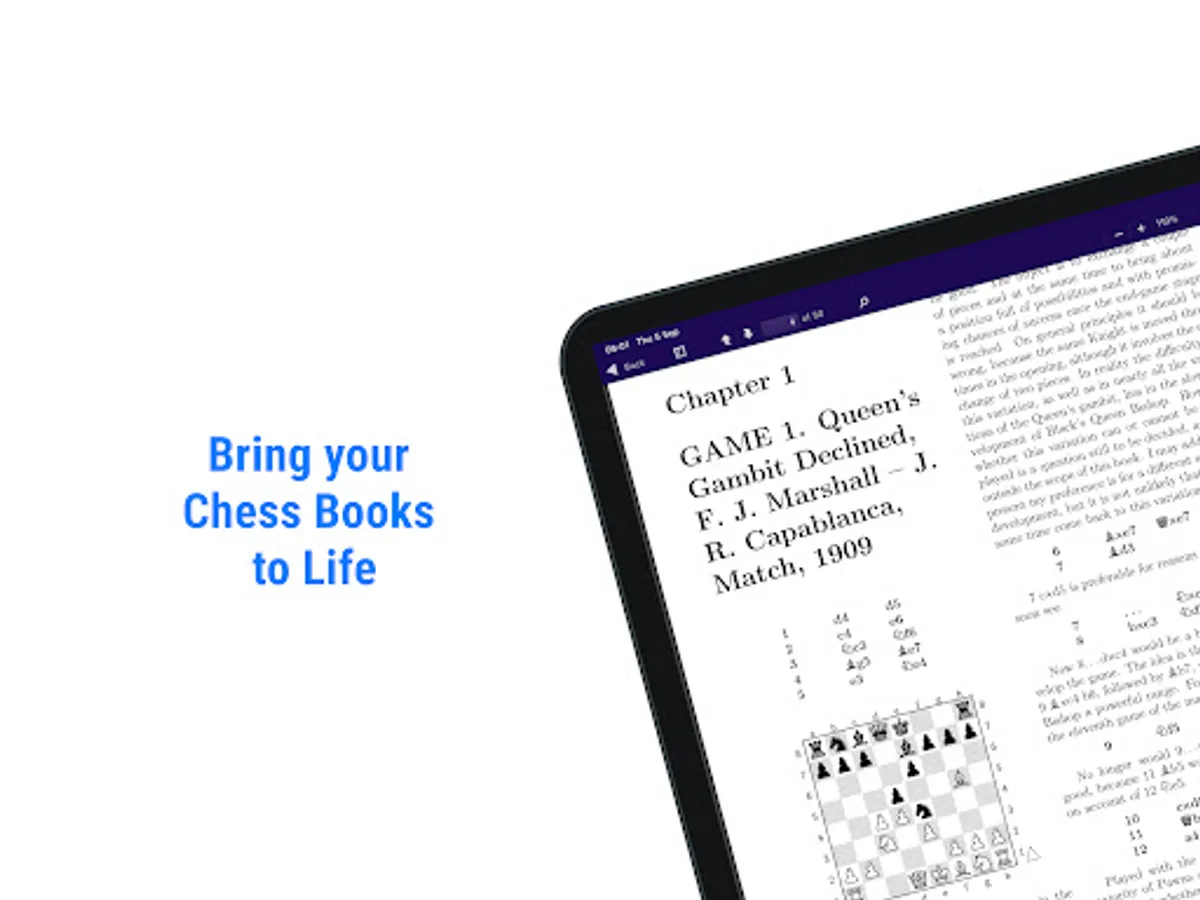
With this eBook reader, you can double-tap on chess diagrams to view real-time board setups and analyze positions with built-in engines. Includes diagram interaction, library management, position search, and resource linking.
AppRecs review analysis
AppRecs rating 4.0. Trustworthiness 88 out of 100. Review manipulation risk 19 out of 100. Based on a review sample analyzed.
★★★★☆
4.0
AppRecs Rating
Ratings breakdown
5 star
45%
4 star
13%
3 star
29%
2 star
0%
1 star
13%
What to know
✓
Low review manipulation risk
19% review manipulation risk
✓
Credible reviews
88% trustworthiness score from analyzed reviews
About Chessvision.ai eBook Reader
Make Your Chess Books Interactive and Elevate Your Study!
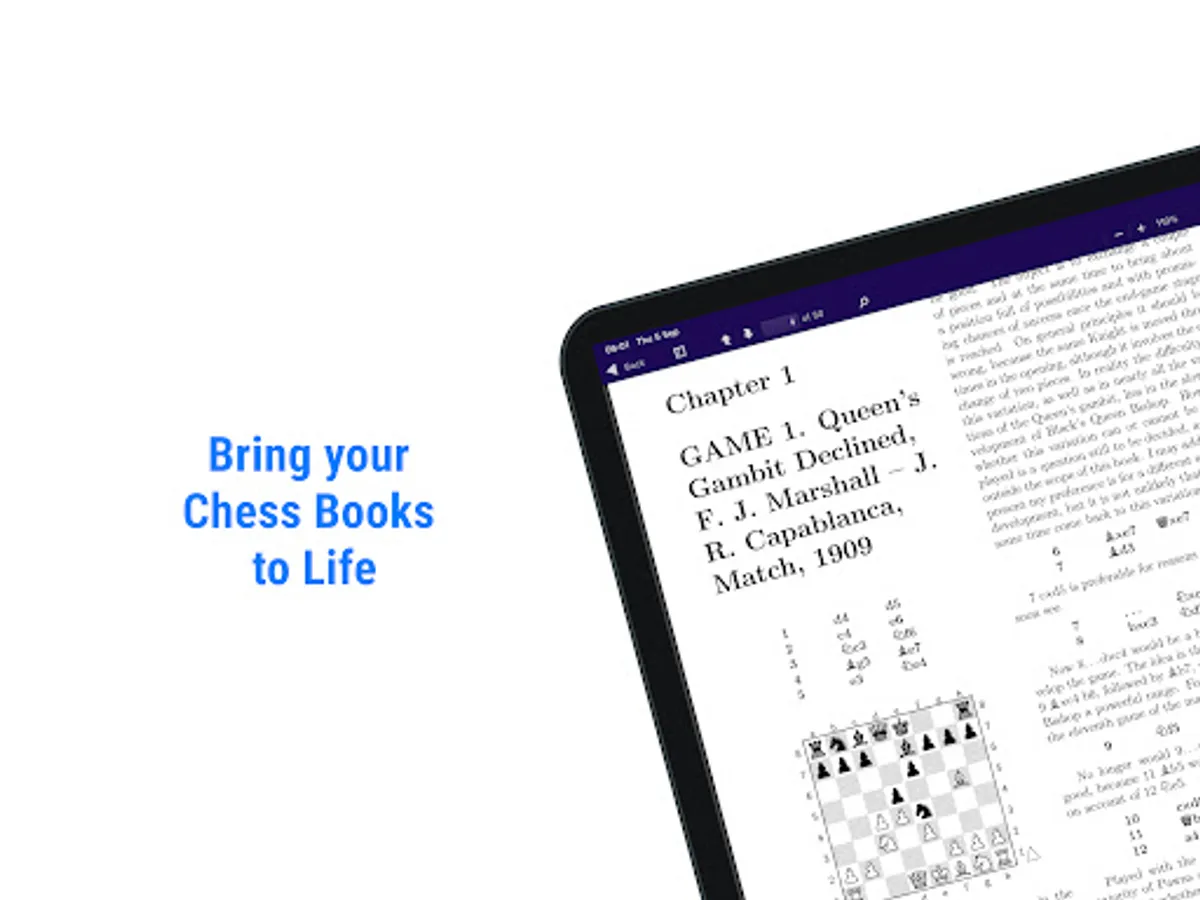
Transform your chess books into an interactive learning experience with our smart eBook reader. Simply double-tap on any chess diagram, and see real-time board setups appear instantly on your mobile device—no manual input required! Study your chess books effortlessly, and bring every diagram to life in seconds.
Key Features:
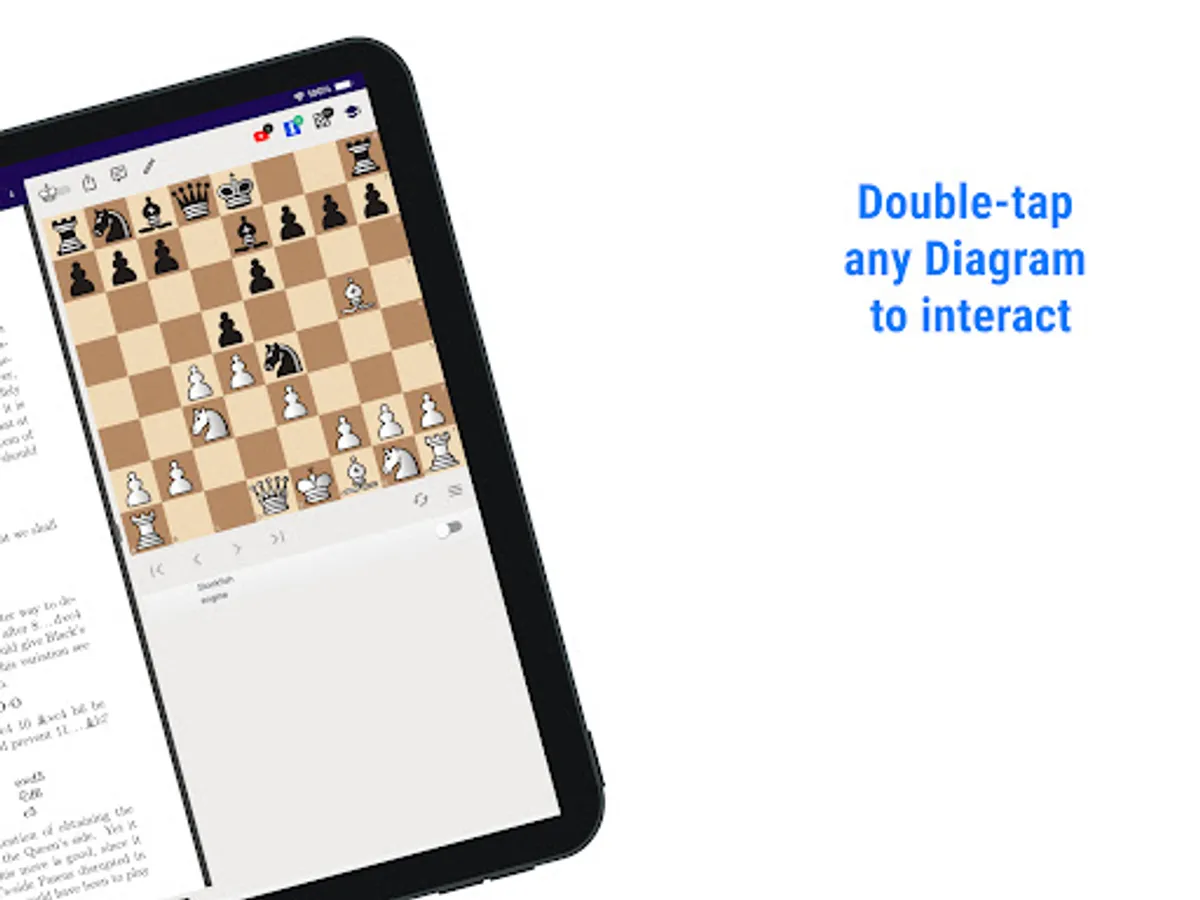
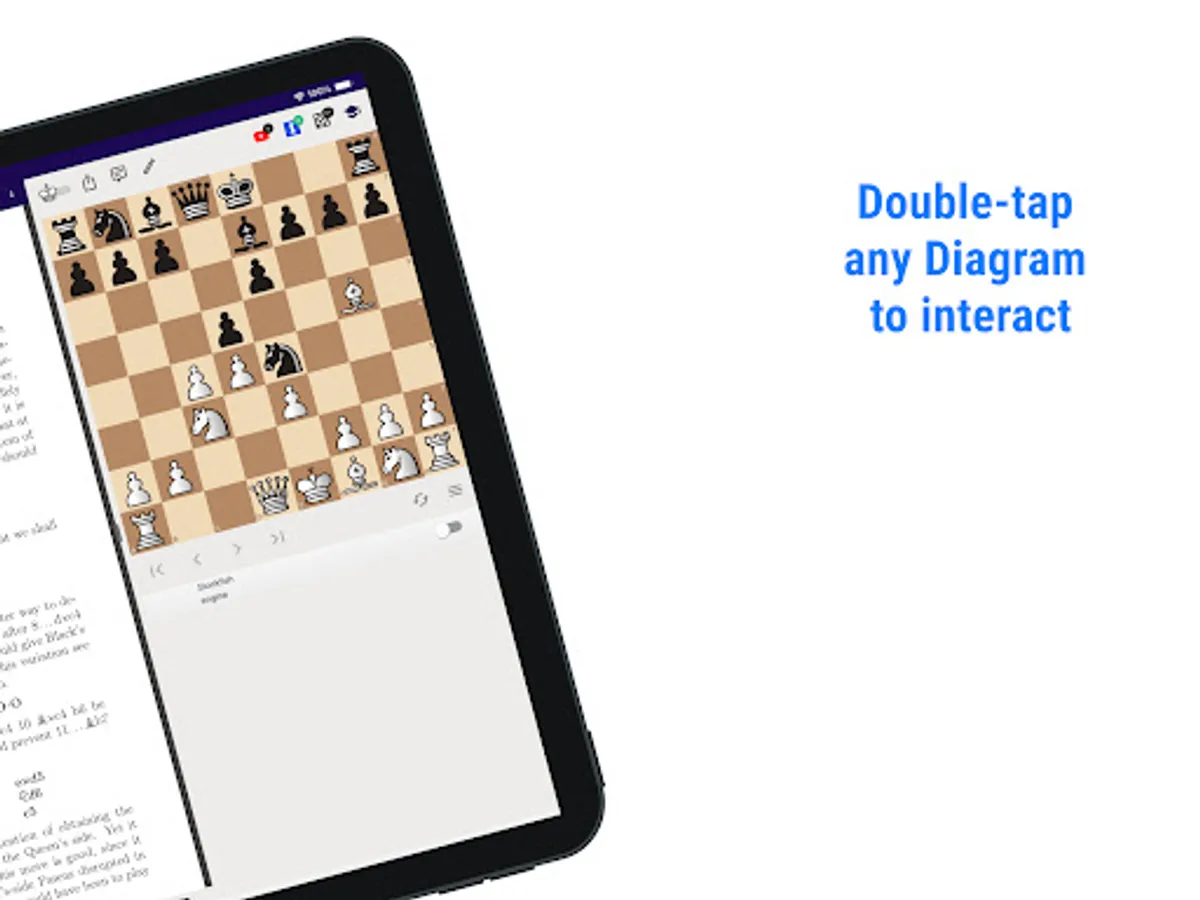
🧠 Instant Interaction with Diagrams
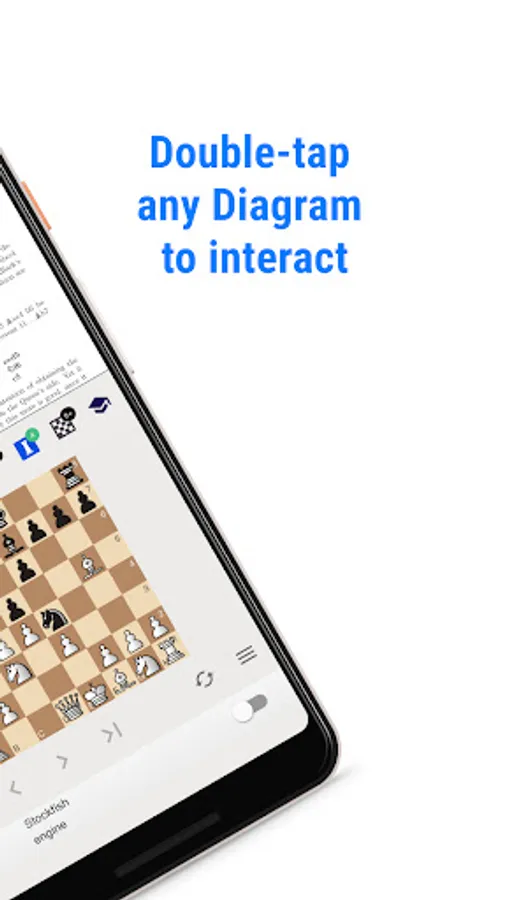
Double-tap on any diagram within your chess eBooks to view the exact board setup instantly. Make your study sessions more engaging and interactive without the hassle of manual entry.
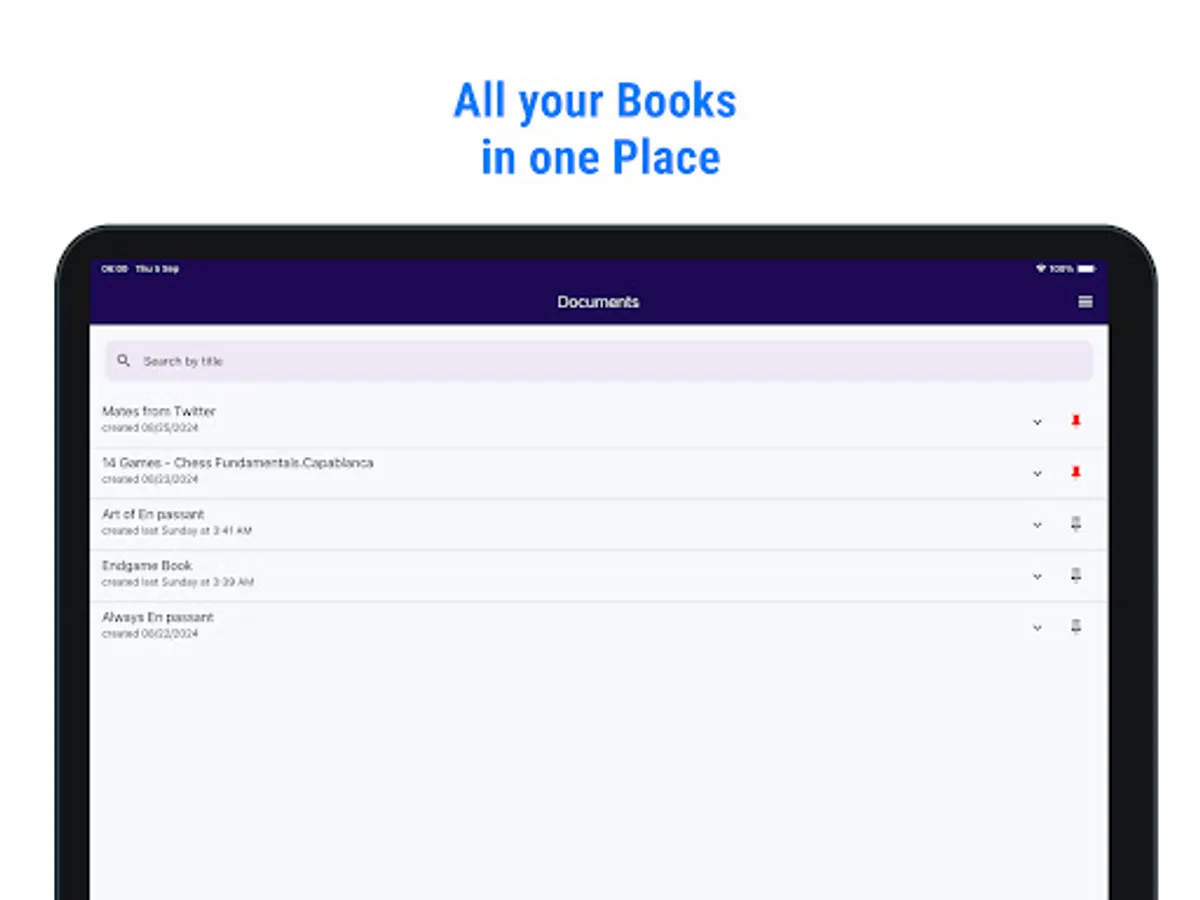
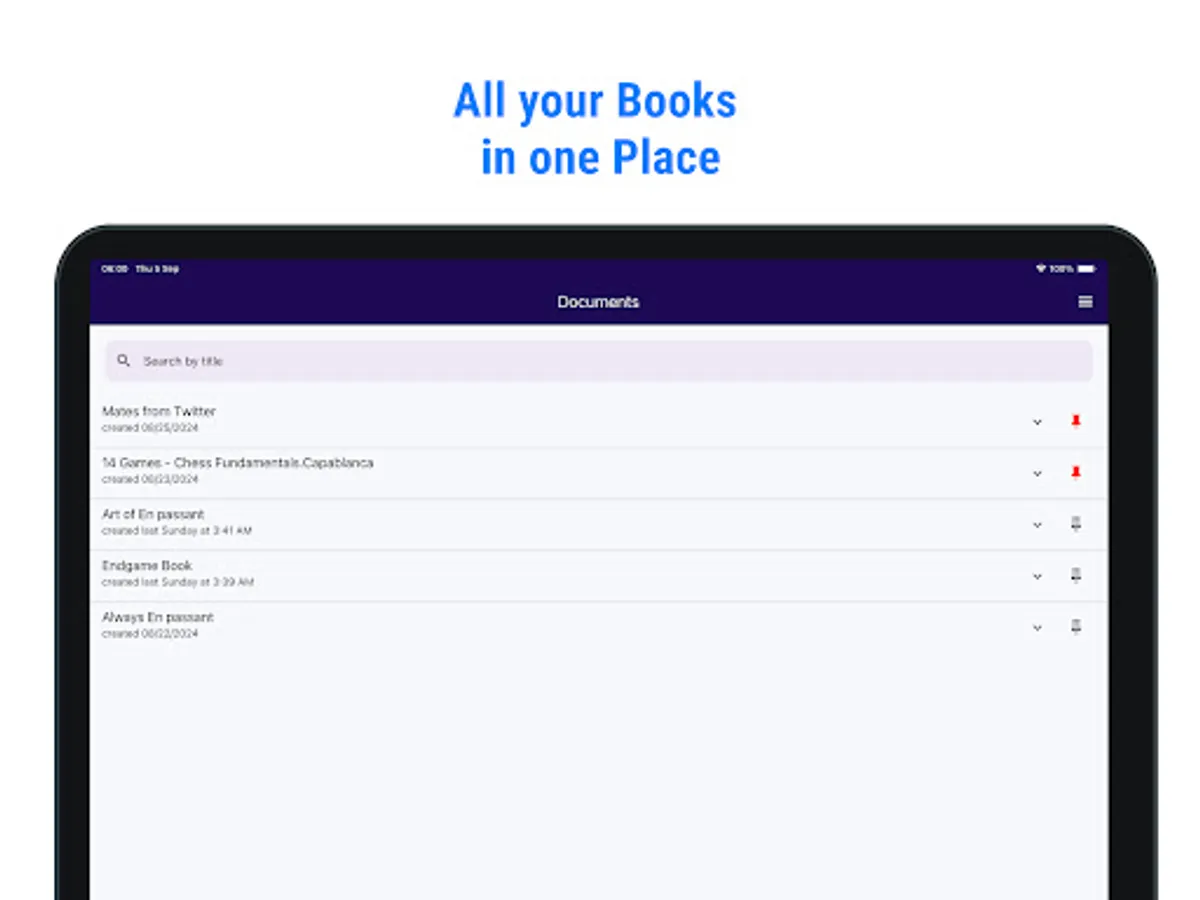
📚 All Your Books in One Place
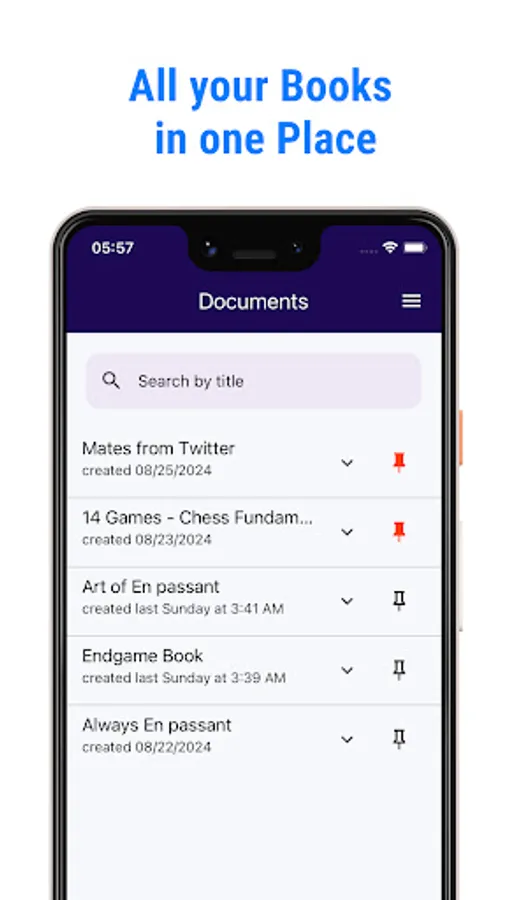
Manage, organize, and sync your entire collection of chess books across all your devices—mobile and desktop. Always have your library ready, no matter where you are.
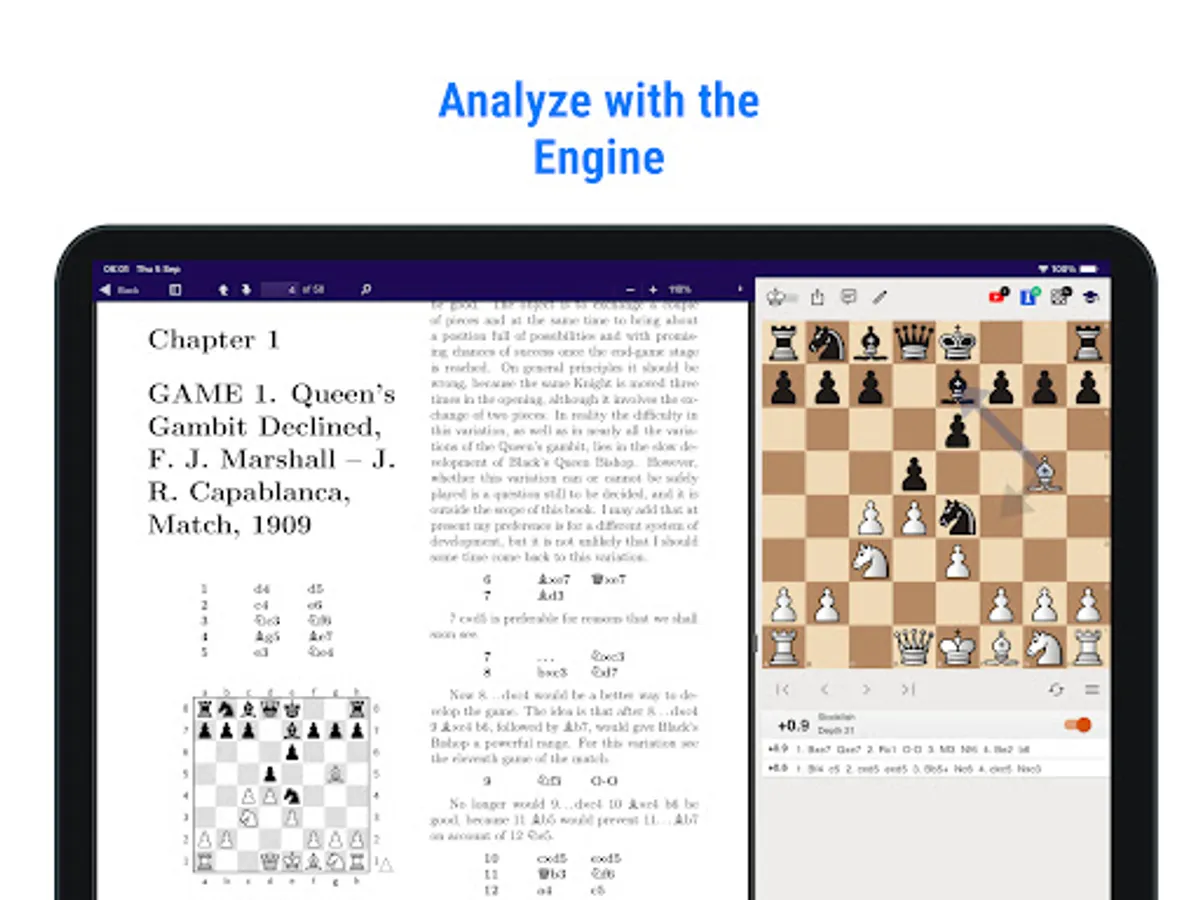
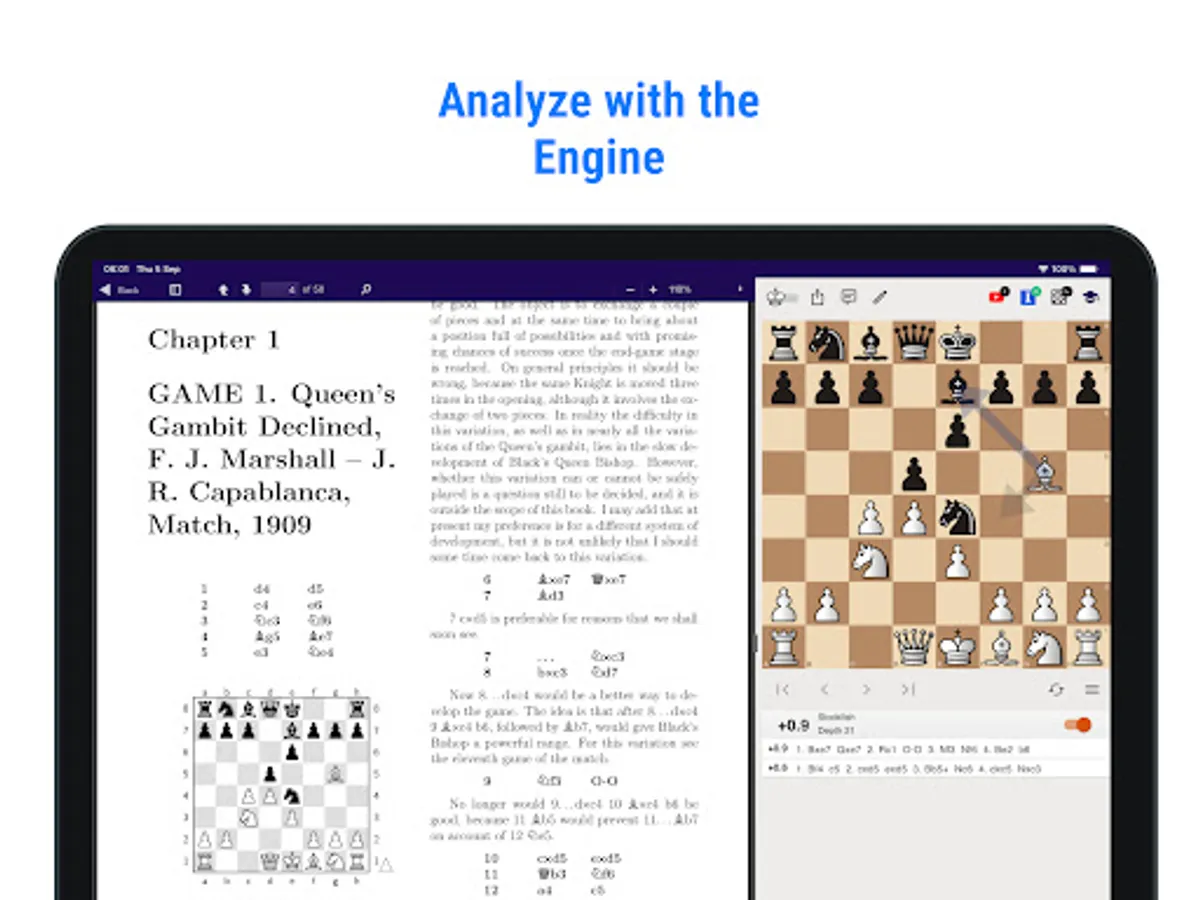
🤖 Analyze with Powerful Chess Engines
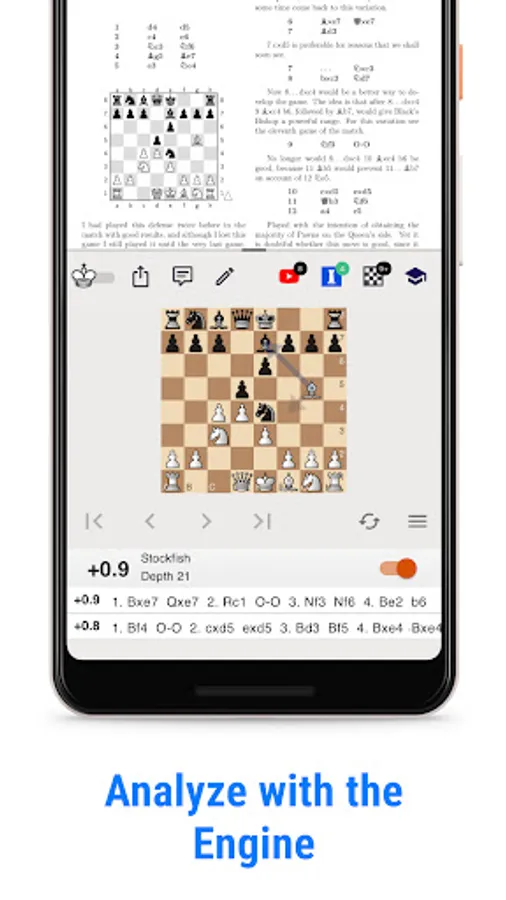
Evaluate positions using built-in chess engines. Analyze moves and strategies to deepen your understanding of every position and game you study.
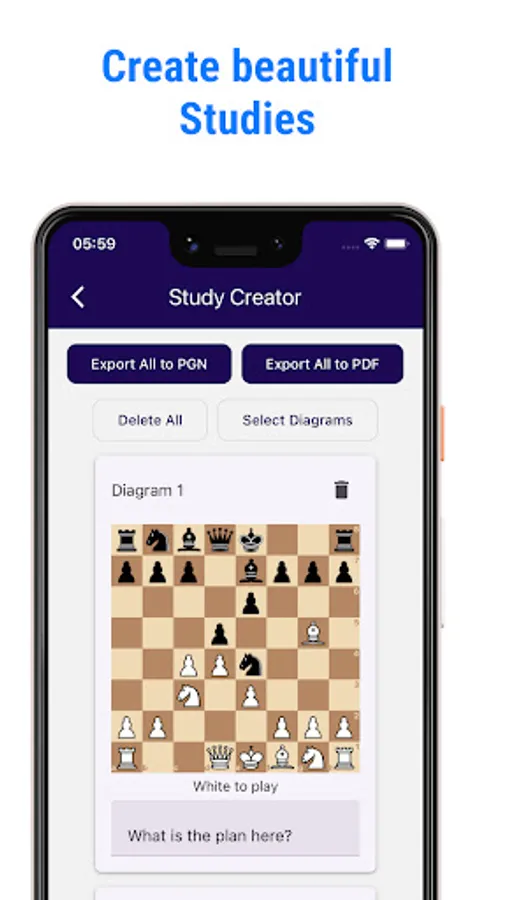
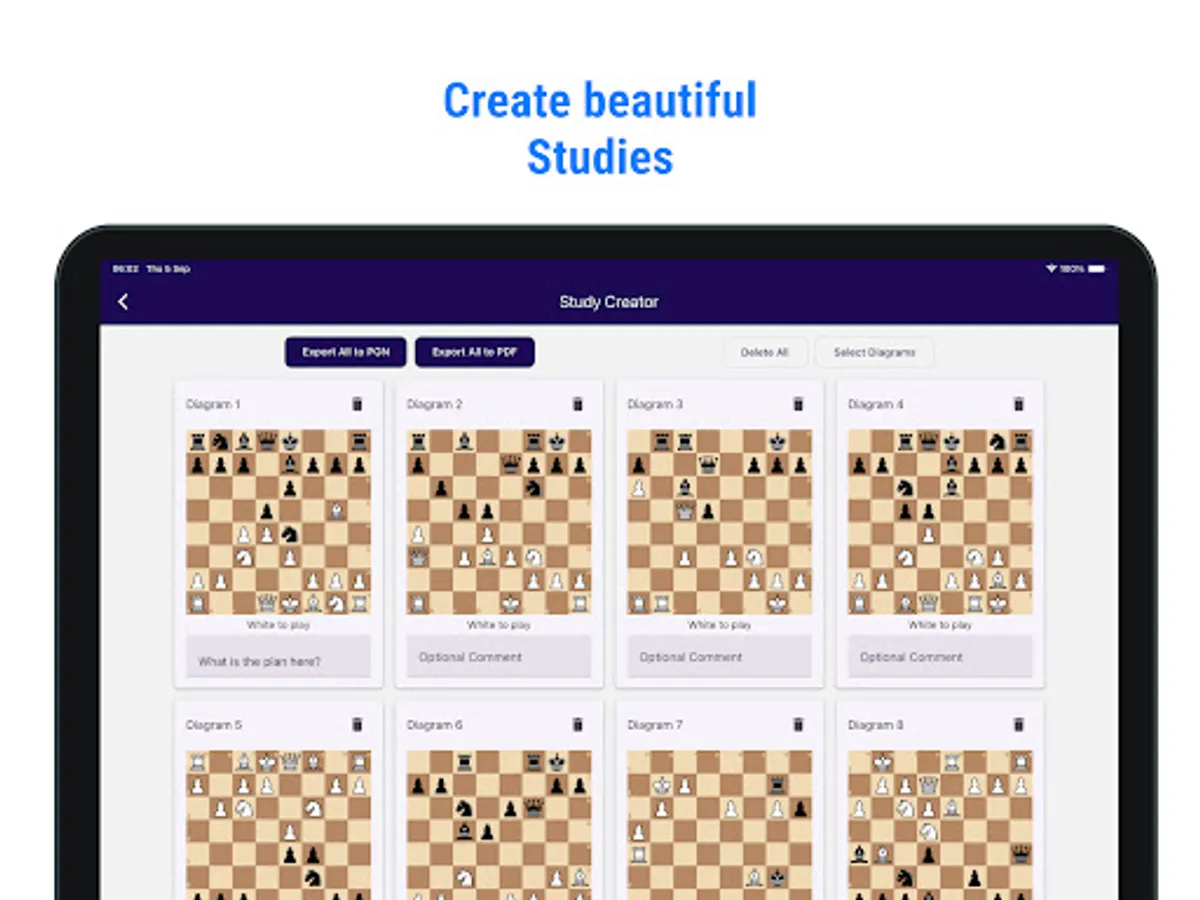
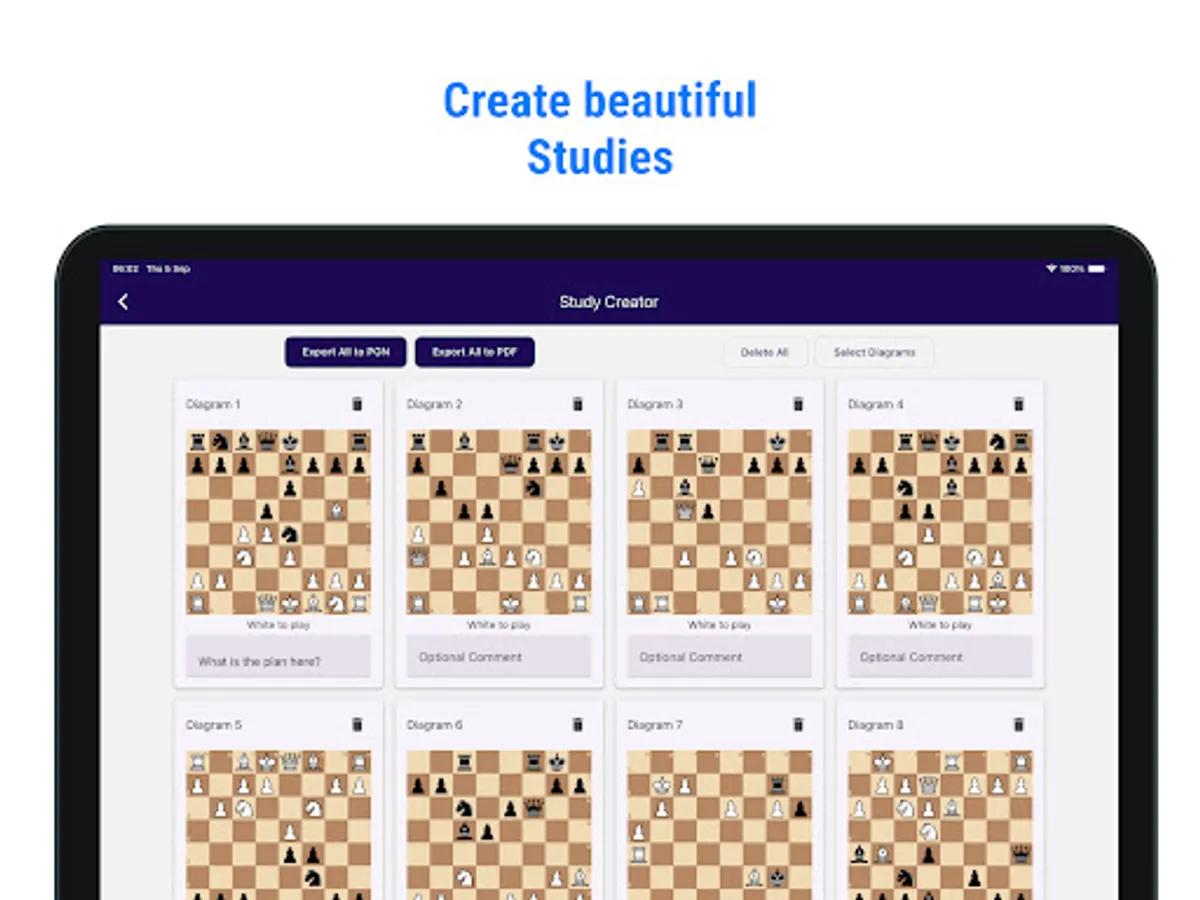
🎓 Create Beautiful Studies
Select key positions from your books and easily create stunning PDF study sheets. Alternatively, export them to PGN for further analysis and sharing.
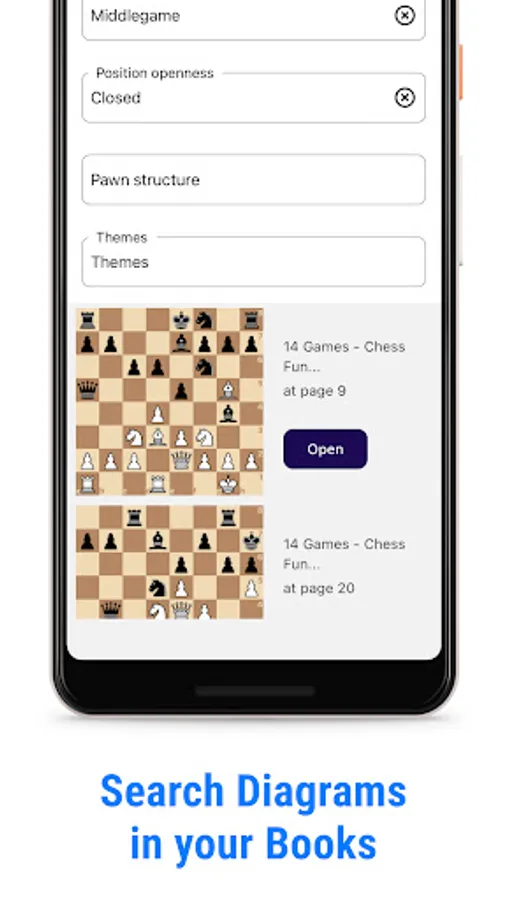
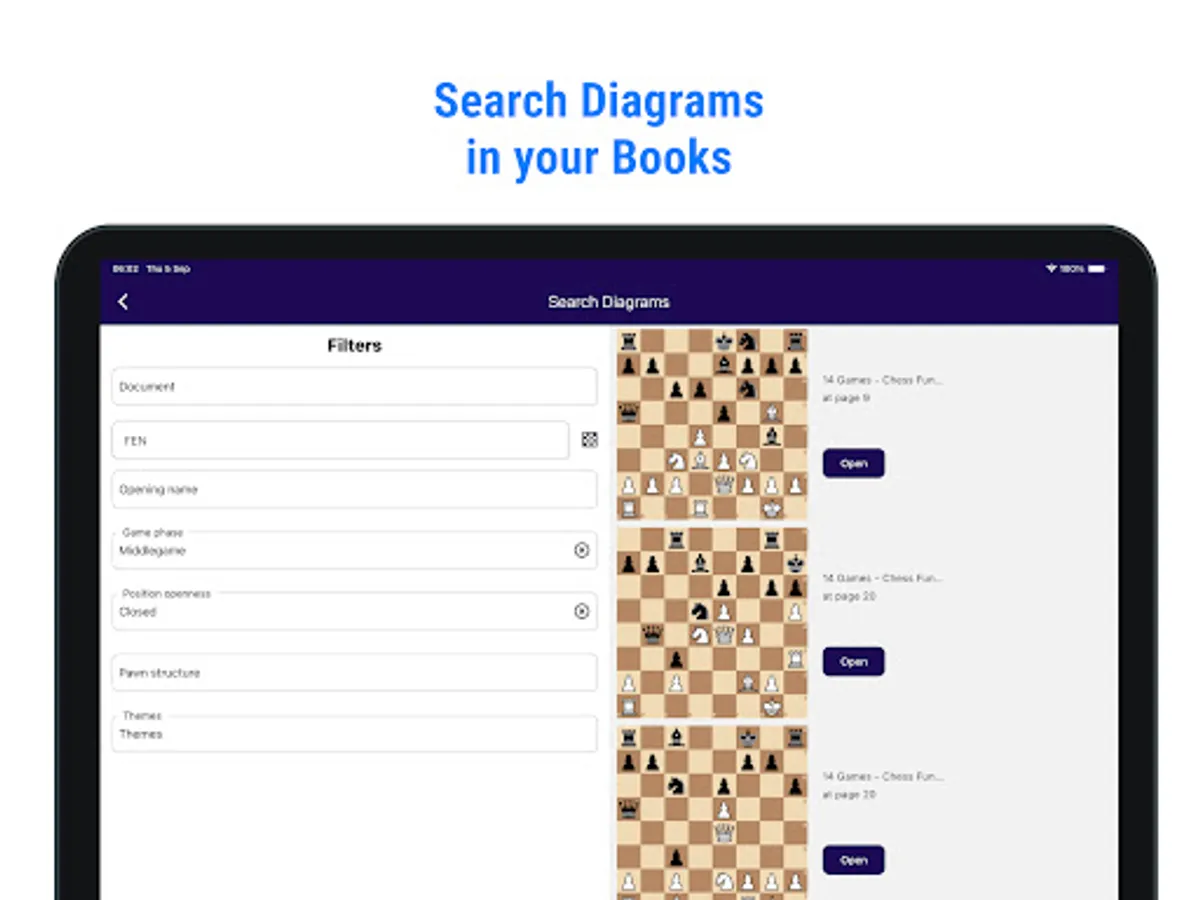
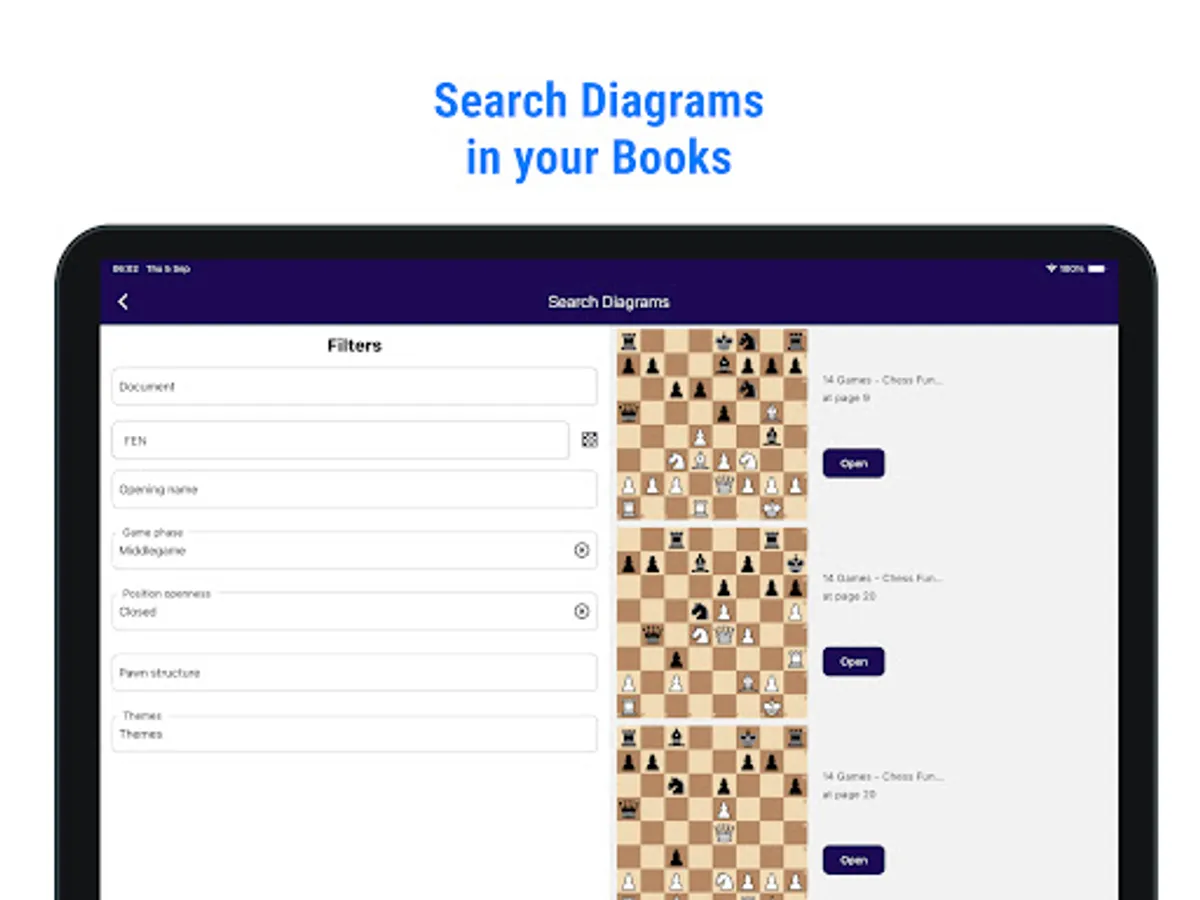
🔎 Search and Filter Diagrams
Looking for specific positions? Use advanced filters to search for diagrams across your books. Whether you're studying the French Defense or a specific endgame, you can find the exact positions you need.
📺 Discover Related Resources
Automatically access related content, such as YouTube videos, Chessable courses, and Master’s games, directly from your books. Jump to the exact moment in a video where your position is explained, or explore games played by top players in similar situations.
Transform your chess books into an interactive learning experience with our smart eBook reader. Simply double-tap on any chess diagram, and see real-time board setups appear instantly on your mobile device—no manual input required! Study your chess books effortlessly, and bring every diagram to life in seconds.
Key Features:
🧠 Instant Interaction with Diagrams
Double-tap on any diagram within your chess eBooks to view the exact board setup instantly. Make your study sessions more engaging and interactive without the hassle of manual entry.
📚 All Your Books in One Place
Manage, organize, and sync your entire collection of chess books across all your devices—mobile and desktop. Always have your library ready, no matter where you are.
🤖 Analyze with Powerful Chess Engines
Evaluate positions using built-in chess engines. Analyze moves and strategies to deepen your understanding of every position and game you study.
🎓 Create Beautiful Studies
Select key positions from your books and easily create stunning PDF study sheets. Alternatively, export them to PGN for further analysis and sharing.
🔎 Search and Filter Diagrams
Looking for specific positions? Use advanced filters to search for diagrams across your books. Whether you're studying the French Defense or a specific endgame, you can find the exact positions you need.
📺 Discover Related Resources
Automatically access related content, such as YouTube videos, Chessable courses, and Master’s games, directly from your books. Jump to the exact moment in a video where your position is explained, or explore games played by top players in similar situations.