Mobile Printer: Print & Scan
Metaverse Labs
4.4 ★
15K ratings
500,000+
downloads
Free
+ in-app
AppRecs review analysis
AppRecs rating 4.2. Trustworthiness 77 out of 100. Review manipulation risk 40 out of 100. Based on a review sample analyzed.
★★★★☆
4.2
AppRecs Rating
Ratings breakdown
5 star
68%
4 star
16%
3 star
7%
2 star
3%
1 star
6%
What to know
⚠
Pricing complaints
Many low ratings mention paywalls or pricing
⚠
Questionable review patterns
40% review manipulation risk - some review patterns appear unusual
⚠
Review quality concerns
97% of sampled 5-star reviews are very short
About Mobile Printer: Print & Scan
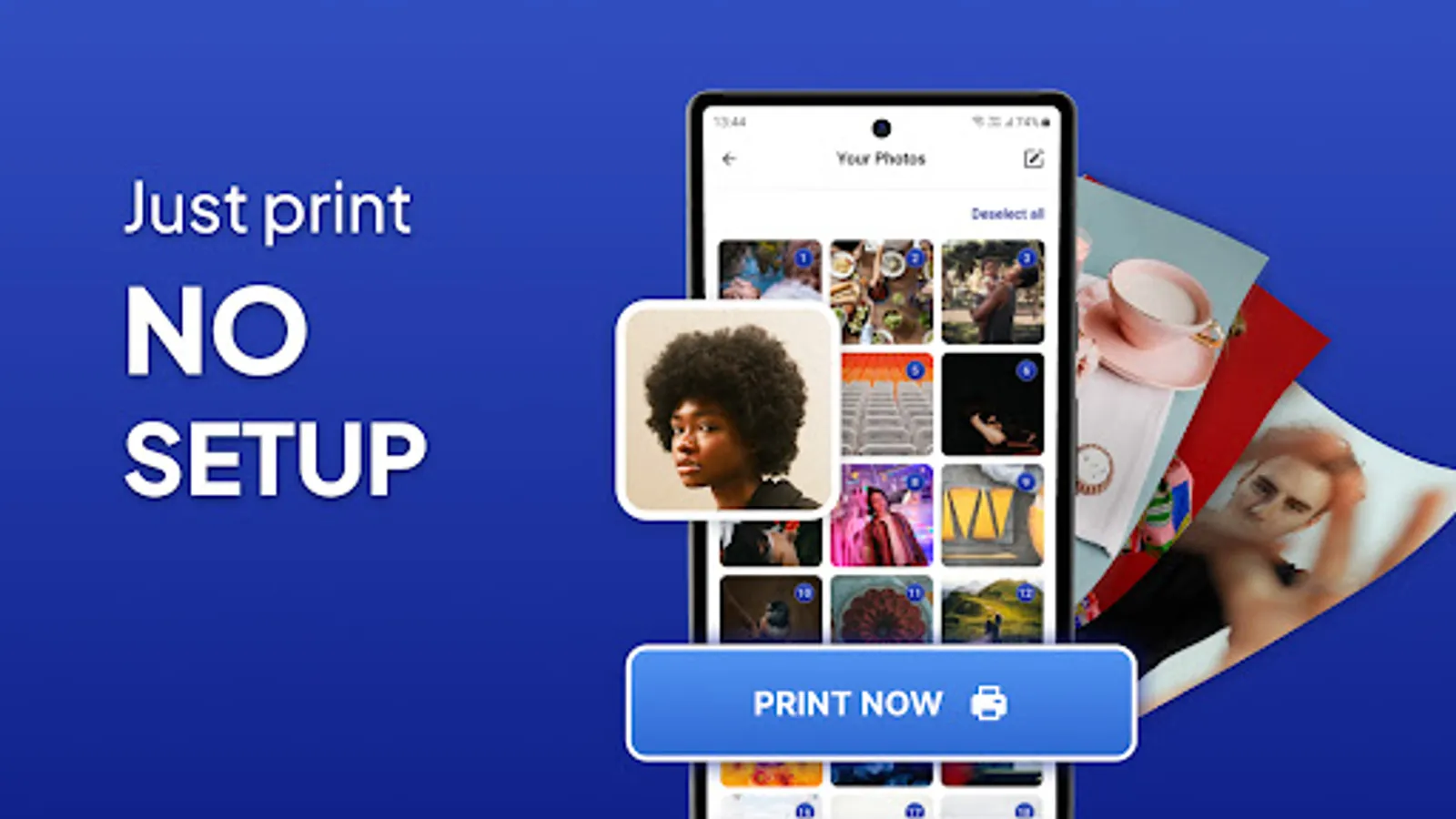
Print photos and show them to loved ones. At home, at work, or when traveling, print document, PDF files, bills, receipts, boarding cards, and more!
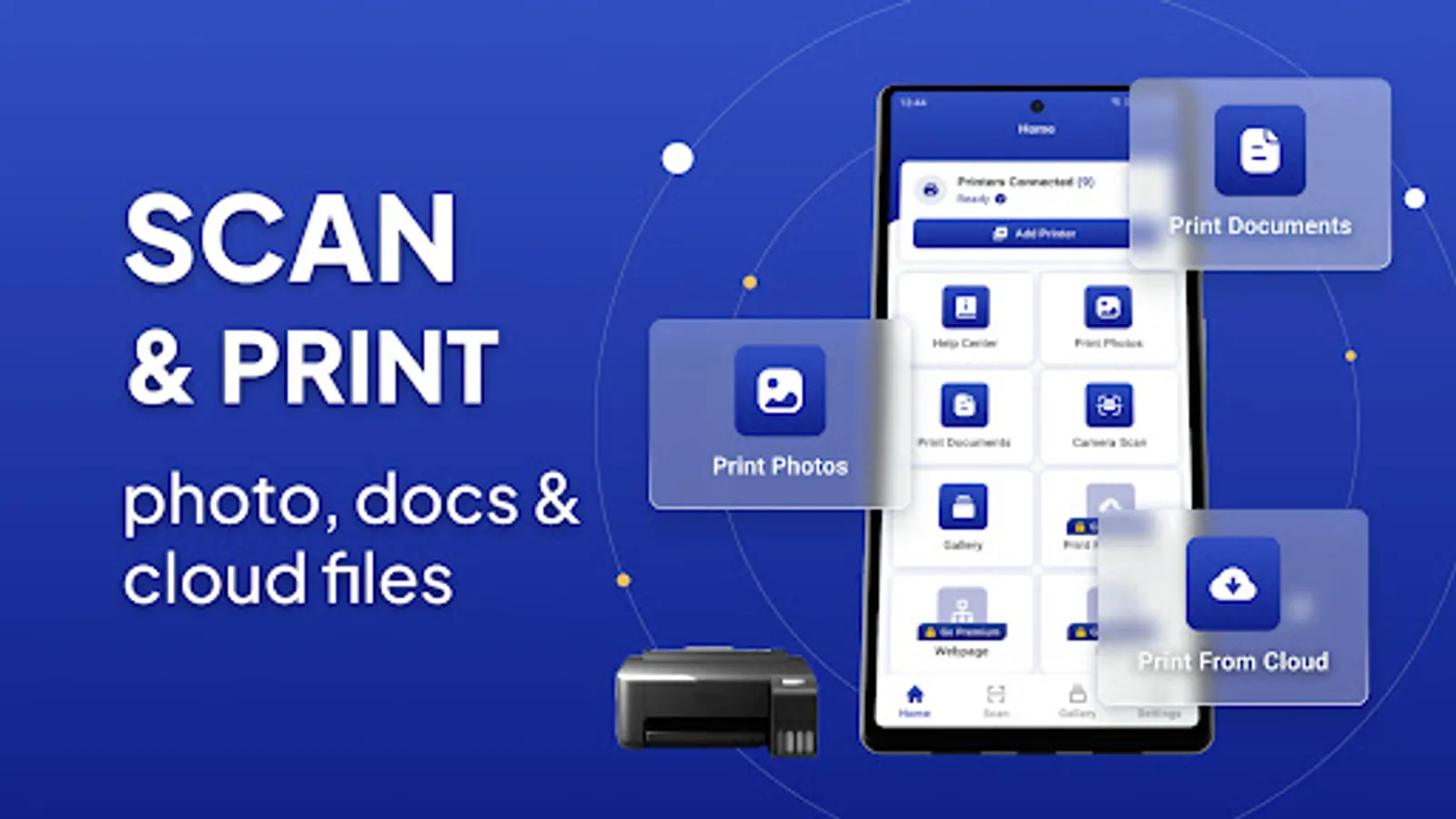
You can now scan and print your files directly from your printer thanks to the Mobile Printer: Print & Scan For Wireless Printers.
Almost any WiFi, Bluetooth, or USB printer can print photographs, photos, web pages, PDFs, and Microsoft Office documents without the need to download any additional software or printing tools.
Whether your printer is far away or right next to you, Mobile Printer: Print & Scan makes printing simple and convenient!
Key Features:
• Almost any inkjet, laser, or thermal printer can be used to print directly from an Android smartphone or tablet.
• Print pictures and photos (JPG, PNG, GIF, WEBP)
• Print Microsoft Office Word, Excel, and PowerPoint documents as well as PDF files.
• Print several photos on a single page.
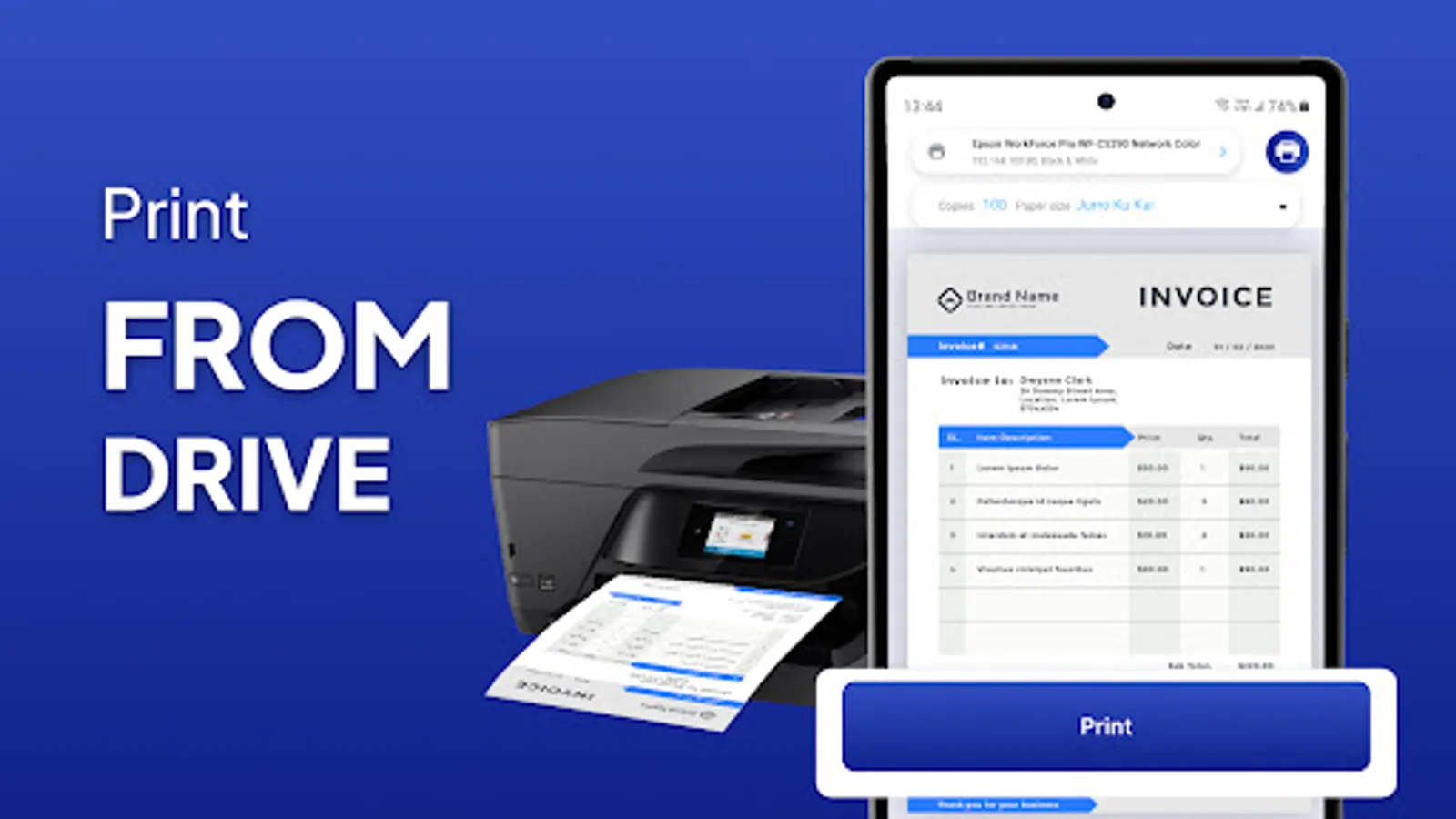
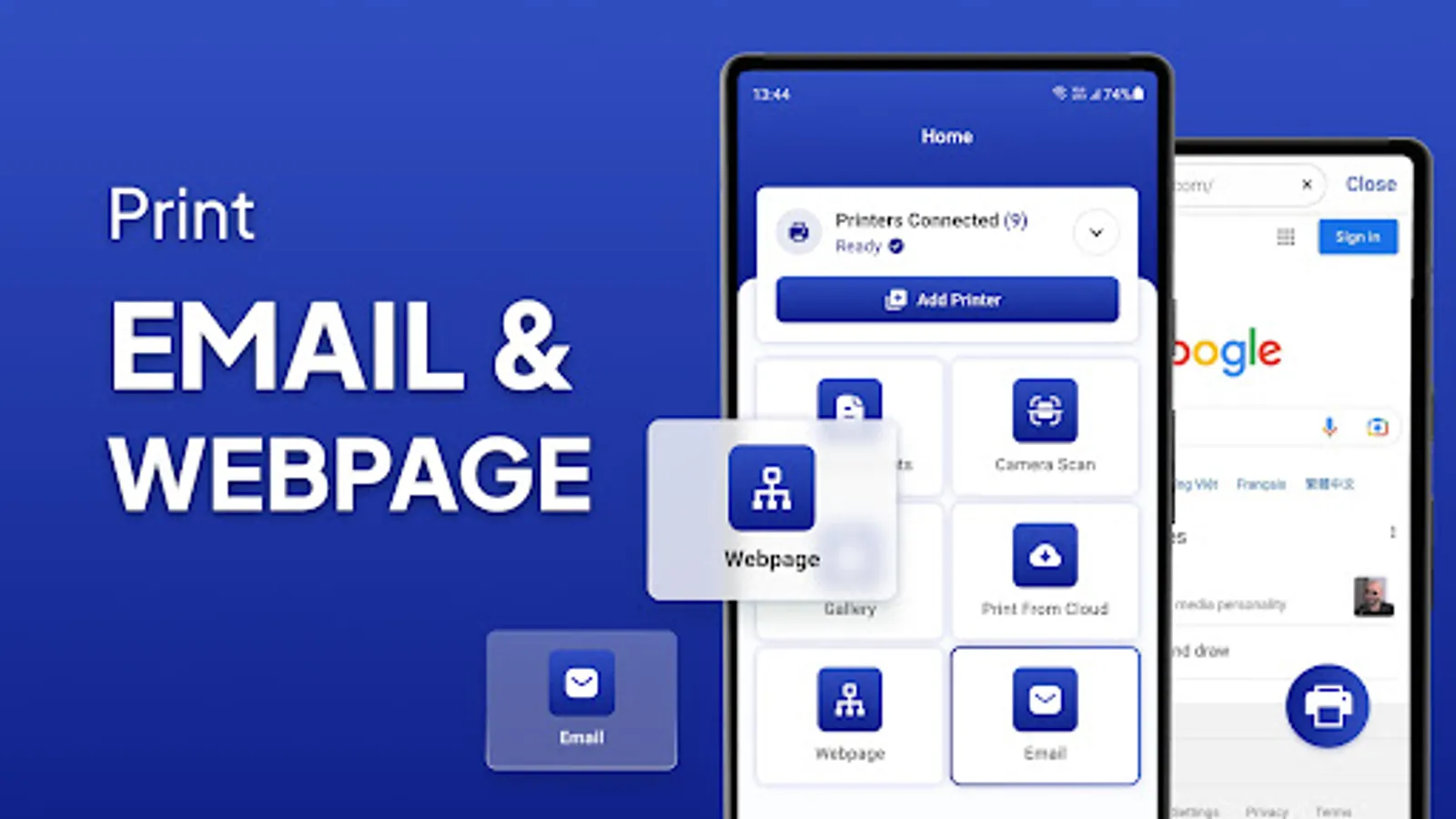
• Print locally saved files, emails' PDF, DOC, XSL, PPT, and TXT attachments, as well as files from Google Drive or other cloud storage services.
• Using the built-in web browser to visit websites (HTML pages) for printing
• Use connected WiFi, Bluetooth, and USB-OTG printers to print
• Using the Print and Share options to integrate with other apps
Advanced Features:
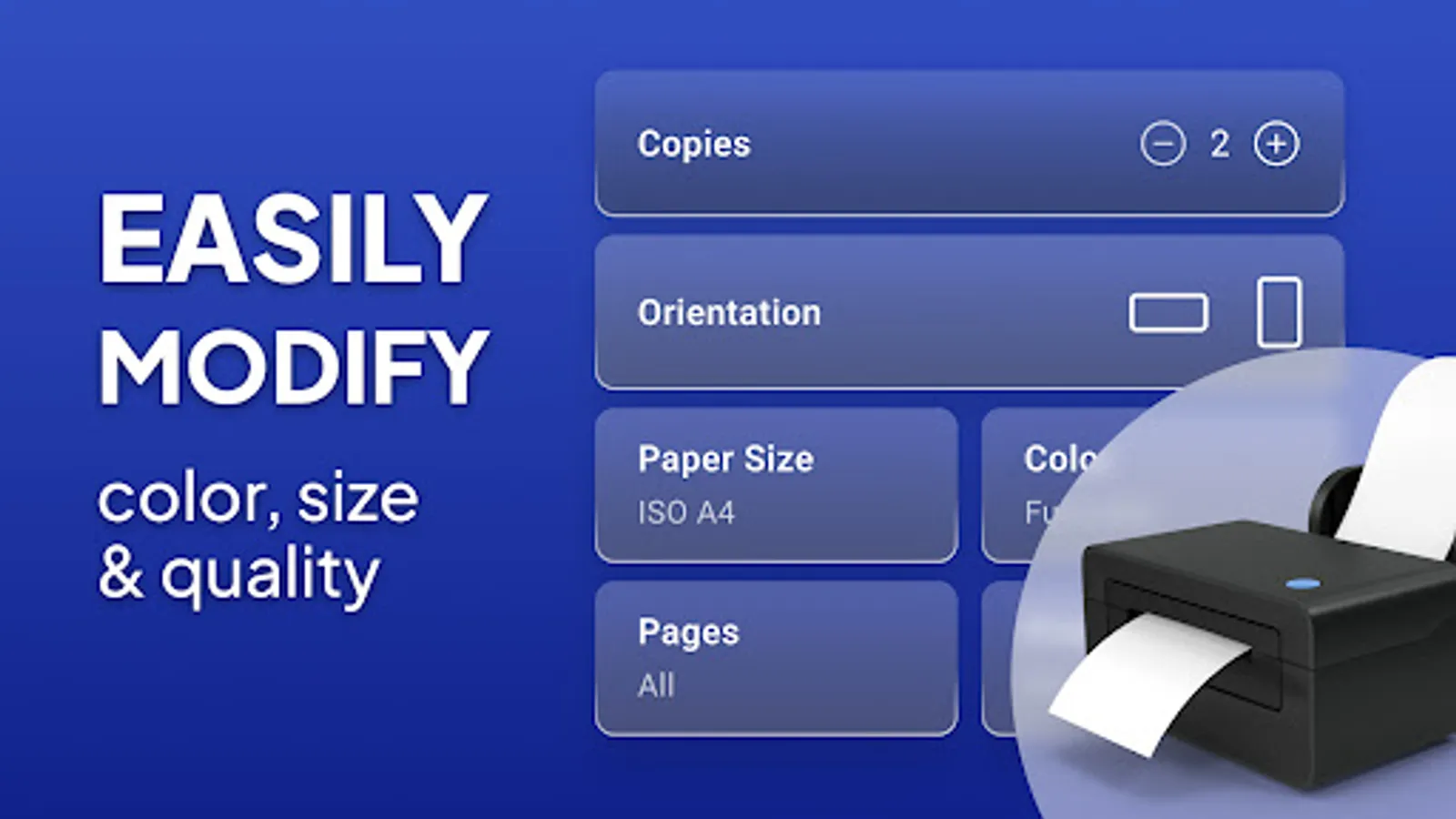
• Several printing choices (including number of copies, collate, page range, paper size, paper type, paper tray, output quality, and more)
• Before printing, read PDFs, documents, photos, and other content. More than 100 templates, updated for free each month (cards, postcards, calendar, photo frame...)
Borderless photo printing on matte or glossy photo paper, color or monochrome (black and white), duplex (one or two-sided), AirPrint support, Mopria compatibility, mobile thermal printing, and compatibility with Windows printer share (SMB/CIFS) and Mac/Linux printer share (Bonjour/IPP/LPD) are all features that can be used.
Supported Smart Printers Below:
• HP Officejet, HP LaserJet, HP Photosmart, HP Deskjet, HP Envy, HP Ink Tank, and other HP models
• Canon PIXMA, Canon LBP, Canon MF, Canon MP, Canon MX, Canon MG, Canon SELPHY, and other Canon models
• Brother MFC, Brother DCP, Brother HL, Brother MW, Brother PJ, and other Brother models
• Samsung ML, Samsung SCX, Samsung CLP, and other Samsung models
• Xerox Phaser, Xerox WorkCentre, Xerox DocuPrint, and other Xerox Models
• Dell, Konica Minolta, Kyocera, Lexmark, Ricoh, Sharp, Toshiba, OKI, and other printers
Privacy Policy: http://metaverselabs.ai/privacy-policy/
Terms of use: http://metaverselabs.ai/terms-of-use/
Support: support@metaverselabs.ai
You can now scan and print your files directly from your printer thanks to the Mobile Printer: Print & Scan For Wireless Printers.
Almost any WiFi, Bluetooth, or USB printer can print photographs, photos, web pages, PDFs, and Microsoft Office documents without the need to download any additional software or printing tools.
Whether your printer is far away or right next to you, Mobile Printer: Print & Scan makes printing simple and convenient!
Key Features:
• Almost any inkjet, laser, or thermal printer can be used to print directly from an Android smartphone or tablet.
• Print pictures and photos (JPG, PNG, GIF, WEBP)
• Print Microsoft Office Word, Excel, and PowerPoint documents as well as PDF files.
• Print several photos on a single page.
• Print locally saved files, emails' PDF, DOC, XSL, PPT, and TXT attachments, as well as files from Google Drive or other cloud storage services.
• Using the built-in web browser to visit websites (HTML pages) for printing
• Use connected WiFi, Bluetooth, and USB-OTG printers to print
• Using the Print and Share options to integrate with other apps
Advanced Features:
• Several printing choices (including number of copies, collate, page range, paper size, paper type, paper tray, output quality, and more)
• Before printing, read PDFs, documents, photos, and other content. More than 100 templates, updated for free each month (cards, postcards, calendar, photo frame...)
Borderless photo printing on matte or glossy photo paper, color or monochrome (black and white), duplex (one or two-sided), AirPrint support, Mopria compatibility, mobile thermal printing, and compatibility with Windows printer share (SMB/CIFS) and Mac/Linux printer share (Bonjour/IPP/LPD) are all features that can be used.
Supported Smart Printers Below:
• HP Officejet, HP LaserJet, HP Photosmart, HP Deskjet, HP Envy, HP Ink Tank, and other HP models
• Canon PIXMA, Canon LBP, Canon MF, Canon MP, Canon MX, Canon MG, Canon SELPHY, and other Canon models
• Brother MFC, Brother DCP, Brother HL, Brother MW, Brother PJ, and other Brother models
• Samsung ML, Samsung SCX, Samsung CLP, and other Samsung models
• Xerox Phaser, Xerox WorkCentre, Xerox DocuPrint, and other Xerox Models
• Dell, Konica Minolta, Kyocera, Lexmark, Ricoh, Sharp, Toshiba, OKI, and other printers
Privacy Policy: http://metaverselabs.ai/privacy-policy/
Terms of use: http://metaverselabs.ai/terms-of-use/
Support: support@metaverselabs.ai
Mobile Printer: Print & Scan Screenshots
Tap to Rate:
Reviews for Mobile Printer: Print & Scan
Umma Gharami
12/27/2025
ok all is well
micheal nkhuwa
12/26/2025
good and helpful 👍