Polycam: 3D Scanner & Editor
Polycam
3.8 ★
23K ratings
1,000,000+
downloads
Free
+ in-app
AppRecs review analysis
AppRecs rating 3.4. Trustworthiness 84 out of 100. Review manipulation risk 26 out of 100. Based on a review sample analyzed.
★★★☆☆
3.4
AppRecs Rating
Ratings breakdown
5 star
54%
4 star
15%
3 star
8%
2 star
2%
1 star
21%
What to know
✓
Low review manipulation risk
26% review manipulation risk
✓
Credible reviews
84% trustworthiness score from analyzed reviews
⚠
Pricing complaints
Many low ratings mention paywalls or pricing
About Polycam: 3D Scanner & Editor
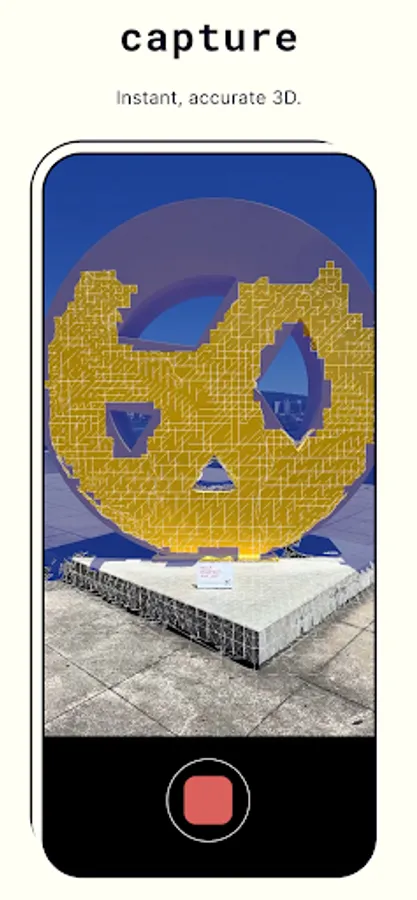
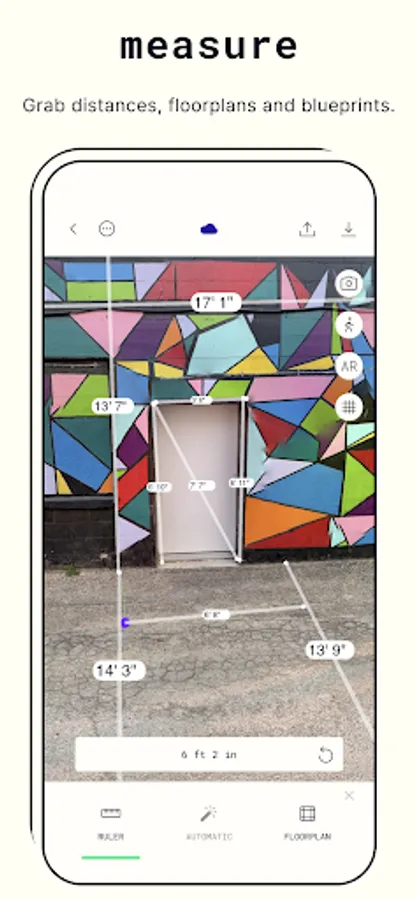
Discover a new dimension in photography with Polycam, the top-rated 3D capture app for Android. Ideal for architects, artists, designers, contractors, photographers, and anyone who wants to capture the world in a new way, Polycam offers innovative technology and advanced editing tools to bring your creativity to life.
Key Features:
Revolutionary 3D capture:
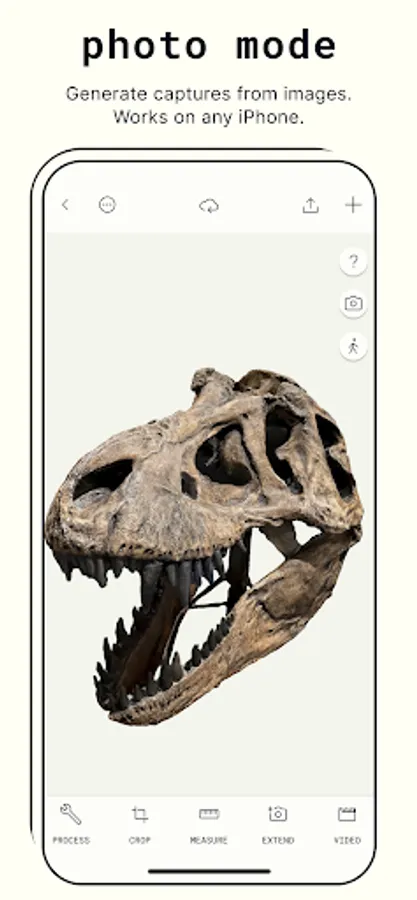
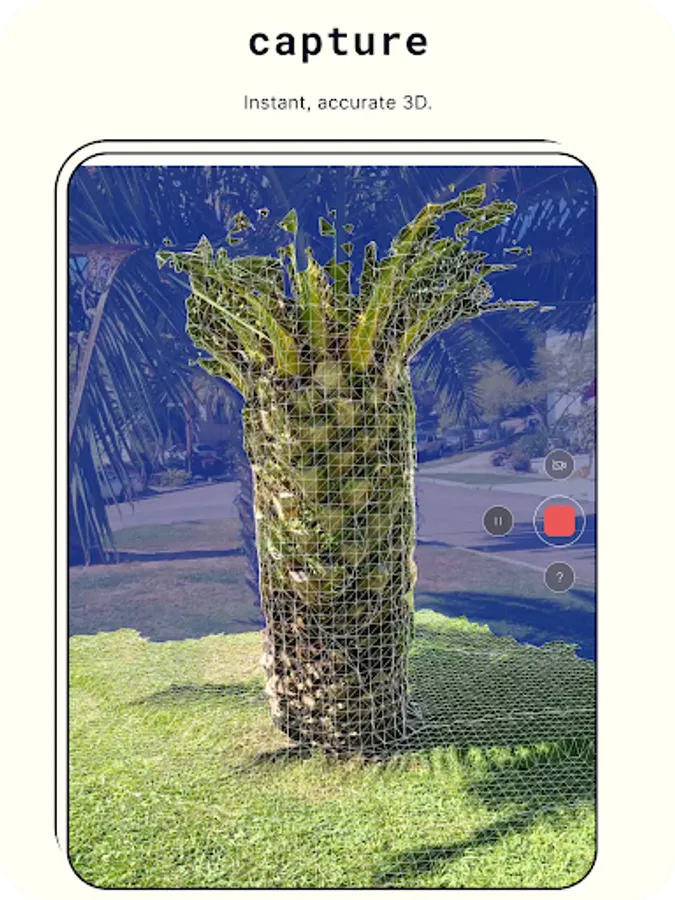
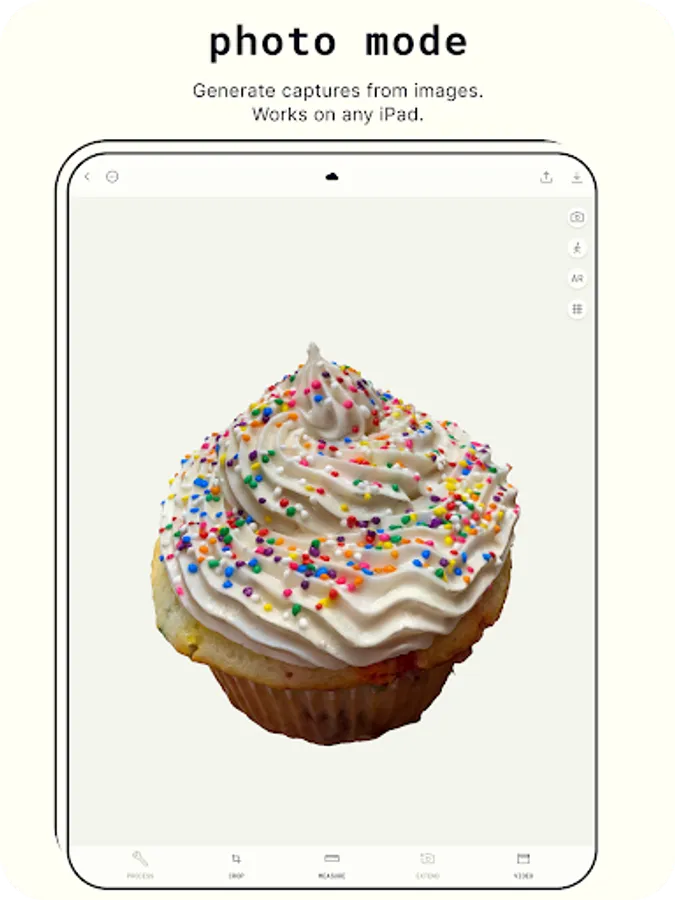
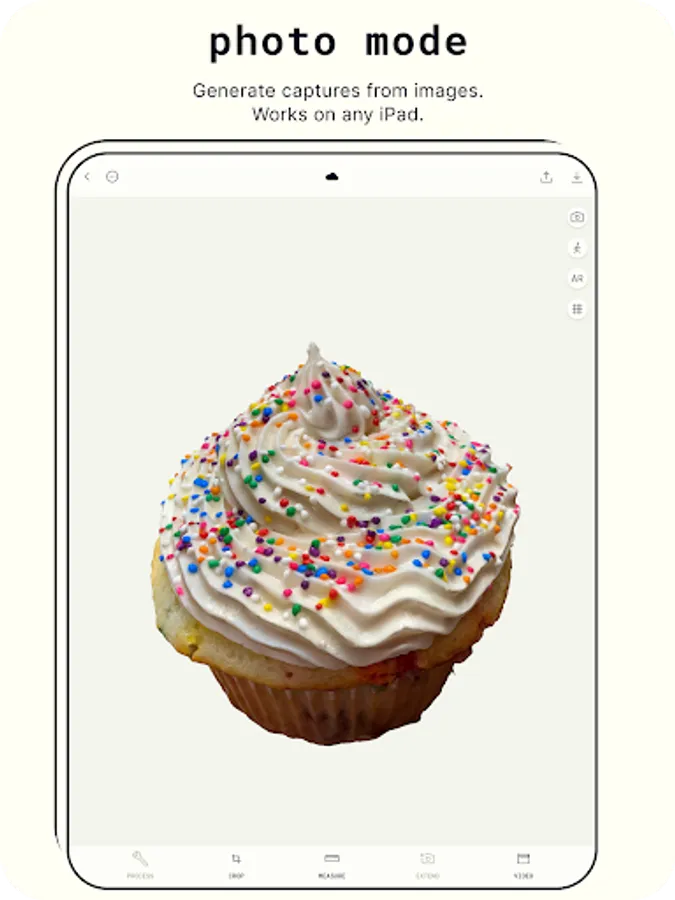
● Transform photos into 3D models with advanced photogrammetry
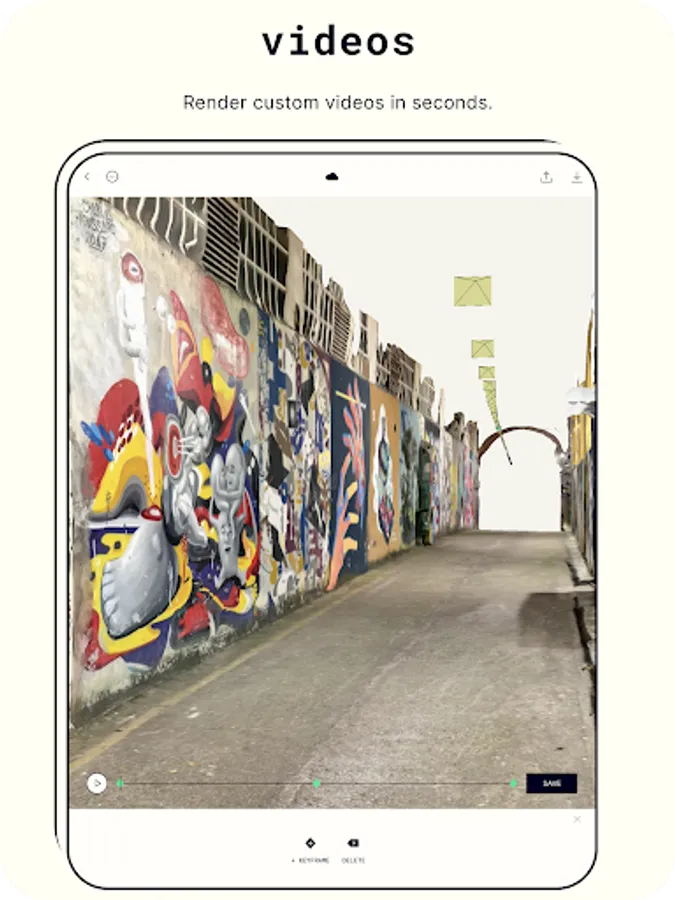
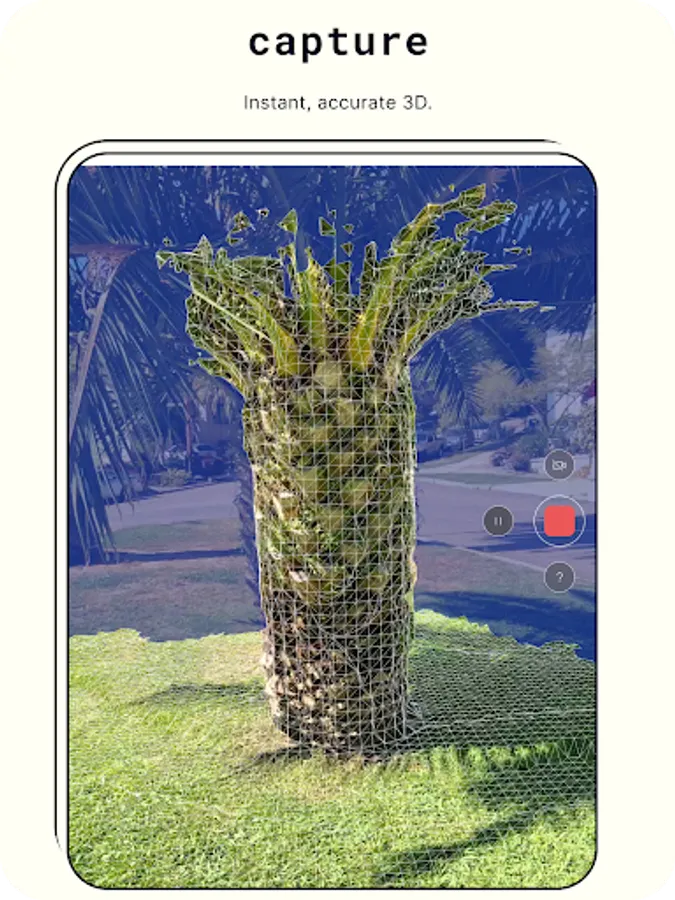
● Scan complex objects & scenes with intricate details
● Generate ready-to-use 3D assets for any computer graphics application
● Runs smoothly on any Android device with 2GB+ RAM
Advanced editing tools:
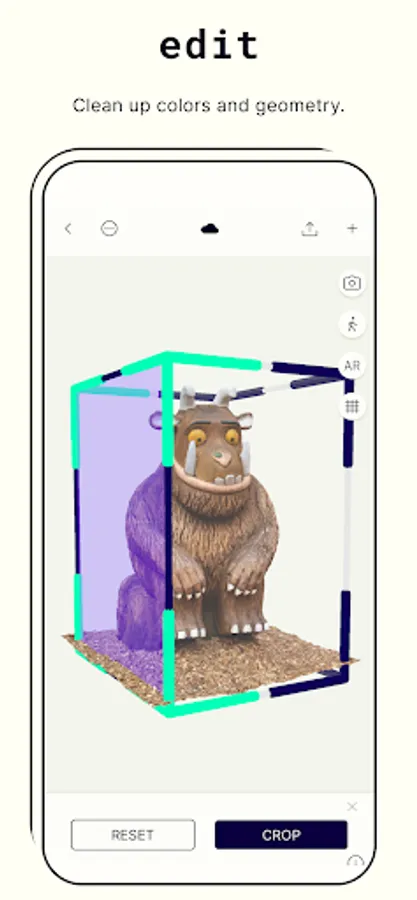
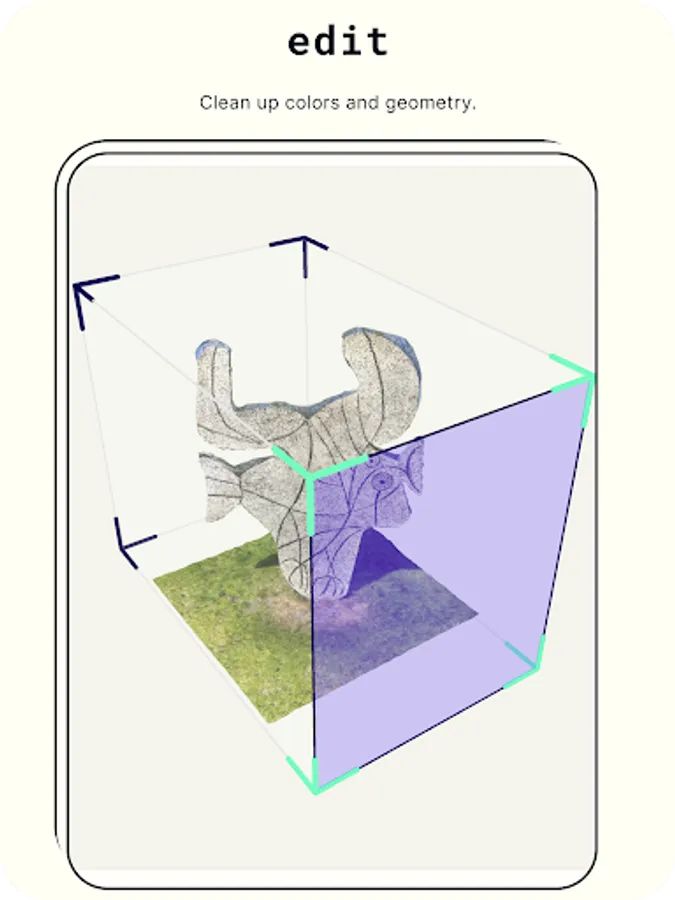
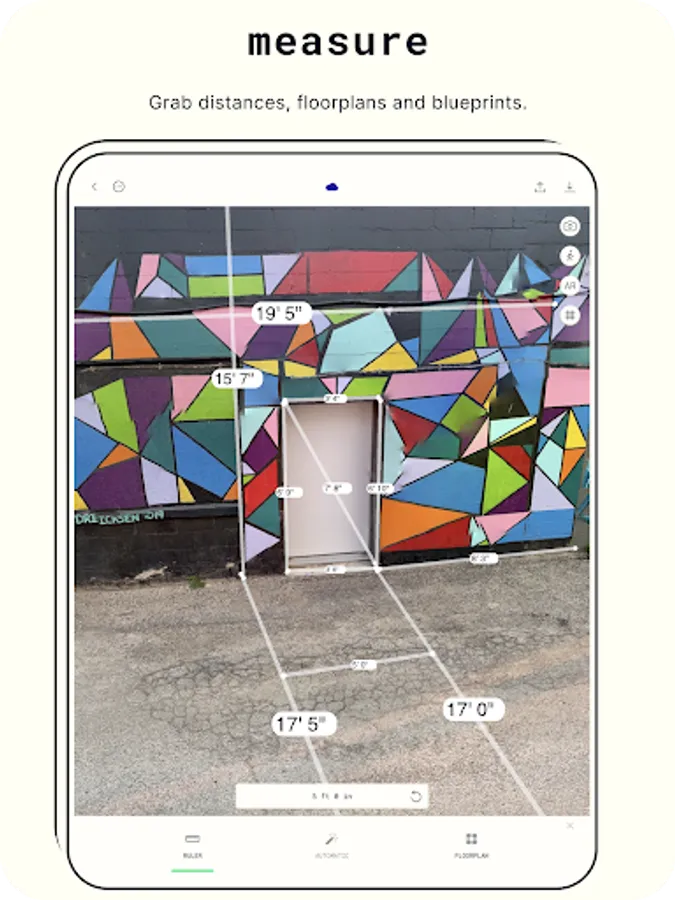
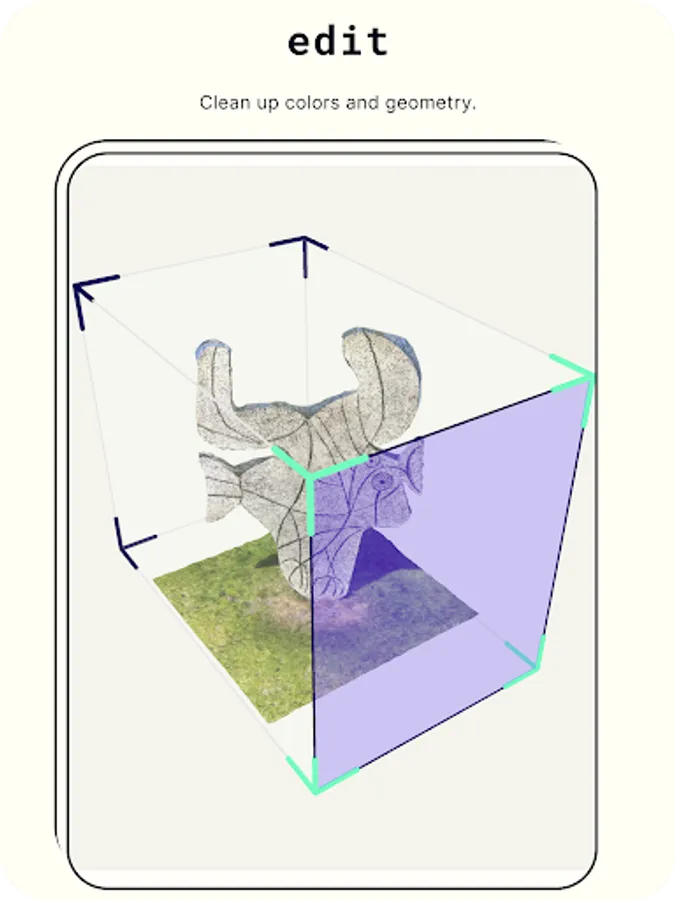
● Crop your 3D captures for the perfect composition
● Rotate to view from any angle
● Rescale to adjust the size of your 3D models
Export 3D models with Polycam Pro:
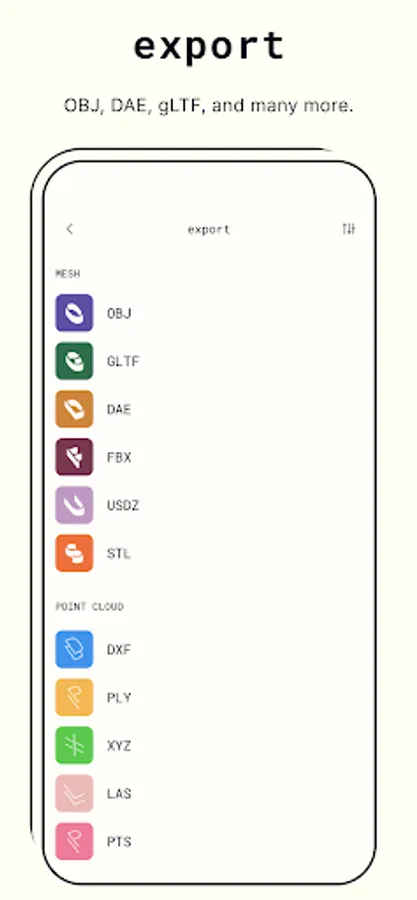
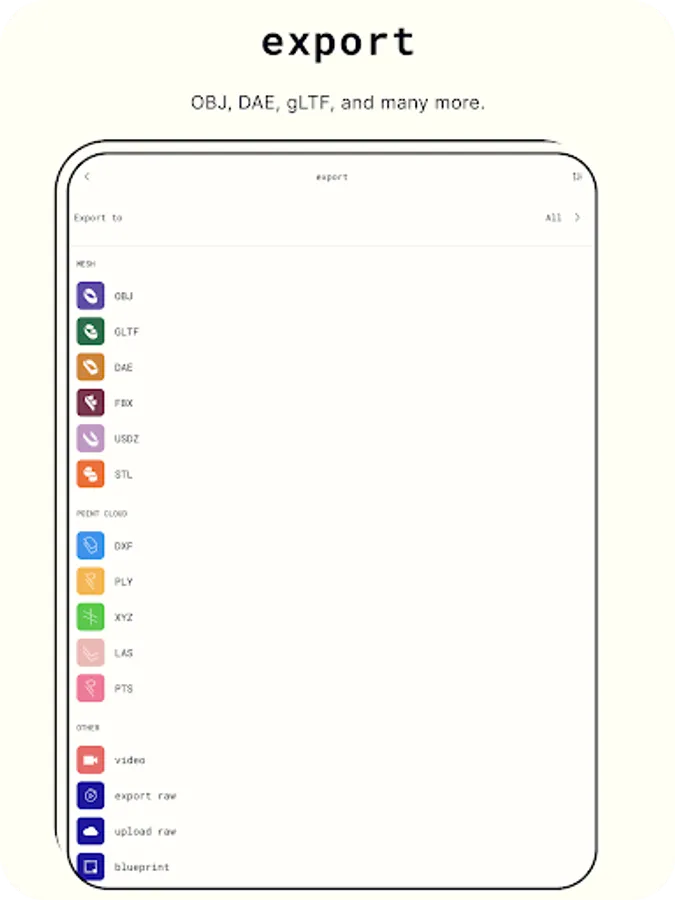
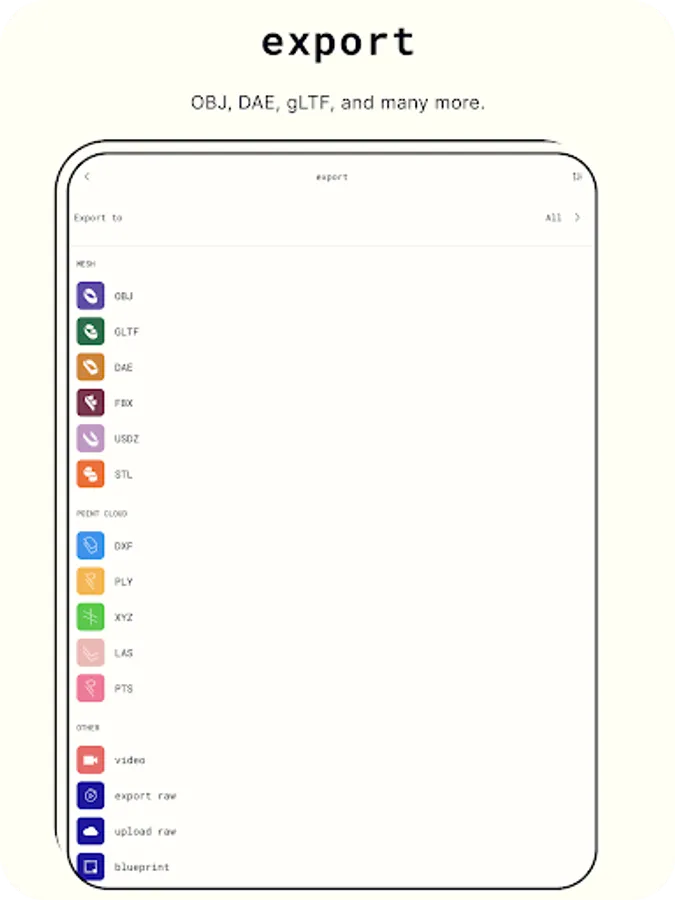
● Export mesh data in .obj, .dae, .fbx, .stl, & .gltf
● Export color point cloud data in .dxf, .ply, .las, .xyz, & .pts
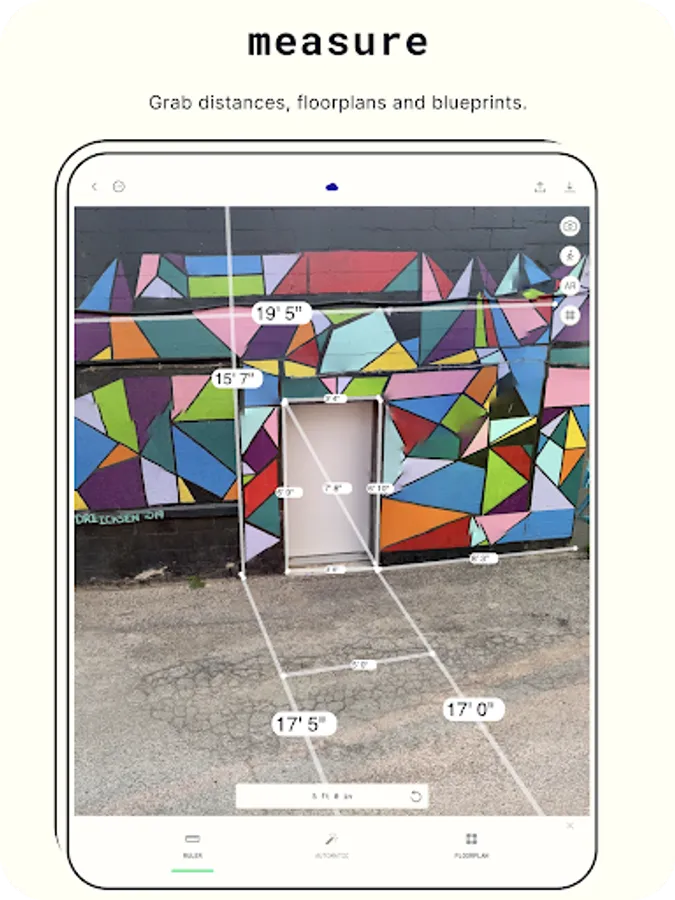
● Export blueprints as .png images or .dae files
Connect & Share:
● Share 3D models with friends & colleagues with ease
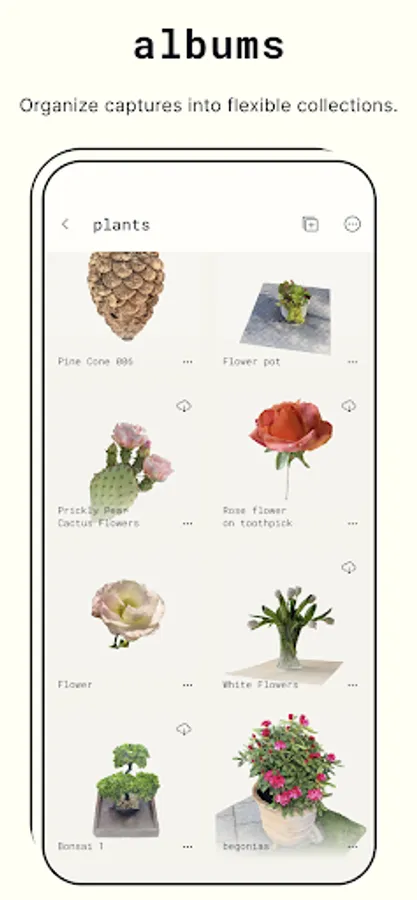
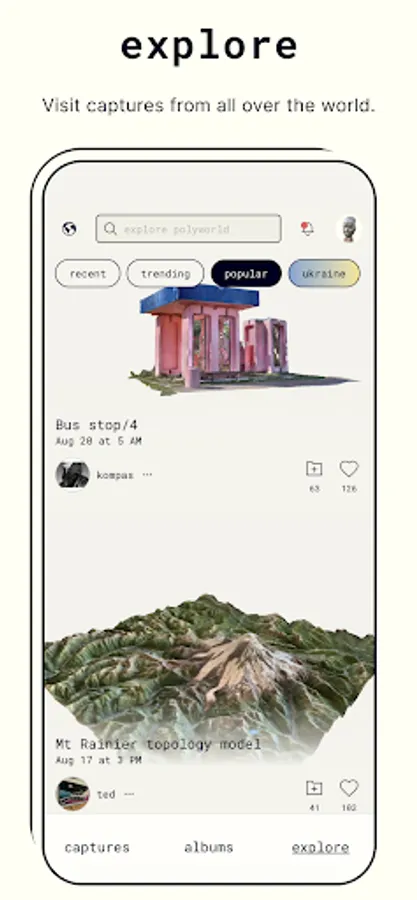
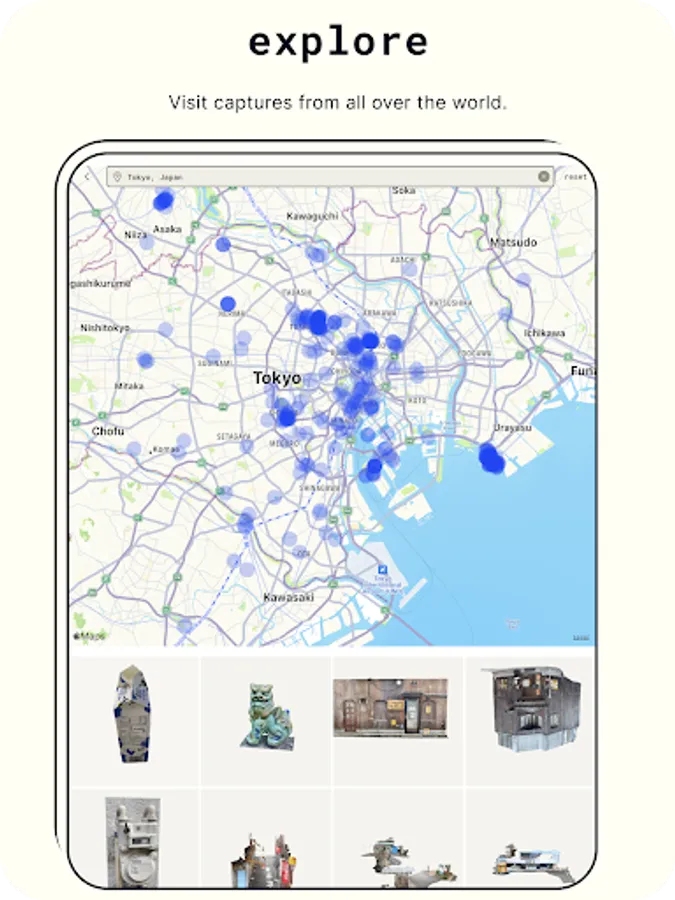
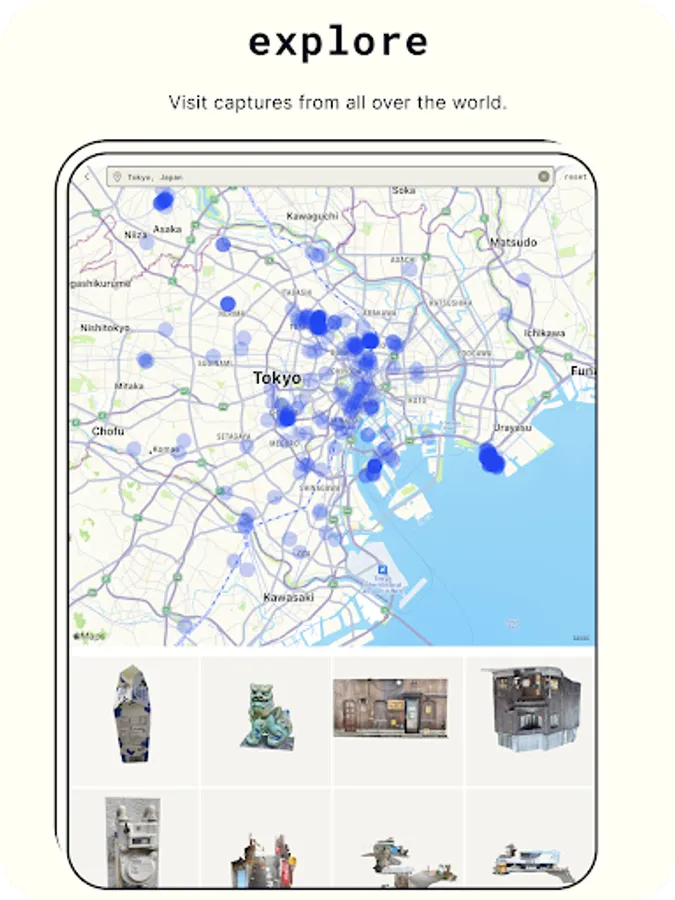
● Join the Polycam community & discover captures from around the world
● Showcase your 3D scanning skills & creativity by sharing with the community
Unleash your creativity and take your photography to the next level with Polycam, the best 3D capture app on the market. Download now!
Privacy Policy: https://polycam.ai/privacy_policy.pdf
Terms of Use: https://polycam.ai/terms_and_conditions.pdf
Key Features:
Revolutionary 3D capture:
● Transform photos into 3D models with advanced photogrammetry
● Scan complex objects & scenes with intricate details
● Generate ready-to-use 3D assets for any computer graphics application
● Runs smoothly on any Android device with 2GB+ RAM
Advanced editing tools:
● Crop your 3D captures for the perfect composition
● Rotate to view from any angle
● Rescale to adjust the size of your 3D models
Export 3D models with Polycam Pro:
● Export mesh data in .obj, .dae, .fbx, .stl, & .gltf
● Export color point cloud data in .dxf, .ply, .las, .xyz, & .pts
● Export blueprints as .png images or .dae files
Connect & Share:
● Share 3D models with friends & colleagues with ease
● Join the Polycam community & discover captures from around the world
● Showcase your 3D scanning skills & creativity by sharing with the community
Unleash your creativity and take your photography to the next level with Polycam, the best 3D capture app on the market. Download now!
Privacy Policy: https://polycam.ai/privacy_policy.pdf
Terms of Use: https://polycam.ai/terms_and_conditions.pdf
Polycam: 3D Scanner & Editor Screenshots
Tap to Rate:
Reviews for Polycam: 3D Scanner & Editor
Riley
12/29/2025
amazing
B That Guy
12/28/2025
good app, butnneds more local tools to edit scan, block out backgrounds, and save the right orientation for online views