
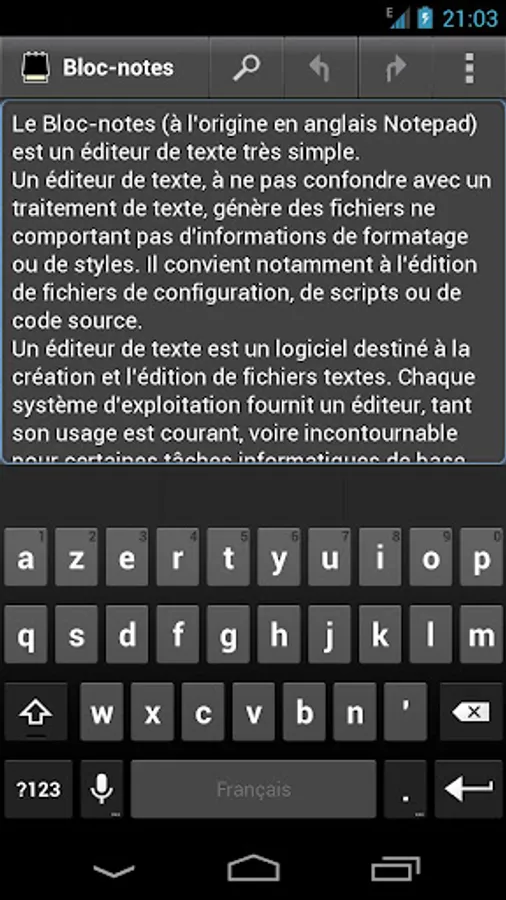
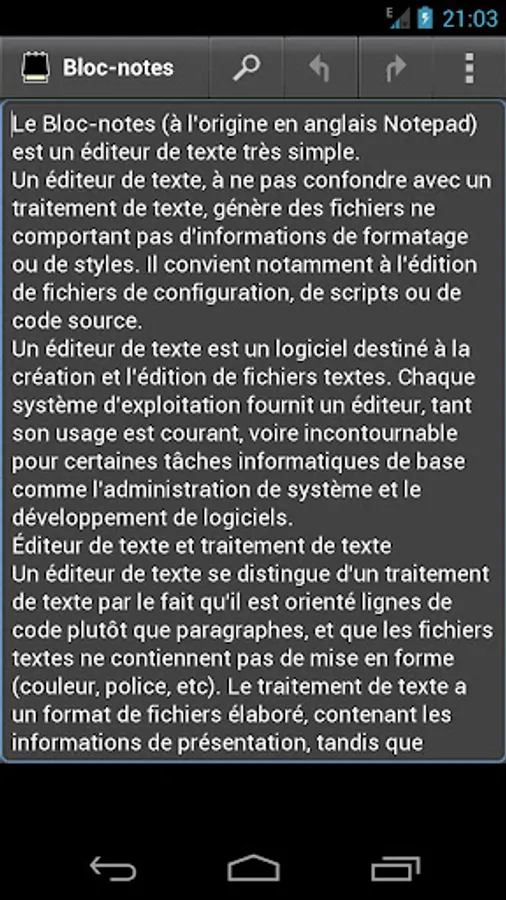
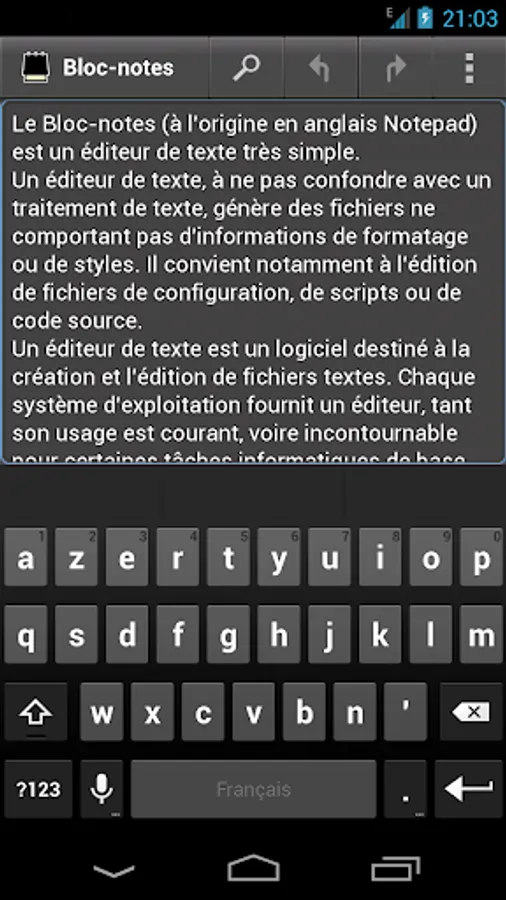
In this text editor, users can create and edit plain text files with support for search and replace functions. Includes file format support for various programming, markup, and configuration files and features multiple file management with tab navigation.
AppRecs review analysis
AppRecs rating 4.0. Trustworthiness 49 out of 100. Review manipulation risk 27 out of 100. Based on a review sample analyzed.
★★★★☆
4.0
AppRecs Rating
Ratings breakdown
5 star
24%
4 star
52%
3 star
24%
2 star
0%
1 star
0%
What to know
✓
Authentic reviews
No red flags detected
About Notepad Premium
Notepad Premium supports Multiple File, the TabBar control supports navigation among the sections of the application.
With the persistent mode, you can recover your project when the system closes the application.
Notepad Premium Screenshots
Tap to Rate:
Reviews for Notepad Premium
A Google user
3/10/2019
Used to work fine on the older, free version. Upgraded to premium and a few "bugfix" releases later, app crashes constantly. I'd be making an album playlist (.m3u, first made as a .txt) copying and pasting track names and it would crash after every 2nd or 3rd copy/paste. To make matters worse, I can't even save because it's internal file manager won't get off the ext sdcard file tree. Add a language setting? New text document is monfichier.txt French? Banner ads at bottom back. FU Dev!
A Google user
1/30/2017
This application Unfortunately lacks the ability to access SD Cards. It would be really nice with that~