Virtual Classroom
Virtual Classroom
2.9 ★
3K ratings
1,000,000+
downloads
Free
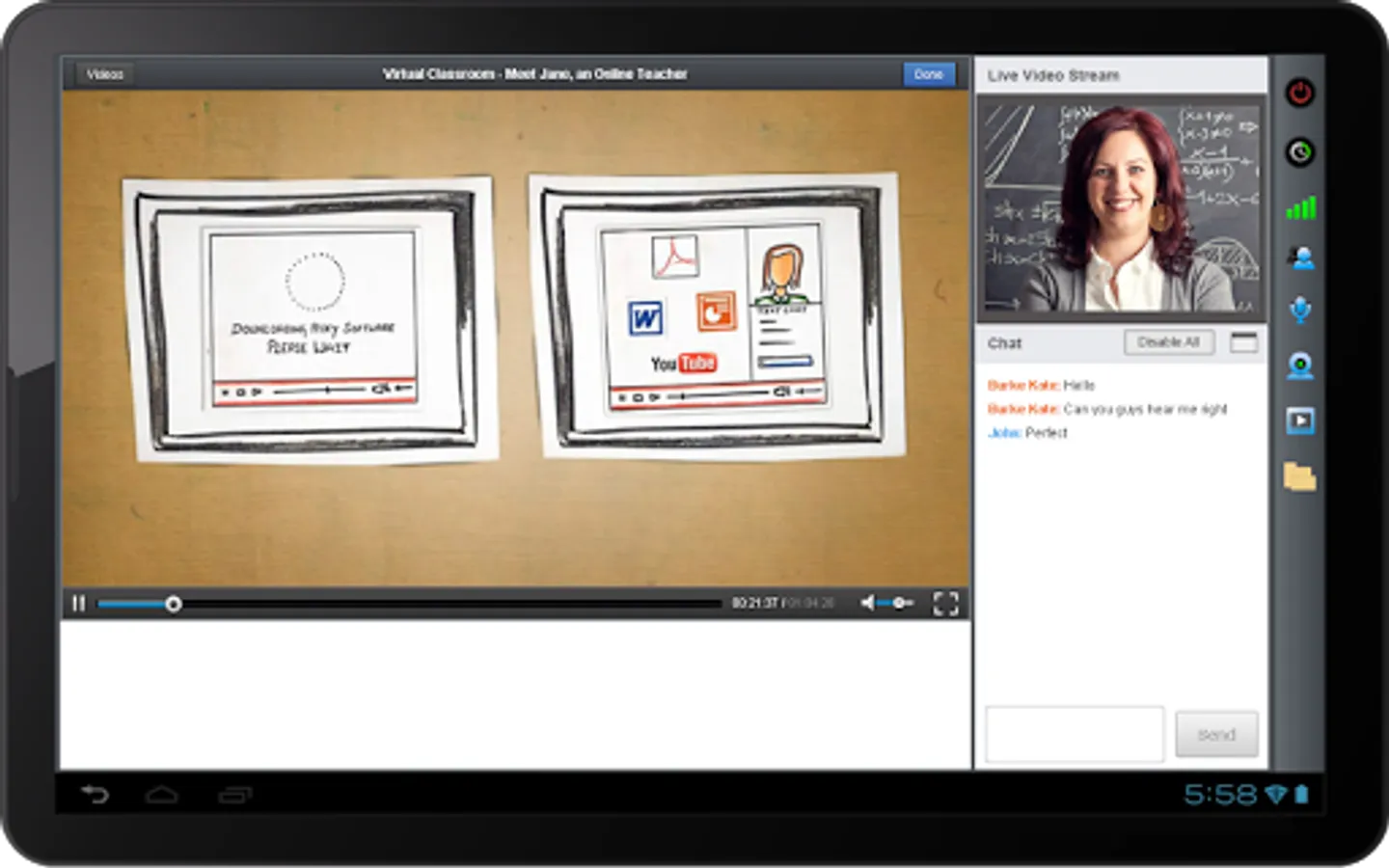
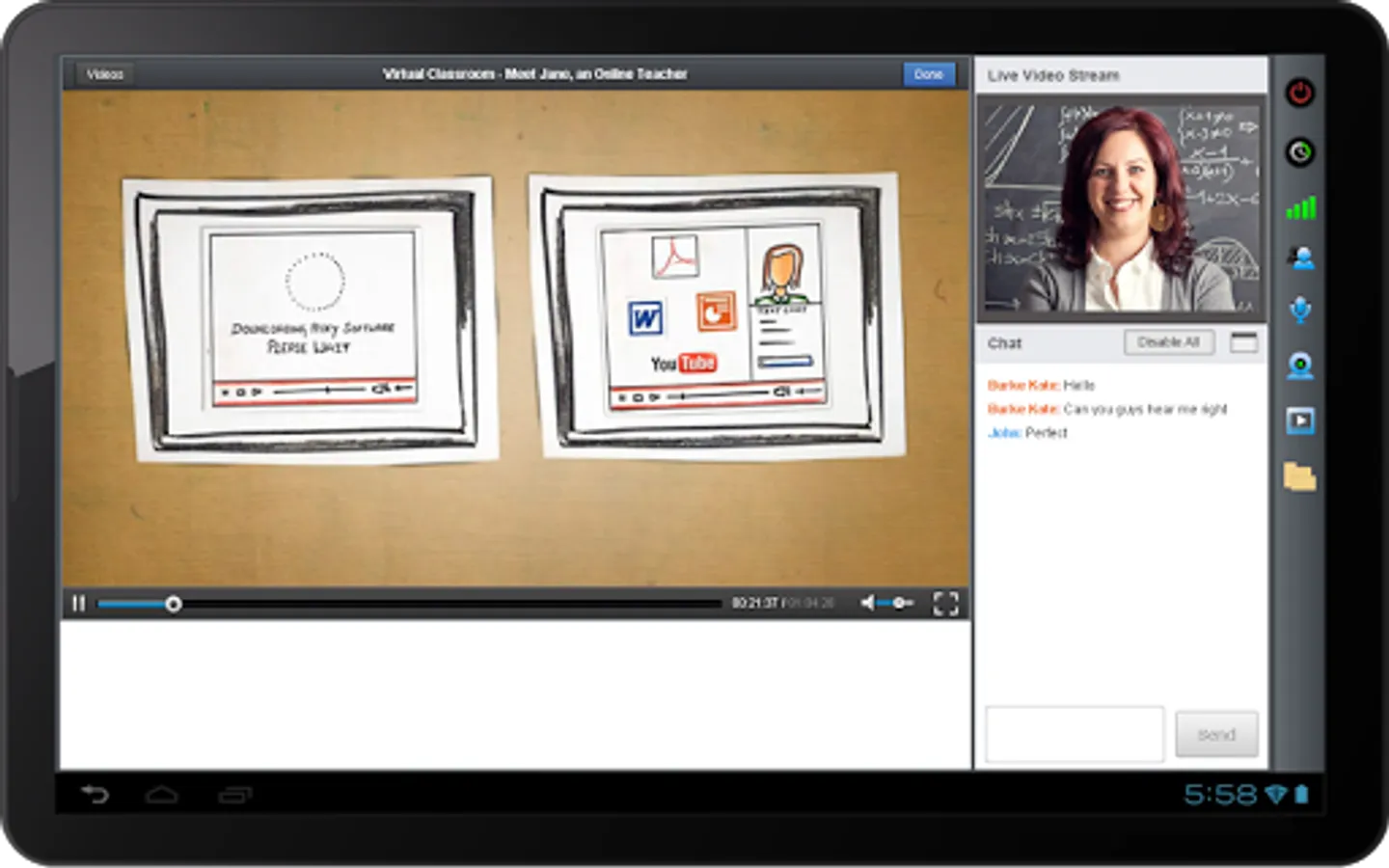
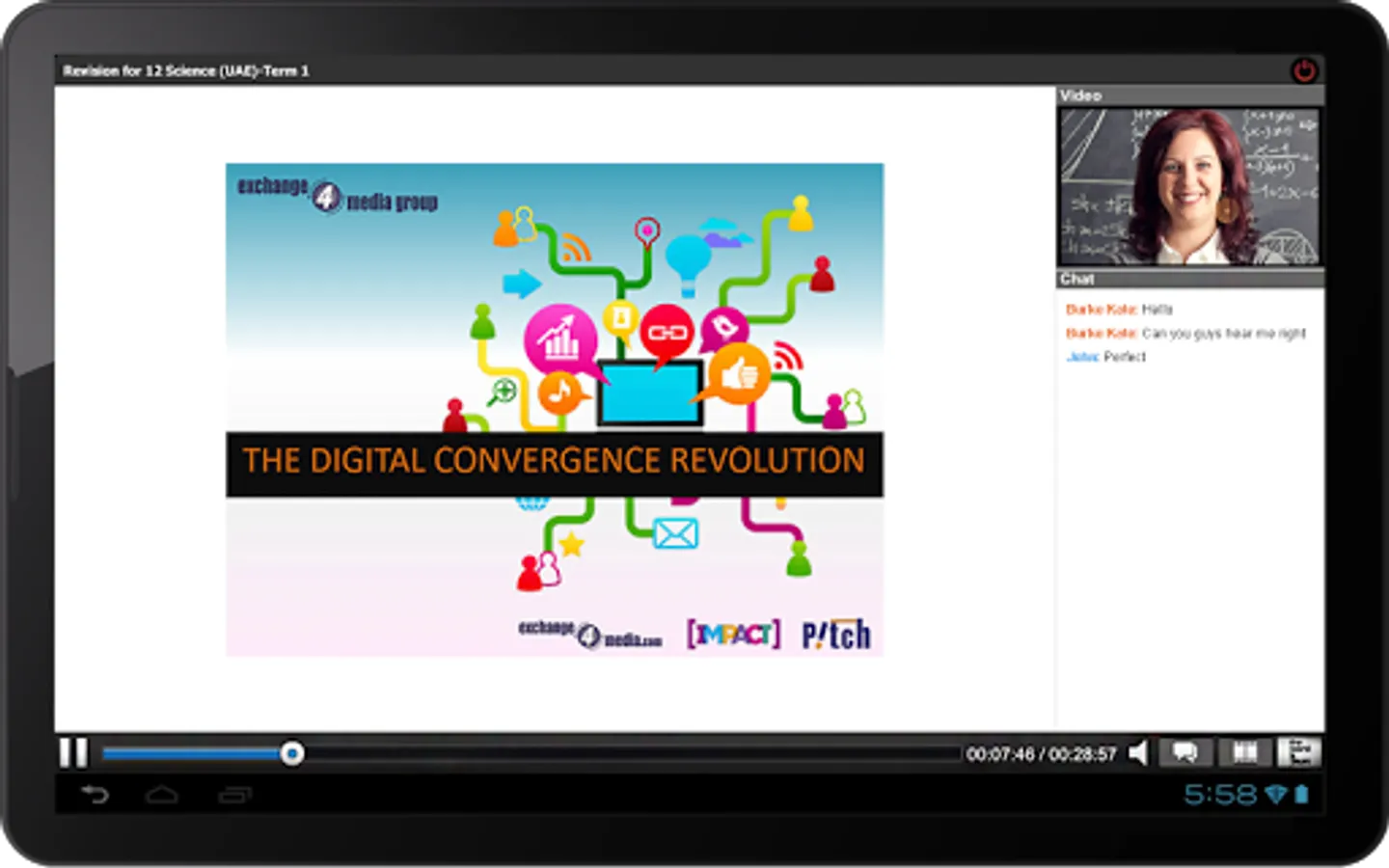
In this virtual classroom app, teachers and students can conduct live classes with audio, video, and shared whiteboards. Includes features such as file sharing, recording access, and real-time chat.
AppRecs review analysis
AppRecs rating 2.9. Trustworthiness 0 out of 100. Review manipulation risk 0 out of 100. Based on a review sample analyzed.
★★☆☆☆
2.9
AppRecs Rating
Ratings breakdown
5 star
36%
4 star
5%
3 star
10%
2 star
10%
1 star
39%
What to know
✓
Authentic reviews
Natural distribution, no red flags
⚠
Mixed user feedback
Average 2.9★ rating suggests room for improvement
⚠
High negative review ratio
49% of sampled ratings are 1–2 stars
About Virtual Classroom
The Virtual Classroom App for mobile teaching and learning enables teachers and students to conduct and attend online classes, anytime, anywhere.
Install the Virtual Classroom App to access a wide range of easy-to-use and innovative teaching and learning tools that help you collaborate in the Virtual Classroom environment.
With the Virtual Classroom App, users can:
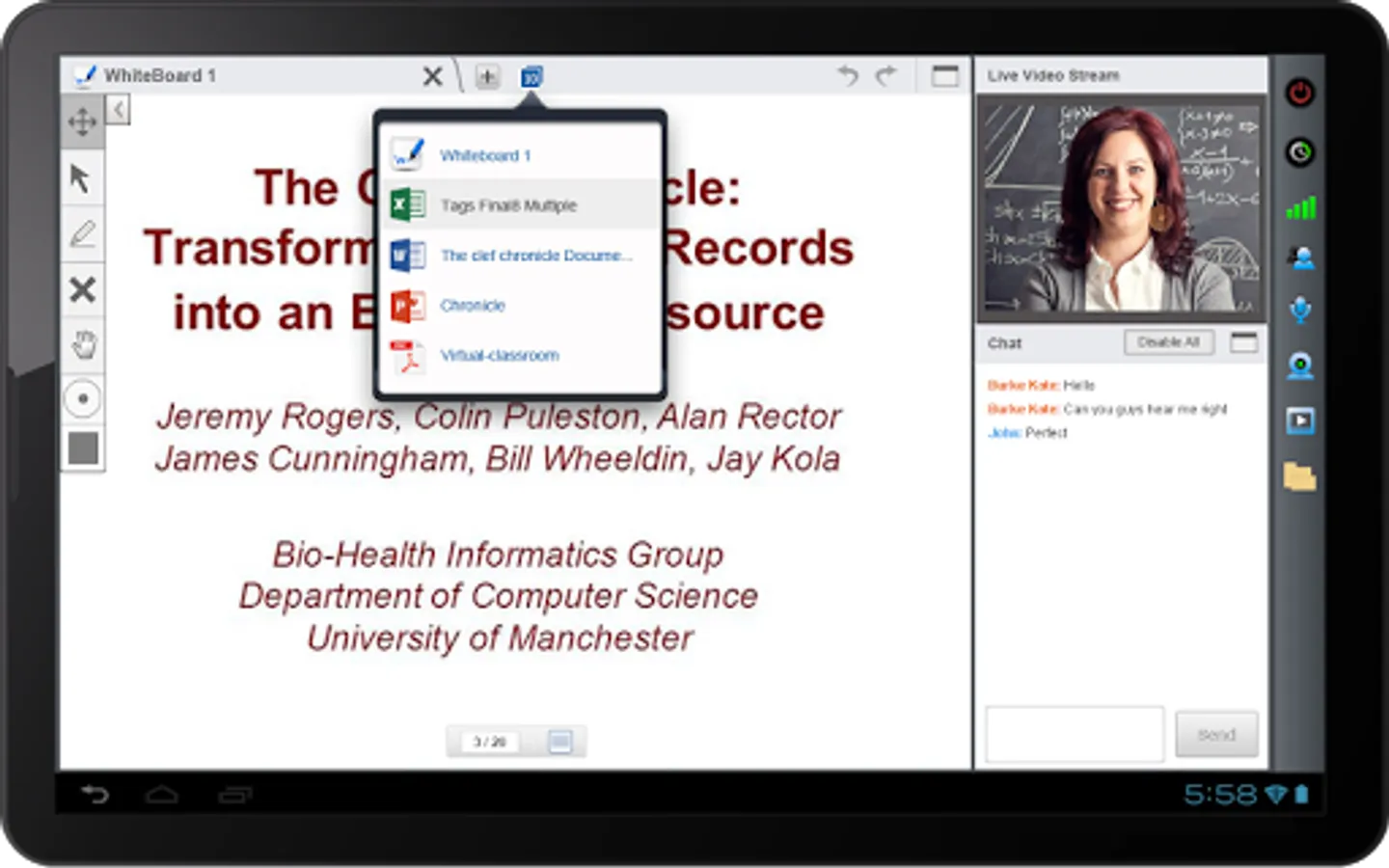
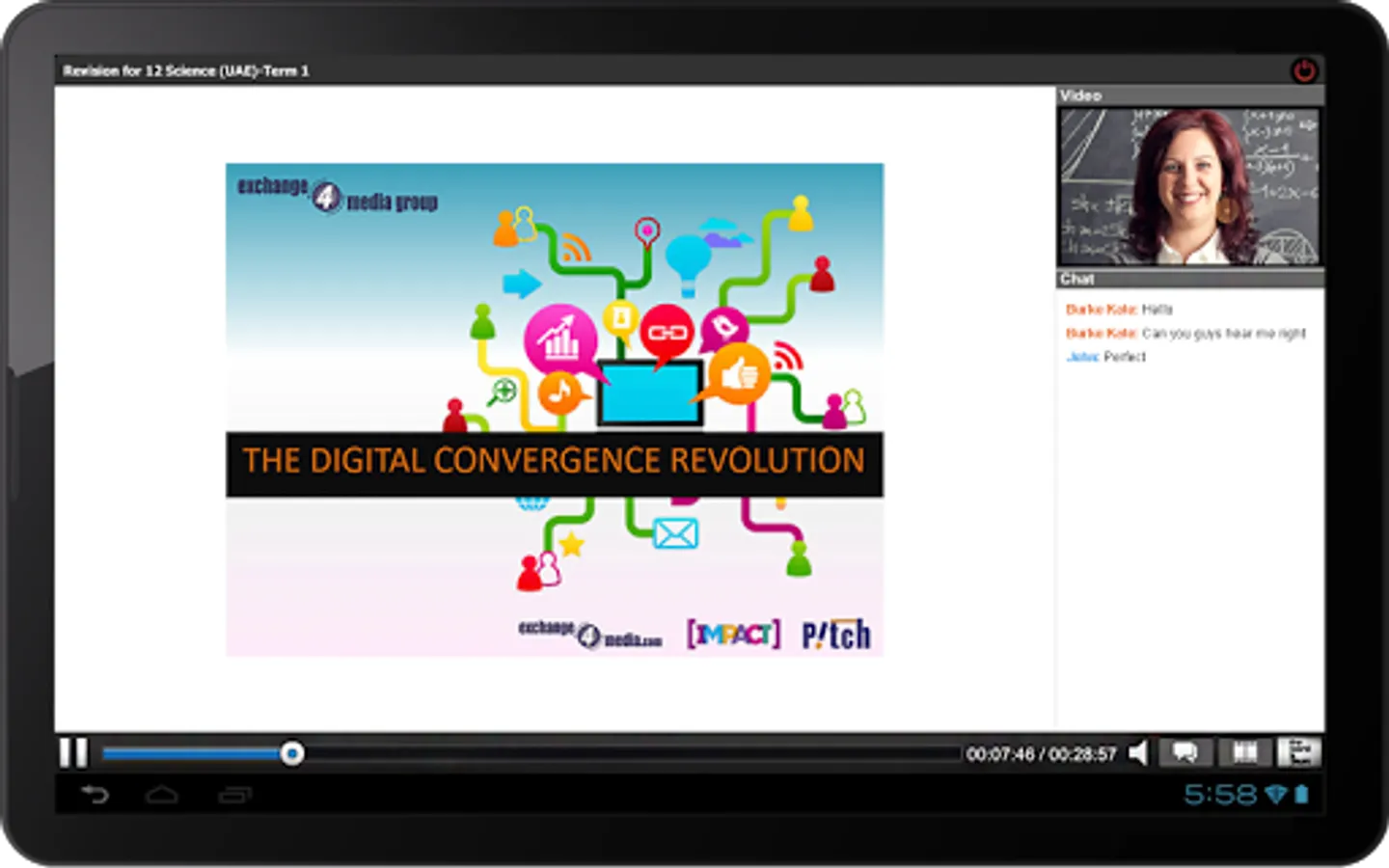
* Conduct and attend live classes
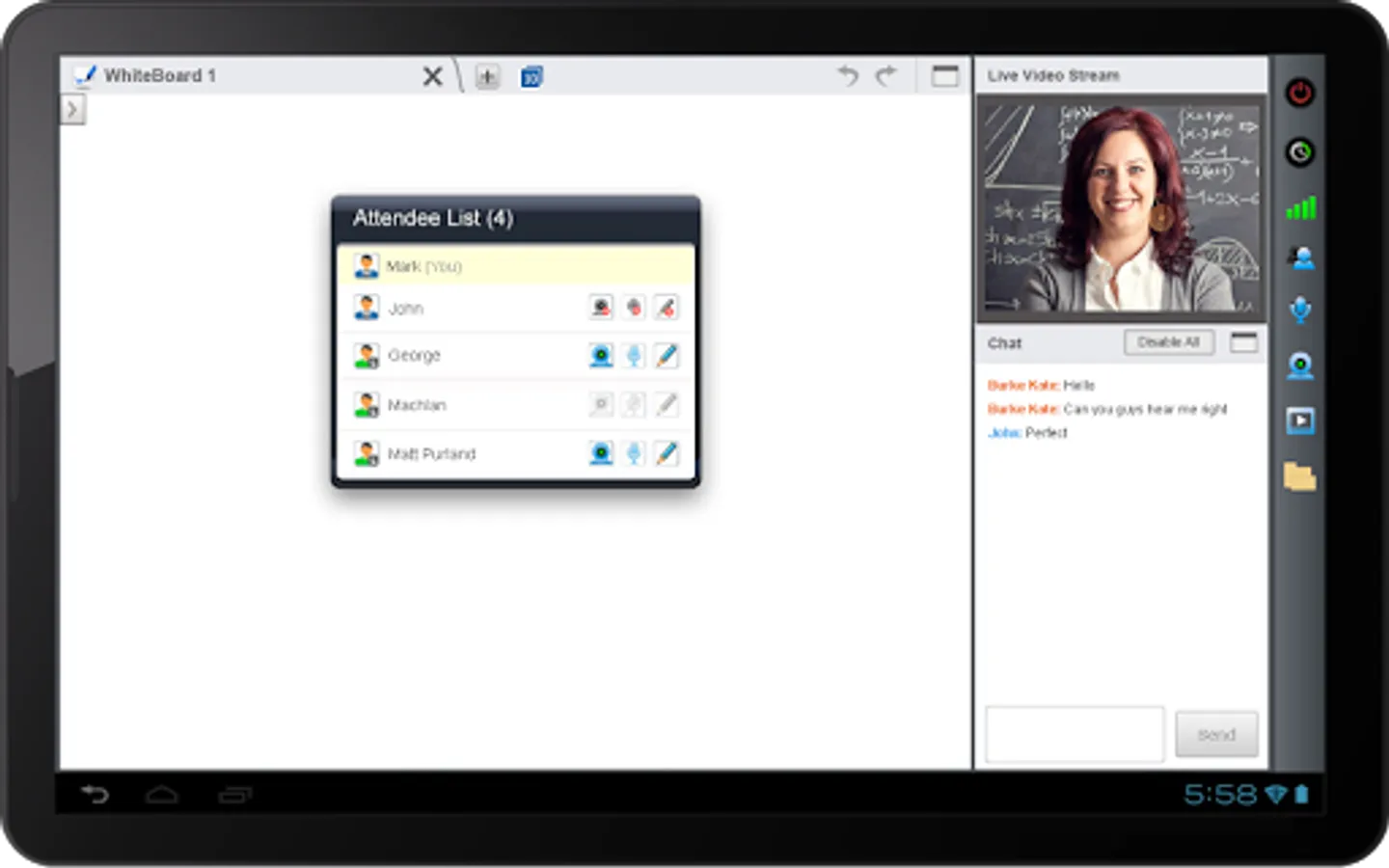
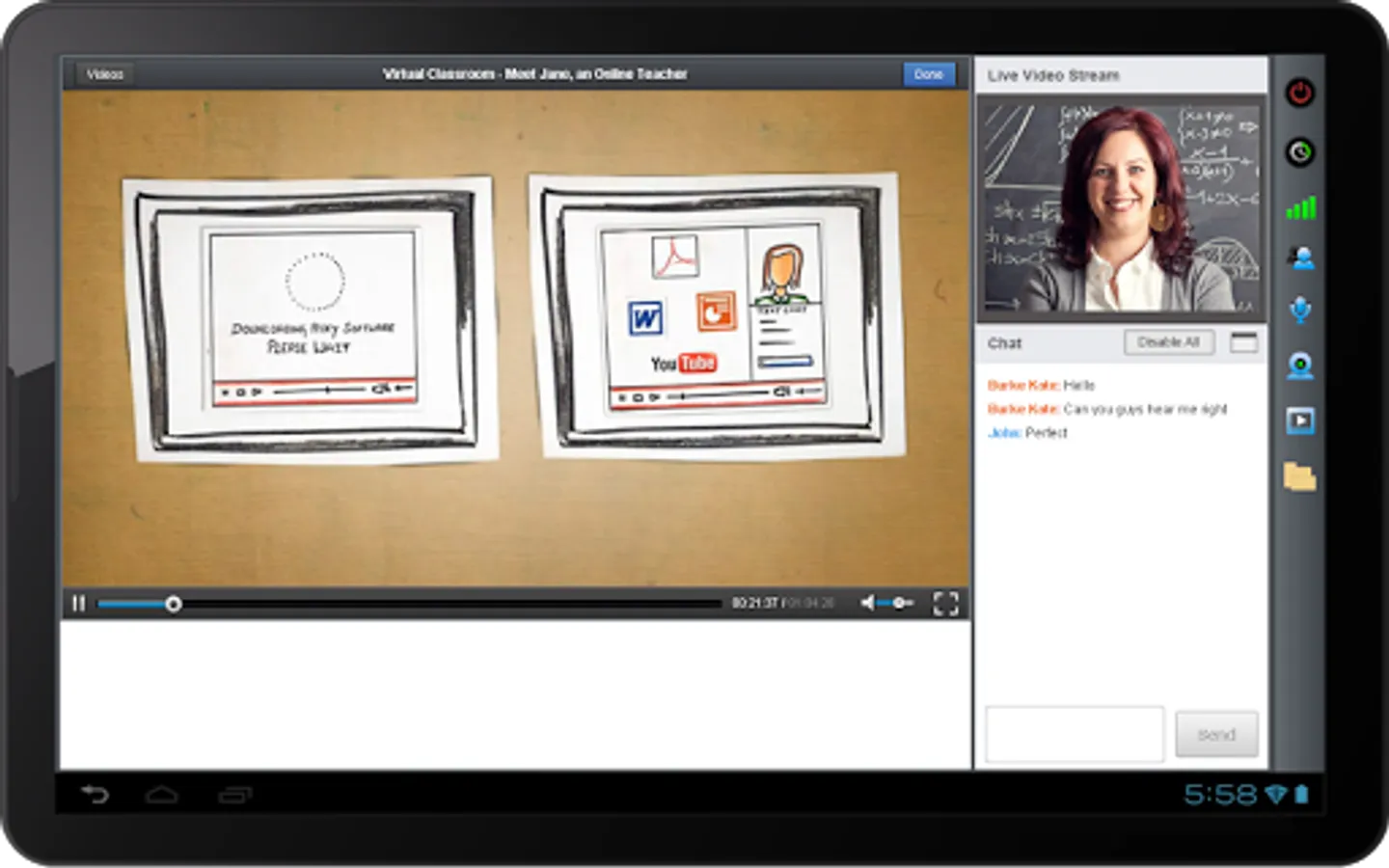
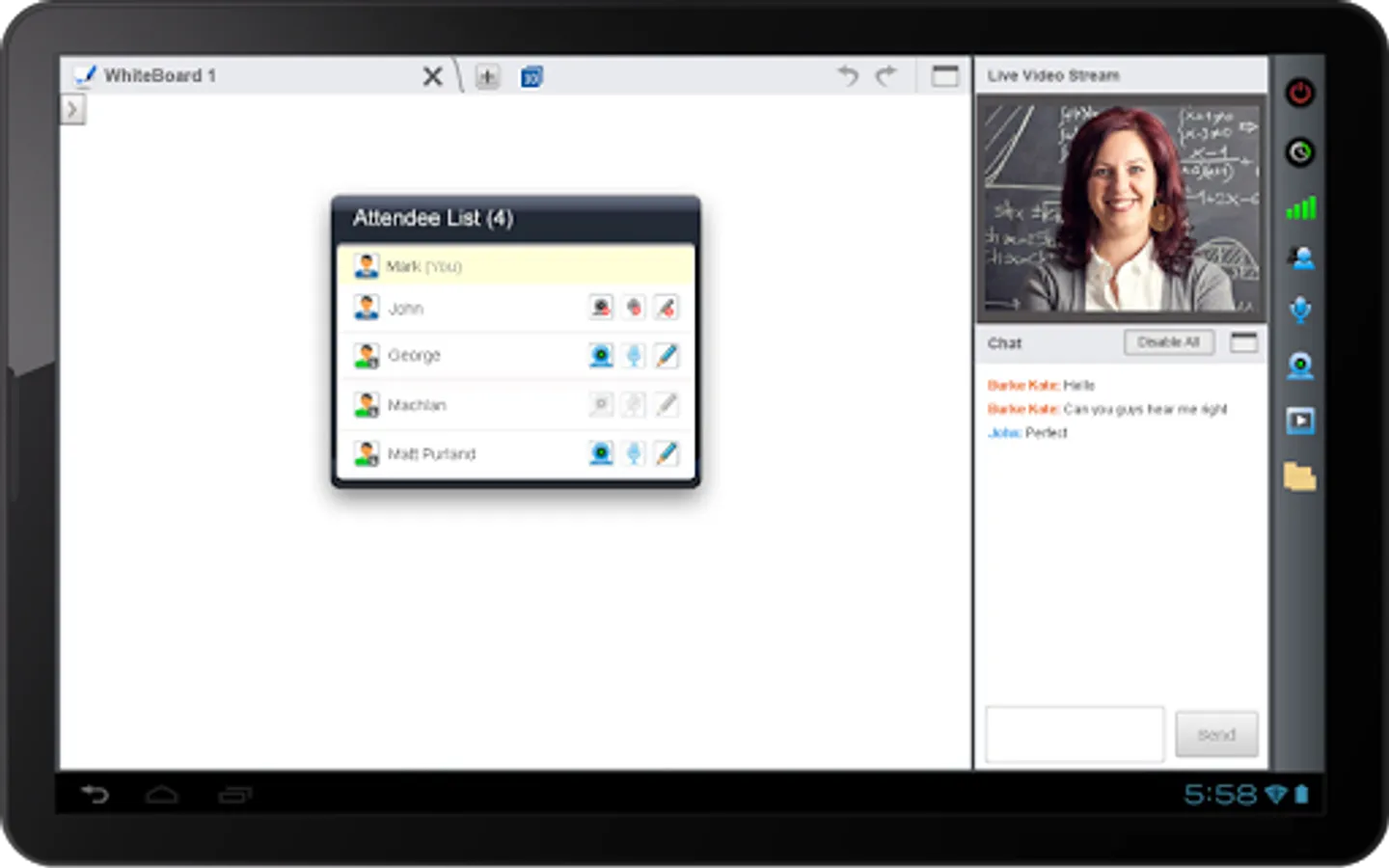
* Interact using live audio and video
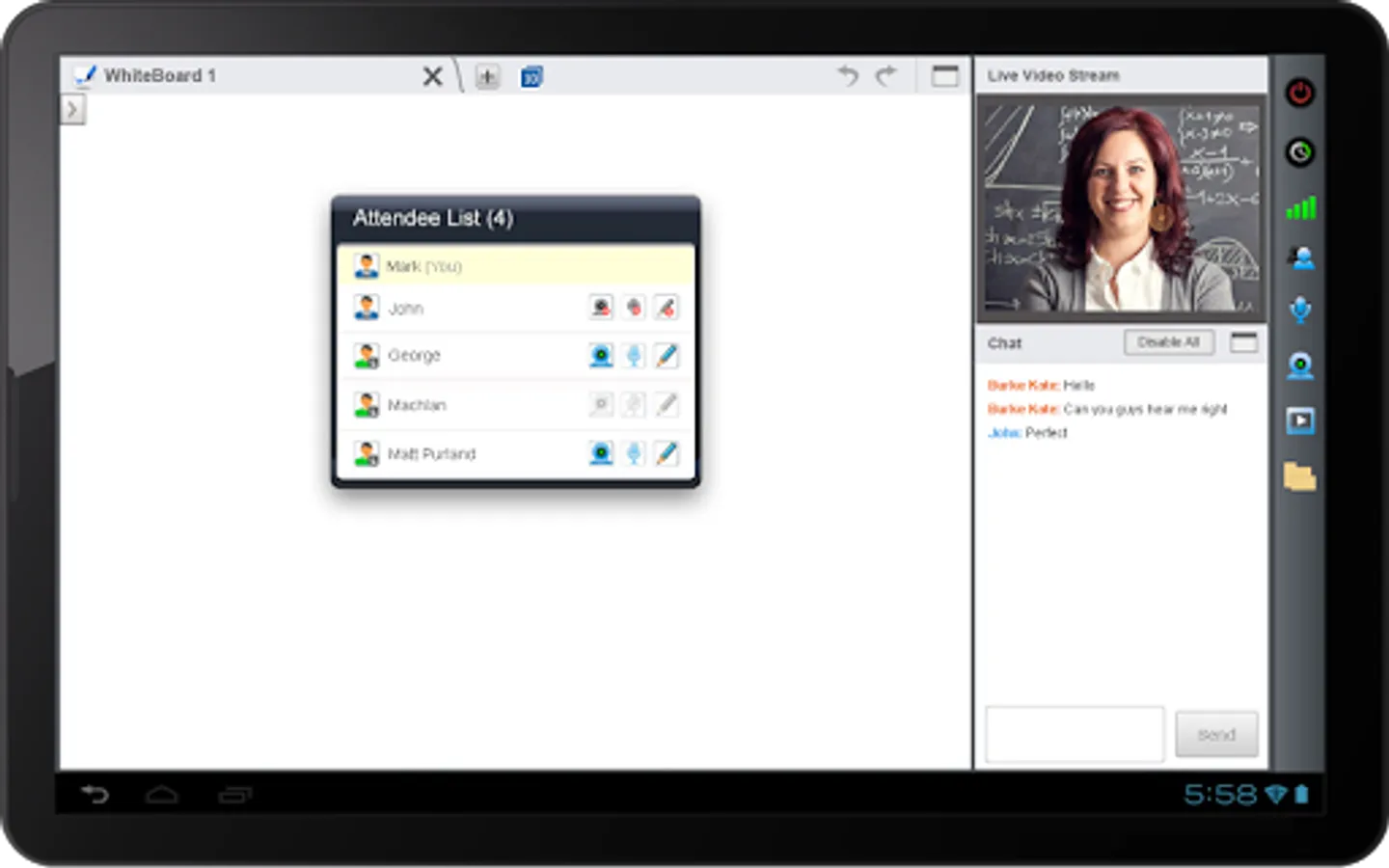
* Add and delete whiteboard
* Use multiple whiteboards and tools
* Use Media Player to play audio and video files
* Transfer audio, video, and writing controls to attendees
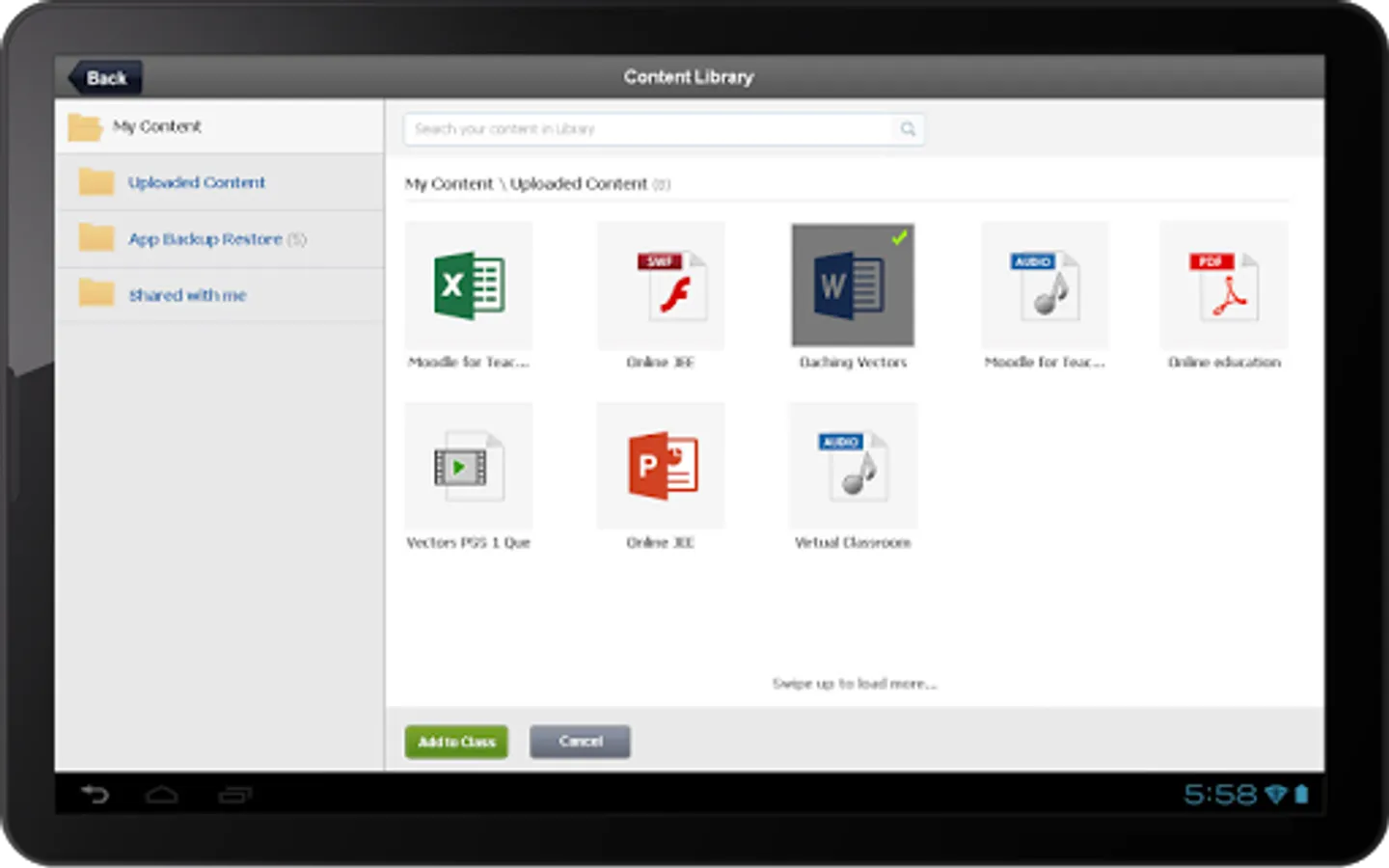
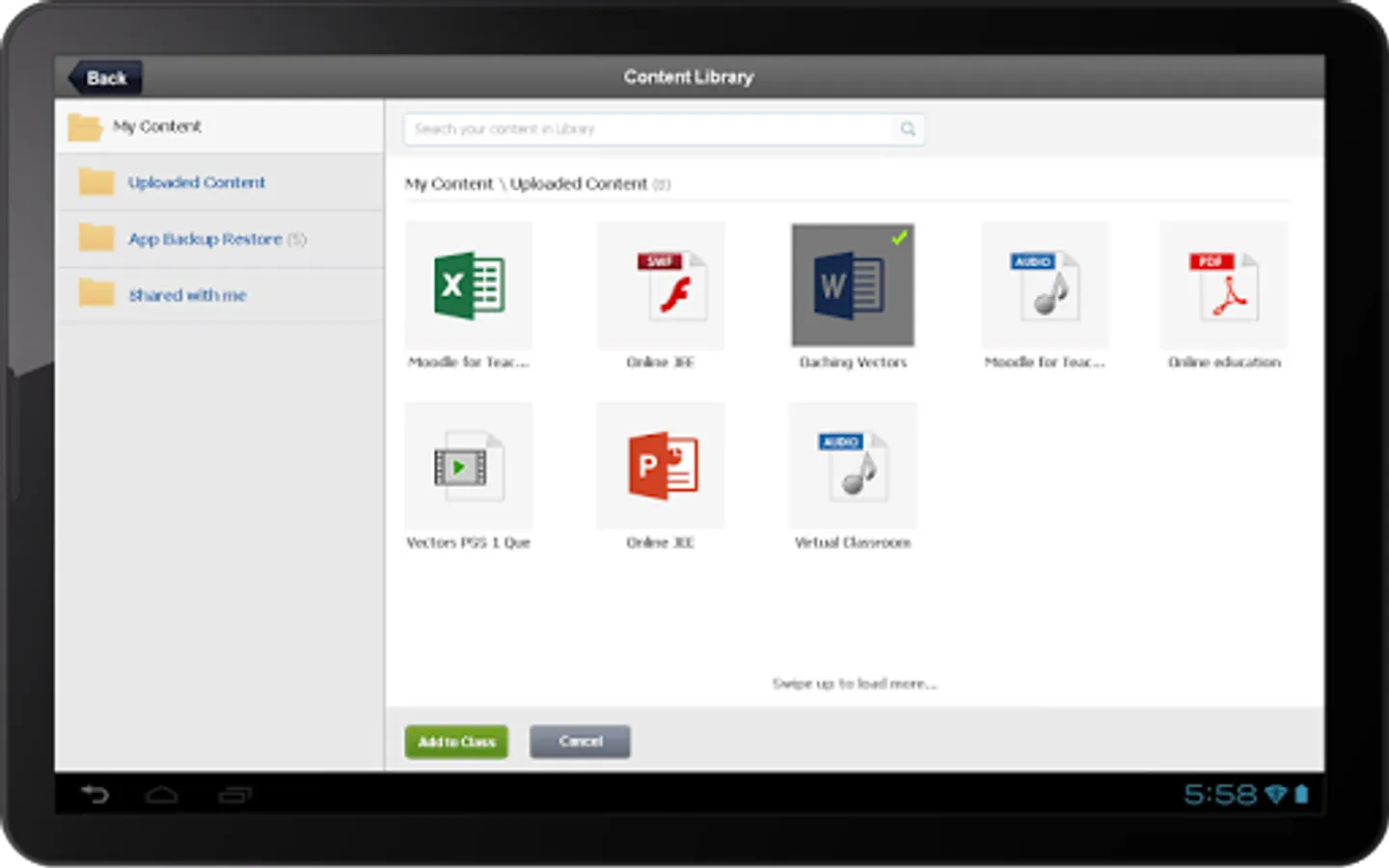
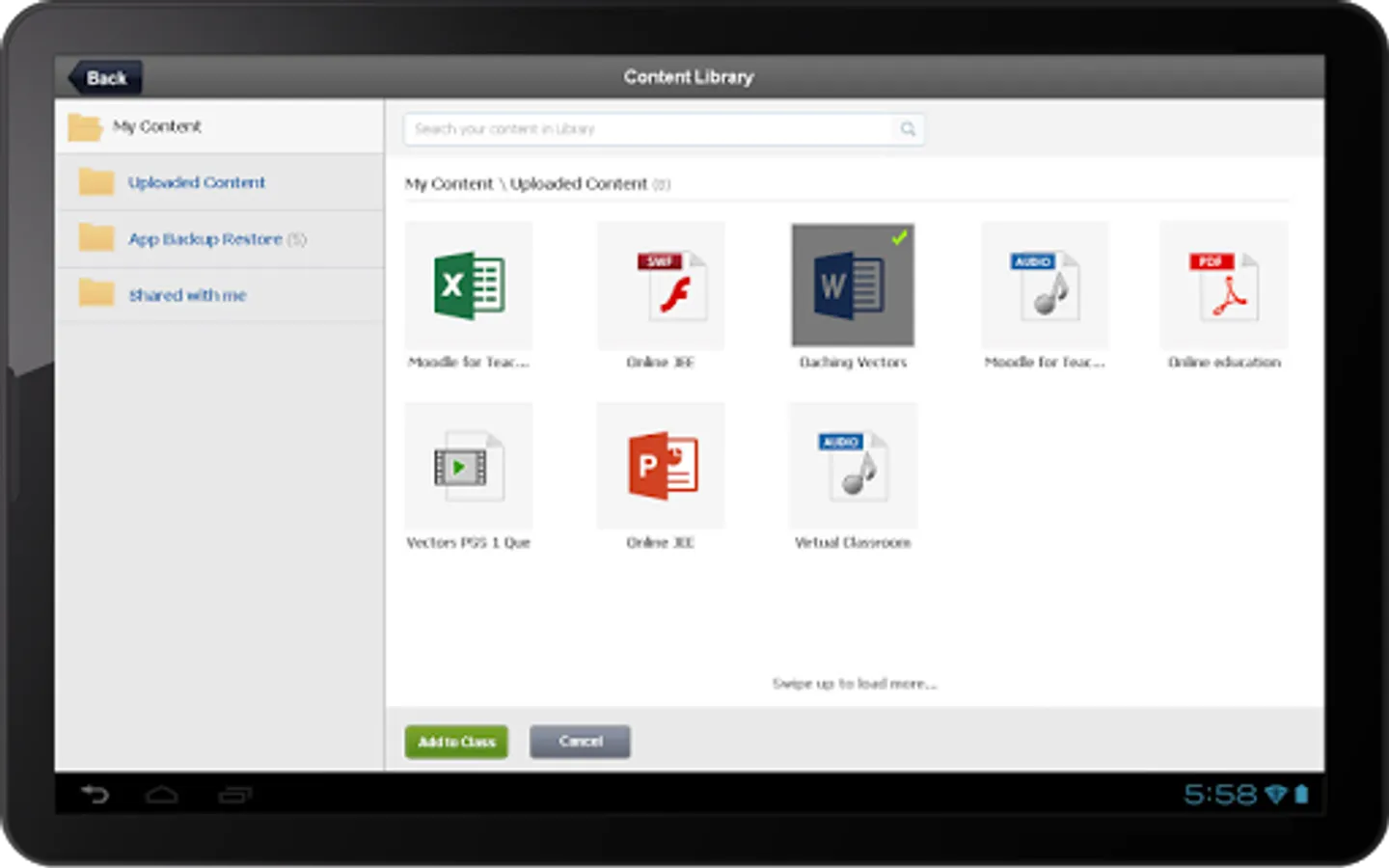
* Access existing content in the Content Library
* Presenter can extend class duration while a class is in progress
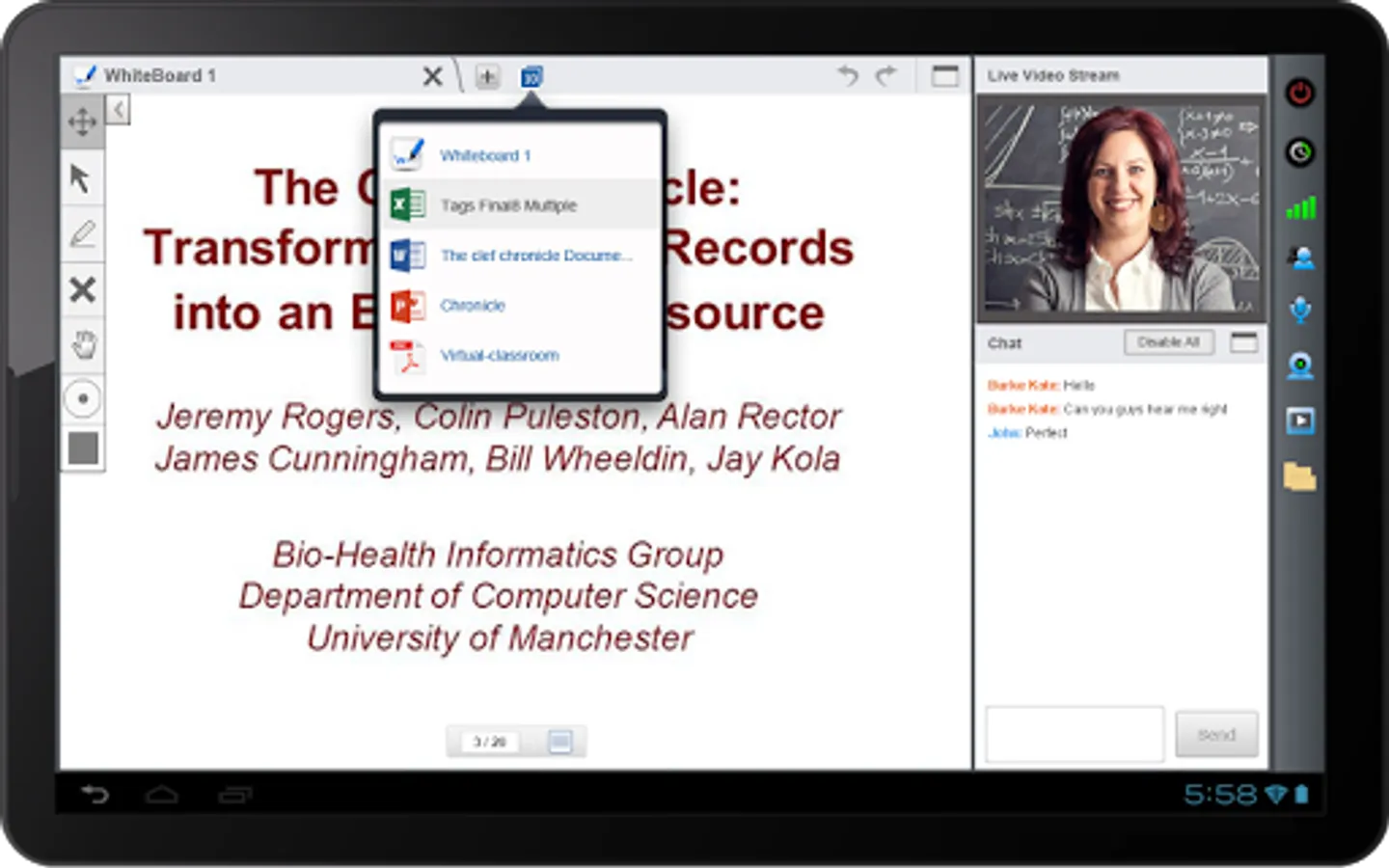
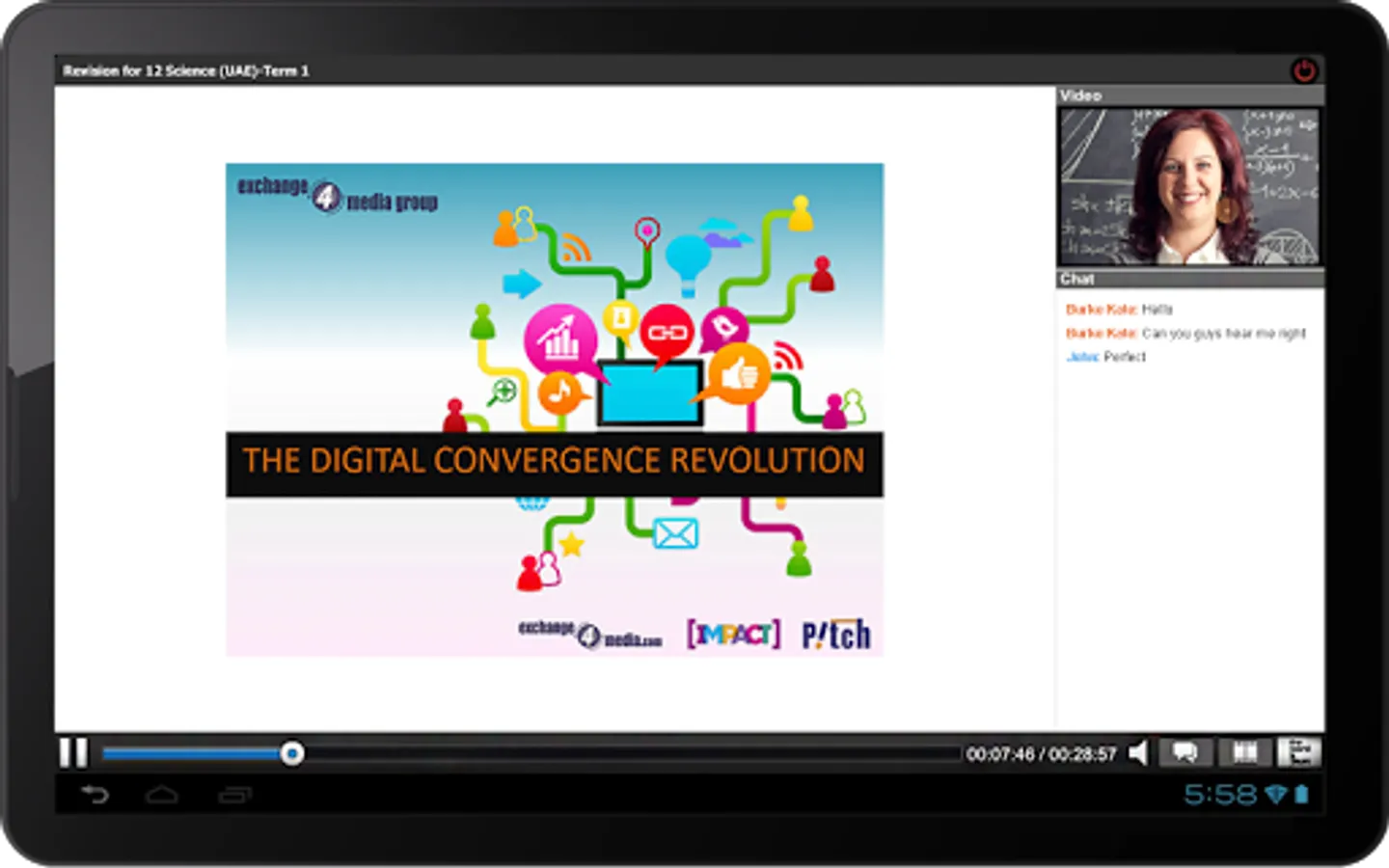
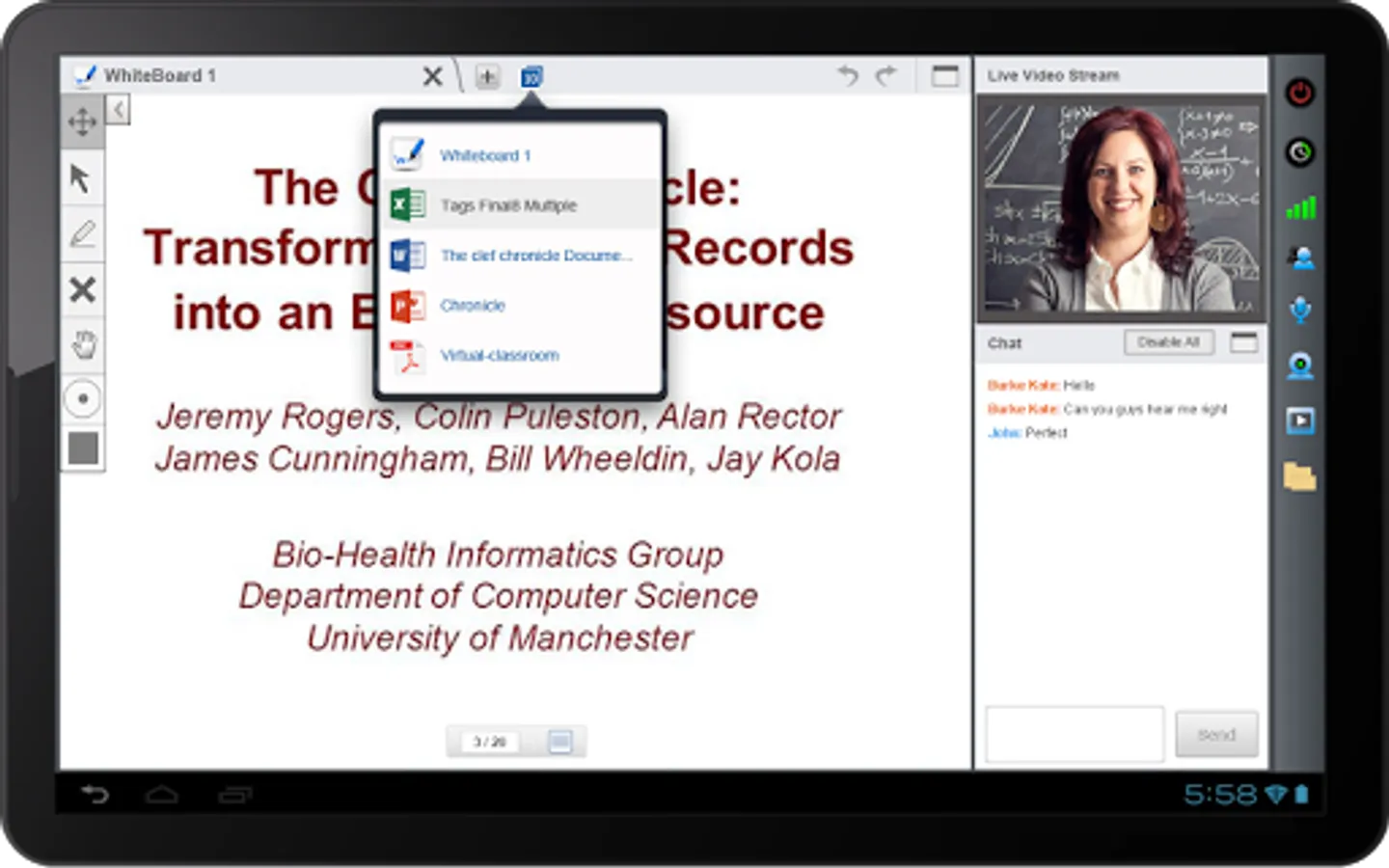
* View and share files, including documents, presentations, and multimedia files
* Use the Raise Hand feature to ask questions
* Communicate using text chat
* Use Content & Presentation players to view and navigate documents / presentations
* View recordings of past classes
* Use Free Hand tool to annotate documents with various colors
* App invocation through browser
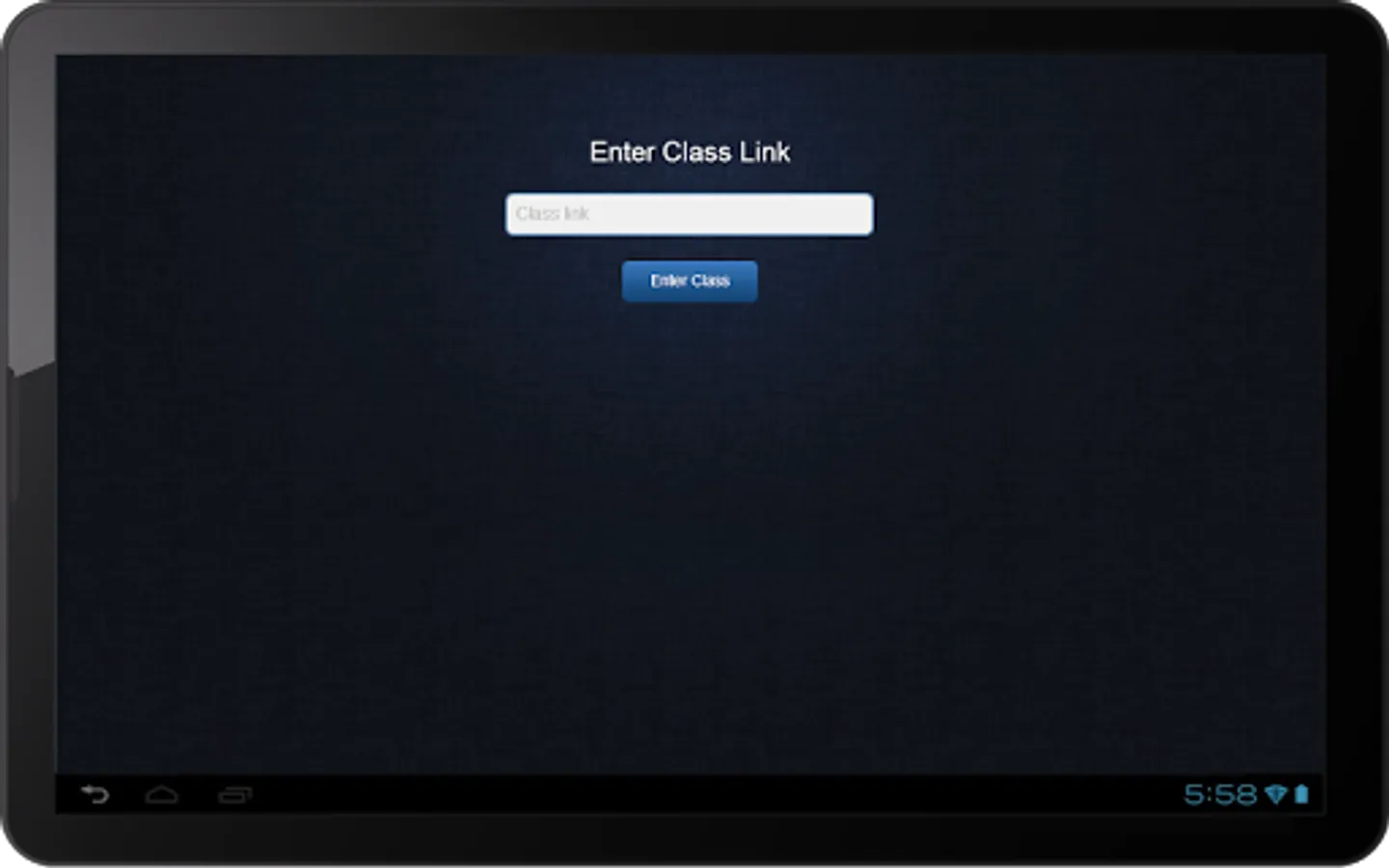
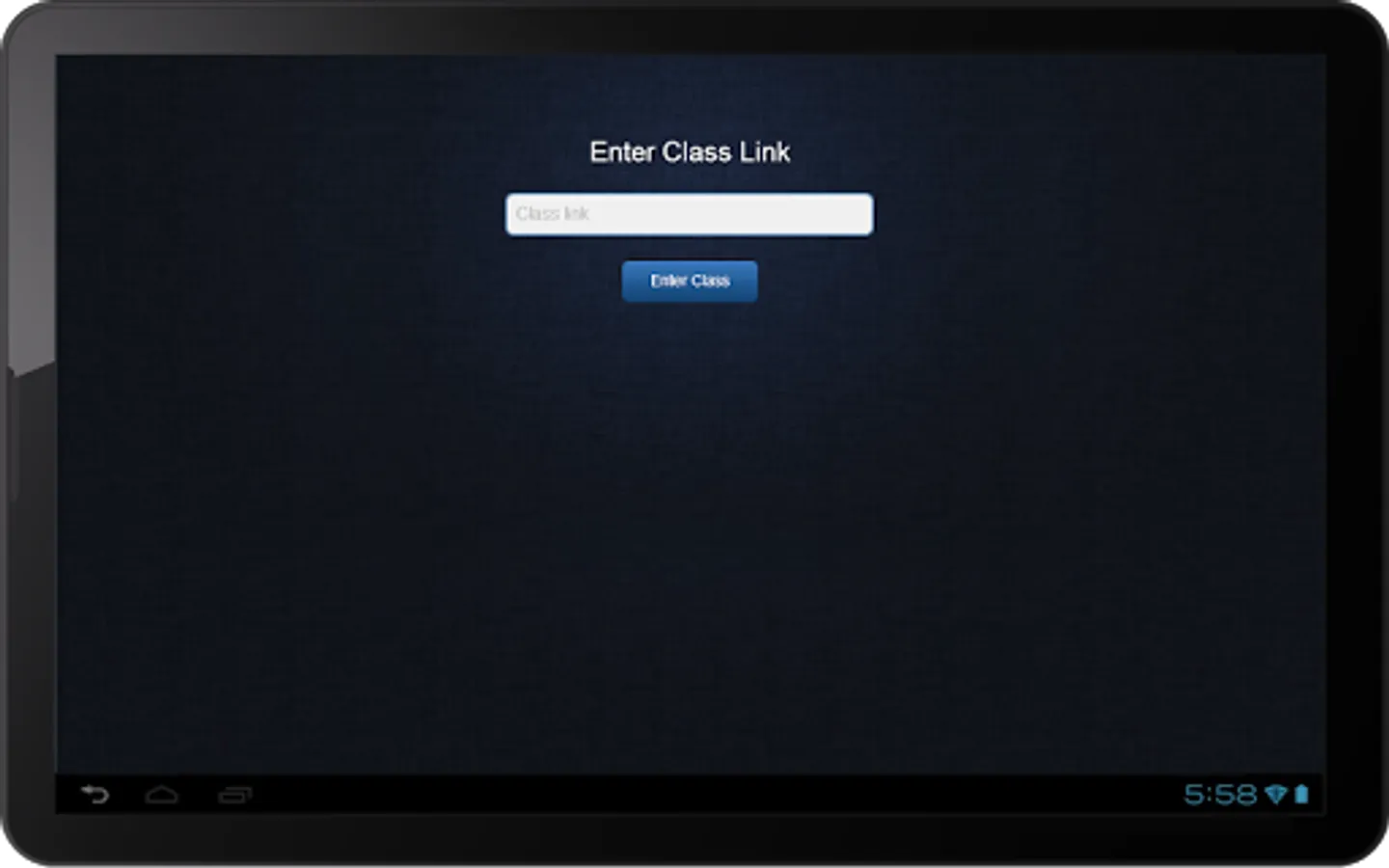
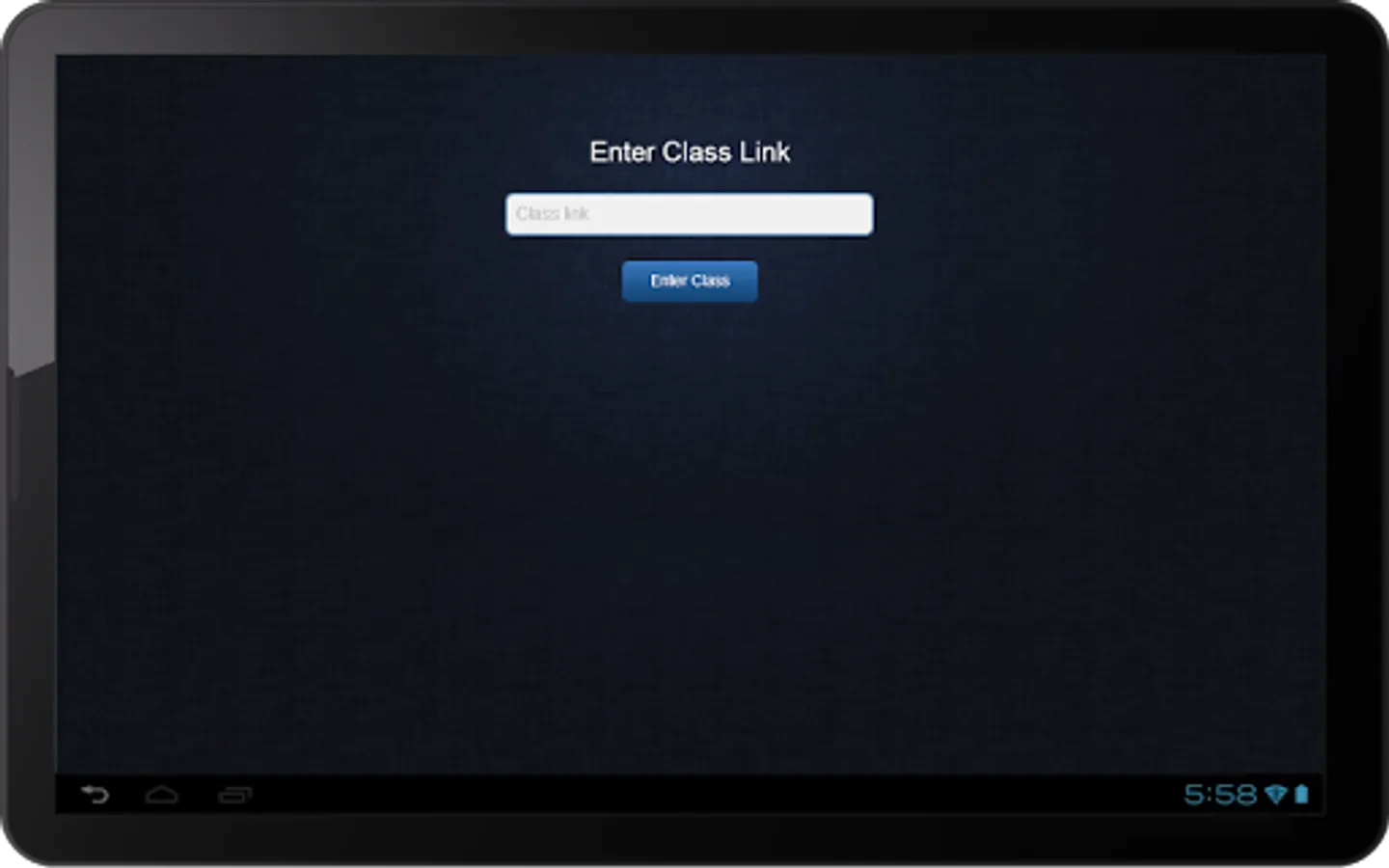
Simply use the live class or class recording link/URL to join a live class or access a class recording using the Virtual Classroom App.
For more information, visit http://virtualclassroomapp.com
Install the Virtual Classroom App to access a wide range of easy-to-use and innovative teaching and learning tools that help you collaborate in the Virtual Classroom environment.
With the Virtual Classroom App, users can:
* Conduct and attend live classes
* Interact using live audio and video
* Add and delete whiteboard
* Use multiple whiteboards and tools
* Use Media Player to play audio and video files
* Transfer audio, video, and writing controls to attendees
* Access existing content in the Content Library
* Presenter can extend class duration while a class is in progress
* View and share files, including documents, presentations, and multimedia files
* Use the Raise Hand feature to ask questions
* Communicate using text chat
* Use Content & Presentation players to view and navigate documents / presentations
* View recordings of past classes
* Use Free Hand tool to annotate documents with various colors
* App invocation through browser
Simply use the live class or class recording link/URL to join a live class or access a class recording using the Virtual Classroom App.
For more information, visit http://virtualclassroomapp.com