
AirMusic Control
Frontier Smart Technologies
3.7 ★
8K ratings
100,000+
downloads
Free
With this app, you can control internet radio devices using Android, manage favorites, and browse stations. Includes device management, update checks, and remote control features.
AppRecs review analysis
AppRecs rating 3.6. Trustworthiness 81 out of 100. Review manipulation risk 24 out of 100. Based on a review sample analyzed.
★★★☆☆
3.6
AppRecs Rating
Ratings breakdown
5 star
50%
4 star
21%
3 star
4%
2 star
4%
1 star
21%
What to know
✓
Low review manipulation risk
24% review manipulation risk
✓
Credible reviews
81% trustworthiness score from analyzed reviews
✓
Good user ratings
71% positive sampled reviews
About AirMusic Control
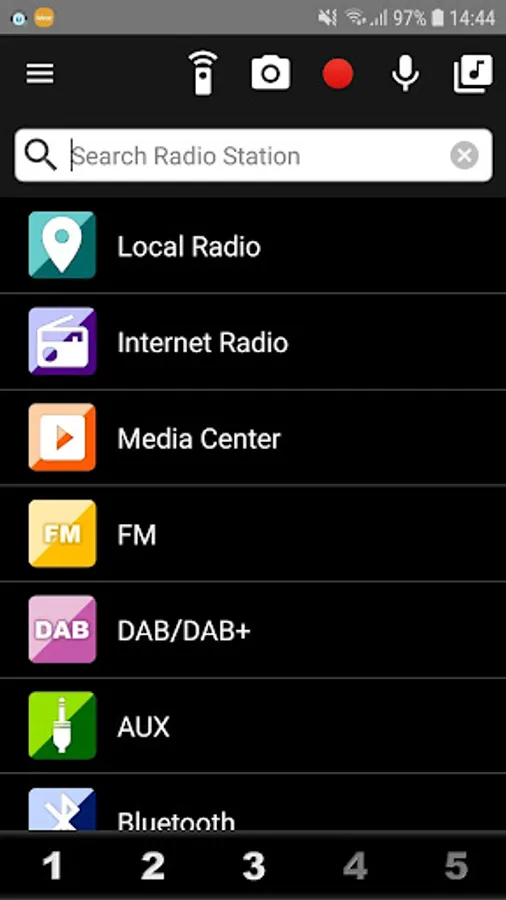
AirMusic Control is designed to control internet radio device using Magic M6/M7/M8/MX platform.
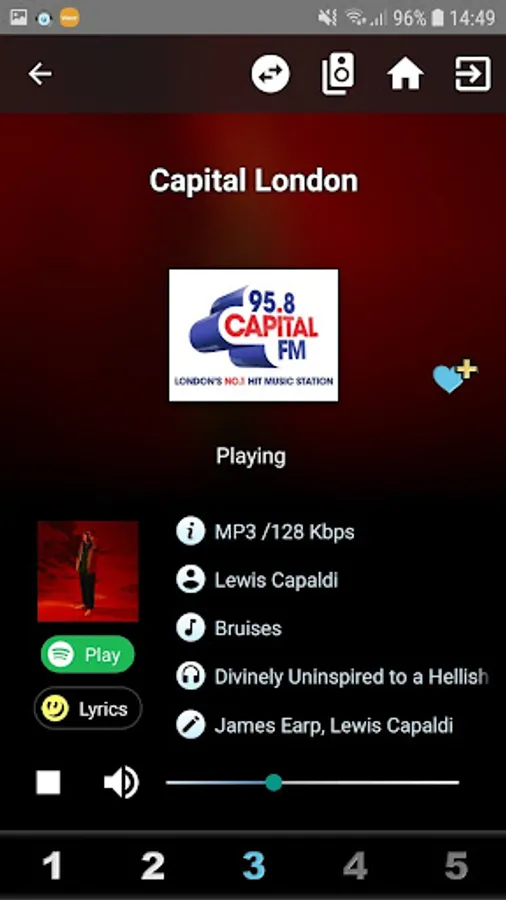
It provides you easy and comfortable operation with Android device.
Features:
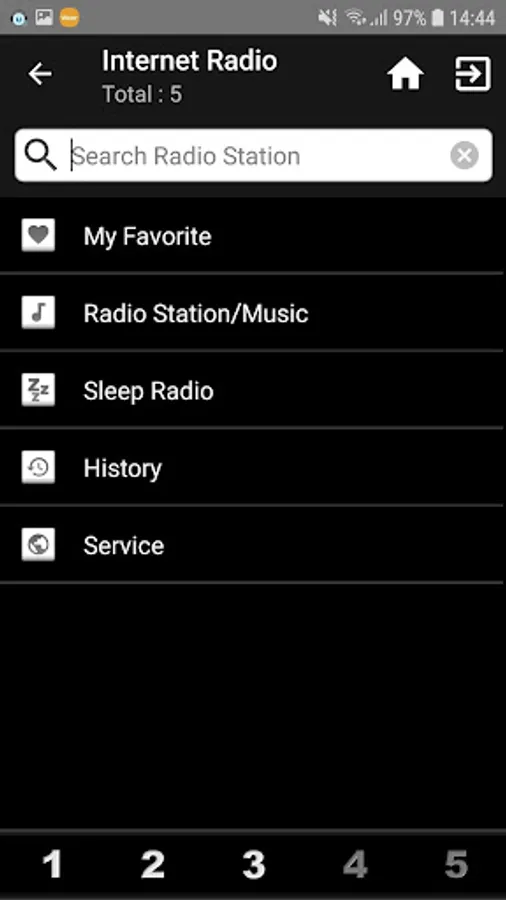
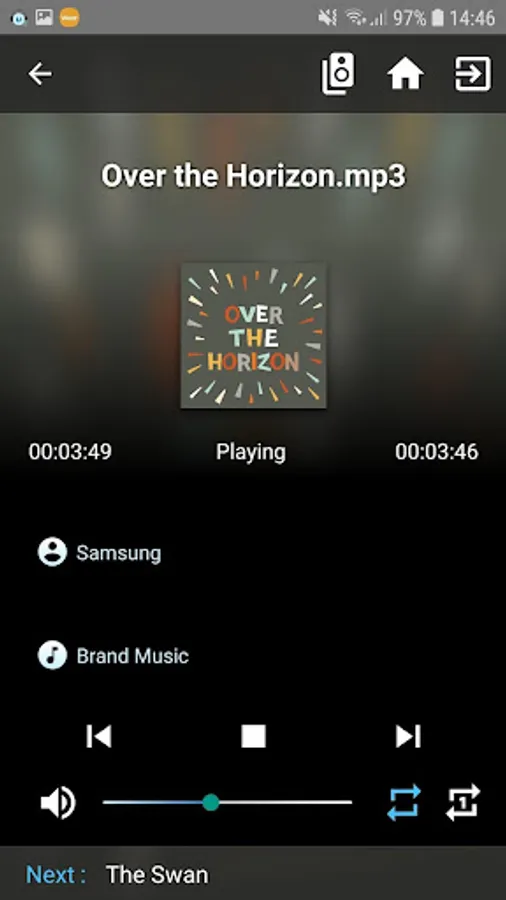
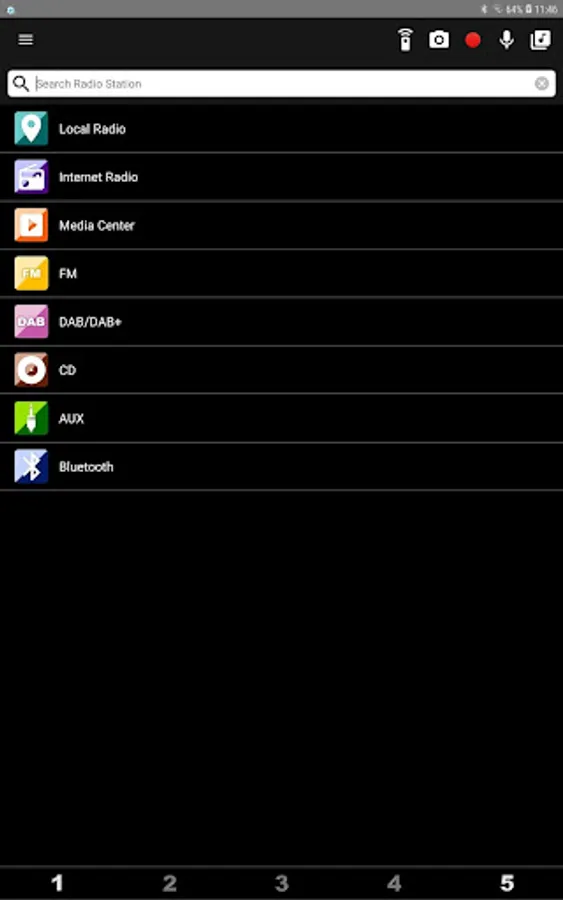
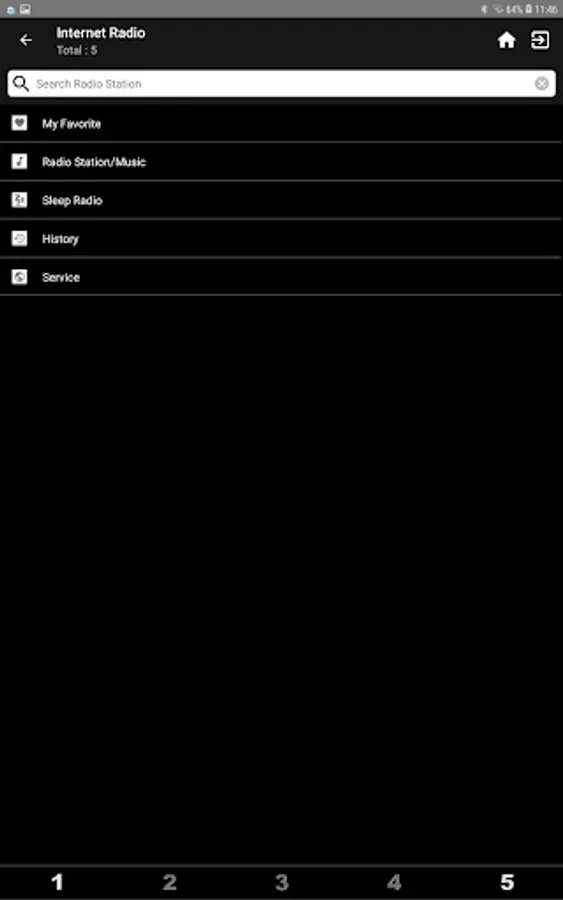
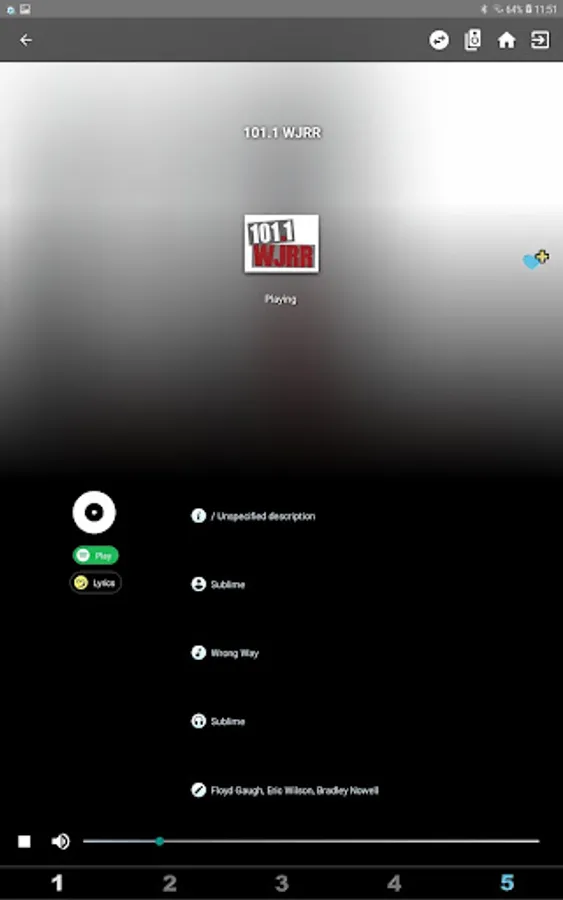
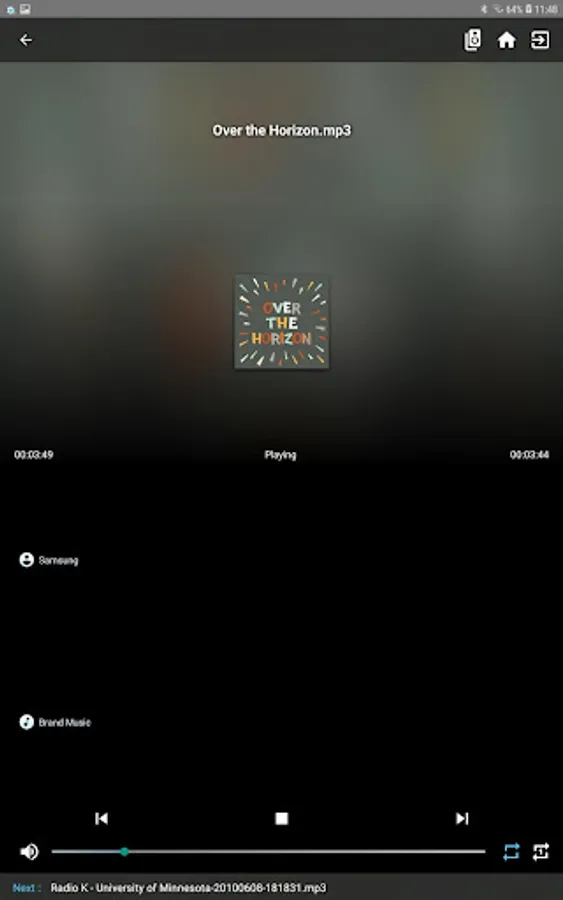
* Local Radio / Internet Radio / Media Center
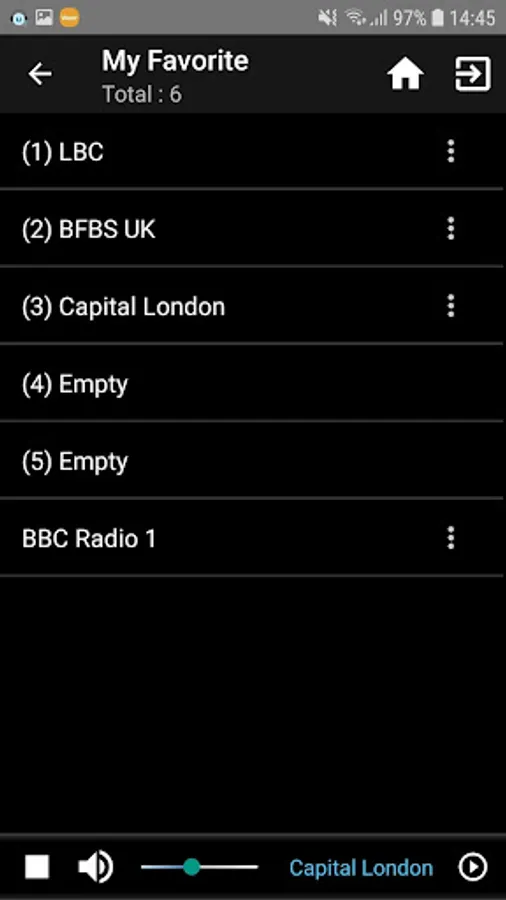
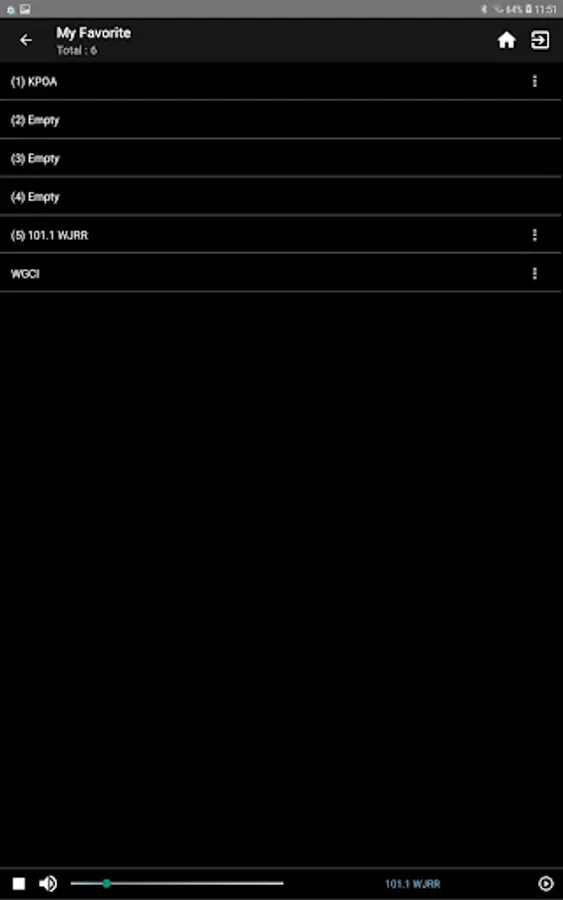
* Edit "My Favorite" of the device
* Radio station search
* UPnP Support
* Change Device name
* Automatic check with software update for the device or you can check it manually on the settings.
If it's failed to connect device, please restart device or check the option "WLAN-Devices can communicate" of your wifi router is checked, then try it again.
------------------------------------------------
Please check product user guide to see if App features are supported by your radio or not :
* FM / AUX / DAB / Bluetooth / USB / CD
* Preset hotkey
All of the station you add will automatically save to "My Favorite".
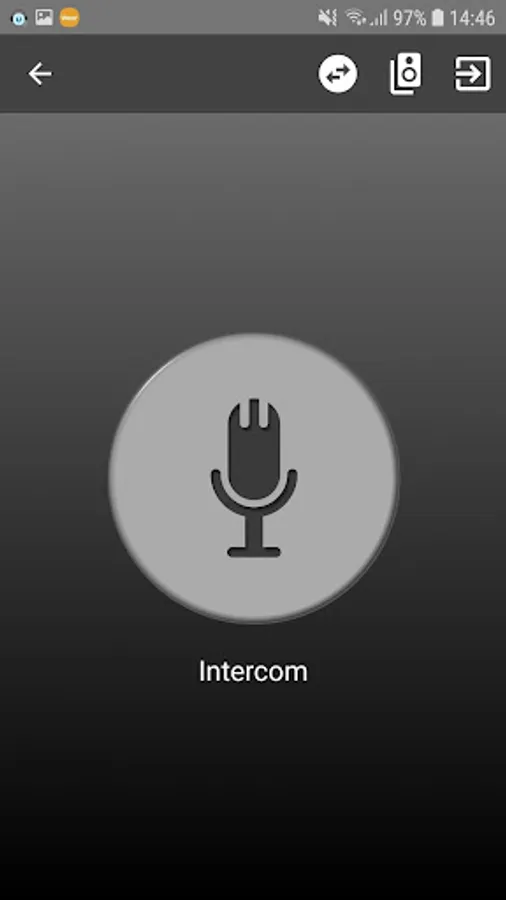
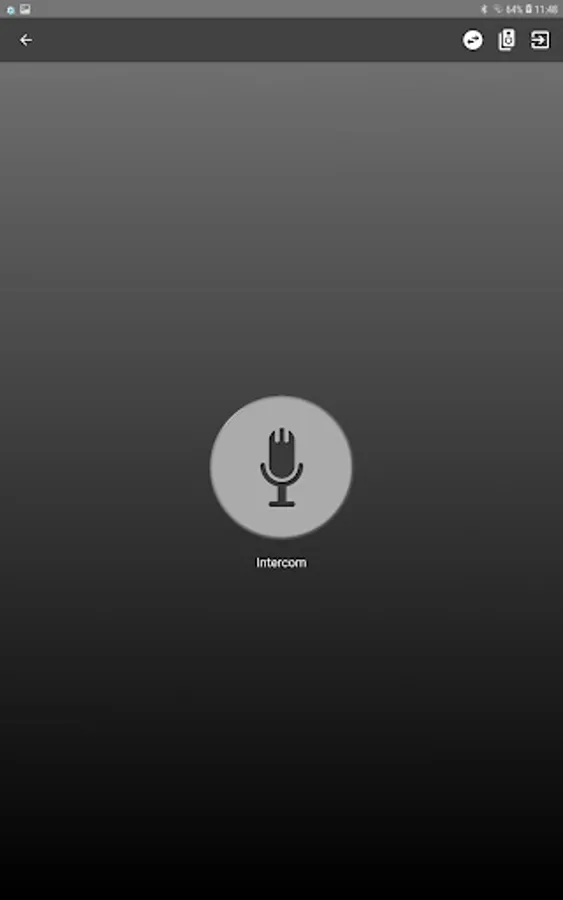
* Push to Talk
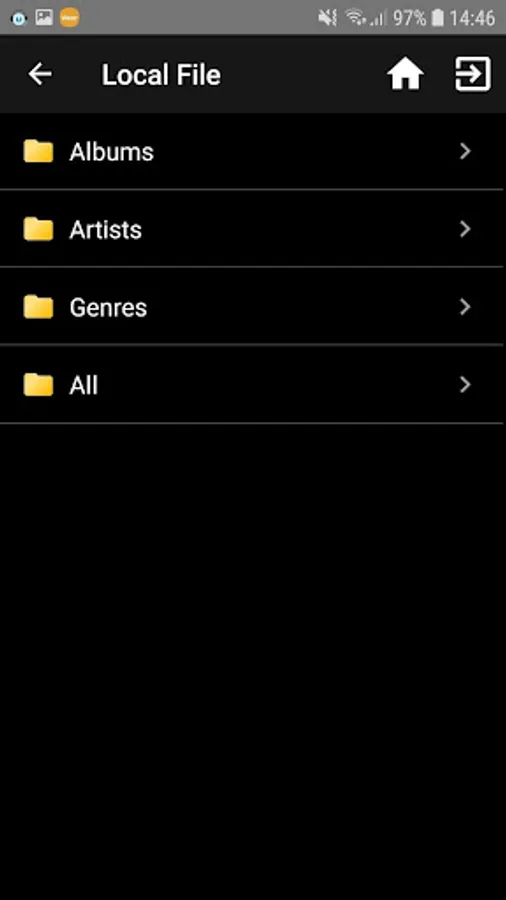
* Local File Support
* Change Startup Screen
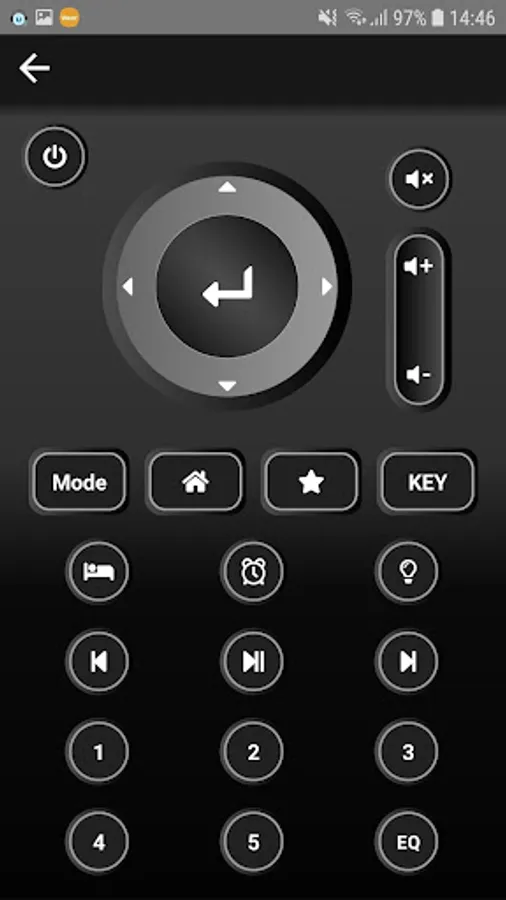
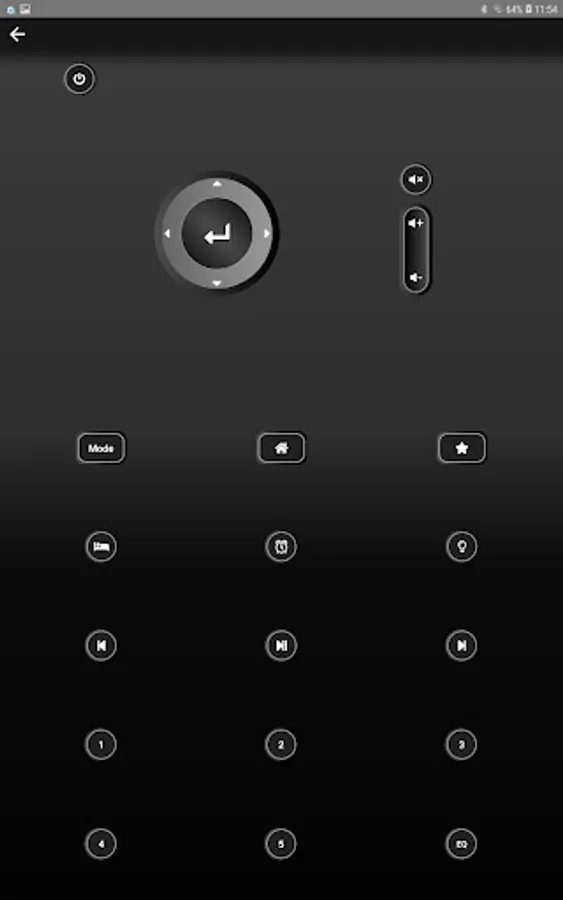
* Remote Control
* Multi (Device) Room Support
If you have one more device.
If you have any problem, please feel free to contact us.
Thank you for all of your support and feedback.
contact@mediayou.net
It provides you easy and comfortable operation with Android device.
Features:
* Local Radio / Internet Radio / Media Center
* Edit "My Favorite" of the device
* Radio station search
* UPnP Support
* Change Device name
* Automatic check with software update for the device or you can check it manually on the settings.
If it's failed to connect device, please restart device or check the option "WLAN-Devices can communicate" of your wifi router is checked, then try it again.
------------------------------------------------
Please check product user guide to see if App features are supported by your radio or not :
* FM / AUX / DAB / Bluetooth / USB / CD
* Preset hotkey
All of the station you add will automatically save to "My Favorite".
* Push to Talk
* Local File Support
* Change Startup Screen
* Remote Control
* Multi (Device) Room Support
If you have one more device.
If you have any problem, please feel free to contact us.
Thank you for all of your support and feedback.
contact@mediayou.net
AirMusic Control Screenshots

Tap to Rate:
Reviews for AirMusic Control
David P
10/26/2025
Subpar software to match the subpar hardware.
Mike O Farrell
10/12/2025
Is this app still supported? I'm unable to connect to radio to search for stations