Fundamentals of Computer
E-TEACHING GURUKUL
4.5 ★
543 ratings
100,000+
downloads
Free
With this tutorial app, you can learn about computer hardware, software, and networking concepts through structured lessons and examples. Includes chapters on computer basics, hardware details, software types, and practical applications.
AppRecs review analysis
AppRecs rating 4.5. Trustworthiness 77 out of 100. Review manipulation risk 27 out of 100. Based on a review sample analyzed.
★★★★☆
4.5
AppRecs Rating
Ratings breakdown
5 star
79%
4 star
10%
3 star
0%
2 star
0%
1 star
10%
What to know
✓
Low review manipulation risk
27% review manipulation risk
✓
Credible reviews
77% trustworthiness score from analyzed reviews
✓
High user satisfaction
90% of sampled ratings are 4+ stars (4.5★ average)
About Fundamentals of Computer
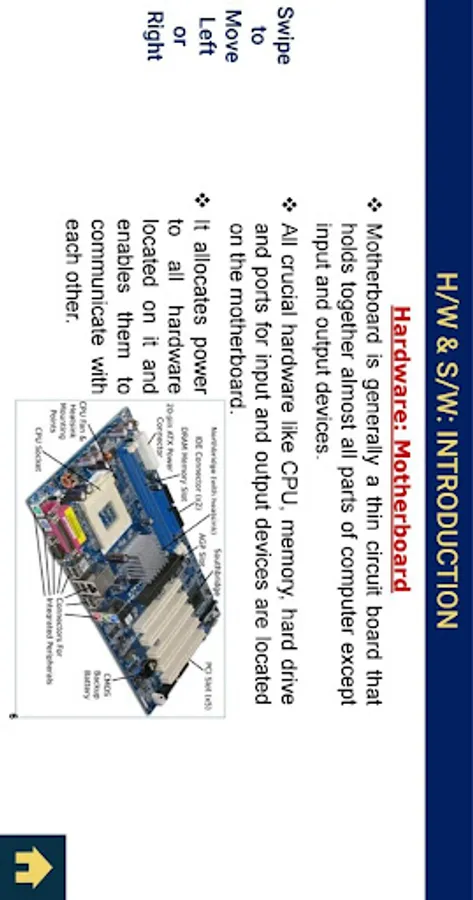
This TUTORIAL App includes all topics of Computer fundamentals such as input devices, output devices, memory, CPU, motherboard, computer network, virus, software, hardware etc.
A computer is an advanced electronic device that takes raw data as an input from the user and processes it under the control of a set of instructions (called program), produces a result (output), and saves it for future use.
This TUTORIAL explains the foundational concepts of computer hardware, software, operating systems, peripherals, etc. along with how to get the most value and impact of computer technology.
In this TUTORIAL, students will become familiar with the basic principles of a personal computer, including the internal hardware, the operating system, and software applications. Students will gain practice in using key applications, such as word processors, spreadsheets, and presentation software, as well as understand social and ethical issues around the Internet, information, and security.
Chapters:
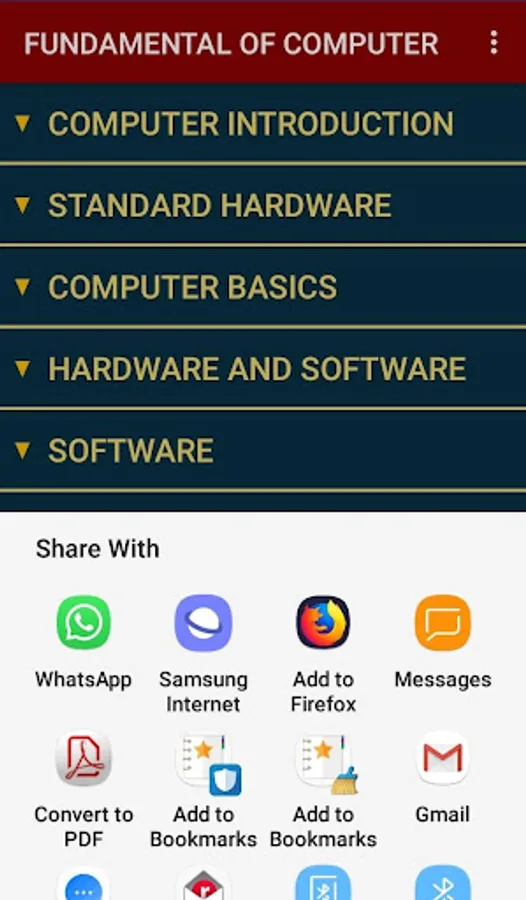
1. Computer Basics
-Computer Generation
-Computer History
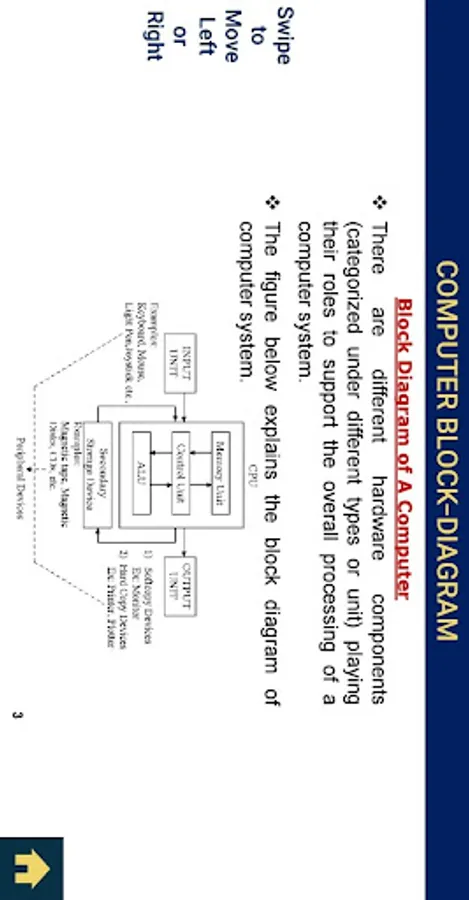
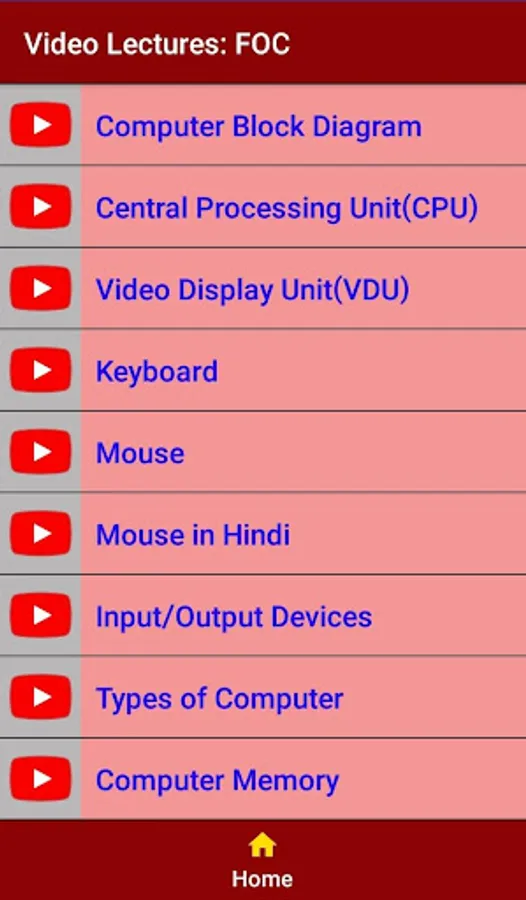
-Computer Block-Diagram
-Central Processing Unit (CPU)
-Video Display Unit (VDU)
-Input/Output Devices: Keyboard, Mouse
-Types of Computer
-Computer Memory
-Computer Data
2. Computer Hardware
-Computer Cables
-Computer Bus
-Expansion Slot
-Device Drivers
-Installation
-Plug-and-Play
3. Software
-Programming Language
-Translation
-System Software
-Application Software
-Computer Language Paradigm
-Operating System Basic
-BIOS
-System Utility
-Antivirus
4. Word Processing
-Text Formatting
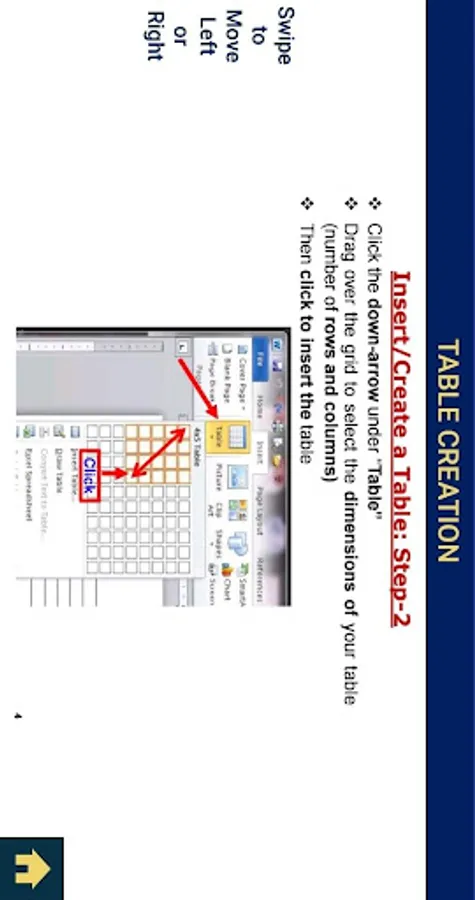
-Table Creation & Basics
-Spell-Check
-Threasure
-Printing a Documents
5. Spreadsheet
-Excel: Basic Operations
6. PowerPoint: Introduction & Basic Operations
7. Computer Network
-LAN-WAN
-Computer Network Topology
-Network Hardware
-Network Devices
8. Internet
-WWW
-Web Browser
-Search Engine & URL
-ISP
-DNS
-IP
-Internet and Intranet
-Website
-Email and Netiquette
-Skype
9. Smart Gadget: Smart Phone, 4KTV, Kindle etc.
10. Impact of Computer
-Data Analysis
-Computer Accounting
-Computer Investment
-Inventory Control
-Graphics & Multimedia
-Robotics
-Cyber Security
-Audio and Video Conferencing
A computer is an advanced electronic device that takes raw data as an input from the user and processes it under the control of a set of instructions (called program), produces a result (output), and saves it for future use.
This TUTORIAL explains the foundational concepts of computer hardware, software, operating systems, peripherals, etc. along with how to get the most value and impact of computer technology.
In this TUTORIAL, students will become familiar with the basic principles of a personal computer, including the internal hardware, the operating system, and software applications. Students will gain practice in using key applications, such as word processors, spreadsheets, and presentation software, as well as understand social and ethical issues around the Internet, information, and security.
Chapters:
1. Computer Basics
-Computer Generation
-Computer History
-Computer Block-Diagram
-Central Processing Unit (CPU)
-Video Display Unit (VDU)
-Input/Output Devices: Keyboard, Mouse
-Types of Computer
-Computer Memory
-Computer Data
2. Computer Hardware
-Computer Cables
-Computer Bus
-Expansion Slot
-Device Drivers
-Installation
-Plug-and-Play
3. Software
-Programming Language
-Translation
-System Software
-Application Software
-Computer Language Paradigm
-Operating System Basic
-BIOS
-System Utility
-Antivirus
4. Word Processing
-Text Formatting
-Table Creation & Basics
-Spell-Check
-Threasure
-Printing a Documents
5. Spreadsheet
-Excel: Basic Operations
6. PowerPoint: Introduction & Basic Operations
7. Computer Network
-LAN-WAN
-Computer Network Topology
-Network Hardware
-Network Devices
8. Internet
-WWW
-Web Browser
-Search Engine & URL
-ISP
-DNS
-IP
-Internet and Intranet
-Website
-Email and Netiquette
-Skype
9. Smart Gadget: Smart Phone, 4KTV, Kindle etc.
10. Impact of Computer
-Data Analysis
-Computer Accounting
-Computer Investment
-Inventory Control
-Graphics & Multimedia
-Robotics
-Cyber Security
-Audio and Video Conferencing
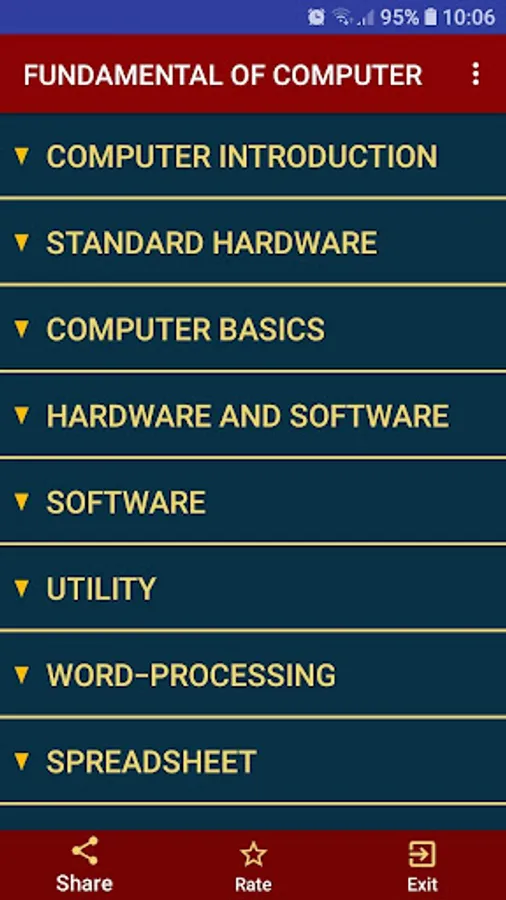
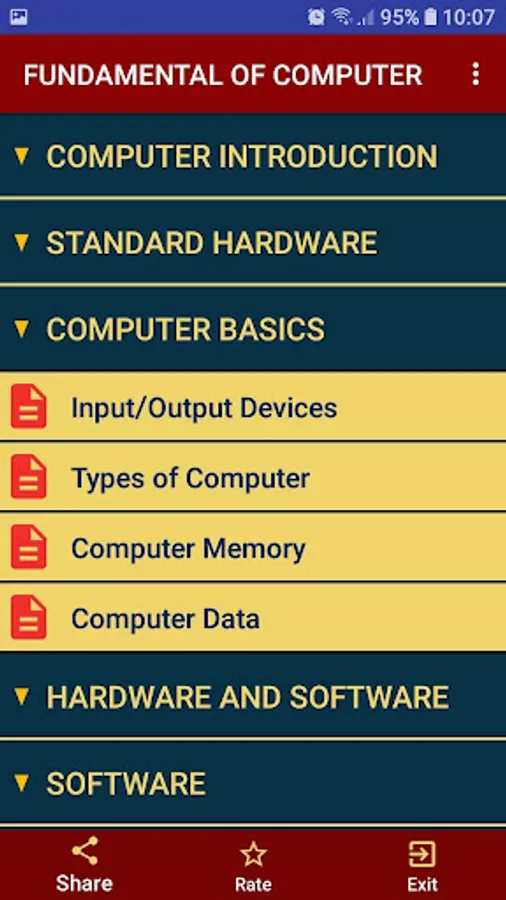
Fundamentals of Computer Screenshots
Tap to Rate:
Reviews for Fundamentals of Computer
Nabin Dhami
8/10/2025
this app is very nice. ❤️💯
Jennifer Le Blanc-Reda (NoneYA!)
6/17/2025
the only fundamental thing about this app is no information unless you pay