Basic for Android -F
Free
rated 3.4 stars
10,000+
downloads
About Basic for Android -F
You can now use your device as a portable computer.
Language Specification
A simple and thorough language specification that act on behalf of modern complex command descriptions with a single command.
It maintains high compatibility with traditional [Basic].
In addition to programming, direct command execution is also possible.
User-defined functions and various flow controls, automatic definition of variables (scopes) are supported.
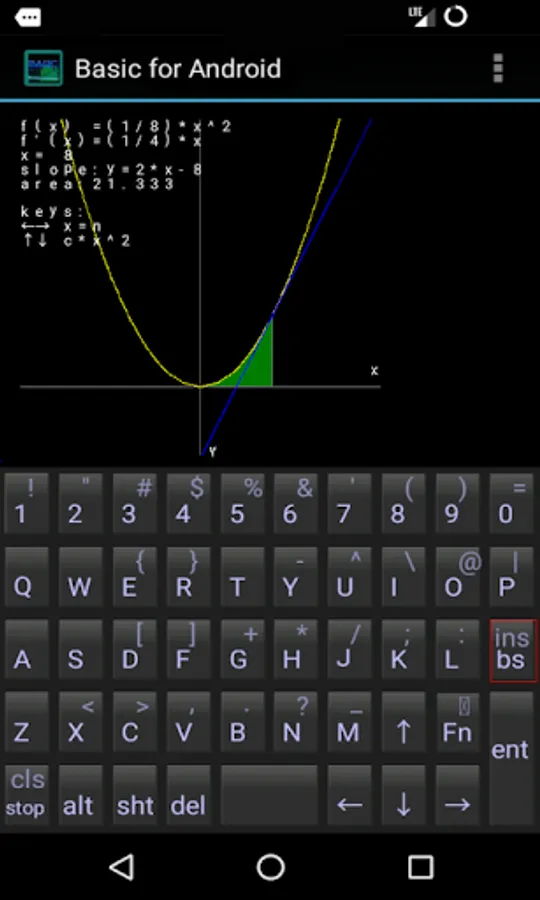
It includes mathematical functions aligned with school curriculum, as well as calculation functions for differentiation, integration.
In this version, it can use the interpreter mode.
It is compatible with full-width characters from various countries.
The manual is available in eight languages, including English.
- File Operations:
Effectively access and manipulate files on the device.
Zip file compression and decompression are also possible.
- Support for SQLite and Regular Expressions:
Allows for flexible management and processing of data.
- Music Playback Functionality, Text-to-Speech Synthesis Feature:
Converts text into natural speech.
It is possible to output messages in audio format, and it supports multiple languages.
In Full version, it can use the following functions.
Intermediate code execution mode.(about 32x speed)
Extended command to control various Android functions.
(Various sensors,Camera,GPS,Video playback,Voice recording/synthesis,QR-code Reader/Generator)
Intermediate code 'bin' format save function.
Specified time alarm execution function.
Bluetooth communication control function.
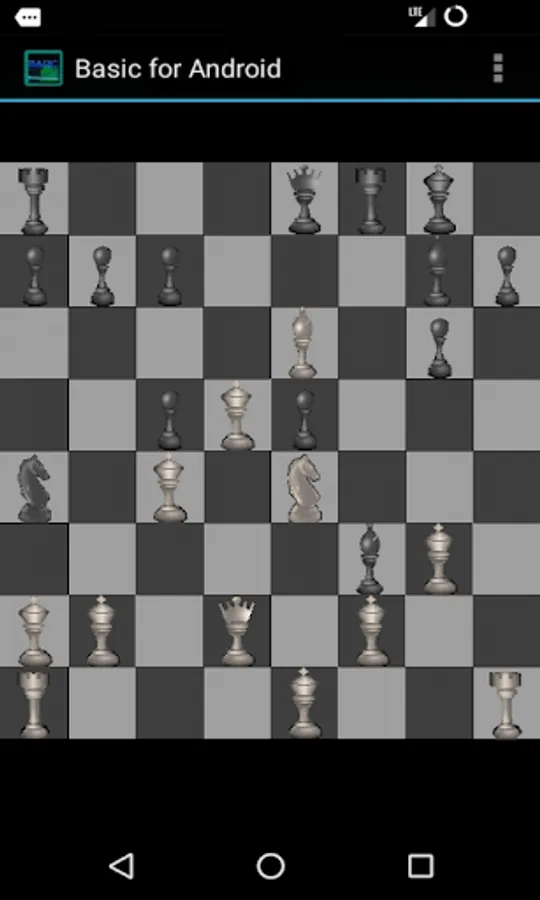
Sprite & BG Graphics function.
C language conversion save function.
Execute external application.
(The full version appears when tap the developer's app list in the Play Store)
Others:
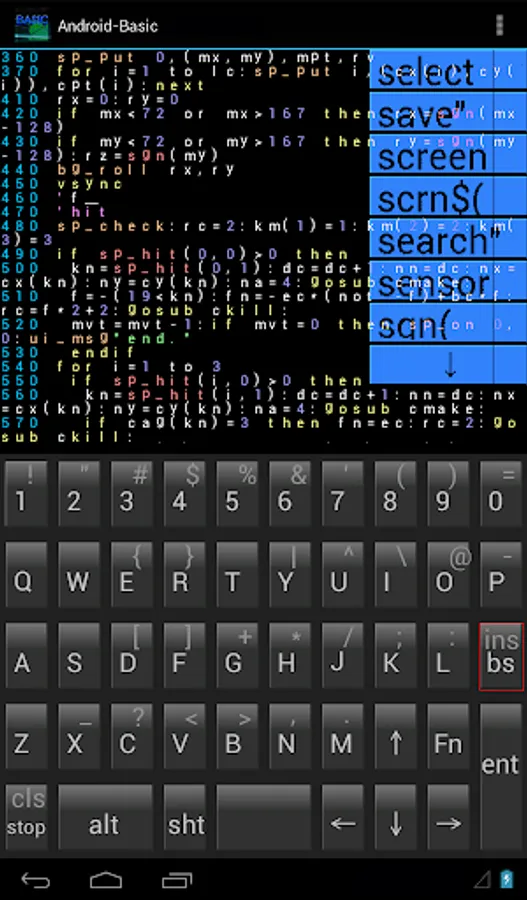
Screen keyboard (with key assignments) and virtual pad function.
Input assistance function, pop-up help function.
Data can be exchanged with a computer via USB cable connection or SD card.
Basic for Android, that's how the design that can be applied various.
Please visit the official website for more details.
Android is a trademark of Google LLC.
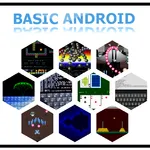
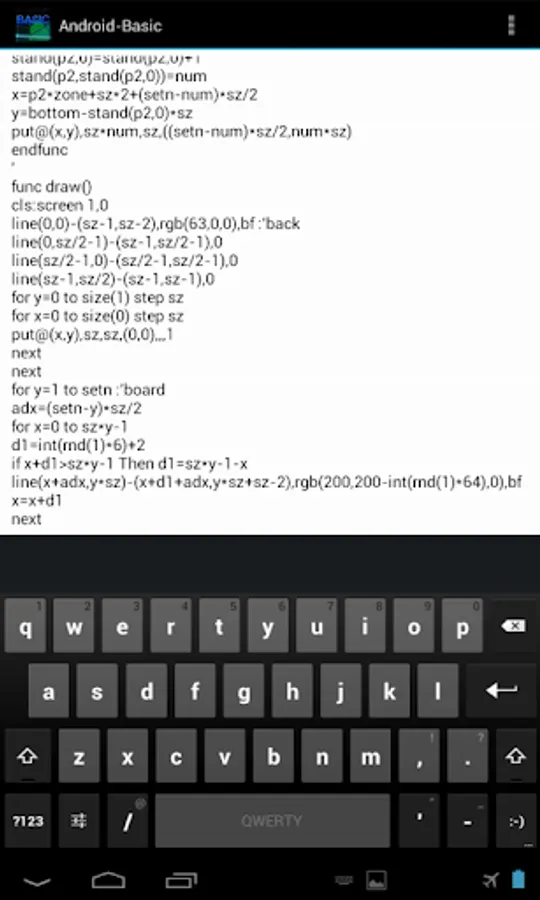
Basic for Android -F Screenshots
Reviews for Basic for Android -F
Pasi Mustalahti
12/22/2025
awfull editor. Program files are hidden. does not build programs to run as scripts. Useless.
A google user
5/28/2025
It's nice that the app has so many features,however the free-version too slow to be of any practical use.Perhaps the paid version much faster. Suggestions: 1) support for complex-numbers,2) support for polynomial roots.
Gordon Seifert
4/12/2025
I can not use a hardware keyoard with it because it ignores the shift key. It does see it because it pops up an autocomplete bubble at the top right with shift displayed in it. I don't want autocomplete though. If I use a 48 font it does type to the text area rather than autocompleting, but shift still does not work. Can't enter a ", only a '. Tried numerous bluetooth, and wired keyboards with numerous tablets. And other editors on the same tablets work fine with the same keyoards.
Pinku Shetty
9/22/2024
It gliches
Arno Hasnæs
9/18/2024
Very usefull for when a calculator is not enough. You can use the 'NMM' app's file function to rescue your BASIC files and circumvent android restrictions.
Tap to Rate: