
AppRecs review analysis
AppRecs rating 4.0. Trustworthiness 71 out of 100. Review manipulation risk 35 out of 100. Based on a review sample analyzed.
★★★★☆
4.0
AppRecs Rating
Ratings breakdown
5 star
66%
4 star
6%
3 star
4%
2 star
3%
1 star
21%
What to know
✓
Credible reviews
71% trustworthiness score from analyzed reviews
✓
Good user ratings
72% positive sampled reviews
About Icon Changer
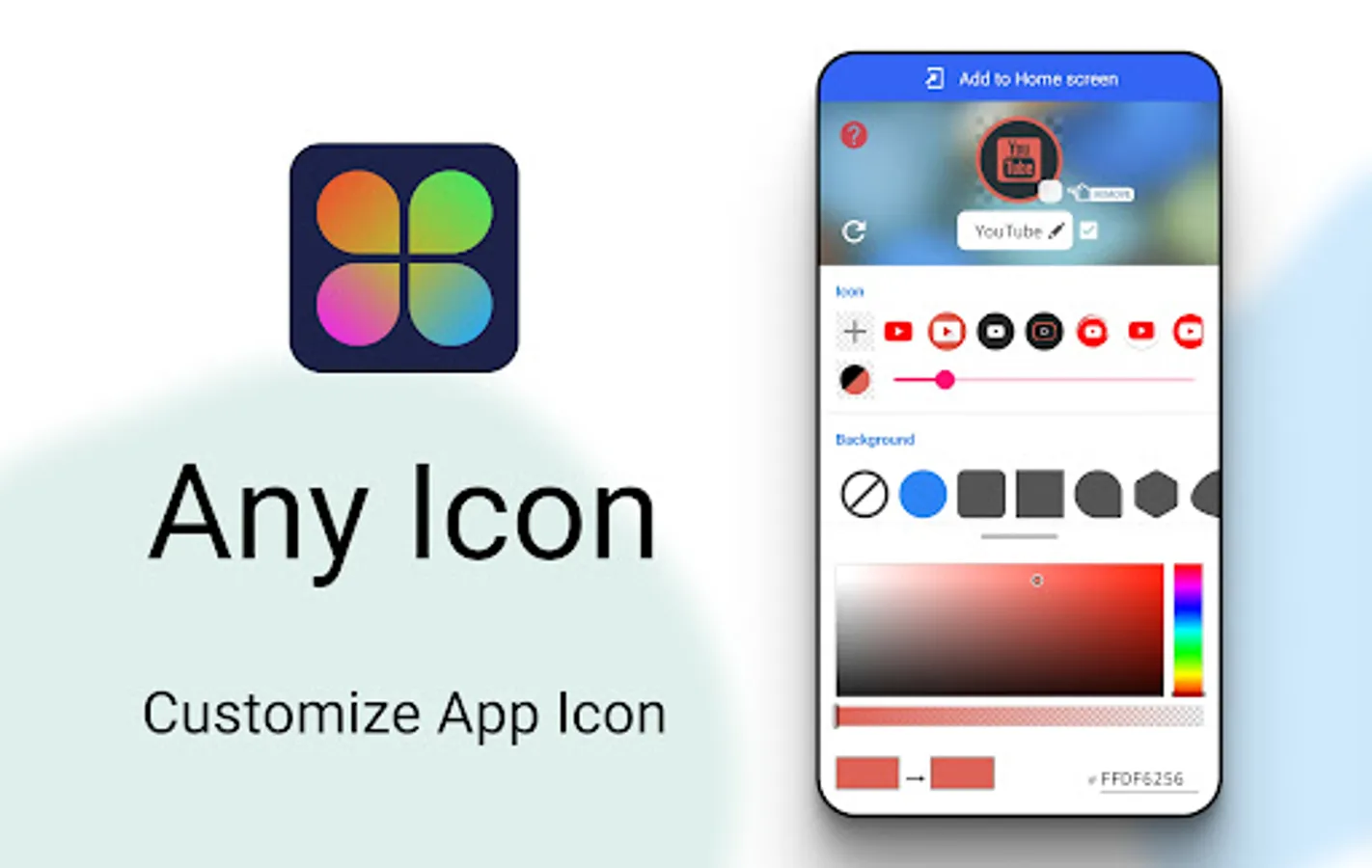
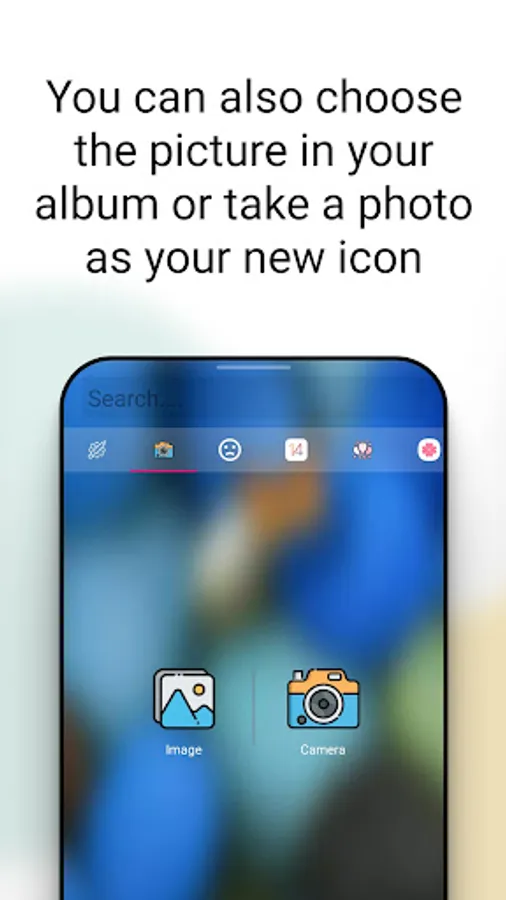
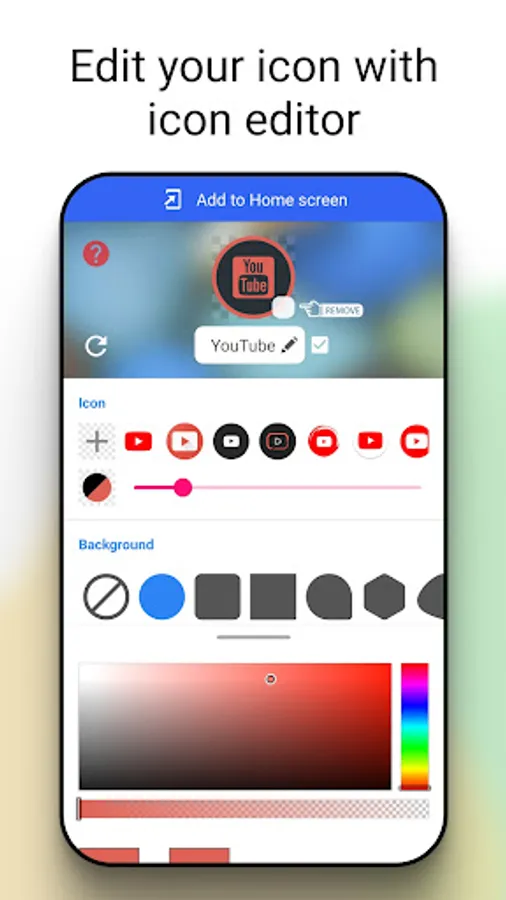
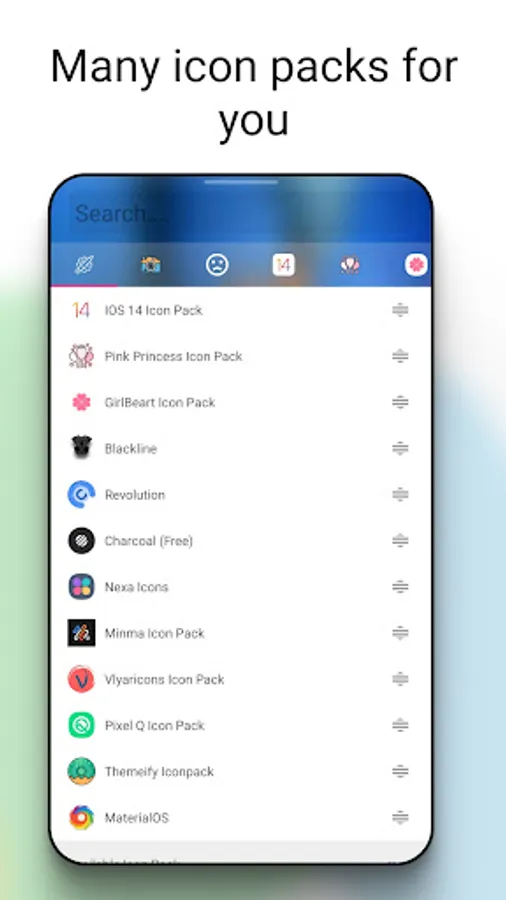
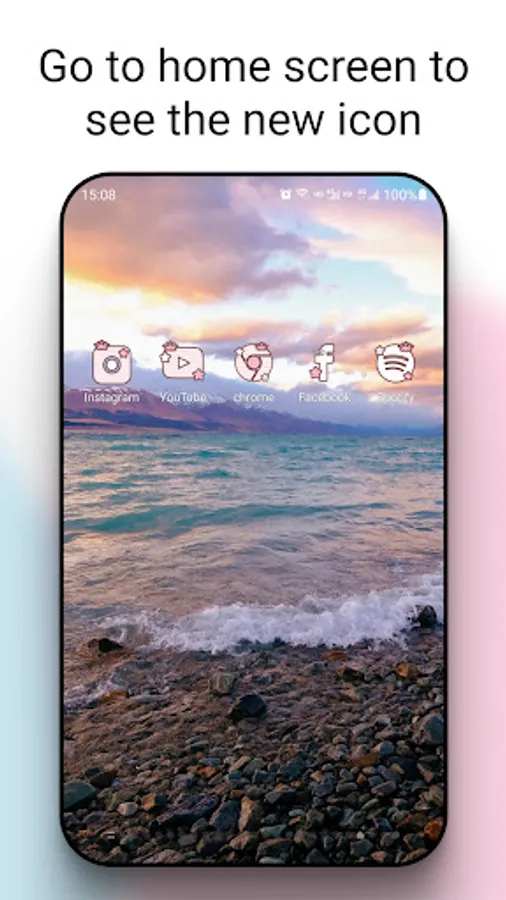
Icon Changer is a completely free and practical icon replacement application. We use the shortcut function provided by the Android system to help you change and customize the icon and name of any application. We have built-in tens of thousands of icons and styles, which can also be selected from the gallery or camera. Our app will create a shortcut with a new icon on the home screen. This is the easiest way to decorate your Android phone.
How to use:
1. Open Icon Changer.
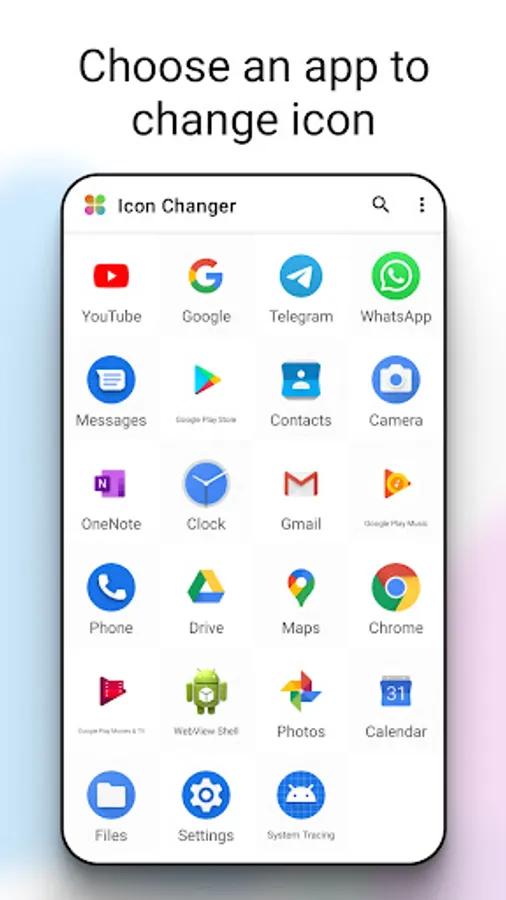
2. Select an application to change the icon.
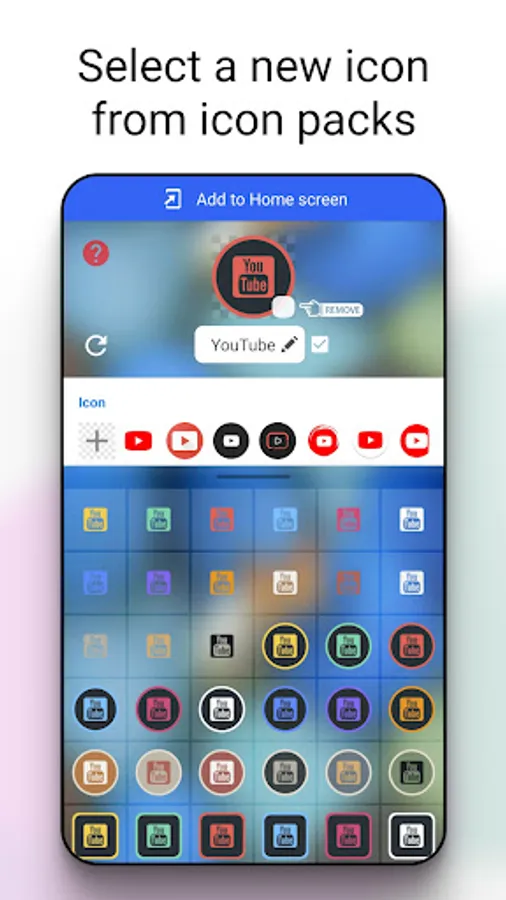
3. Choose a new image from the built-in icon pack, gallery, other application icons or third-party personalized icon packs.
4. Edit the new name for the application (can be null).
5. Go to the home screen/desktop to view the new shortcut icons.
About watermark:
In some systems, a watermark is automatically added to the shortcut icon. We provide you with a method that can perfectly change the application icon without using widget technology. However, this method does not solve all mobile phone problems. If the Icon you make has a watermark, you can solve it as follows
1. Go to your phone's home screen, press & hold a blank space, then click "Widget" form the bottom menu.
2. Find this app in widget page, touch & hold it and drag it to your launcher.
3. Now create your Icon
How to use:
1. Open Icon Changer.
2. Select an application to change the icon.
3. Choose a new image from the built-in icon pack, gallery, other application icons or third-party personalized icon packs.
4. Edit the new name for the application (can be null).
5. Go to the home screen/desktop to view the new shortcut icons.
About watermark:
In some systems, a watermark is automatically added to the shortcut icon. We provide you with a method that can perfectly change the application icon without using widget technology. However, this method does not solve all mobile phone problems. If the Icon you make has a watermark, you can solve it as follows
1. Go to your phone's home screen, press & hold a blank space, then click "Widget" form the bottom menu.
2. Find this app in widget page, touch & hold it and drag it to your launcher.
3. Now create your Icon
Icon Changer Screenshots
Tap to Rate:
Reviews for Icon Changer
Chen Fariani
12/29/2025
g᥆᥆ძ
Sthembile Mabona
12/29/2025
Amazing