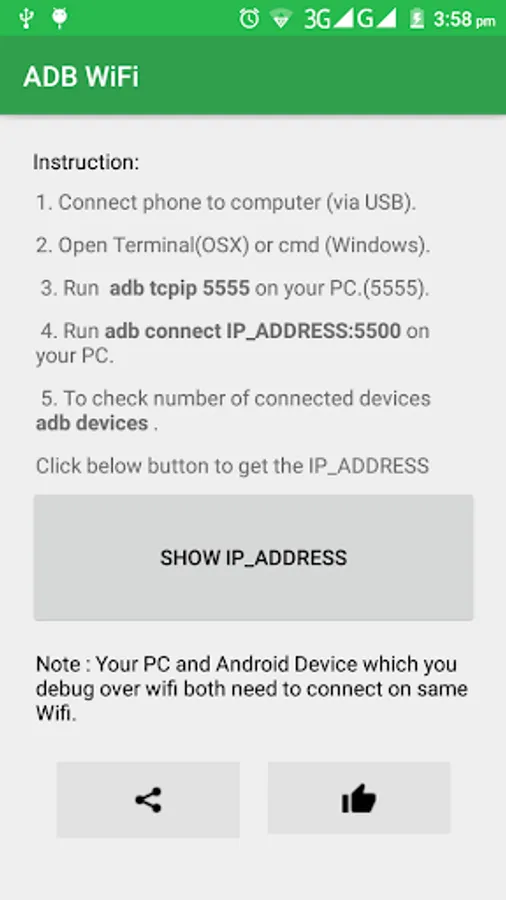
With this app, you can enable wireless debugging for Android devices and connect your computer via WiFi. Includes device connection management, network setup, and troubleshooting tools.
AppRecs review analysis
AppRecs rating 3.9. Trustworthiness 0 out of 100. Review manipulation risk 0 out of 100. Based on a review sample analyzed.
★★★☆☆
3.9
AppRecs Rating
Ratings breakdown
5 star
55%
4 star
15%
3 star
8%
2 star
15%
1 star
8%
What to know
✓
Good user ratings
70% positive sampled reviews
✓
Authentic reviews
Natural distribution, no red flags
About ADB WiFi
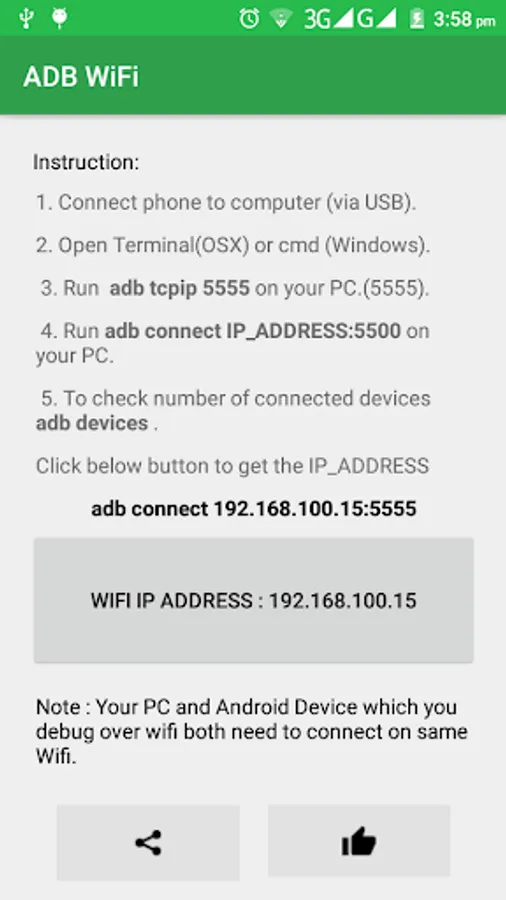
ADB WiFi makes it easy to debug your apps directly on device via WiFi TCP/IP connection. No need to use USB cable. After enabling ADB over WiFi, to connect your computer to the device open the console and run
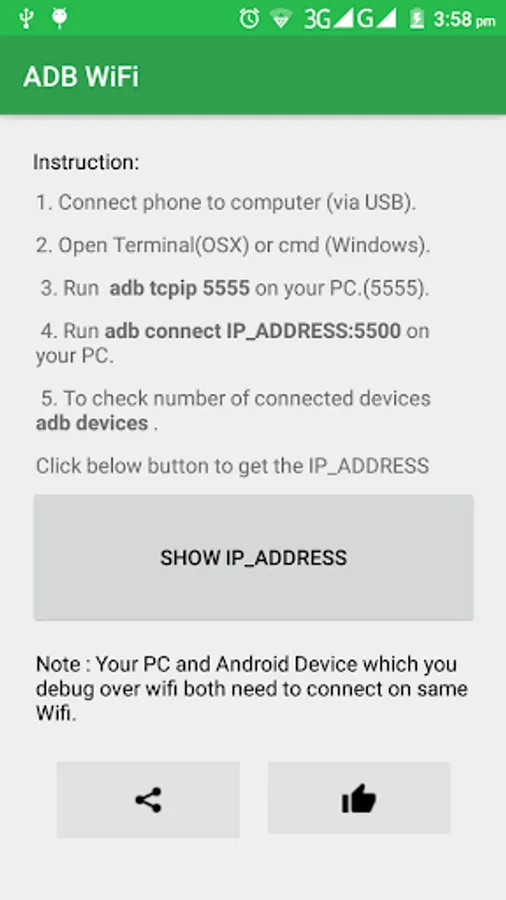
1. Connect phone to computer (via USB).
2. Open Terminal(OSX) or cmd (Windows).
3. Run adb tcpip 5555 on your PC.(5555).
4. Run adb connect IP_ADDRESS:5500
adb connect 192.168.100.6:5555
5. To check number of connected devices adb devices.
Note : Your PC and Android Device which you debug over wifi both need to connect on same Wifi.
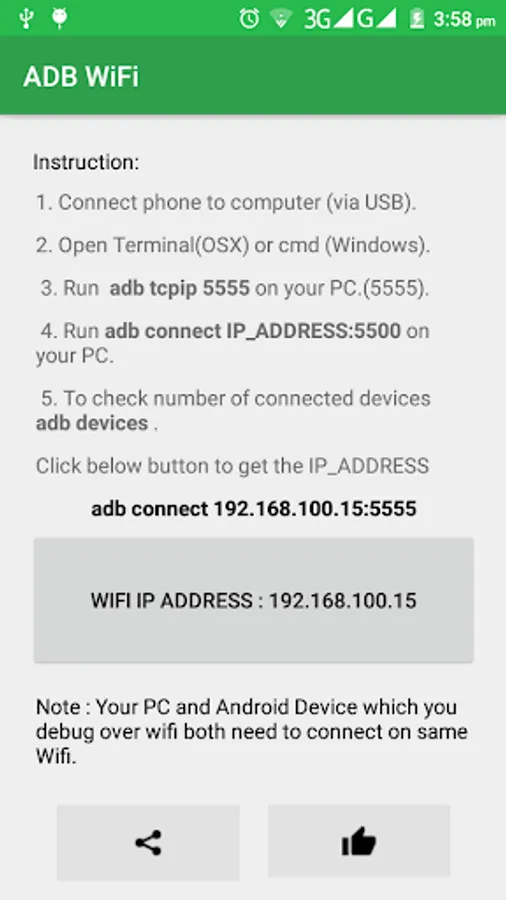
1. Connect phone to computer (via USB).
2. Open Terminal(OSX) or cmd (Windows).
3. Run adb tcpip 5555 on your PC.(5555).
4. Run adb connect IP_ADDRESS:5500
adb connect 192.168.100.6:5555
5. To check number of connected devices adb devices.
Note : Your PC and Android Device which you debug over wifi both need to connect on same Wifi.