Volume control button
Pai-Hsiang, Huang
4.2 ★
2K ratings
100,000+
downloads
Free
With this app, you can access volume control buttons directly from the Quick settings pull down to adjust sound levels easily. Includes manual setup instructions and volume level display for quick reference.
AppRecs review analysis
AppRecs rating 4.3. Trustworthiness 80 out of 100. Review manipulation risk 31 out of 100. Based on a review sample analyzed.
★★★★☆
4.3
AppRecs Rating
Ratings breakdown
5 star
73%
4 star
8%
3 star
3%
2 star
0%
1 star
16%
What to know
✓
Credible reviews
80% trustworthiness score from analyzed reviews
✓
High user satisfaction
81% of sampled ratings are 4+ stars (4.2★ average)
About Volume control button
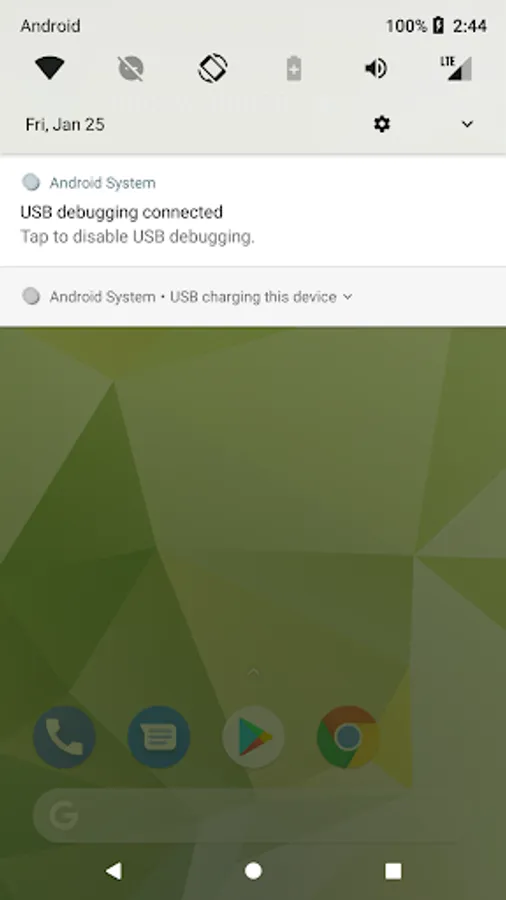
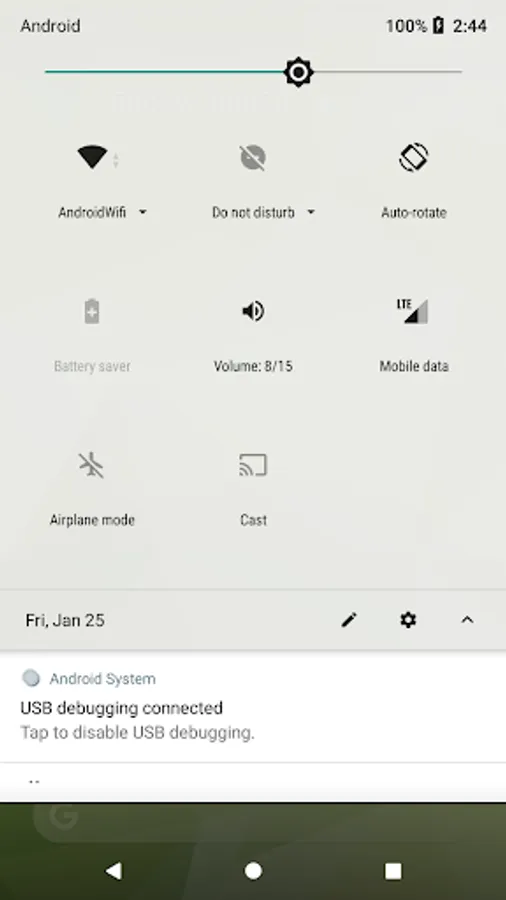
Three volume control buttons that can be accessed from the Quick settings pull down. One to bring up the volume control panel and the other two to control volume up/down directly. You don't need to press the physical device buttons to adjust the volume.
1. The function is simple, that is, adjust the volume and do not make any additional settings.
2. No ad. and to keep your privacy safe, we do not collect any data.
3. The buttons on Quick settings pull down can be accessed from any application.
4. You can use the device's original volume control panel which is the one you are familiar.
5. Applicable for most of the situations when you are adjusting the device sound volume.
6. Label under the buttons provides the current sound volume information.
7. It’s completely free forever.
In order to keep the application simple, there is no setup function provided. You will have to setup the button manually. Follow the instructions in the video to setup the volume control button on the Quick settings.
Please help to rate it and share it with your friends. Also, we have more products to share with you. Please visit the listing page: https://play.google.com/store/apps/developer?id=Pai-Hsiang,+Huang
If you feel any of our product helpful, in addition to sharing, commenting, please actually support us by buying the Well done product which gives us your greatest help.
Keywords: volume control, drop-down toggle, quick switch, quick settings, software volume button, replace volume button, extend phone life
1. The function is simple, that is, adjust the volume and do not make any additional settings.
2. No ad. and to keep your privacy safe, we do not collect any data.
3. The buttons on Quick settings pull down can be accessed from any application.
4. You can use the device's original volume control panel which is the one you are familiar.
5. Applicable for most of the situations when you are adjusting the device sound volume.
6. Label under the buttons provides the current sound volume information.
7. It’s completely free forever.
In order to keep the application simple, there is no setup function provided. You will have to setup the button manually. Follow the instructions in the video to setup the volume control button on the Quick settings.
Please help to rate it and share it with your friends. Also, we have more products to share with you. Please visit the listing page: https://play.google.com/store/apps/developer?id=Pai-Hsiang,+Huang
If you feel any of our product helpful, in addition to sharing, commenting, please actually support us by buying the Well done product which gives us your greatest help.
Keywords: volume control, drop-down toggle, quick switch, quick settings, software volume button, replace volume button, extend phone life
Volume control button Screenshots
Tap to Rate:
Reviews for Volume control button
Name Surname
12/21/2025
Mal ware this app is dangerous
Santosh Kamble
12/19/2025
thanks for my h