Read Aloud AI - Text to Speech
Dekiru AI
4.6 ★
store rating
10,000+
downloads
Free
AppRecs review analysis
AppRecs rating 4.3. Trustworthiness 80 out of 100. Review manipulation risk 21 out of 100. Based on a review sample analyzed.
★★★★☆
4.3
AppRecs Rating
Ratings breakdown
5 star
71%
4 star
25%
3 star
0%
2 star
0%
1 star
4%
What to know
✓
Low review manipulation risk
21% review manipulation risk
✓
Credible reviews
80% trustworthiness score from analyzed reviews
✓
High user satisfaction
71% of sampled ratings are 5 stars
About Read Aloud AI - Text to Speech
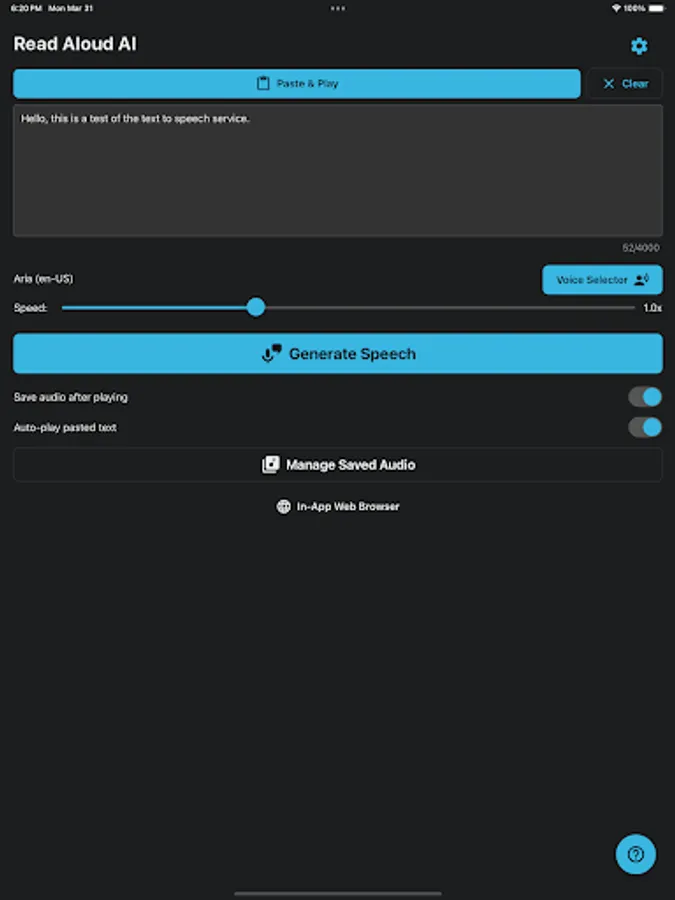
Read Aloud AI is your personal text-to-speech companion, letting you turn written content into realistic, easy-to-listen audio. Whether you’re reading articles, studying for class, listening on the go, or just giving your eyes a break, our app makes it simple to convert text to high-quality spoken voice.
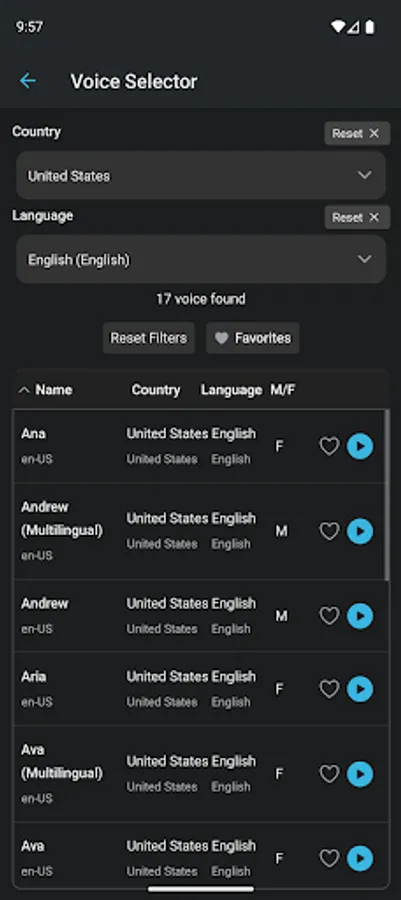
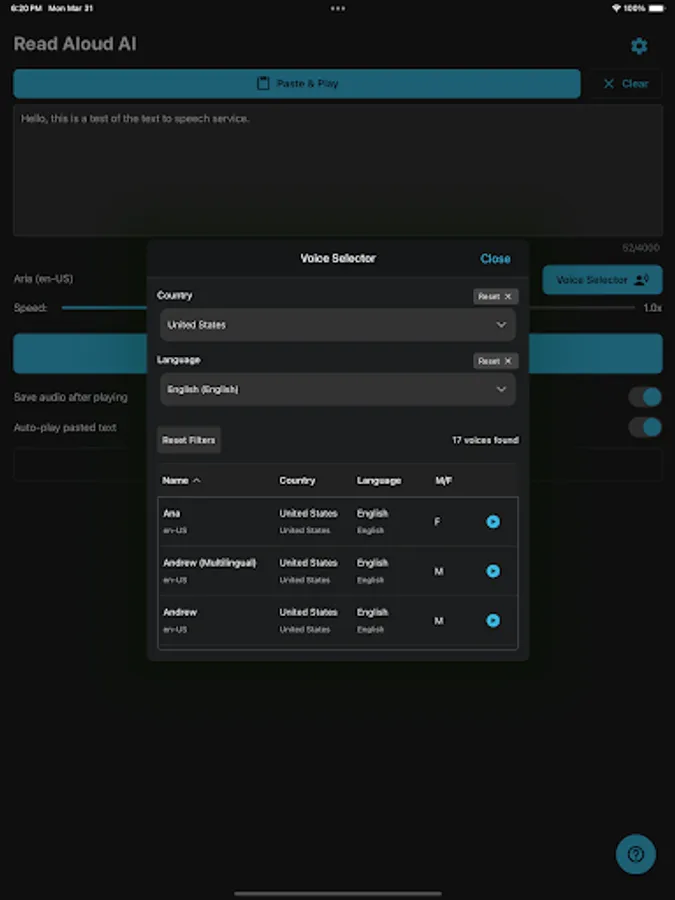
Powered by advanced neural speech synthesis, Read Aloud AI provides lifelike voices in multiple languages. Paste your own text or type on the fly — hit play and listen.
Turn text into natural-sounding speech with Read Aloud AI! Listen to articles, notes, emails, or any text on the go. Perfect for productivity, accessibility, and absorbing content effortlessly.
KEY FEATURES:
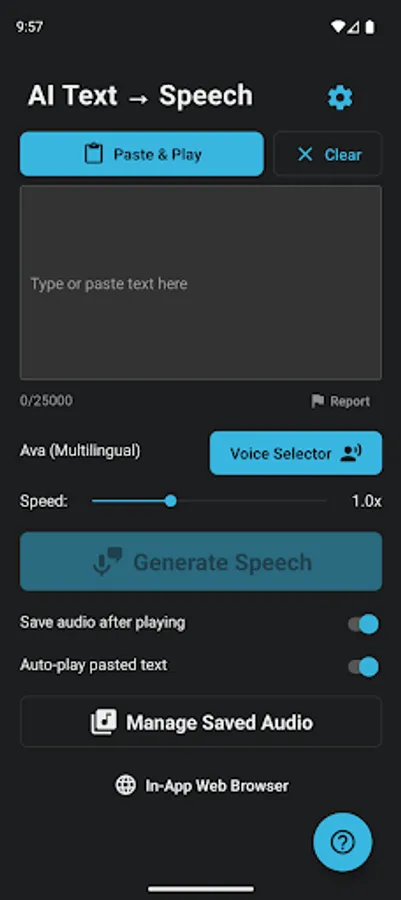
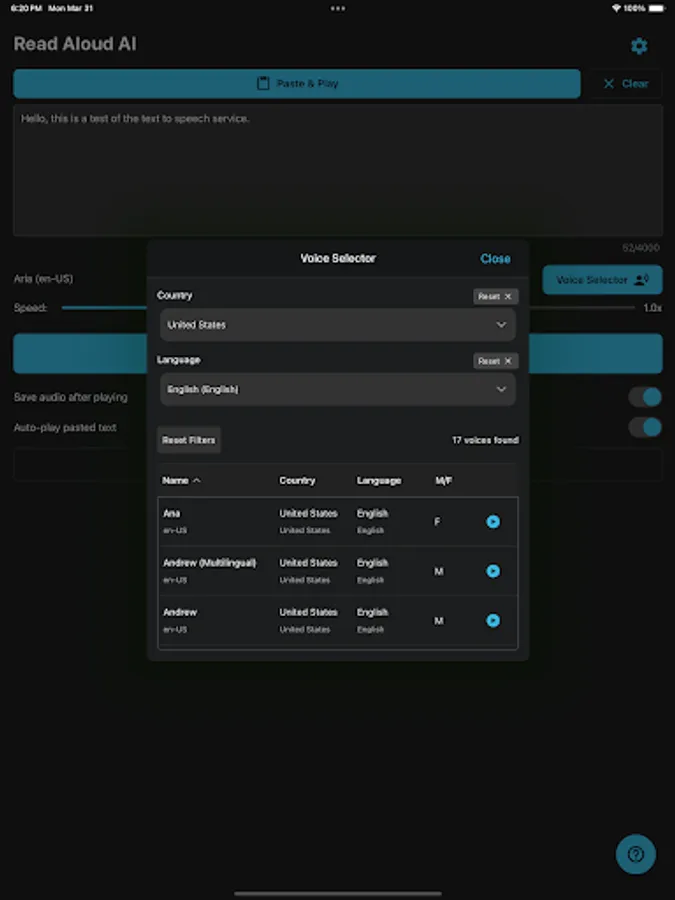
- High-Quality Voices: Choose from a selection of clear and natural text-to-speech (TTS) voices.
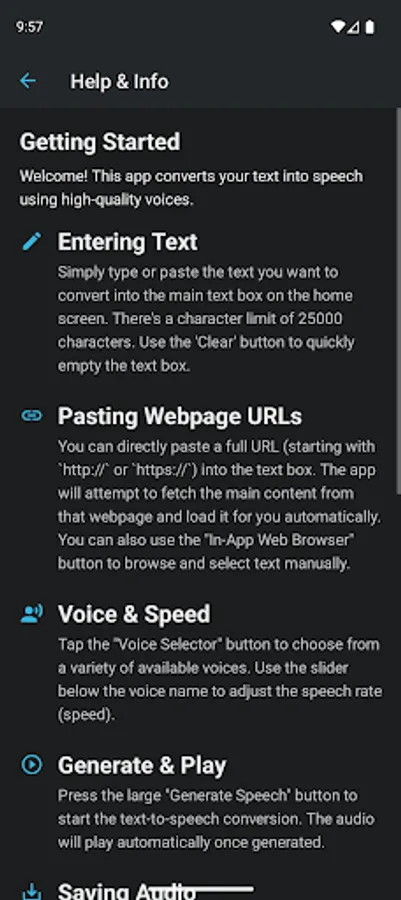
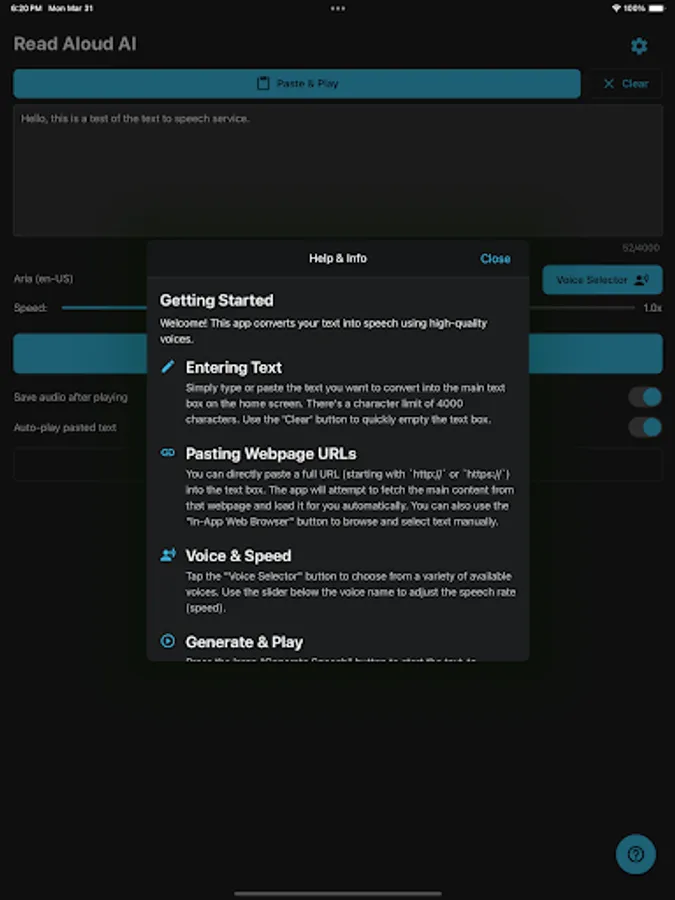
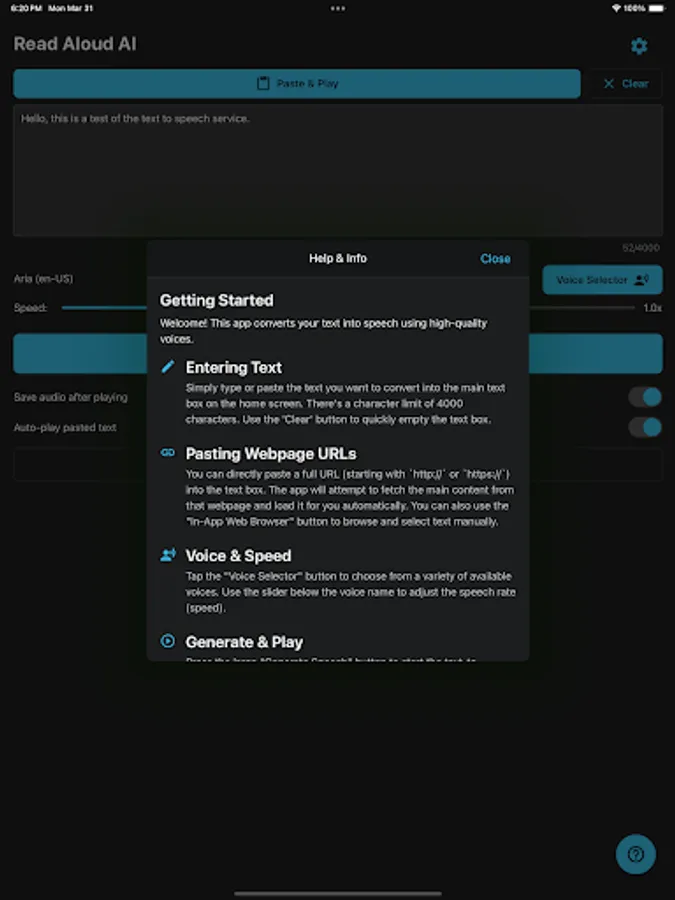
- Read Webpages Easily: Simply paste a URL (webpage link), and Read Aloud AI will fetch the main content and read it aloud for you. No more copy-pasting large blocks of text!
- Type or Paste Text: Input text directly or paste from your clipboard.
- Adjustable Speed: Control the playback rate (speed) to listen at your preferred pace (0.5x to 2.0x).
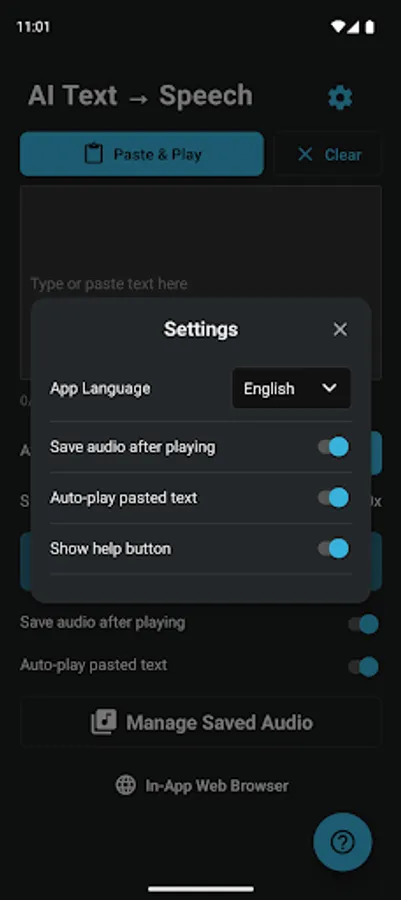
- Save & Manage Audio: Option to save the generated speech as audio files directly on your device. Access and replay your saved audio anytime.
- In-App Browser: Browse websites within the app and easily send selected text or the page URL to the text-to-speech engine.
- Clipboard Helper: Quickly paste content copied from other apps. Option to auto-play pasted text.
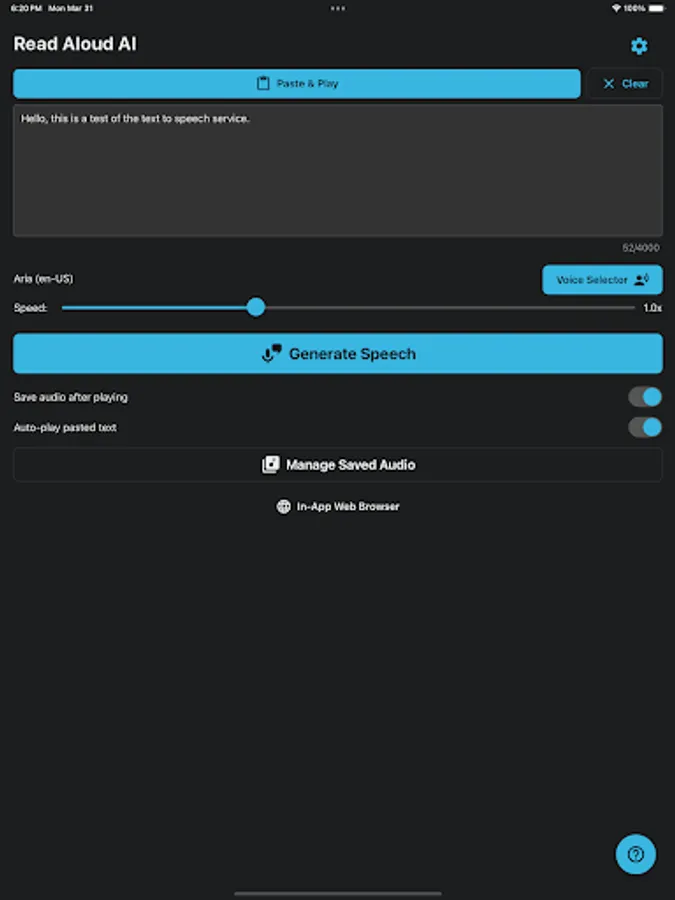
- Clean Interface: Simple, intuitive design with Light and Dark mode support.
- Help & Info: Convenient in-app guide to get you started and explain all features.
WHO IS THIS FOR?
- Students: Listen to lecture notes, research papers, and textbooks.
- Professionals: Catch up on emails, reports, and articles during commutes.
- Content Consumers: Listen to blog posts and news articles while multitasking.
- Accessibility Needs: Assists users with visual impairments or reading difficulties like dyslexia.
- Anyone who prefers listening over reading!
Download Read Aloud AI today and give your eyes a rest! Experience the convenience of having text read aloud anytime, anywhere.
Powered by advanced neural speech synthesis, Read Aloud AI provides lifelike voices in multiple languages. Paste your own text or type on the fly — hit play and listen.
Turn text into natural-sounding speech with Read Aloud AI! Listen to articles, notes, emails, or any text on the go. Perfect for productivity, accessibility, and absorbing content effortlessly.
KEY FEATURES:
- High-Quality Voices: Choose from a selection of clear and natural text-to-speech (TTS) voices.
- Read Webpages Easily: Simply paste a URL (webpage link), and Read Aloud AI will fetch the main content and read it aloud for you. No more copy-pasting large blocks of text!
- Type or Paste Text: Input text directly or paste from your clipboard.
- Adjustable Speed: Control the playback rate (speed) to listen at your preferred pace (0.5x to 2.0x).
- Save & Manage Audio: Option to save the generated speech as audio files directly on your device. Access and replay your saved audio anytime.
- In-App Browser: Browse websites within the app and easily send selected text or the page URL to the text-to-speech engine.
- Clipboard Helper: Quickly paste content copied from other apps. Option to auto-play pasted text.
- Clean Interface: Simple, intuitive design with Light and Dark mode support.
- Help & Info: Convenient in-app guide to get you started and explain all features.
WHO IS THIS FOR?
- Students: Listen to lecture notes, research papers, and textbooks.
- Professionals: Catch up on emails, reports, and articles during commutes.
- Content Consumers: Listen to blog posts and news articles while multitasking.
- Accessibility Needs: Assists users with visual impairments or reading difficulties like dyslexia.
- Anyone who prefers listening over reading!
Download Read Aloud AI today and give your eyes a rest! Experience the convenience of having text read aloud anytime, anywhere.