Supershift Shift Work Calendar
Supershift GmbH
4.8 ★
25K ratings
1,000,000+
downloads
Free
+ in-app
With this calendar app, you can track your work shifts, customize schedules, and generate reports. Includes shift reporting, cloud sync, and external calendar integration.
AppRecs review analysis
AppRecs rating 4.8. Trustworthiness 69 out of 100. Review manipulation risk 30 out of 100. Based on a review sample analyzed.
★★★★☆
4.8
AppRecs Rating
Ratings breakdown
5 star
85%
4 star
12%
3 star
2%
2 star
0%
1 star
2%
What to know
✓
Low review manipulation risk
30% review manipulation risk
✓
High user satisfaction
85% of sampled ratings are 5 stars
About Supershift Shift Work Calendar
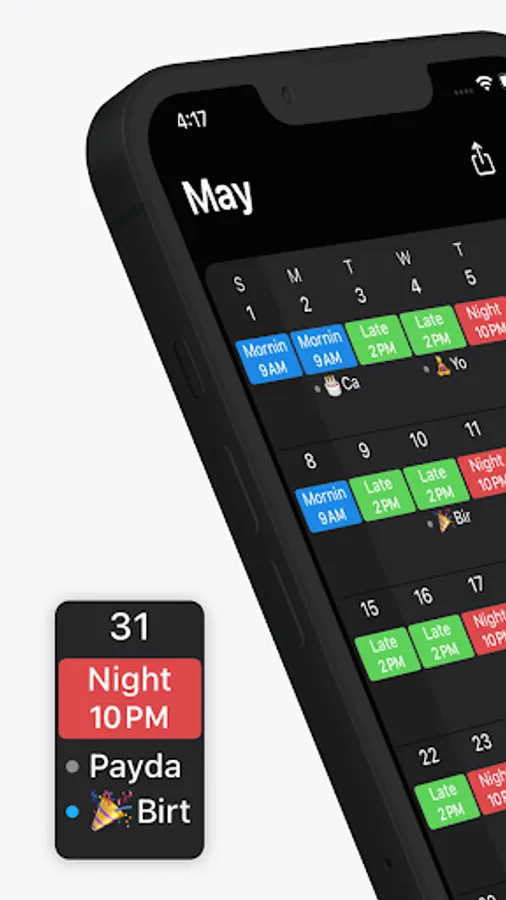
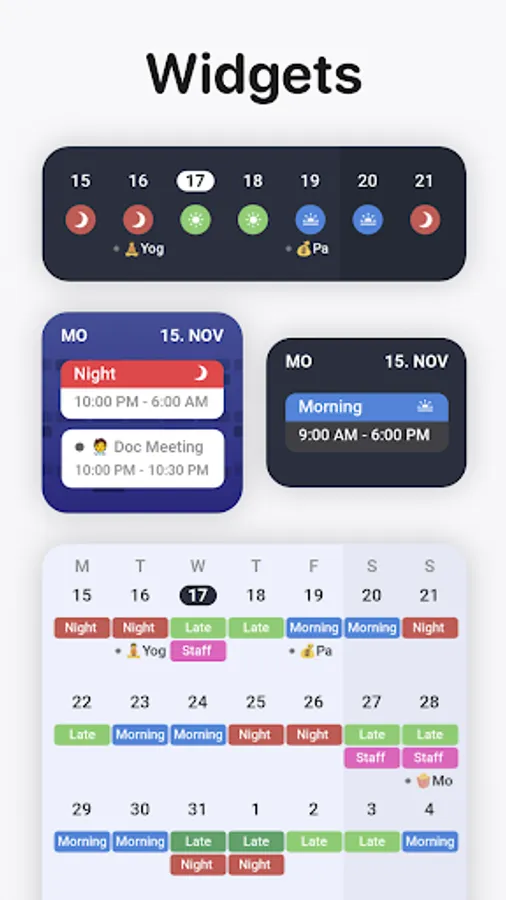
Supershift is great for keeping up with your shift working schedule and all other calendar events in between. With Supershift, scheduling is easy and quick. You can customize shifts with colors and icons and add as many shifts per day as you’d like.
• REPORTS
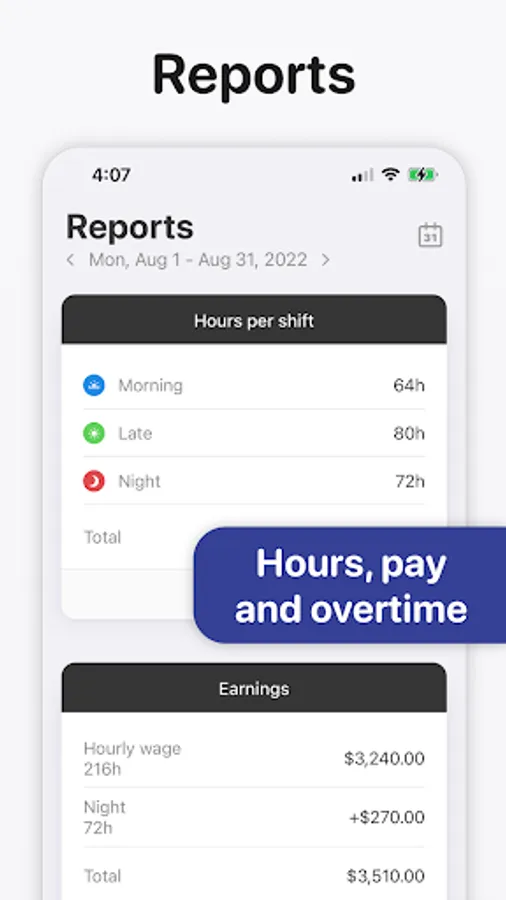
Create reports for earnings, hours per shifts, overtime and shift counting (e.g. vacation days).
• DARK MODE
A beautiful dark mode makes viewing your schedule at night more comfortable.
• ROTATION
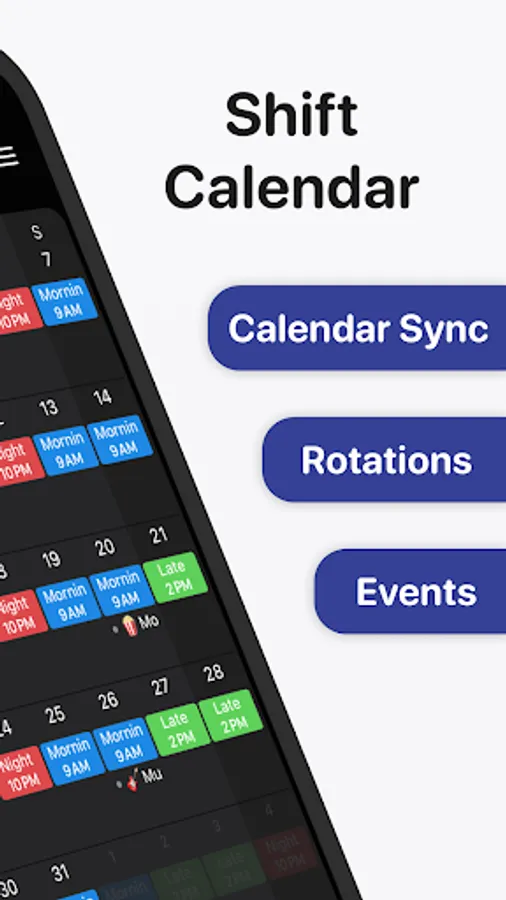
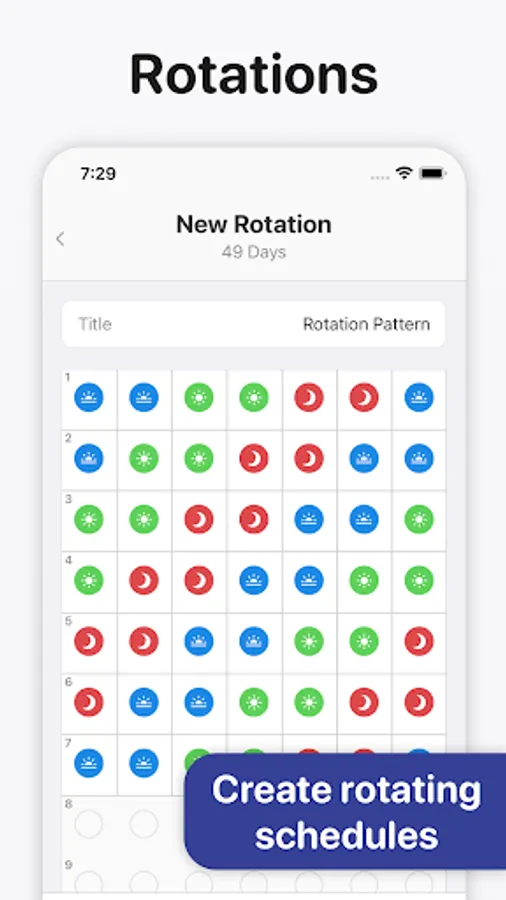
Define rotations and apply them for up to 2 years in advance.
Supershift Pro features:
• CALENDAR EXPORT
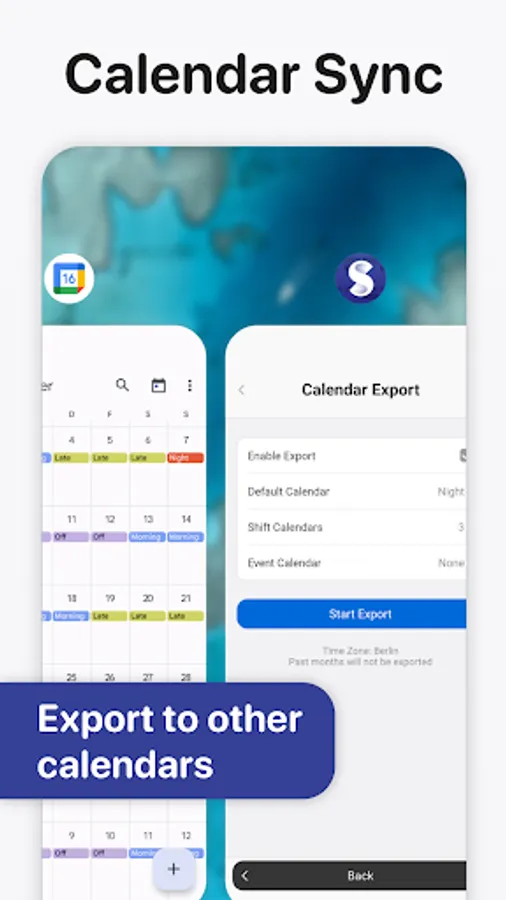
Export / sync shifts to the external calendars (e.g. Google or Outlook calendar) to share your schedule with friends and family.
• PDF EXPORT
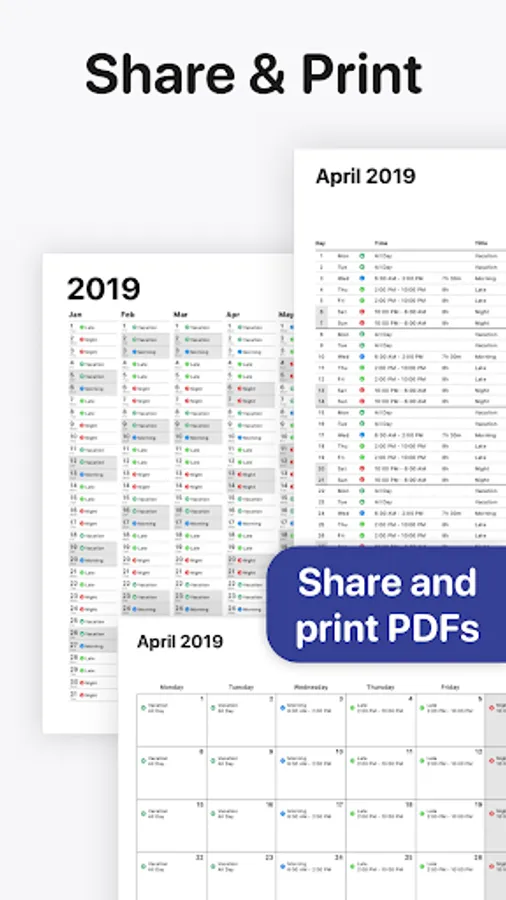
Create and share a PDF version of your monthly calendar. The PDF can be customized with title, times, breaks, duration, notes, location and total hours worked.
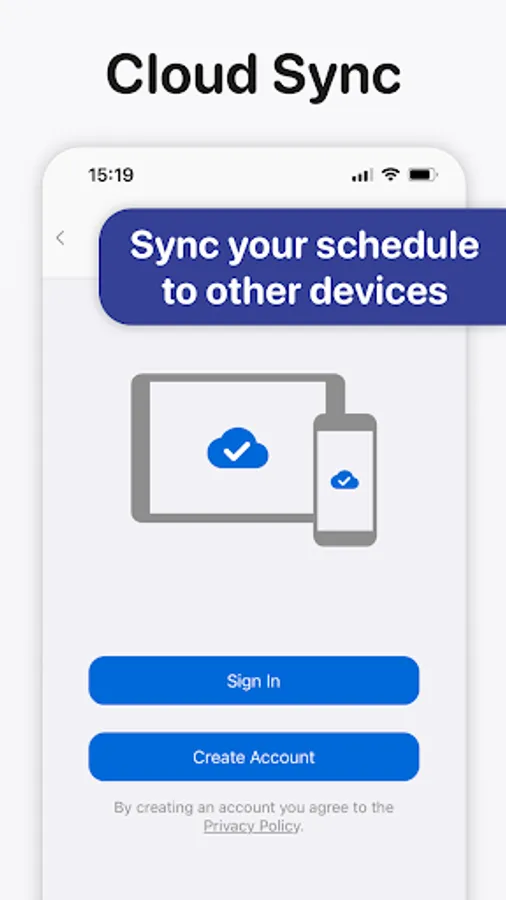
• CLOUD SYNC
Use cloud sync to keep all your devices in sync. If you get a new smartphone or tablet cloud sync can be used to restore your data.
• CALENDAR EVENTS
Birthdays, appointments and other events from external calendars (e.g. Google or Outlook calendar) can be shown alongside your shifts.
• REPORTS
Create reports for earnings, hours per shifts, overtime and shift counting (e.g. vacation days).
• DARK MODE
A beautiful dark mode makes viewing your schedule at night more comfortable.
• ROTATION
Define rotations and apply them for up to 2 years in advance.
Supershift Pro features:
• CALENDAR EXPORT
Export / sync shifts to the external calendars (e.g. Google or Outlook calendar) to share your schedule with friends and family.
• PDF EXPORT
Create and share a PDF version of your monthly calendar. The PDF can be customized with title, times, breaks, duration, notes, location and total hours worked.
• CLOUD SYNC
Use cloud sync to keep all your devices in sync. If you get a new smartphone or tablet cloud sync can be used to restore your data.
• CALENDAR EVENTS
Birthdays, appointments and other events from external calendars (e.g. Google or Outlook calendar) can be shown alongside your shifts.
Supershift Shift Work Calendar Screenshots
Tap to Rate:
Reviews for Supershift Shift Work Calendar
kelvin chege
12/28/2025
Best
Kevin Duvall
12/28/2025
Works Great. Syncs with Google calendar. Keeps family updated to work schedule.