Blur and Pixelate
addquick
3.1 ★
store rating
100,000+
downloads
Free
AppRecs review analysis
AppRecs rating 2.4. Trustworthiness 81 out of 100. Review manipulation risk 26 out of 100. Based on a review sample analyzed.
★★☆☆☆
2.4
AppRecs Rating
Ratings breakdown
5 star
39%
4 star
11%
3 star
6%
2 star
6%
1 star
39%
What to know
⚠
Ad complaints
Many low ratings mention excessive ads
⚠
Review quality concerns
60% of sampled 5-star reviews are very short
⚠
High negative review ratio
44% of sampled ratings are 1–2 stars
About Blur and Pixelate
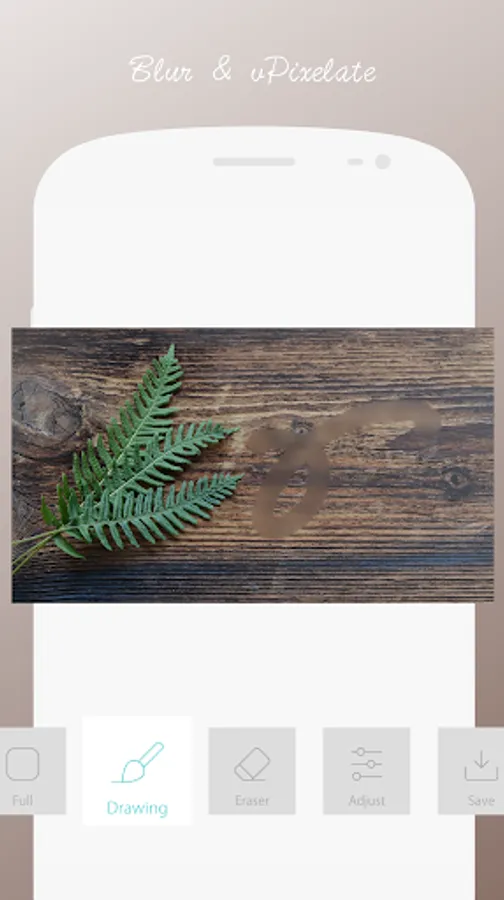
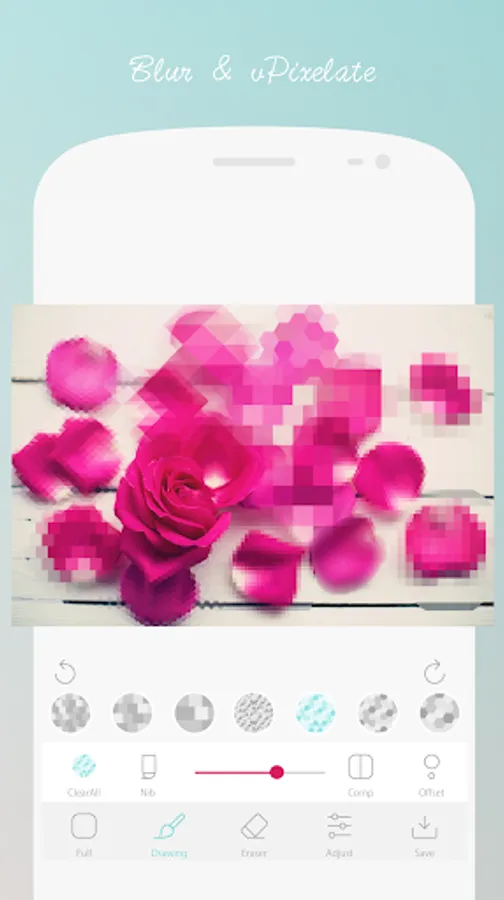
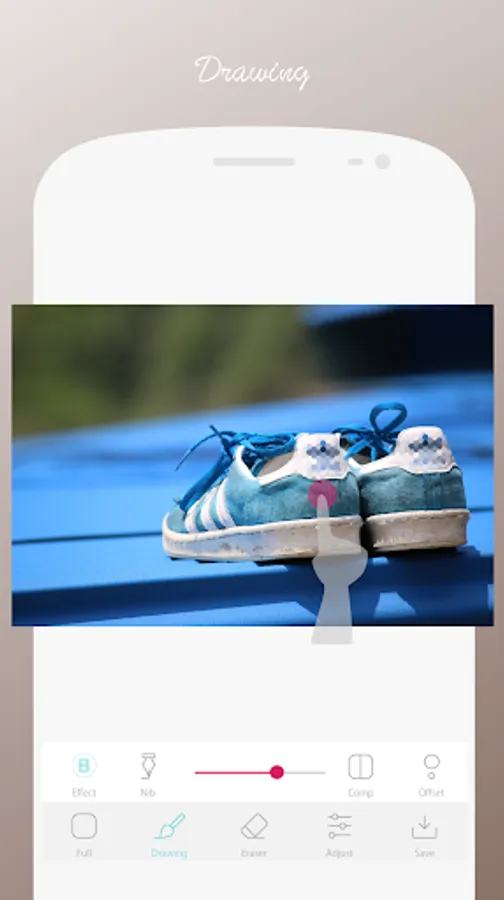
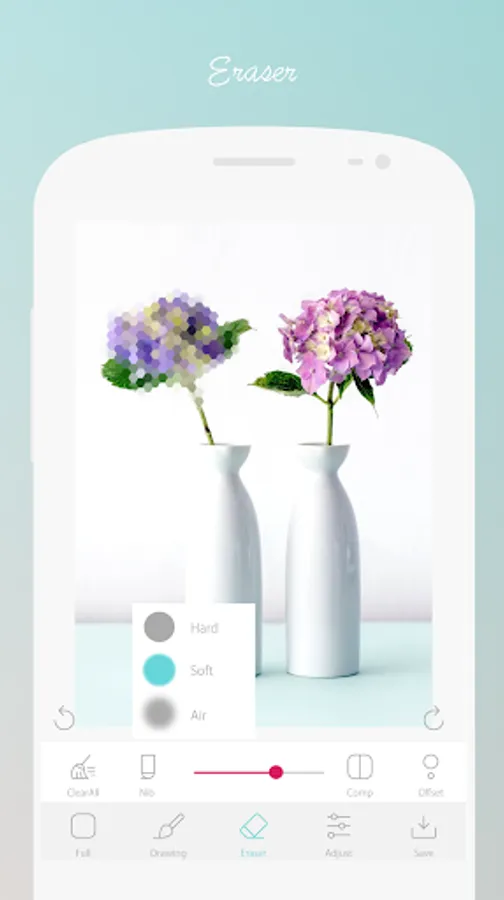
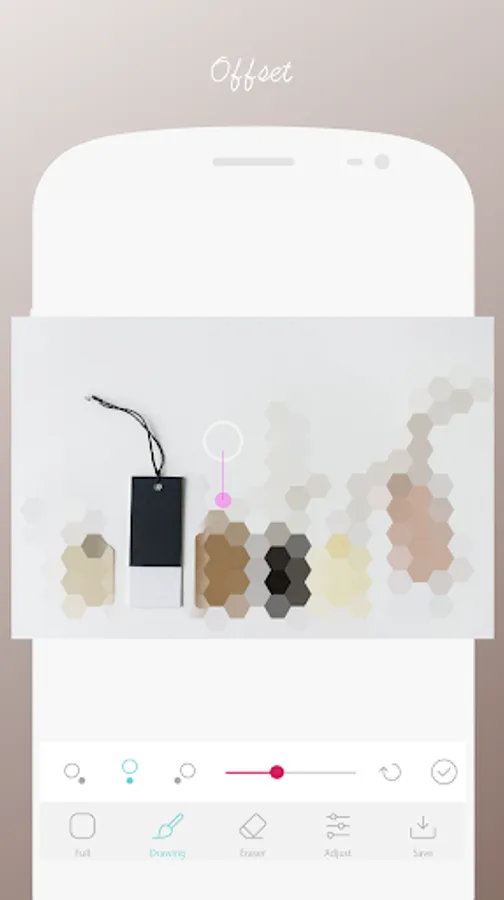
You can blur or mosaic by drawing the effect of the photo you want to process to the part you want to change.
Very simple and easy photo editing application.
Great for pixelation and blurring.
You can freely edit part of the photo or add effects to the entire photo.
How to use
1Choose any photo.
2Resize.
3Draw effect on photo.
4Save.
You can complete the photo processing with the above simple operation.
Characteristic
You can select the brush of your choice and perform optimal photo processing.
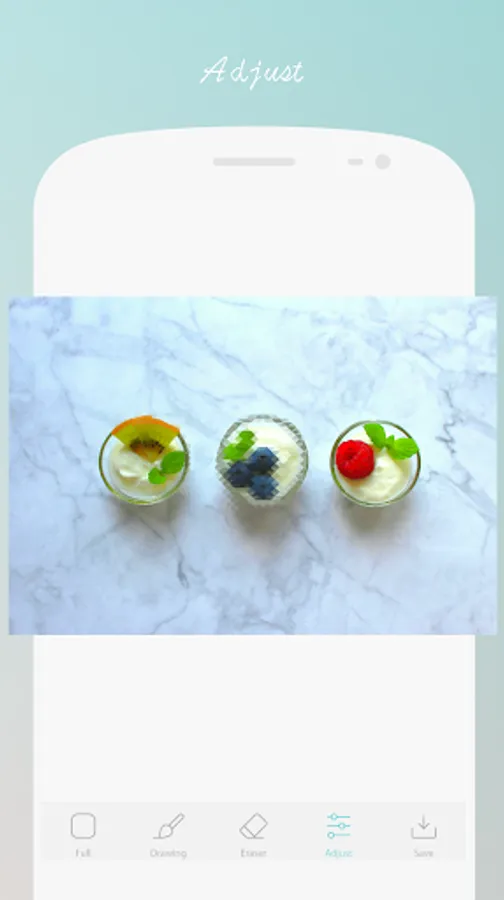
You can easily process photos like a professional photographer by editing the entire photo.
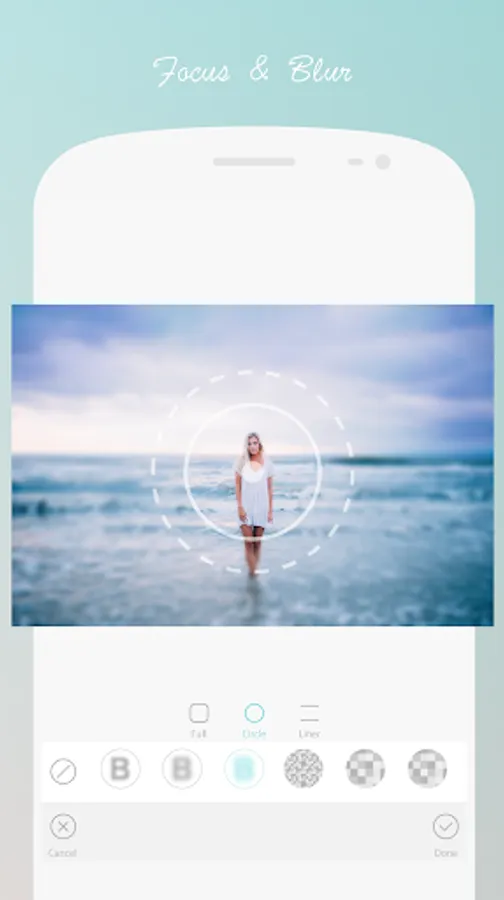
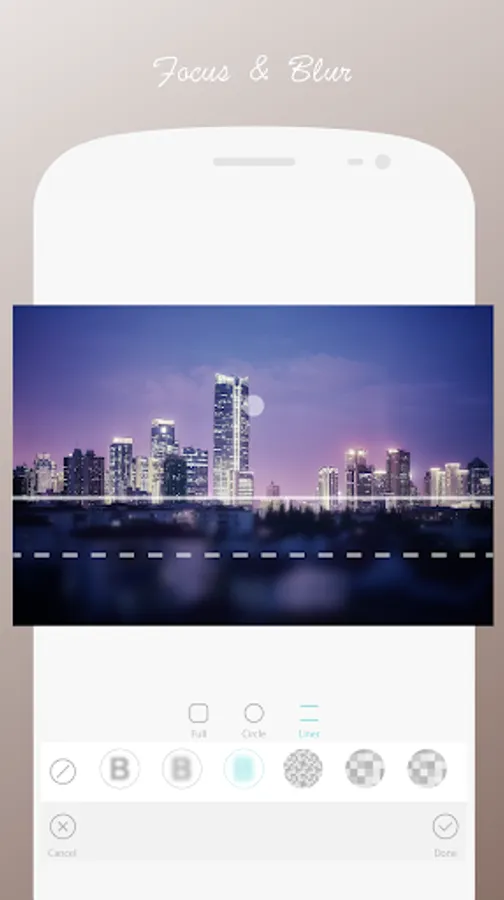
You can freely blur part of the photo.
The processed photo can be saved easily and the original photo will not change.
Photo editor photo edit app.
This very simple app.
This app is all free.
Please enjoy the fun photo editing freely.
Thank you.
Very simple and easy photo editing application.
Great for pixelation and blurring.
You can freely edit part of the photo or add effects to the entire photo.
How to use
1Choose any photo.
2Resize.
3Draw effect on photo.
4Save.
You can complete the photo processing with the above simple operation.
Characteristic
You can select the brush of your choice and perform optimal photo processing.
You can easily process photos like a professional photographer by editing the entire photo.
You can freely blur part of the photo.
The processed photo can be saved easily and the original photo will not change.
Photo editor photo edit app.
This very simple app.
This app is all free.
Please enjoy the fun photo editing freely.
Thank you.