Notepad・Color Notes, Todo List
App Magic Entertainment
3.3 ★
27 ratings
5,000+
downloads
Free
In this note-taking app, you can create, edit, and organize notes and checklists using different layouts and color tags. Includes options for reminders, sharing, backup, and synchronization across devices.
AppRecs review analysis
AppRecs rating 3.3. Trustworthiness 81 out of 100. Review manipulation risk 25 out of 100. Based on a review sample analyzed.
★★★☆☆
3.3
AppRecs Rating
Ratings breakdown
5 star
46%
4 star
12%
3 star
0%
2 star
15%
1 star
27%
What to know
✓
Low review manipulation risk
25% review manipulation risk
✓
Credible reviews
81% trustworthiness score from analyzed reviews
About Notepad・Color Notes, Todo List
Notepad Pro: A Seamless Experience
Notepad Pro is your ultimate digital journal, delivering a sleek and efficient notepad experience whenever you wish to jot down thoughts, reminders, emails, or your next big idea. With Notepad Pro, note-taking is not just simple but also enjoyable.
Product Overview -
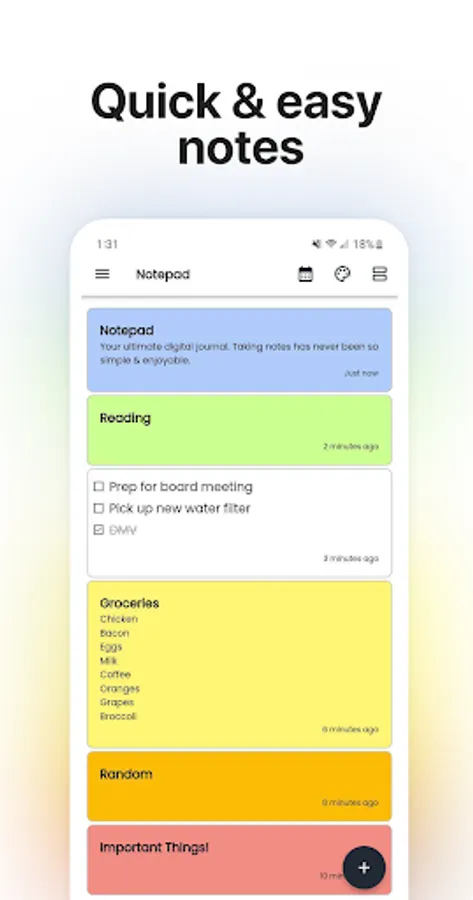
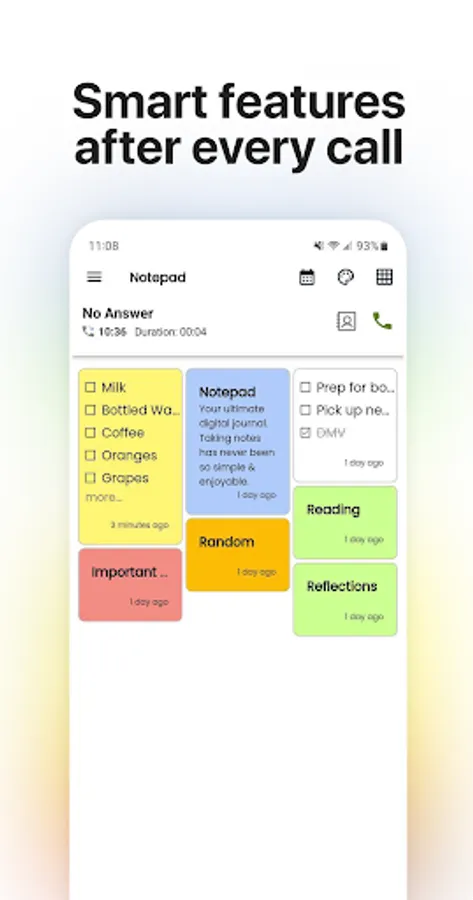
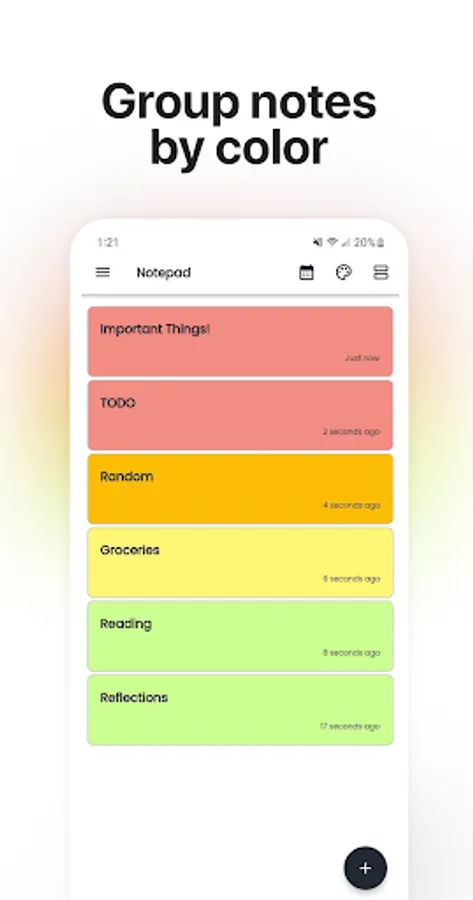
Notepad Pro offers dual note-taking styles: a classic scrolling document format and a dynamic checklist feature. Your notes are easily accessible right on the home screen every time you open the app. You can view them in a conventional ascending order, a grid layout, or even by their color tags.
Drafting a Note -
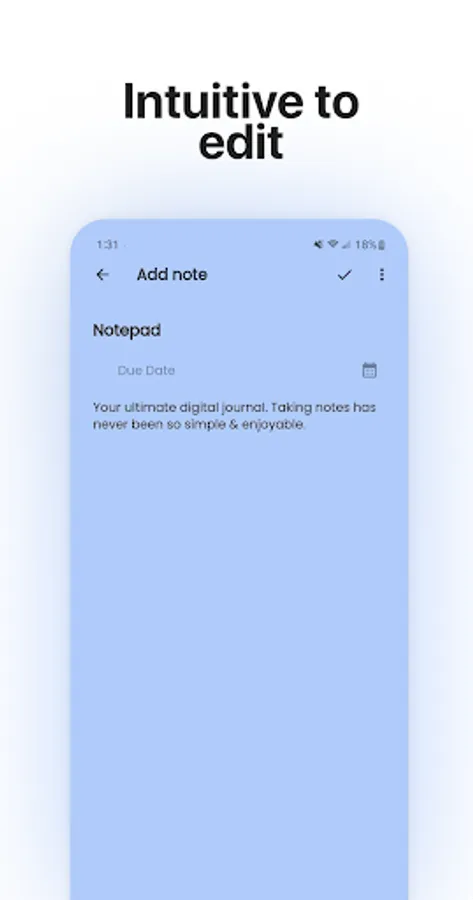
Functioning as a streamlined word processor, Notepad Pro offers limitless typing. Once stored, notes can be edited, shared, have reminders set, or be deleted. When you mark a note as complete, it's visibly crossed out on the main menu.
Crafting a To-do or Shopping List -
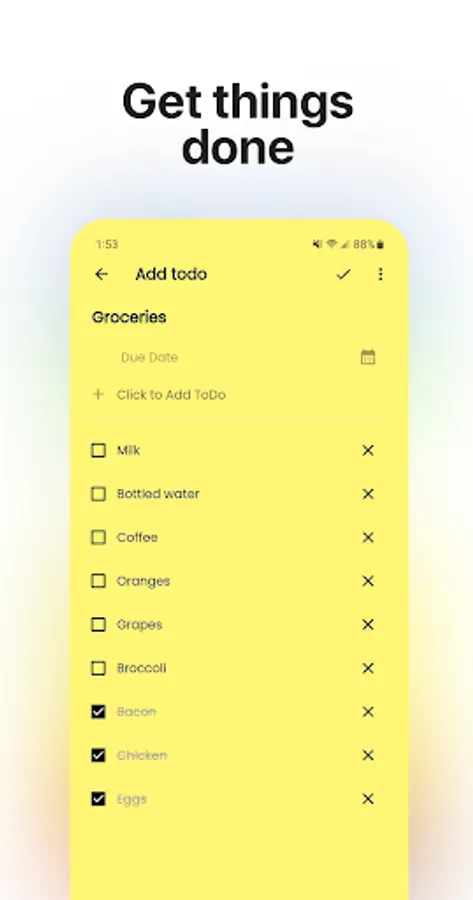
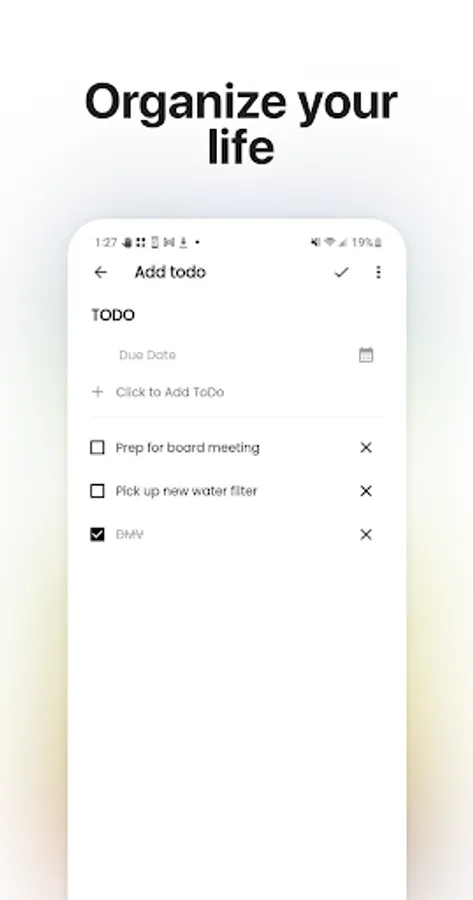
In the checklist mode, add countless items and arrange them via the drag buttons. Once you're done, each item can be checked or unchecked with a tap, giving you a visual representation of your tasks. Completing all tasks will also strike out the list's title.
Features -
* Categorize notes with vibrant colors.
* Sticky notes widget to have your notes right on your home screen.
* Efficient checklist for to-do and shopping lists.
* Organize daily tasks with checklists.
* Integrate notes within your calendar.
* Chronicle your daily life, journaling via the calendar.
* Online back-up and sync allows for effortless switch between devices.
* Reminder notifications.
* Flexible List/Grid View.
* Efficient note search.
* Robust reminder options.
* Instant memo & notes.
* Share notes via SMS, email, or social media.
* Online Backup & Sync.
* Easy sign-in with Google.
Notepad Pro is your ultimate digital journal, delivering a sleek and efficient notepad experience whenever you wish to jot down thoughts, reminders, emails, or your next big idea. With Notepad Pro, note-taking is not just simple but also enjoyable.
Product Overview -
Notepad Pro offers dual note-taking styles: a classic scrolling document format and a dynamic checklist feature. Your notes are easily accessible right on the home screen every time you open the app. You can view them in a conventional ascending order, a grid layout, or even by their color tags.
Drafting a Note -
Functioning as a streamlined word processor, Notepad Pro offers limitless typing. Once stored, notes can be edited, shared, have reminders set, or be deleted. When you mark a note as complete, it's visibly crossed out on the main menu.
Crafting a To-do or Shopping List -
In the checklist mode, add countless items and arrange them via the drag buttons. Once you're done, each item can be checked or unchecked with a tap, giving you a visual representation of your tasks. Completing all tasks will also strike out the list's title.
Features -
* Categorize notes with vibrant colors.
* Sticky notes widget to have your notes right on your home screen.
* Efficient checklist for to-do and shopping lists.
* Organize daily tasks with checklists.
* Integrate notes within your calendar.
* Chronicle your daily life, journaling via the calendar.
* Online back-up and sync allows for effortless switch between devices.
* Reminder notifications.
* Flexible List/Grid View.
* Efficient note search.
* Robust reminder options.
* Instant memo & notes.
* Share notes via SMS, email, or social media.
* Online Backup & Sync.
* Easy sign-in with Google.
Notepad・Color Notes, Todo List Screenshots
Tap to Rate:
Reviews for Notepad・Color Notes, Todo List
El Glanton
10/14/2024
Nice app
Lela Hearon
1/23/2024
Helpful