
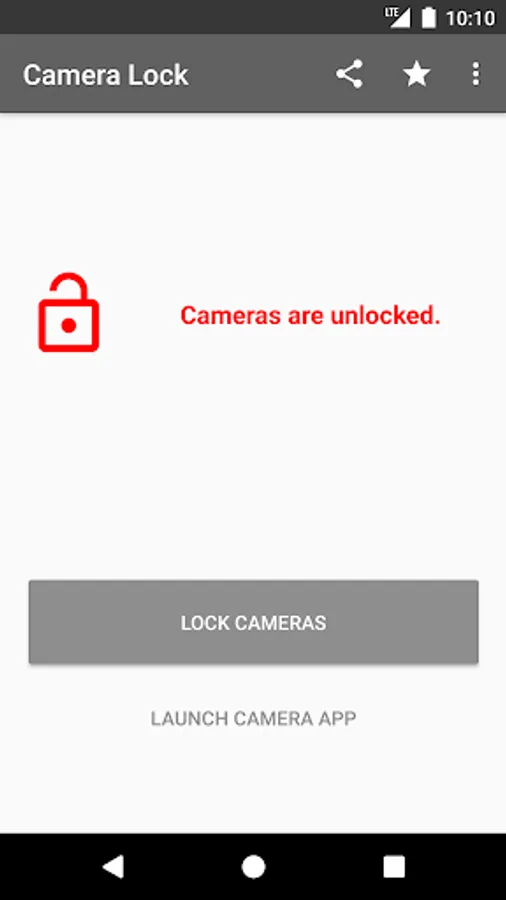
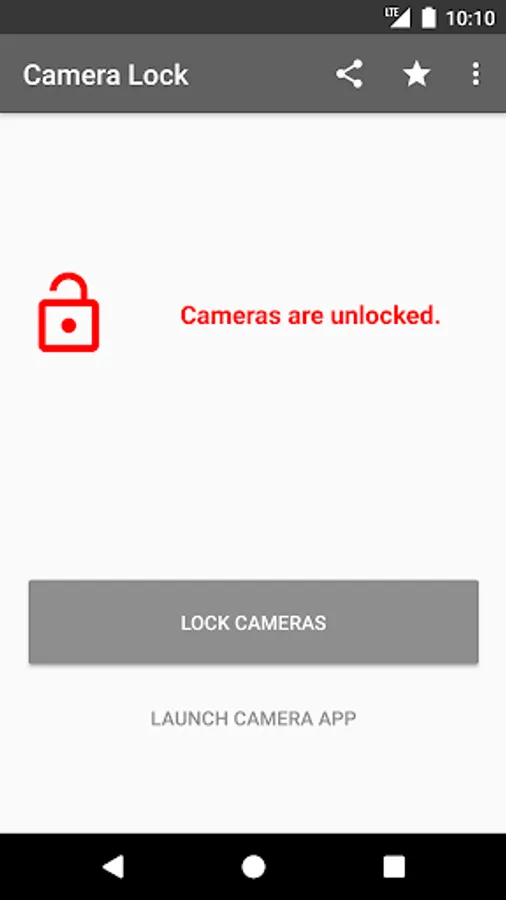
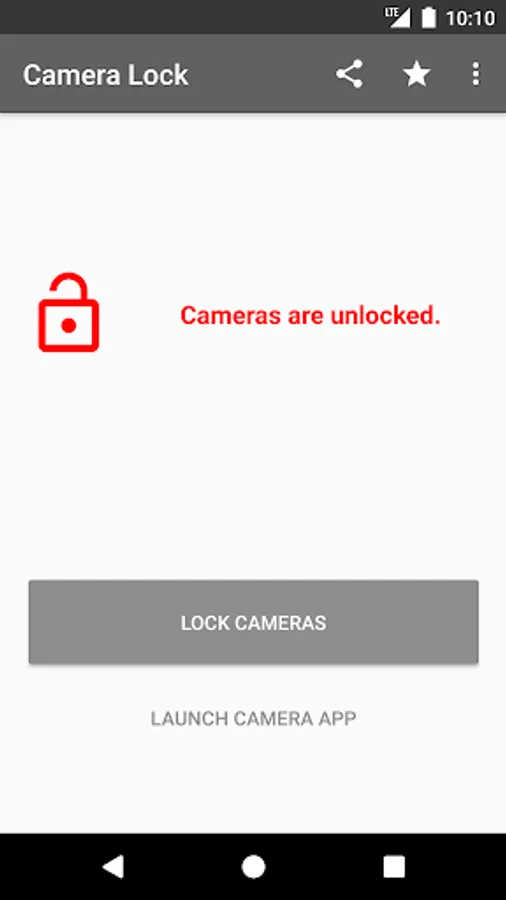
With this camera lock app, you can control when your device cameras are enabled or disabled using a single button. Includes device administrator permissions and a simple user interface.
AppRecs review analysis
AppRecs rating 4.6. Trustworthiness 75 out of 100. Review manipulation risk 34 out of 100. Based on a review sample analyzed.
★★★★☆
4.6
AppRecs Rating
Ratings breakdown
5 star
80%
4 star
12%
3 star
4%
2 star
0%
1 star
4%
What to know
✓
Credible reviews
75% trustworthiness score from analyzed reviews
✓
High user satisfaction
80% of sampled ratings are 5 stars
✓
Authentic reviews
Natural distribution, no red flags
About Camera Lock
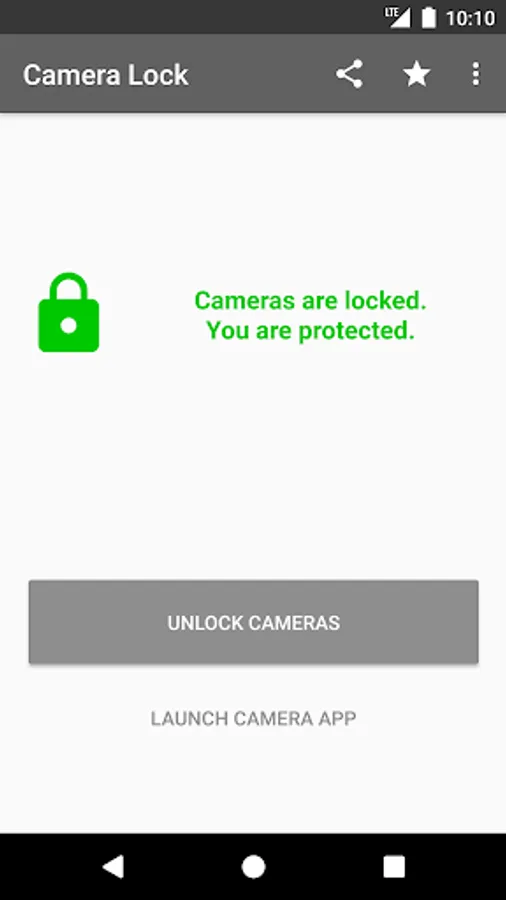
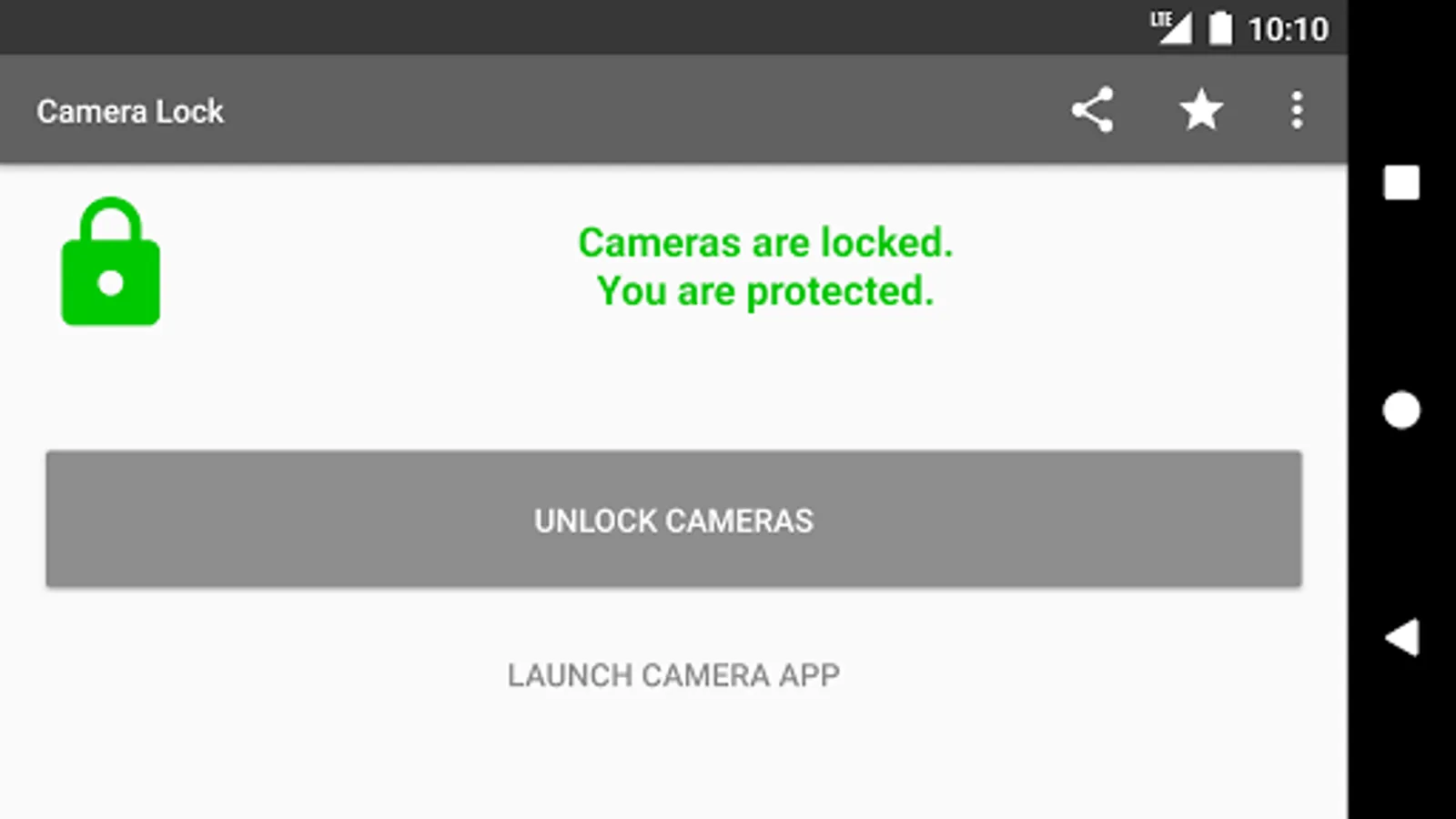
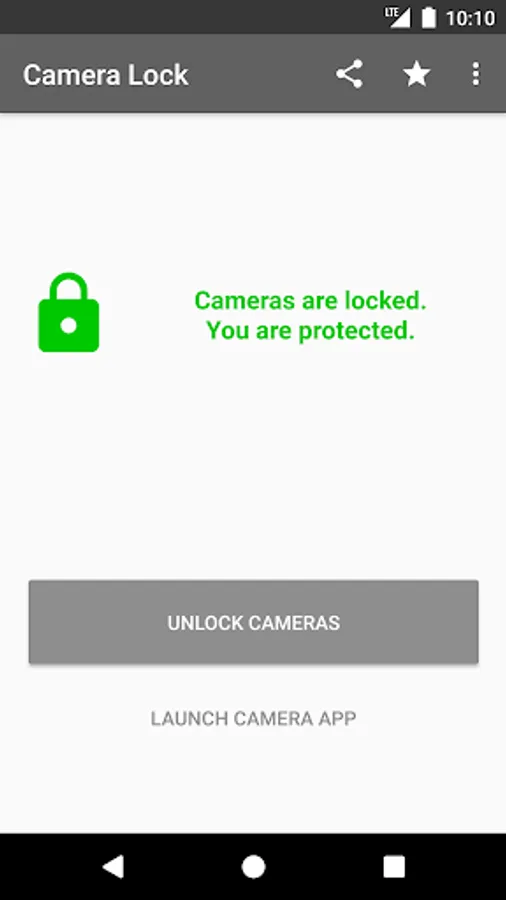
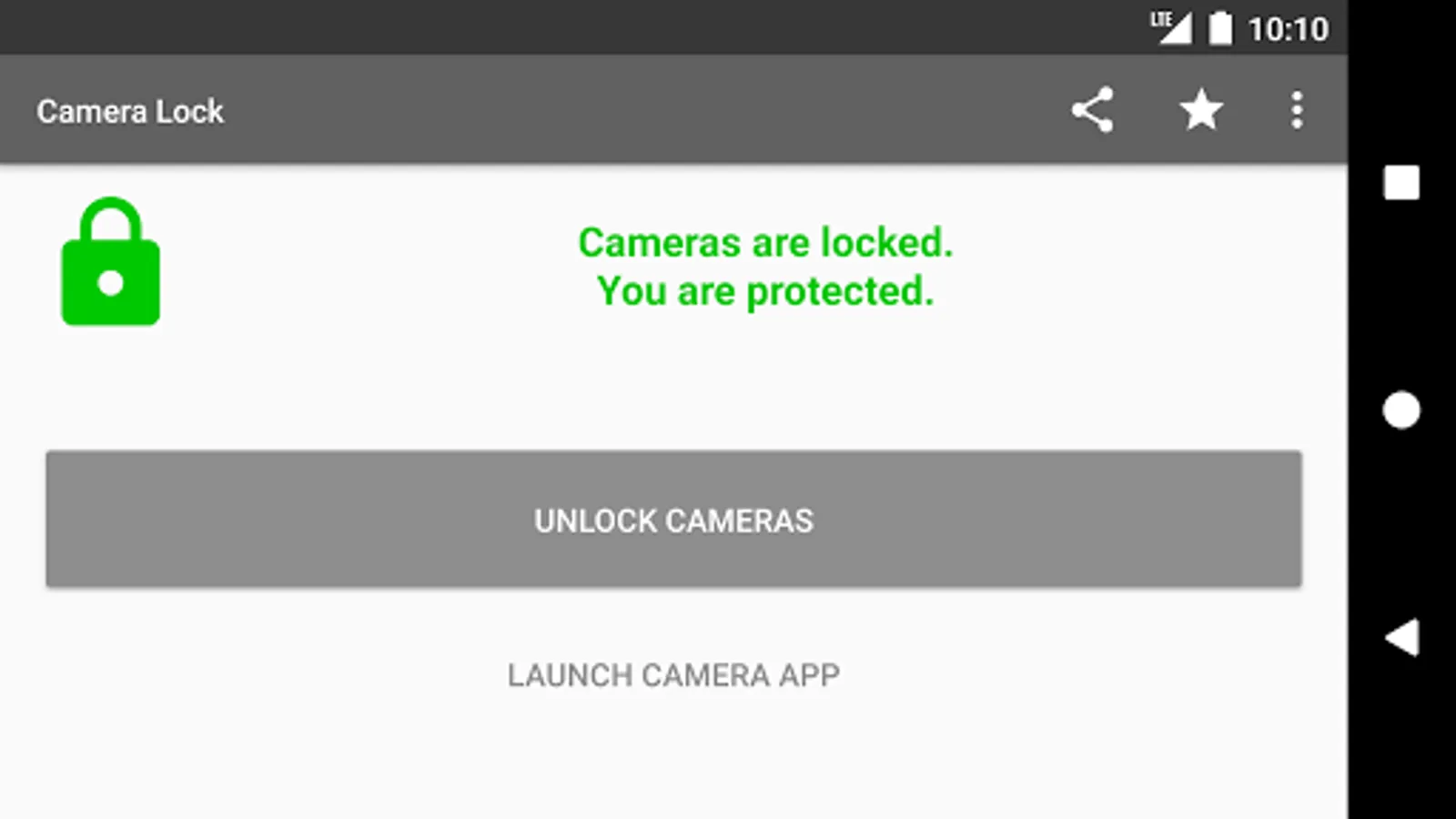
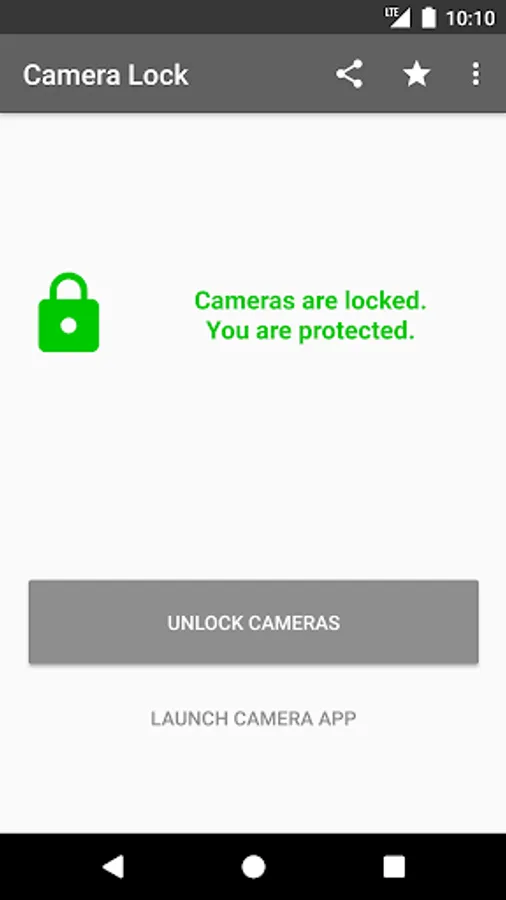
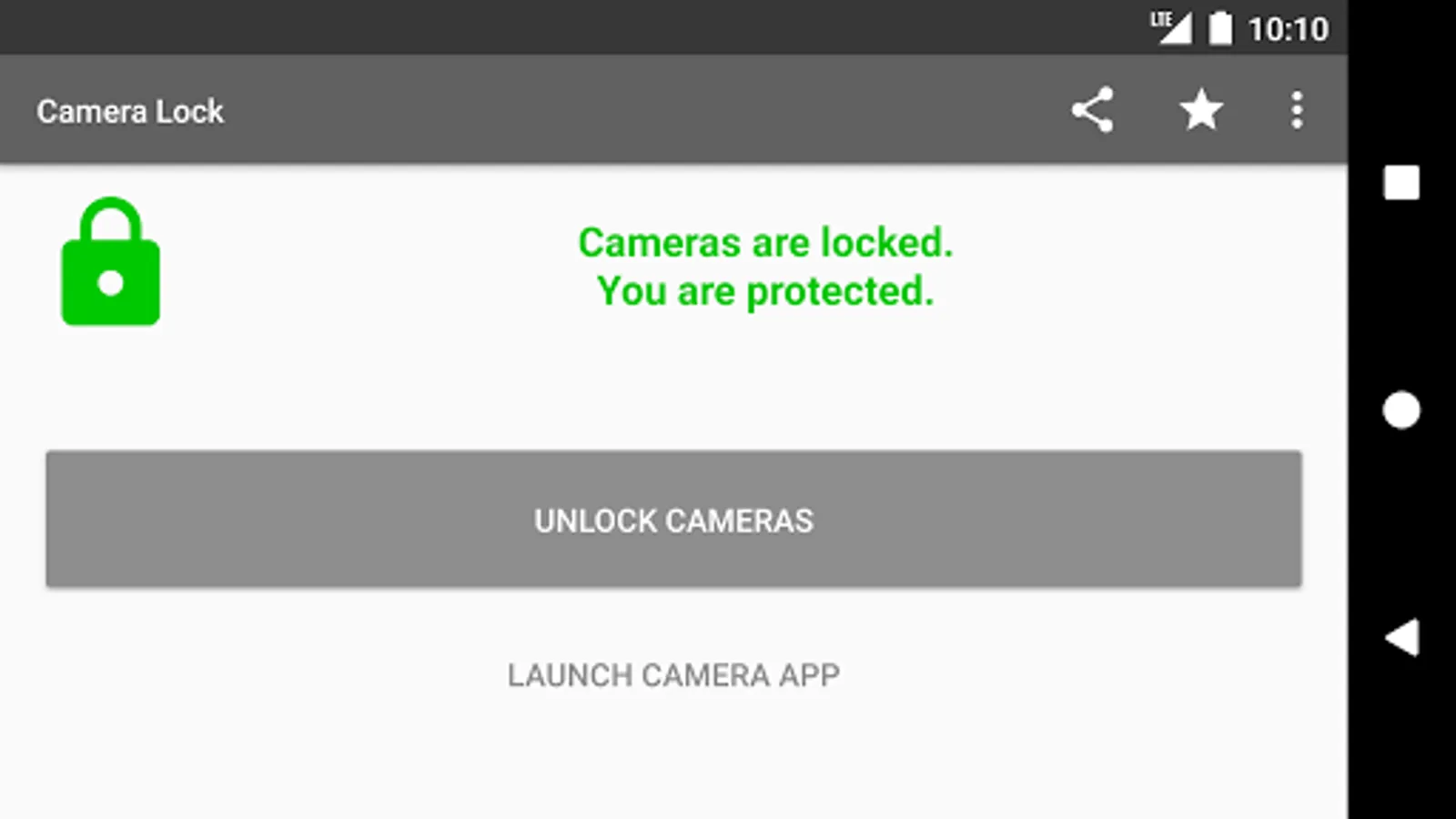
Lock your device cameras when you don’t need them.🙈
Unlock when you need them.🐵
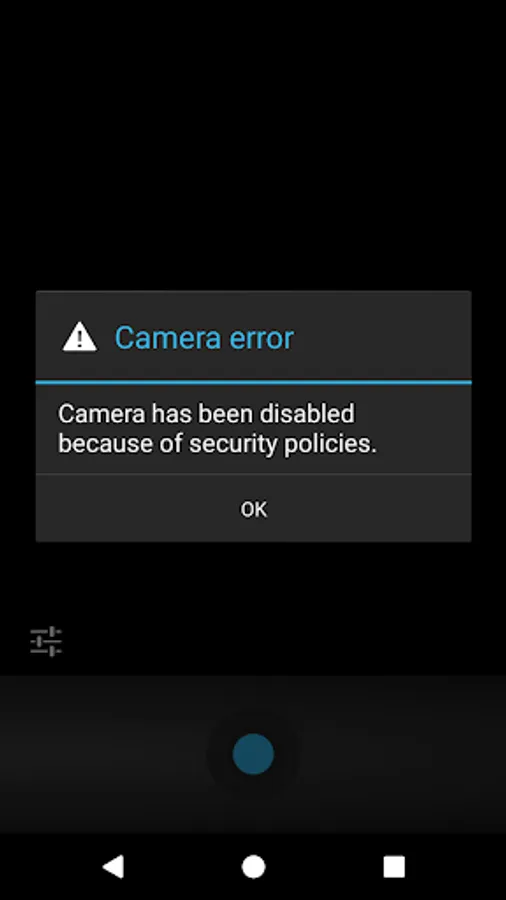
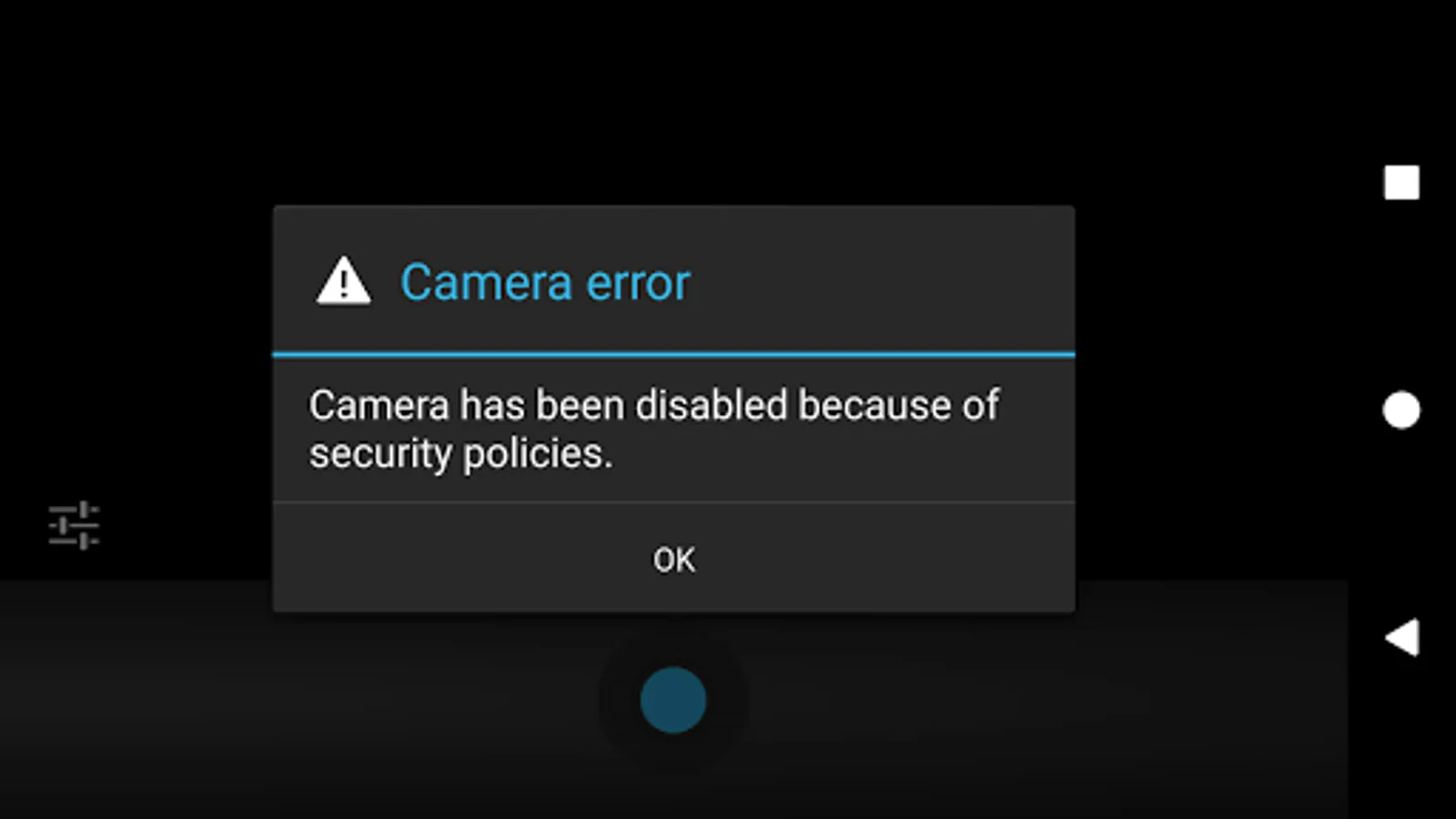
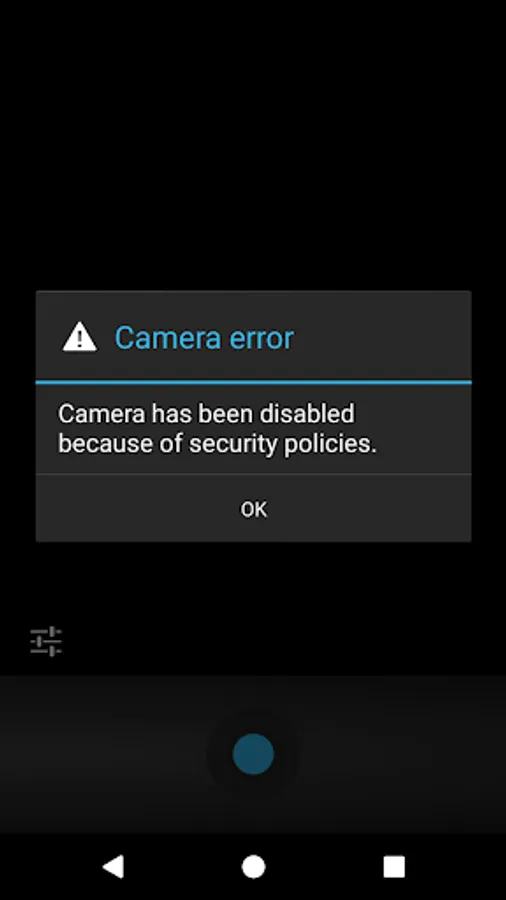
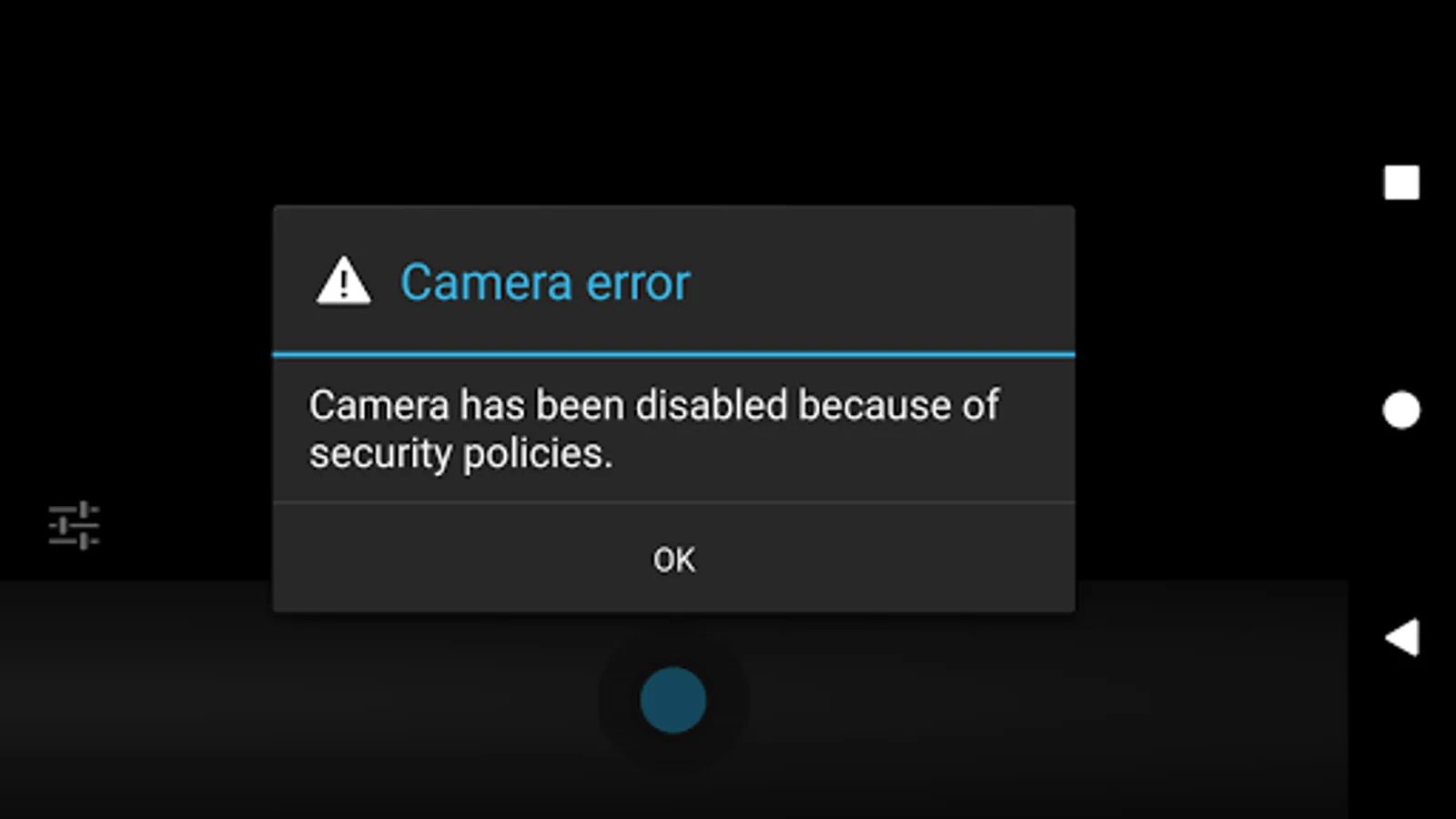
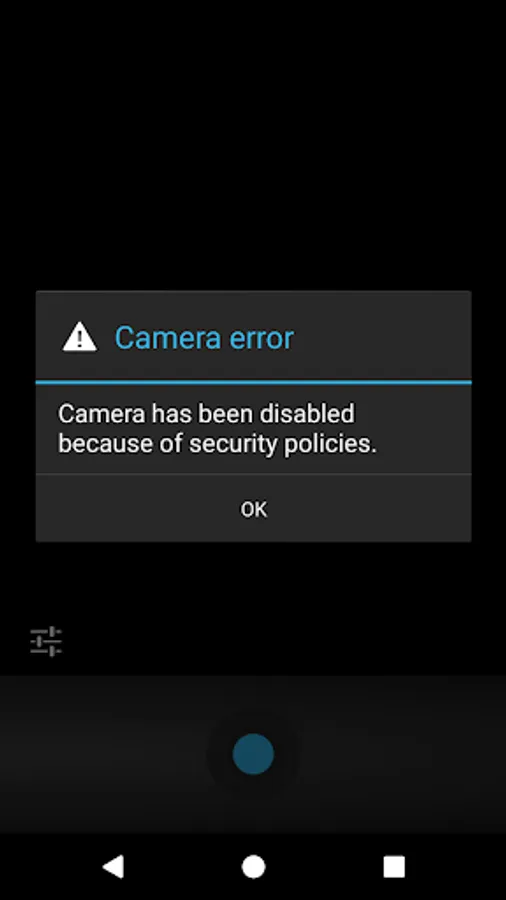
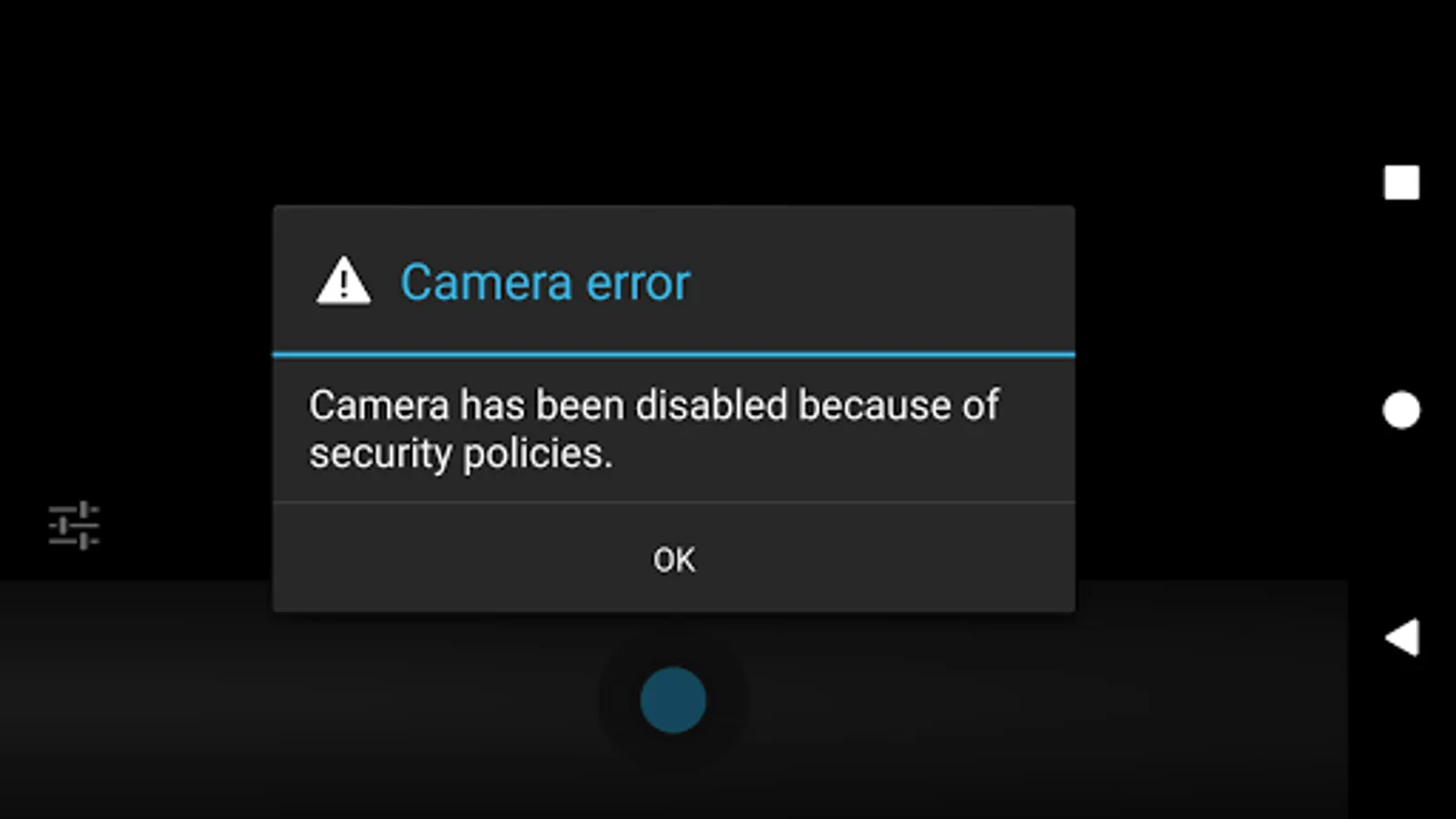
Stop bad apps from using your cameras when they’re not supposed to.
Features
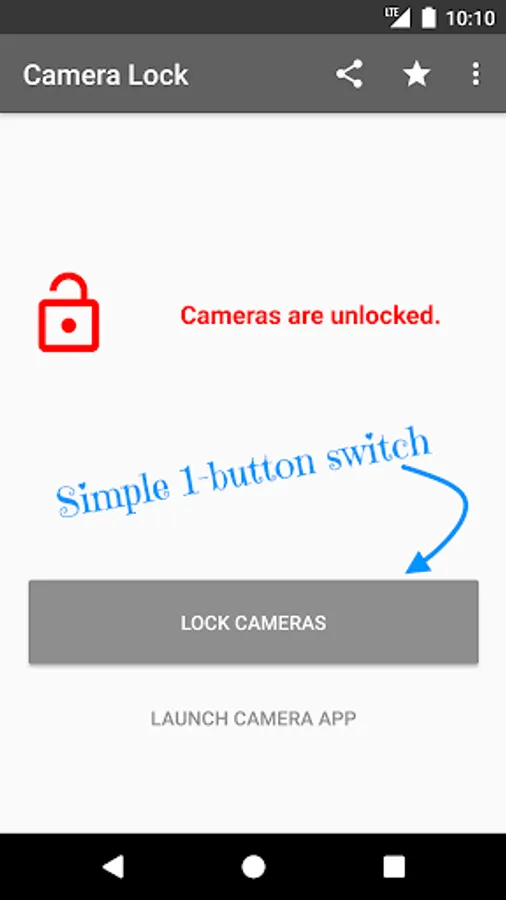
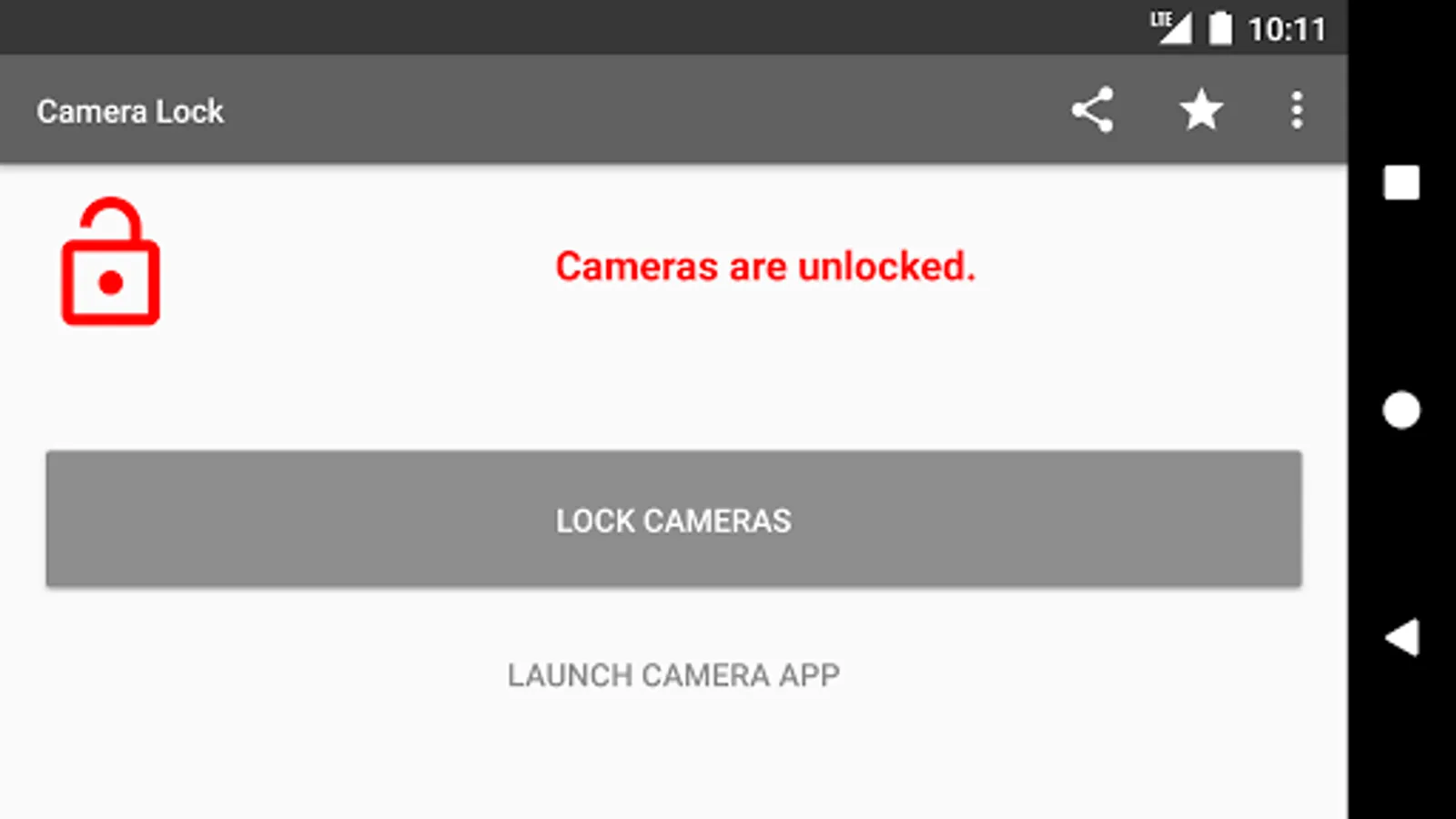
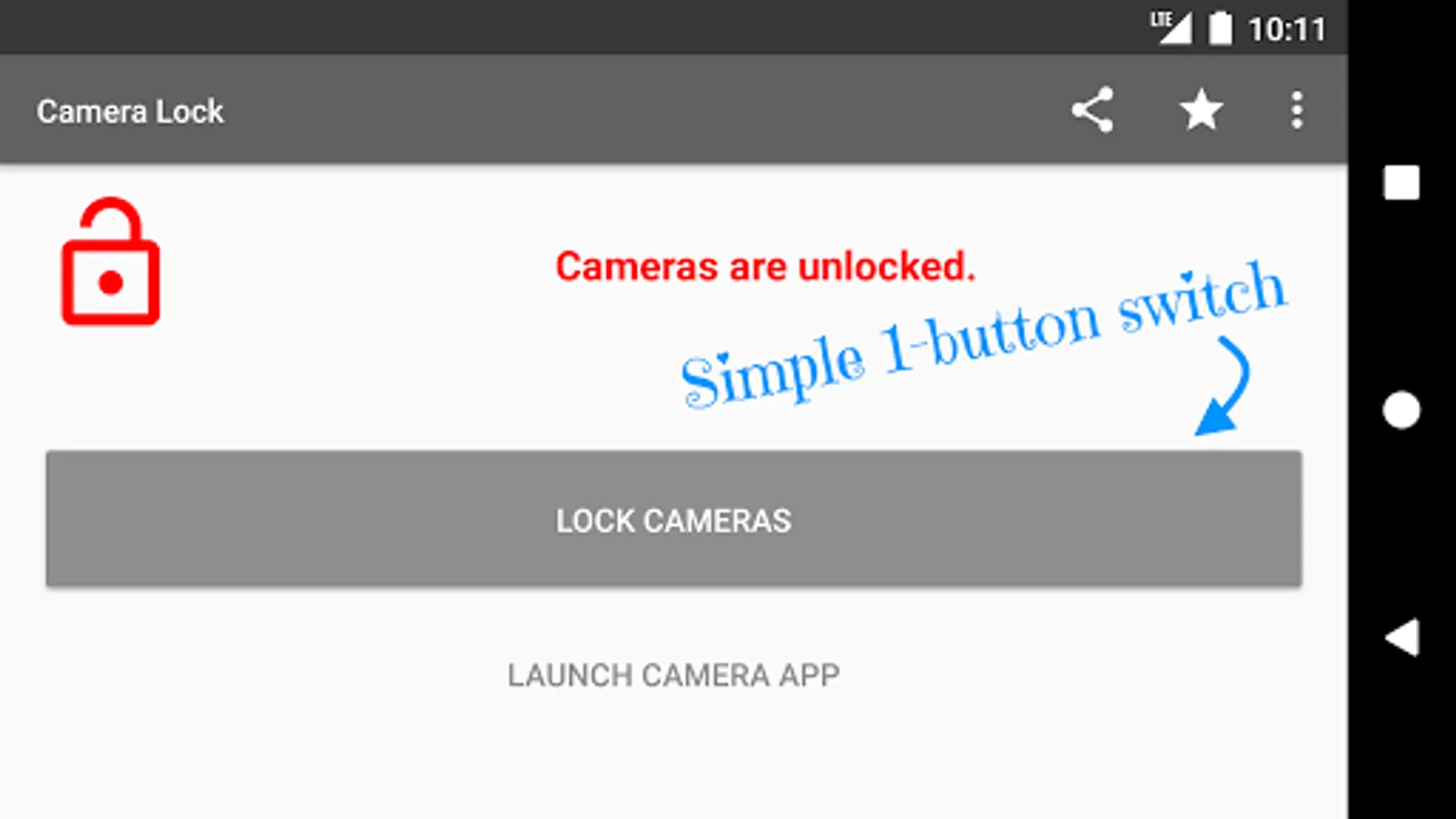
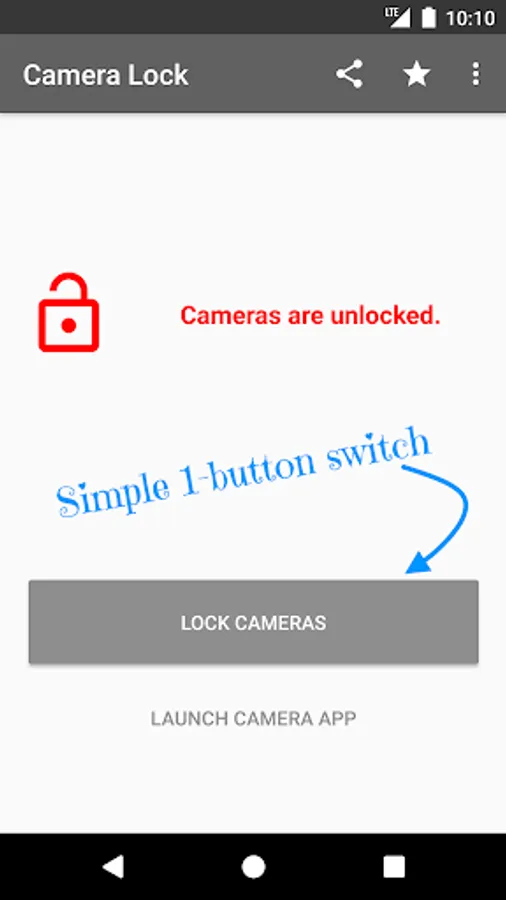
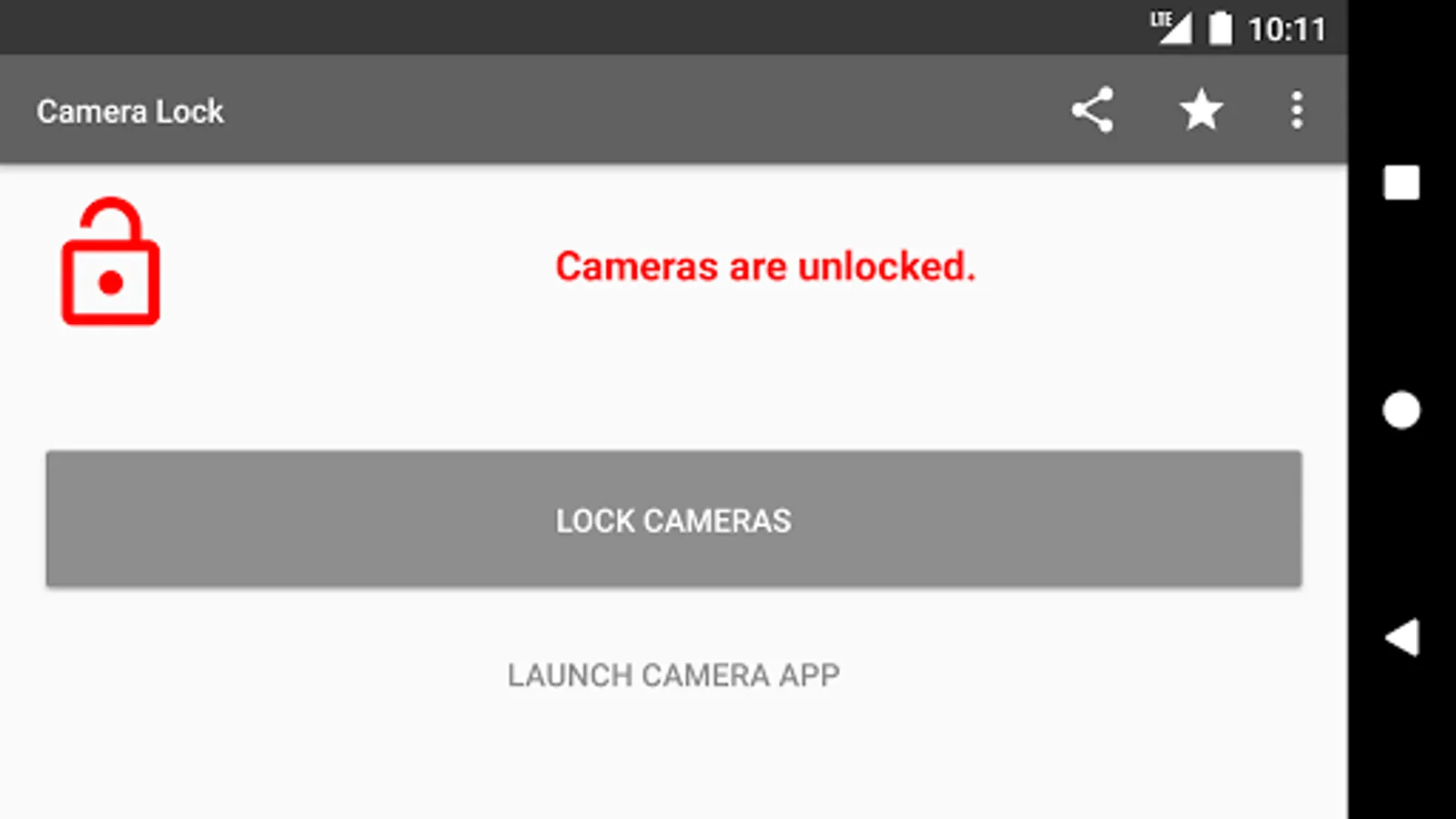
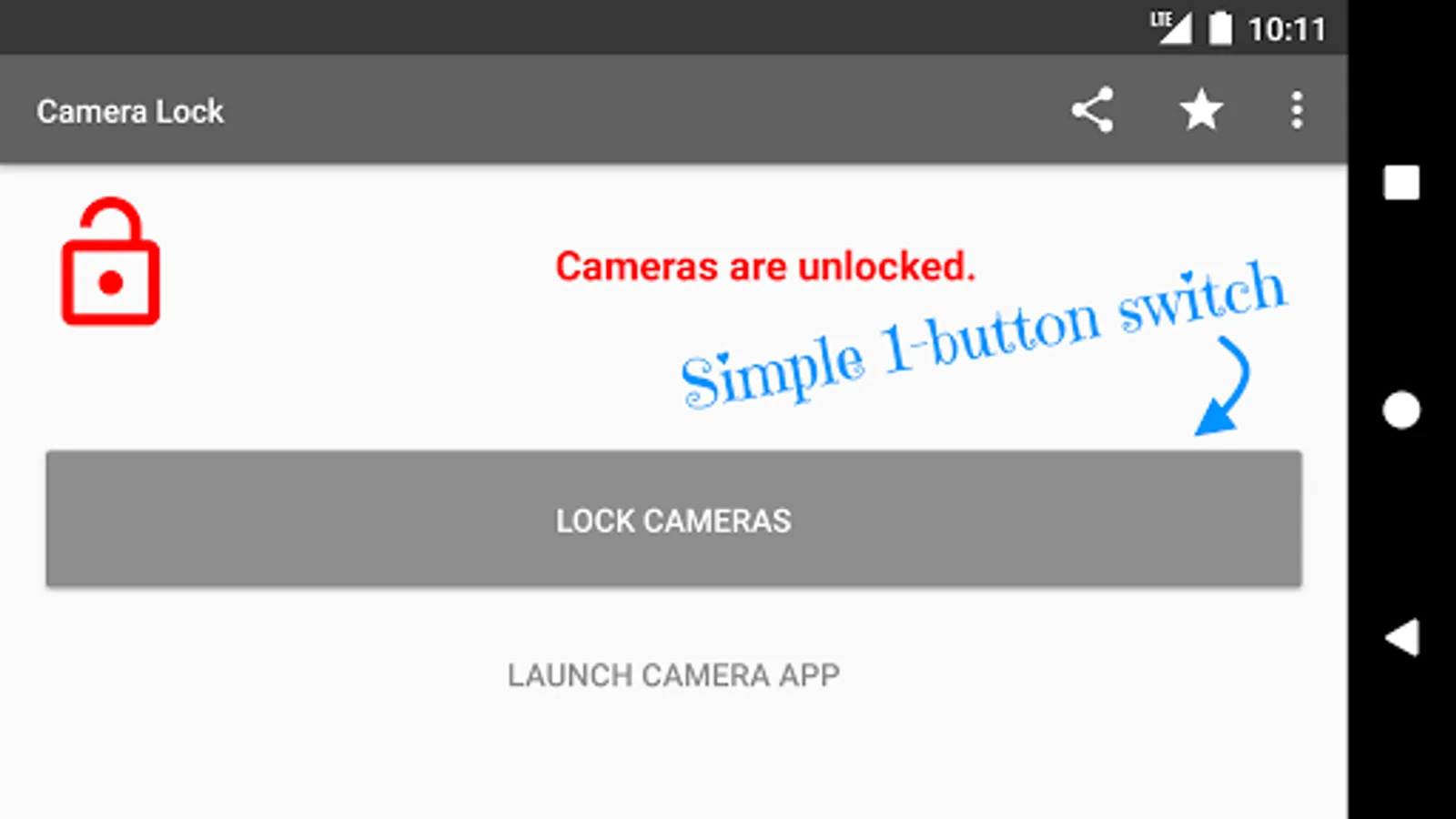
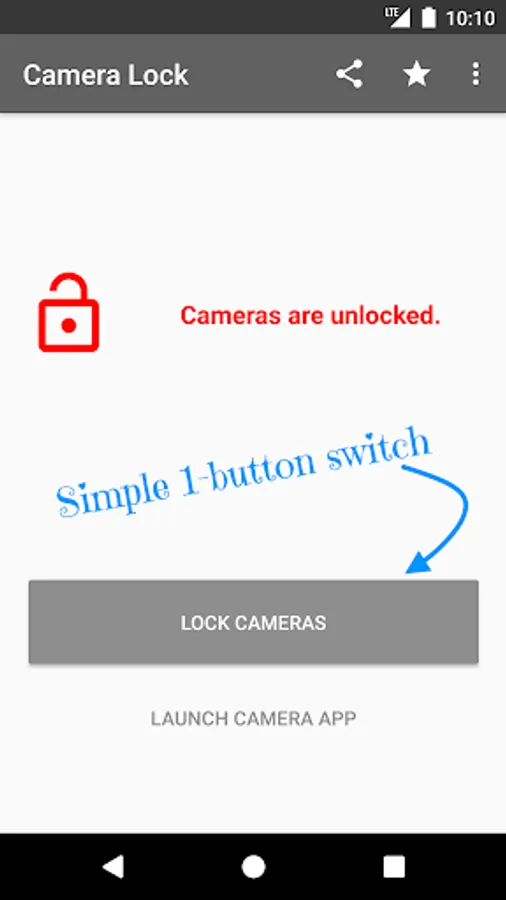
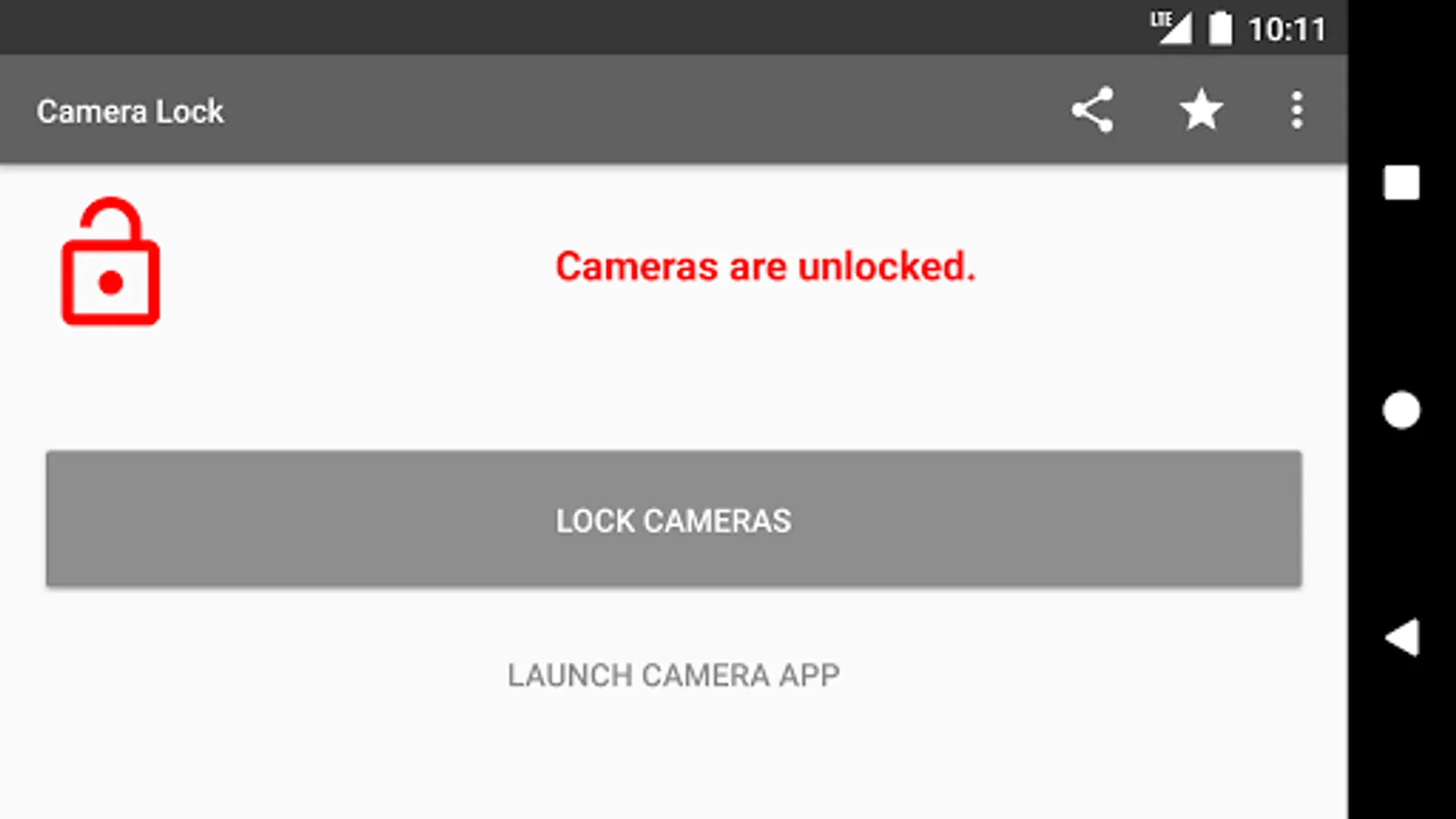
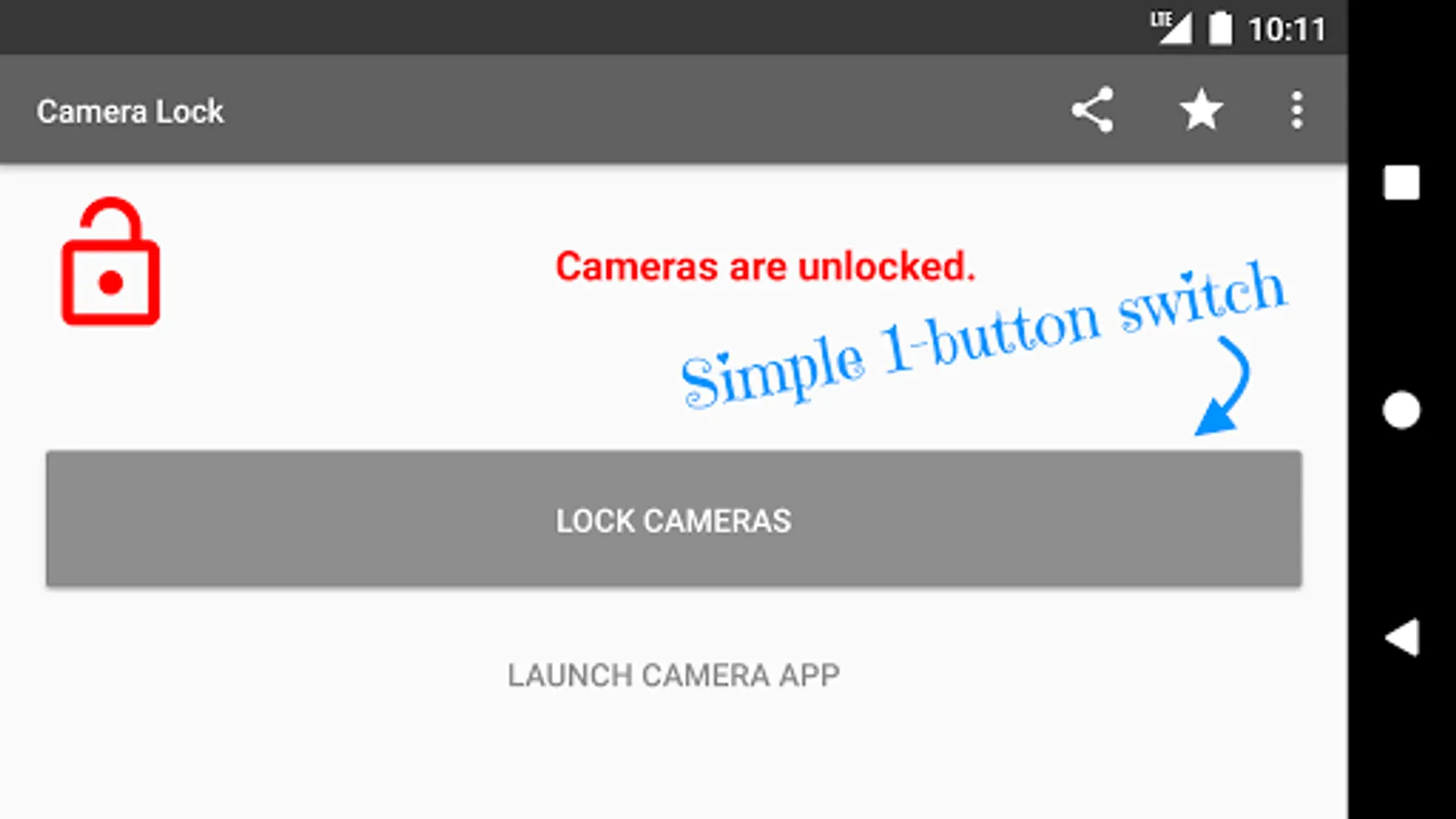
⭐️ Simple and easy to use, with just 1-button control. Probably the simplest one of its kind!
⭐️ Fast and lightweight.
⭐️ No bloat/unnecessary features.
⭐️ Clean and simple user interface.
⭐️ Help protect your privacy.
⭐️ Free!
Permission Information
Device administrator disable cameras permission is required for the app to enable (unlock) and disable (lock) the device cameras. This will be prompted the first time you try to lock the cameras. This permission cannot and will not be used for anything else.
Uninstallation
To uninstall the app, tap the “Deactivate and Uninstall App” button within the app. Alternatively, if this app has been activated as a device administrator so that it can lock and unlock cameras, deactivate the device administrator manually in Settings first, then you can uninstall the app manually.
Unlock when you need them.🐵
Stop bad apps from using your cameras when they’re not supposed to.
Features
⭐️ Simple and easy to use, with just 1-button control. Probably the simplest one of its kind!
⭐️ Fast and lightweight.
⭐️ No bloat/unnecessary features.
⭐️ Clean and simple user interface.
⭐️ Help protect your privacy.
⭐️ Free!
Permission Information
Device administrator disable cameras permission is required for the app to enable (unlock) and disable (lock) the device cameras. This will be prompted the first time you try to lock the cameras. This permission cannot and will not be used for anything else.
Uninstallation
To uninstall the app, tap the “Deactivate and Uninstall App” button within the app. Alternatively, if this app has been activated as a device administrator so that it can lock and unlock cameras, deactivate the device administrator manually in Settings first, then you can uninstall the app manually.
Camera Lock Screenshots
Tap to Rate:
Reviews for Camera Lock
Trey Cox
6/28/2025
Great I'll the time!!
John Herman
3/3/2024
Before I had this, various known and unknown apps were turning on my camera for whatever reasons. No more of that BS. If I can't put a security lock on my camera, I 'll have to switch to Apple. Don't want to, but Google is acting like a dicktator.