Connection Controller
Cristian Rodriguez
4.8 ★
store rating
5,000+
downloads
Free
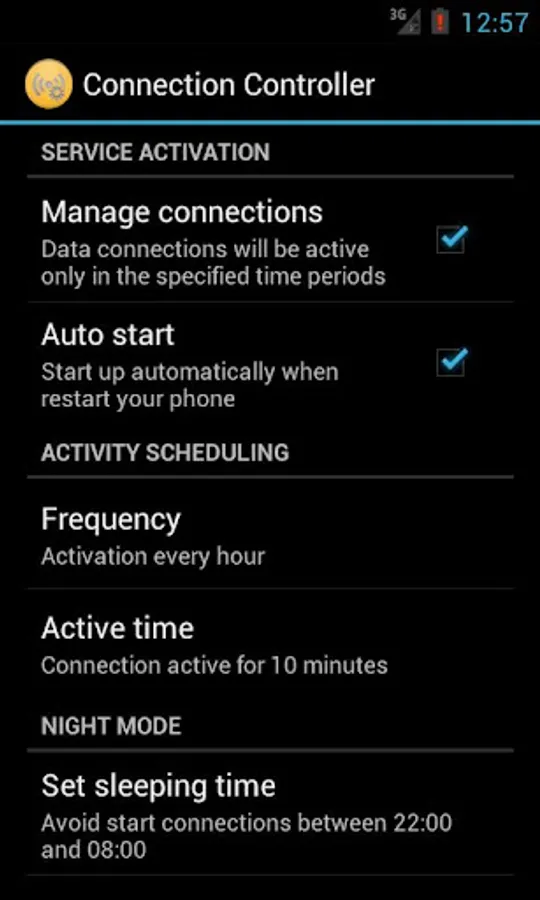
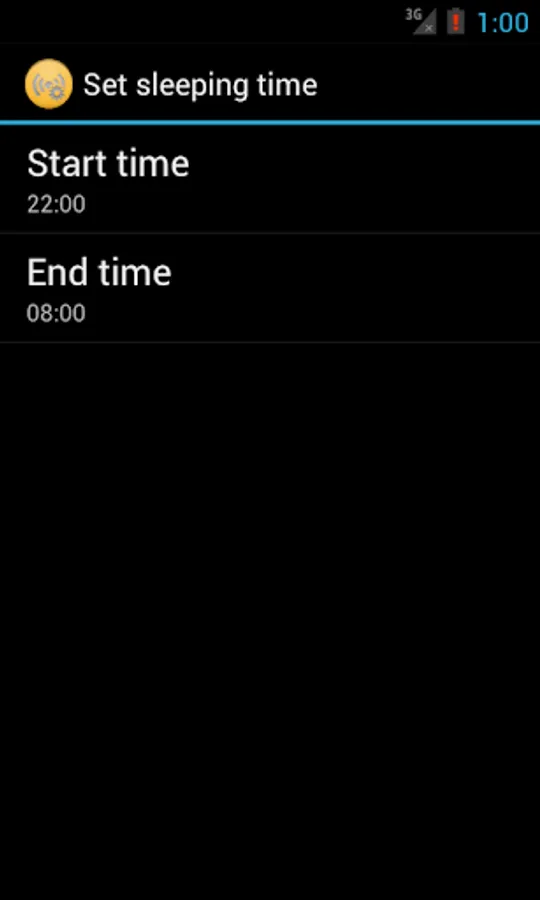
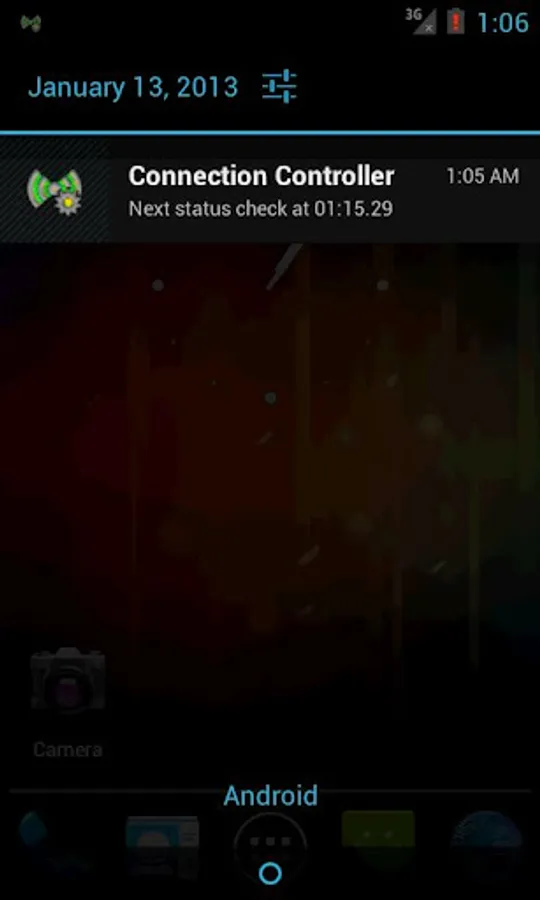
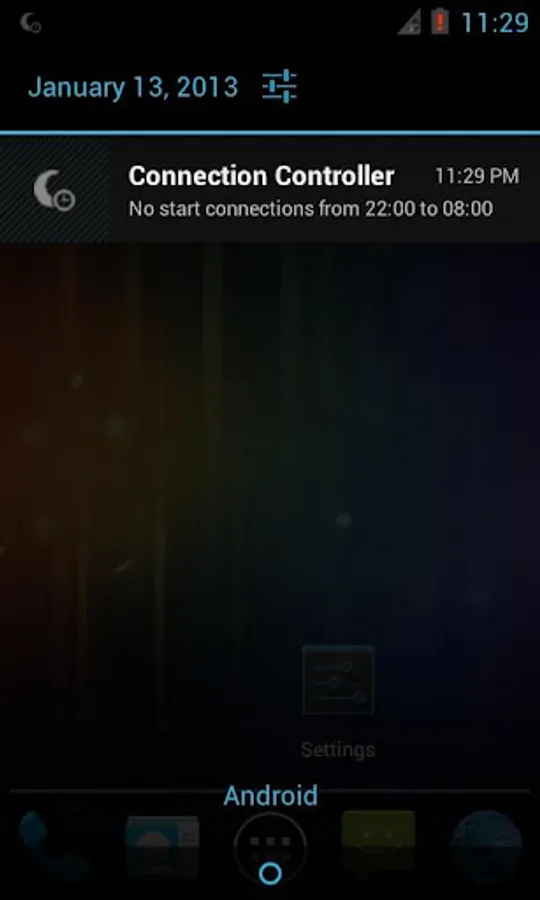
With this app, you can schedule data connection times and set night modes to save battery and data usage. Includes configurable time periods, automatic connection toggling, and options to preserve default settings.
AppRecs review analysis
AppRecs rating 4.8. Trustworthiness 0 out of 100. Review manipulation risk 0 out of 100. Based on a review sample analyzed.
★★★★☆
4.8
AppRecs Rating
Ratings breakdown
5 star
75%
4 star
25%
3 star
0%
2 star
0%
1 star
0%
What to know
✓
High user satisfaction
75% of sampled ratings are 5 stars
About Connection Controller
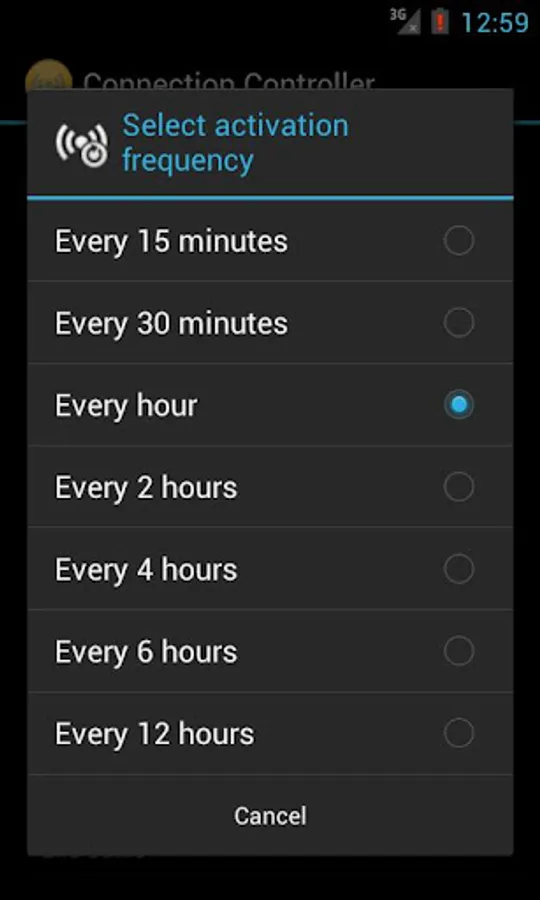
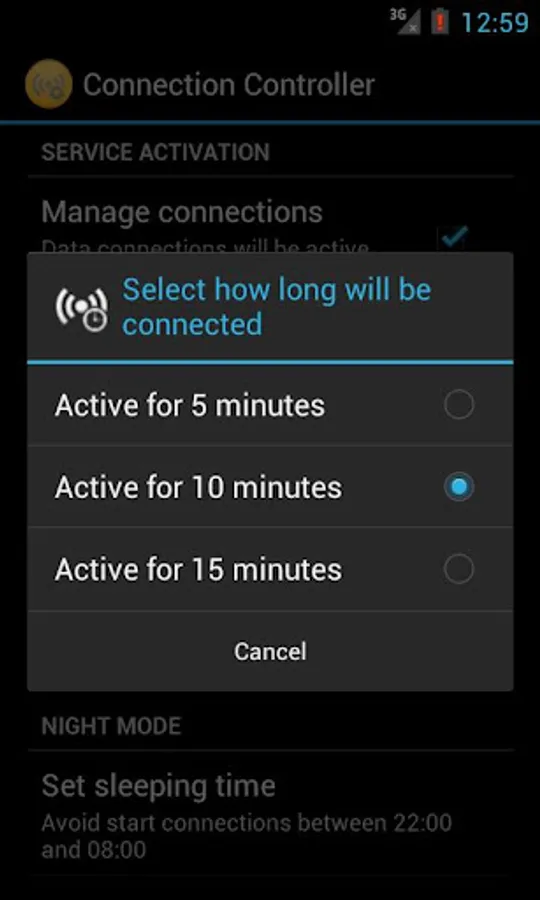
This application allows you to turn data connections (3G/WiFi) according to configurable time periods, and can also define a night time where you want to have no activity on the data network.
In this way, we can keep updated our smartphone applications (facebook, twitter, mail, etc...) but without requiring to be constantly connected to the network, consuming our data plan and draining the battery unnecessarily.
If you need to keep the connection alive for long, just turn off the service from the options and data connections remain active by default
IMPORTANT:
=========
It's a good idea to backup the configuration of APNs prior to using this application especially if the Android version is prior to 2.3 (search the market for backup apps)
To uninstall this application we recommend previously disable the service (from the configuration screen).
In this way, the phone will be exactly the same condition in which it was before install "Connection Controller".
Otherwise, it may be necessary to restore the APN configuration from an earlier backup.
If you find bugs or want to suggest improvements, please let me know and I will try to post a fix as soon as possible.
In this way, we can keep updated our smartphone applications (facebook, twitter, mail, etc...) but without requiring to be constantly connected to the network, consuming our data plan and draining the battery unnecessarily.
If you need to keep the connection alive for long, just turn off the service from the options and data connections remain active by default
IMPORTANT:
=========
It's a good idea to backup the configuration of APNs prior to using this application especially if the Android version is prior to 2.3 (search the market for backup apps)
To uninstall this application we recommend previously disable the service (from the configuration screen).
In this way, the phone will be exactly the same condition in which it was before install "Connection Controller".
Otherwise, it may be necessary to restore the APN configuration from an earlier backup.
If you find bugs or want to suggest improvements, please let me know and I will try to post a fix as soon as possible.