Camera Ruler - AR Tape Measure
Daniel Le
1.5 ★
267 ratings
100,000+
downloads
Free
In this measurement app, users point their camera at objects and adjust the view to obtain accurate measurements. Includes AR measurement tools, unit selection, and angle measurement features.
AppRecs review analysis
AppRecs rating 1.0. Trustworthiness 74 out of 100. Review manipulation risk 24 out of 100. Based on a review sample analyzed.
★☆☆☆☆
1.0
AppRecs Rating
Ratings breakdown
5 star
12%
4 star
0%
3 star
0%
2 star
0%
1 star
88%
What to know
⚠
Ad complaints
Many low ratings mention excessive ads
⚠
Mixed user feedback
Average 1.5★ rating suggests room for improvement
⚠
High negative review ratio
88% of sampled ratings are 1–2 stars
About Camera Ruler - AR Tape Measure
📏The Camera Ruler: AR Tape Measure app brings cutting-edge augmented reality (AR) technology to your device and is a smart tool for effortlessly and accurately measuring distances, sizes. This AR measure app allows adjustments as you move your camera, ensuring easy measurements anytime.
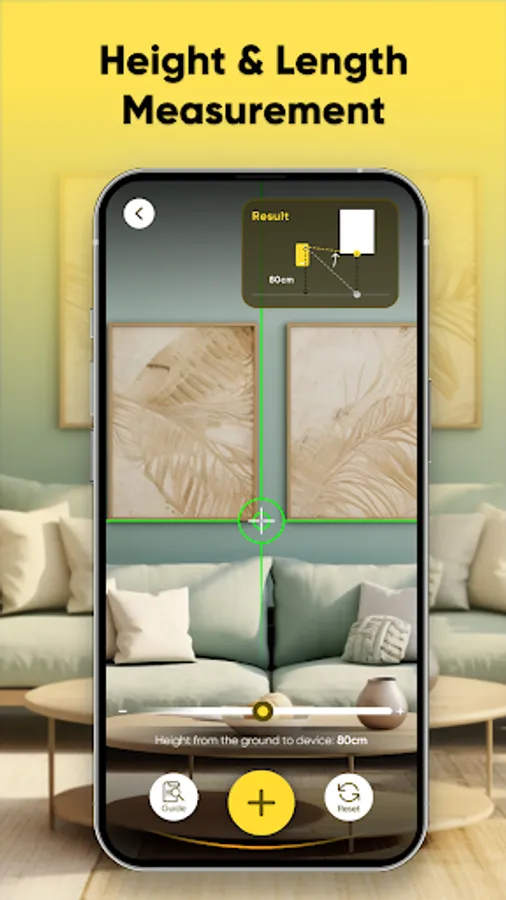
📏Turn your smartphone into a powerful measurement device via this Camera ruler app. Point your camera at the object or area you want to measure, and with a few taps, let the tape ruler app do the rest smartly and easily. You can measure lengths, heights, or widths on your screen. This ruler app camera helps you plan home renovations, measure furniture to fit or ascertain the area dimensions.
📏Here are the Key features of Camera Ruler: AR Tape Measure:
📷AR Ruler:
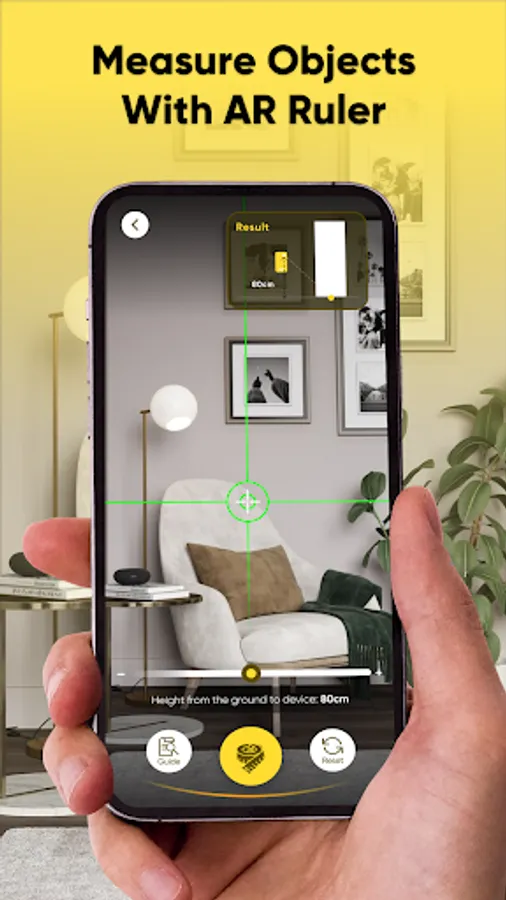
This feature enables you to measure objects using your phone's camera. Point the camera at the object, the app for tape measures will display the measurement result on your phone screen.
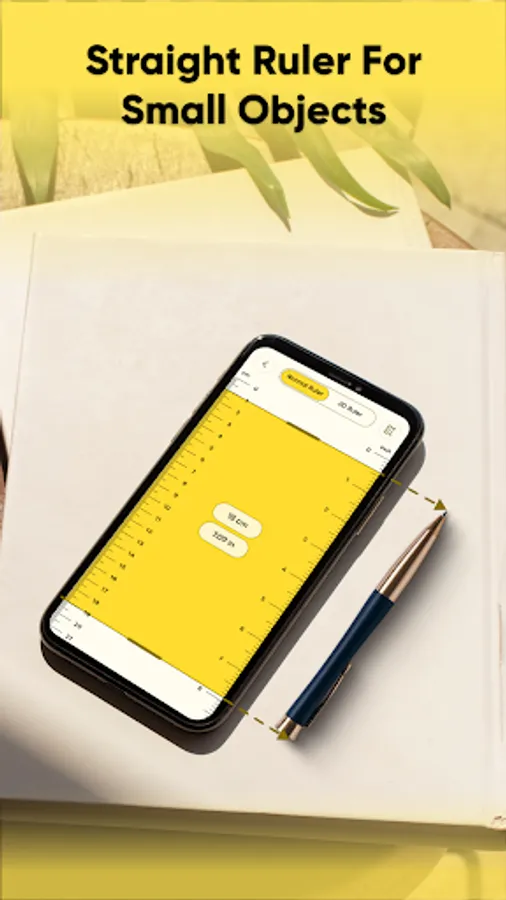
📷Straight Ruler:
Use this ruler app camera tape measure to take the measurement of length or height of objects directly on your phone. Position the straight ruler appropriately, and the measuring tape app will handle the rest. It’s ideal for small objects when a physical ruler isn’t available.
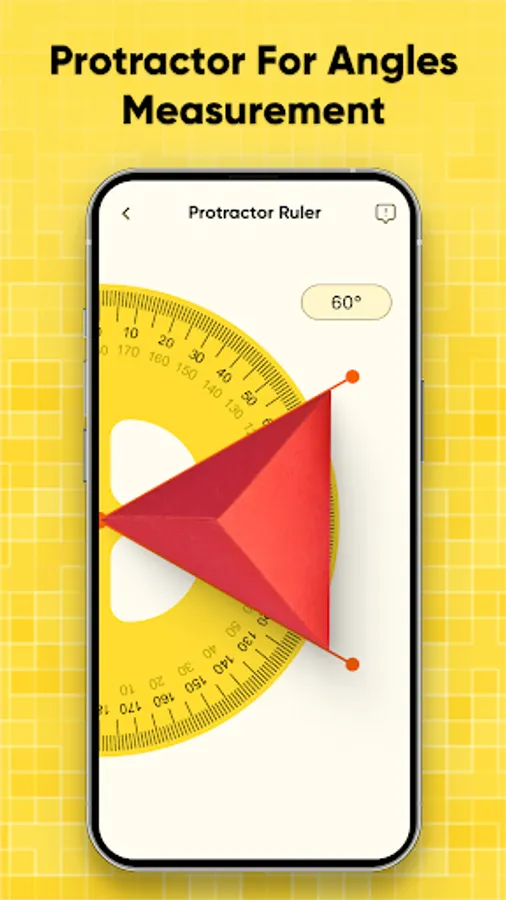
📷Protractor:
The protractor function helps measure angles with precision. Adjust your device and measure objects, the tape measure app on phone screen will display the angle in degrees.
📱Unit Types: Choose from units like centimeters or inches to suit your needs.
📱User-Friendly Interface: Enjoy a smooth and intuitive experience for all your measuring tasks.
📱Versatile Applications: From home improvement to professional projects, Camera ruler app adapts to your needs.
📱Time-Saving: No need manual measurements and save valuable time with instant results.
📏How to Use the Measurement tape measure app?
1. Select the measuring tool you need to use.
2. With AR ruler camera feature, adjust your camera to detect the object you want to measure.
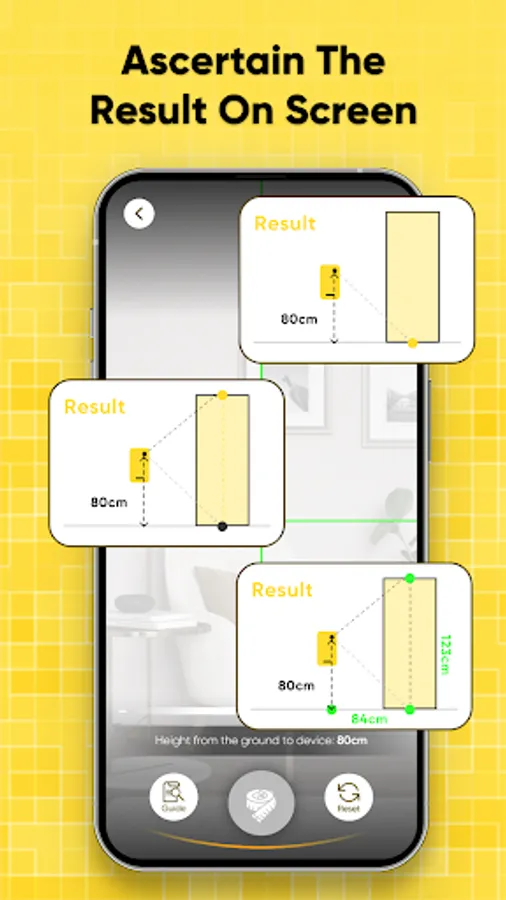
3. With AR ruler camera feature, take the measurement of distances or sizes by tapping on the camera phone screen.
4. Get the result on the measurement space.
📏This Camera ruler: Tape measure app is a smart tool for distances measurement. Transform your phone into a smart measuring tool via Camera app with ruler. Get the app for tape measures today and experience how easy measuring can be!
📏Turn your smartphone into a powerful measurement device via this Camera ruler app. Point your camera at the object or area you want to measure, and with a few taps, let the tape ruler app do the rest smartly and easily. You can measure lengths, heights, or widths on your screen. This ruler app camera helps you plan home renovations, measure furniture to fit or ascertain the area dimensions.
📏Here are the Key features of Camera Ruler: AR Tape Measure:
📷AR Ruler:
This feature enables you to measure objects using your phone's camera. Point the camera at the object, the app for tape measures will display the measurement result on your phone screen.
📷Straight Ruler:
Use this ruler app camera tape measure to take the measurement of length or height of objects directly on your phone. Position the straight ruler appropriately, and the measuring tape app will handle the rest. It’s ideal for small objects when a physical ruler isn’t available.
📷Protractor:
The protractor function helps measure angles with precision. Adjust your device and measure objects, the tape measure app on phone screen will display the angle in degrees.
📱Unit Types: Choose from units like centimeters or inches to suit your needs.
📱User-Friendly Interface: Enjoy a smooth and intuitive experience for all your measuring tasks.
📱Versatile Applications: From home improvement to professional projects, Camera ruler app adapts to your needs.
📱Time-Saving: No need manual measurements and save valuable time with instant results.
📏How to Use the Measurement tape measure app?
1. Select the measuring tool you need to use.
2. With AR ruler camera feature, adjust your camera to detect the object you want to measure.
3. With AR ruler camera feature, take the measurement of distances or sizes by tapping on the camera phone screen.
4. Get the result on the measurement space.
📏This Camera ruler: Tape measure app is a smart tool for distances measurement. Transform your phone into a smart measuring tool via Camera app with ruler. Get the app for tape measures today and experience how easy measuring can be!
Camera Ruler - AR Tape Measure Screenshots
Tap to Rate:
Reviews for Camera Ruler - AR Tape Measure
M Tariq Arif
12/29/2025
good measure 👍
Debbie Shipton
12/9/2025
So many adverts, it makes the app unusable.