ChlorinatorGO
Free
10,000+
downloads
About ChlorinatorGO
Take your control of your AstralPool 'eQ' or 'Viron' chlorinator to the next level by going wireless. Connecting through Bluetooth, this app allows you to control and configure your chlorinator remotely. Now you can continue to relax in your pool or spa and still have full control!
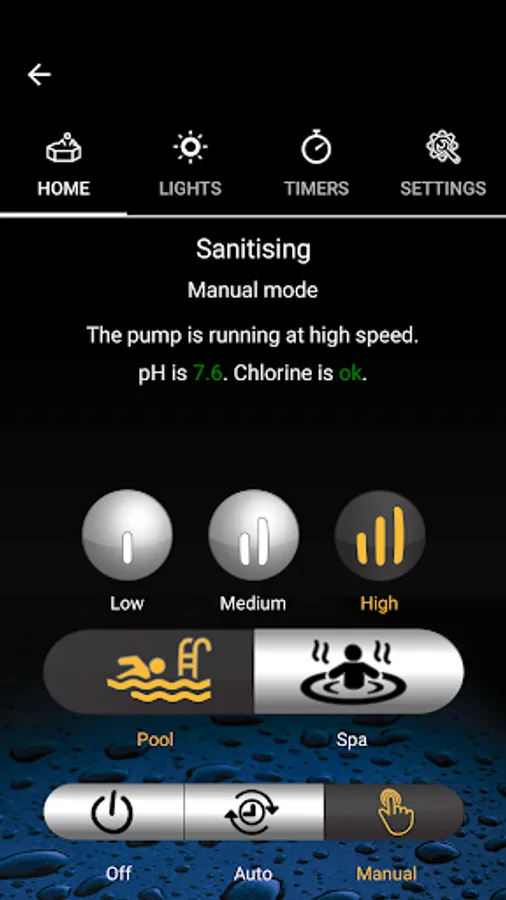
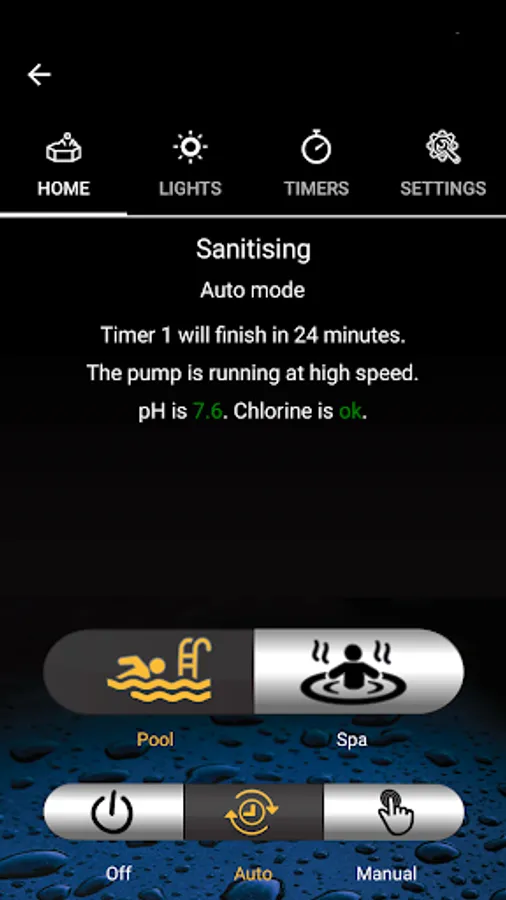
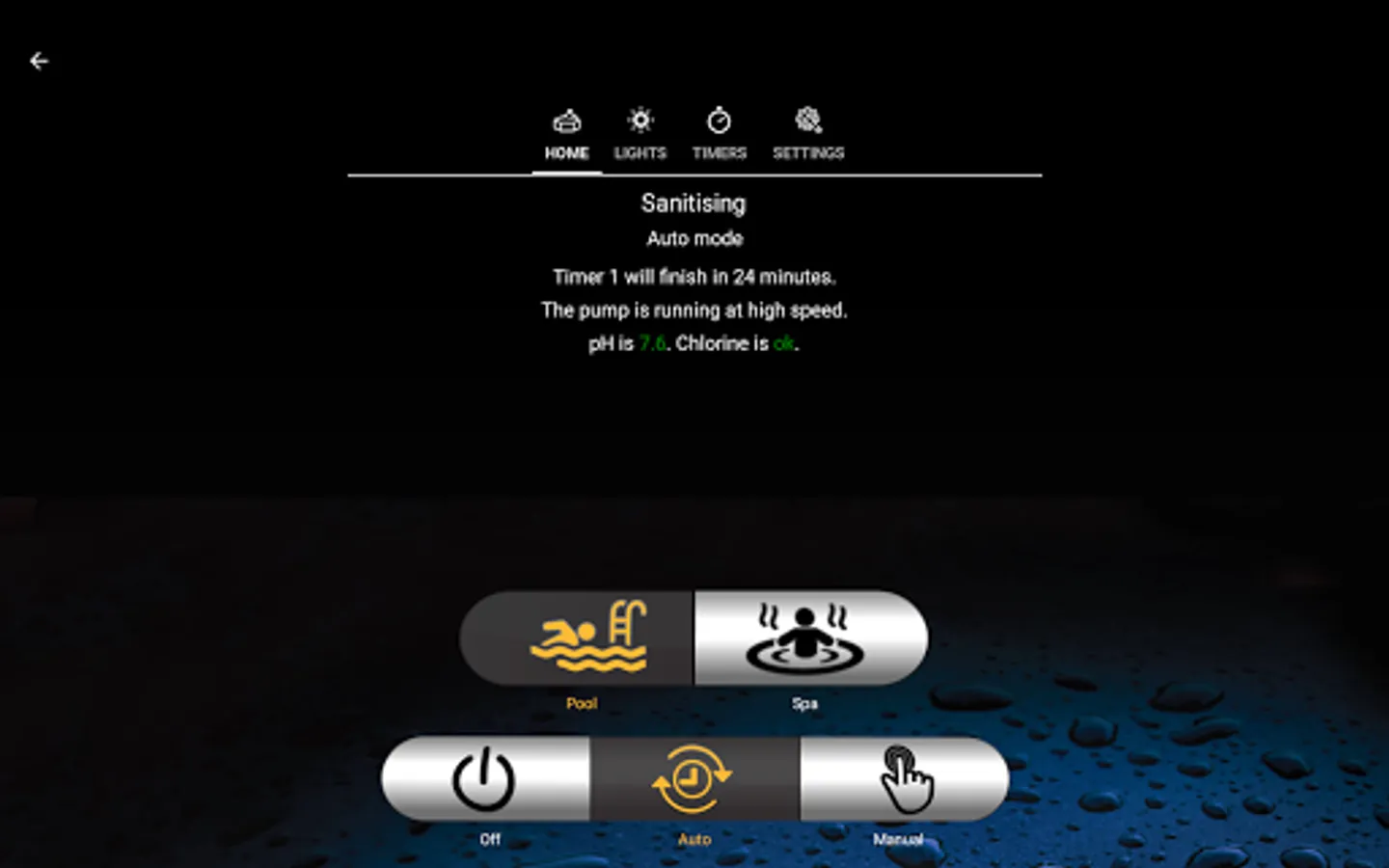
Once linked, this app lets you control all the major functions of your chlorinator without having to climb over all your other equipment. With the simple-to-use interface, you can start and stop the pump, place it into Auto mode, control lighting, adjust the Timers, and more. Please turn on Location in your phone Settings.
App Features
- Discover, name and store up to four chlorinators.
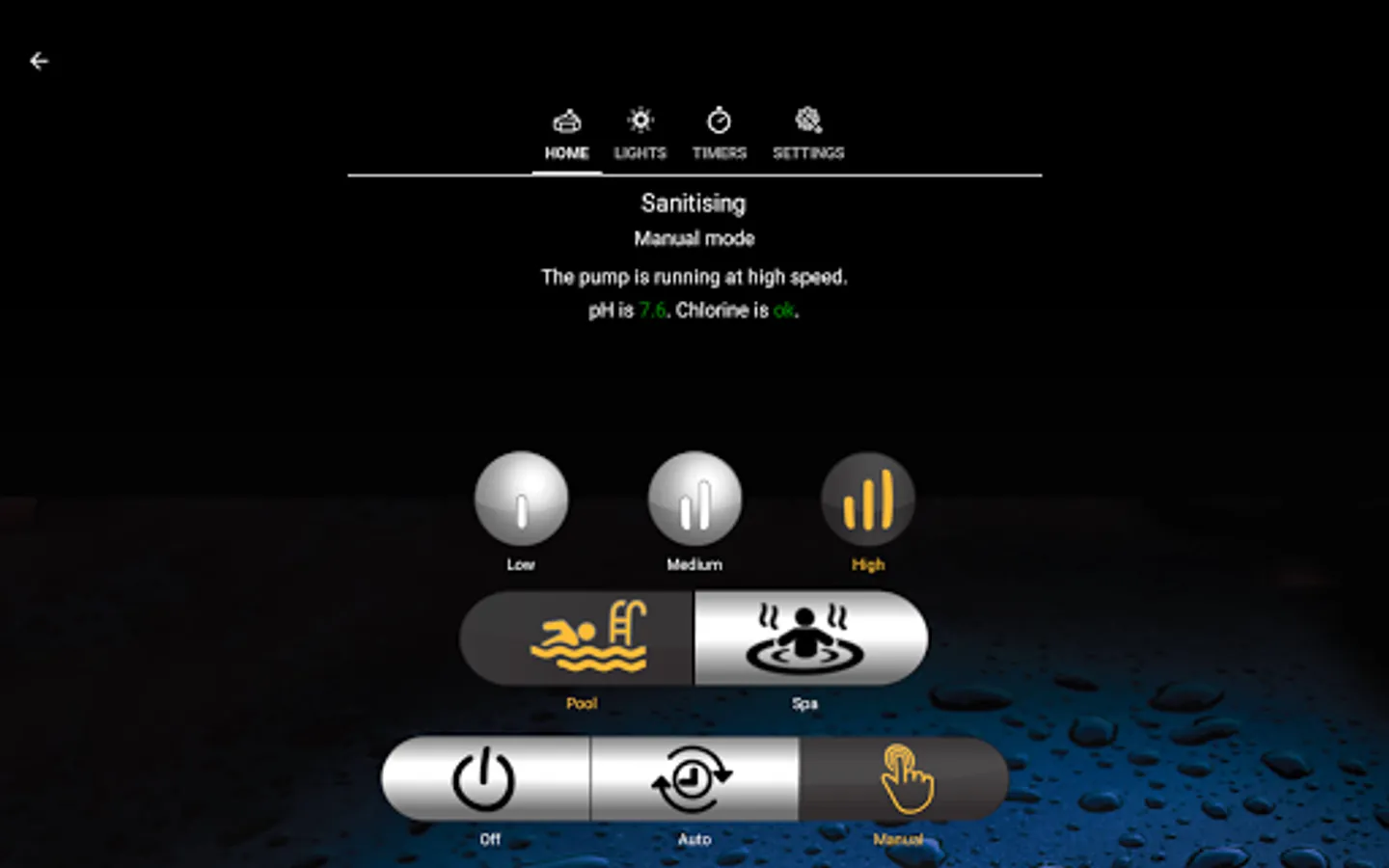
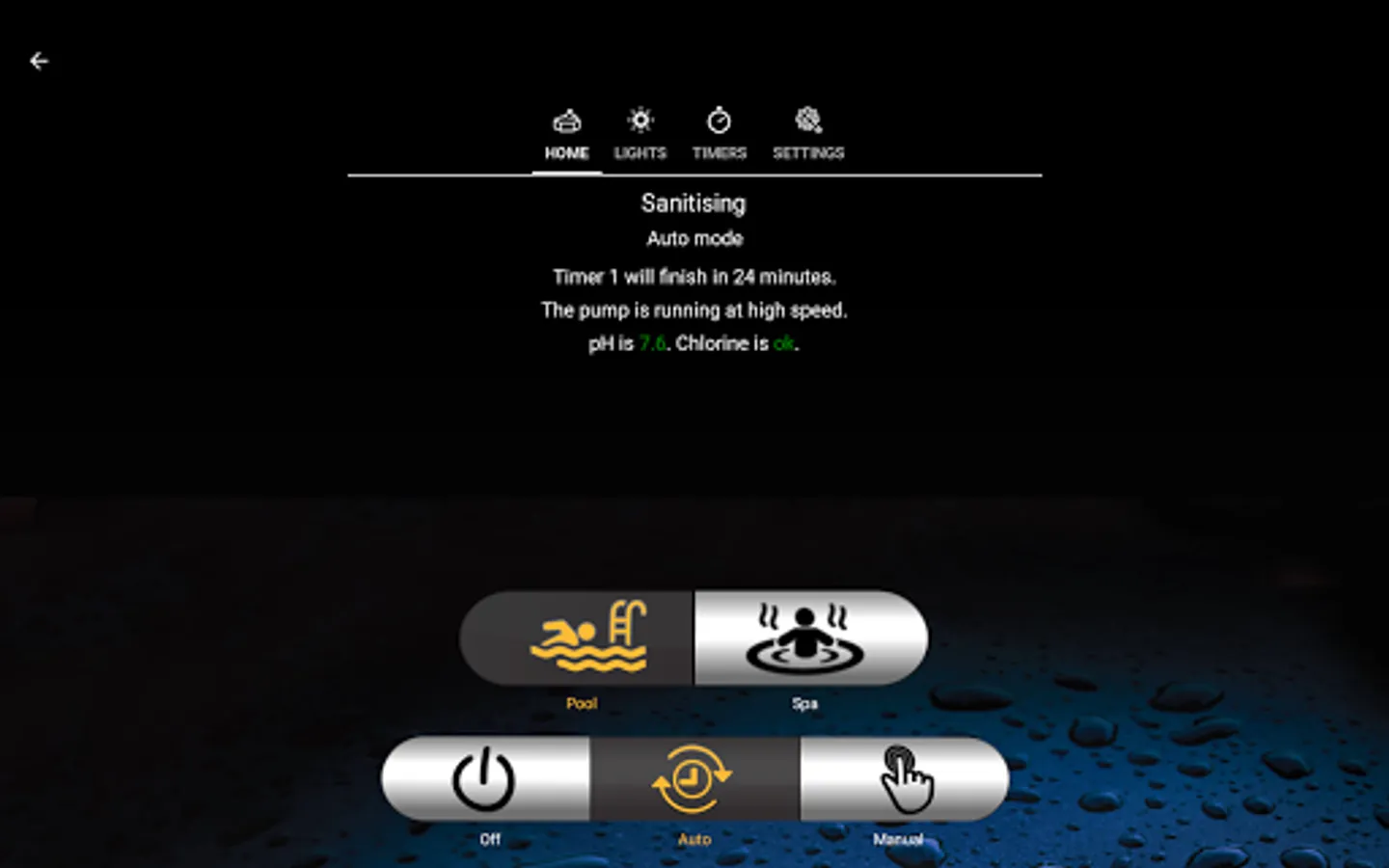
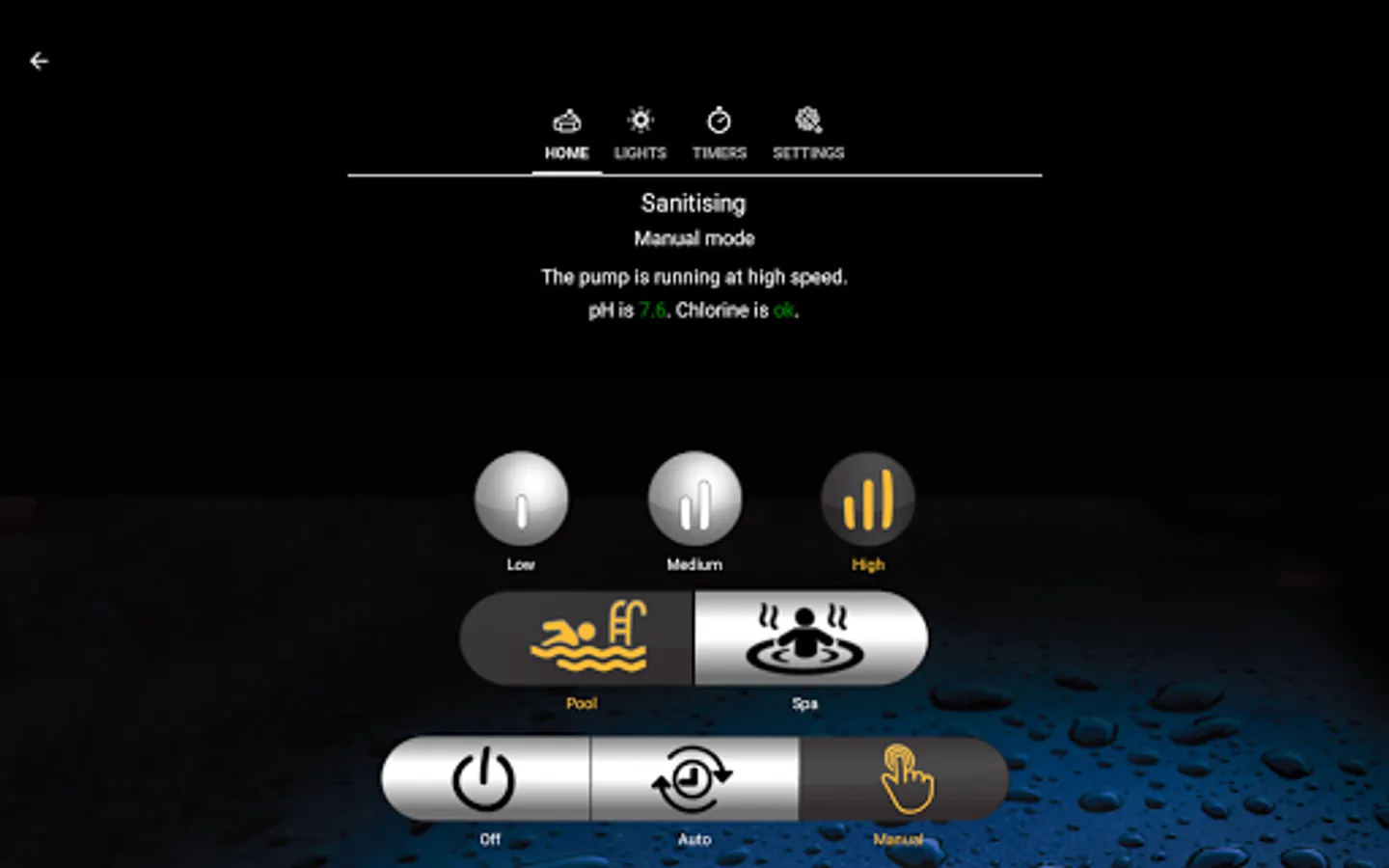
- Start and stop the pump manually, or place it into Auto mode.
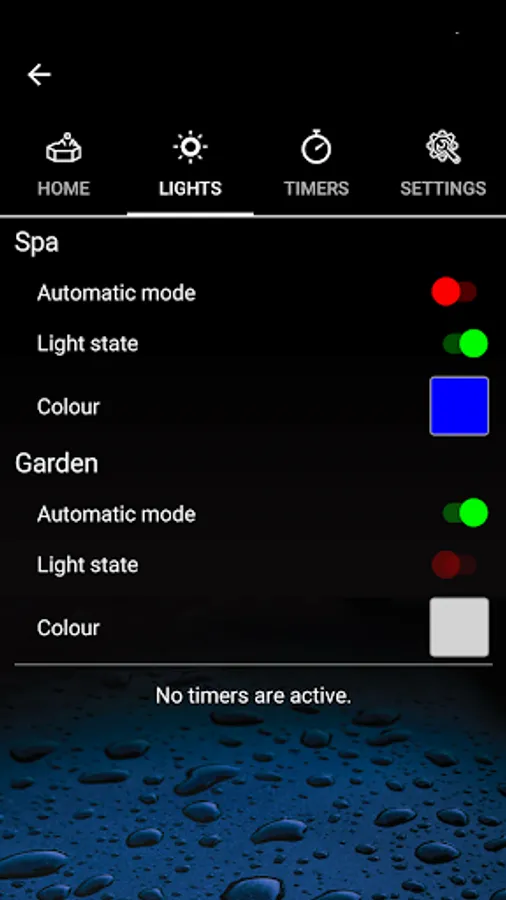
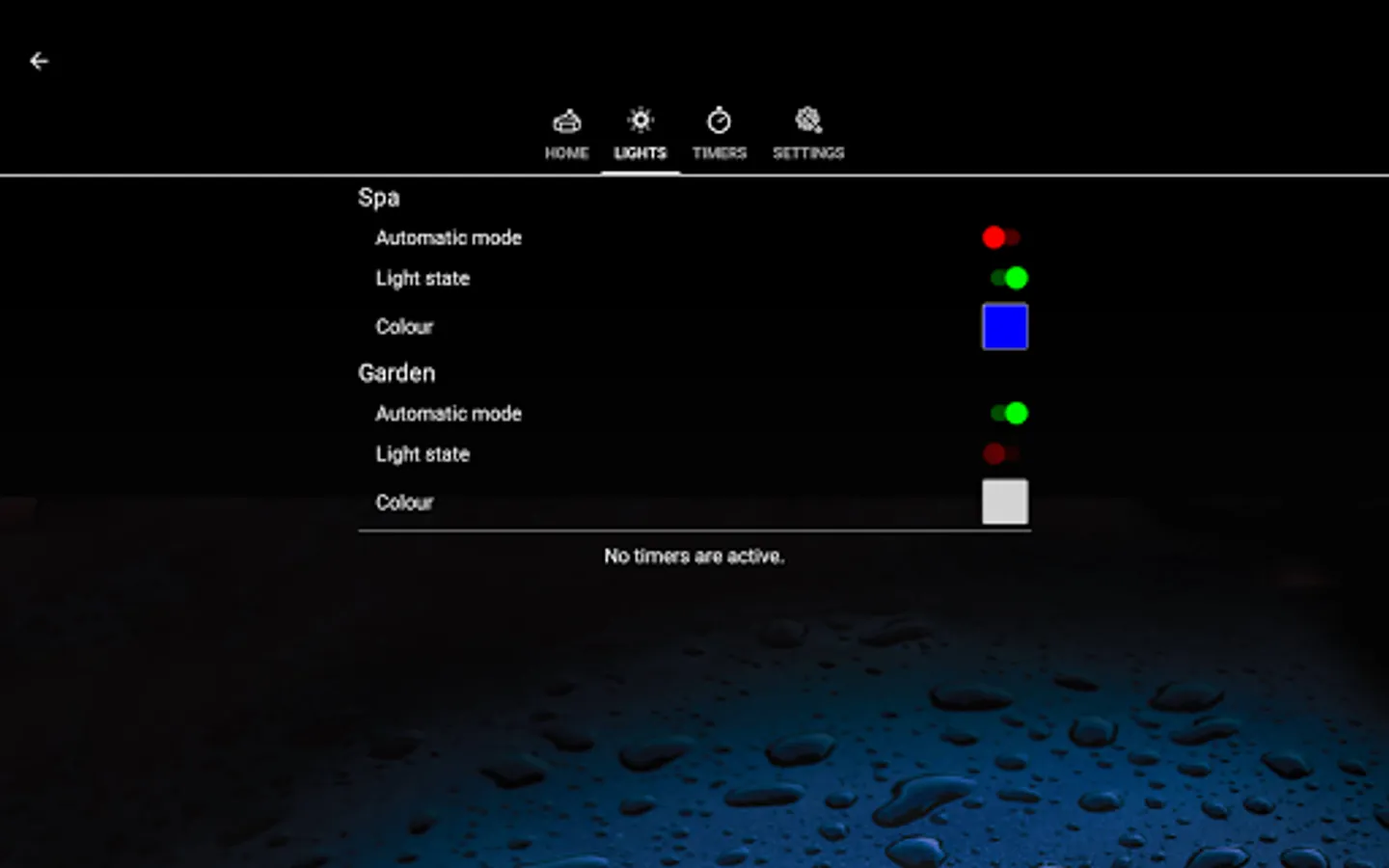
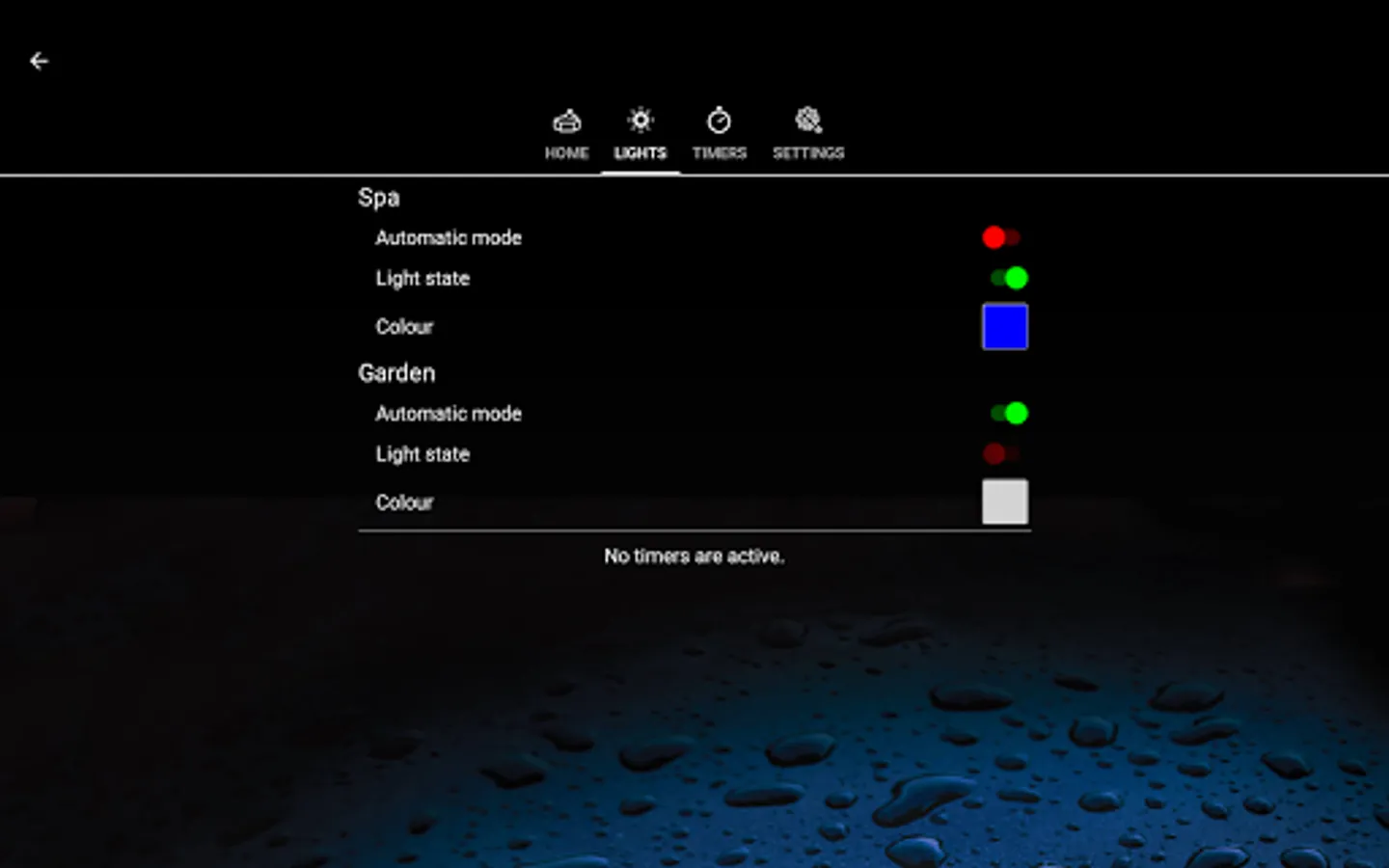
- Turn on and off your lights, and change their colour.
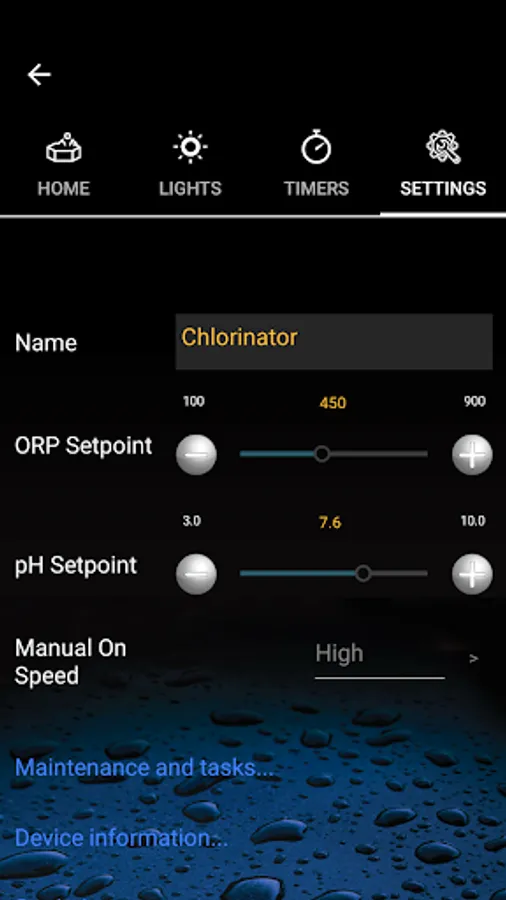
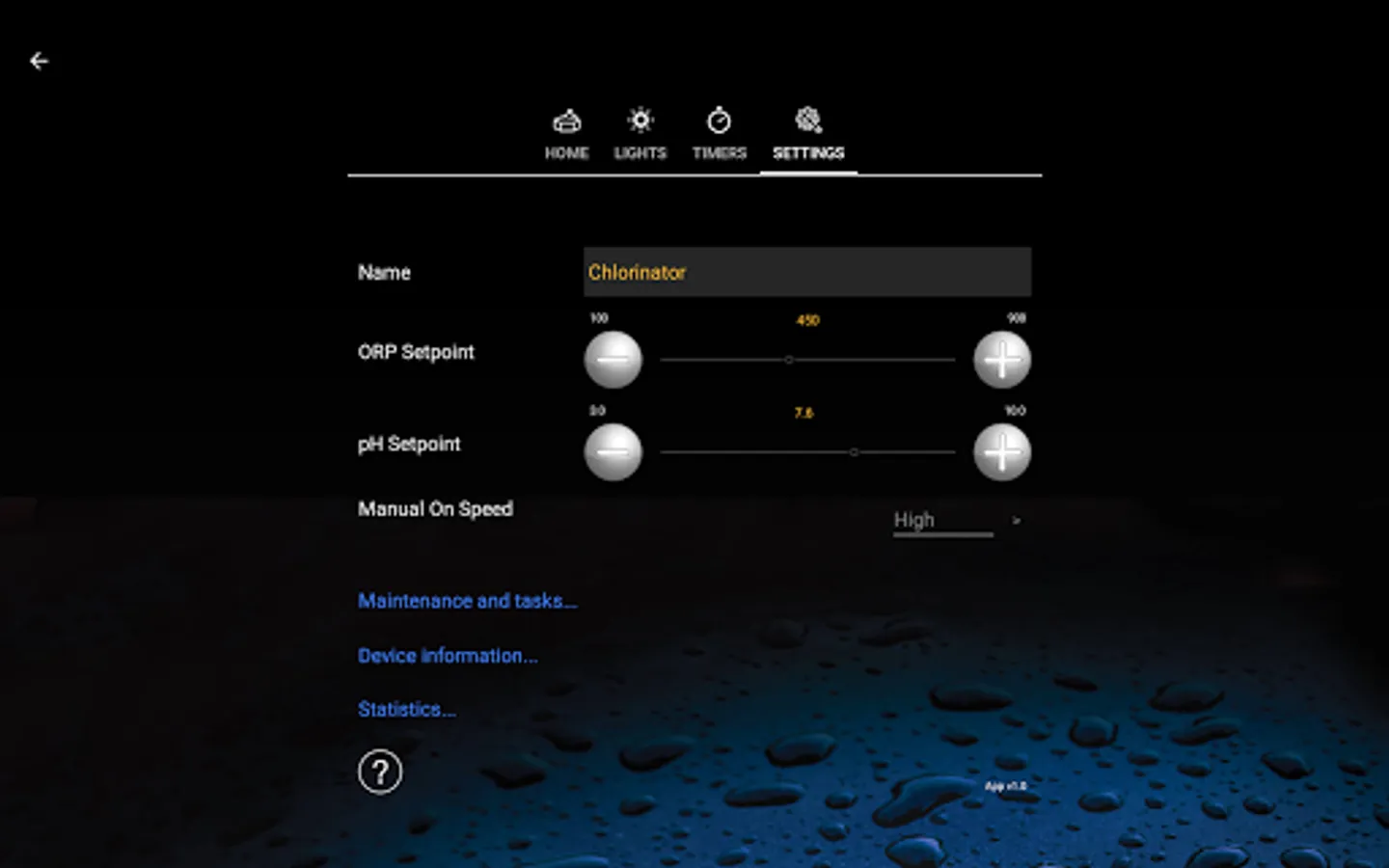
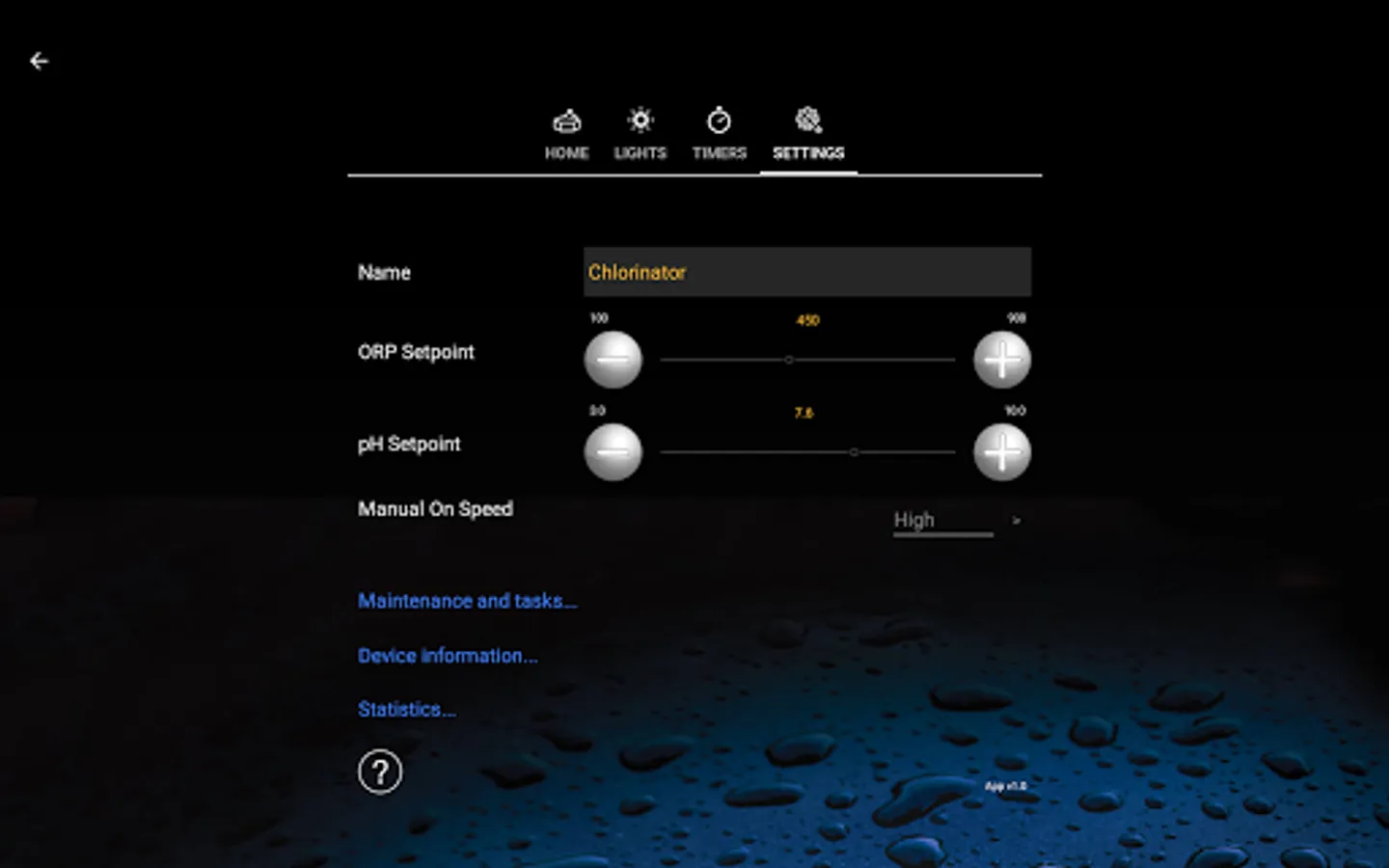
- View your water balance and adjust chemistry set-points.
- Control the pump speed.
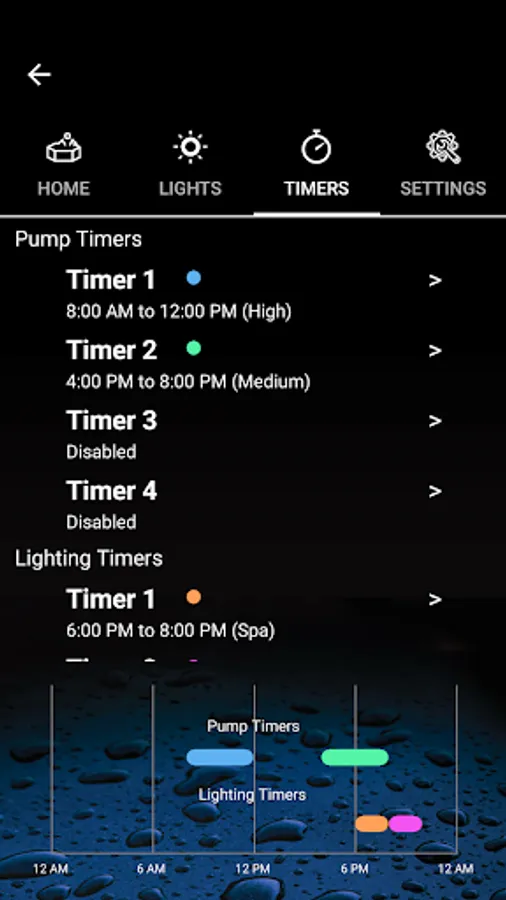
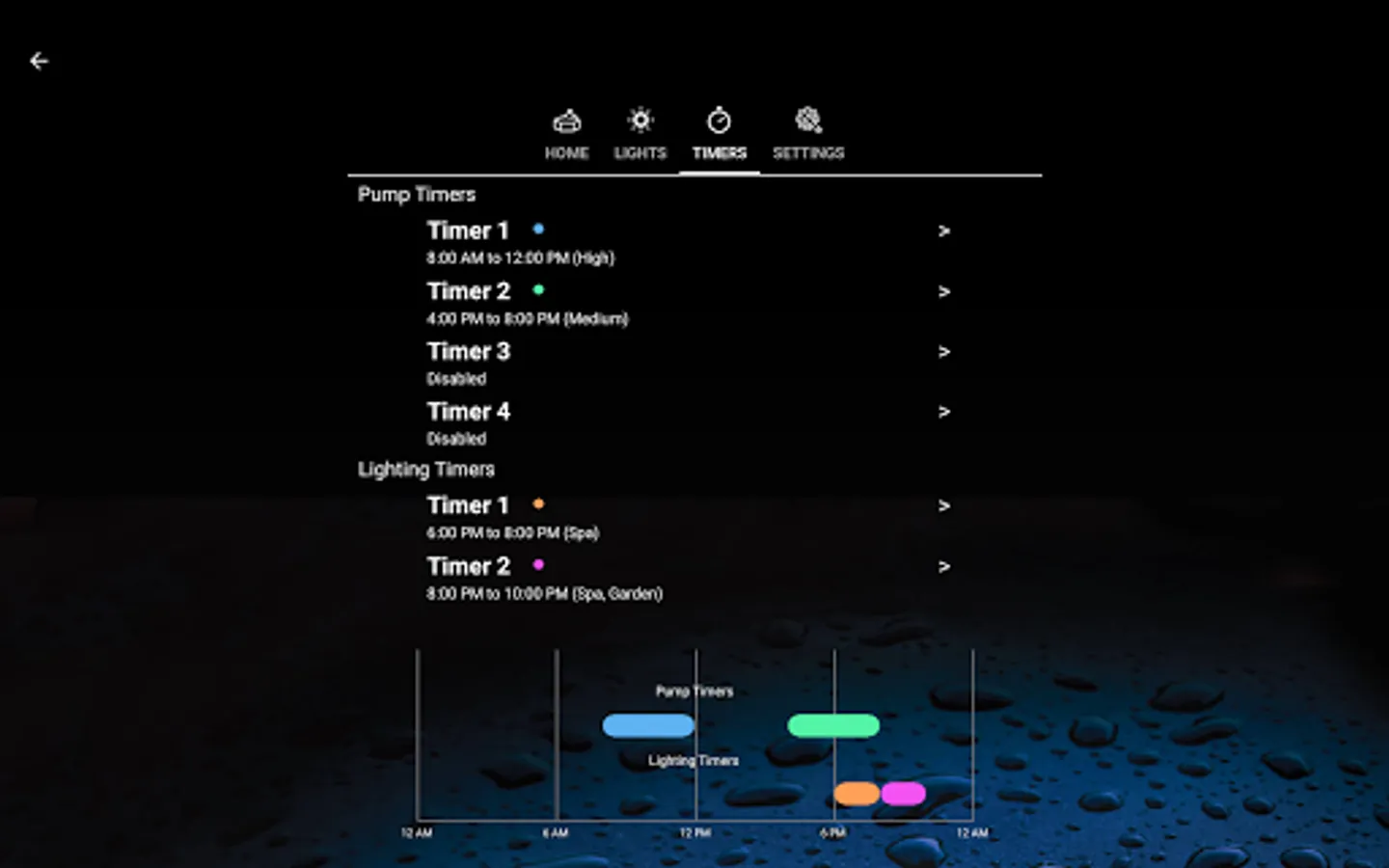
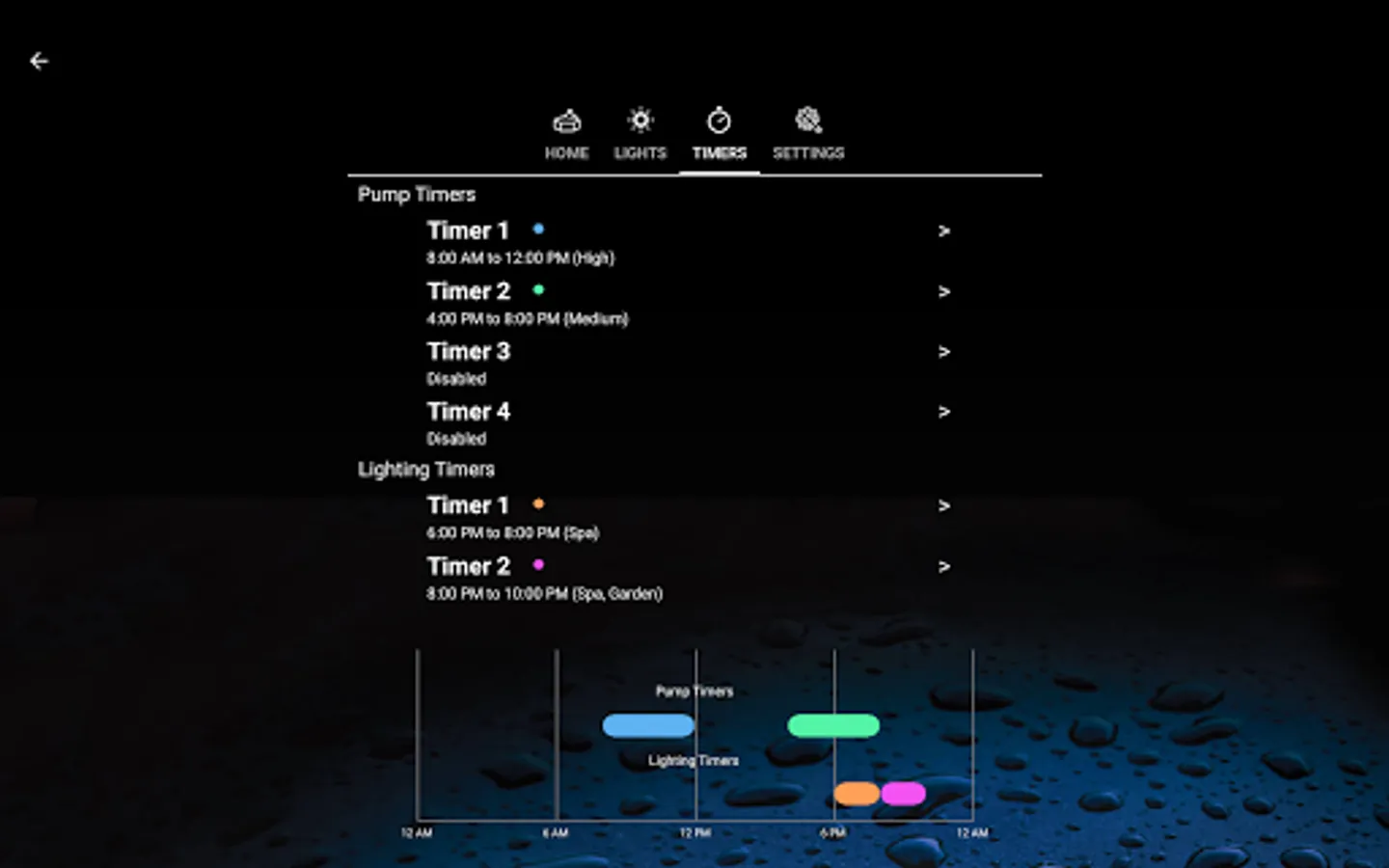
- View and adjust the pump and lighting timers, with full control of start & stop time and speed.
This app requires a compatible AstralPool chlorinator. Contact your local dealer or AstralPool representative if you're unsure whether your chlorinator is compatible. Not all features available in all chlorinator models. Some features require additional equipment, such as chemical sensors or lighting controllers.
ChlorinatorGO Screenshots
Reviews for ChlorinatorGO
Bryn Sargeant
12/20/2025
works on Samsung a55 but not google pixel 9a. It lets you pair and even rename the chlorinator, but then takes you back to the home screen and shows no device paired. Even the help icon doesn't work. Dont bother using this app on a google phone.
Magilla G
12/8/2025
Since Nov 2025 update my filter on/off change and cost me power wise. Now since 06/12/2025 app no longer works. What's going on Astral?
Indigothebat thecat
12/6/2025
Have all AstralPool equipment that work well with the older app version. When I updated this app, it will not save bluetooth connection. It accepts code from the controller, then it goes to the main screen with "no devices are paired." Reload app multiple times. So now I have nothing. Have found an old app version that works. Thanks for not much at all.
Scotty
11/30/2025
again latest update doesn't recognise eq25 and won't even connect your app support and design really sucks. in addition auto run was set up successfully on 1.8v but if the device is not nearby it won't kick in.
Frank Mattioli
11/24/2025
Still can't pair devices. Updates have not fixed the issue.
Tap to Rate: