Simple Blackboard
BitDeveloper
3.9 ★
3K ratings
500,000+
downloads
Free
+ in-app
AppRecs review analysis
AppRecs rating 3.7. Trustworthiness 77 out of 100. Review manipulation risk 29 out of 100. Based on a review sample analyzed.
★★★☆☆
3.7
AppRecs Rating
Ratings breakdown
5 star
62%
4 star
7%
3 star
7%
2 star
7%
1 star
17%
What to know
✓
Low review manipulation risk
29% review manipulation risk
✓
Credible reviews
77% trustworthiness score from analyzed reviews
⚠
Ad complaints
Many low ratings mention excessive ads
About Simple Blackboard
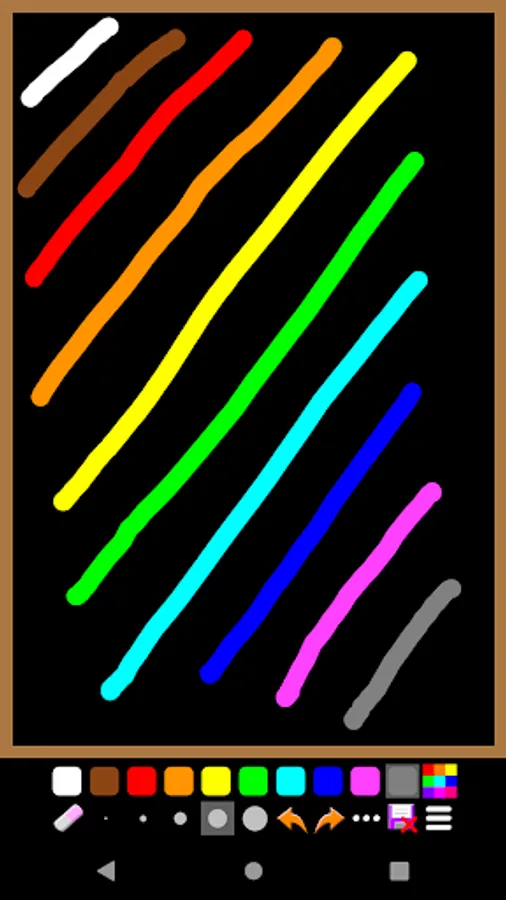
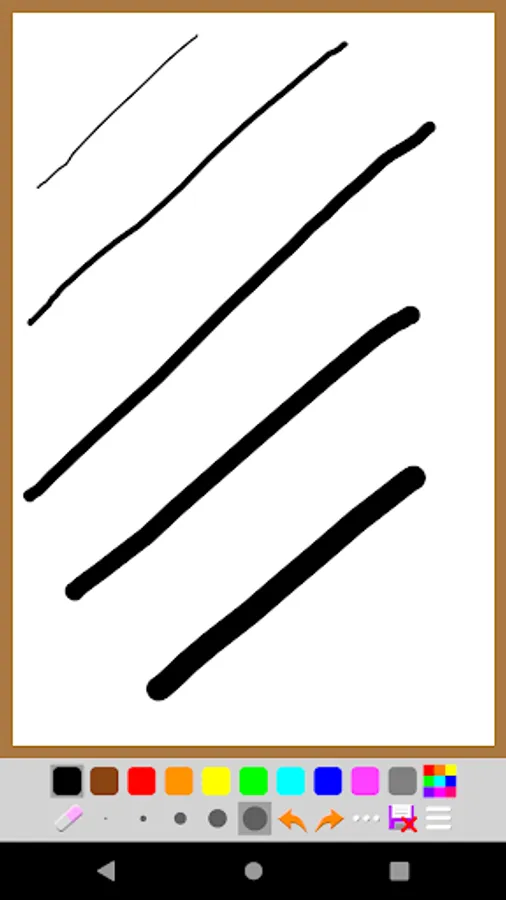
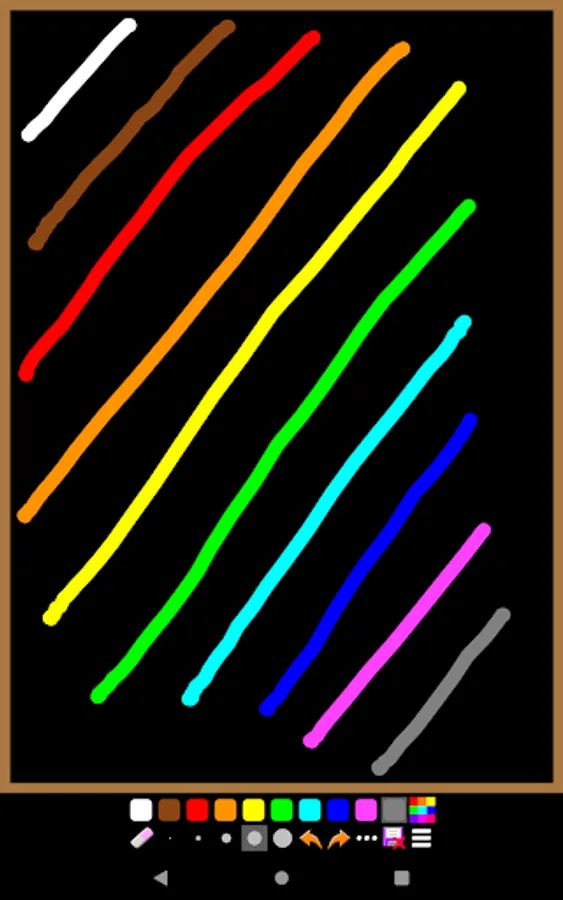
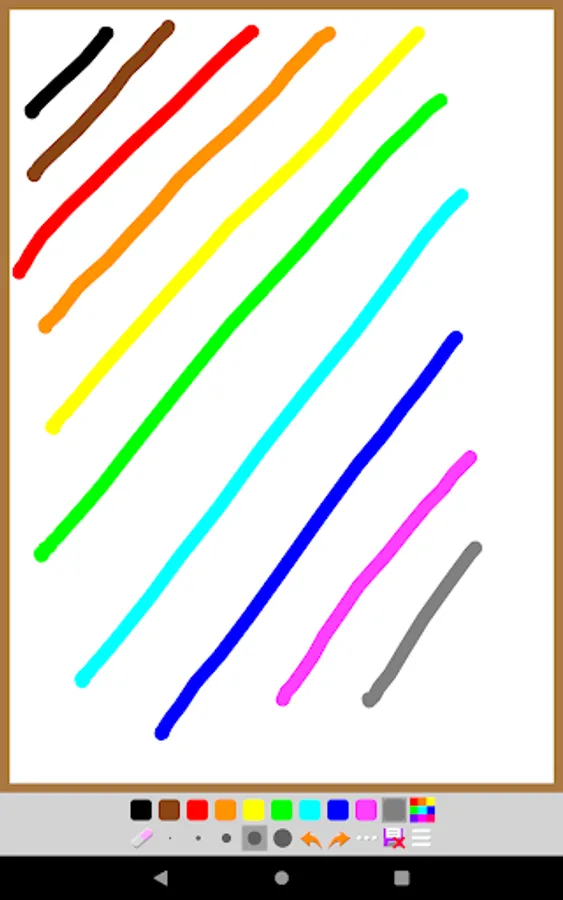
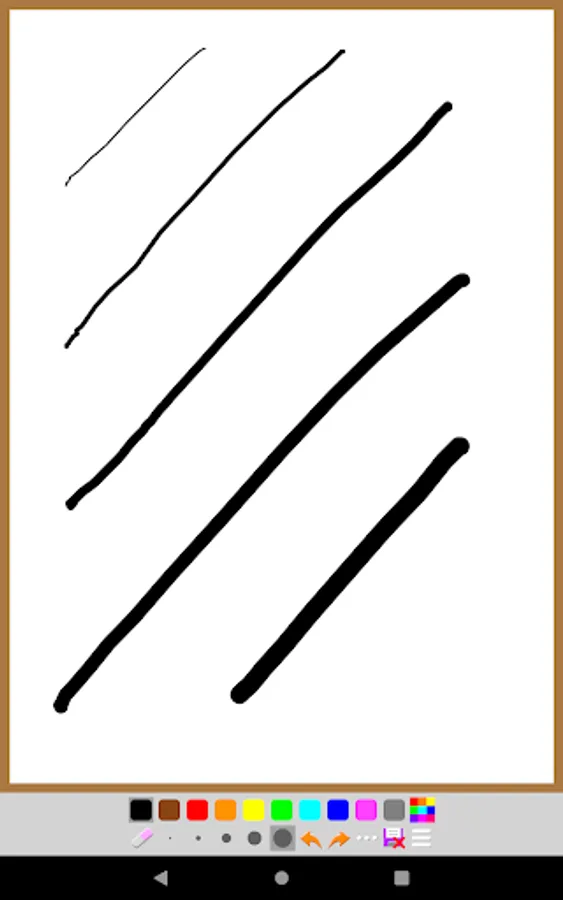
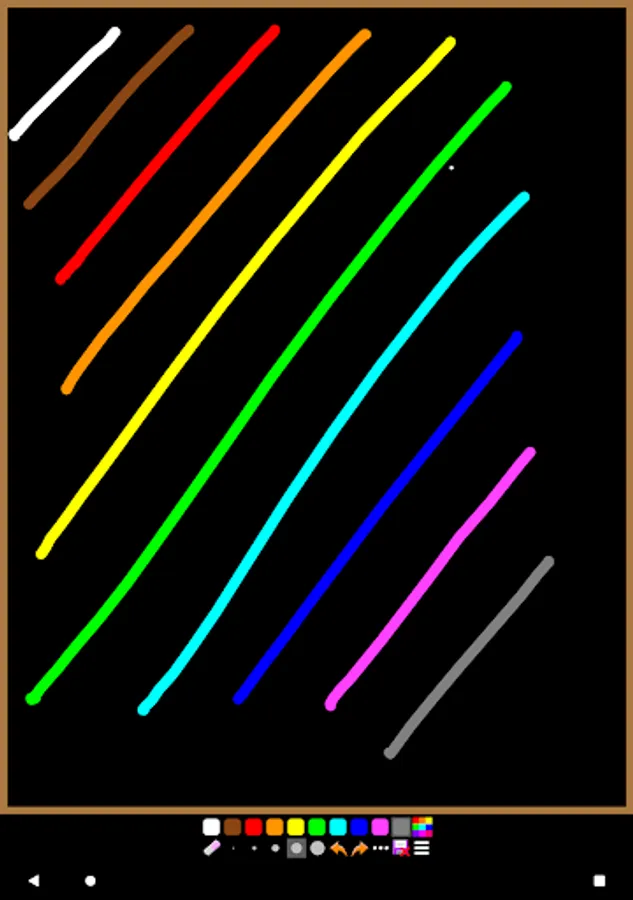
This app allows you to draw on a simple blackboard (or whiteboard). You can use it for drawing, jotting down, illustrations, math calculations and etc. The key features are:
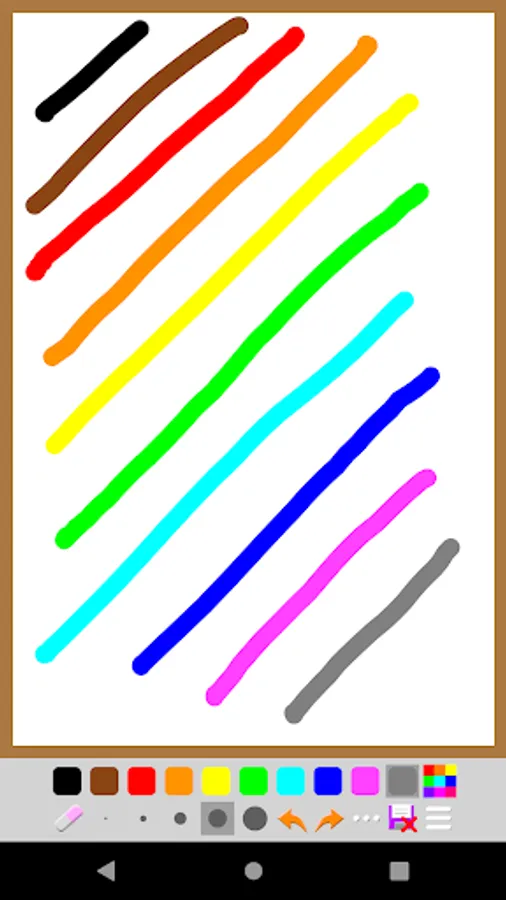
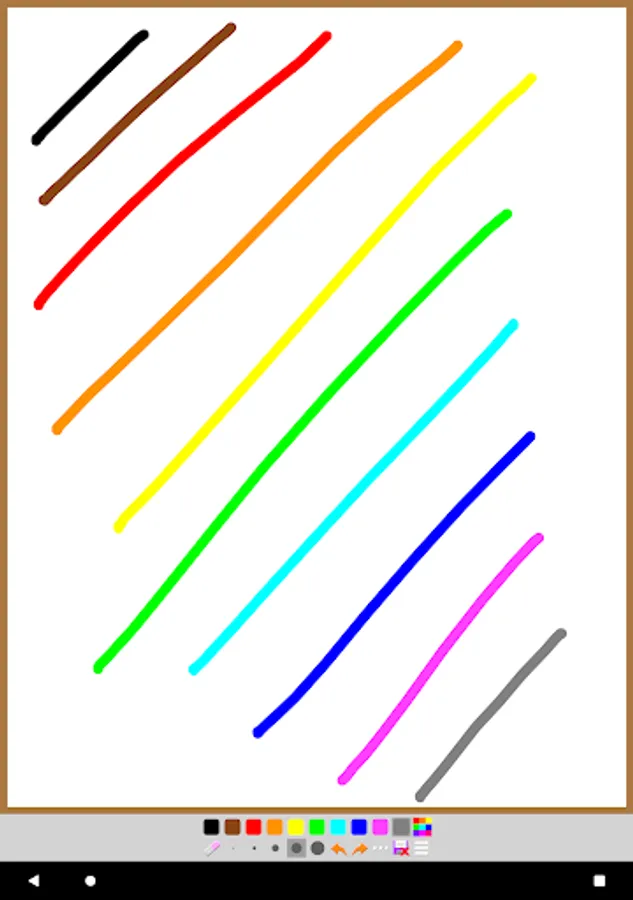
- You can choose blackboard or whiteboard.
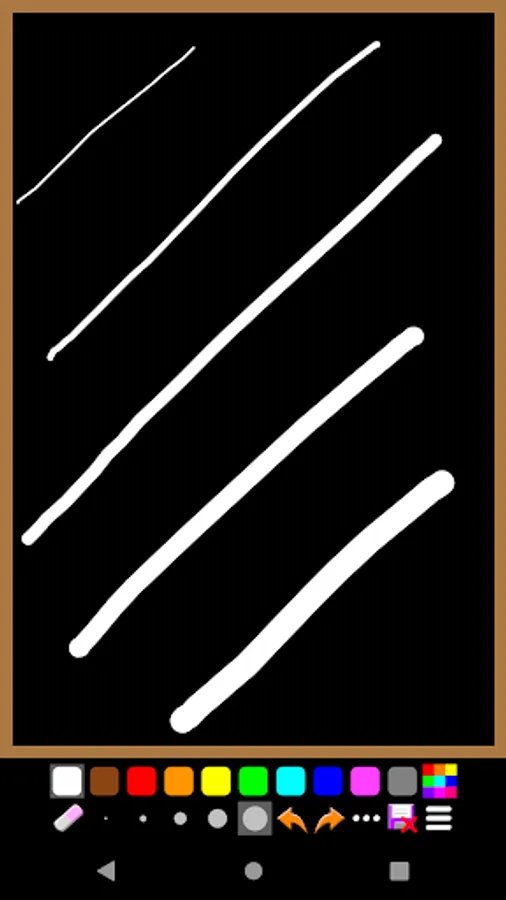
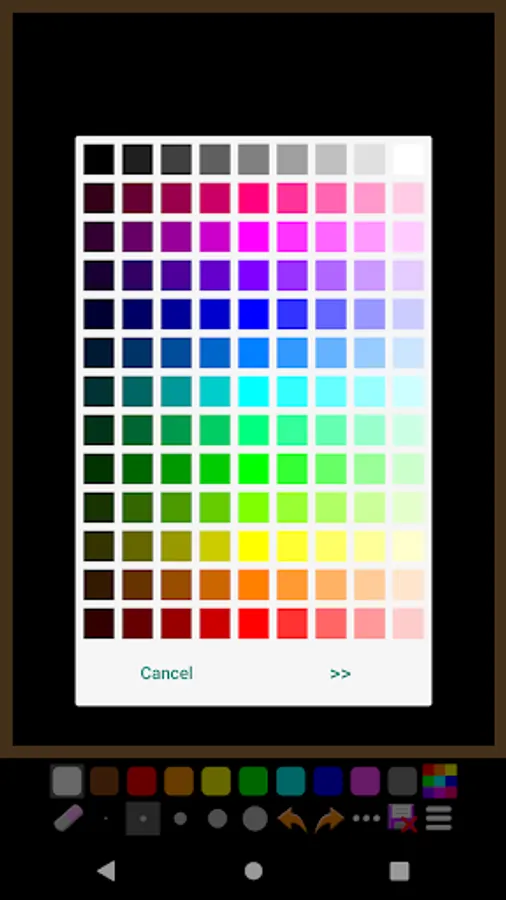
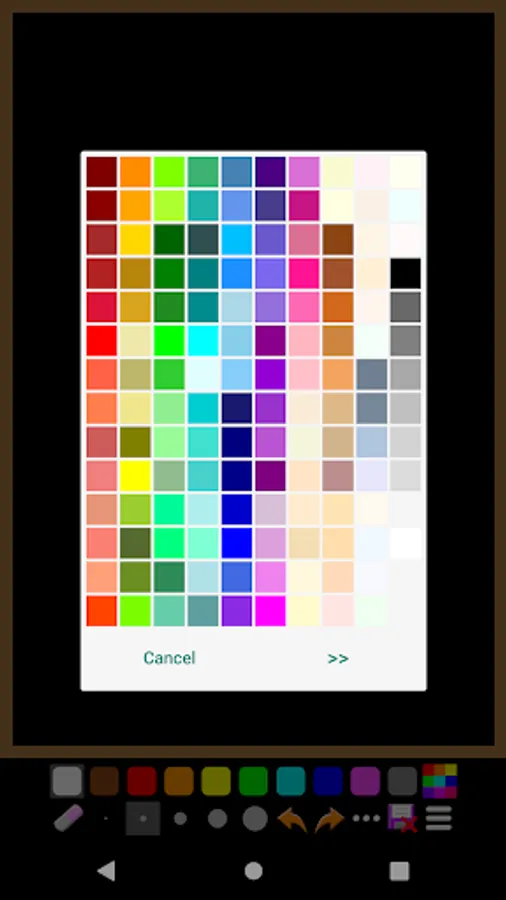
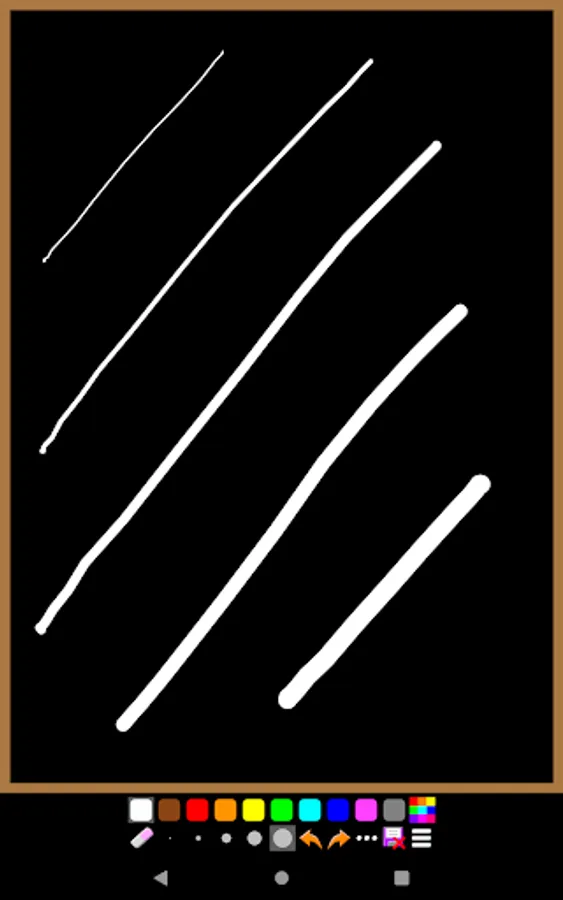
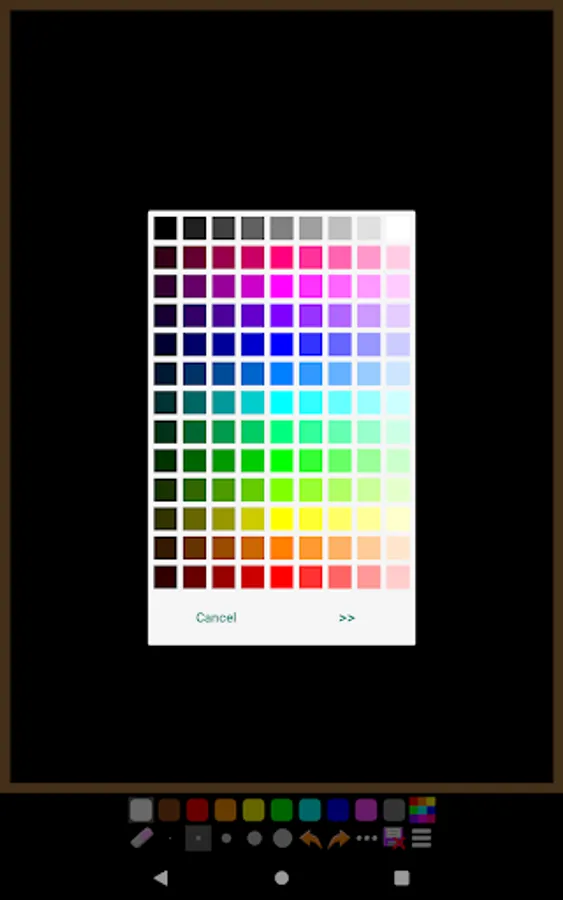
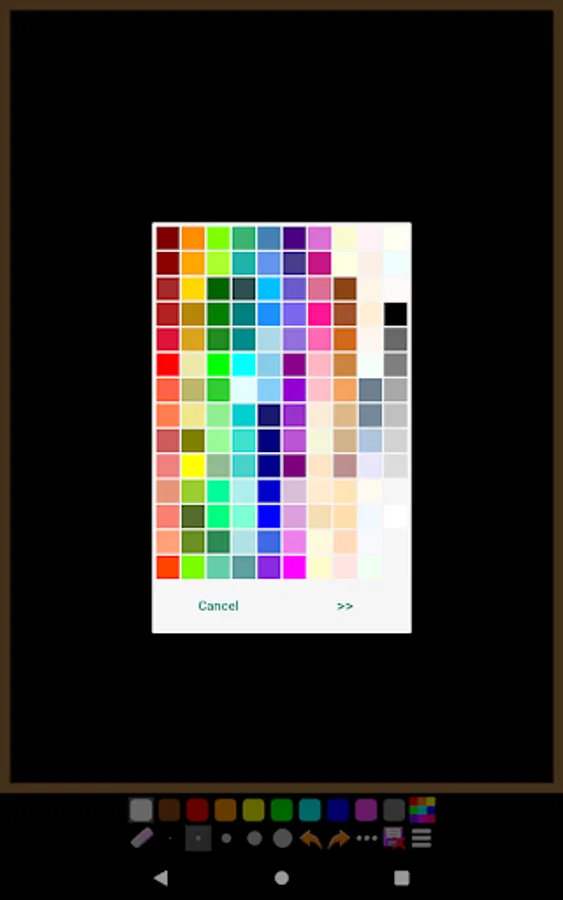
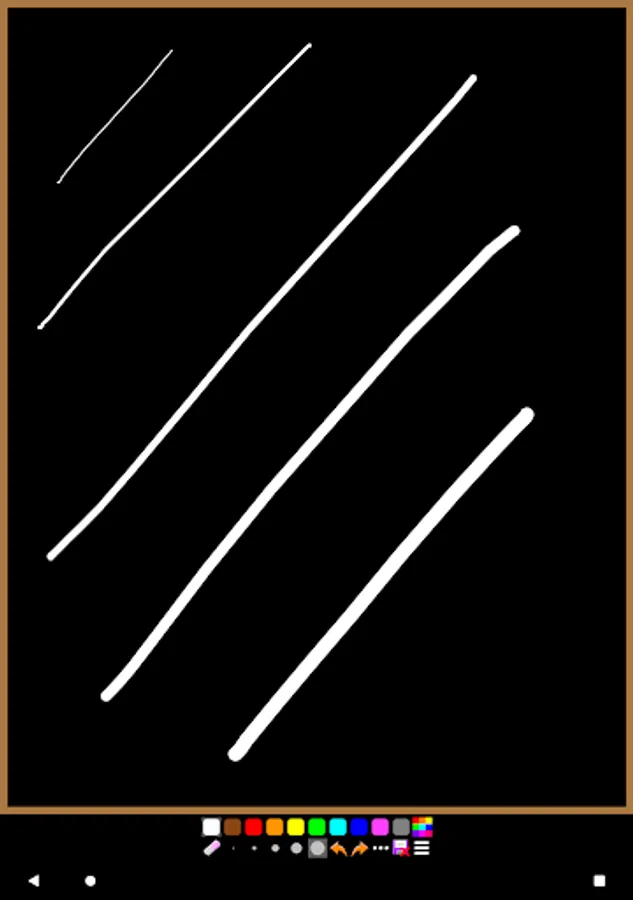
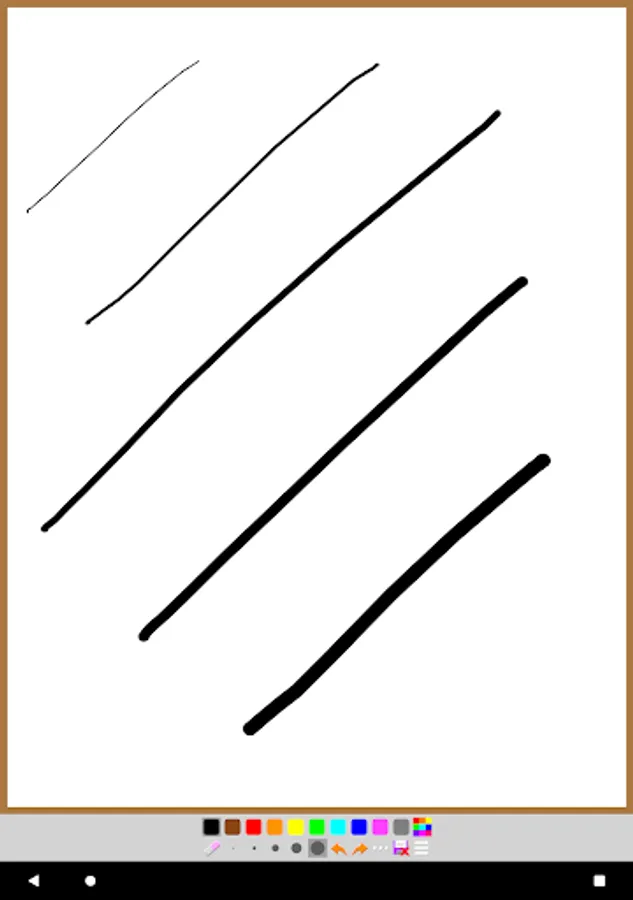
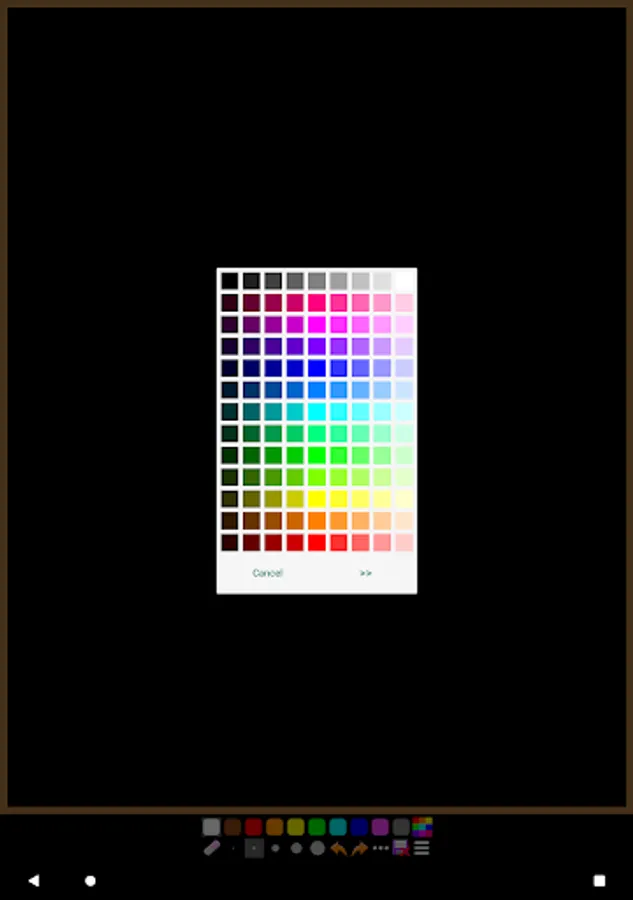
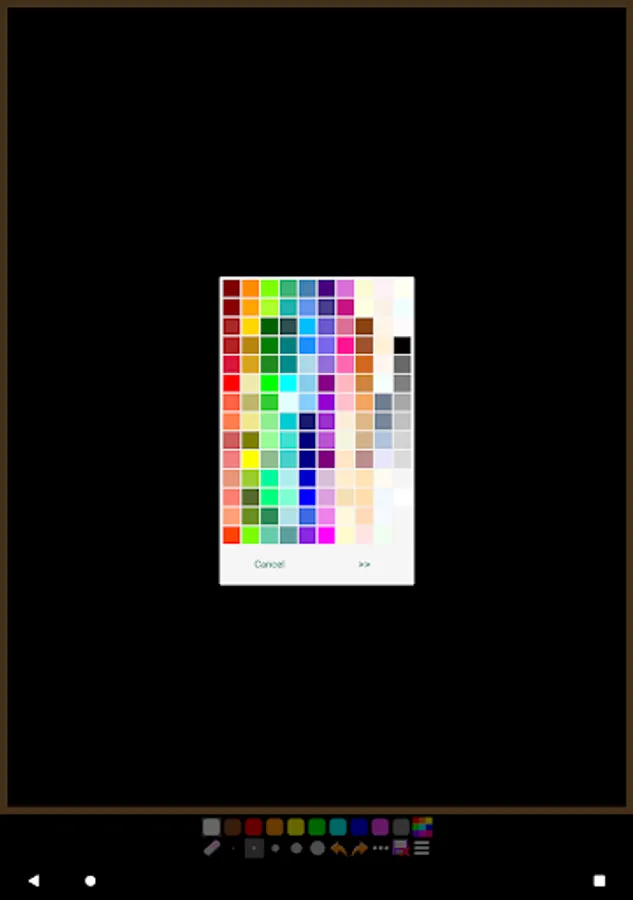
- You have various brush sizes and huge number of paint colors.
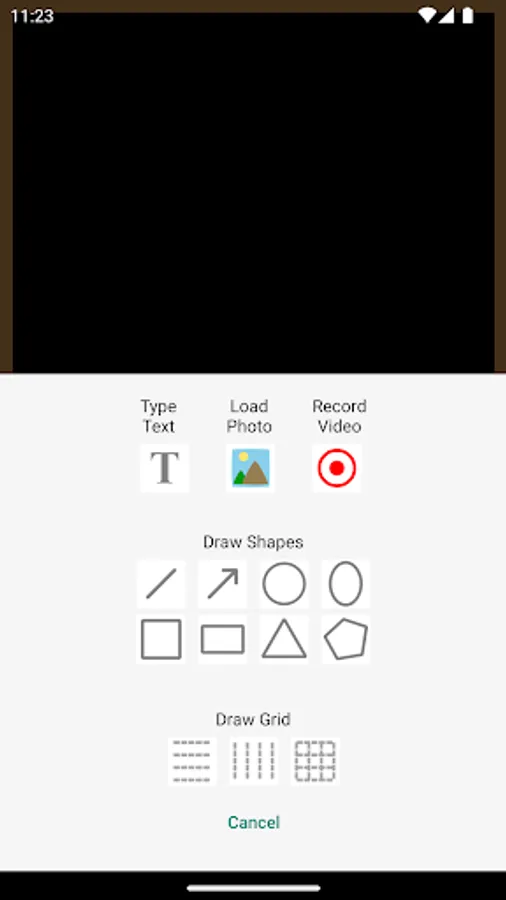
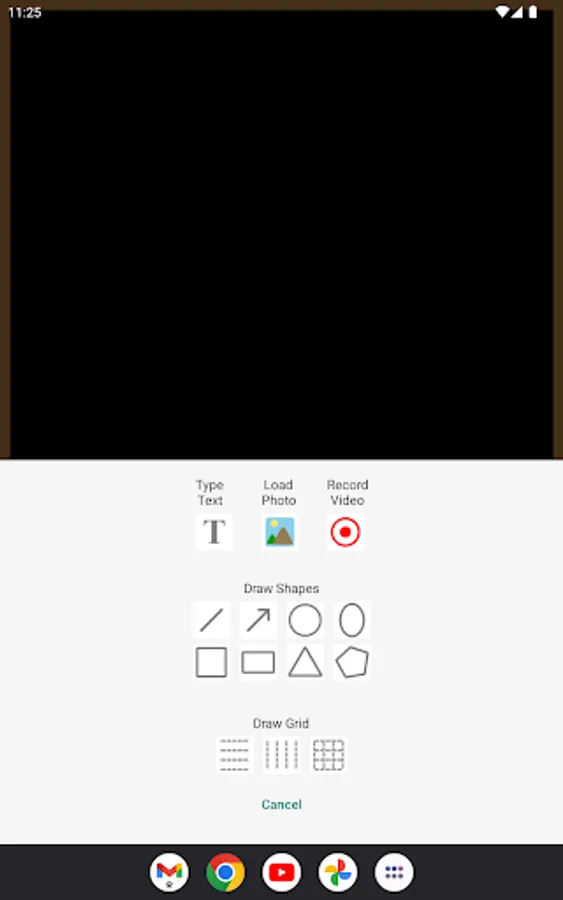
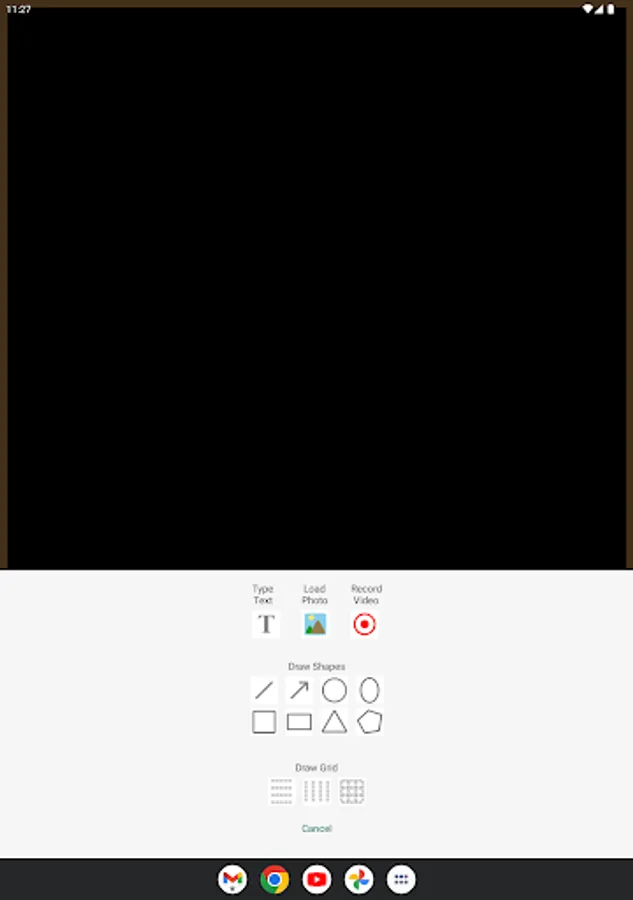
- You can draw various shapes such as line, arrow, circle, oval, square, rectangle, triangle, and polygon.
- You can type text with adjustable font size.
- You can load photo to the board.
- You can record video from your drawing screen with sound from your device microphone.
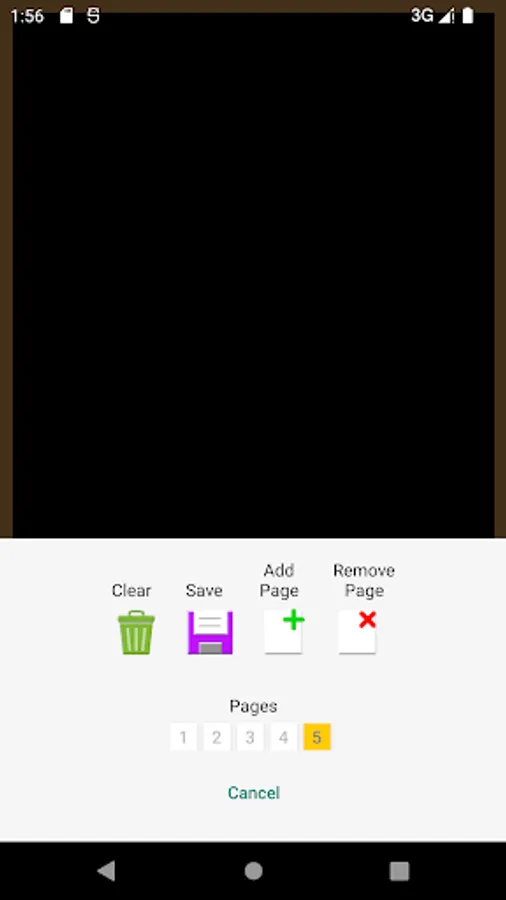
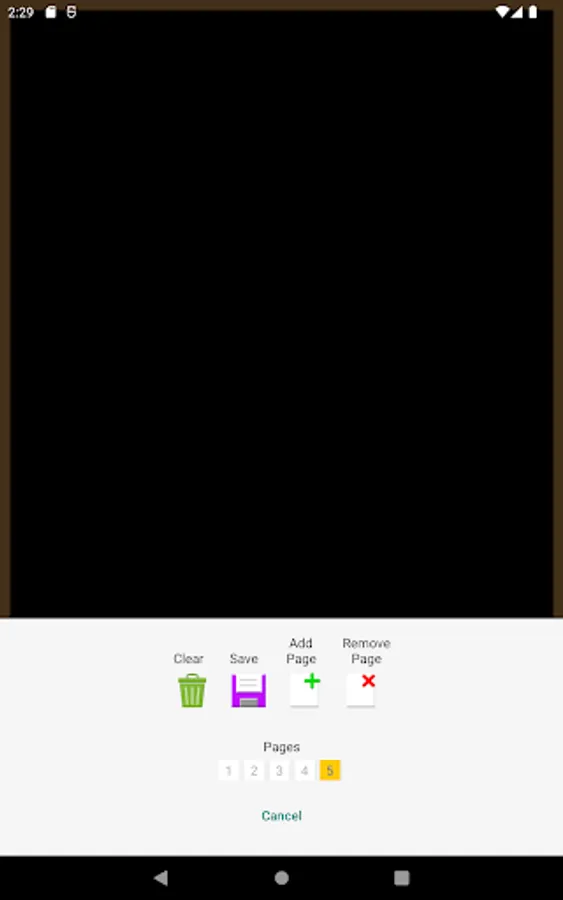
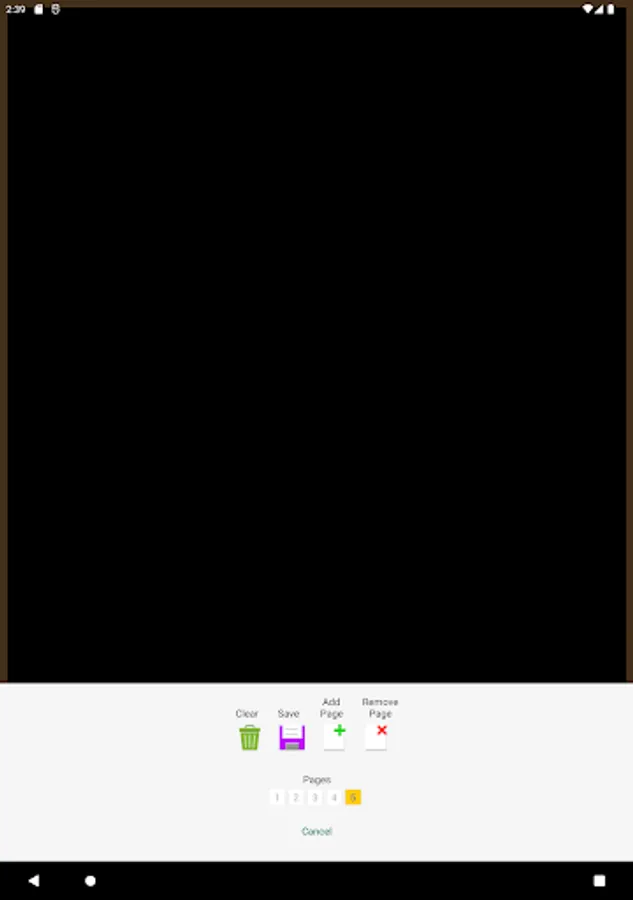
- You can save your drawing to your device.
- You can add or remove pages.
- You can set your favourite paint colors and color opacity.
- Your last drawing is always saved.
- The device screen never goes off while you are using the app.
The premium purchase removes all ads, enables adding text, loading photo, drawing shapes and grid, setting favorite paint colors, and paint color opacity.
- You can choose blackboard or whiteboard.
- You have various brush sizes and huge number of paint colors.
- You can draw various shapes such as line, arrow, circle, oval, square, rectangle, triangle, and polygon.
- You can type text with adjustable font size.
- You can load photo to the board.
- You can record video from your drawing screen with sound from your device microphone.
- You can save your drawing to your device.
- You can add or remove pages.
- You can set your favourite paint colors and color opacity.
- Your last drawing is always saved.
- The device screen never goes off while you are using the app.
The premium purchase removes all ads, enables adding text, loading photo, drawing shapes and grid, setting favorite paint colors, and paint color opacity.
Simple Blackboard Screenshots
Tap to Rate:
Reviews for Simple Blackboard
ravi jadon
12/26/2025
it's so boring
Imad Al din
12/23/2025
I like it at night