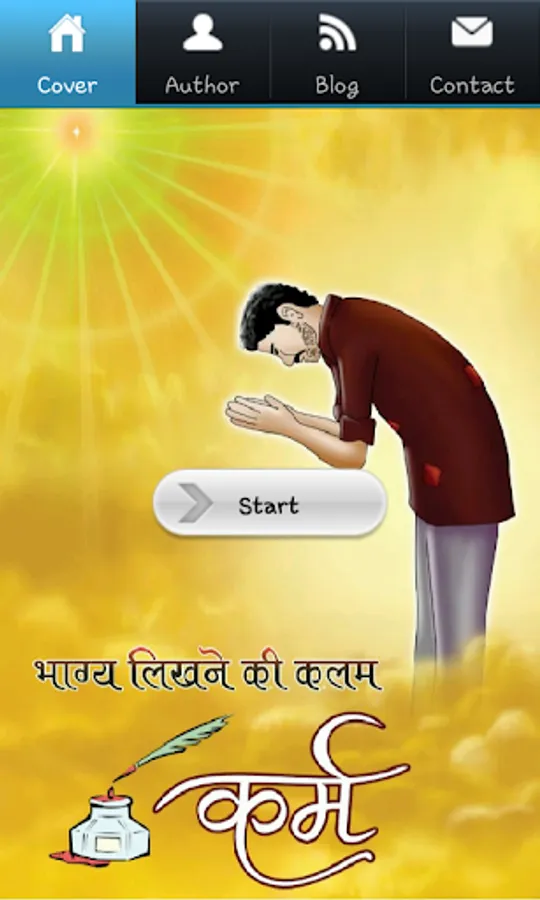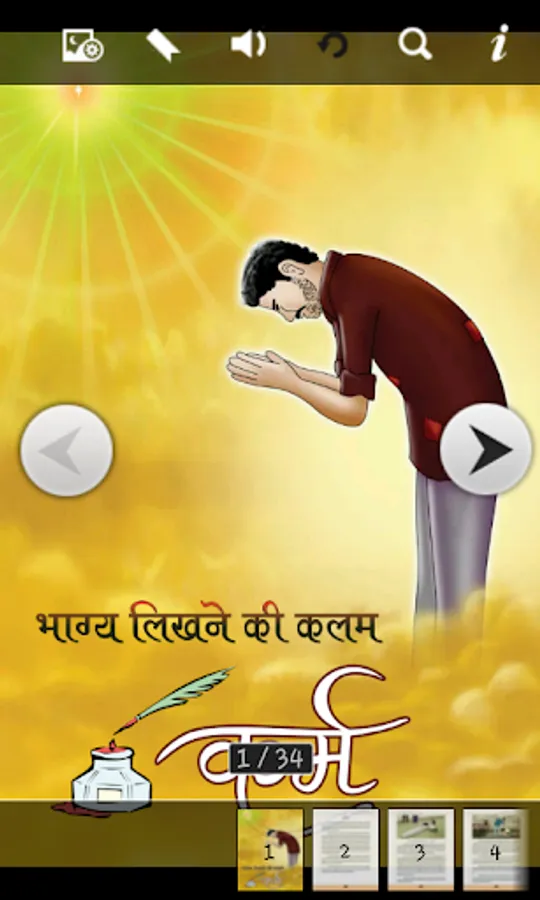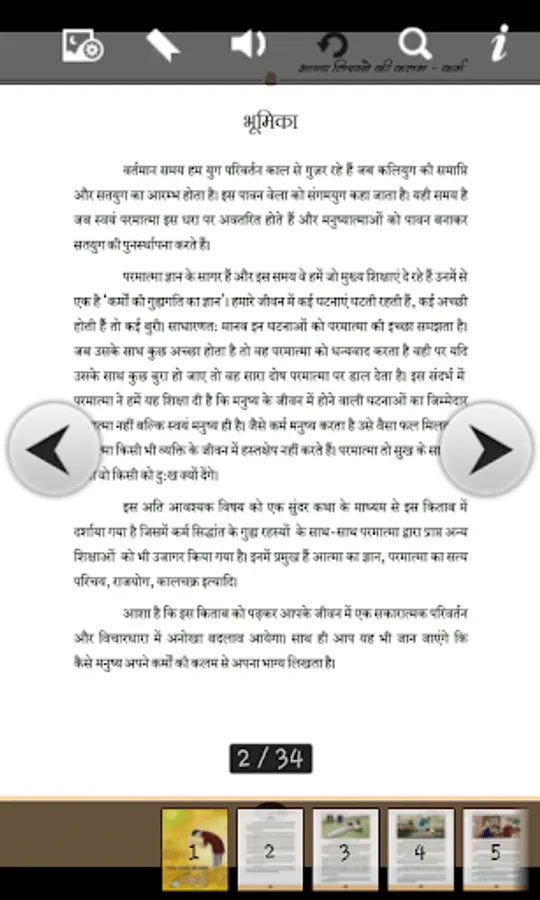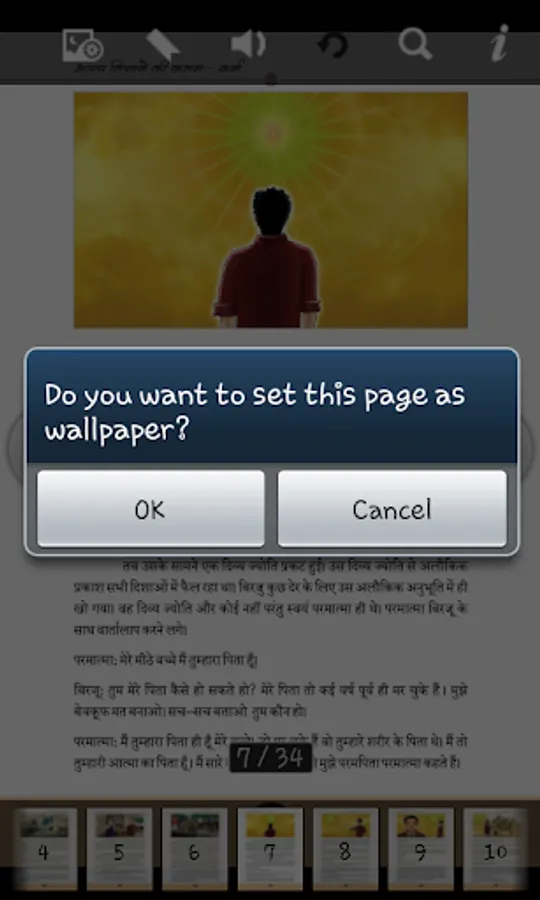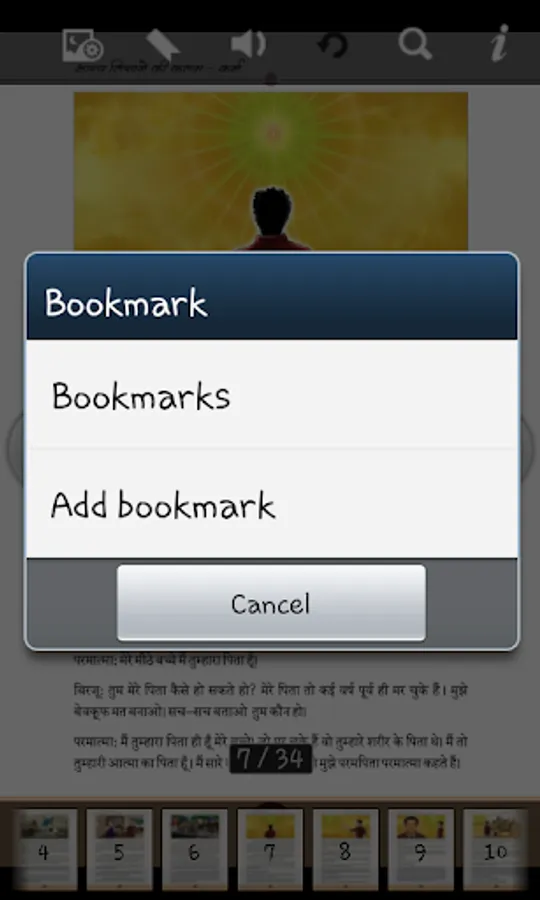
In this reading app, users can flip pages using buttons, arrows, or sliding gestures and search for specific words. Includes offline access, full-screen viewing, auto bookmarking, and navigation options.
AppRecs review analysis
AppRecs rating 4.1. Trustworthiness 0 out of 100. Review manipulation risk 0 out of 100. Based on a review sample analyzed.
★★★★☆
4.1
AppRecs Rating
Ratings breakdown
5 star
86%
4 star
0%
3 star
0%
2 star
0%
1 star
14%
What to know
✓
High user satisfaction
86% of sampled ratings are 4+ stars (4.4★ average)
✓
Authentic reviews
No red flags detected
About Karma
Knowledge of Karma.
• Read offline after install it.
• When flip you can hear the flipping sound meanwhile, also you can shut it down.
• Every page has its small thumbnail which is listed bottom horizontally on the buttons "Previous" and "Next” or only leftward or rightward arrows.
• Click previous and next button to flip page.
• Full Screen: Slight click the center of screen to view in full screen.
• Press and slide corner to flip page.
•Search page by words.
• (Goto option)To jump on random page,click on page number shown in black box and enter page number in popup
window.
• Auto Bookmark, When you open apps next time it will open last reading page.
Your suggestions are always welcome
developer.shailendra@gmail.com
• Read offline after install it.
• When flip you can hear the flipping sound meanwhile, also you can shut it down.
• Every page has its small thumbnail which is listed bottom horizontally on the buttons "Previous" and "Next” or only leftward or rightward arrows.
• Click previous and next button to flip page.
• Full Screen: Slight click the center of screen to view in full screen.
• Press and slide corner to flip page.
•Search page by words.
• (Goto option)To jump on random page,click on page number shown in black box and enter page number in popup
window.
• Auto Bookmark, When you open apps next time it will open last reading page.
Your suggestions are always welcome
developer.shailendra@gmail.com