Deck Hopper
Christina Kral
4.4 ★
store rating
5,000+
downloads
Free
+ in-app
AppRecs review analysis
AppRecs rating 4.2. Trustworthiness 83 out of 100. Review manipulation risk 23 out of 100. Based on a review sample analyzed.
★★★★☆
4.2
AppRecs Rating
Ratings breakdown
5 star
81%
4 star
5%
3 star
0%
2 star
5%
1 star
10%
What to know
✓
Low review manipulation risk
23% review manipulation risk
✓
Credible reviews
83% trustworthiness score from analyzed reviews
✓
High user satisfaction
86% of sampled ratings are 4+ stars (4.4★ average)
About Deck Hopper
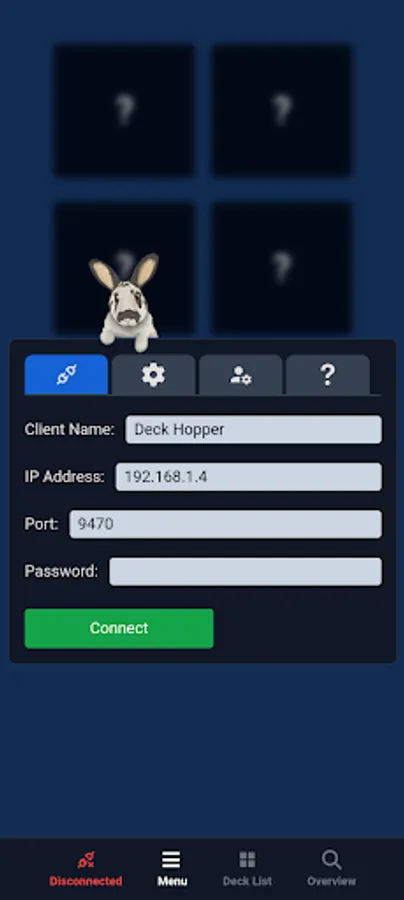
Deck Hopper is a powerful deck app designed to seamlessly integrate with SAMMI, the streaming assistant.
Supported Features:
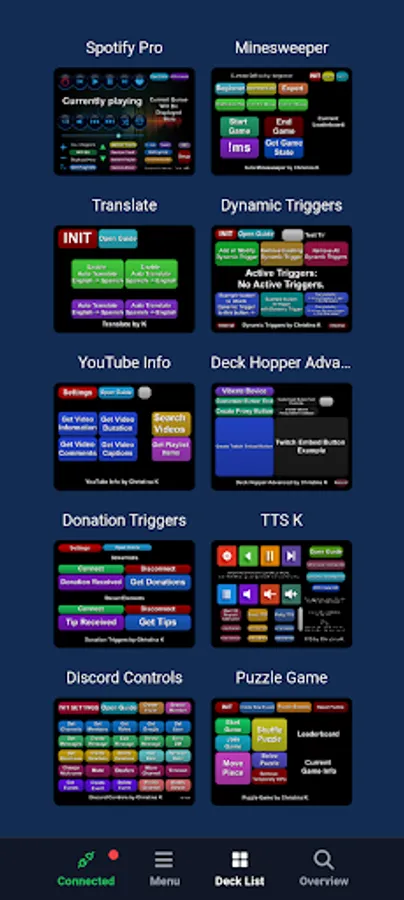
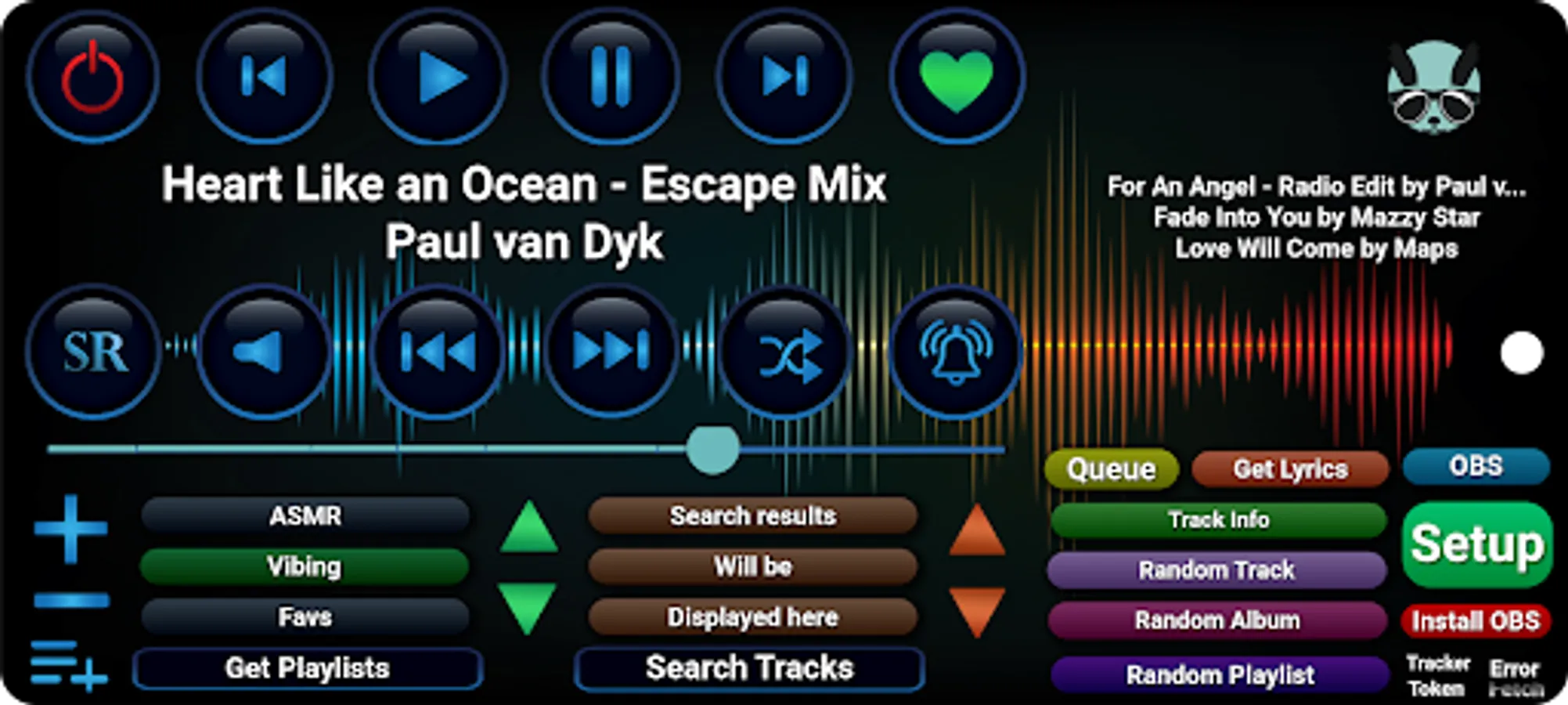
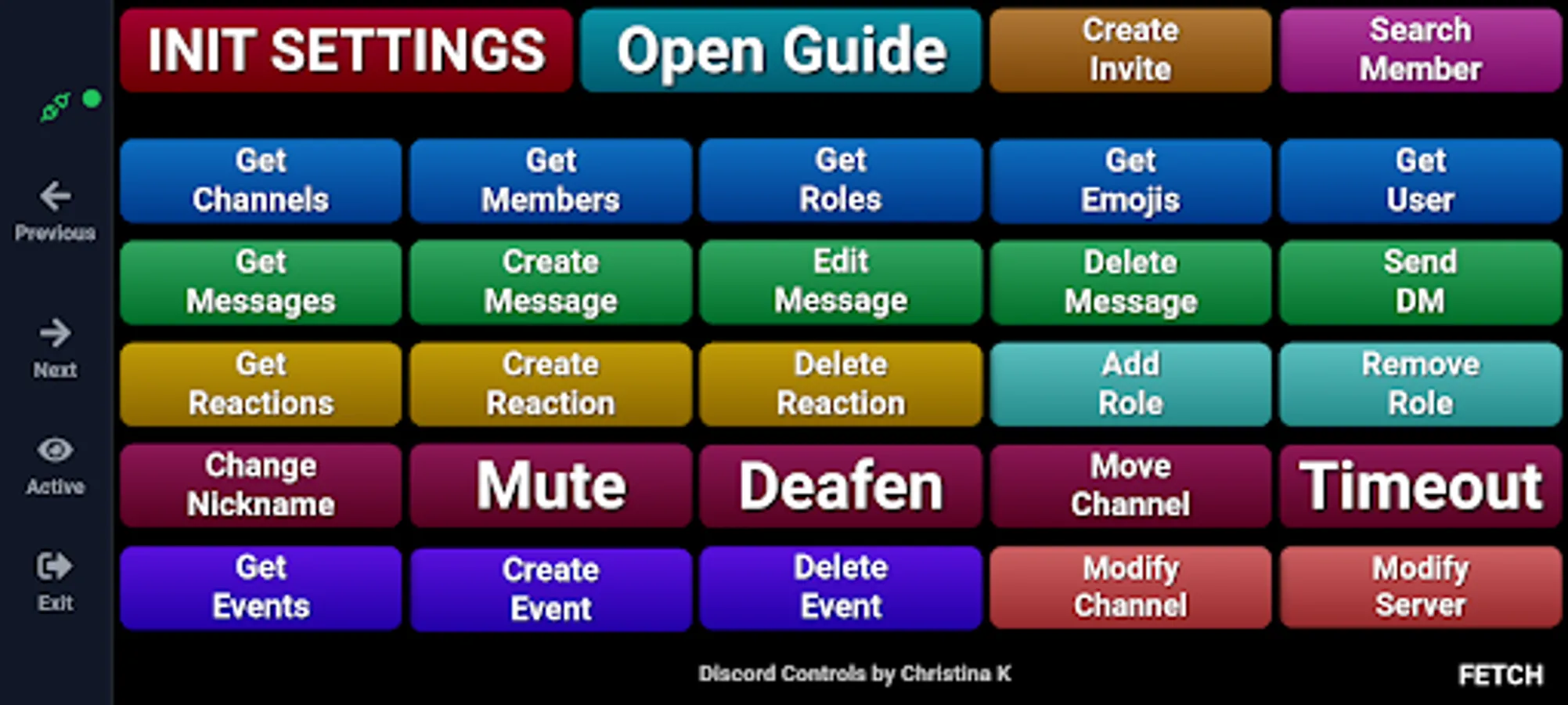
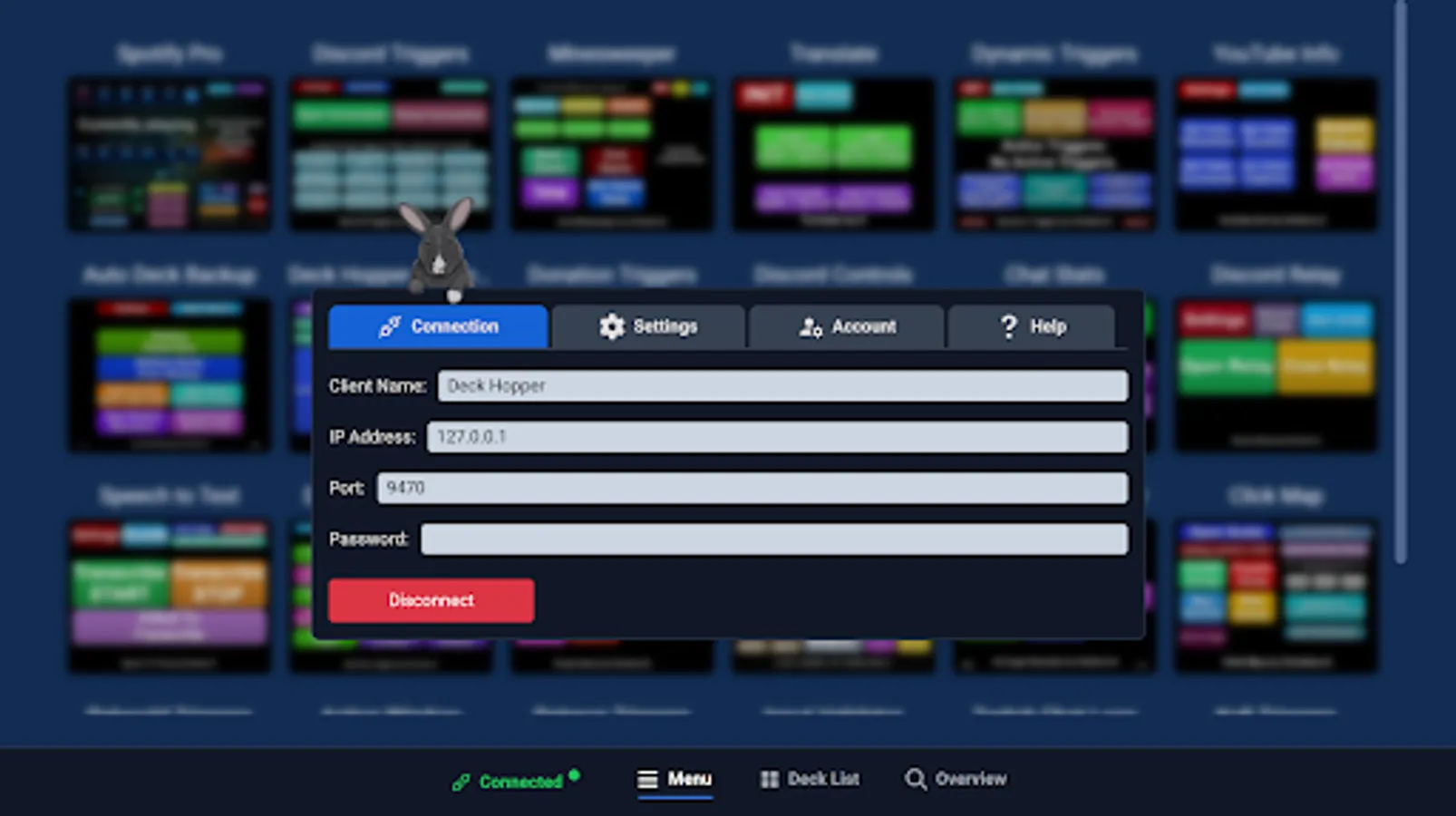
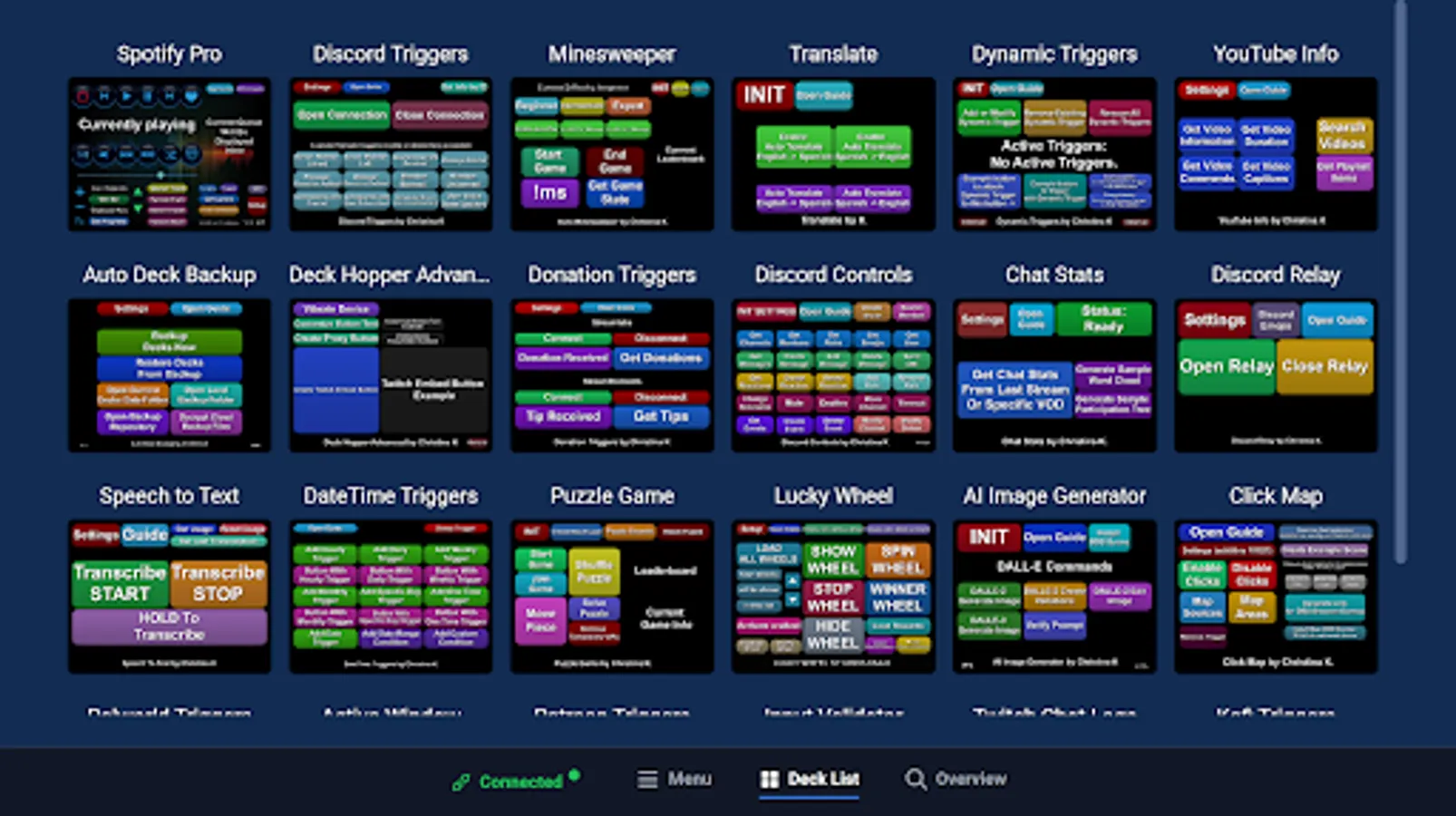
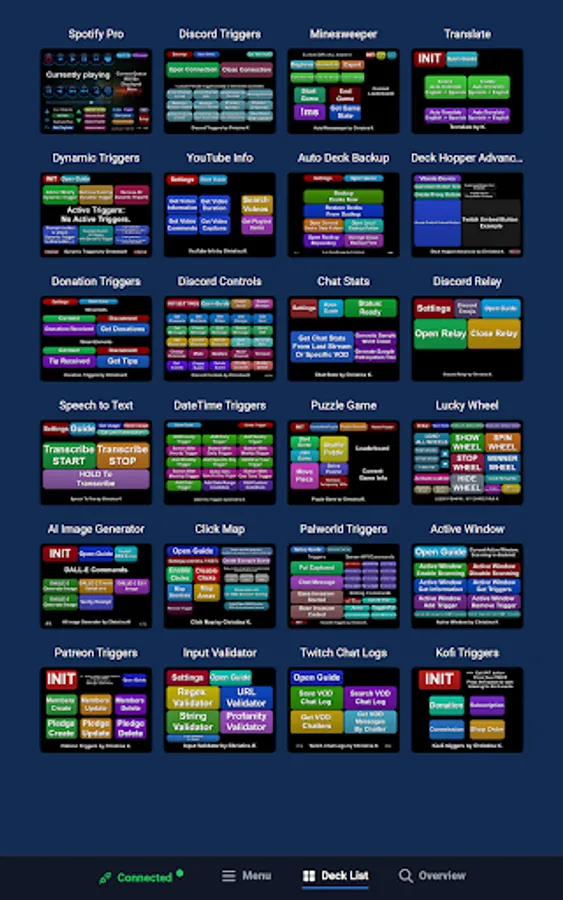
- Easily browse all your decks and switch between them.
- Control which decks are visible or active to keep everything clutter-free.
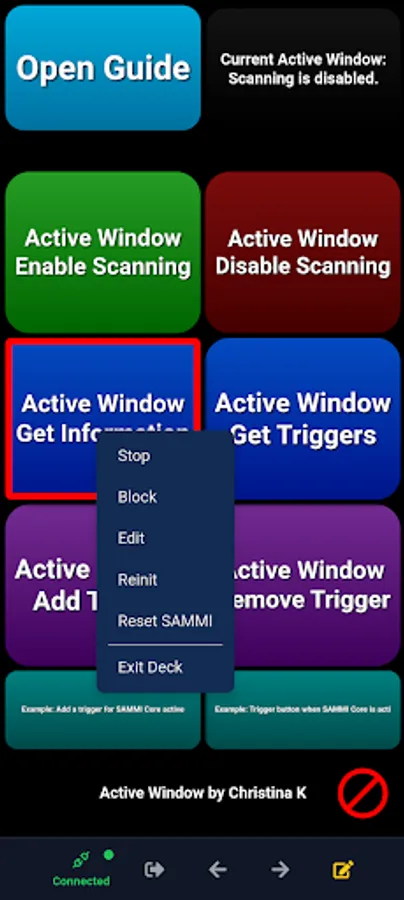
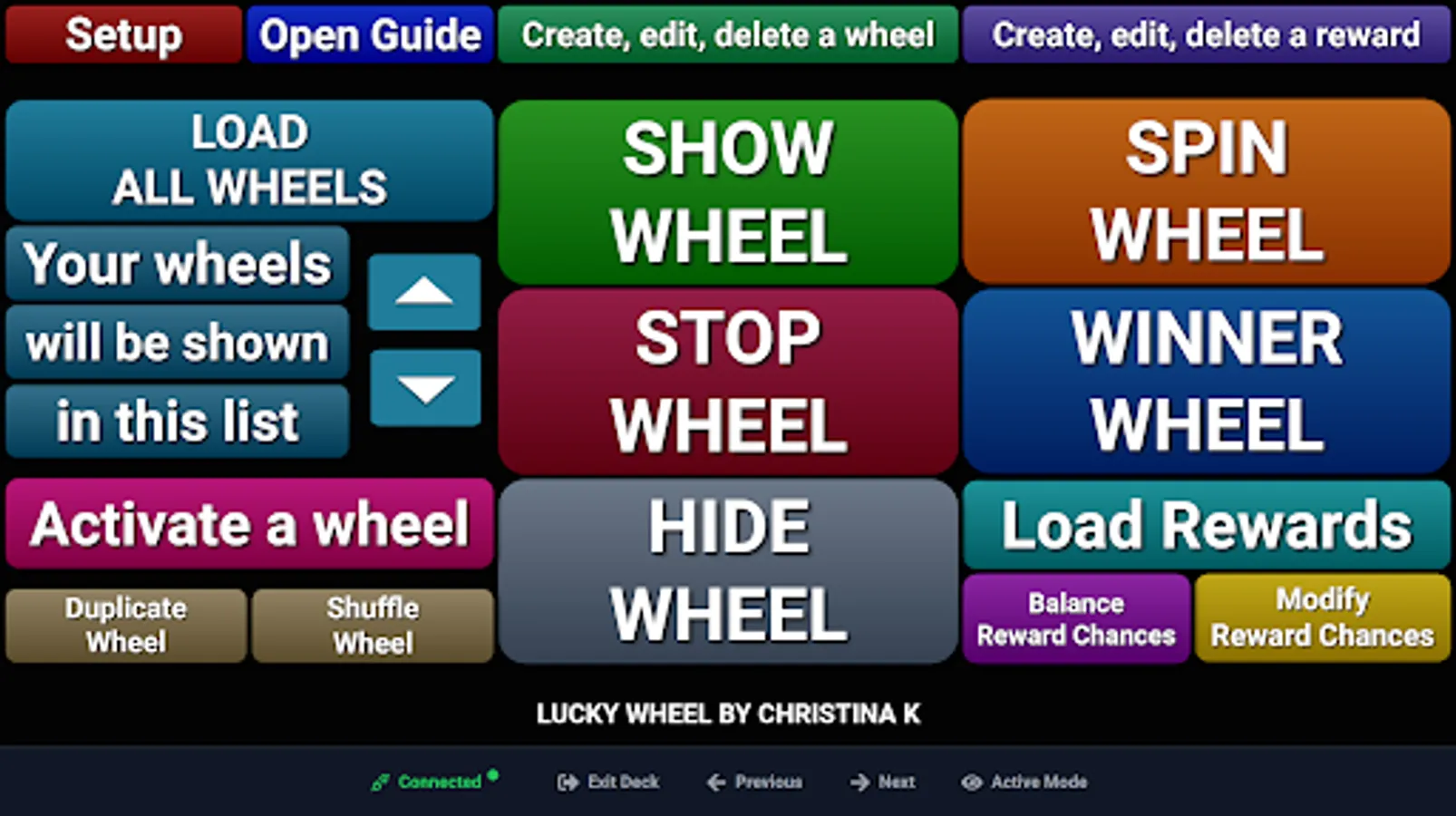
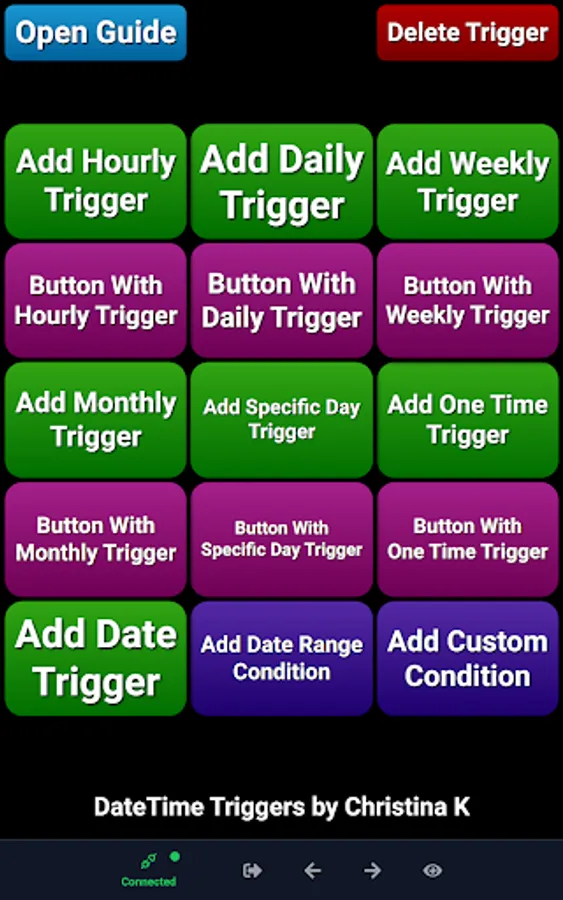
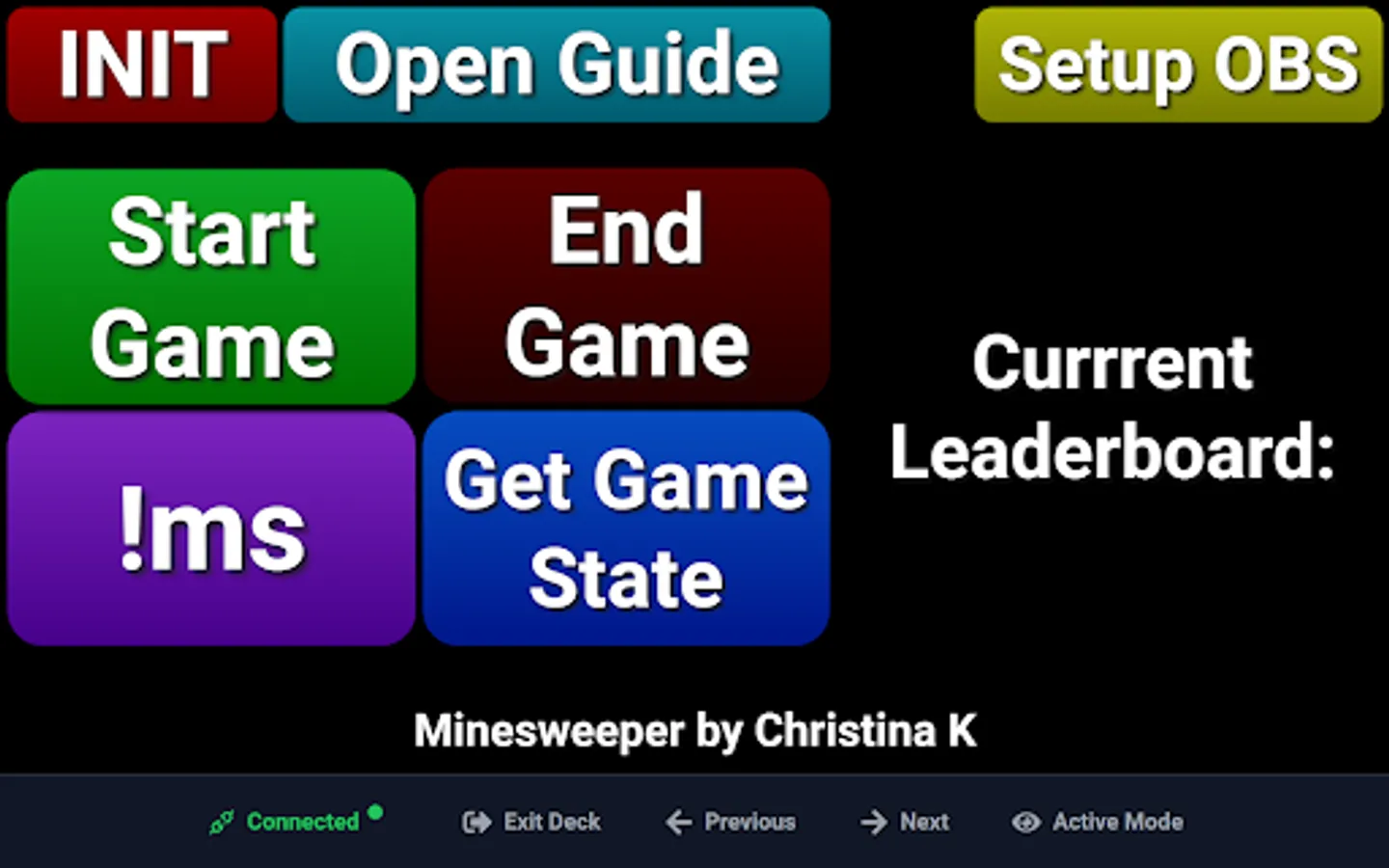
- Trigger, Stop, Edit, and Block buttons - all from Deck Hopper.
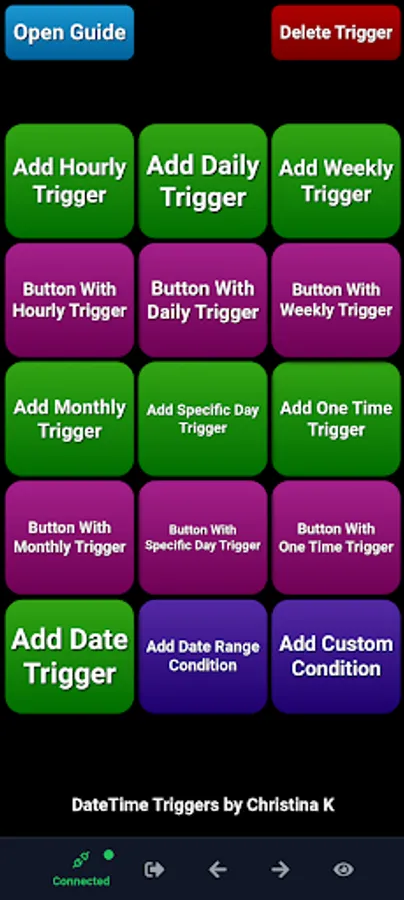
- Create button shortcuts in your decks for quick access, without needing to duplicate buttons.
- Display your Twitch stream or chat alongside your buttons in Deck Hopper.
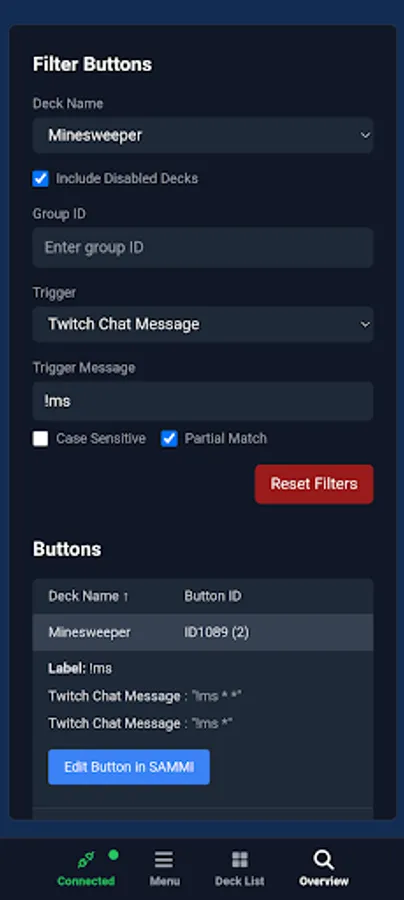
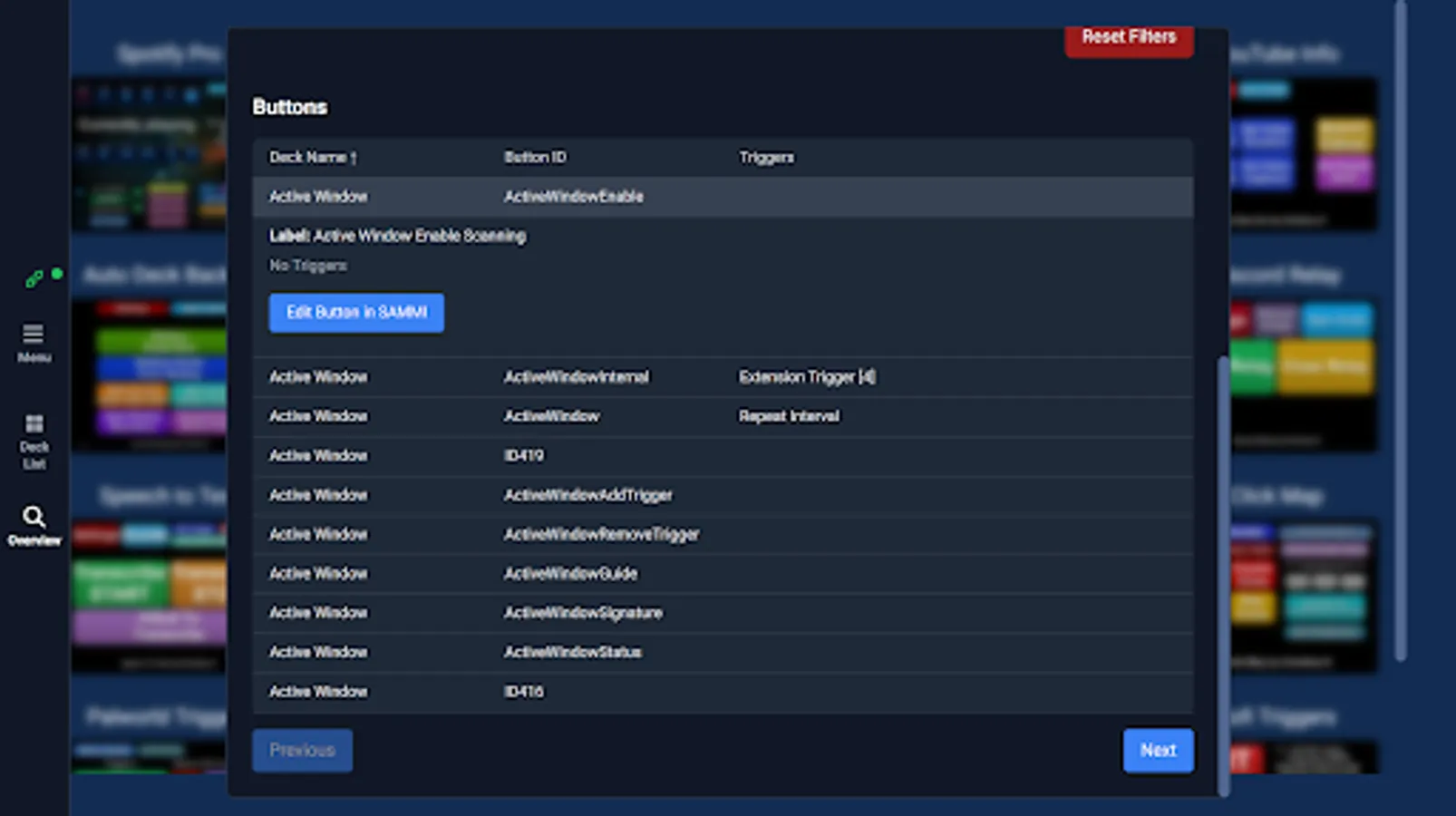
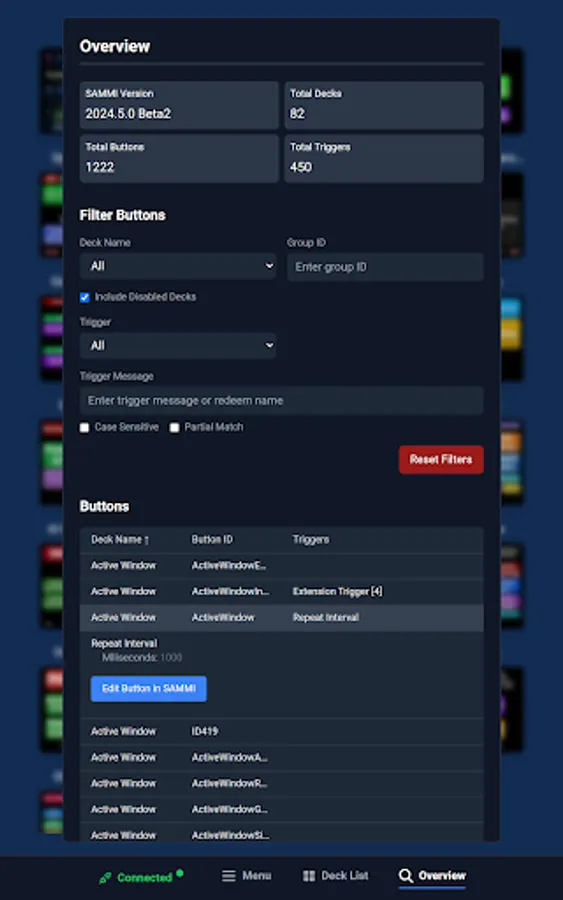
- View all your buttons at a glance and filter by deck name, button text, trigger, commands, and more.
- Record button activity including timestamps
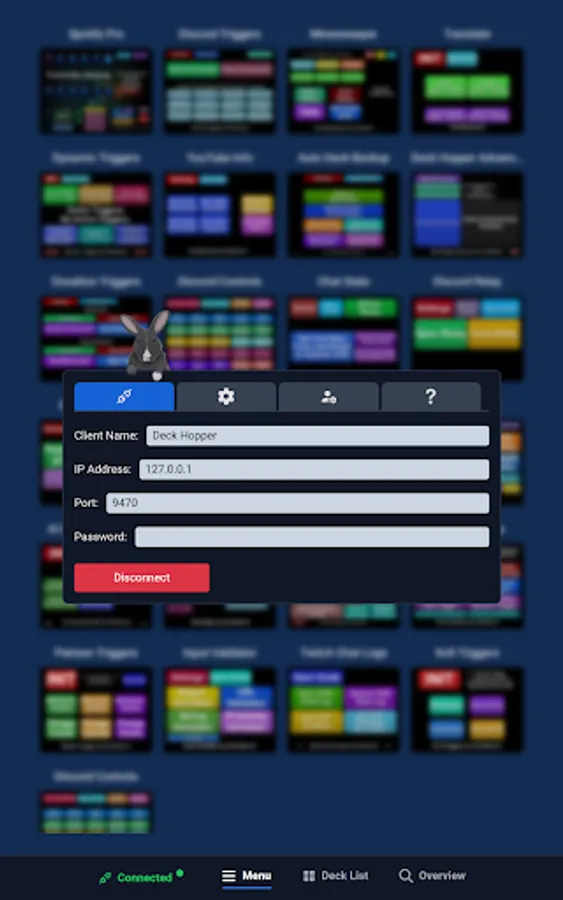
- Personalize everything from auto connect, keep awake, deck visibility, orientation lock, and more.
Free Trial:
Try Deck Hopper free for 10 days. After that, upgrade to Basic with a one-time purchase for lifetime access.
Upgrade to Pro:
Go ad-free and unlock every advanced feature. Learn more at https://christinak.ca/deckhopper/features.
Website:
Find more information about Deck Hopper at https://christinak.ca/deckhopper.
Privacy Policy:
Find Deck Hopper Privacy Policy at https://christinak.ca/deckhopper/privacy-policy/.
Supported Features:
- Easily browse all your decks and switch between them.
- Control which decks are visible or active to keep everything clutter-free.
- Trigger, Stop, Edit, and Block buttons - all from Deck Hopper.
- Create button shortcuts in your decks for quick access, without needing to duplicate buttons.
- Display your Twitch stream or chat alongside your buttons in Deck Hopper.
- View all your buttons at a glance and filter by deck name, button text, trigger, commands, and more.
- Record button activity including timestamps
- Personalize everything from auto connect, keep awake, deck visibility, orientation lock, and more.
Free Trial:
Try Deck Hopper free for 10 days. After that, upgrade to Basic with a one-time purchase for lifetime access.
Upgrade to Pro:
Go ad-free and unlock every advanced feature. Learn more at https://christinak.ca/deckhopper/features.
Website:
Find more information about Deck Hopper at https://christinak.ca/deckhopper.
Privacy Policy:
Find Deck Hopper Privacy Policy at https://christinak.ca/deckhopper/privacy-policy/.