AI Caption Generator
Trusted Tools & Utilities Apps
100,000+
downloads
Free
+ in-app
AppRecs review analysis
AppRecs rating . Trustworthiness 80 out of 100. Review manipulation risk 23 out of 100. Based on a review sample analyzed.
★
AppRecs Rating
Ratings breakdown
5 star
27%
4 star
0%
3 star
8%
2 star
8%
1 star
58%
What to know
✓
Low review manipulation risk
23% review manipulation risk
⚠
Pricing complaints
Many low ratings mention paywalls or pricing
⚠
Mixed user feedback
Average 2.3★ rating suggests room for improvement
About AI Caption Generator
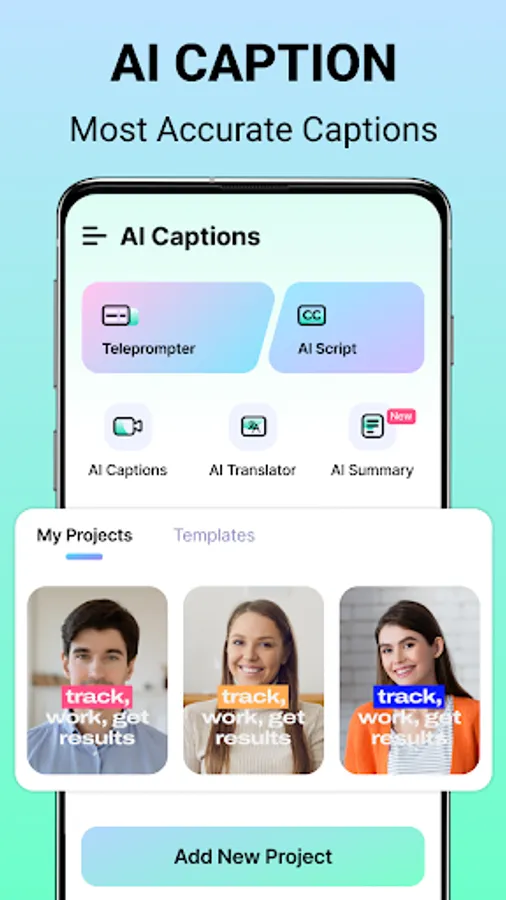
Captions App helps you generate and edit video captions on Android devices. With its AI-powered subtitle generator, you can create captions for videos in seconds. Whether you're a content creator, professional, or marketer, our app meets your needs. Also, use its teleprompter to read scripts while recording. Get the AI Captions App to simplify video creation.
Key Features of Captions: Subtitles for Videos:
• Generate captions for videos in seconds.
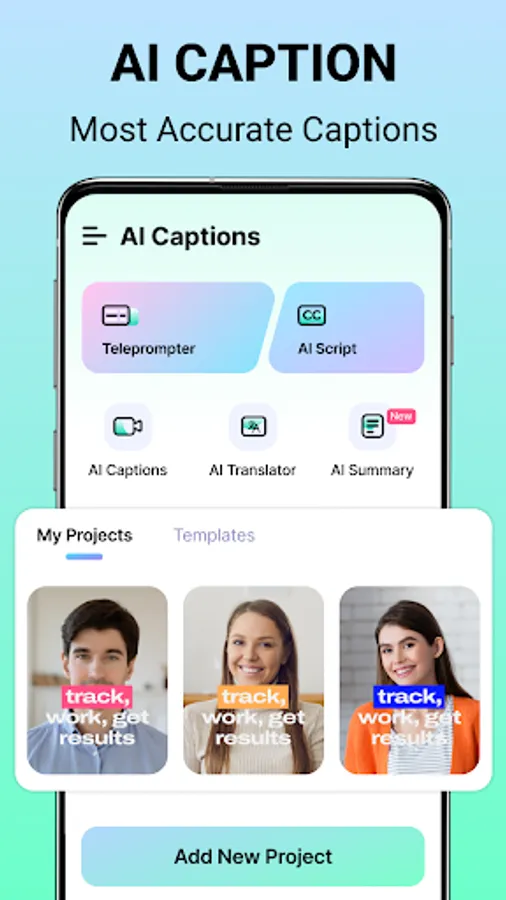
• Read scripts and record videos with a teleprompter.
• Engaging video title suggestions.
• Translate subtitles into multiple languages.
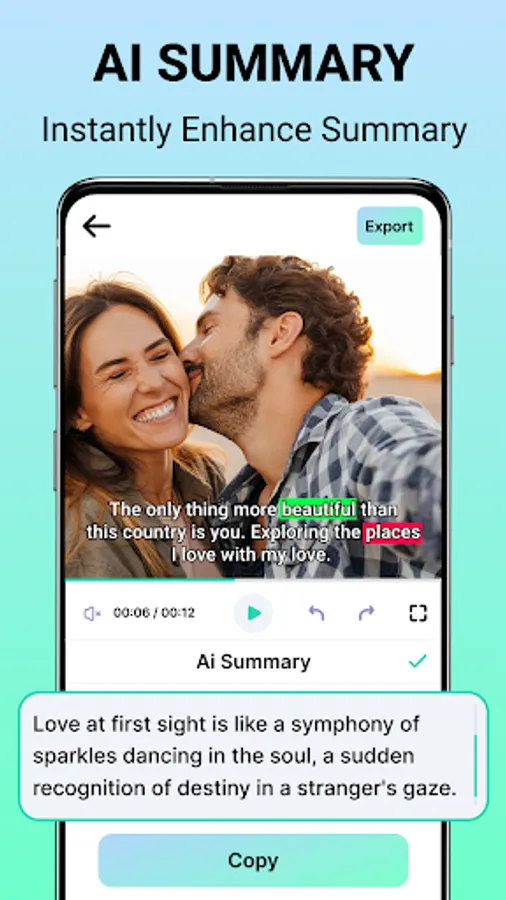
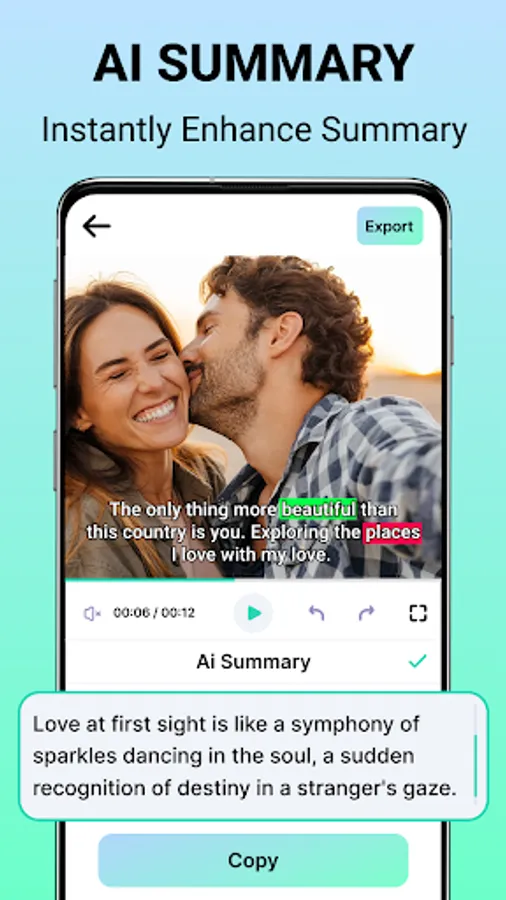
• Summarize video content instantly.
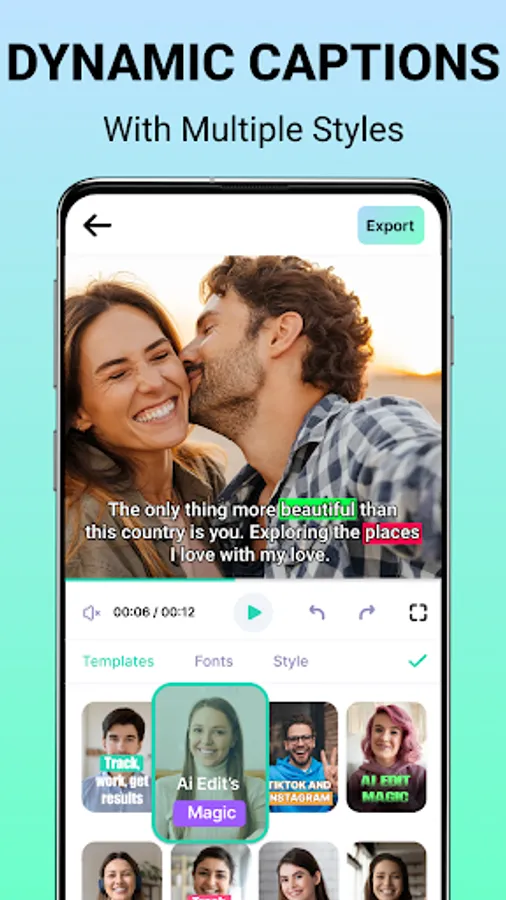
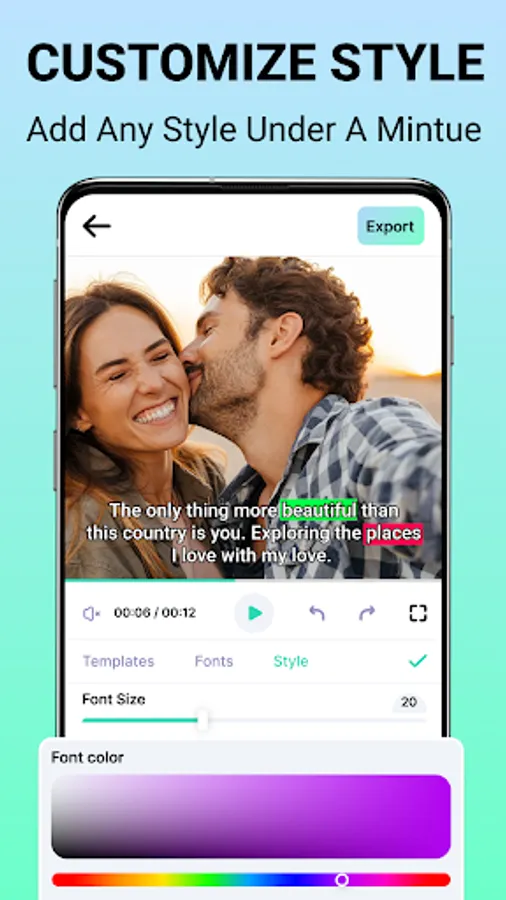
• Choose from your various caption styles.
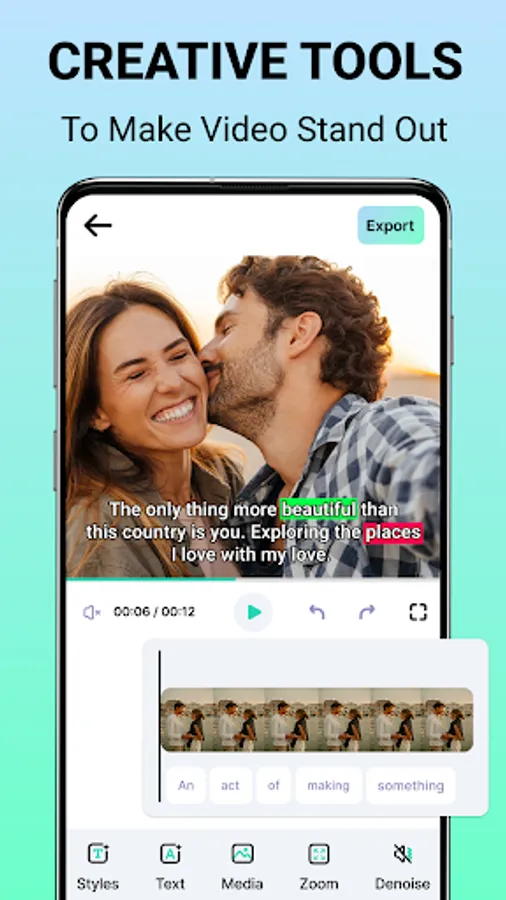
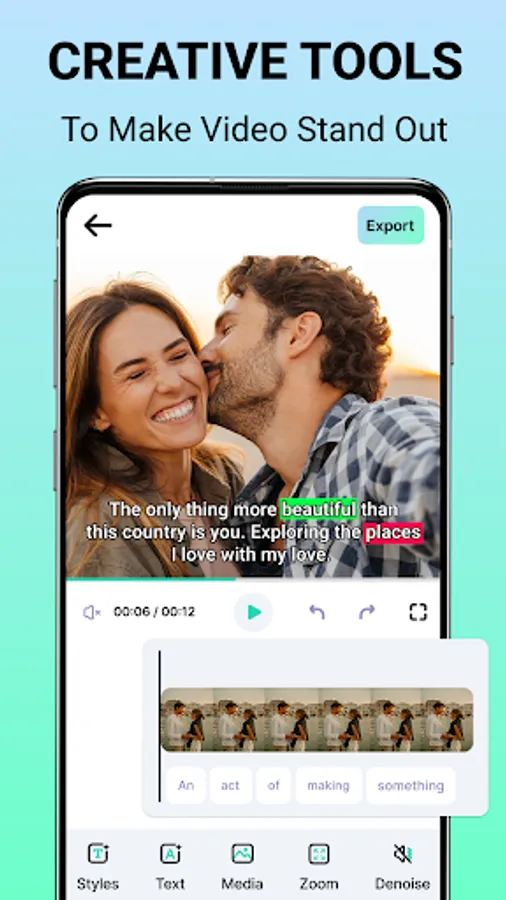
• Hashtags, stickers, edit text, trim, and zoom functionality.
• Simple and fast AI caption generator.
AI Captions - Auto Video Subtitles
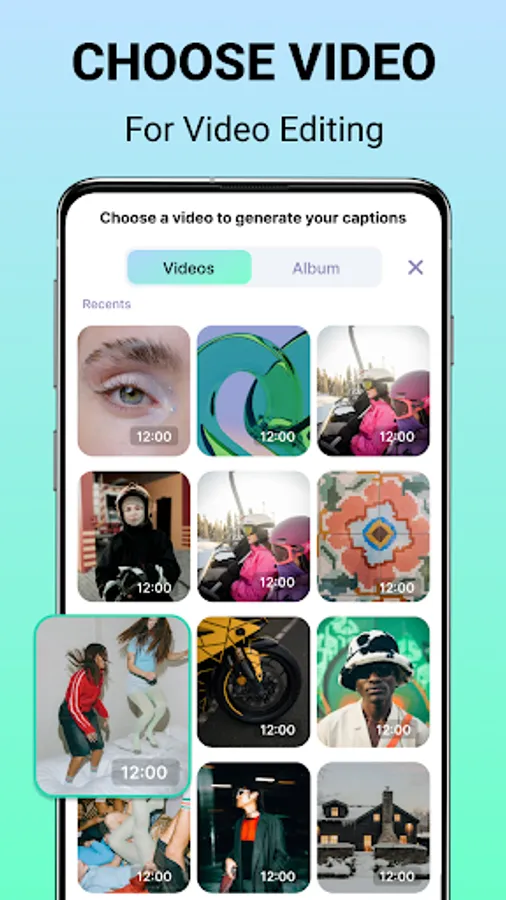
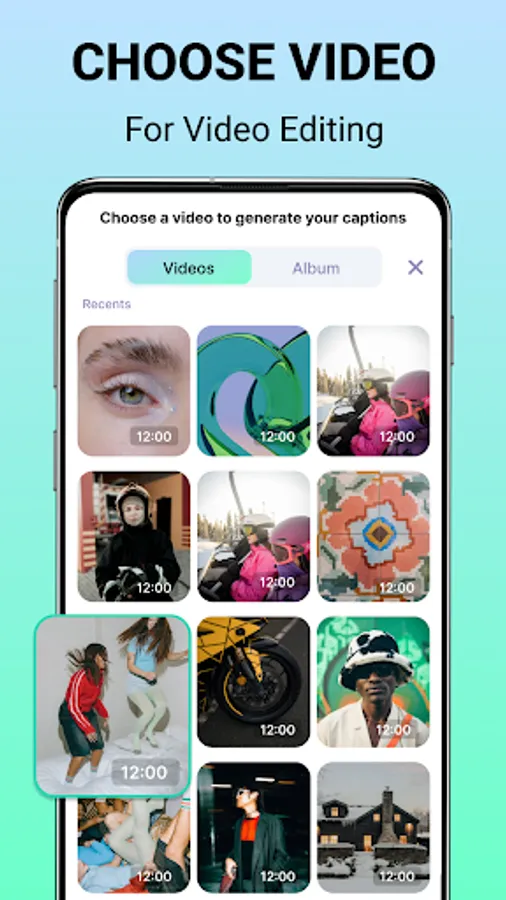
Add subtitles to videos for user engagement. You can record a video or upload one from the gallery. AI Captions will automatically create accurate subtitles effortlessly.
Teleprompter - Read Scripts & Record
Record seamless videos with the built-in teleprompter. AI Captions - Video Subtitles display your script on-screen while you speak, ensuring smooth and confident delivery every time.
Titles - Catchy Video Headlines
Struggling to name your video? Let Captions AI generate engaging video titles that attract more viewers and boost clicks. Caption Generator saves you time and effort
Translator - Multilingual Subtitles
Caption Generator has a built-in AI translator to translate subtitles into different languages. Create captions for videos and expand your audience globally.
Summary - Quick Video Insights
Need a brief overview of your content? The Captions AI summary feature extracts key points, making it easy to create engaging and short content.
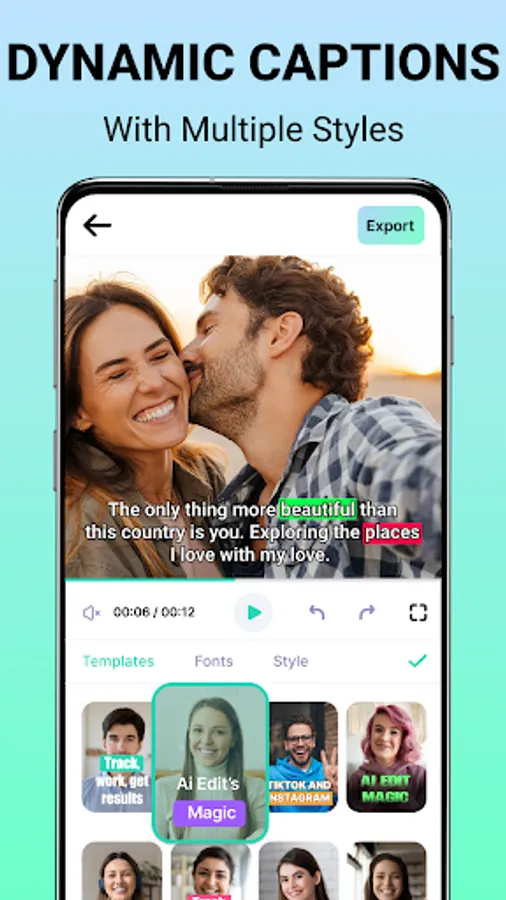
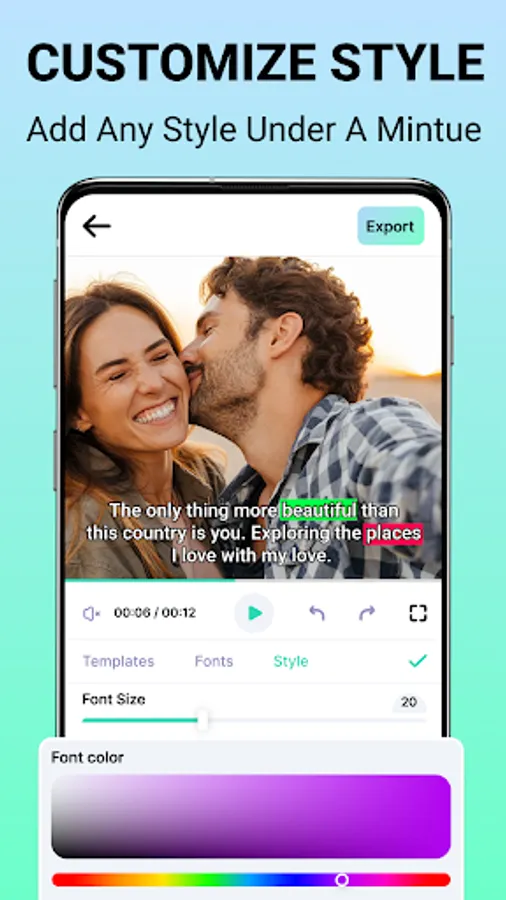
Templates - Multiple Caption Styles
Pick your favorite caption styles from templates and apply them instantly to new projects. Maintain a consistent look across all your videos with minimal effort.
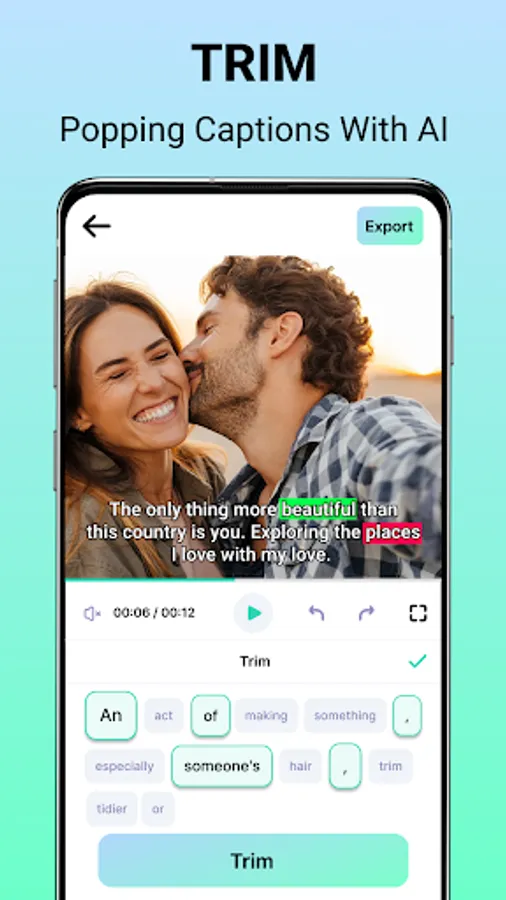
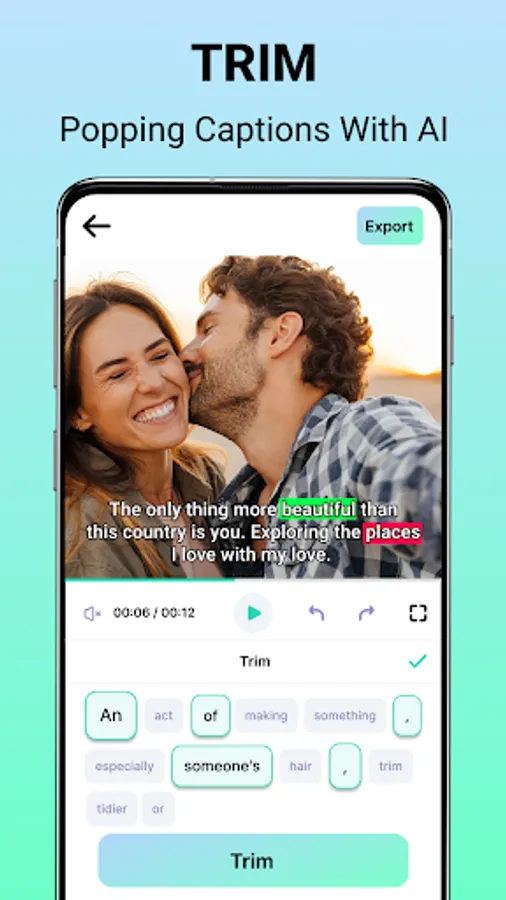
AI Editor - Customize Video Captions
Enhance your videos with hashtags, stickers, and text edits. You can also trim and zoom captions according to your needs.
Captions: Subtitles for Videos let you boost video content with AI-powered captions and subtitles. The captions app provides the exact features that you need. Download the AI captions for videos and present yourself like never before.
Key Features of Captions: Subtitles for Videos:
• Generate captions for videos in seconds.
• Read scripts and record videos with a teleprompter.
• Engaging video title suggestions.
• Translate subtitles into multiple languages.
• Summarize video content instantly.
• Choose from your various caption styles.
• Hashtags, stickers, edit text, trim, and zoom functionality.
• Simple and fast AI caption generator.
AI Captions - Auto Video Subtitles
Add subtitles to videos for user engagement. You can record a video or upload one from the gallery. AI Captions will automatically create accurate subtitles effortlessly.
Teleprompter - Read Scripts & Record
Record seamless videos with the built-in teleprompter. AI Captions - Video Subtitles display your script on-screen while you speak, ensuring smooth and confident delivery every time.
Titles - Catchy Video Headlines
Struggling to name your video? Let Captions AI generate engaging video titles that attract more viewers and boost clicks. Caption Generator saves you time and effort
Translator - Multilingual Subtitles
Caption Generator has a built-in AI translator to translate subtitles into different languages. Create captions for videos and expand your audience globally.
Summary - Quick Video Insights
Need a brief overview of your content? The Captions AI summary feature extracts key points, making it easy to create engaging and short content.
Templates - Multiple Caption Styles
Pick your favorite caption styles from templates and apply them instantly to new projects. Maintain a consistent look across all your videos with minimal effort.
AI Editor - Customize Video Captions
Enhance your videos with hashtags, stickers, and text edits. You can also trim and zoom captions according to your needs.
Captions: Subtitles for Videos let you boost video content with AI-powered captions and subtitles. The captions app provides the exact features that you need. Download the AI captions for videos and present yourself like never before.