Cast to Chromecast, Roku, & TV
EAGLE APPS
3.5 ★
165 ratings
100,000+
downloads
Free
+ in-app
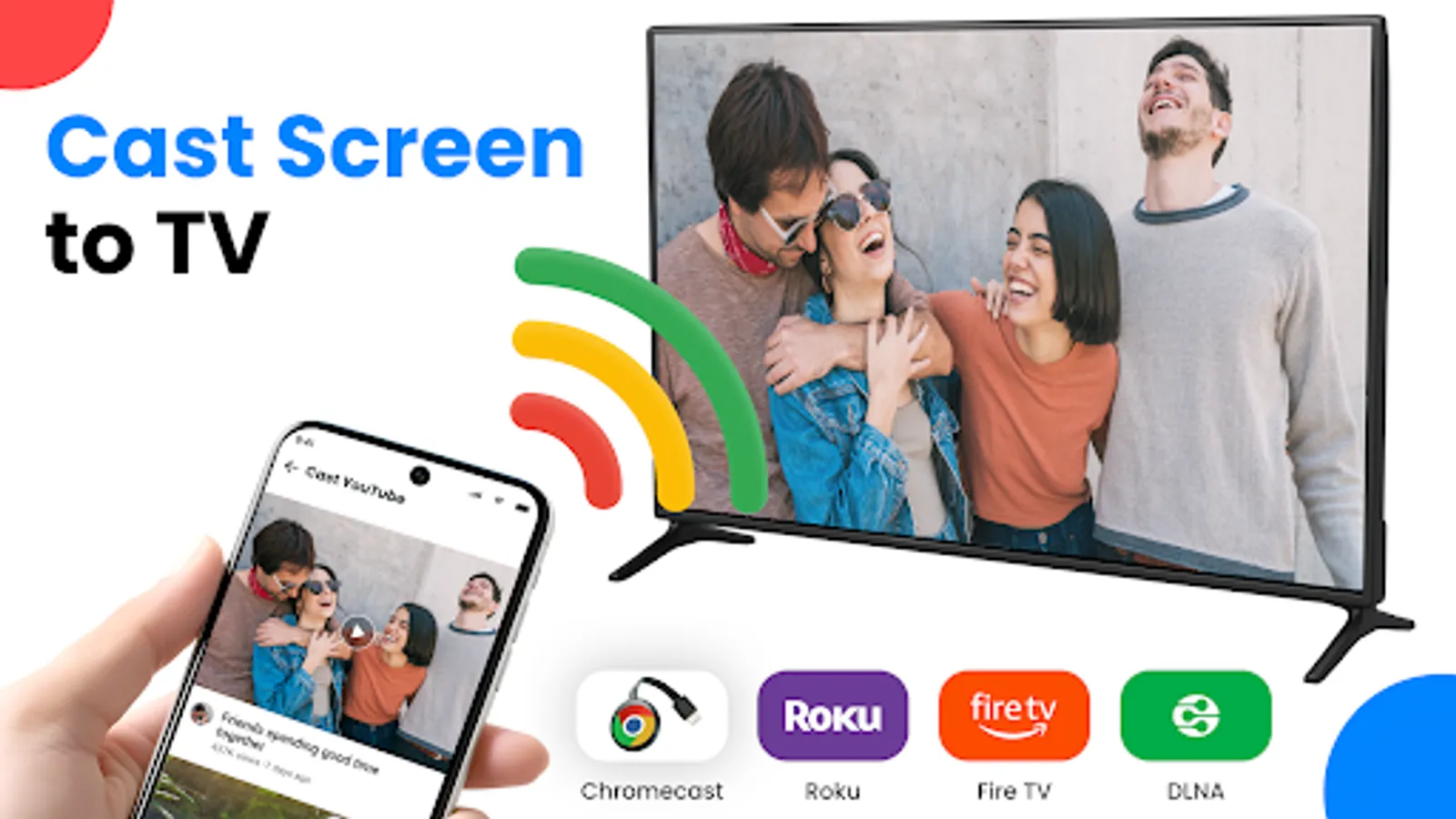
In this app, you can connect your phone to a TV and cast videos, photos, or mirror your screen in real time. Includes high-quality screen casting, remote control features, and support for multiple TV types.
AppRecs review analysis
AppRecs rating 3.5. Trustworthiness 79 out of 100. Review manipulation risk 29 out of 100. Based on a review sample analyzed.
★★★☆☆
3.5
AppRecs Rating
Ratings breakdown
5 star
47%
4 star
13%
3 star
7%
2 star
7%
1 star
27%
What to know
✓
Low review manipulation risk
29% review manipulation risk
✓
Credible reviews
79% trustworthiness score from analyzed reviews
⚠
High negative review ratio
33% of sampled ratings are 1–2 stars
About Cast to Chromecast, Roku, & TV
Want to enjoy your favorite videos, photos, and games on a big TV screen?
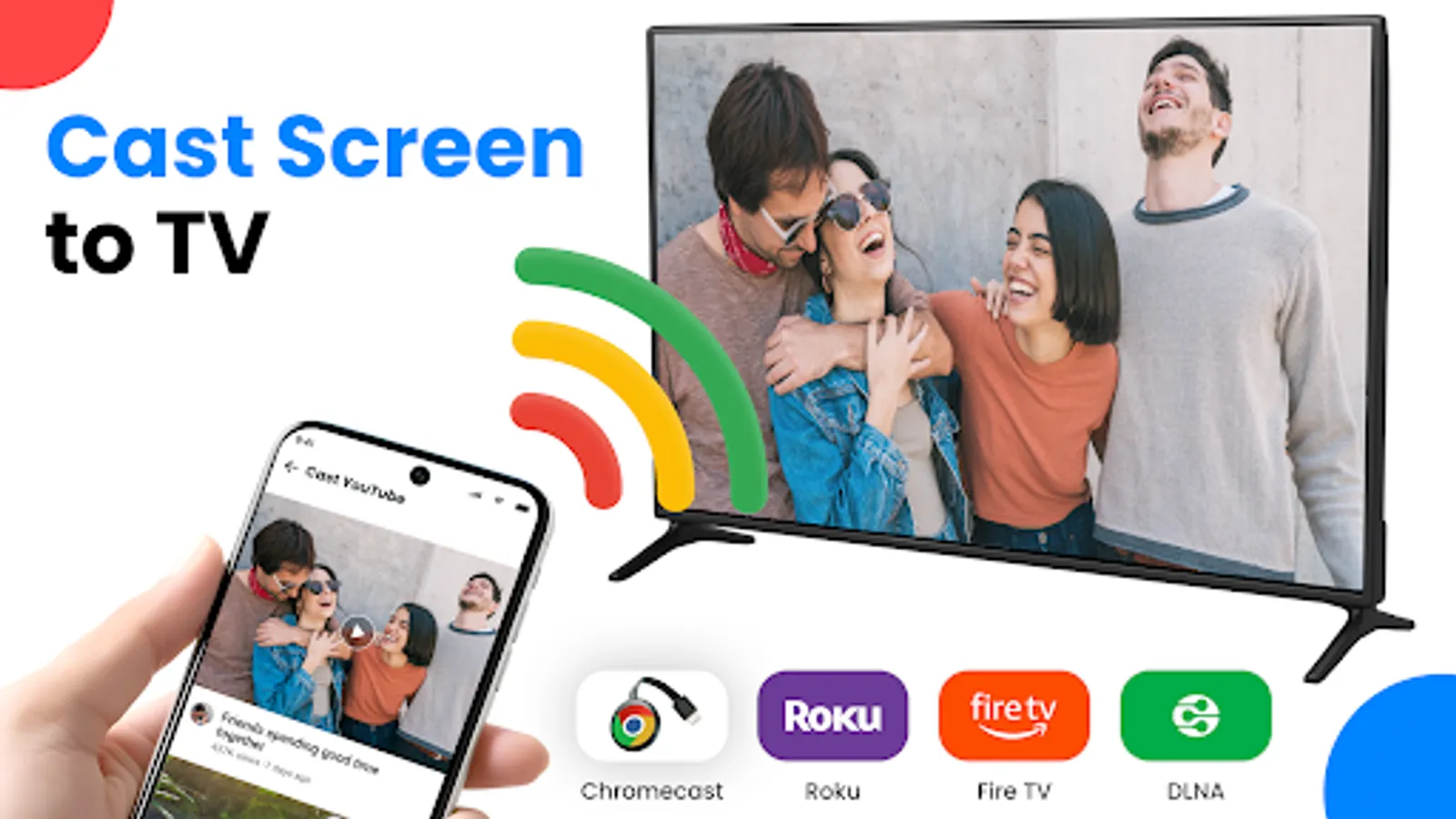
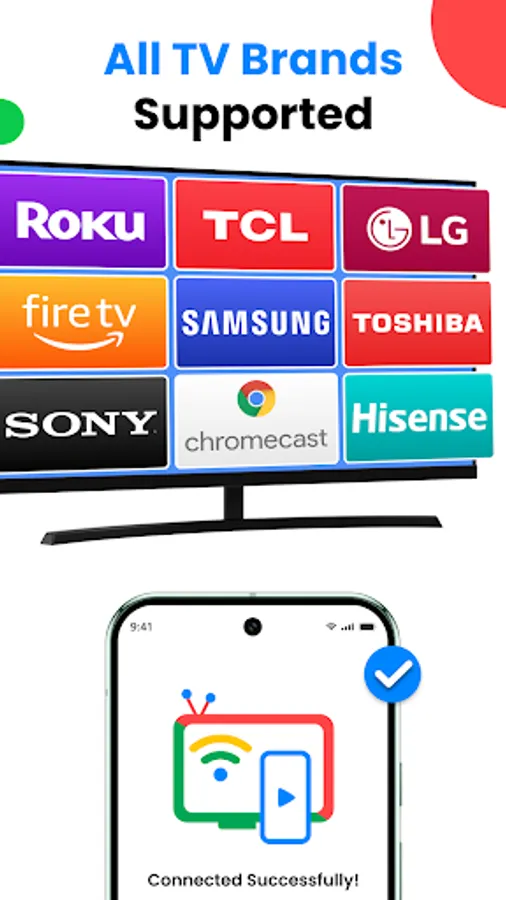
With Cast to Chromecast, Roku, & TV, you can easily connect phone to TV and start sharing your screen in real-time. Whether it’s for entertainment, work presentations, or fitness sessions, this app makes Cast to TV simple, fast, and reliable.
Key Features of TV Cast for Chromecast and Roku
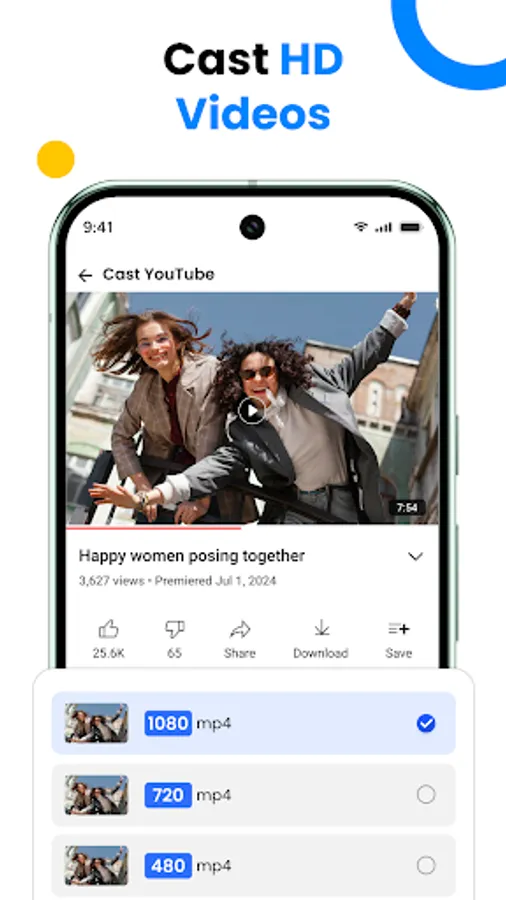
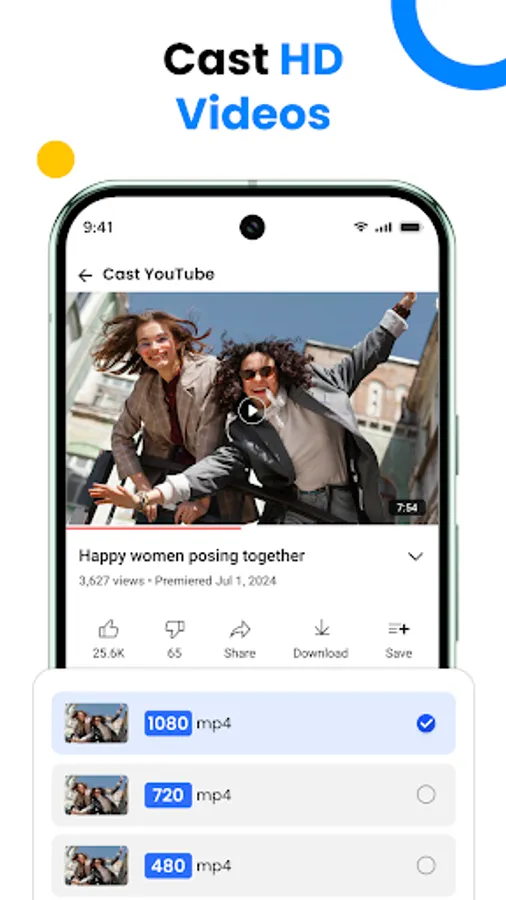
High-Quality Screen Casting
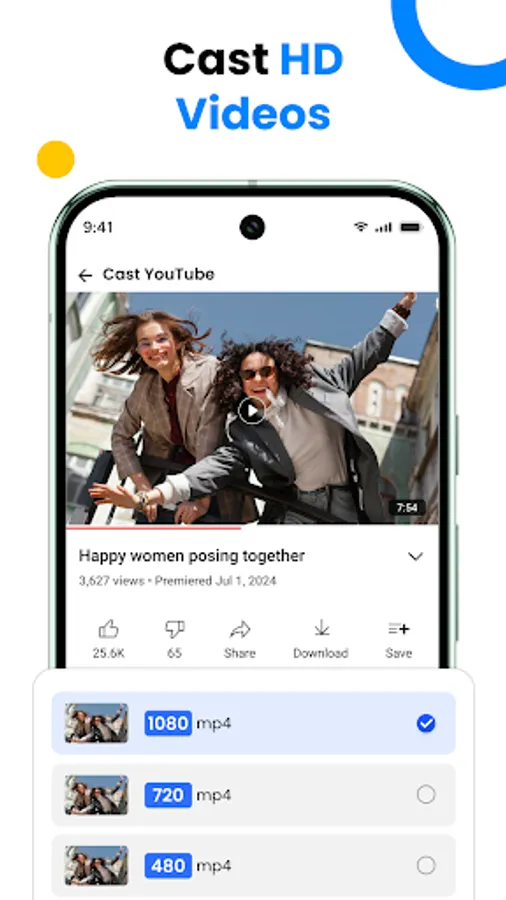
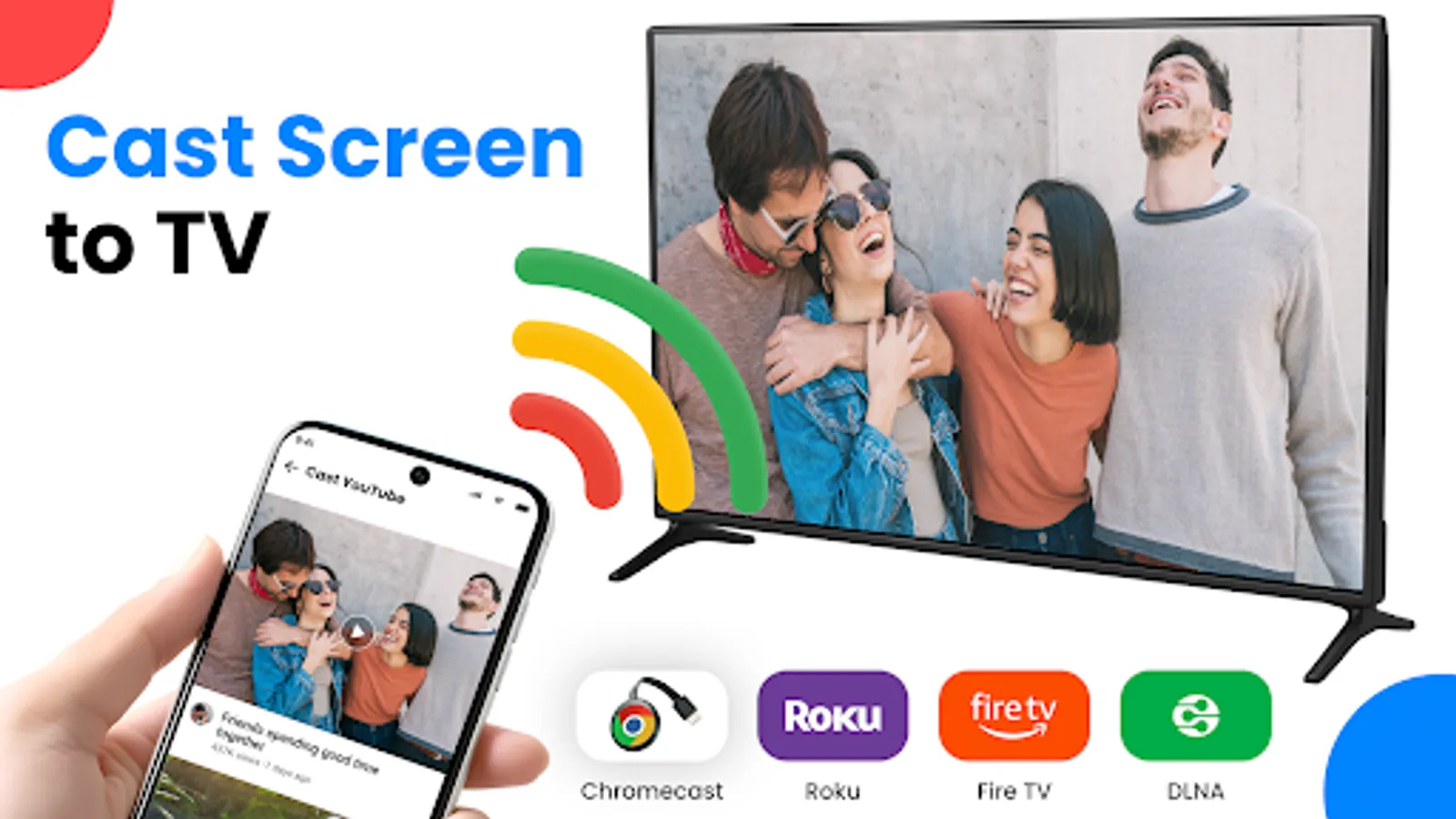
Cast your entire phone screen to your TV in real time with smooth, lag-free performance, ensuring a stable connection with Miracast TV
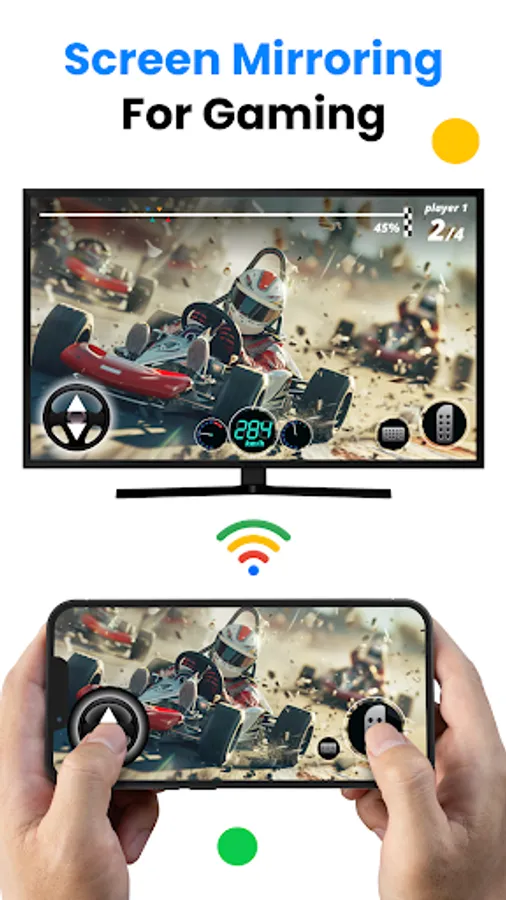
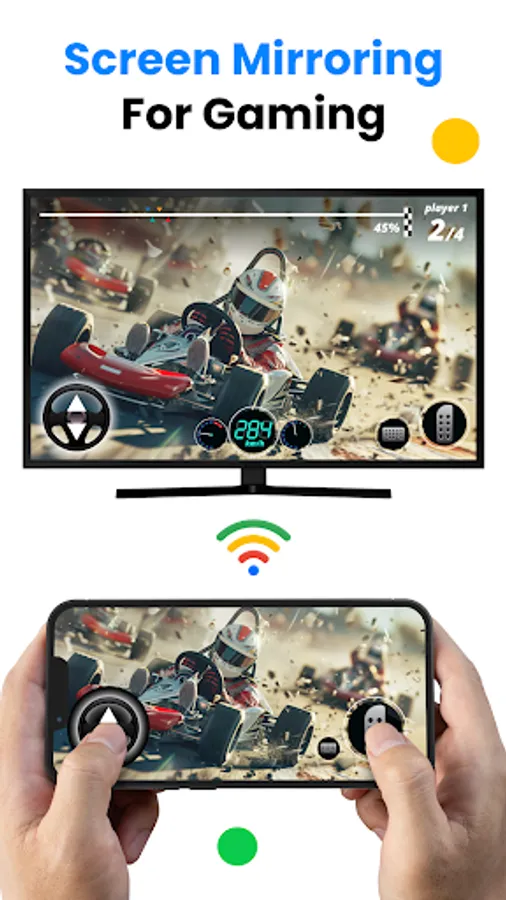
Screen Mirroring to TV
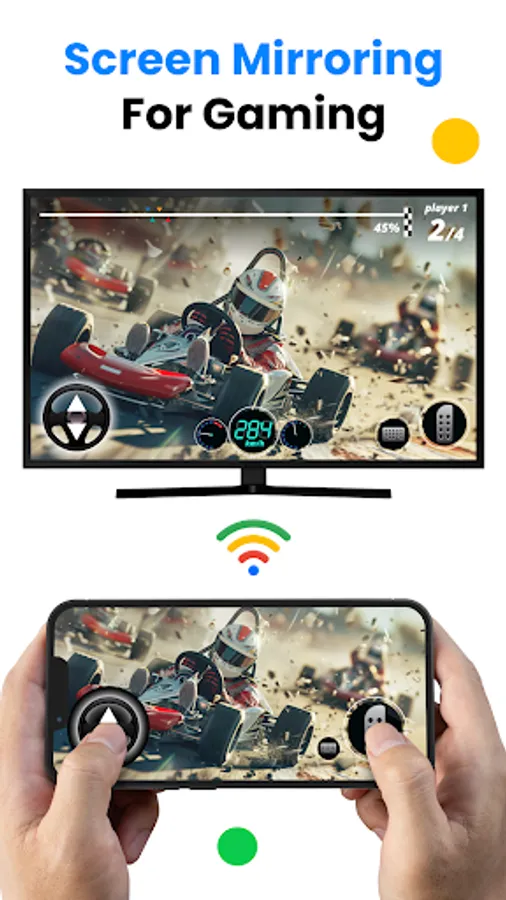
Enjoy lag-free screen share to TV using this Screen Mirroring App with your TV’s built-in wireless display. Whether you’re gaming or streaming, you’ll experience a fast and clear connection-no cables required
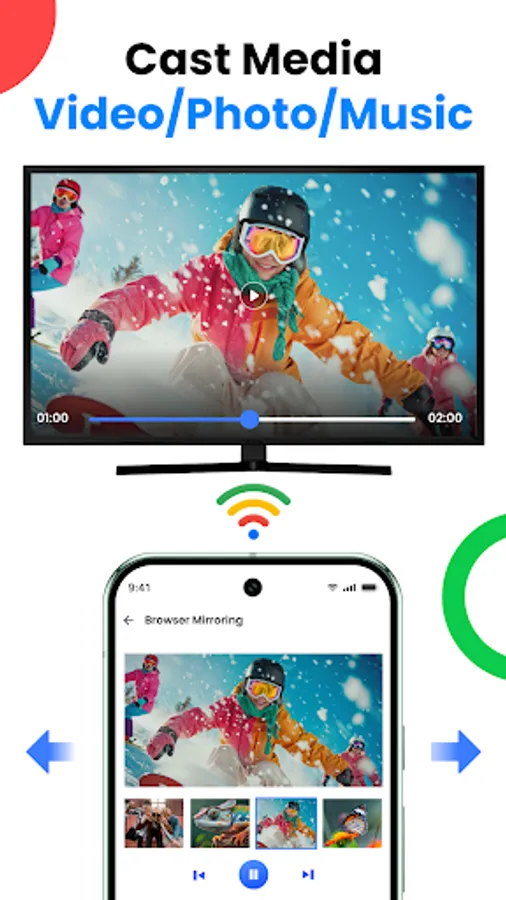
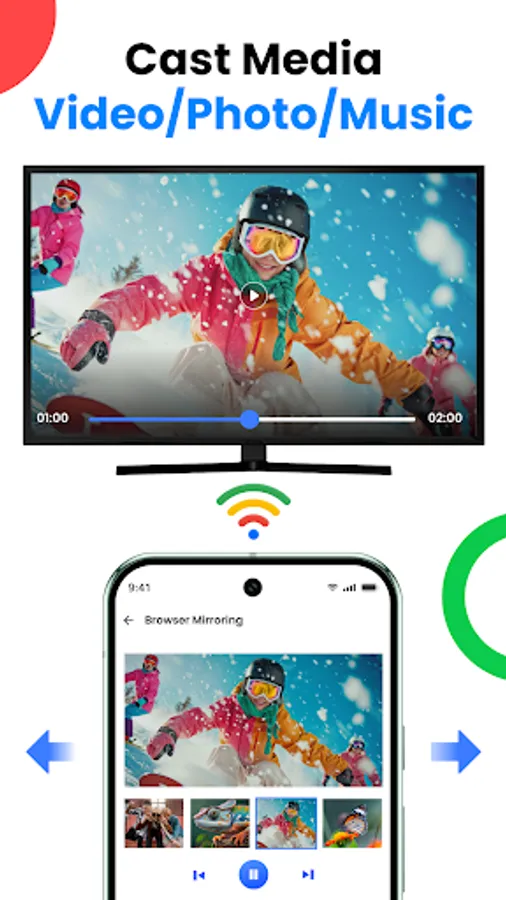
Photos & Videos on the Big Screen
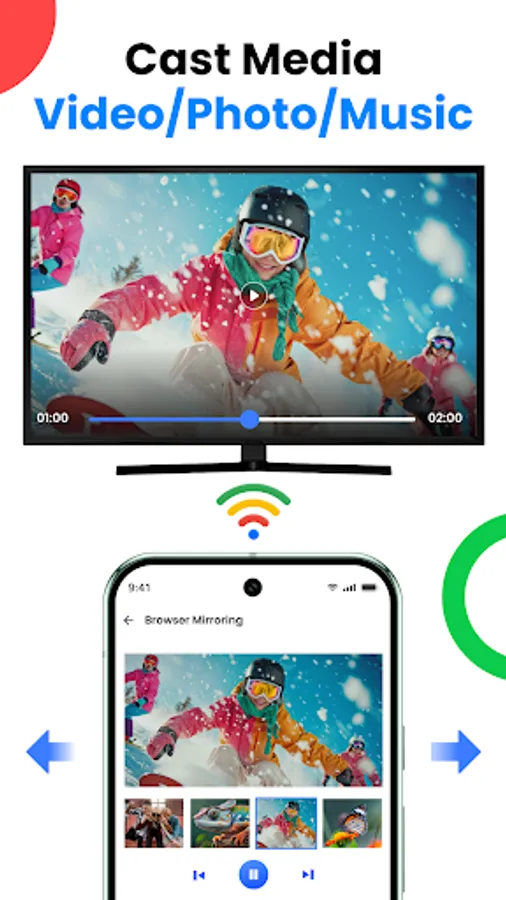
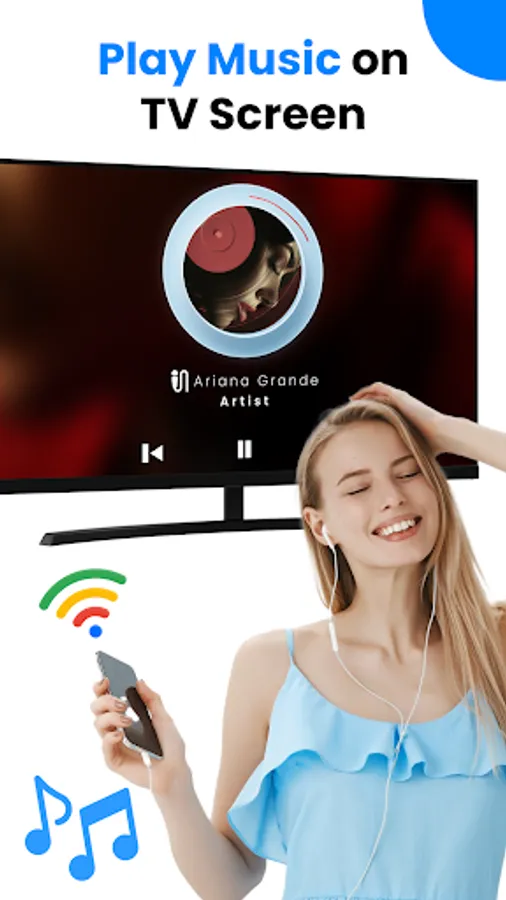
Easily connect to TV to view your favorite photos and videos. Turn moments into stunning slideshows or stream clips in real time using Connect to TV app
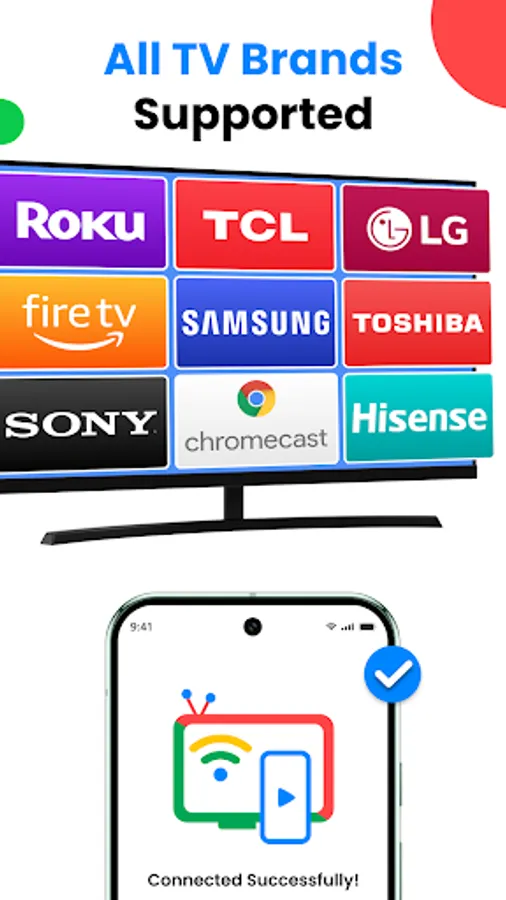
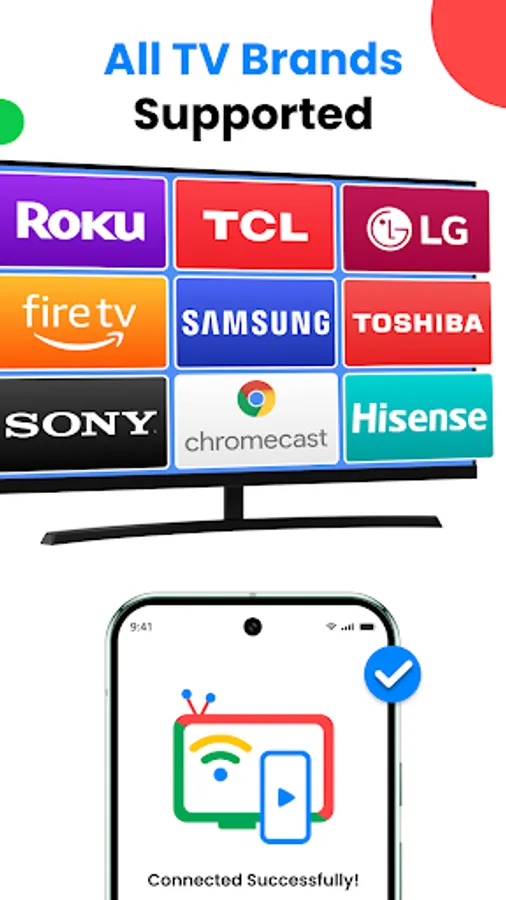
Remote Control for Chromecast, Roku & Fire TV
Use your phone as a Chromecast remote with advanced controls. The built-in Remote for Chromecast lets you play, pause, adjust volume, or switch content effortlessly - with the option to customize your remote’s theme
Quick & Easy Miracast TV Setup
⁕ Using Cast to TV - Screen casting is super simple:
⁕ Make sure your phone and TV are connected to the same Wi-Fi network.
⁕ Enable Miracast on your TV.
⁕ Open the TV Cast to Chromecast app, and connect phone to TV within seconds.
⁕ For best results, keep wireless display turned on and ensure both devices are properly paired.
Free vs Premium - Compare Screen Share with TV Features
Free Version:
⁕ Basic TV screen mirroring
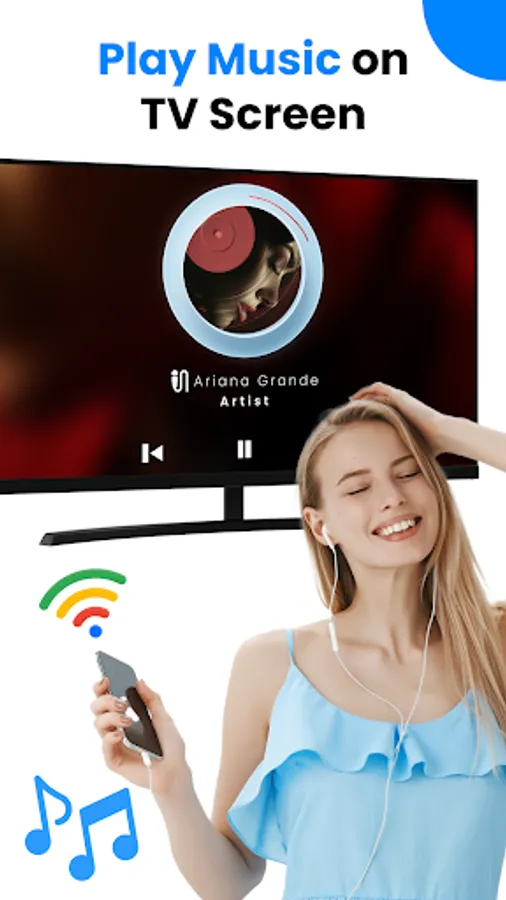
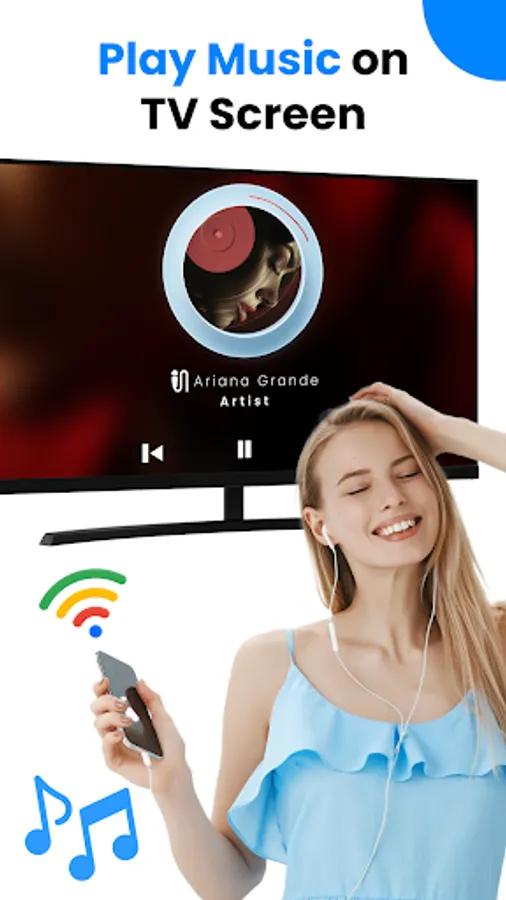
⁕ Cast local media (Photos, videos, audios and docs etc.)
Premium Version (VIP):
⁕ Unlimited web streams
⁕ Ad-free experience
⁕ Unlock all paid features
⁕ Block IP address feature
⁕ Priority support
Start Casting Today!
Download Cast to TV now and enjoy seamless screen mirroring and screen casting on your smart TV. Experience a whole new way to watch, play, and share on the big screen
DISCLAIMER: Cast to Chromecast, Roku, & TV is an independent app designed for easy streaming. This Miracast TV app and Cast to Roku solution is not made by or affiliated with Google, Roku, Amazon, or any other TV brand.
Need help? Contact us at globaleagleapps@gmail.com.
With Cast to Chromecast, Roku, & TV, you can easily connect phone to TV and start sharing your screen in real-time. Whether it’s for entertainment, work presentations, or fitness sessions, this app makes Cast to TV simple, fast, and reliable.
Key Features of TV Cast for Chromecast and Roku
High-Quality Screen Casting
Cast your entire phone screen to your TV in real time with smooth, lag-free performance, ensuring a stable connection with Miracast TV
Screen Mirroring to TV
Enjoy lag-free screen share to TV using this Screen Mirroring App with your TV’s built-in wireless display. Whether you’re gaming or streaming, you’ll experience a fast and clear connection-no cables required
Photos & Videos on the Big Screen
Easily connect to TV to view your favorite photos and videos. Turn moments into stunning slideshows or stream clips in real time using Connect to TV app
Remote Control for Chromecast, Roku & Fire TV
Use your phone as a Chromecast remote with advanced controls. The built-in Remote for Chromecast lets you play, pause, adjust volume, or switch content effortlessly - with the option to customize your remote’s theme
Quick & Easy Miracast TV Setup
⁕ Using Cast to TV - Screen casting is super simple:
⁕ Make sure your phone and TV are connected to the same Wi-Fi network.
⁕ Enable Miracast on your TV.
⁕ Open the TV Cast to Chromecast app, and connect phone to TV within seconds.
⁕ For best results, keep wireless display turned on and ensure both devices are properly paired.
Free vs Premium - Compare Screen Share with TV Features
Free Version:
⁕ Basic TV screen mirroring
⁕ Cast local media (Photos, videos, audios and docs etc.)
Premium Version (VIP):
⁕ Unlimited web streams
⁕ Ad-free experience
⁕ Unlock all paid features
⁕ Block IP address feature
⁕ Priority support
Start Casting Today!
Download Cast to TV now and enjoy seamless screen mirroring and screen casting on your smart TV. Experience a whole new way to watch, play, and share on the big screen
DISCLAIMER: Cast to Chromecast, Roku, & TV is an independent app designed for easy streaming. This Miracast TV app and Cast to Roku solution is not made by or affiliated with Google, Roku, Amazon, or any other TV brand.
Need help? Contact us at globaleagleapps@gmail.com.
Cast to Chromecast, Roku, & TV Screenshots
Tap to Rate:
Reviews for Cast to Chromecast, Roku, & TV
Alene D. Taylor (QueenLady)
10/13/2025
no pub l ic reviews w hy are you sh o wing others my account ? why?
Paul Morgan
9/12/2025
good