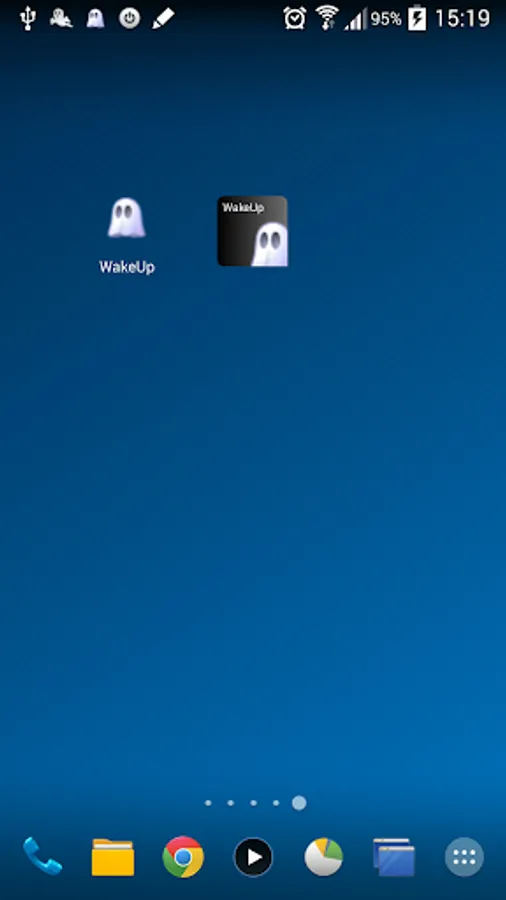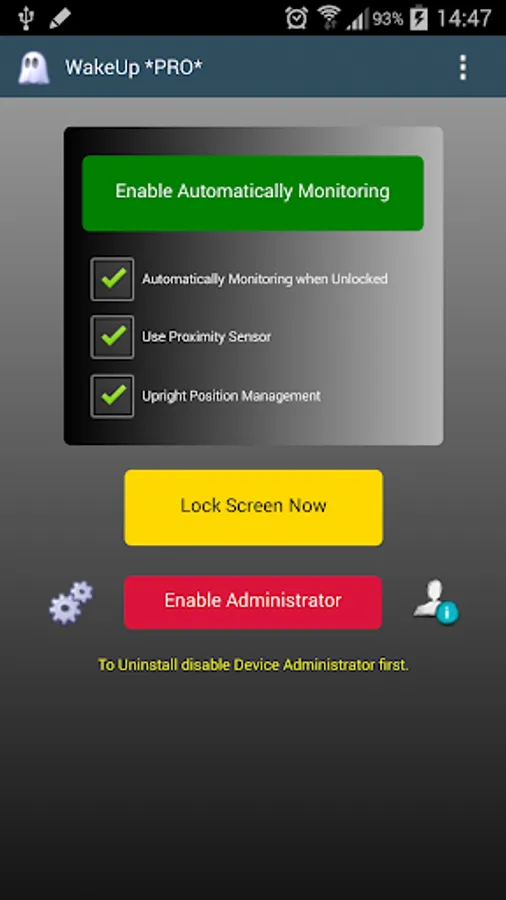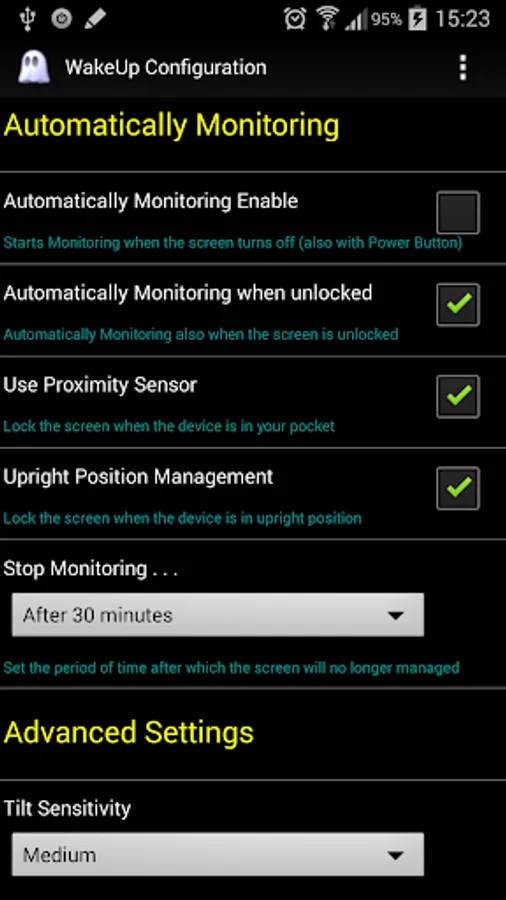
With this app, you can activate and control your screen without using the Power Button, utilizing motion detection and widget triggers. Includes device monitoring options, activity scheduling, and administrator permissions management.
AppRecs review analysis
AppRecs rating 3.3. Trustworthiness 0 out of 100. Review manipulation risk 0 out of 100. Based on a review sample analyzed.
★★★☆☆
3.3
AppRecs Rating
Ratings breakdown
5 star
29%
4 star
23%
3 star
21%
2 star
7%
1 star
21%
What to know
✓
Authentic reviews
No red flags detected
About WakeUp
This app uses the Device Administrator permission.
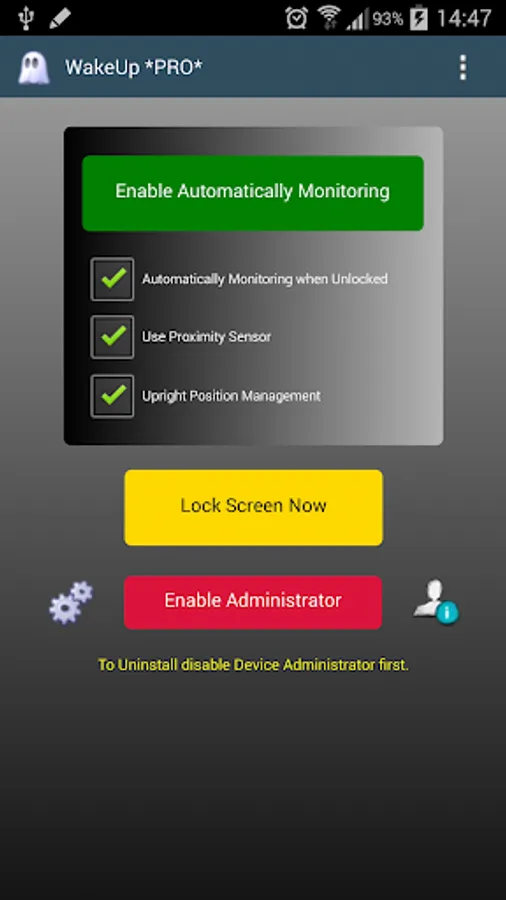
With this App you can activate the screen without using the Power Button.
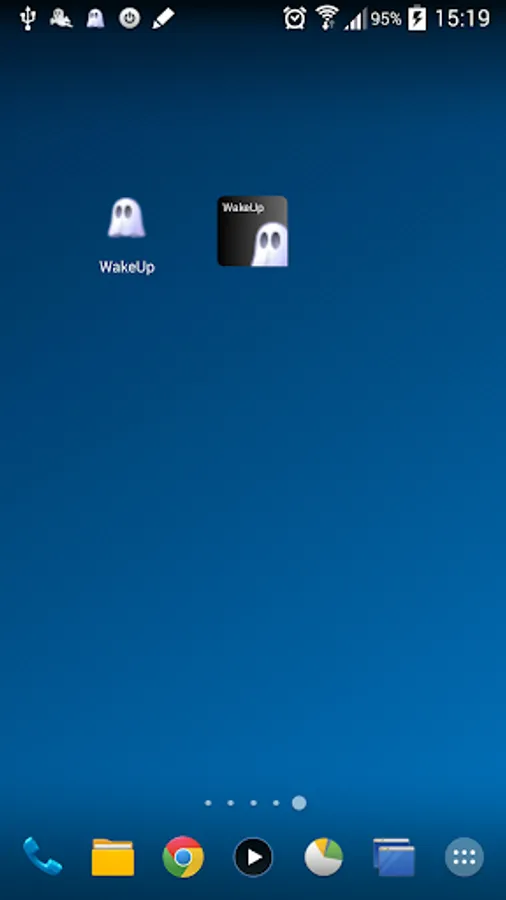
The screen turns off and the monitoring is activated when you use the Widget to lock the screen or put the device on a horizontal surface, such as the office desk; the screen turns on automatically when you lift and tilt the device towards you.
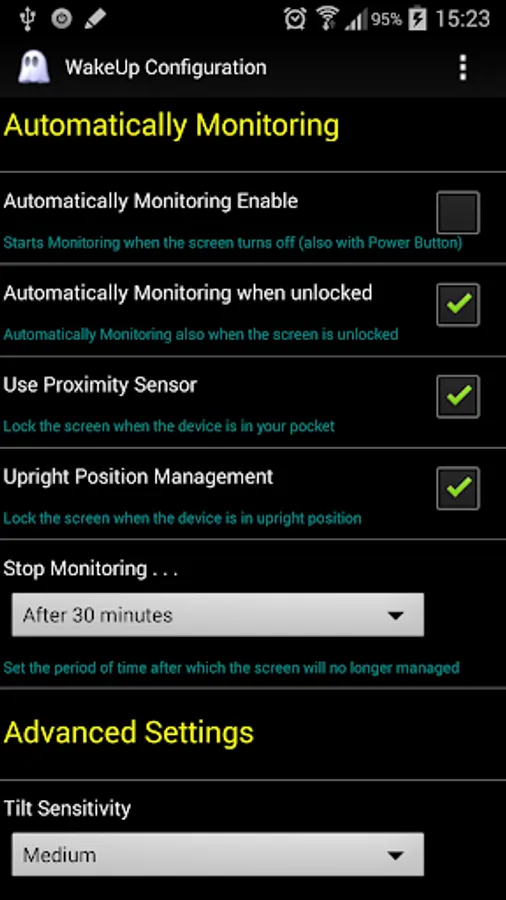
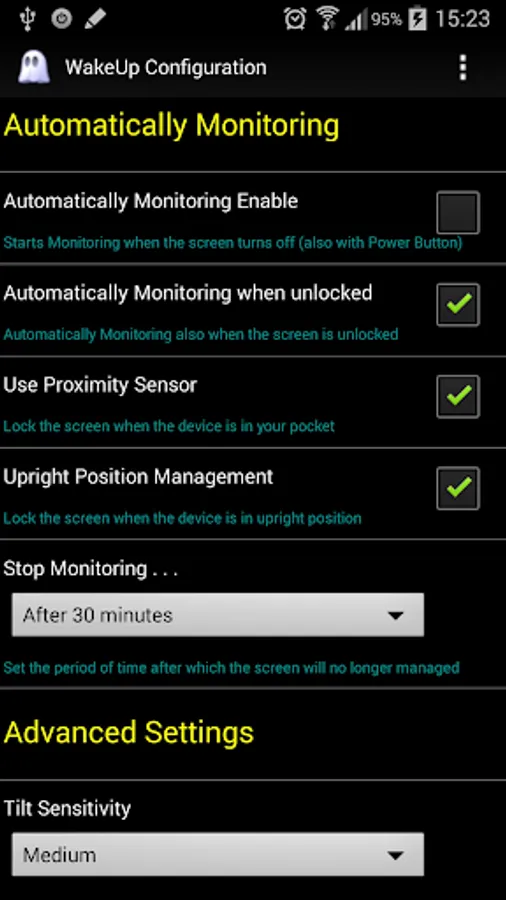
There is also an option to lock the screen when you put your phone in your pocket; in this case the screen turns on automatically when you tilt the device forward.
It's also possible to automatically activate the monitoring when the screen turns off after the time set in system options or when you turn off the screen with the Power Button.
The application uses a little battery while monitoring; you can then set how long it will be monitoring the movement of the device: the convenience comes at a cost!
*** TO UNINSTALL THE APP YOU NEED TO DISABLE THE DEVICE ADMINISTRATOR. ***
Please do LIKE on Facebook, +1 on Google Plus, write a review on Google Play and share WakeUp.
Thanks for the support.
With this App you can activate the screen without using the Power Button.
The screen turns off and the monitoring is activated when you use the Widget to lock the screen or put the device on a horizontal surface, such as the office desk; the screen turns on automatically when you lift and tilt the device towards you.
There is also an option to lock the screen when you put your phone in your pocket; in this case the screen turns on automatically when you tilt the device forward.
It's also possible to automatically activate the monitoring when the screen turns off after the time set in system options or when you turn off the screen with the Power Button.
The application uses a little battery while monitoring; you can then set how long it will be monitoring the movement of the device: the convenience comes at a cost!
*** TO UNINSTALL THE APP YOU NEED TO DISABLE THE DEVICE ADMINISTRATOR. ***
Please do LIKE on Facebook, +1 on Google Plus, write a review on Google Play and share WakeUp.
Thanks for the support.