
Steam Tables
Chemical Applications
4.2 ★
1K ratings
100,000+
downloads
Free
+ in-app
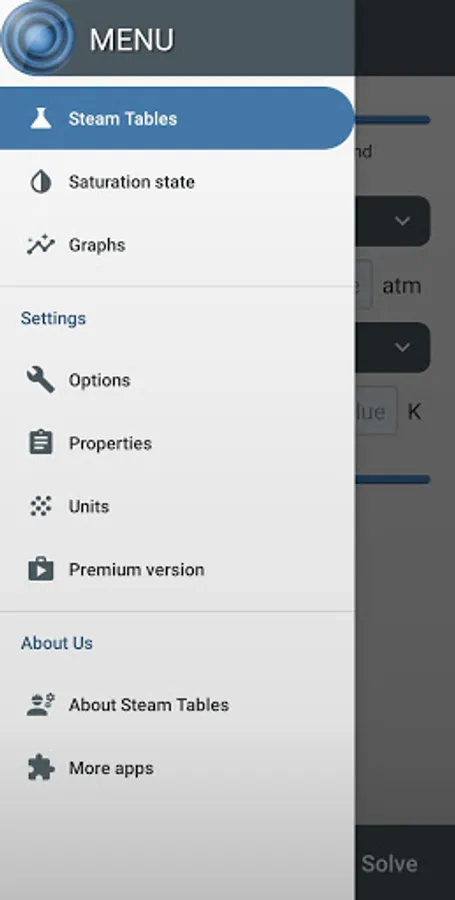
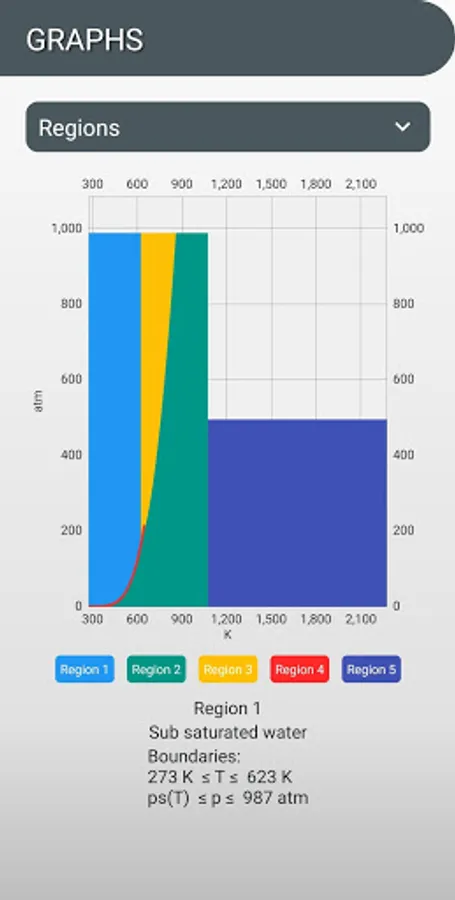
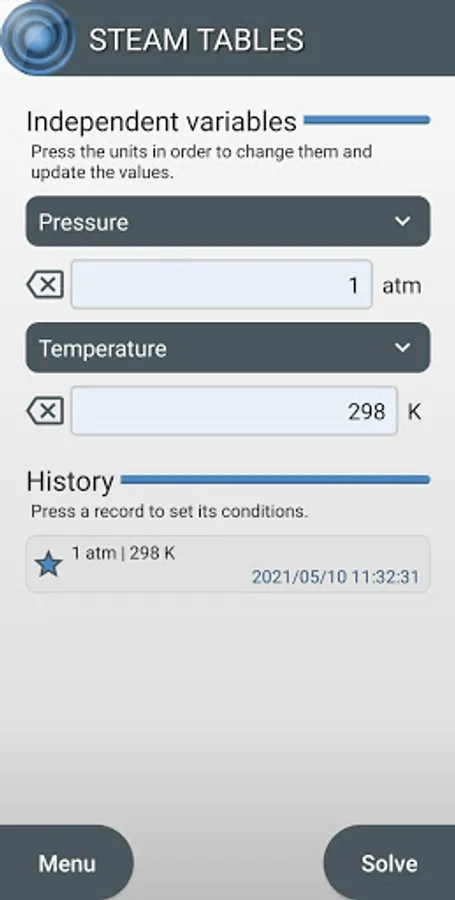
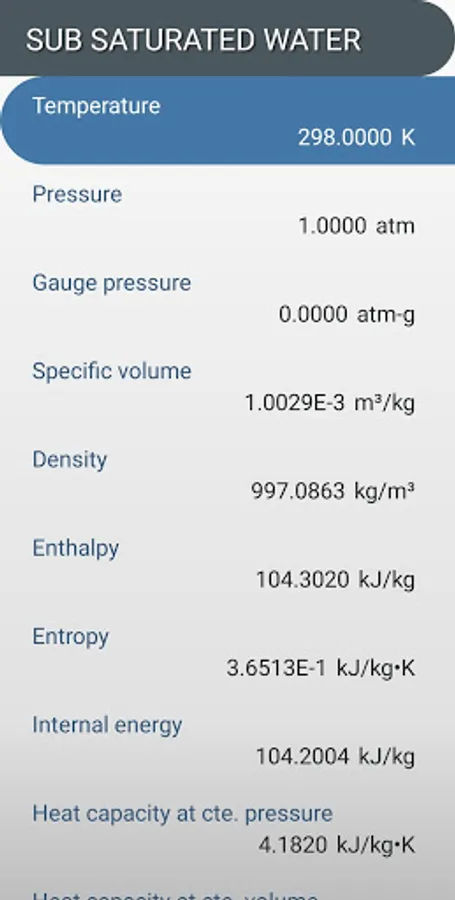
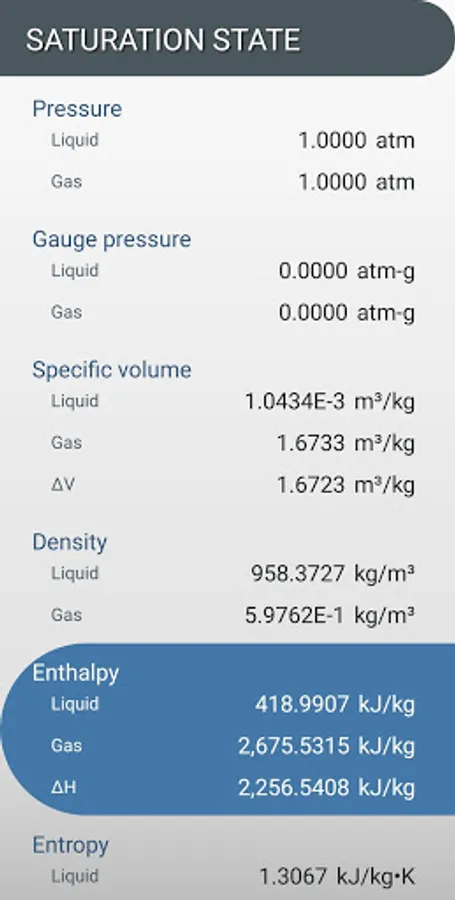
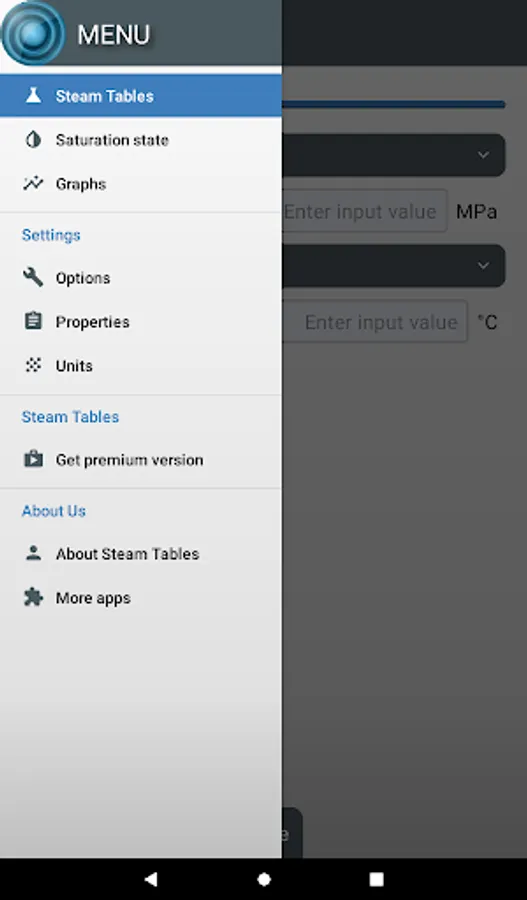
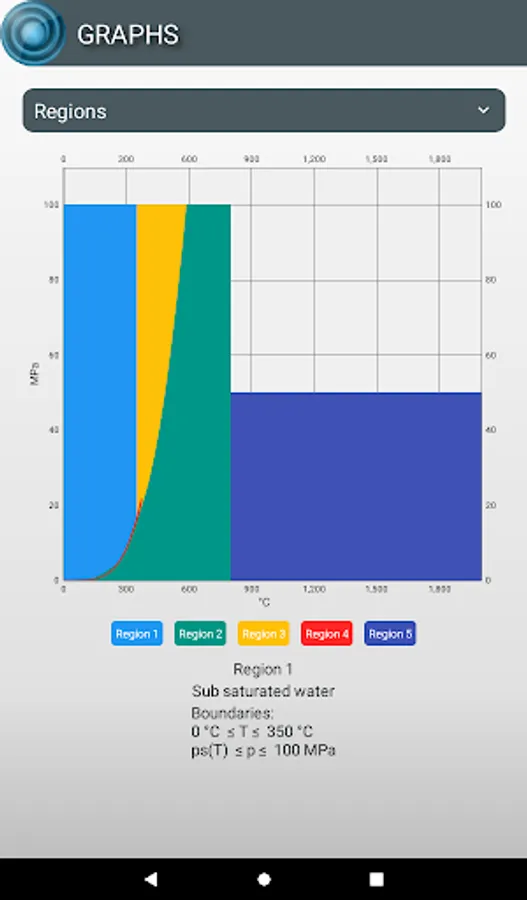
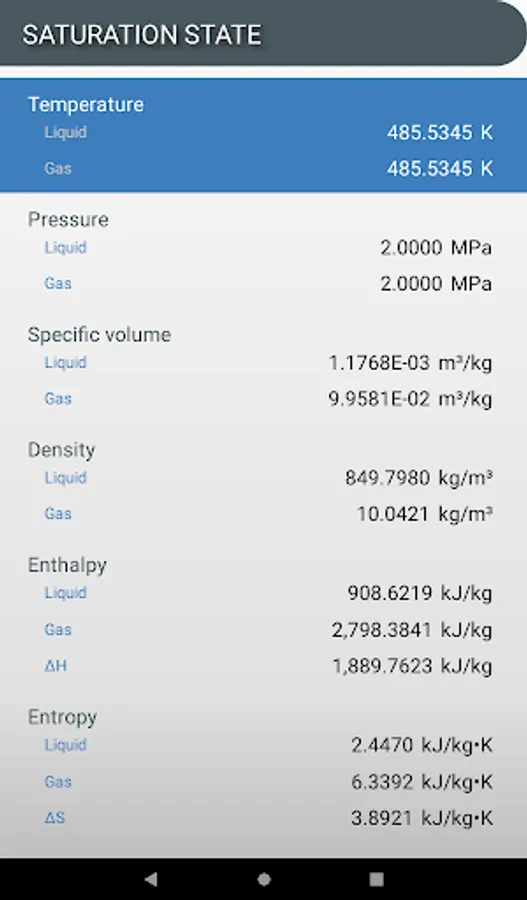
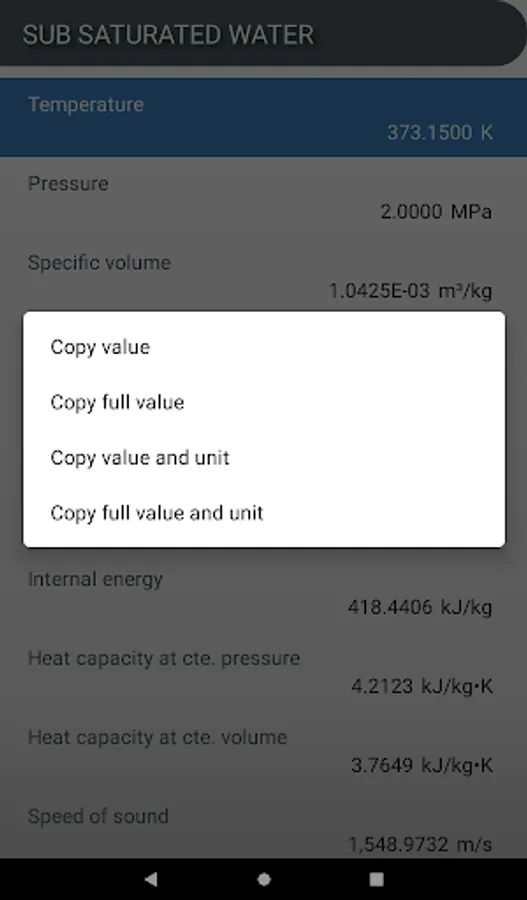
In this app, you can input pressure and temperature or other properties to calculate water's thermodynamic features. Includes customizable units and selective property calculations.
AppRecs review analysis
AppRecs rating 4.2. Trustworthiness 76 out of 100. Review manipulation risk 27 out of 100. Based on a review sample analyzed.
★★★★☆
4.2
AppRecs Rating
Ratings breakdown
5 star
75%
4 star
6%
3 star
0%
2 star
3%
1 star
16%
What to know
✓
Low review manipulation risk
27% review manipulation risk
✓
Credible reviews
76% trustworthiness score from analyzed reviews
✓
High user satisfaction
81% of sampled ratings are 4+ stars (4.2★ average)
About Steam Tables
----INPUTS----
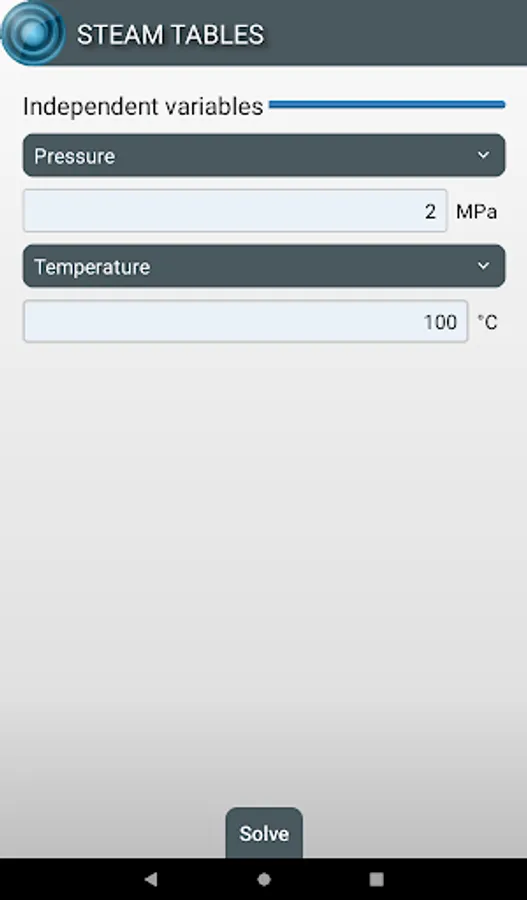
Up to 34 properties can be calculated from the following inputs:
- Pressure* & Temperature
- Pressure* & Steam Quality
- Pressure* & Specific Volume
- Pressure* & Enthalpy
- Pressure* & Entropy
- Pressure* & Internal Energy
- Temperature & Steam Quality
- Temperature & Specific Volume
- Temperature & Enthalpy
- Temperature & Entropy
- Temperature & Internal Energy
* The pressure can be gauge or absolute.
----CALCULATION----
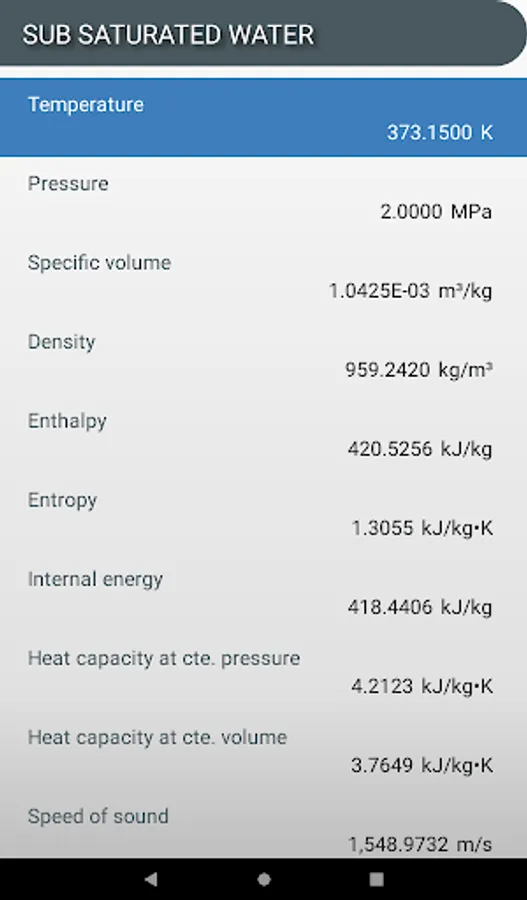
The calculated properties are:
- Temperature
- Pressure
- Gauge pressure
- Specific volume
- Density
- Enthalpy
- Entropy
- Internal energy
- Heat capacity at constant pressure
- Heat capacity at constant volume
- Speed of sound
- Steam quality
- Compressibility factor
- Gibbs free energy
- Helmoltz free energy
- Joule-Thomson coefficient
- Isothermal Joule-Thomson coeff.
- Isentropic exponent
- Isobaric cubic expansion coefficient
- Isothermal compressibility coefficient
- Relative pressure coefficient
- Isothermal stress coefficient
- (∂v/∂T)p
- (∂v/∂p)T
- (∂p/∂T)v
- (∂p/∂v)T
- Dynamic viscosity
- Kinematic viscosity
- Thermal conductivity
- Thermal diffusivity
- Dielectric constant
- Surface tension
- Prandtl number
- Refractive index
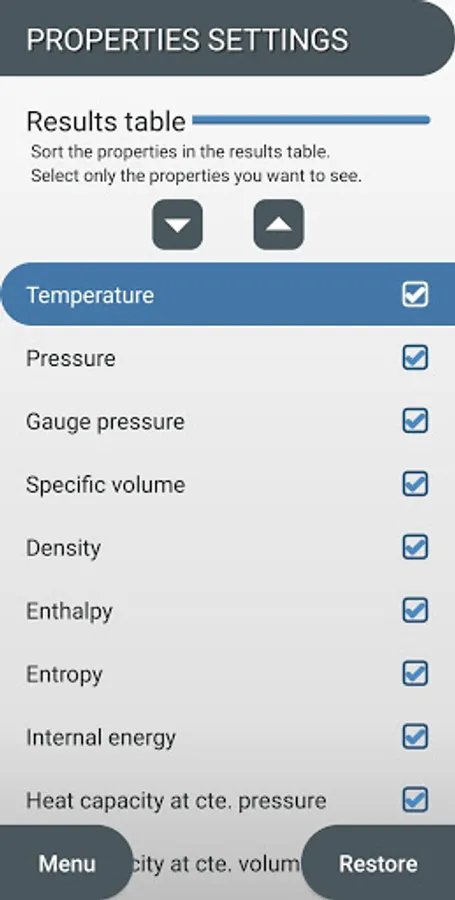
----RESULTS----
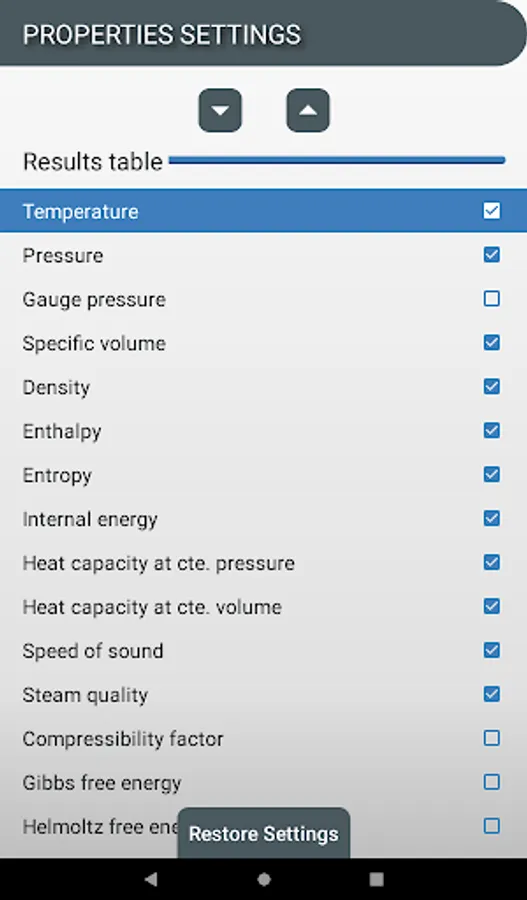
You can calculate only the properties you want and the order in which they appear in the results table.
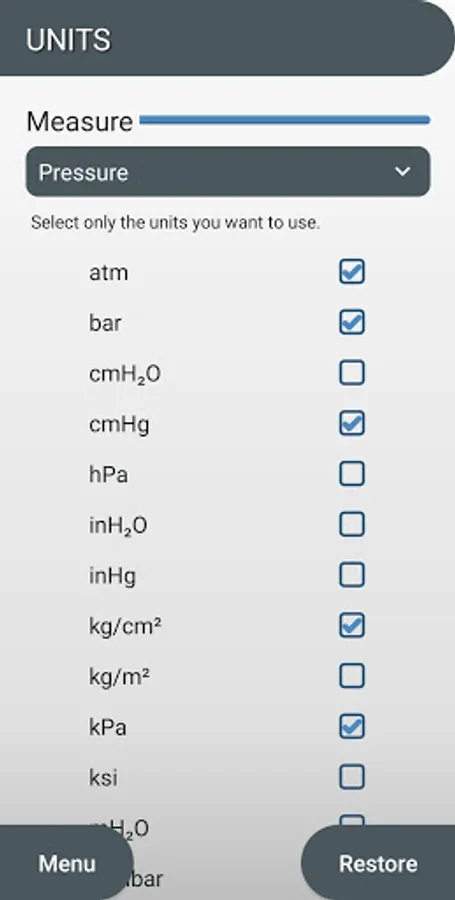
----UNITS----
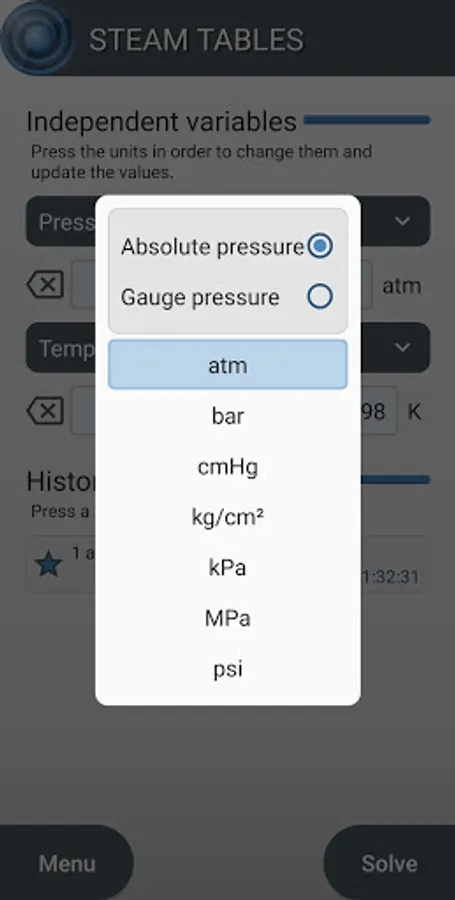
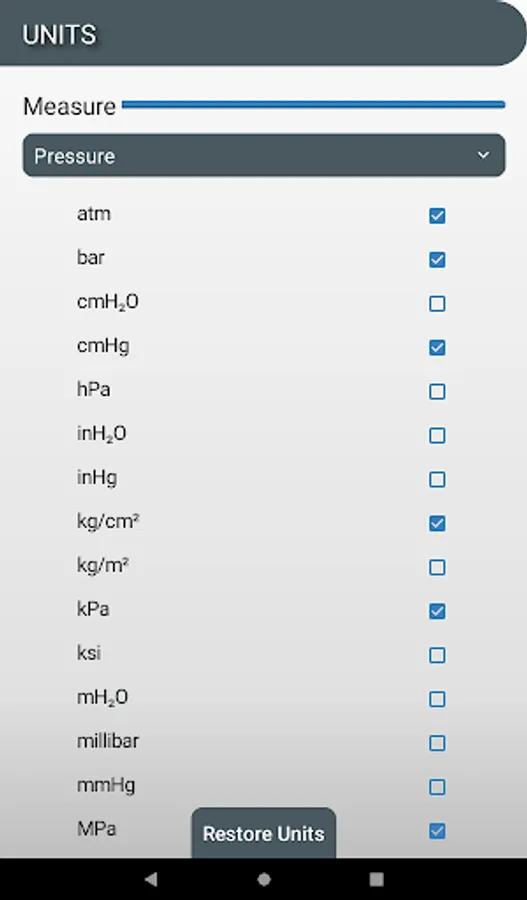
You can choose from a large number of conversion units.
It is possible to choose only the units with which you want to work.
Steam Tables Screenshots
Tap to Rate:
Reviews for Steam Tables
Sachin Rane
9/7/2025
Thanks....🙏 But can you please give me option to see the results without any scientific notations and with only decimal points i selected in setting? Because its my habit to see the values on my DCS with decimal point only and without any scientific notation.
Praise Meshach
8/12/2025
Dope app. I use it to verify my answers after using my manual steam table.👍🏽