MixCam Dual Camera Front Back
Mixcord Inc
3.7 ★
186 ratings
50,000+
downloads
Free
+ in-app
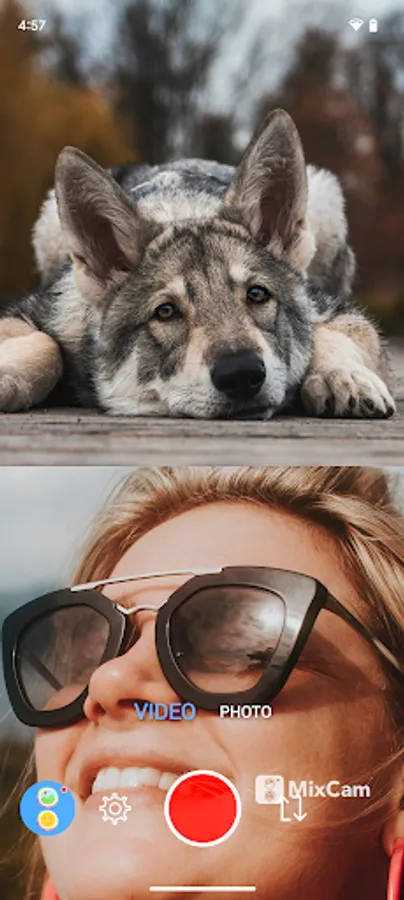
In this video recording app, users can simultaneously record with front and back cameras or switch between them during recording. Includes dual camera support, switch camera modes, and share videos to social media platforms.
AppRecs review analysis
AppRecs rating 3.8. Trustworthiness 80 out of 100. Review manipulation risk 19 out of 100. Based on a review sample analyzed.
★★★☆☆
3.8
AppRecs Rating
Ratings breakdown
5 star
63%
4 star
0%
3 star
4%
2 star
9%
1 star
24%
What to know
✓
Low review manipulation risk
19% review manipulation risk
✓
Credible reviews
80% trustworthiness score from analyzed reviews
⚠
High negative review ratio
33% of sampled ratings are 1–2 stars
About MixCam Dual Camera Front Back
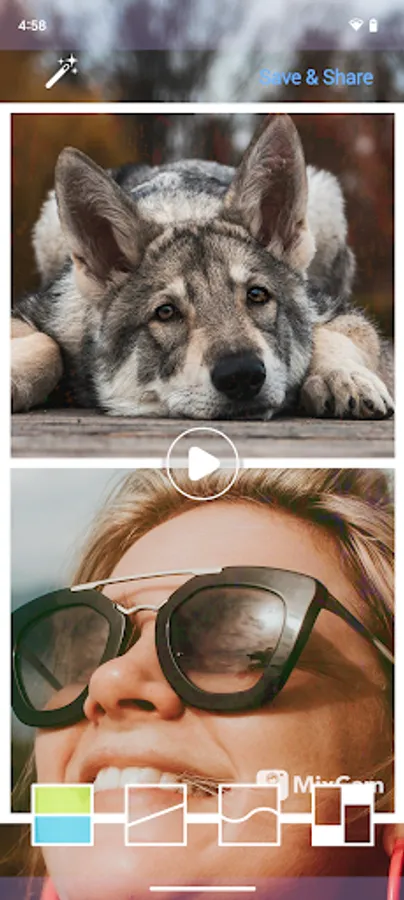
Record an amazing scene with the back camera and include your live reaction with the front camera, or switch between front and back cameras while recording.
Snap group pictures without being left out. Your audience will love it because it’s so pure and genuine.
Create real reaction videos with MixCam.
Authenticity connects with viewers and MixCam will help you capture every moment. MixCam is perfect for daily vlogs, interviews, live reactions, narrate videos and more!
Features:
- Record with front and back camera at the same time
- Switch cameras while recording (front <-> back)
- Flip camera positions (top/bottom)
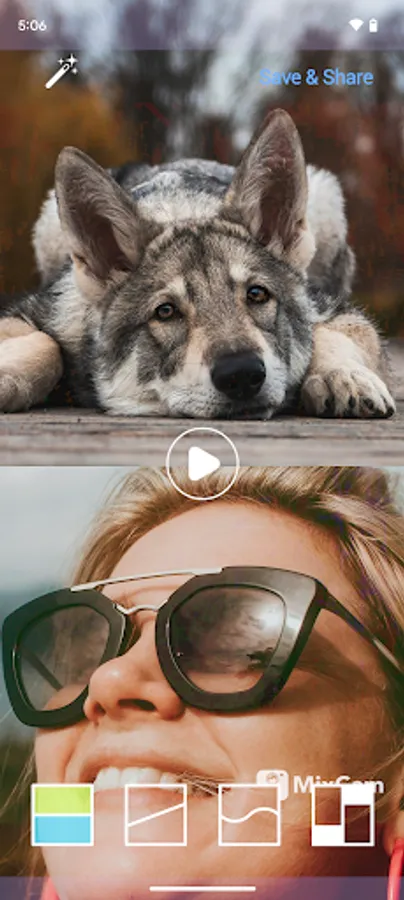
- Choose a split screen style (frame style)
- Picture-in-Picture/PIP recording mode* (if device supports dual camera)
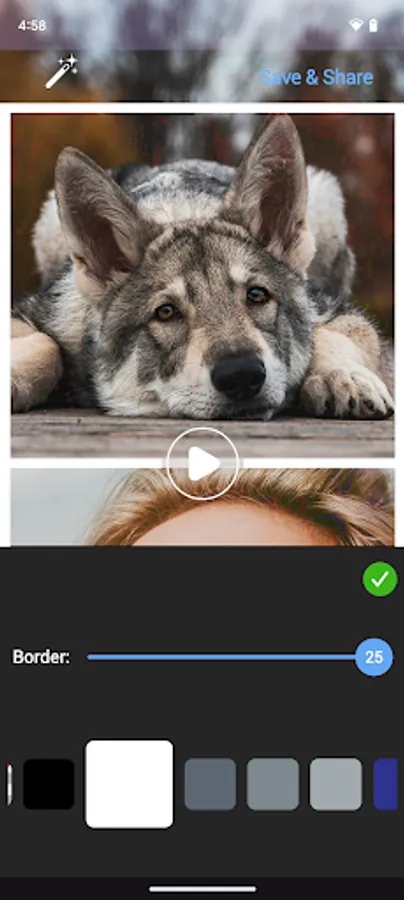
- Add color to your frame
- Save to your device in 4K, 1080p, or 720p
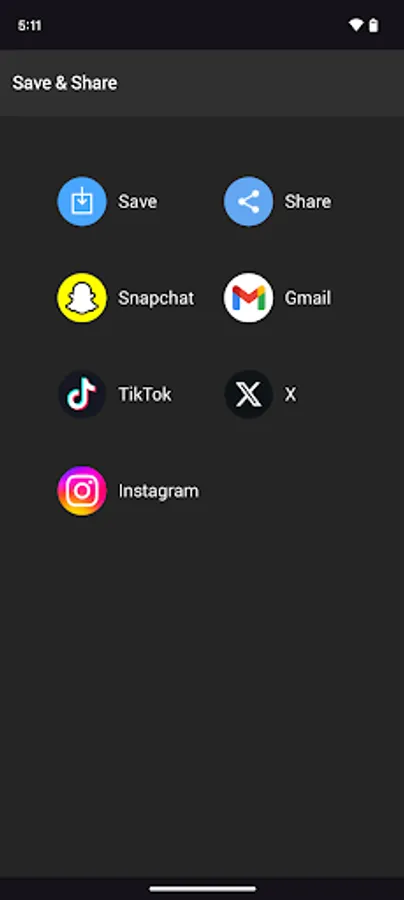
- Share to your social media (TikTok, Instagram, IGTV, YouTube, Shorts, X, Threads, etc.)
** IMPORTANT: Your device manufacturer needs to support dual camera capability to experience the full power of dual camera. For devices where the manufacturer doesn't support dual camera capability, you can create a dual camera effect by adding your own video or photo as you record, or switch between front and back cameras while recording.
Have any comments? Want to request a feature? Email us: support@mixcord.co
MixCam Dual Camera Front Back Screenshots
Tap to Rate:
Reviews for MixCam Dual Camera Front Back
Heath Honaker
12/11/2025
I have recorded but it flips my screen once done recording. Is there a way to correct that? Also, is there a time limit? I have done some long videos and they seem to error out? Looking to use this for in person pod casts.
Tahir Taous
12/9/2025
you cannot record video using the front and back camera at the same time. but you can select a video or pic from the gallery and it will stitch them both in the final video.