About PDF Image Converter
🎨 PicReform – Fast Image Format Conversion
A simple and intuitive app that lets you convert various image formats quickly and effortlessly.
✨ Key Features
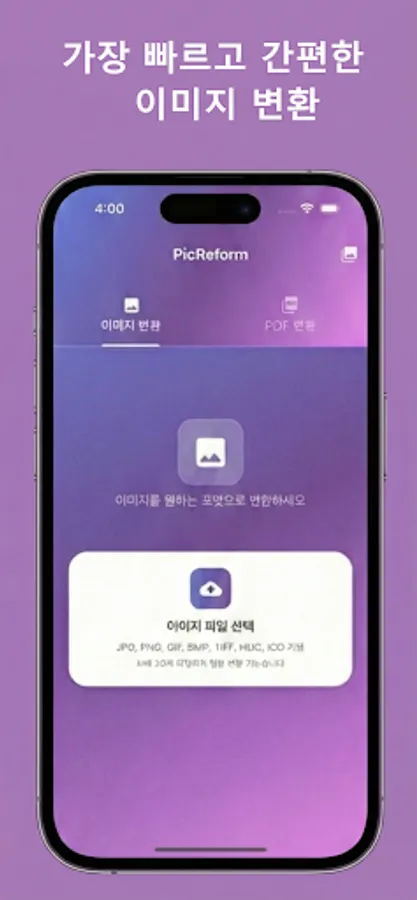
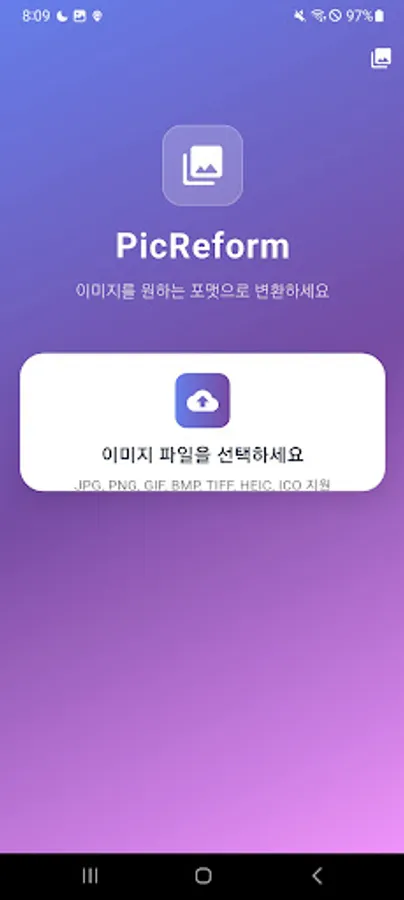
• Supports 9 formats: JPG, PNG, GIF, BMP, TIFF, HEIC, WebP, ICO, PDF
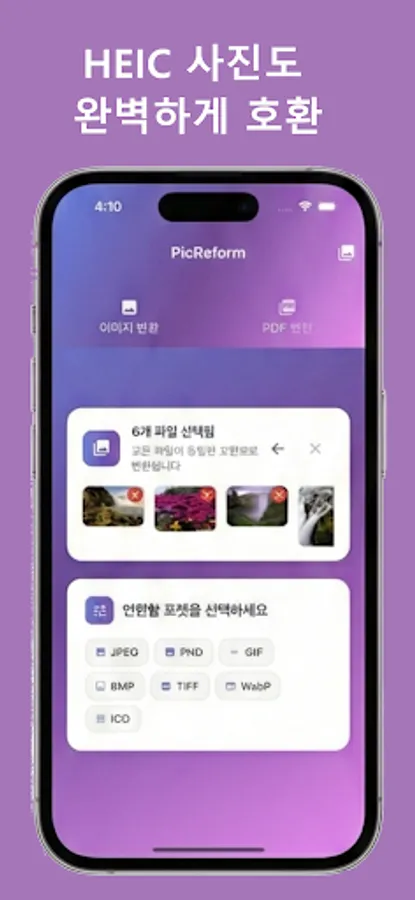
• HEIC support: Easily convert iPhone photos
• Real-time preview: 80x80 thumbnails for quick checks
• Built-in image viewer: High-quality viewing with zoom
• File sharing: Instantly share converted images with other apps
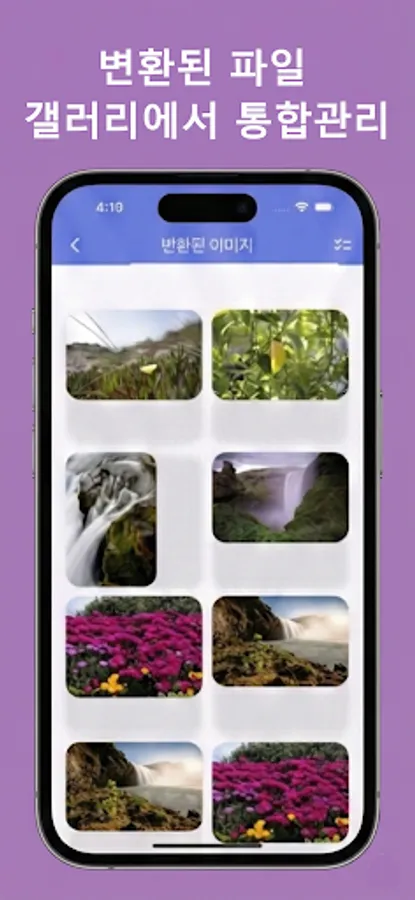
• Gallery: Manage all your converted images in one place
🚀 How to Use
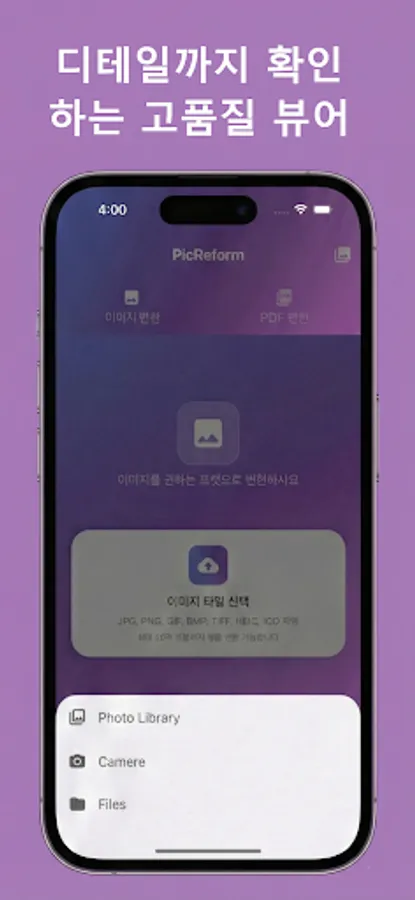
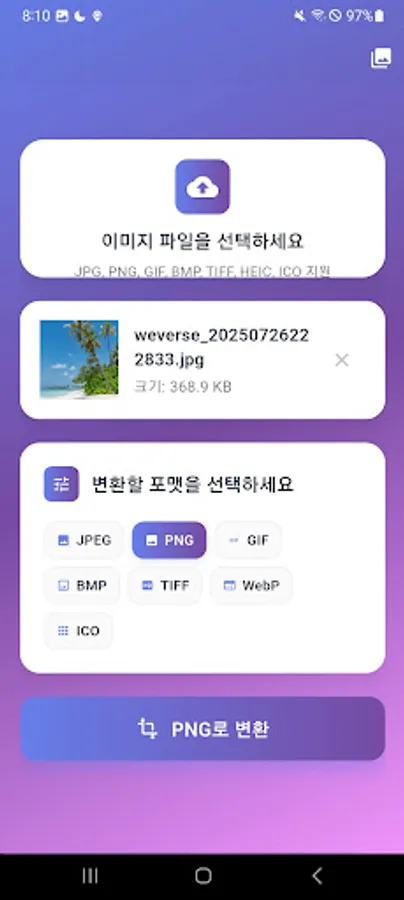
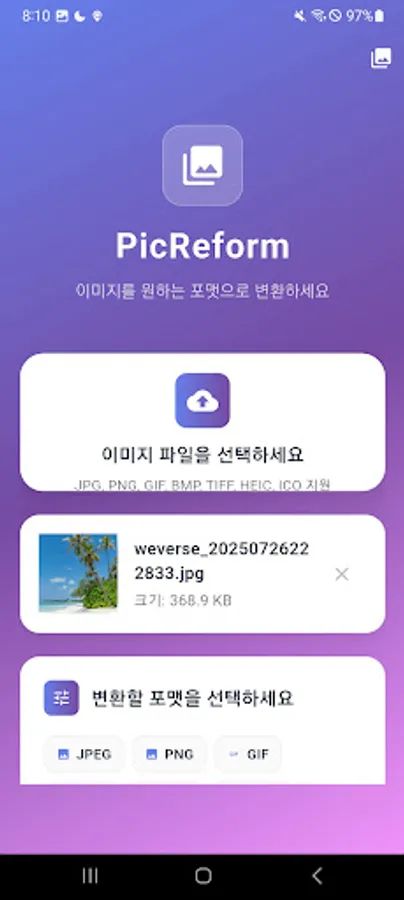
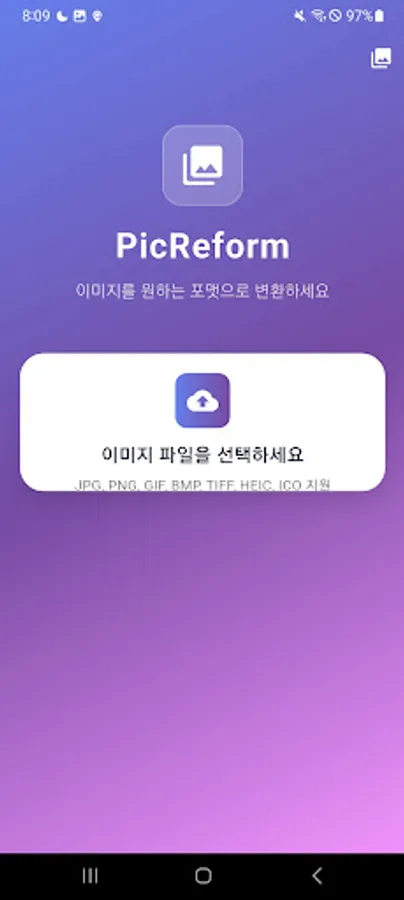
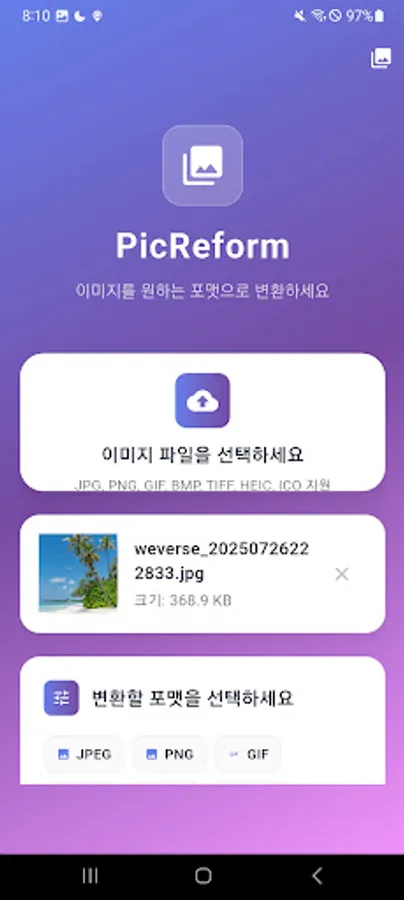
1. Select an image file (drag and drop or choose from your device)
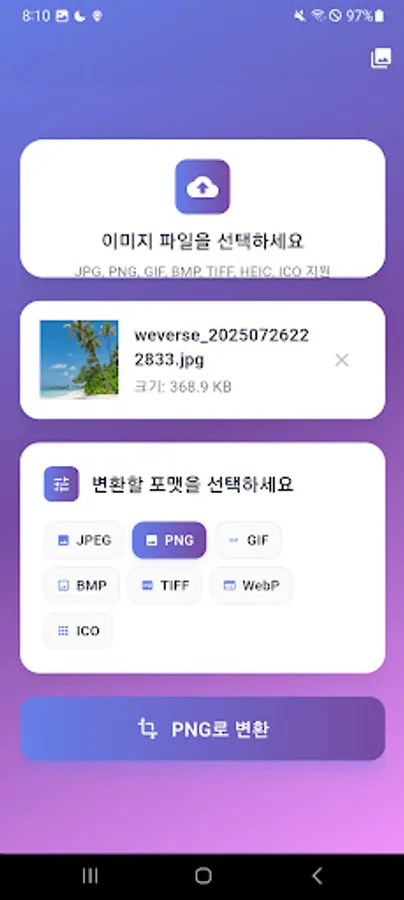
2. Pick the format you want
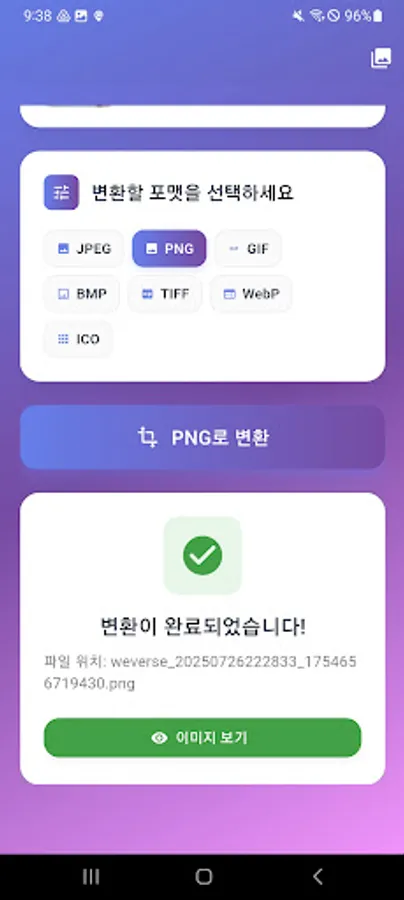
3. Tap the Convert button
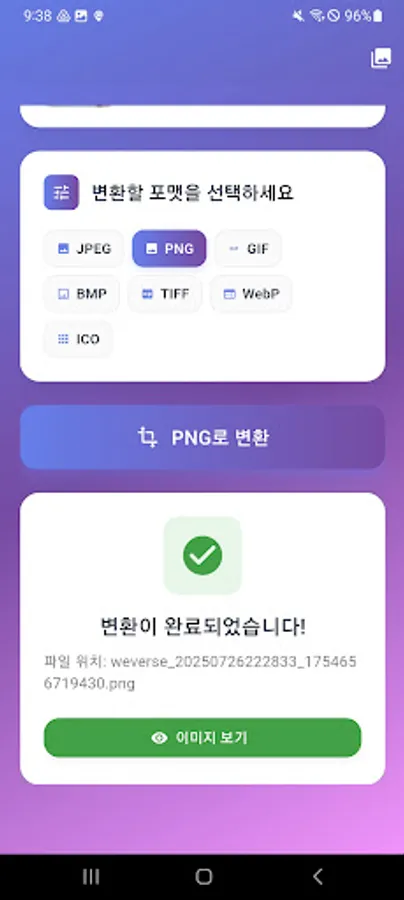
4. Done! View the result in the Gallery
💡 Why You’ll Love It
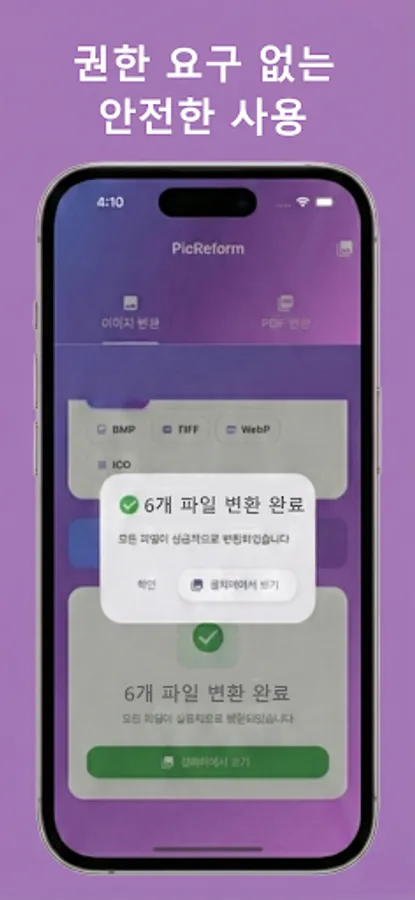
• No permissions required: Safe to use without external storage access
• Fast conversion: Optimized image processing engine
• Beautiful design: Material 3 UI with gradient accents
• Multilingual support: Full Korean and English support
• Free to use: All essential features are completely free
🔧 Supported Formats
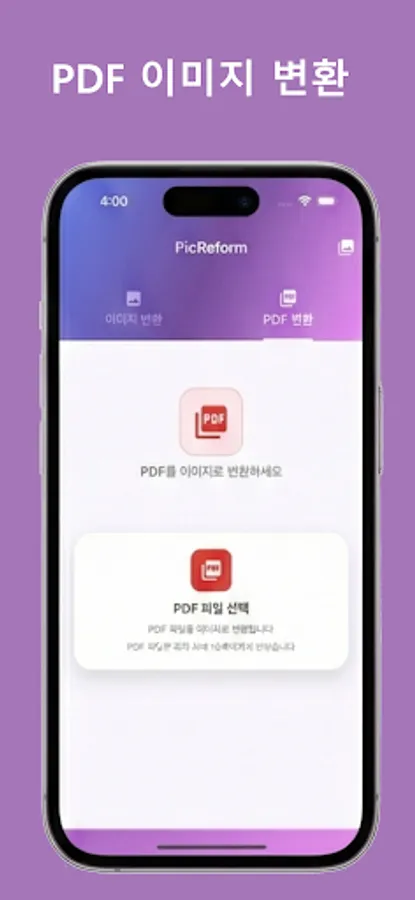
Input: JPG, PNG, GIF, BMP, TIFF, WebP, HEIC, ICO, PDF
Output: JPG, PNG, GIF, BMP, TIFF, WebP, ICO
📱 Performance Optimizations
• Full support for Android 10+ Scoped Storage
• Memory-efficient image processing
• Improved battery usage
🎯 Perfect For
• Designers working with multiple image formats
• Users who want to use iPhone photos on Android
• Anyone who needs web-optimized images
• People looking for a simple and lightweight image converter
Download now and enjoy a fast, smooth image-conversion experience!
A simple and intuitive app that lets you convert various image formats quickly and effortlessly.
✨ Key Features
• Supports 9 formats: JPG, PNG, GIF, BMP, TIFF, HEIC, WebP, ICO, PDF
• HEIC support: Easily convert iPhone photos
• Real-time preview: 80x80 thumbnails for quick checks
• Built-in image viewer: High-quality viewing with zoom
• File sharing: Instantly share converted images with other apps
• Gallery: Manage all your converted images in one place
🚀 How to Use
1. Select an image file (drag and drop or choose from your device)
2. Pick the format you want
3. Tap the Convert button
4. Done! View the result in the Gallery
💡 Why You’ll Love It
• No permissions required: Safe to use without external storage access
• Fast conversion: Optimized image processing engine
• Beautiful design: Material 3 UI with gradient accents
• Multilingual support: Full Korean and English support
• Free to use: All essential features are completely free
🔧 Supported Formats
Input: JPG, PNG, GIF, BMP, TIFF, WebP, HEIC, ICO, PDF
Output: JPG, PNG, GIF, BMP, TIFF, WebP, ICO
📱 Performance Optimizations
• Full support for Android 10+ Scoped Storage
• Memory-efficient image processing
• Improved battery usage
🎯 Perfect For
• Designers working with multiple image formats
• Users who want to use iPhone photos on Android
• Anyone who needs web-optimized images
• People looking for a simple and lightweight image converter
Download now and enjoy a fast, smooth image-conversion experience!
PDF Image Converter Screenshots
Tap to Rate: