VR Player mw (Local Videos)
1A1A Games
4.5 ★
10K ratings
1,000,000+
downloads
Free
+ in-app
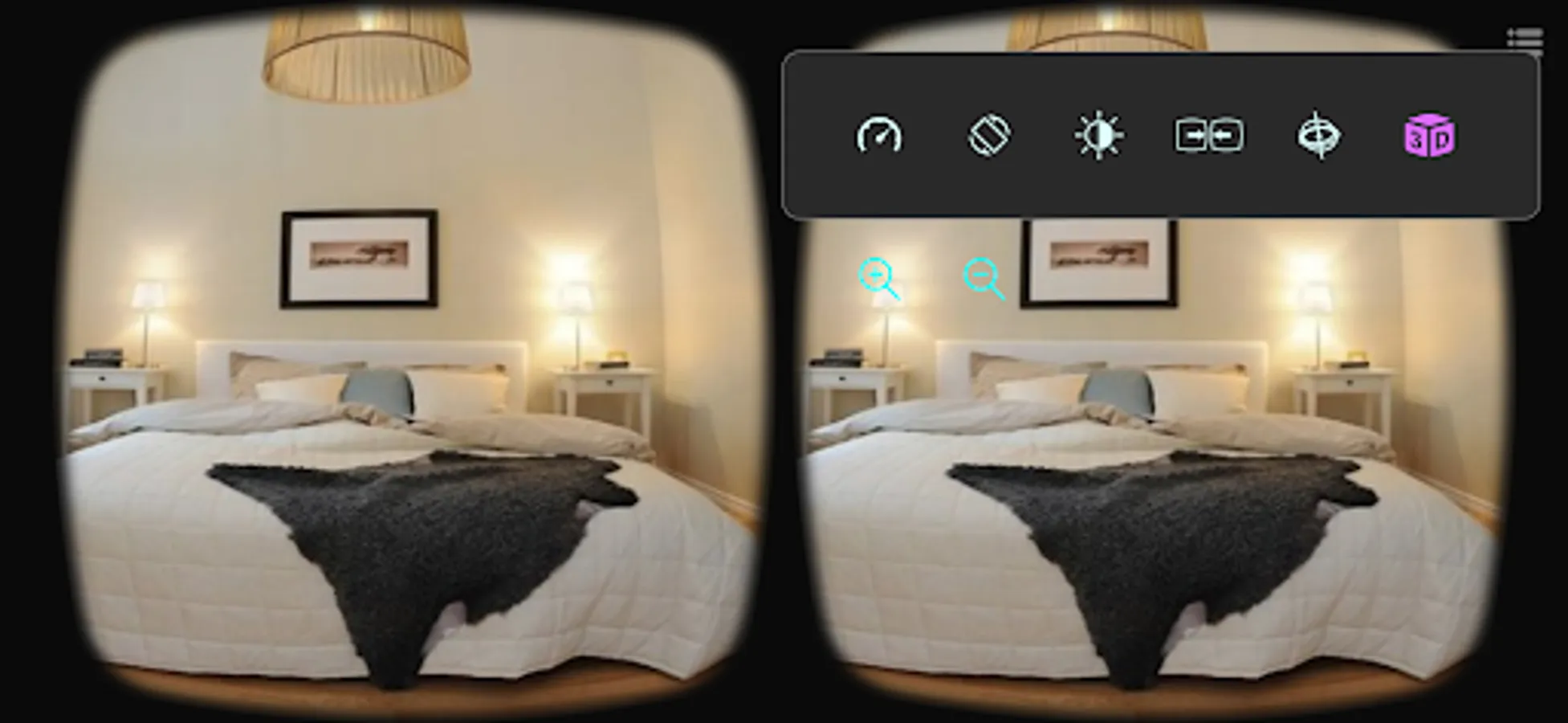
In this VR video player, you can view and convert local videos and images into panoramic formats and customize display settings. Includes support for various control methods, background removal, and multiple scene modes.
AppRecs review analysis
AppRecs rating 4.5. Trustworthiness 68 out of 100. Review manipulation risk 37 out of 100. Based on a review sample analyzed.
★★★★☆
4.5
AppRecs Rating
Ratings breakdown
5 star
72%
4 star
16%
3 star
4%
2 star
2%
1 star
6%
What to know
✓
High user satisfaction
88% of sampled ratings are 4+ stars (4.5★ average)
✓
Authentic reviews
Natural distribution, no red flags
About VR Player mw (Local Videos)
Introduction:
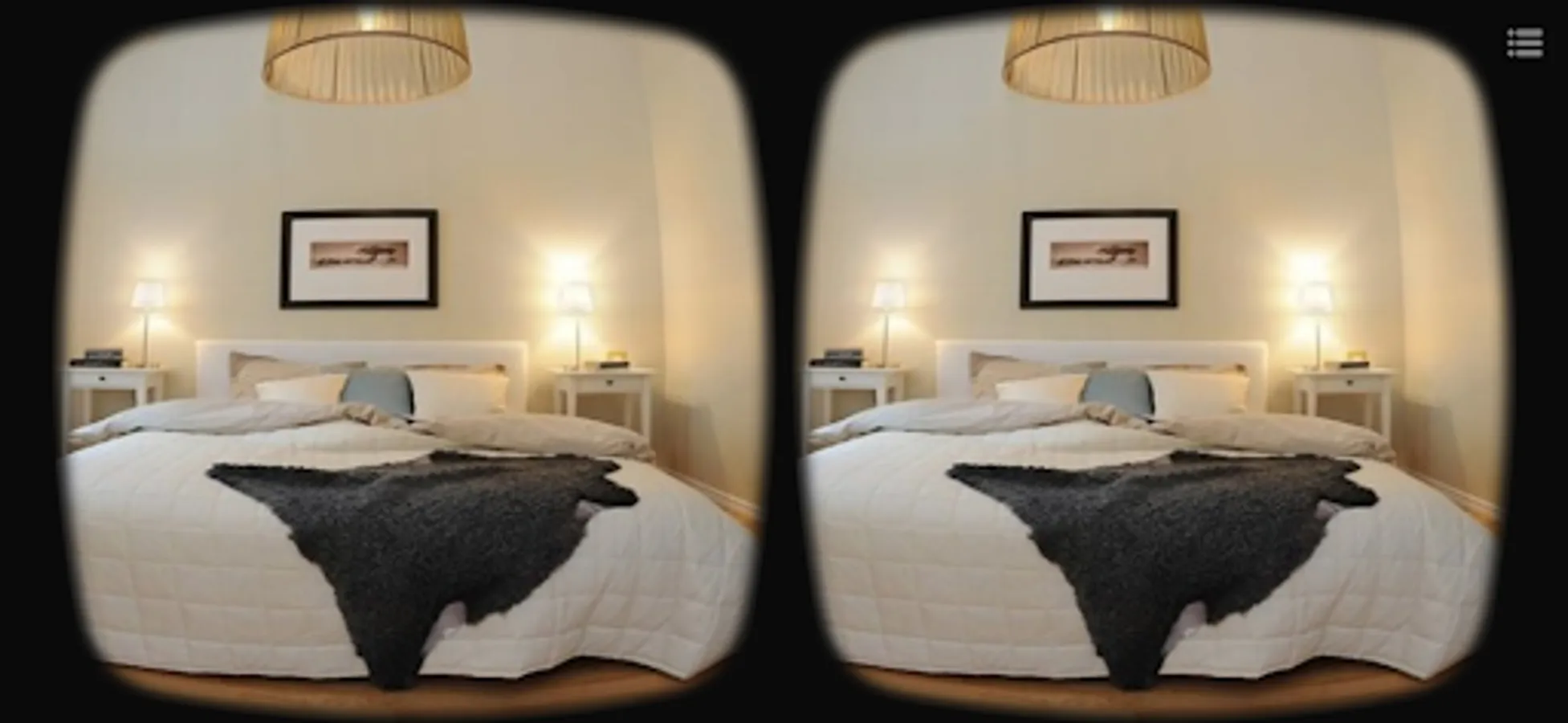
This is an unprecedented VR (metaverse) glasses dedicated software for viewing local albums. It can convert ordinary videos/pictures to panoramic videos/pictures for viewing, supports 180°/360° panoramic videos or pictures, and supports automatic background removal and playback in MR form.
• Supports Bluetooth handles, Bluetooth mice, and buttonless (1 second stay trigger) and other control methods;
• The view frame size and spacing can be adjusted at will;
• Has a very stable gyroscope (zero drift);
• Supports all video formats that the mobile phone itself can support;
• Efficient ordinary menu UI + virtual menu UI;
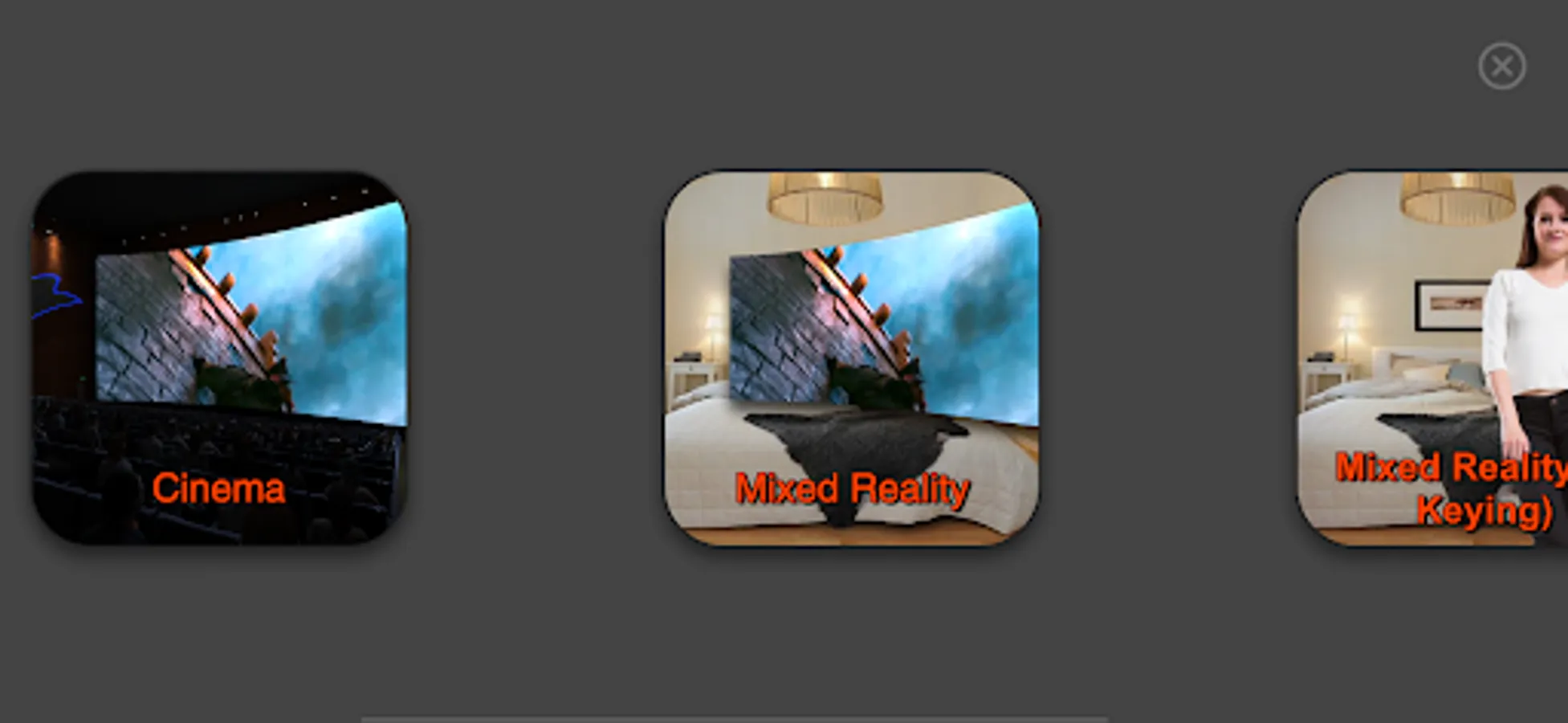
This APP has multiple scene modules with different functions:
• Convert to panorama: You can directly open ordinary videos/pictures in your mobile phone album, that is, play them as VR panoramic frames;
• Dedicated for panoramic videos + mixed reality background removal: Supports 3D SBS binocular bionic stereo images, and supports 360° VR videos with up and down, left and right, single screen, etc.
In this mode, the video/picture background is automatically removed. The real-time picture of the mobile phone's rear camera is used as the background. Videos or pictures with green backgrounds are required. High-quality green background videos can bring an excellent experience. Built-in instant switching button;
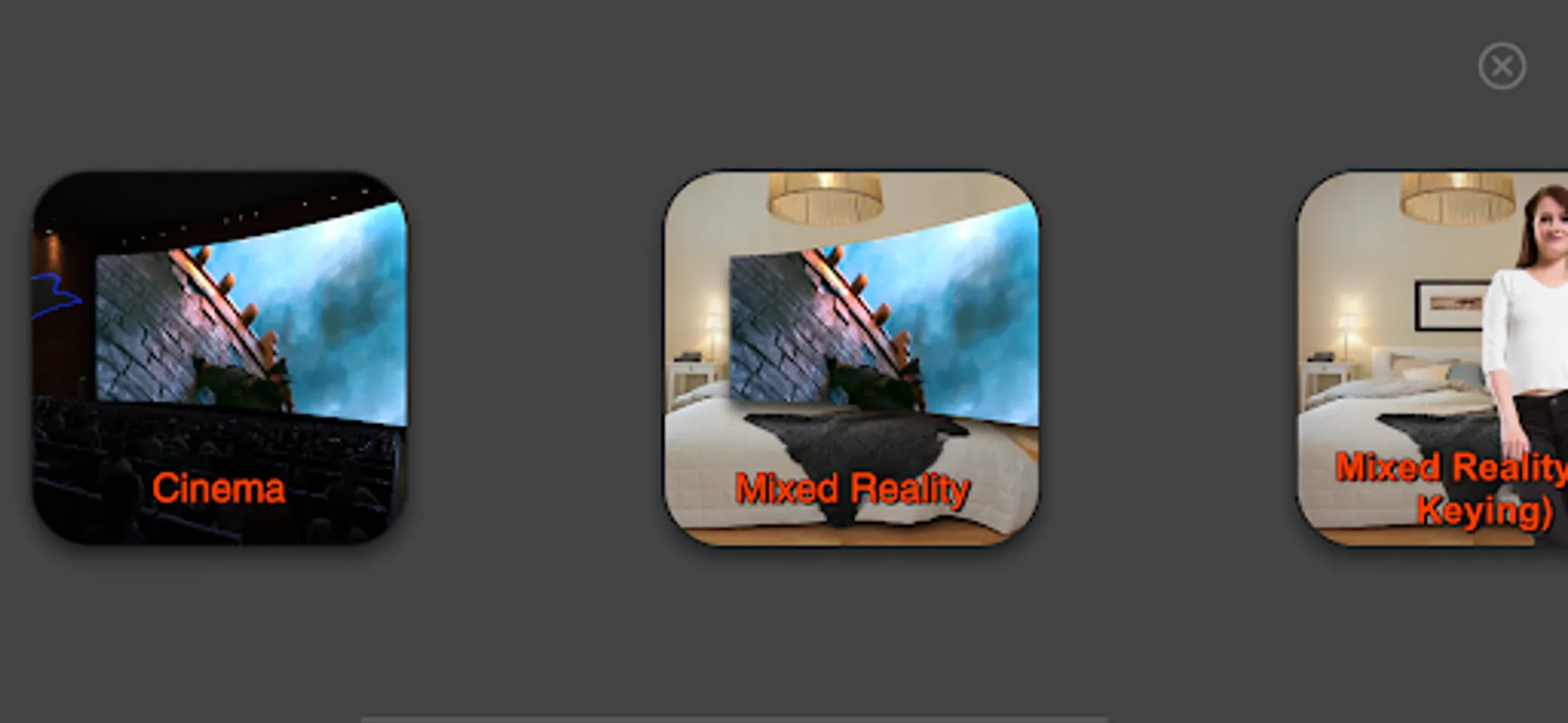
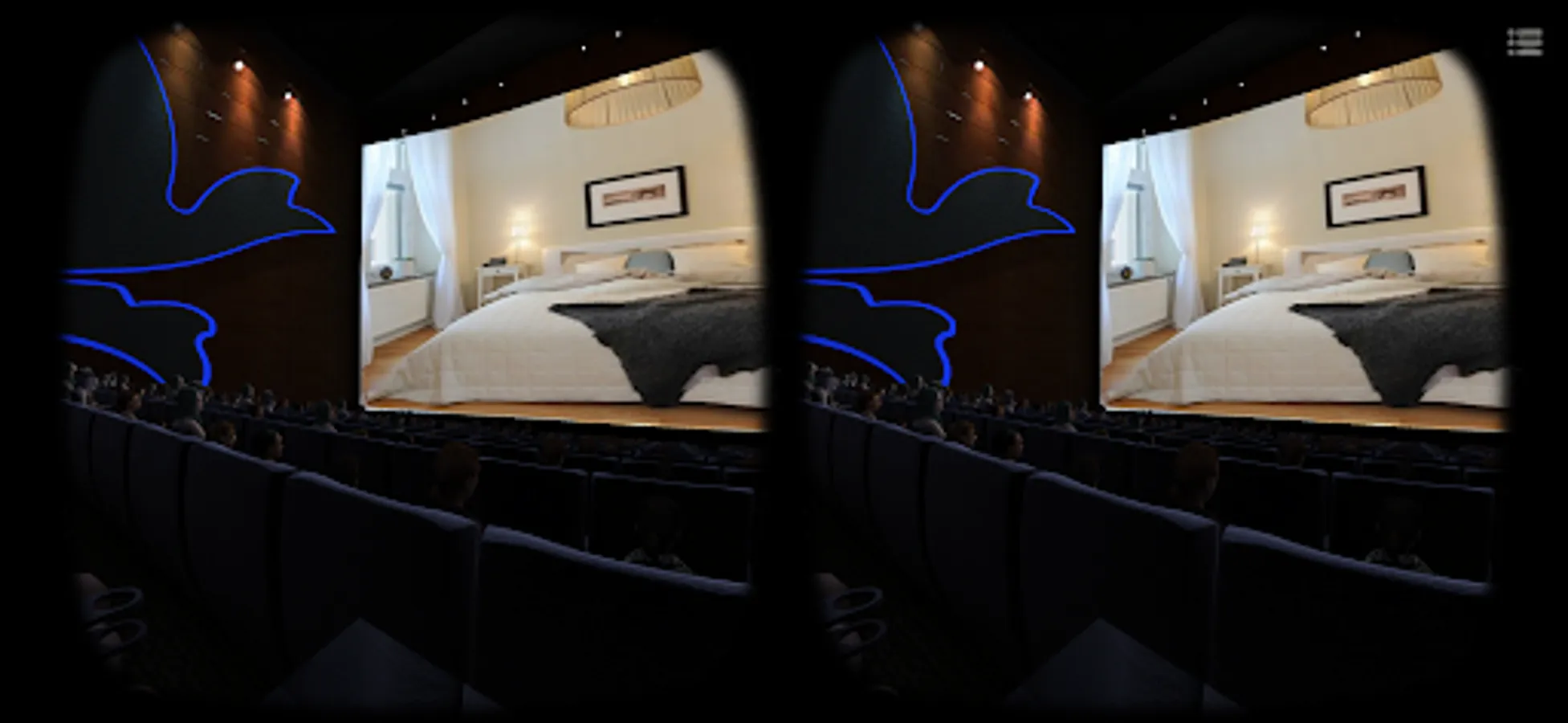
• Simulated multi-person cinema: feel the curved surround giant screen in the cinema;
• City Square: Experience the realistic scene of the screen watched by many people in the city square;
• Black hole swallowing: The simulated cinema is built on a planet being swallowed by a black hole;
• Mixed reality: A virtual giant screen displayed in reality can be scaled at will. Use the real-time picture of the mobile phone's rear camera as the background, and be careful not to block the rear camera.
In this mode, the video/picture background is automatically removed. Videos or pictures with green backgrounds are required. Built-in instant switching button;
• Mixed reality (AI background removal): The portrait background can be automatically removed to put the person you like in the room;
This is an unprecedented VR (metaverse) glasses dedicated software for viewing local albums. It can convert ordinary videos/pictures to panoramic videos/pictures for viewing, supports 180°/360° panoramic videos or pictures, and supports automatic background removal and playback in MR form.
• Supports Bluetooth handles, Bluetooth mice, and buttonless (1 second stay trigger) and other control methods;
• The view frame size and spacing can be adjusted at will;
• Has a very stable gyroscope (zero drift);
• Supports all video formats that the mobile phone itself can support;
• Efficient ordinary menu UI + virtual menu UI;
This APP has multiple scene modules with different functions:
• Convert to panorama: You can directly open ordinary videos/pictures in your mobile phone album, that is, play them as VR panoramic frames;
• Dedicated for panoramic videos + mixed reality background removal: Supports 3D SBS binocular bionic stereo images, and supports 360° VR videos with up and down, left and right, single screen, etc.
In this mode, the video/picture background is automatically removed. The real-time picture of the mobile phone's rear camera is used as the background. Videos or pictures with green backgrounds are required. High-quality green background videos can bring an excellent experience. Built-in instant switching button;
• Simulated multi-person cinema: feel the curved surround giant screen in the cinema;
• City Square: Experience the realistic scene of the screen watched by many people in the city square;
• Black hole swallowing: The simulated cinema is built on a planet being swallowed by a black hole;
• Mixed reality: A virtual giant screen displayed in reality can be scaled at will. Use the real-time picture of the mobile phone's rear camera as the background, and be careful not to block the rear camera.
In this mode, the video/picture background is automatically removed. Videos or pictures with green backgrounds are required. Built-in instant switching button;
• Mixed reality (AI background removal): The portrait background can be automatically removed to put the person you like in the room;
VR Player mw (Local Videos) Screenshots
Tap to Rate:
Reviews for VR Player mw (Local Videos)
Obito Rin
12/29/2025
good
Sam Bosworth
12/27/2025
not enough instructions for a beginner to understand on how to use, I don't know what apps to use or how to set up a mouse, how to watch/use interactive devices, I think I'm starting to regret getting the cheaper headset, it's too complicated for a 66 year old