Roulette
Александр Назарян
10+
downloads
Free
About Roulette
Multiplayer roulette game.
To create a room, click on "Create room", to join a room, click on "Join room".
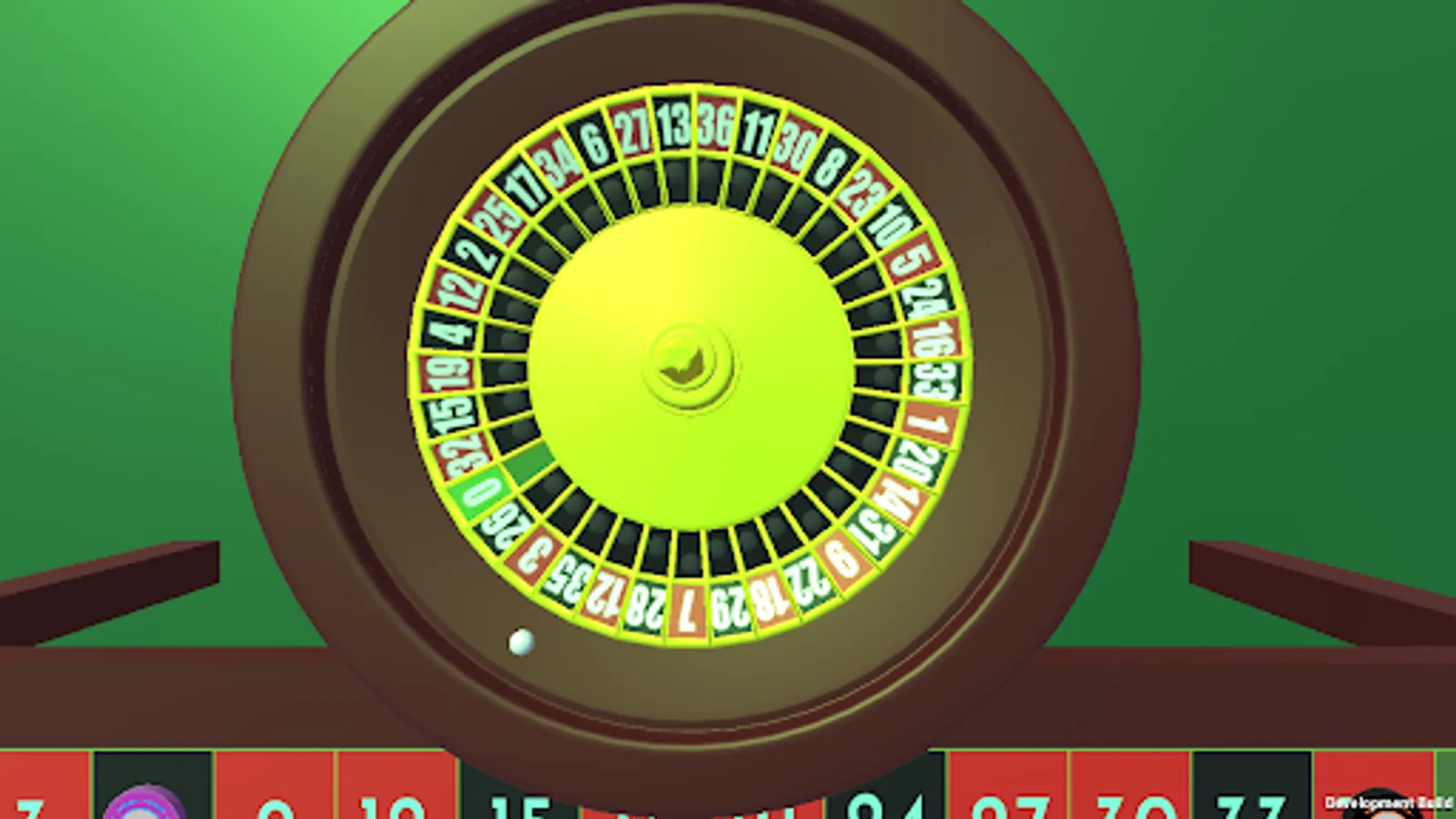
Upon entering the room, the game starts after 10 seconds. Within 10 seconds, the room is open and players can join,
after 10 seconds the room closes and the game starts. The room opens after the game and closes after 10 seconds during which
players can join the game.
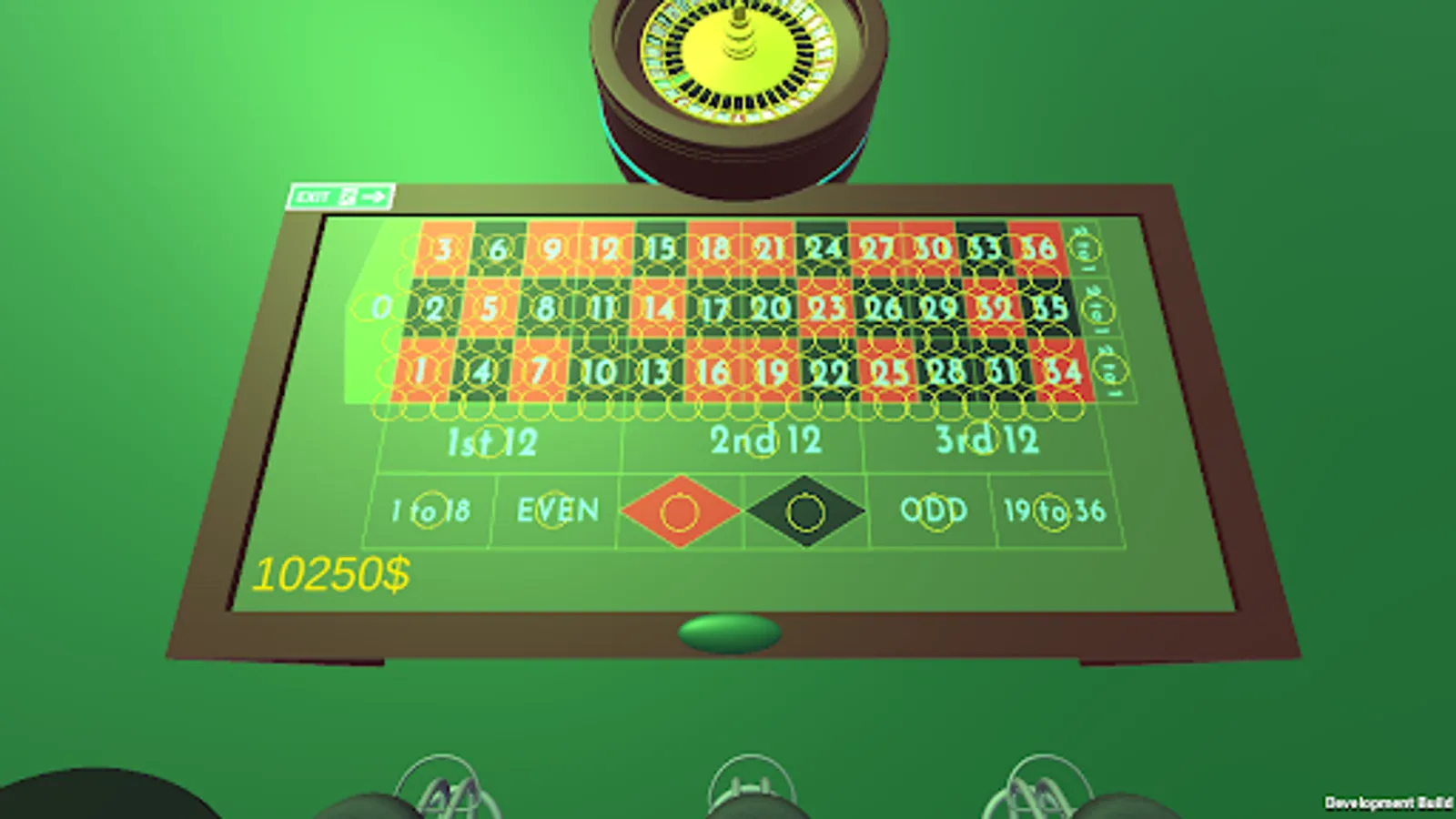
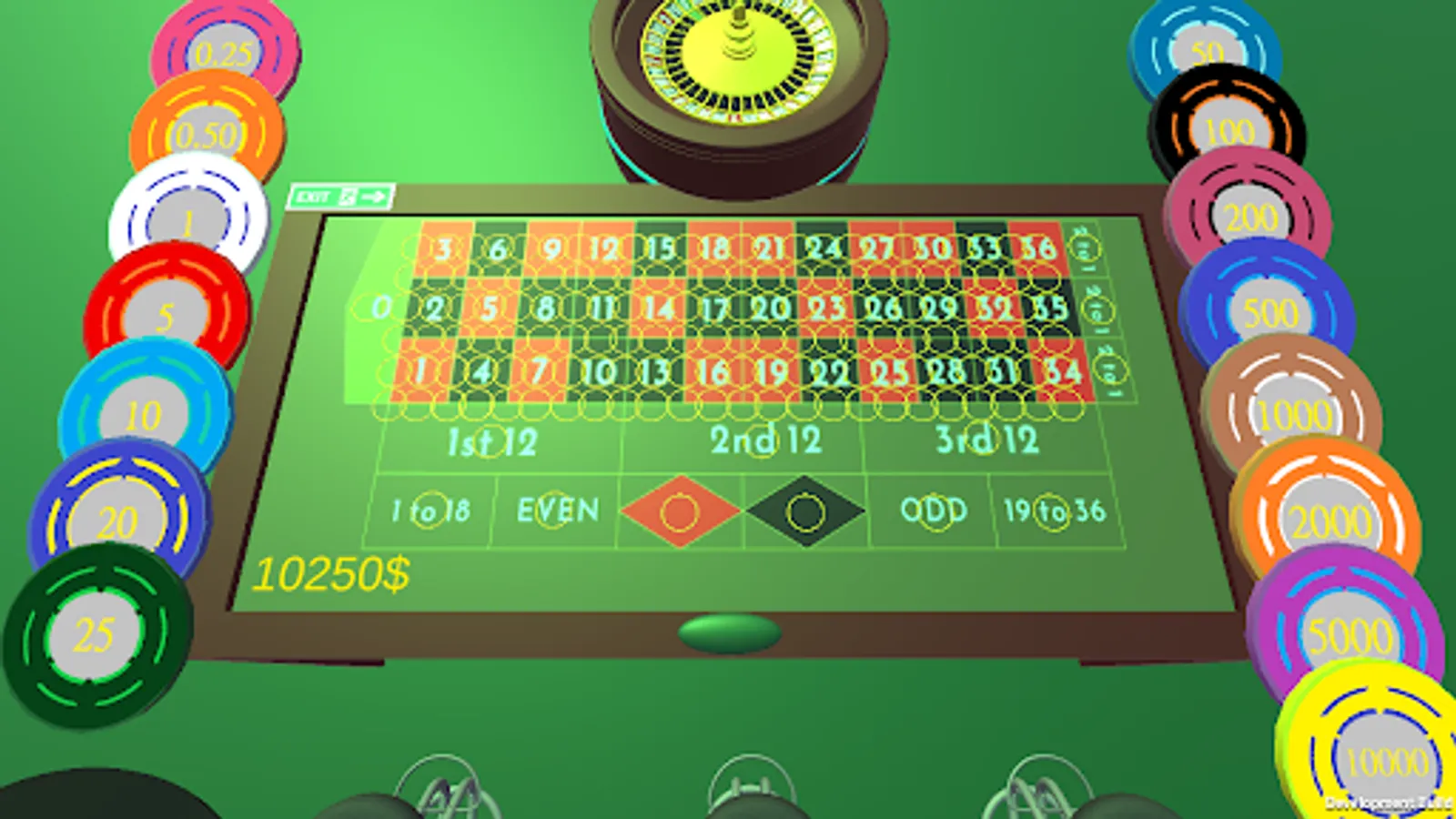
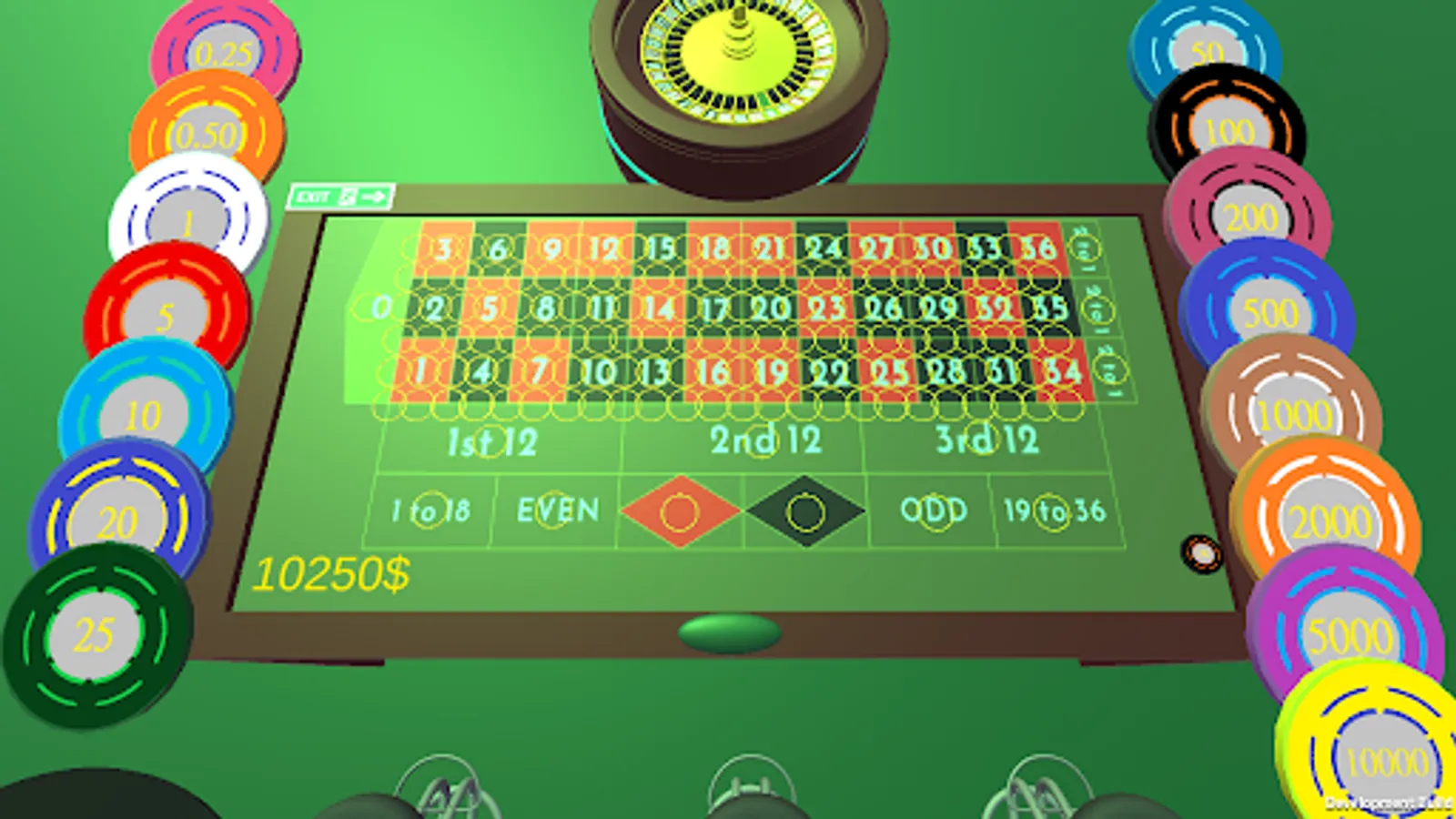
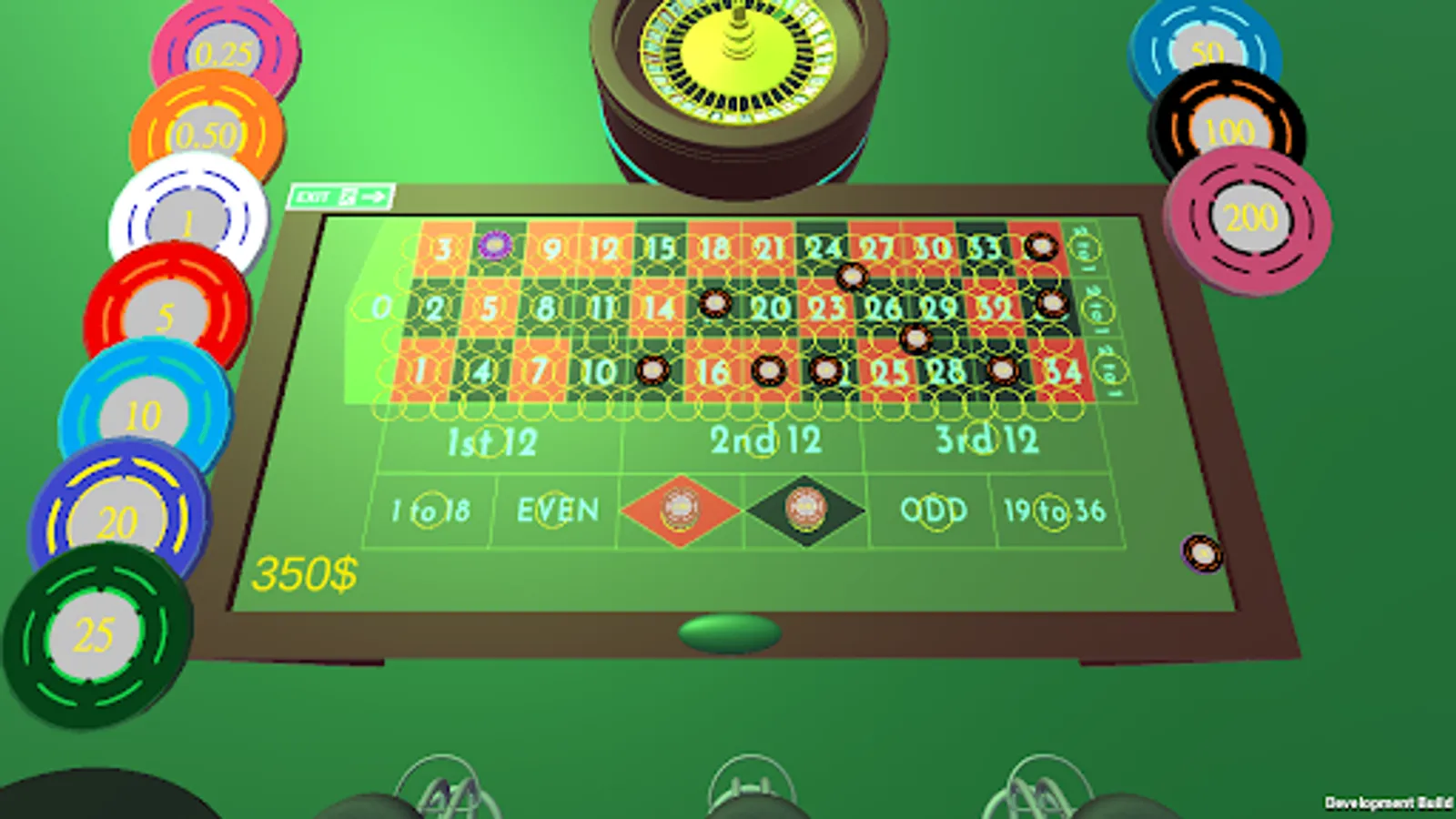
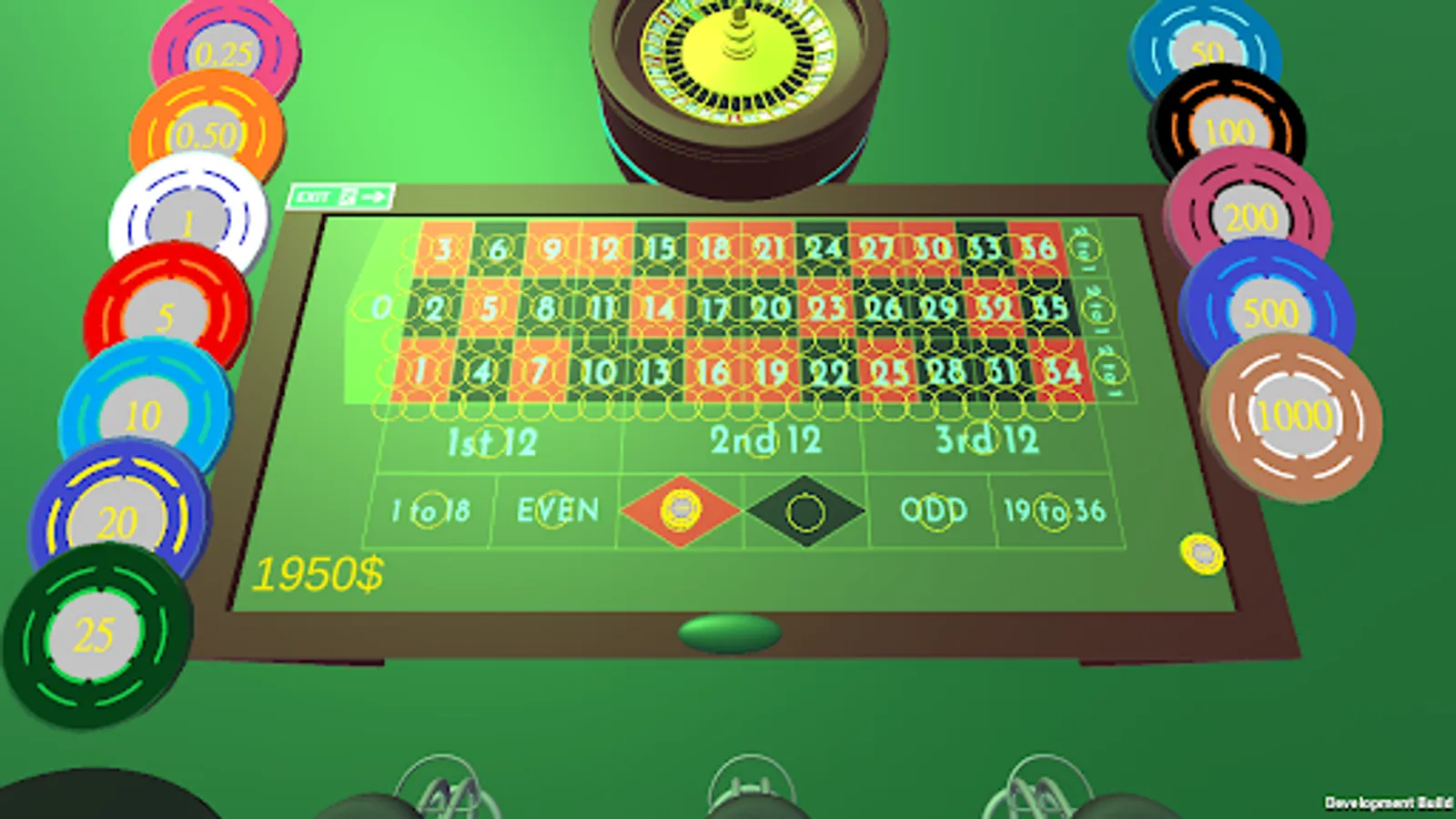
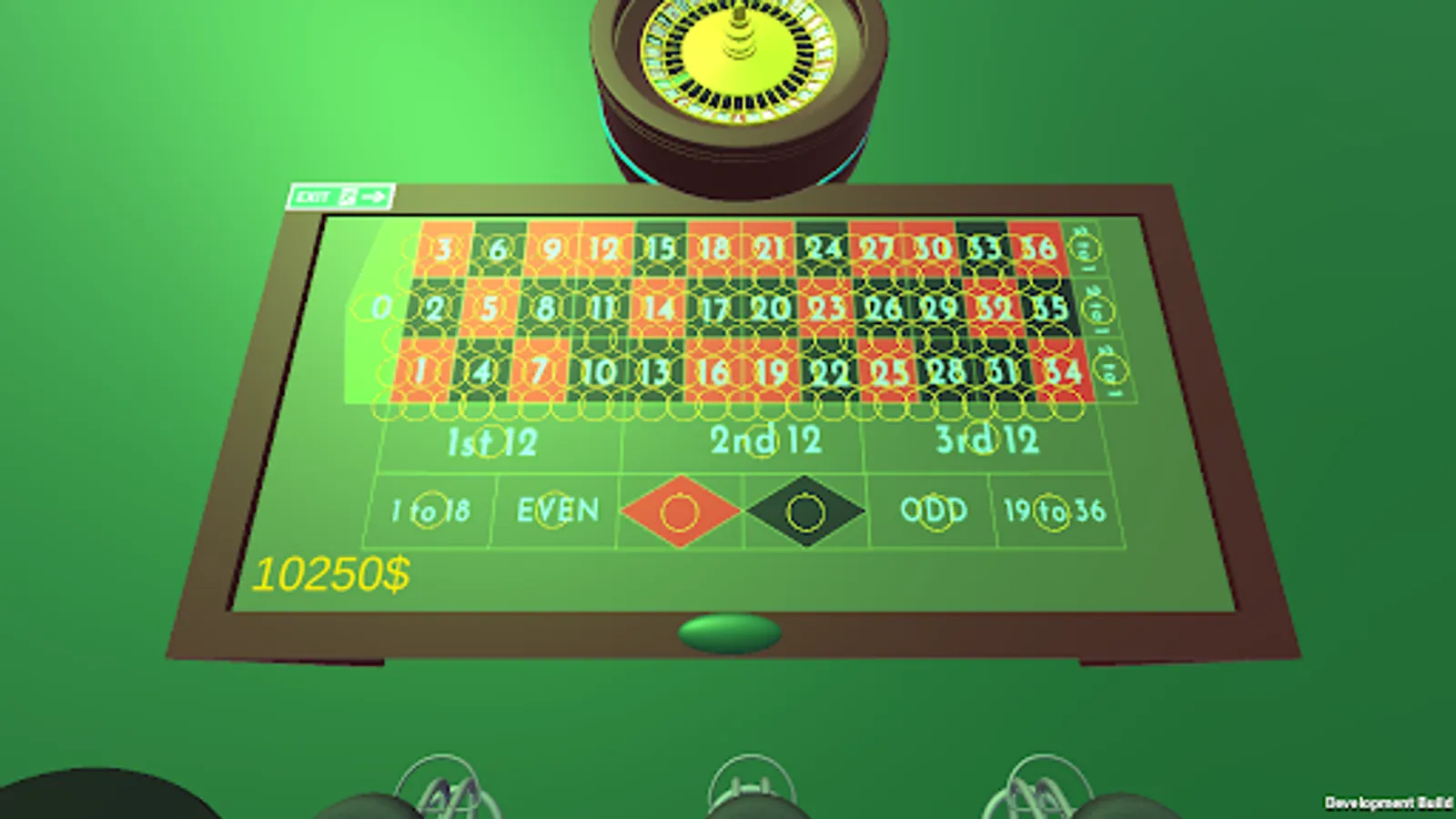
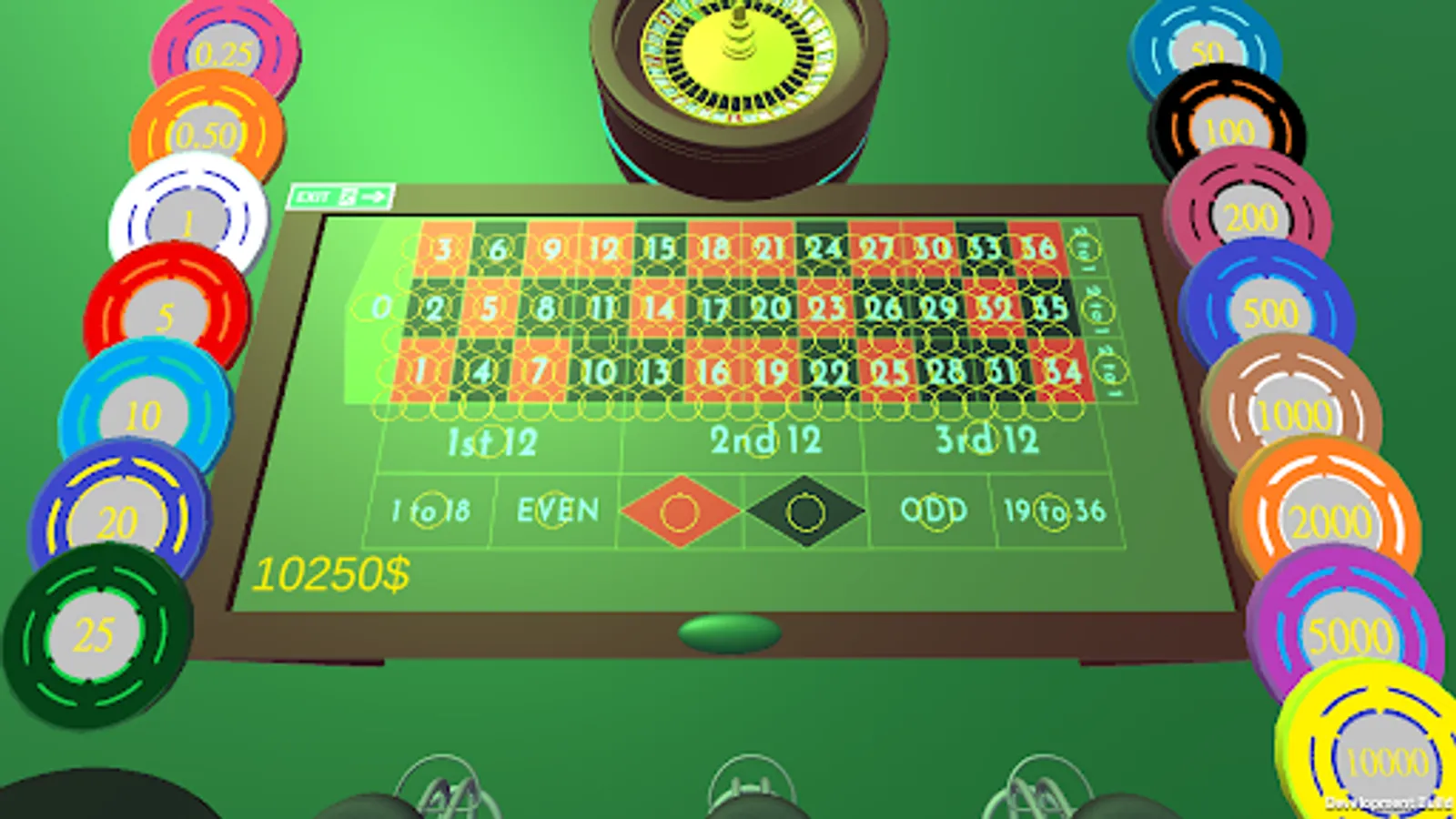
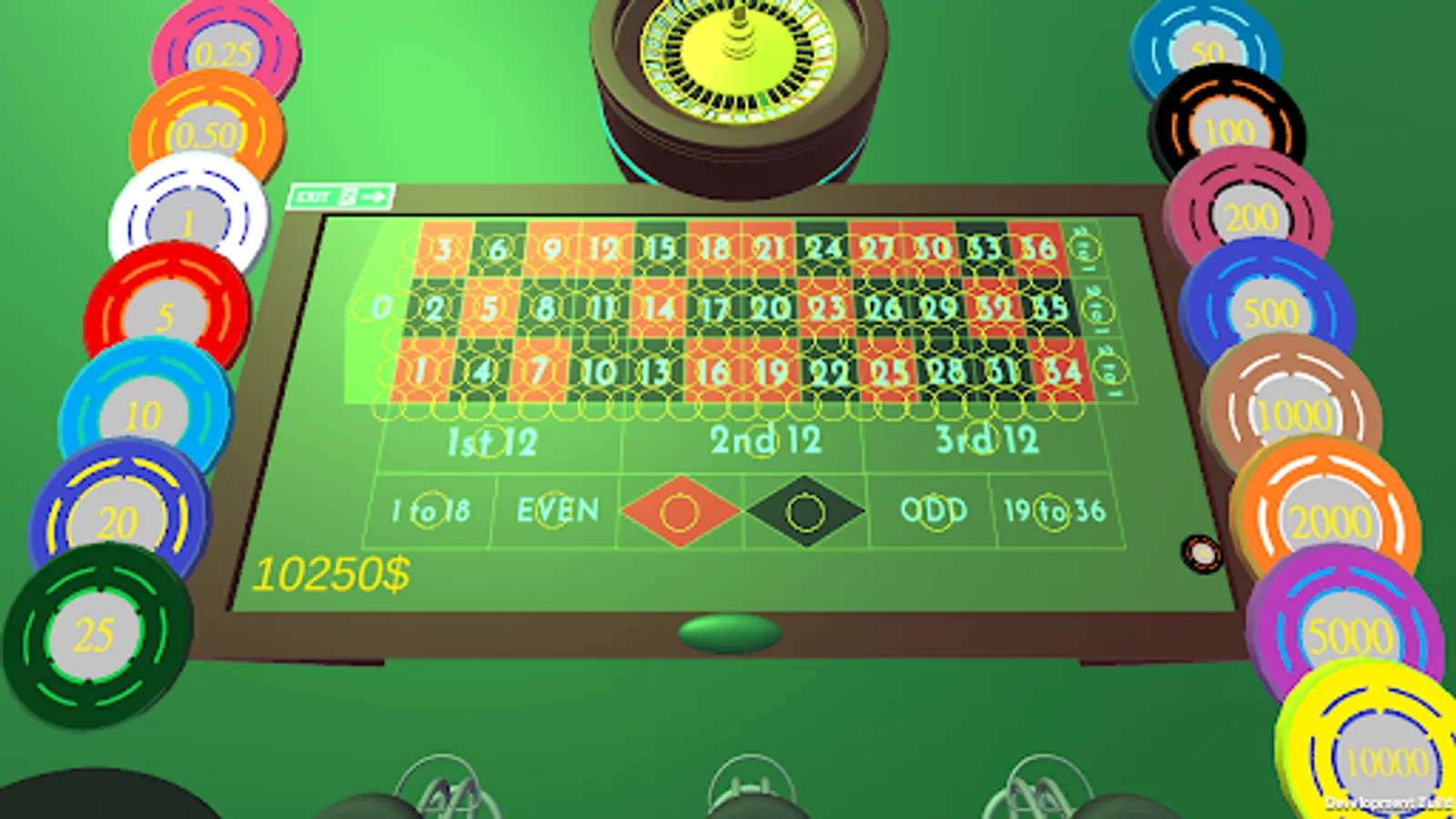
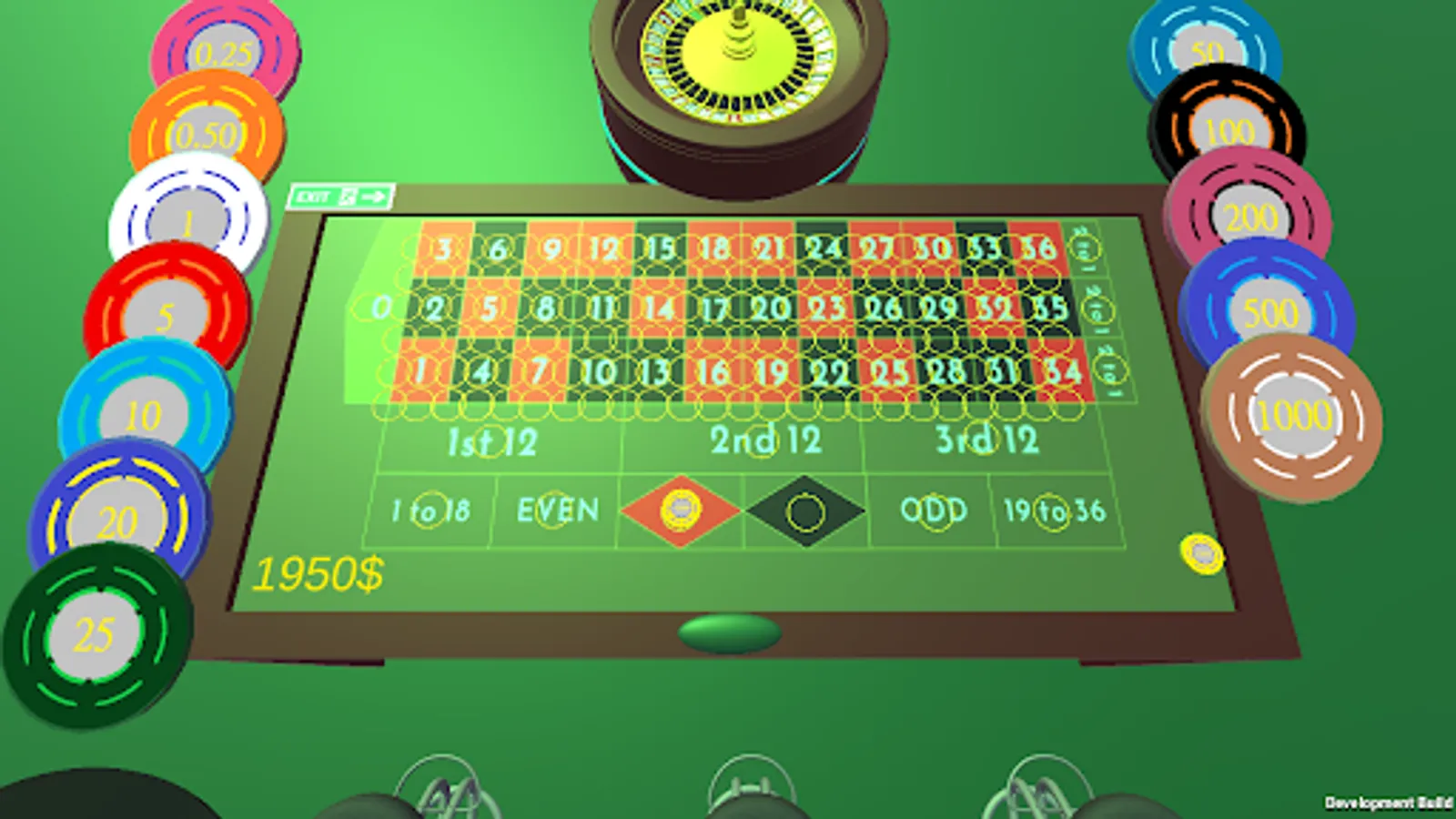
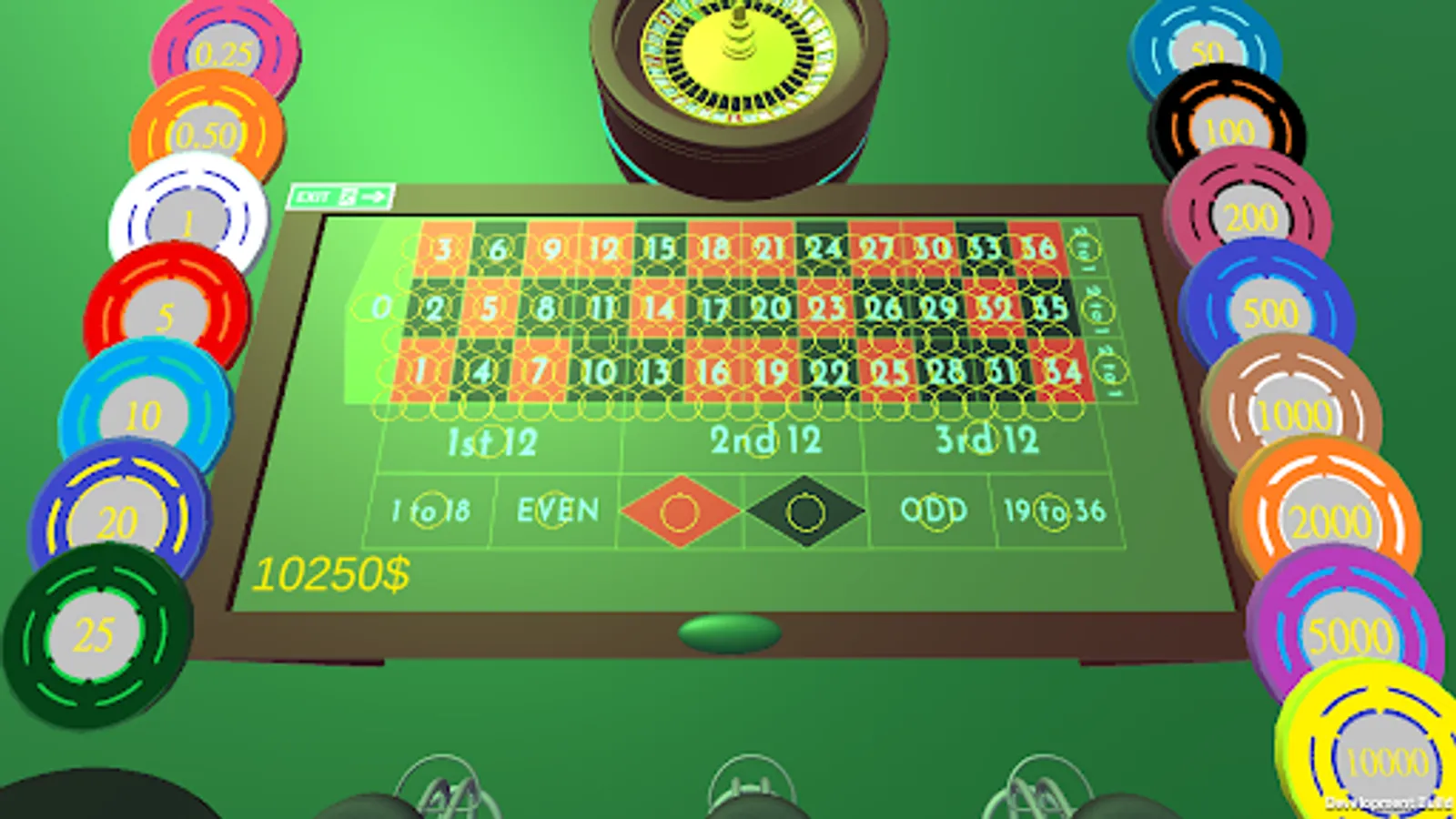
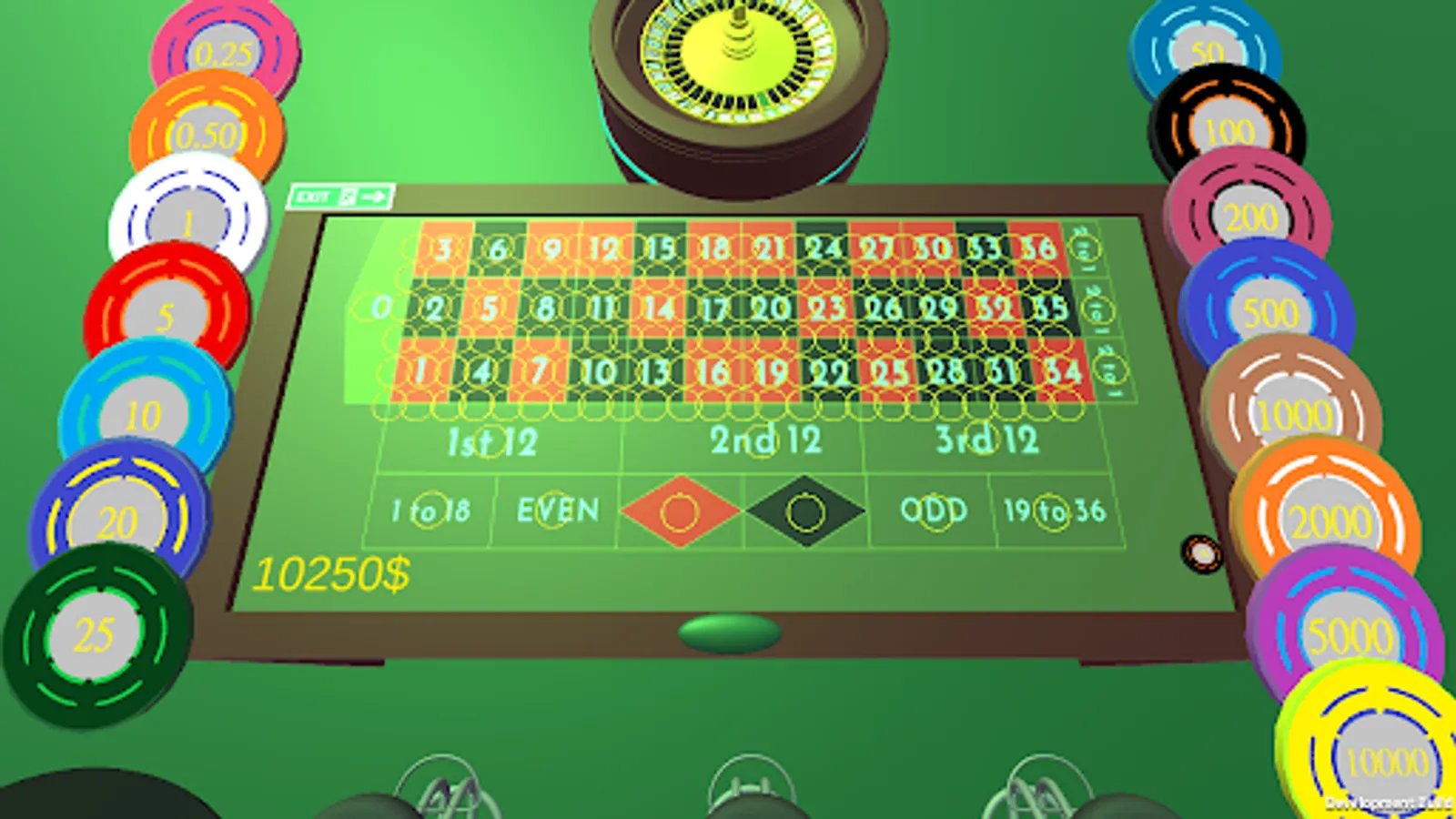
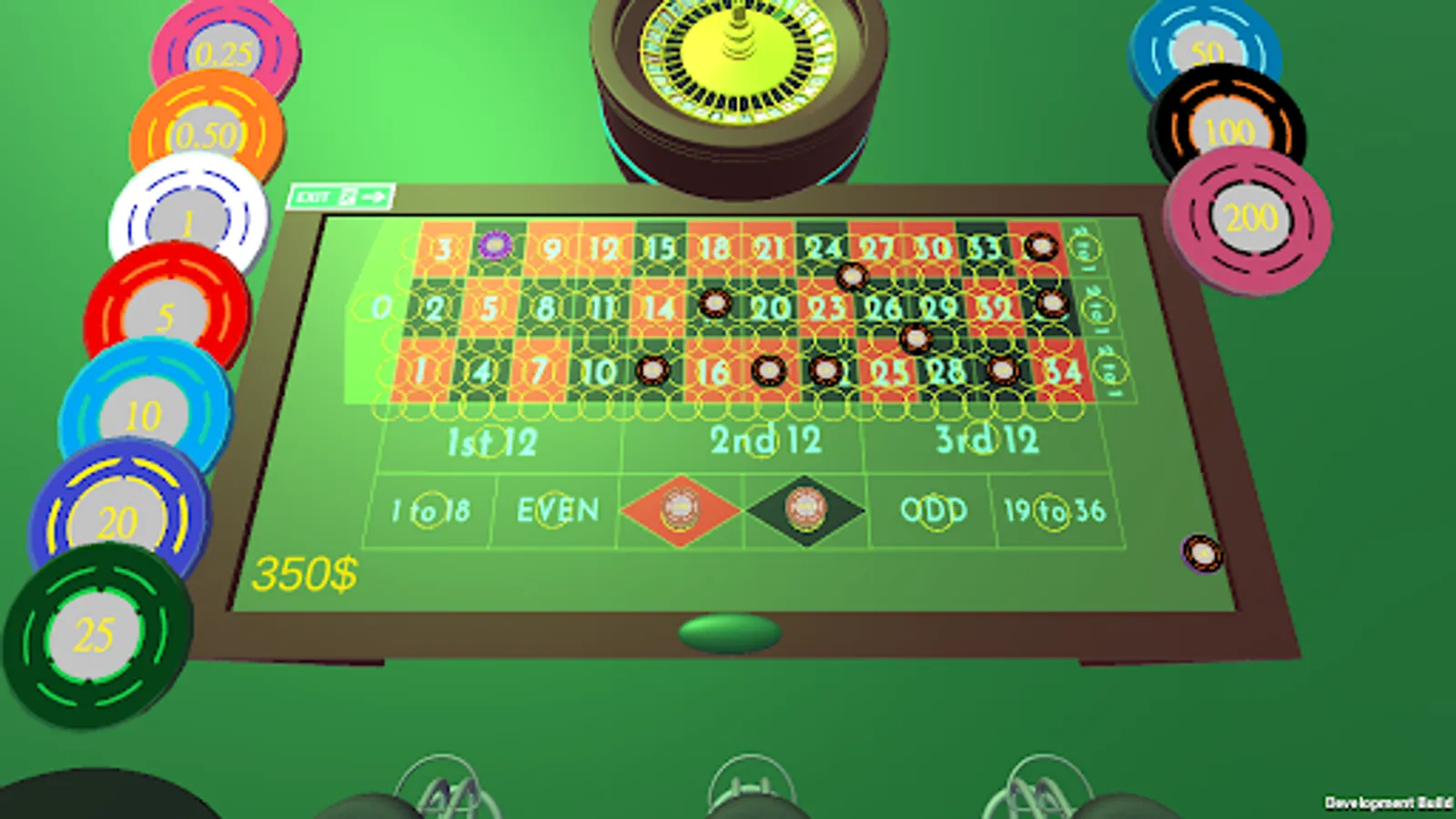
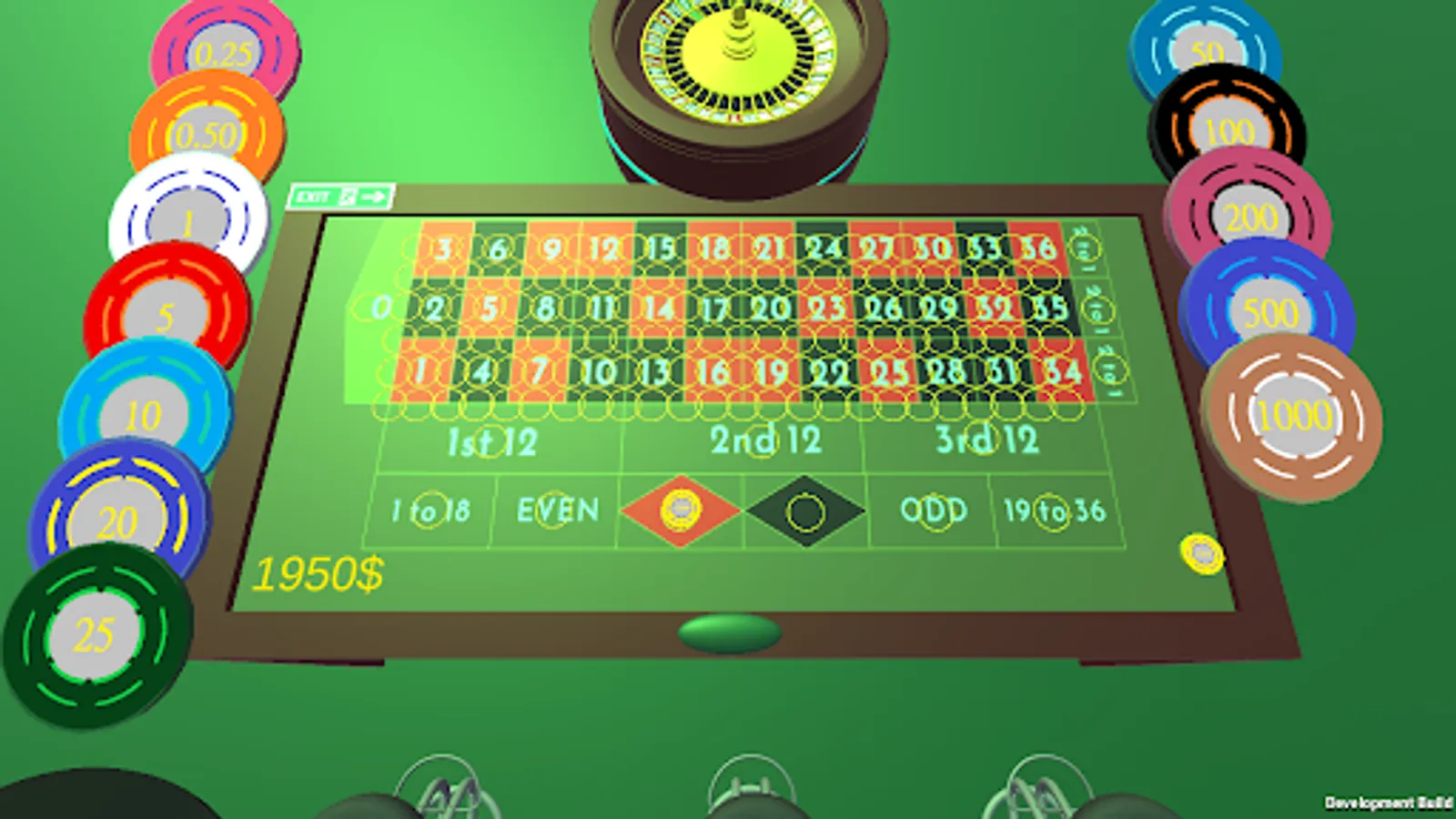
The maximum bet per position is $10,000. To place a bet, select a chip and click on the position you want to bet on to
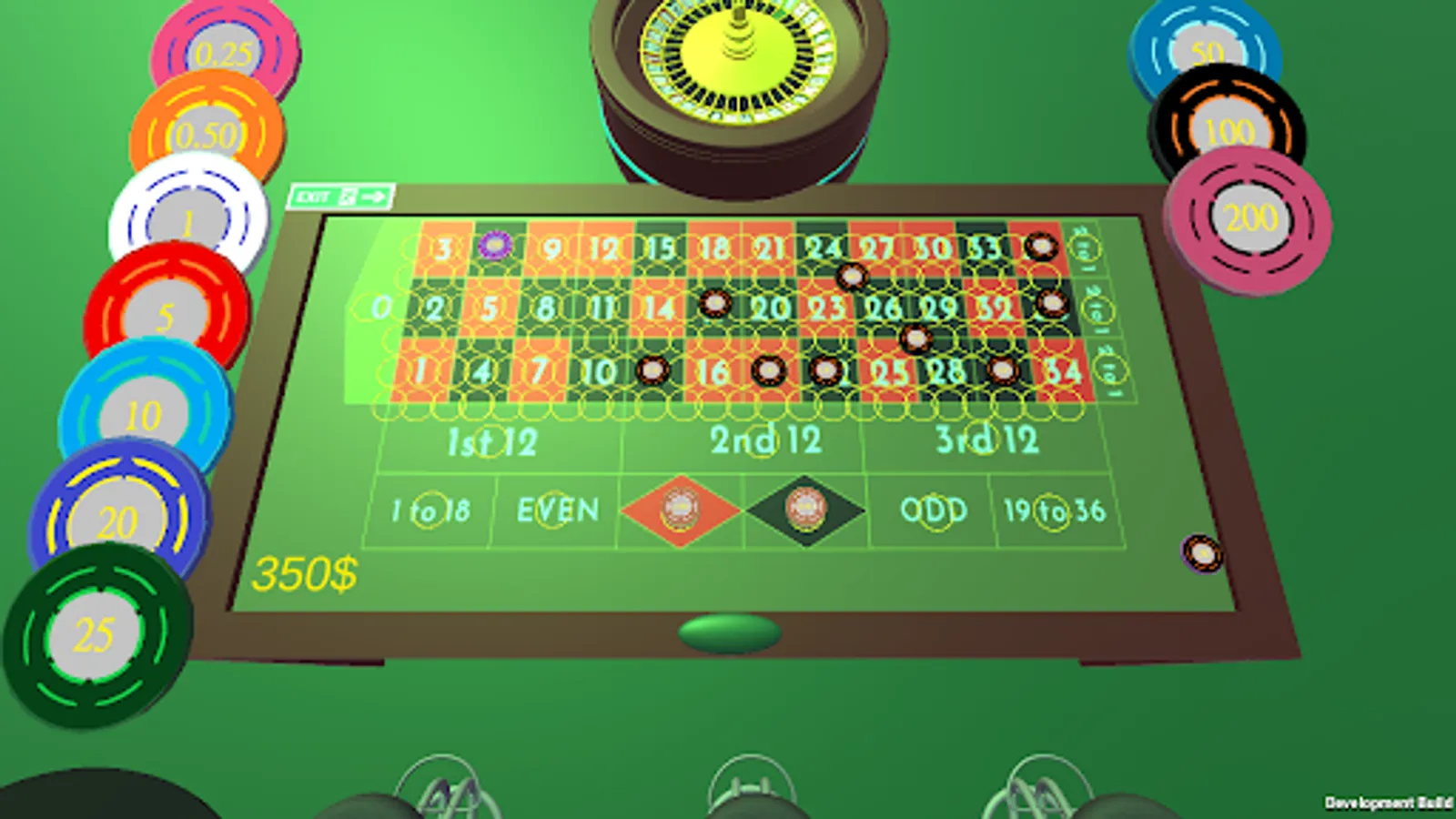
to cancel a bet simply deactivate the chip and click on the bet you want to cancel. After the bet, click on the green button. If there is more than one player in the room
when the green button is pressed, the bet is dropped, all chips disappear and all bets are shown after the last player presses the green button.
To exit, click on the "Exit" button.
To create a room, click on "Create room", to join a room, click on "Join room".
Upon entering the room, the game starts after 10 seconds. Within 10 seconds, the room is open and players can join,
after 10 seconds the room closes and the game starts. The room opens after the game and closes after 10 seconds during which
players can join the game.
The maximum bet per position is $10,000. To place a bet, select a chip and click on the position you want to bet on to
to cancel a bet simply deactivate the chip and click on the bet you want to cancel. After the bet, click on the green button. If there is more than one player in the room
when the green button is pressed, the bet is dropped, all chips disappear and all bets are shown after the last player presses the green button.
To exit, click on the "Exit" button.