Spiritum Spirit Board
Marcus Ferron
3.2 ★
store rating
500,000+
downloads
Free
+ in-app
AppRecs review analysis
AppRecs rating 2.9. Trustworthiness 83 out of 100. Review manipulation risk 22 out of 100. Based on a review sample analyzed.
★★☆☆☆
2.9
AppRecs Rating
Ratings breakdown
5 star
40%
4 star
13%
3 star
6%
2 star
4%
1 star
37%
What to know
✓
Low review manipulation risk
22% review manipulation risk
⚠
Ad complaints
Many low ratings mention excessive ads
⚠
High negative review ratio
41% of sampled ratings are 1–2 stars
About Spiritum Spirit Board
An app to communicate with the dead! You can chat with ghosts, entities and even demons!
ATTENTION: This game is not recommended for children!
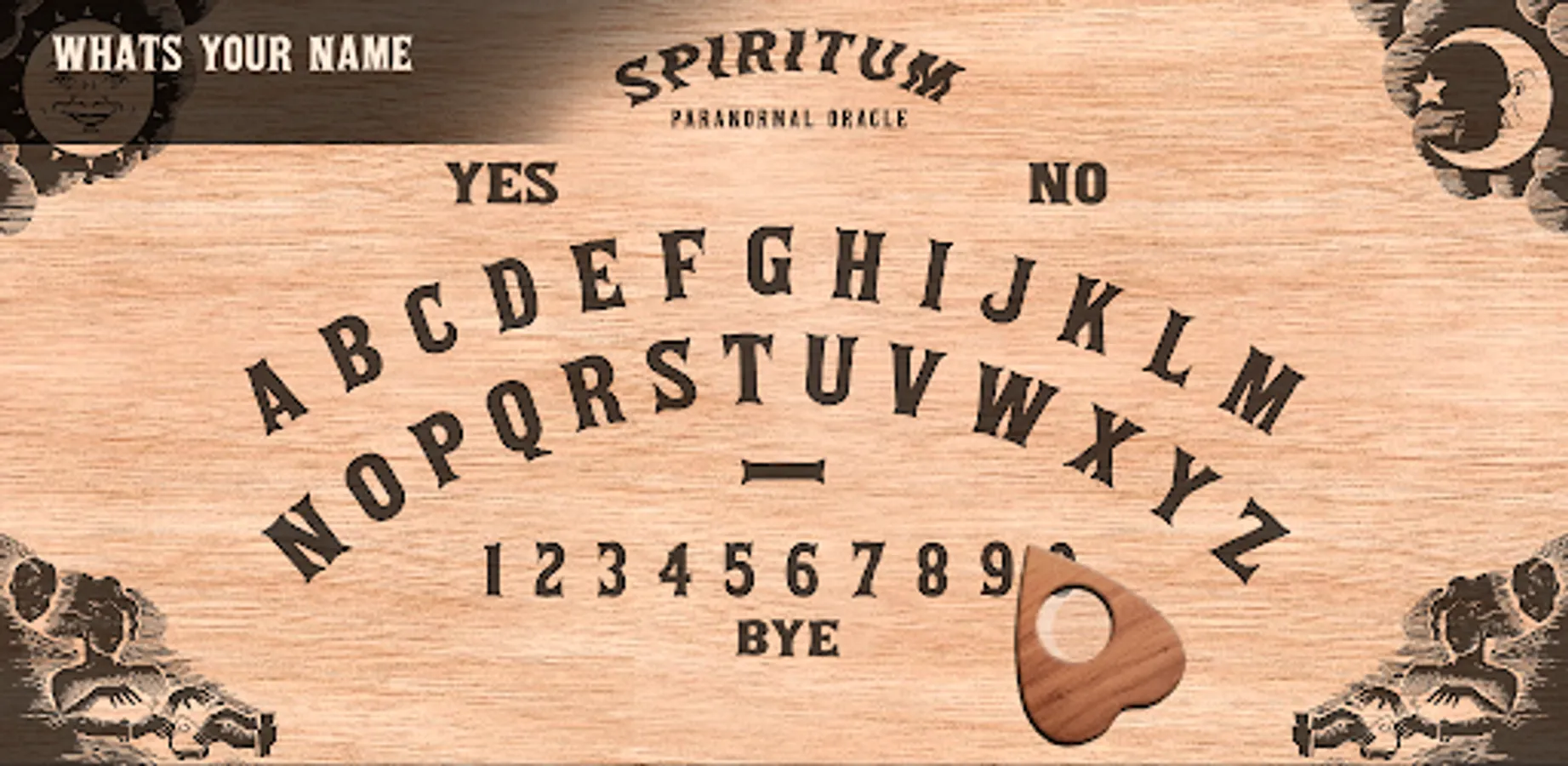
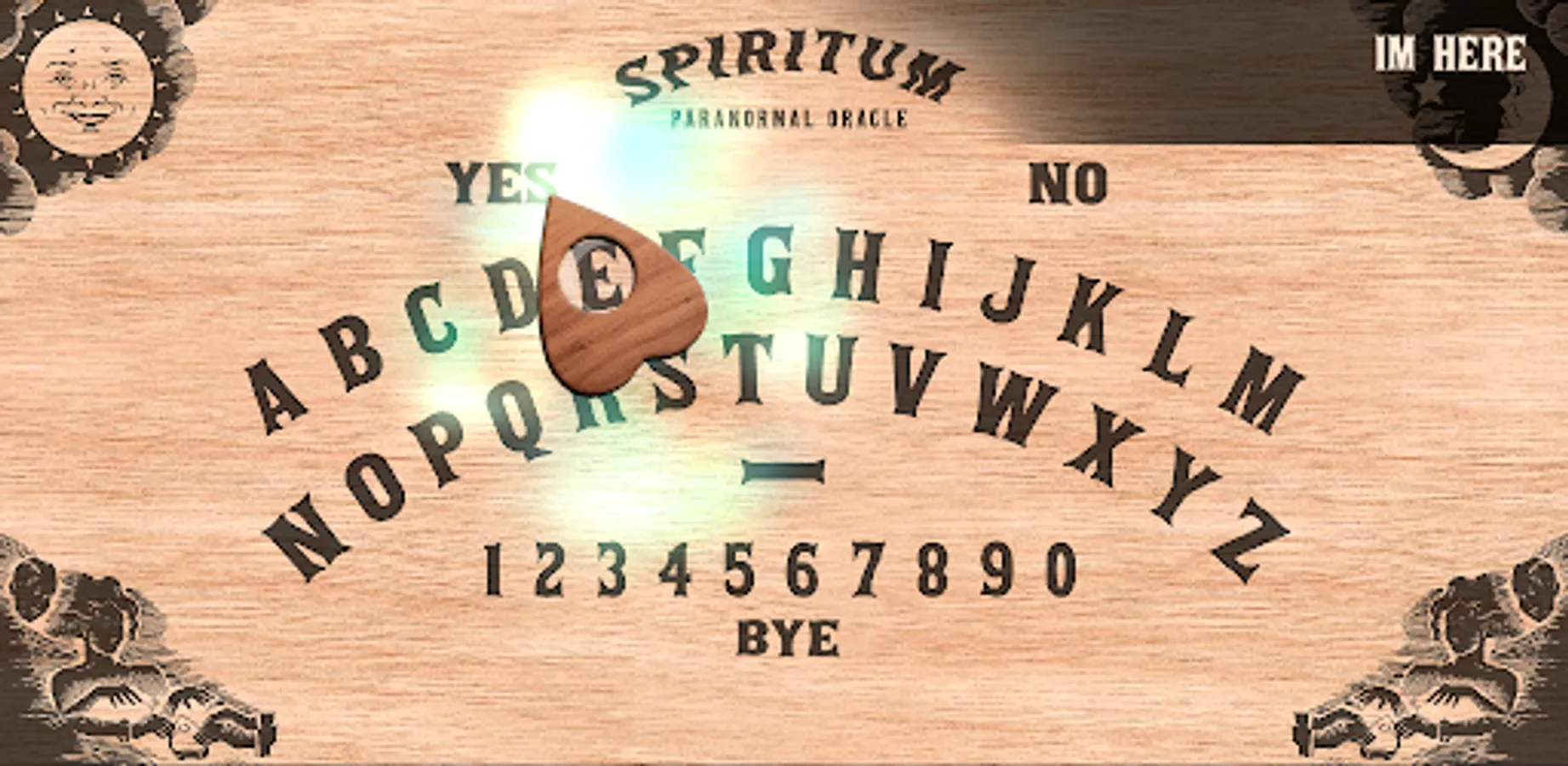
Click on the letters on the board to formulate your question and then keep your finger on the arrow. Watch out: they really come!
-Click on the women's images to open the options panel and learn how to play!
We are not responsible for any spiritual problems caused by the use of this app;
HOW TO PLAY:
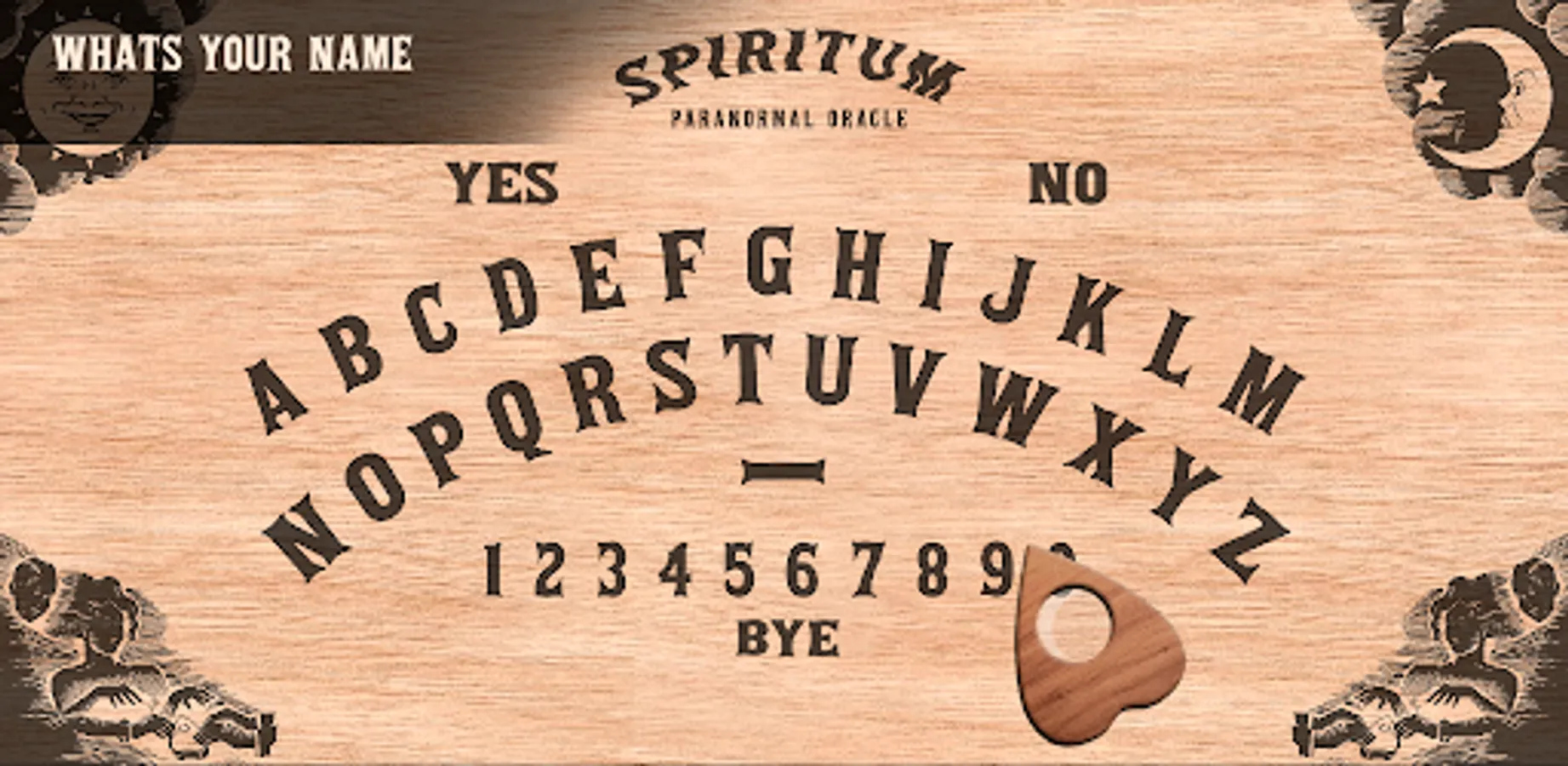
1. Ask your question by clicking on the letters on the board. Click "No" to correct typing errors. To insert a space, click on the blank space between letters and numbers. If you are playing on the pc, you can also use the keyboard. Don't care about accentation or punctuation.
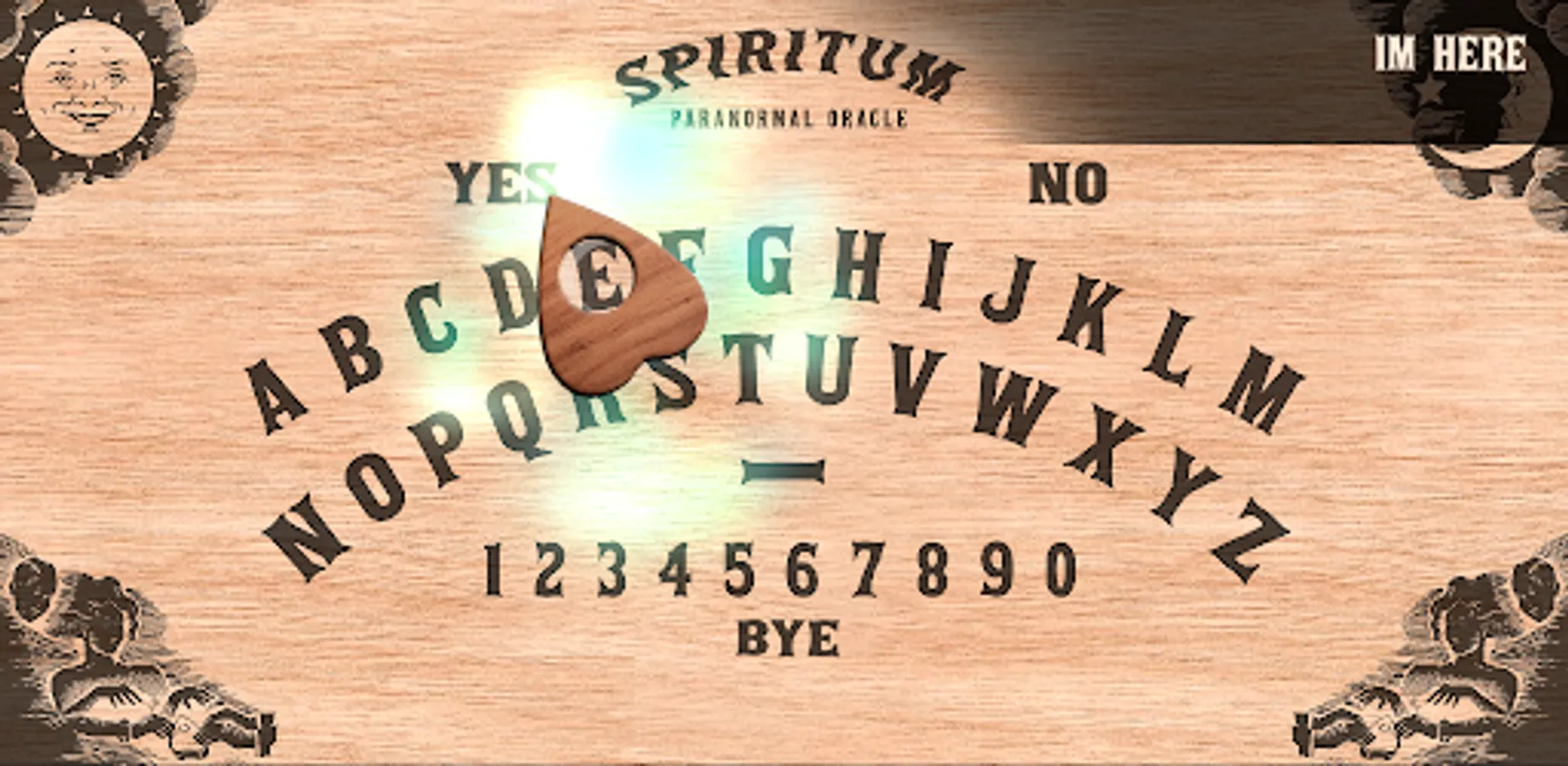
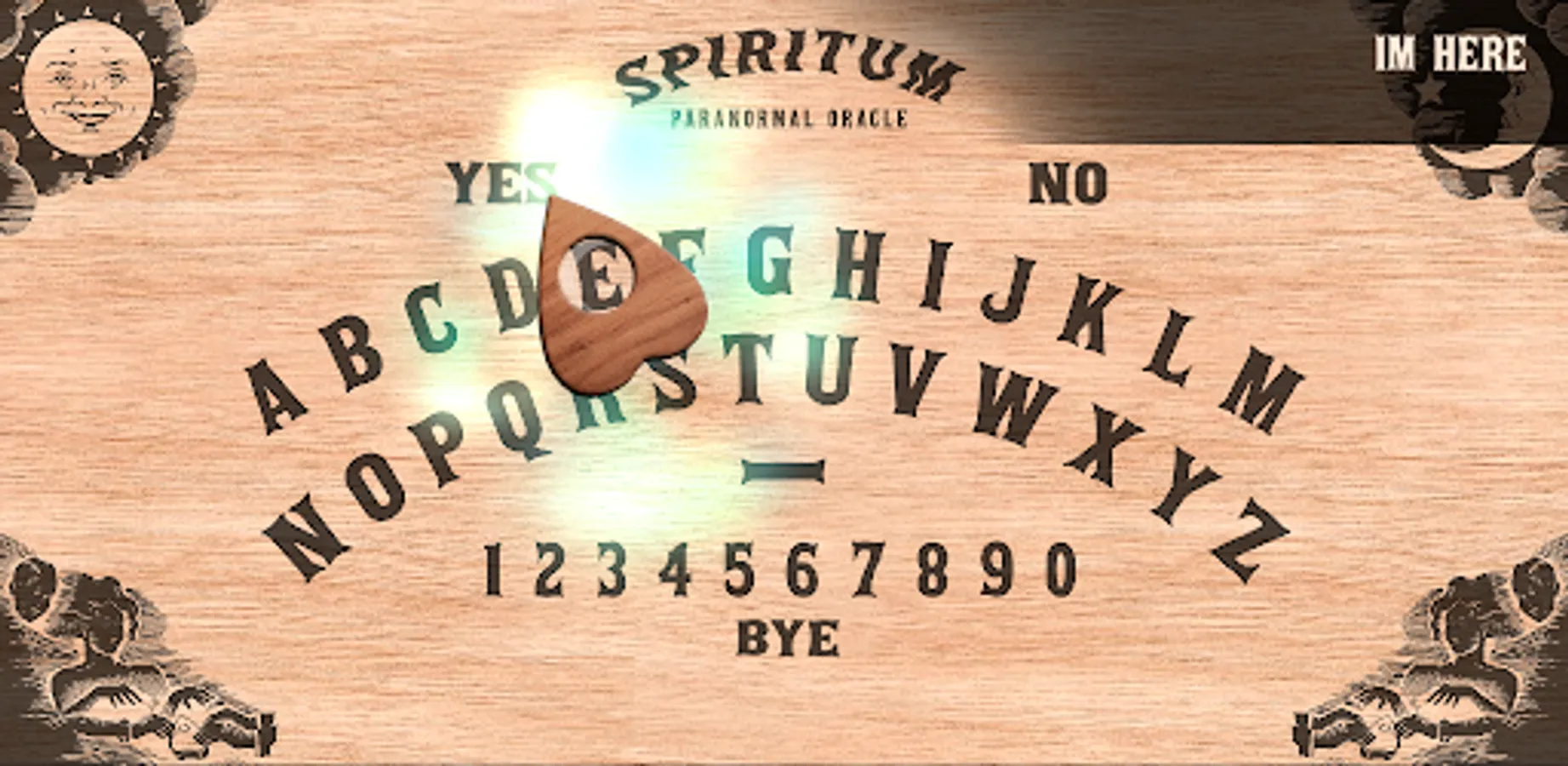
2. After entering the question, click on the arrow. If a spirit has been summoned, it will move. Follow its movement with your finger (or with your mouse, if it's on the pc) so that it continues its path and form the response.
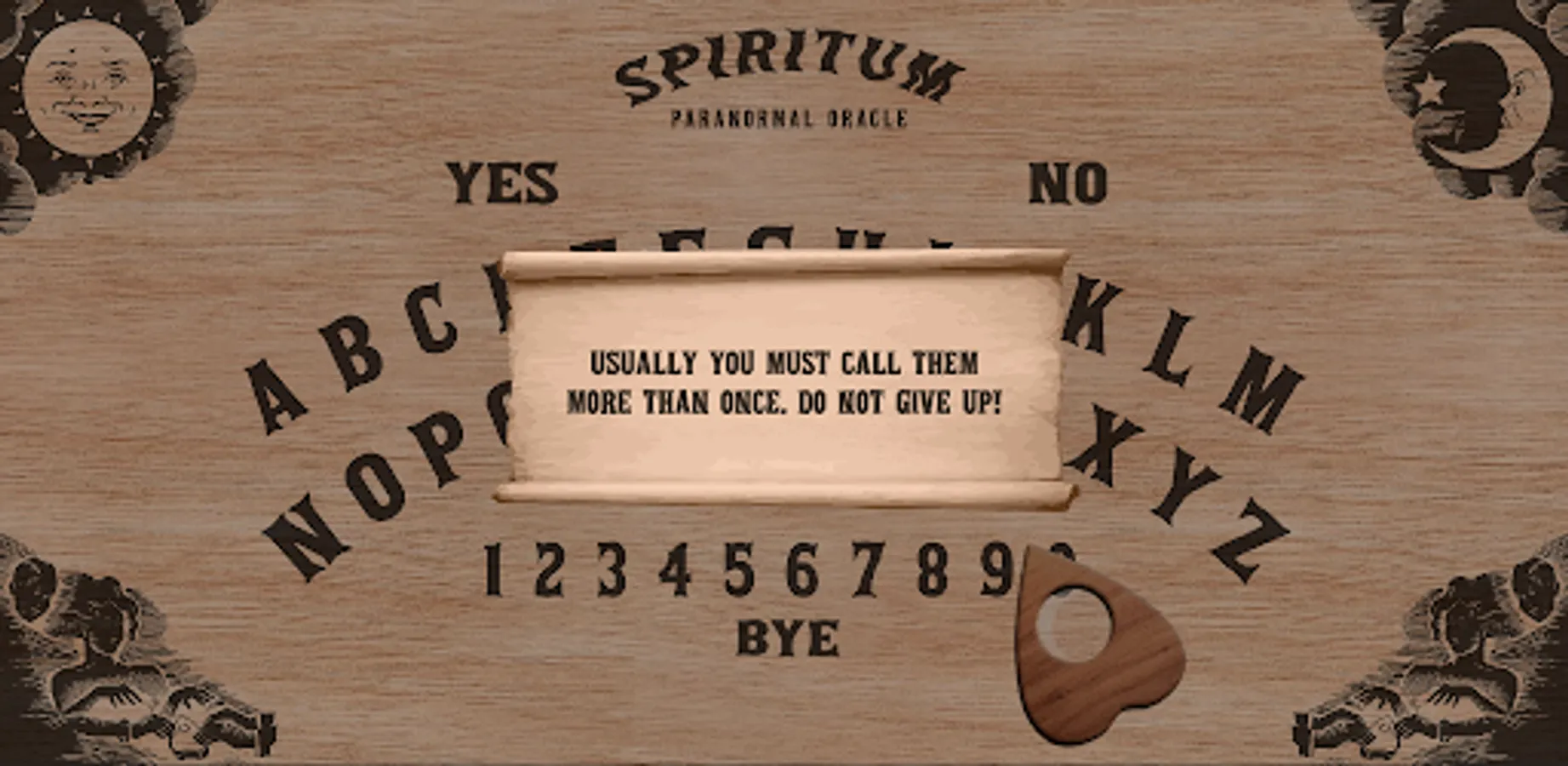
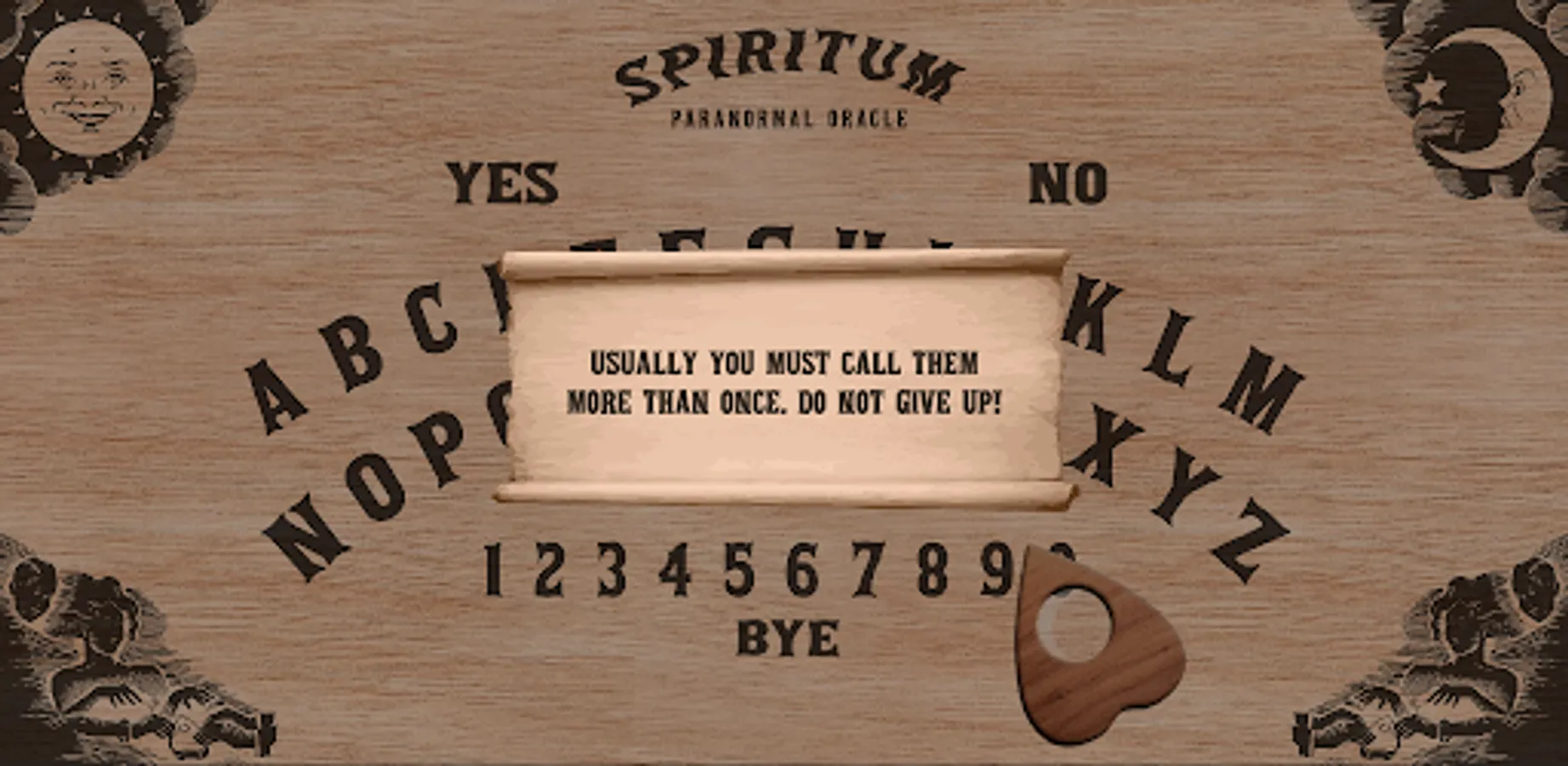
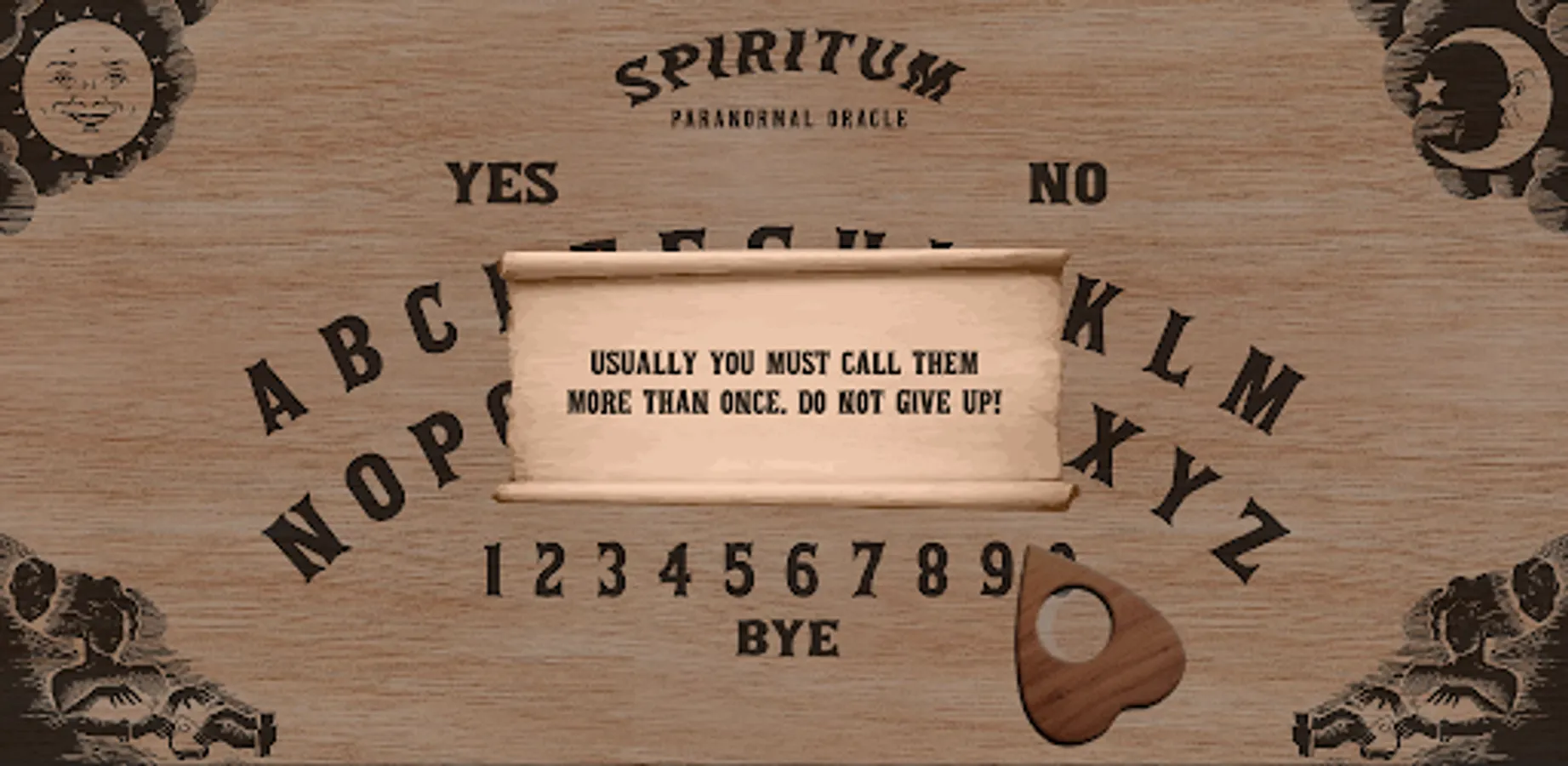
3. If, after you have asked the question, the arrow does not move, it is because no spirit was summoned. Repeat the question and click the arrow again until you get answer. This game is inspired by the ouija board, so, they really came.
4. Keep your finger on the arrow while the spirit is responding.
5. If a spirit has already been summoned, do not turn off the application before saying goodbye (clicking "Good bye"), or you may suffer serious spiritual order problems.
6. The options menu can be opened by clicking on the women images.
7. Example of questions: "What is your name"; "How did you die"; "How can I help you"; "About what you want to talk about", "Where do you come from"...
ATTENTION: This game is not recommended for children!
Click on the letters on the board to formulate your question and then keep your finger on the arrow. Watch out: they really come!
-Click on the women's images to open the options panel and learn how to play!
We are not responsible for any spiritual problems caused by the use of this app;
HOW TO PLAY:
1. Ask your question by clicking on the letters on the board. Click "No" to correct typing errors. To insert a space, click on the blank space between letters and numbers. If you are playing on the pc, you can also use the keyboard. Don't care about accentation or punctuation.
2. After entering the question, click on the arrow. If a spirit has been summoned, it will move. Follow its movement with your finger (or with your mouse, if it's on the pc) so that it continues its path and form the response.
3. If, after you have asked the question, the arrow does not move, it is because no spirit was summoned. Repeat the question and click the arrow again until you get answer. This game is inspired by the ouija board, so, they really came.
4. Keep your finger on the arrow while the spirit is responding.
5. If a spirit has already been summoned, do not turn off the application before saying goodbye (clicking "Good bye"), or you may suffer serious spiritual order problems.
6. The options menu can be opened by clicking on the women images.
7. Example of questions: "What is your name"; "How did you die"; "How can I help you"; "About what you want to talk about", "Where do you come from"...