In this note-taking app, users can create, organize, and secure notes with encryption, attachments, and customizable themes. Includes encryption options, attachments, folders, formatting, reminders, and support for biometric access.
AppRecs review analysis
AppRecs rating 4.5. Trustworthiness 70 out of 100. Review manipulation risk 31 out of 100. Based on a review sample analyzed.
★★★★☆
4.5
AppRecs Rating
Ratings breakdown
5 star
69%
4 star
25%
3 star
0%
2 star
0%
1 star
6%
What to know
✓
Credible reviews
70% trustworthiness score from analyzed reviews
✓
High user satisfaction
94% of sampled ratings are 4+ stars (4.4★ average)
✓
Authentic reviews
Natural distribution, no red flags
About VIP Notes (trial)
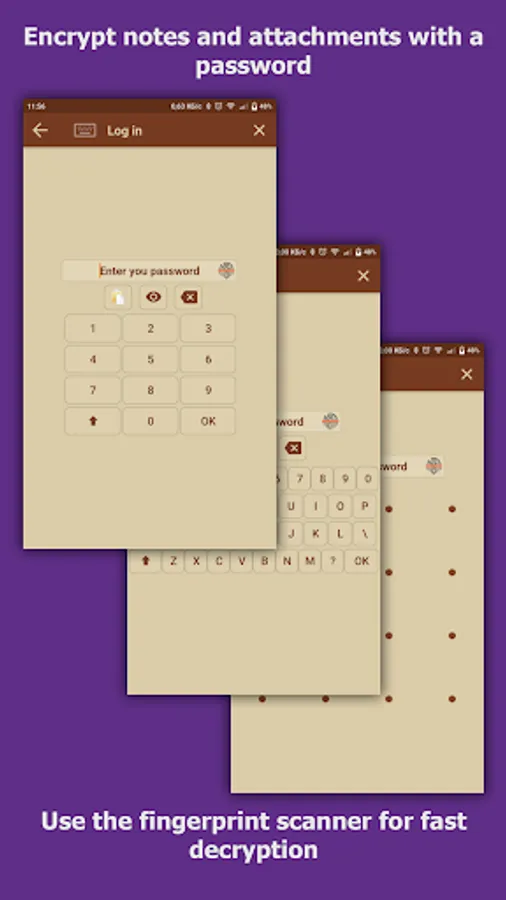
- encryption AES-256
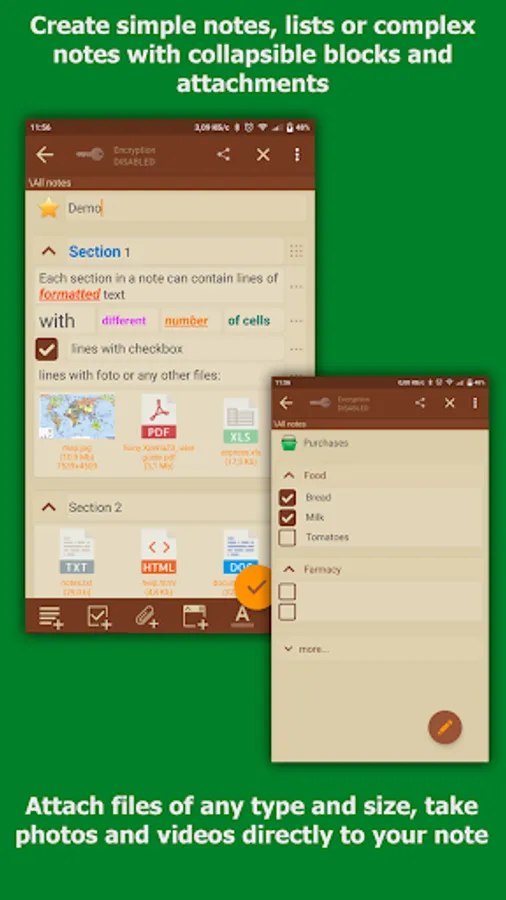
- attachments (will encrypted if enabled encryption for note)
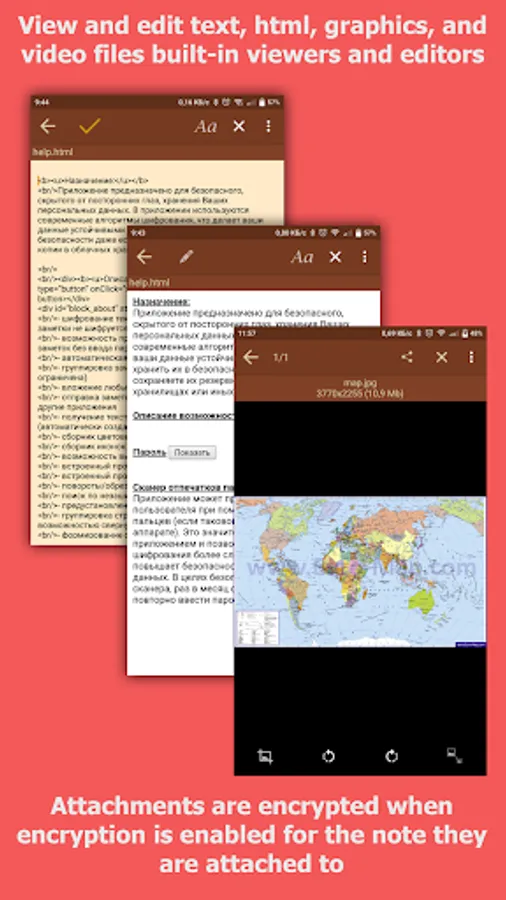
- view and edit attached files inside application (text and html, photo)
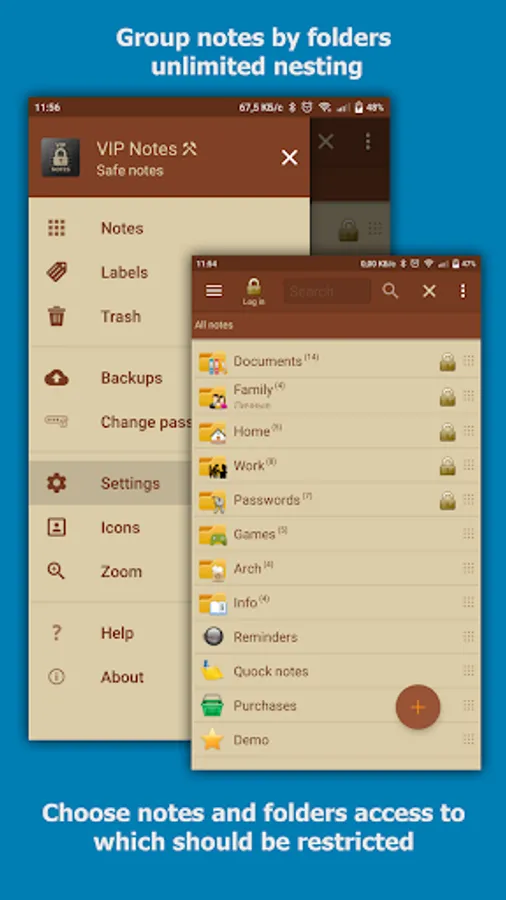
- folders: unlimited nesting (only in full version)
- formatting text
- password's input methods ( digital/full/pattern 3x3/pattern 4x4)
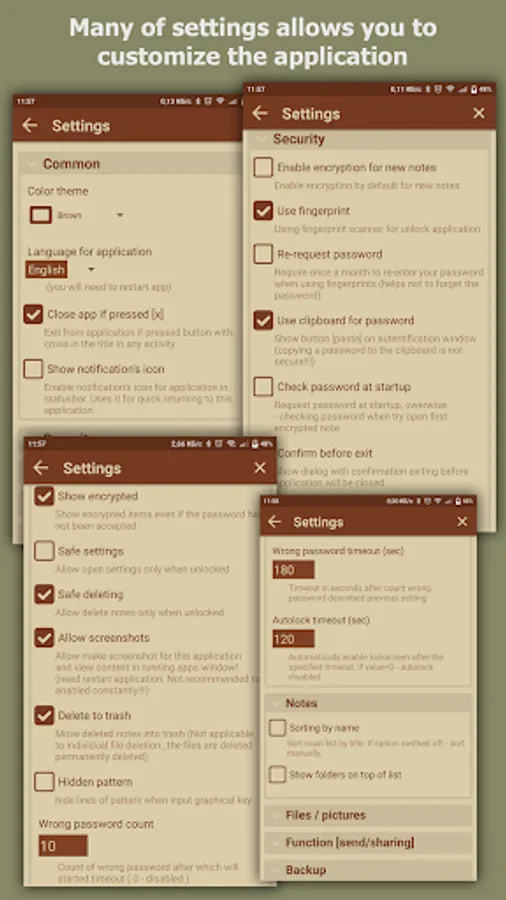
- quick login (short password/fingerprint scanner/biometric)
- clearing data after many attempt to wrong password
- separate password for imperceptible data clearing
- auto-lock by time
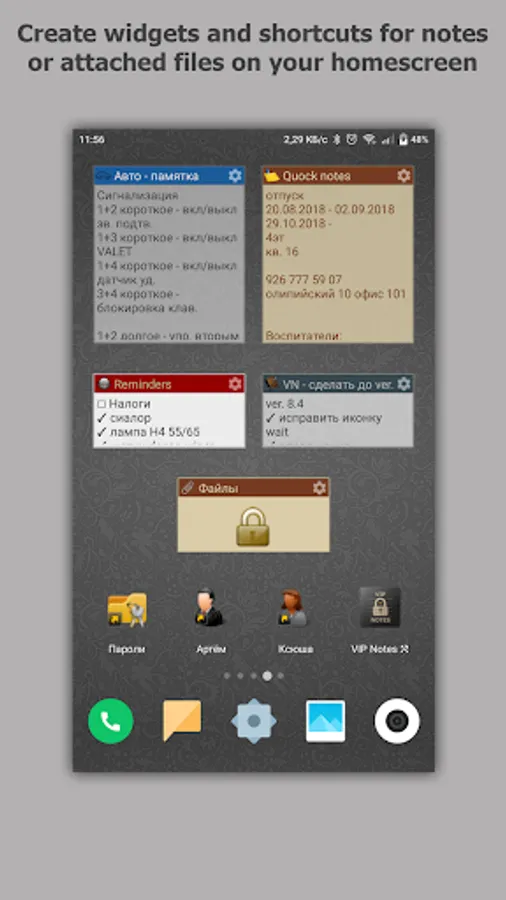
- widgets and shortcuts for notes or attached files
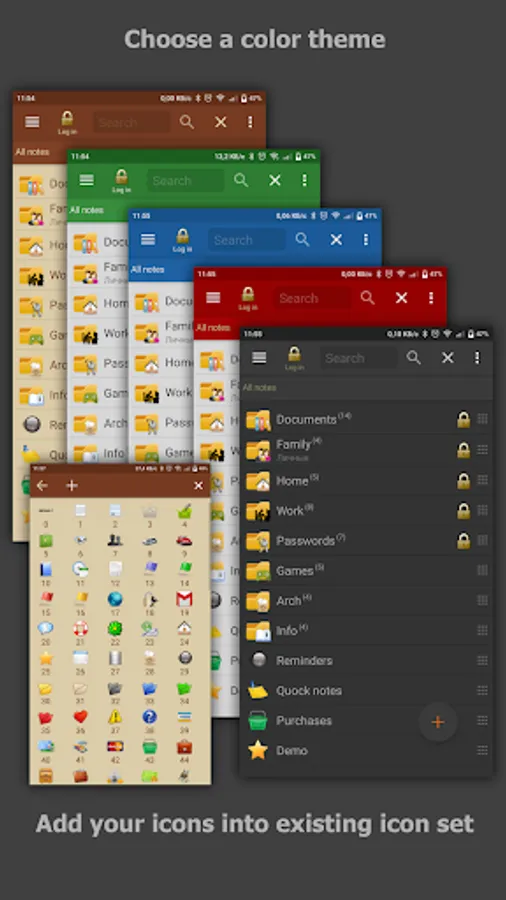
- icon library (custom icons)
- color themes
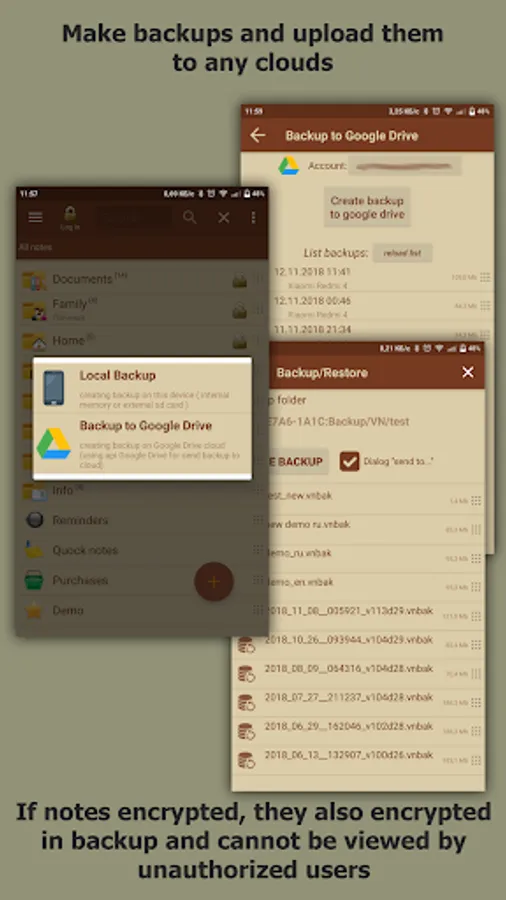
- backup/restore database
- reminders
- labels
- support "Samsung DEX"
- does not contain advertising
- does not require Internet access
limitations of the free version:
- you can create only 3 folder
- only one attached file per one row
- cannot upload custom icons
- attaching file: allowed only from camera and gallery
- disabled automation (automatically backup and reminders without links to notes)
- disabled undo/redo functions
- disabled backup/restore direct through other application ( like clouds )
Some explanation::
- encryption is disabled by default!
- data will be encrypted using you password
- note encryption is enabling in the note editing window.
- the note body and attached files will be encrypted, the note name is not encrypted!
- attached files are encrypted if encryption is enabled for the note they are attached to
VIP Notes (trial) Screenshots
Tap to Rate:
Reviews for VIP Notes (trial)
Adil Jamal
8/2/2025
This is my go-to note app. One of the best features is that once you make a note, it cannot be edited accidentally, like if you single-tap it or double-tap it. You have to tap the edit button to edit it. But alas, I cannot upgrade to the pro version due to the Google policy.
Bitopan Sonowal
5/8/2022
Пожалуйста, добавьте возможность настройки даты и времени создания и изменения заметки. Если бы мы могли добавить несколько меток времени на заметку, было бы лучше.