With this image editing app, you can apply wrap effects such as Tile, Stretch, and Center to enhance your visuals. Includes features for positioning, resizing, and customizing images to fit different frames.
AppRecs review analysis
AppRecs rating 3.7. Trustworthiness 0 out of 100. Review manipulation risk 0 out of 100. Based on a review sample analyzed.
★★★☆☆
3.7
AppRecs Rating
Ratings breakdown
5 star
67%
4 star
0%
3 star
0%
2 star
0%
1 star
33%
What to know
✓
Good user ratings
67% positive sampled reviews
About ImageWrapr
Transform Your Images with Ease!
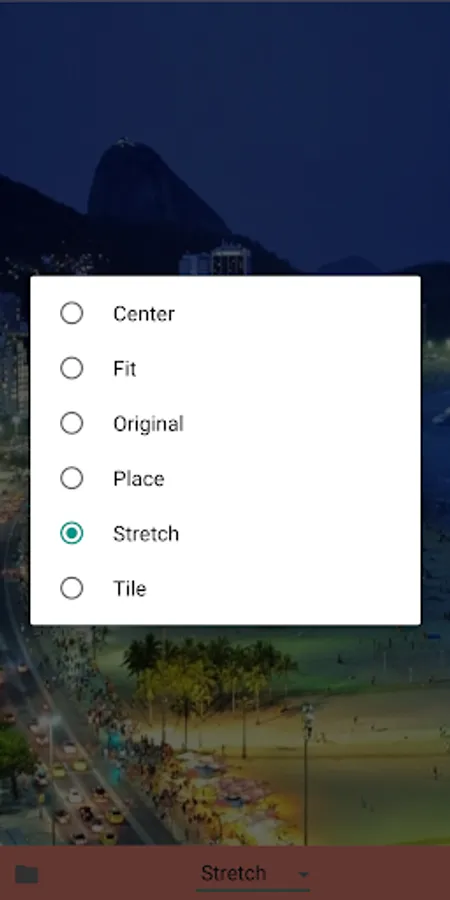
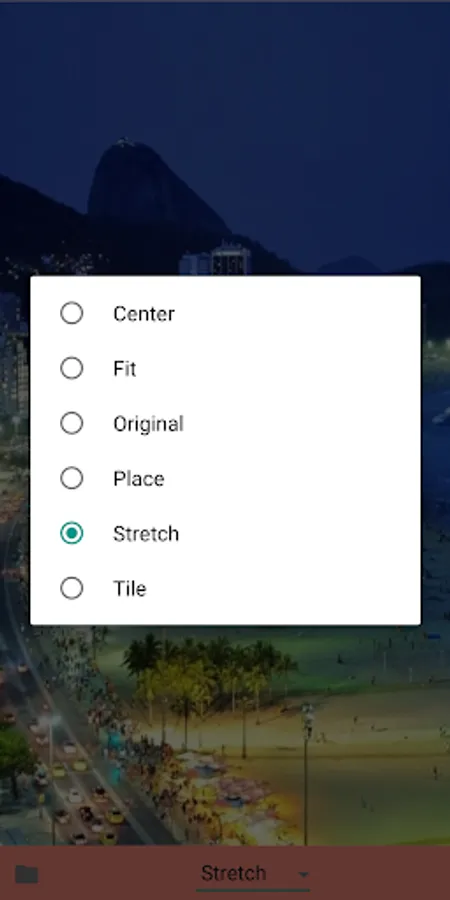
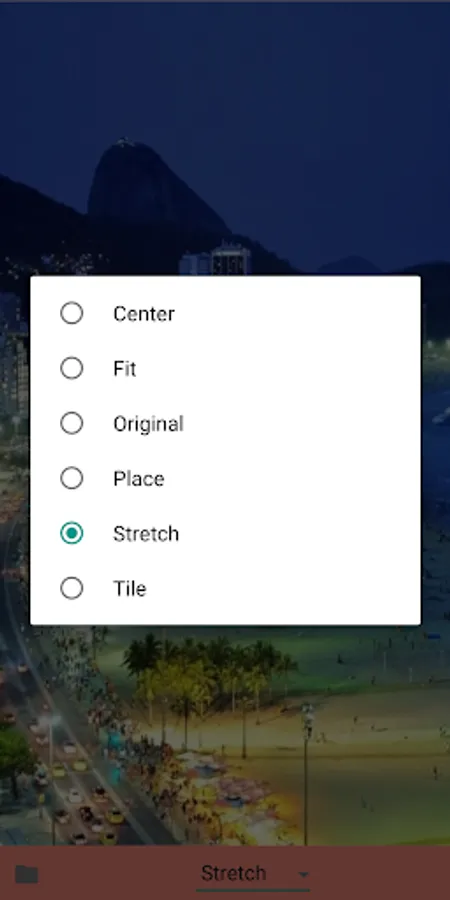
Quickly transform your images with ImageWrapr, the ultimate image wrap effects app. With Tile, Stretch, Place, Original, Fit, and Center effects, you can create stunning and unique visuals in seconds. Whether you're a professional designer or a hobbyist, ImageWrapr makes it easy to enhance your images and unleash your creativity.
Features:
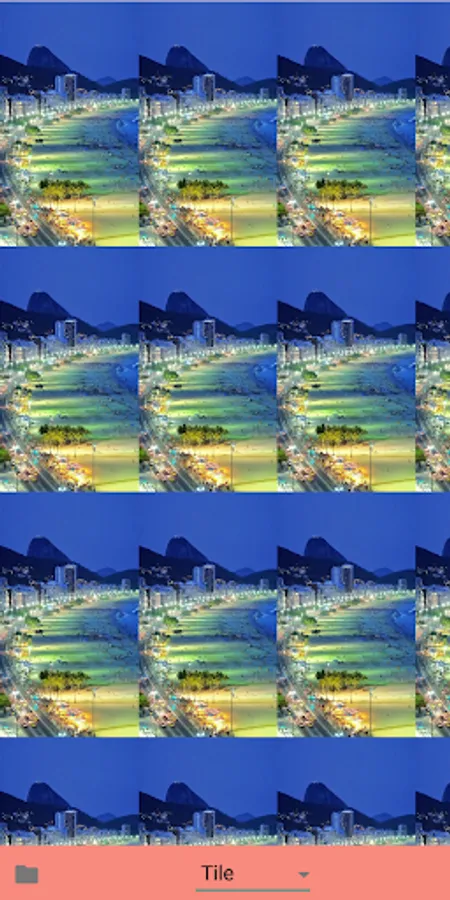
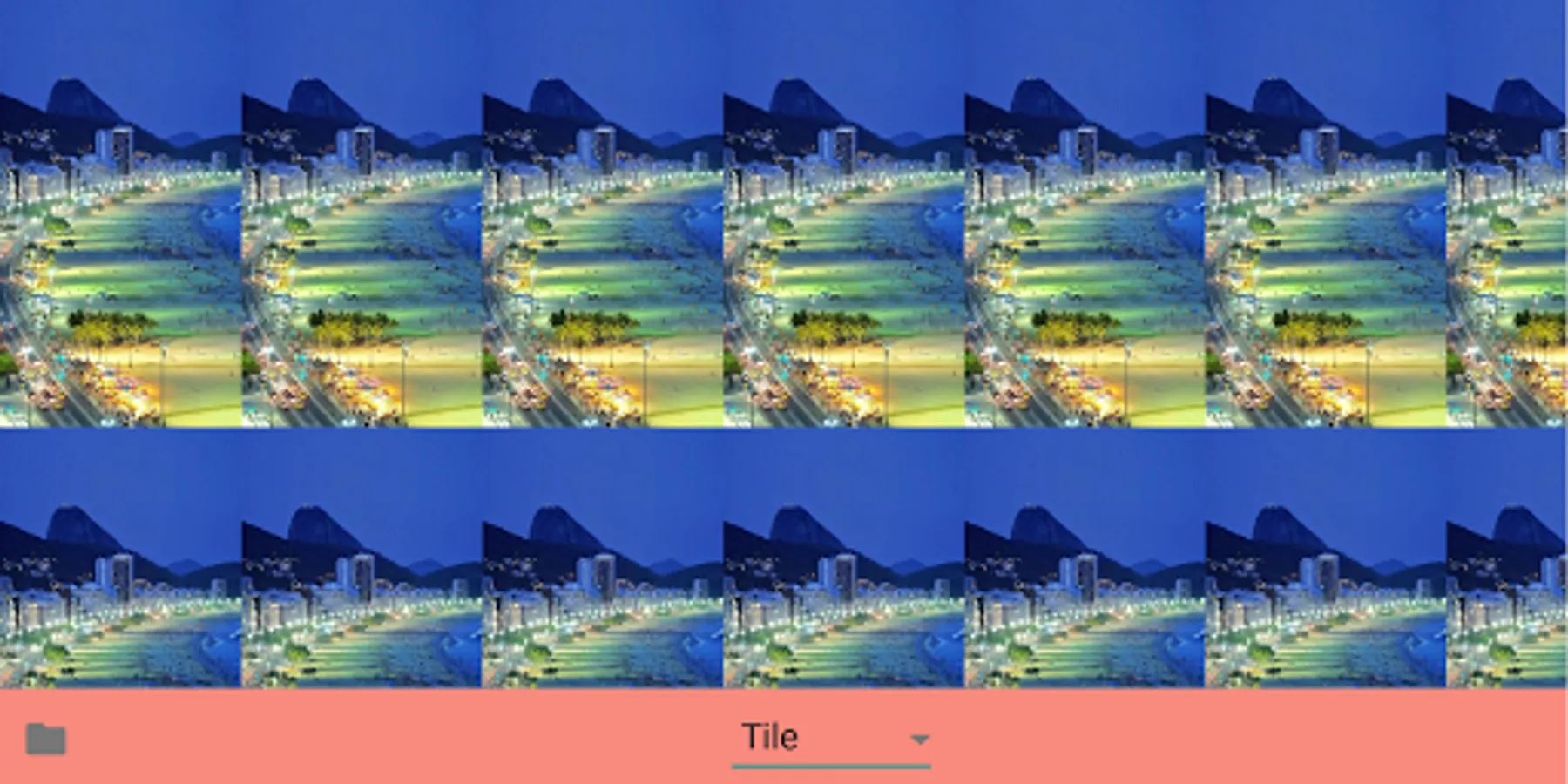
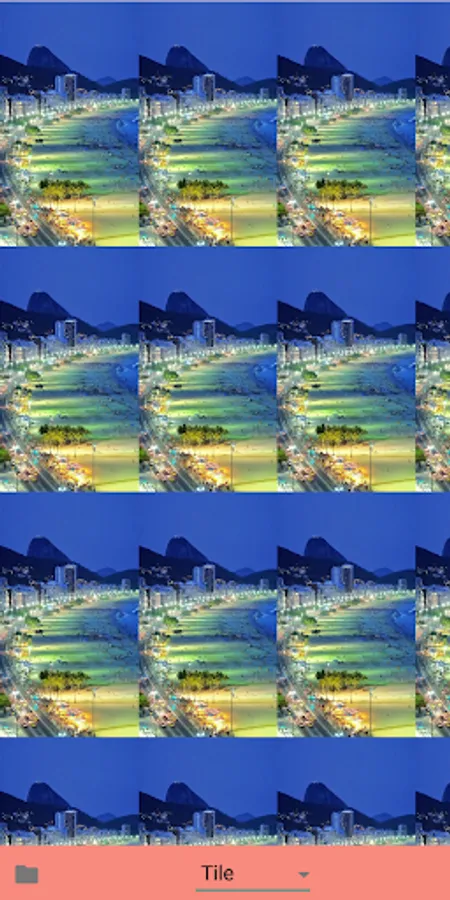
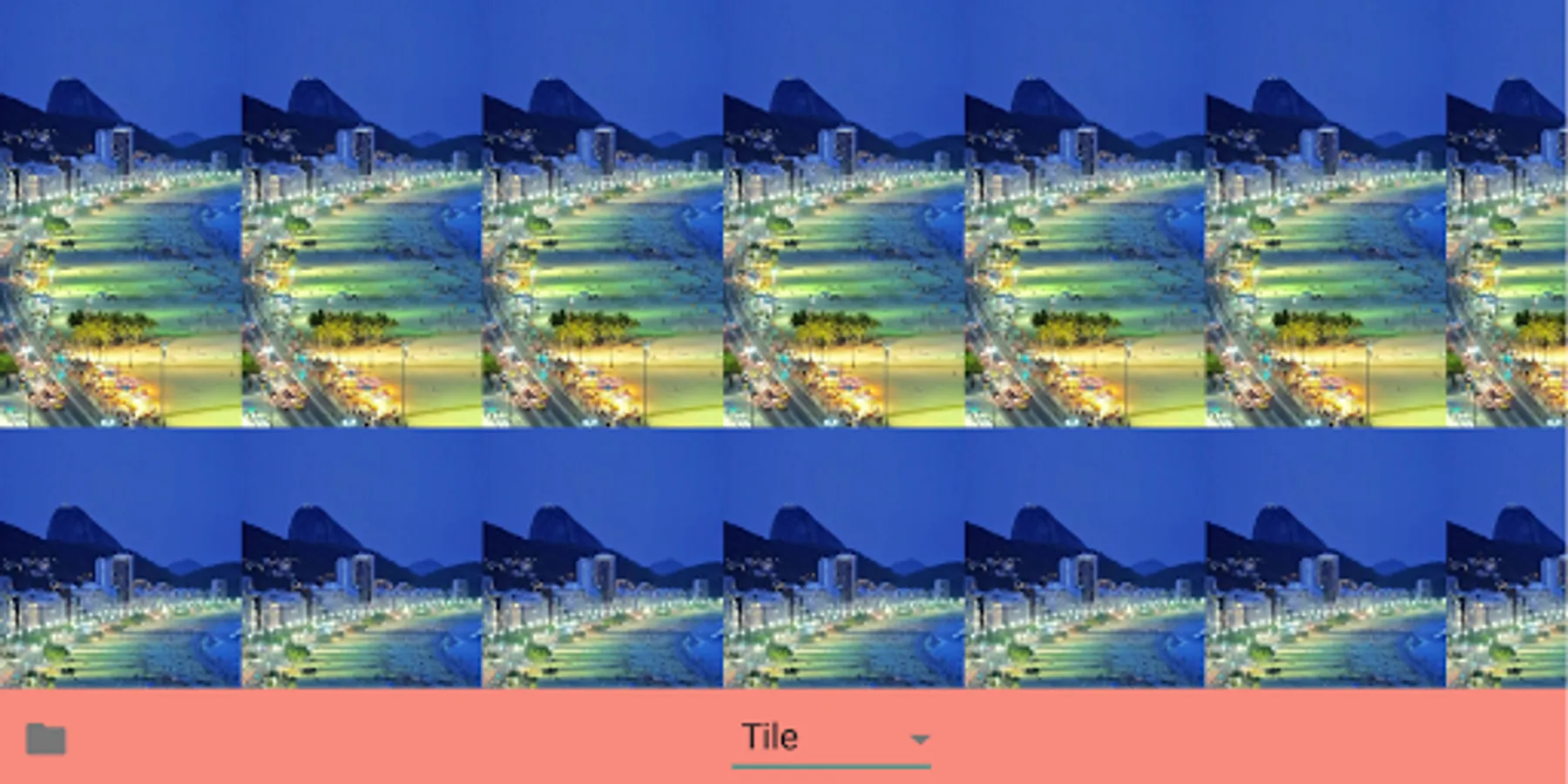
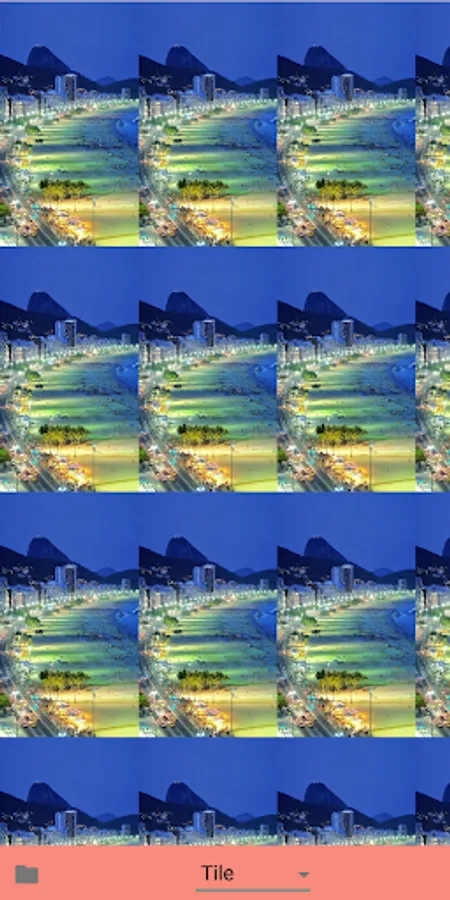
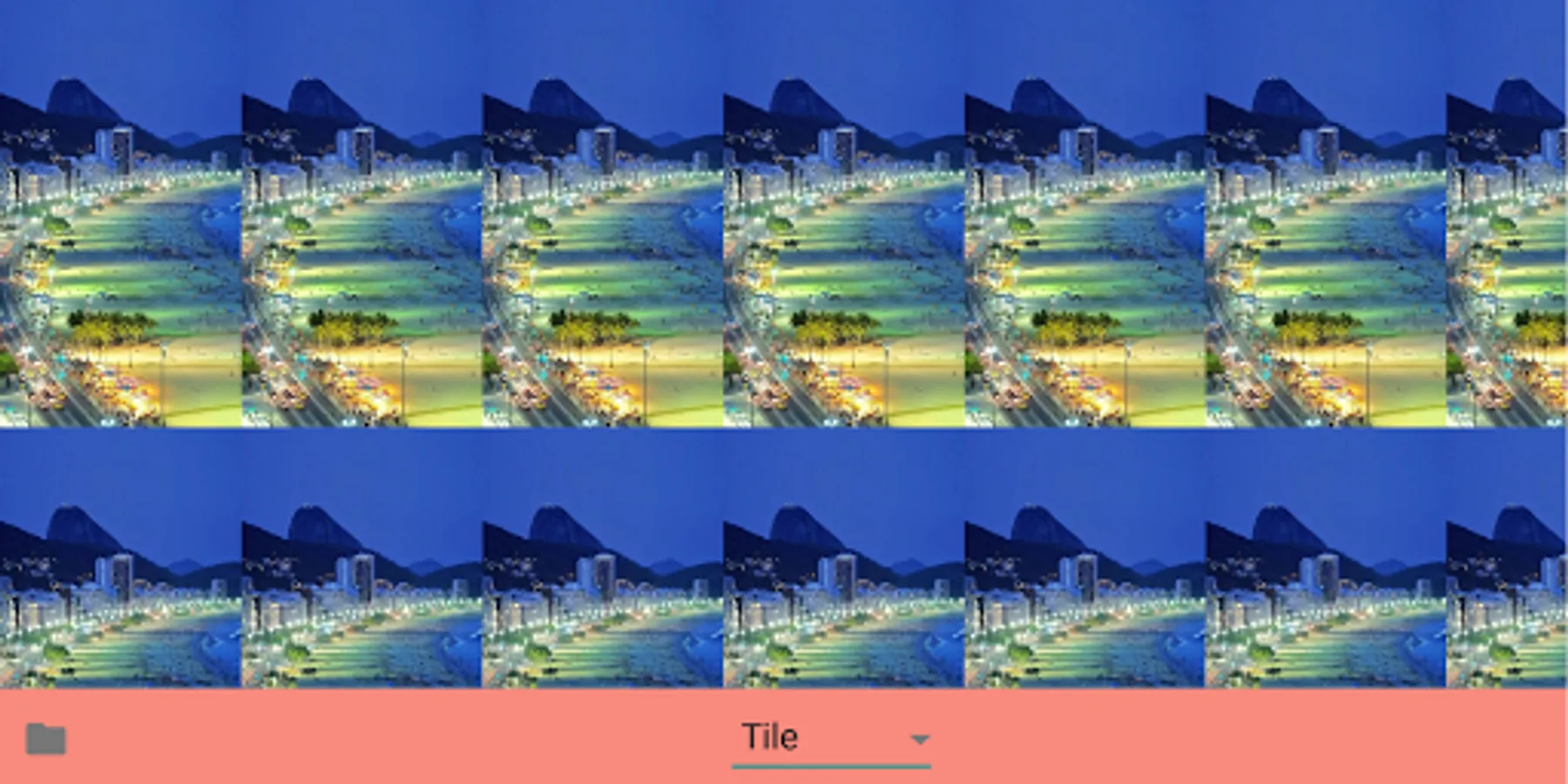
Tile: Create a repeating pattern with your image.
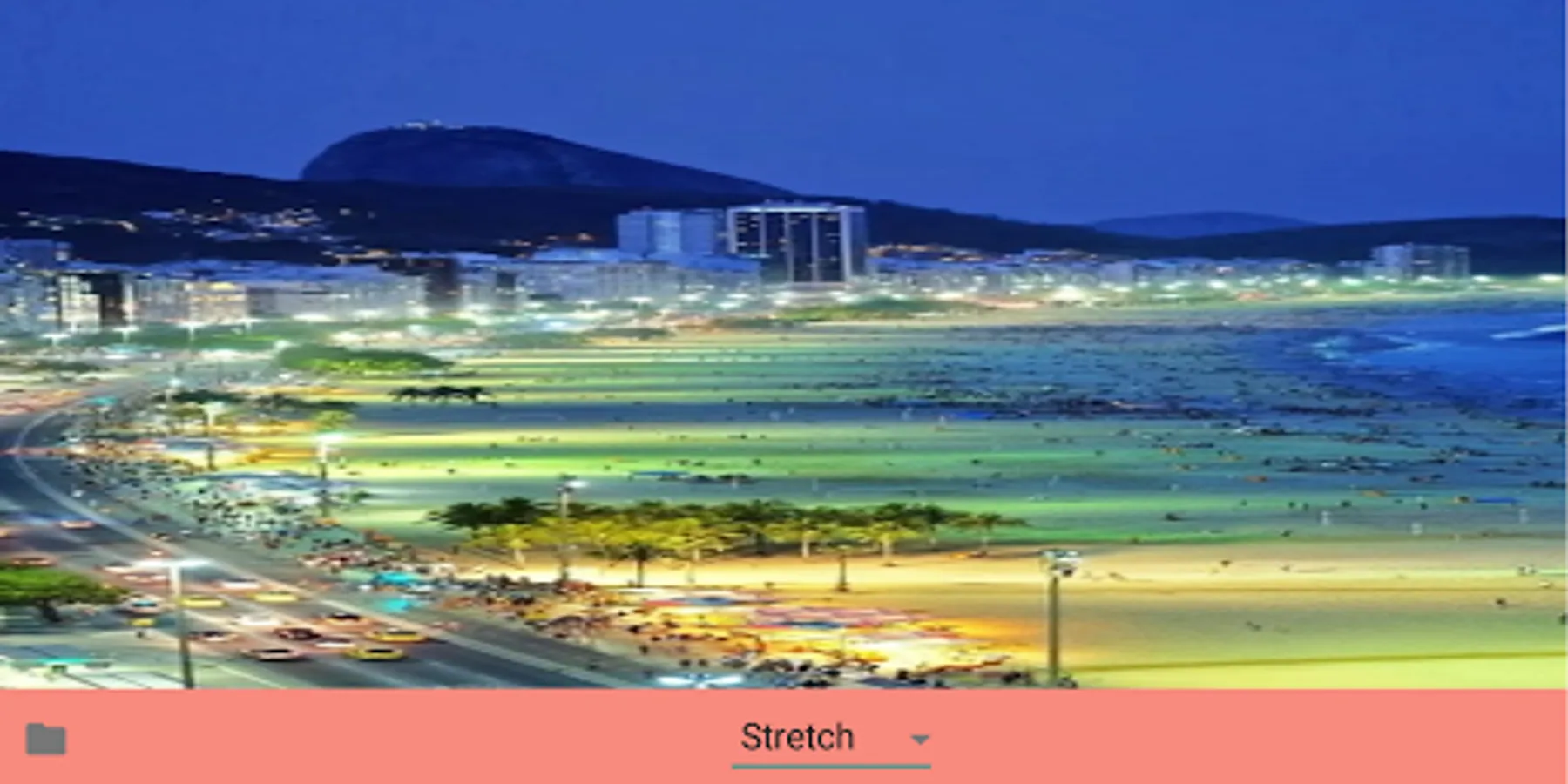
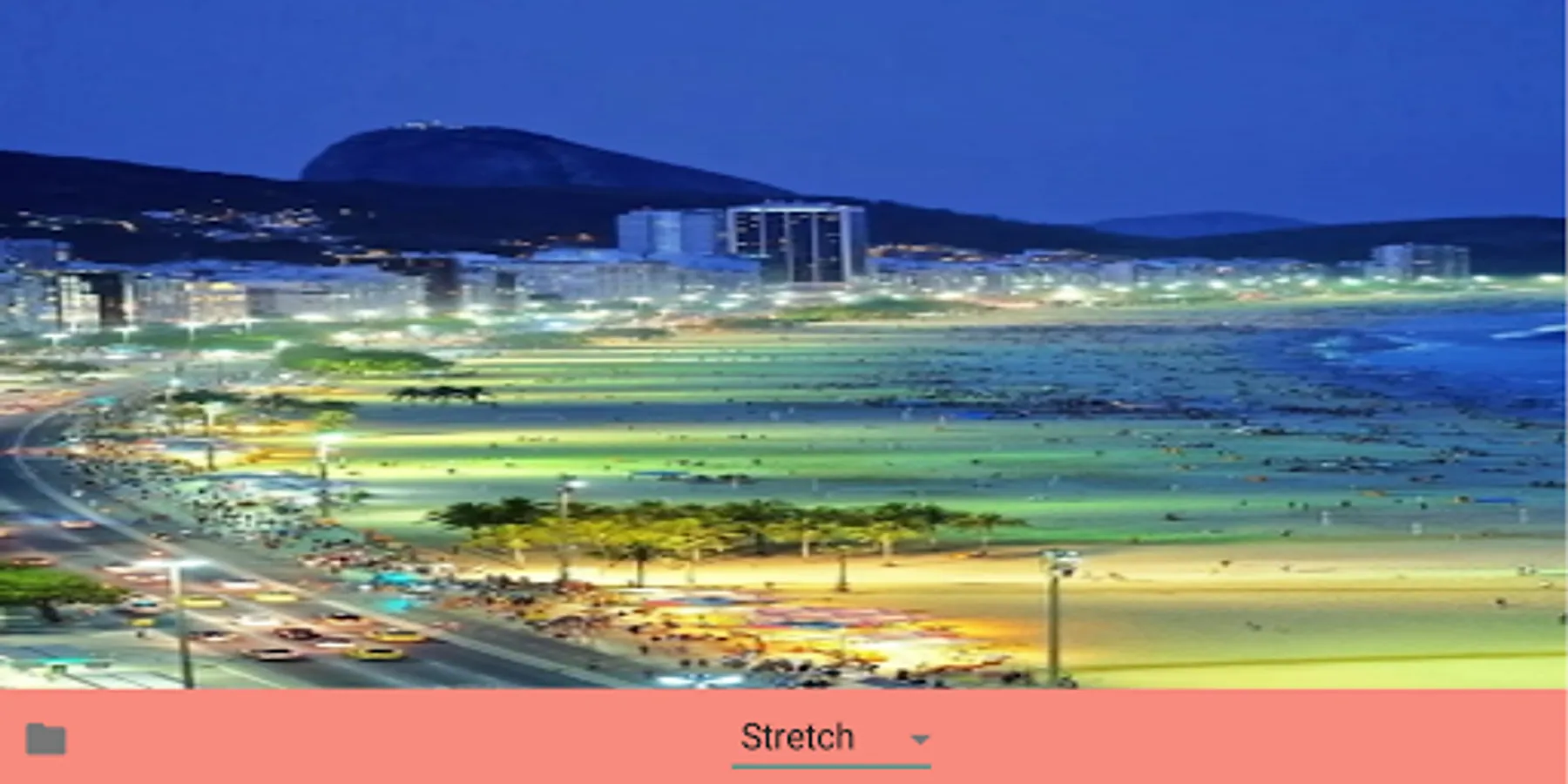
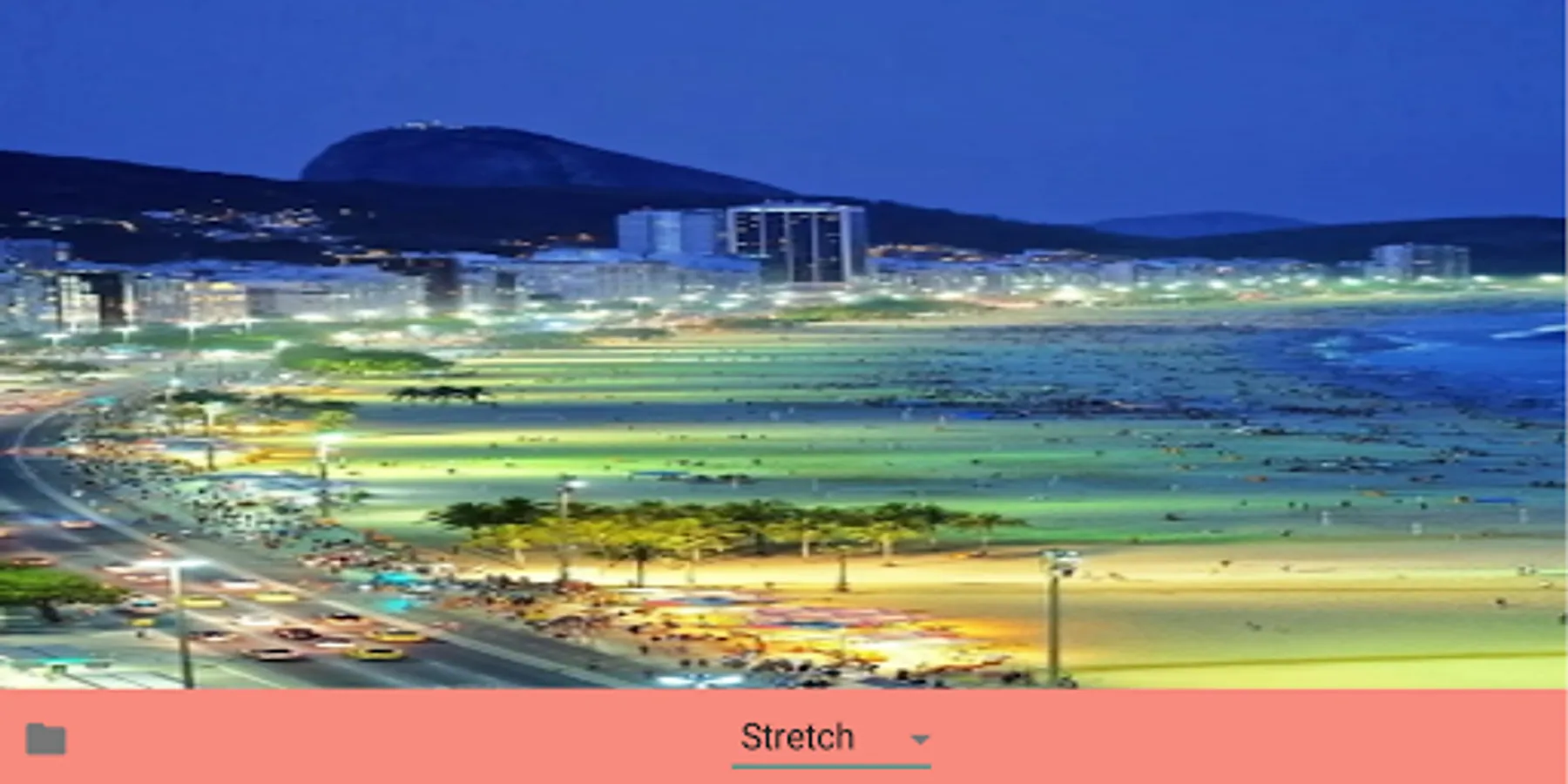
Stretch: Stretch your image to fit any shape or size.
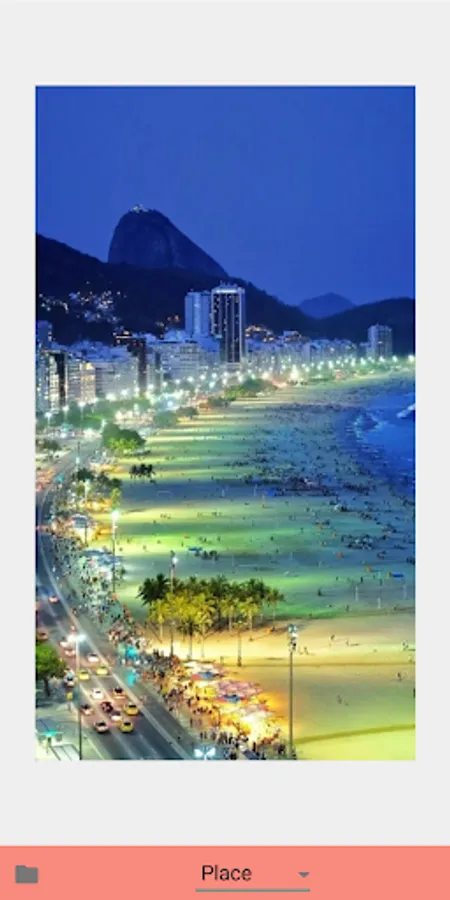
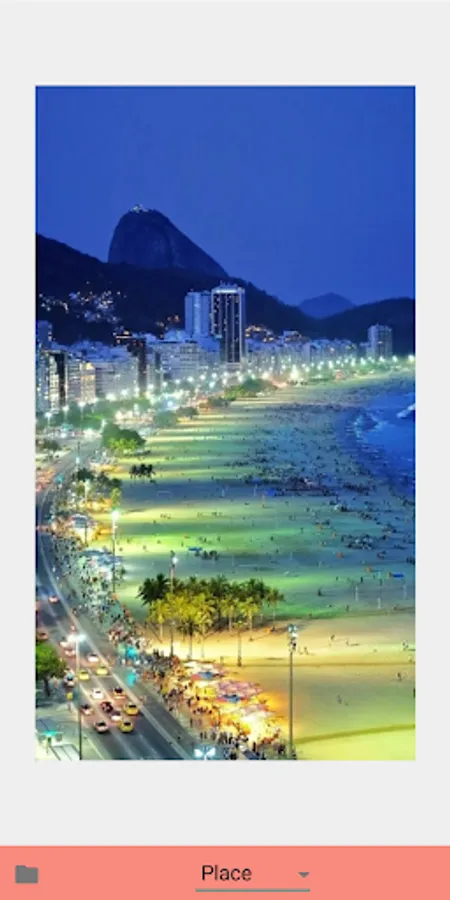
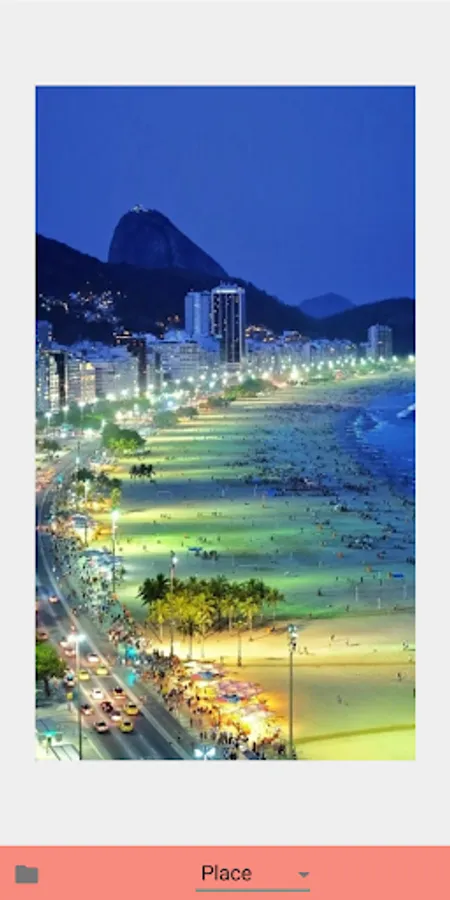
Place: Position your image in any part of the frame.
Original: Display your image in its original size and aspect ratio.
Fit: Scale your image to fit the frame while maintaining its proportions.
Center: Center your image within the frame.
Download ImageWrapr today and start exploring the endless possibilities of image wrap effects!
For additional details, visit our website at https://hanchanglin.wixsite.com/website
Quickly transform your images with ImageWrapr, the ultimate image wrap effects app. With Tile, Stretch, Place, Original, Fit, and Center effects, you can create stunning and unique visuals in seconds. Whether you're a professional designer or a hobbyist, ImageWrapr makes it easy to enhance your images and unleash your creativity.
Features:
Tile: Create a repeating pattern with your image.
Stretch: Stretch your image to fit any shape or size.
Place: Position your image in any part of the frame.
Original: Display your image in its original size and aspect ratio.
Fit: Scale your image to fit the frame while maintaining its proportions.
Center: Center your image within the frame.
Download ImageWrapr today and start exploring the endless possibilities of image wrap effects!
For additional details, visit our website at https://hanchanglin.wixsite.com/website
ImageWrapr Screenshots






Tap to Rate: