GLtron Speed Control
CarlGammaSagan
3.8 ★
591 ratings
50,000+
downloads
Free
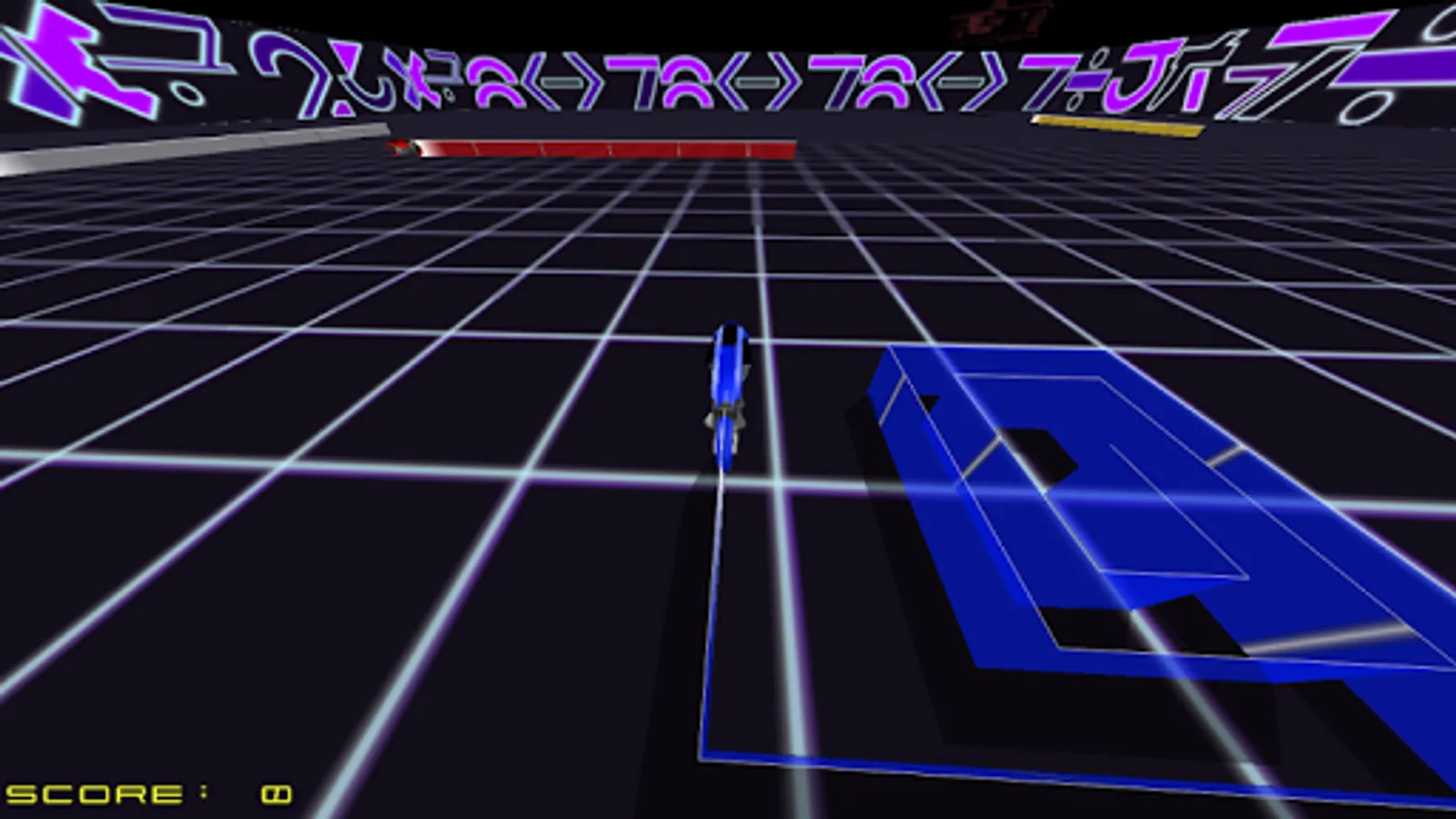
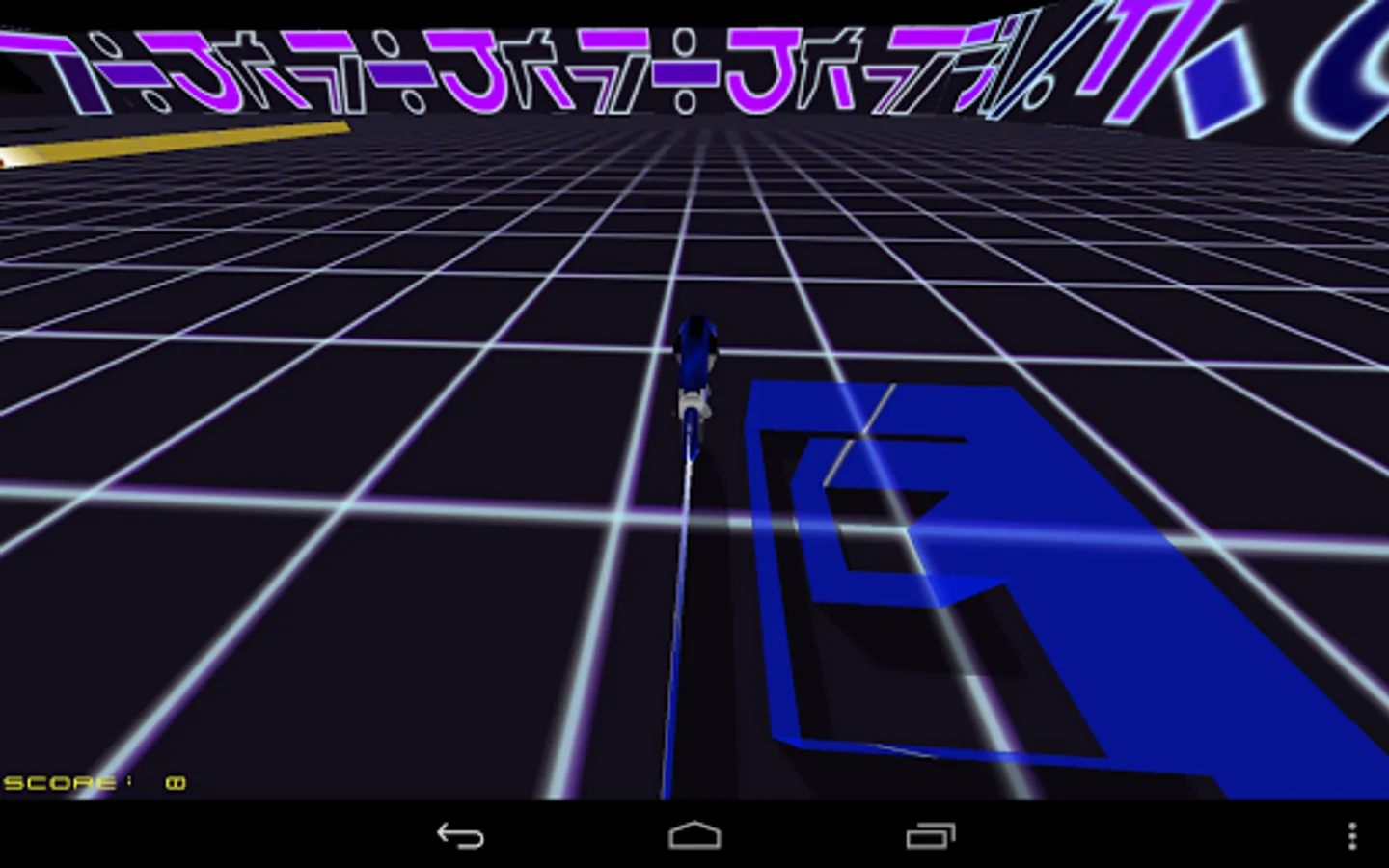
In this game, players control bikes in a Tron-inspired environment by tapping the screen to turn left or right and avoid collisions. Includes speed adjustment settings for all bikes and access to game source code.
AppRecs review analysis
AppRecs rating 3.8. Trustworthiness 0 out of 100. Review manipulation risk 0 out of 100. Based on a review sample analyzed.
★★★☆☆
3.8
AppRecs Rating
Ratings breakdown
5 star
56%
4 star
13%
3 star
6%
2 star
4%
1 star
22%
What to know
✓
Good user ratings
69% positive sampled reviews
✓
Authentic reviews
Natural distribution, no red flags
About GLtron Speed Control
If your phone does not have a menu button (many Samsung phones), hold the multi-task button to go to Settings.
Basics of Tron: Tap left of your bike to turn left. Tap right of your bike to turn right. Try to make the other bikes run into your light trail. Live the movie!
This game is open source and based on the GLtron Android port by Iain Churcher licensed GPLv3 (https://github.com/Chluverman/android-gltron/). The original GLtron was written by Andreas Umbach with a GPL license (http://www.gltron.org/).
Source code for this version of the game can be found here: https://github.com/CarlGammaSagan/android-gltron
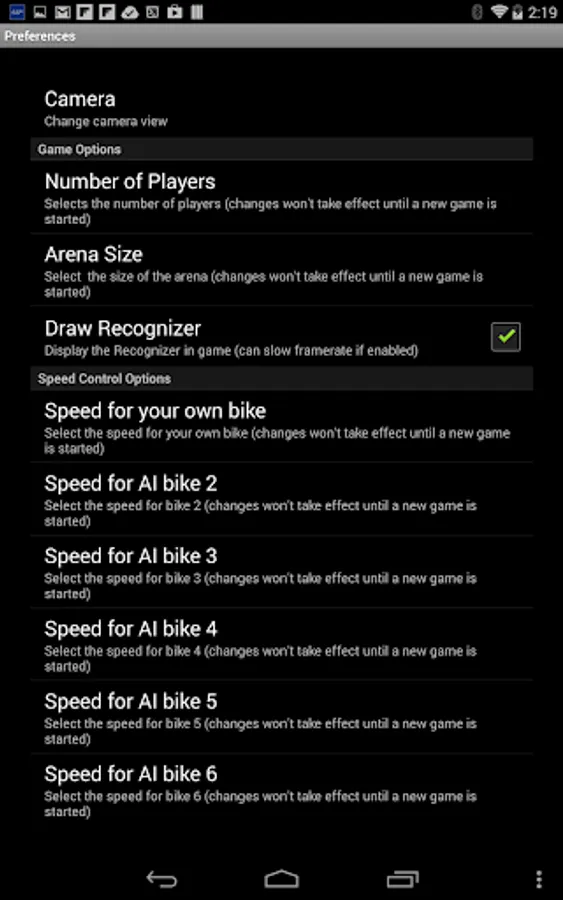
The special feature of this version is speed control for each bike:
The player can control the speed of all bikes in Tron in the settings menu.
Try setting your speed high or low relative to the AI.
Minimum speed is 1. No Maximum speed.
Basics of Tron: Tap left of your bike to turn left. Tap right of your bike to turn right. Try to make the other bikes run into your light trail. Live the movie!
This game is open source and based on the GLtron Android port by Iain Churcher licensed GPLv3 (https://github.com/Chluverman/android-gltron/). The original GLtron was written by Andreas Umbach with a GPL license (http://www.gltron.org/).
Source code for this version of the game can be found here: https://github.com/CarlGammaSagan/android-gltron
The special feature of this version is speed control for each bike:
The player can control the speed of all bikes in Tron in the settings menu.
Try setting your speed high or low relative to the AI.
Minimum speed is 1. No Maximum speed.