AppRecs review analysis
AppRecs rating . Trustworthiness 55 out of 100. Review manipulation risk 44 out of 100. Based on a review sample analyzed.
★
AppRecs Rating
Ratings breakdown
5 star
100%
4 star
0%
3 star
0%
2 star
0%
1 star
0%
What to know
⚠
Questionable review patterns
44% review manipulation risk - some review patterns appear unusual
⚠
Unusually uniform ratings
100% of sampled ratings are 5 stars with very little variation
About Network Tools
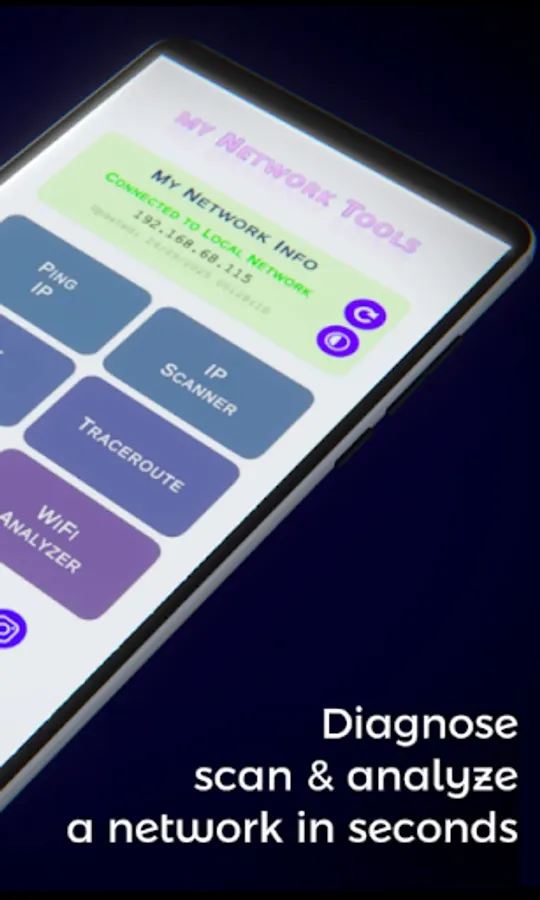
Network Tools is a fast, friendly utility for analyzing and troubleshooting your local network. Whether you're a tech enthusiast or a professional, this app gives you powerful tools to understand your connectivity in real time — all from your Android device.
🛠️ Features:
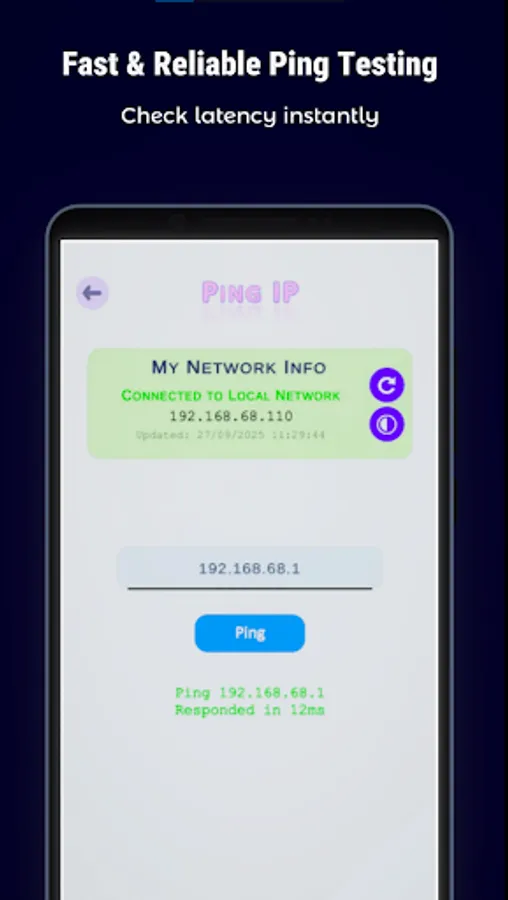
• Ping Tool – Test connectivity to any IP address with latency feedback.
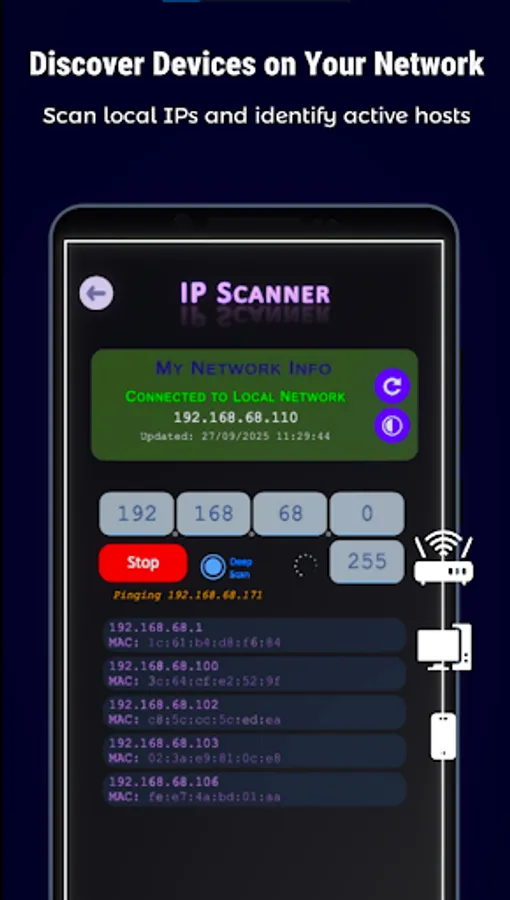
• IP Scanner – Scan a range of IPs asynchronously and retrieve IP & MAC addresses.
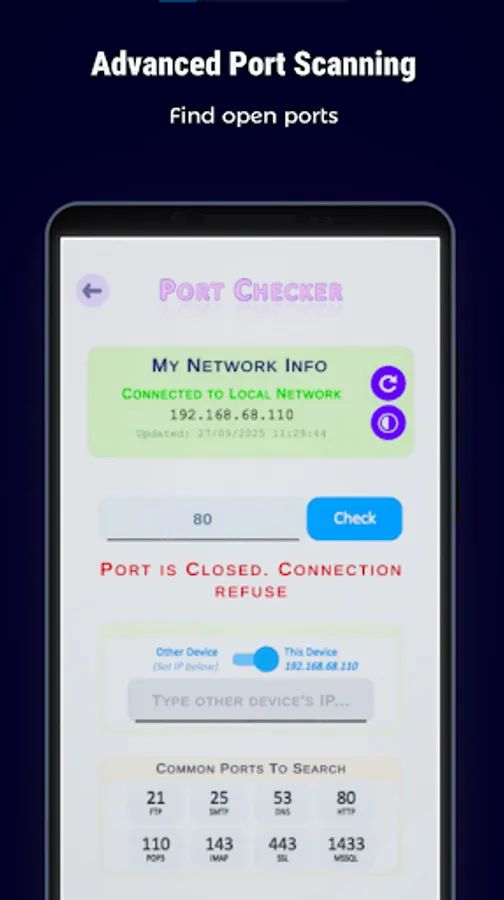
• Port Checker – Check open ports on your device or other local IPs.
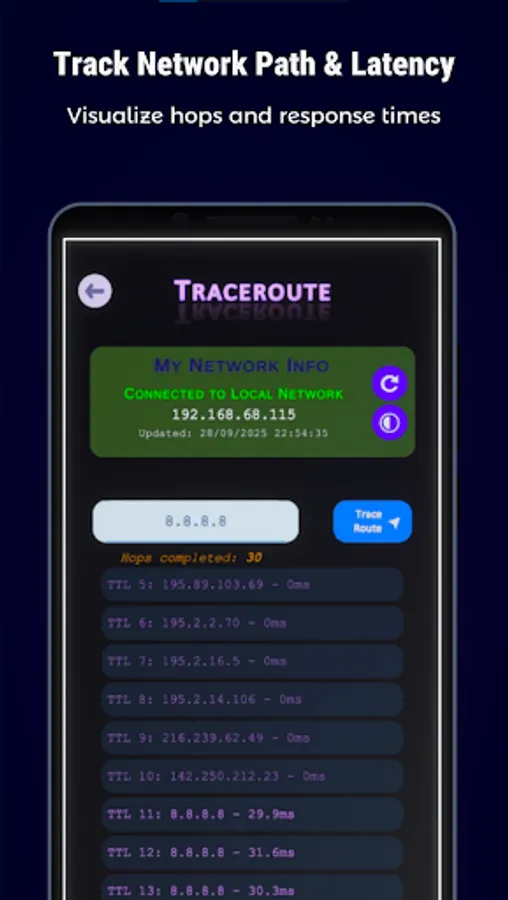
• Traceroute – Visualize the path to a destination IP with hop-by-hop latency.
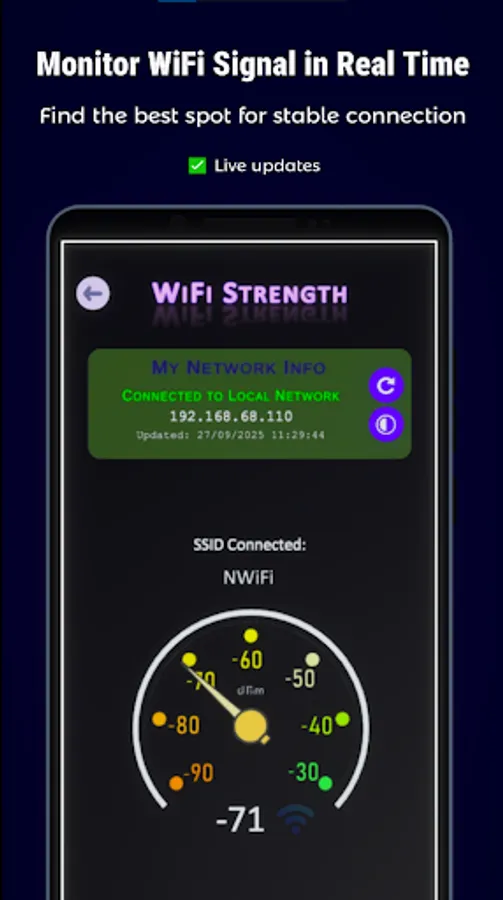
• WiFi Signal Strength – Monitor dBm levels (signal strength and coverage).
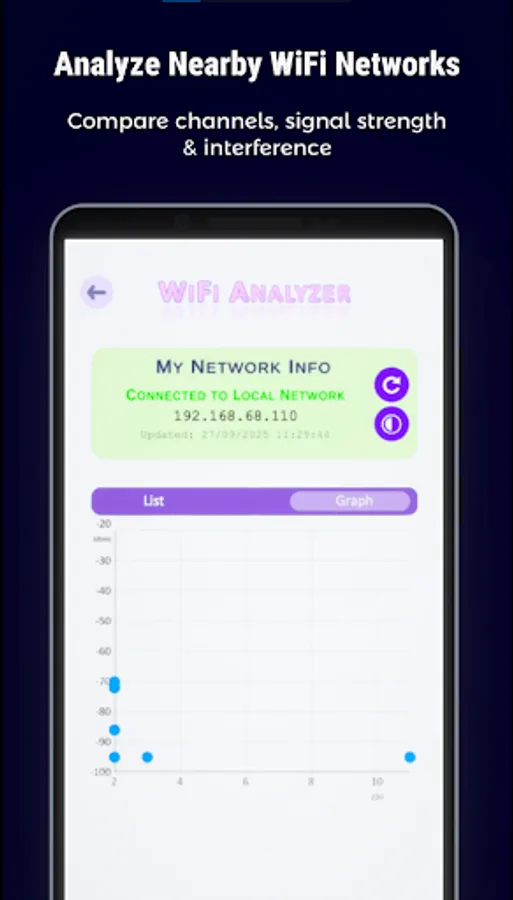
• WiFi Analyzer – Discover nearby networks with SSID, signal, channel etc. Includes a graph view for visual comparison.
📡 Bonus:
• My Network Info – View your device’s local IPs and connection details.
• Dark/Bright Theme – Choose the look that suits your workflow.
📱 Why Choose Network Tools?
• Lightweight and fast performance
• Clean, intuitive interface
• No unnecessary permissions
• Ideal for both IT professionals and hobbyists
Built for speed, clarity, and offline reliability. No cloud dependencies. Just clean diagnostics.
Download now and take control of your network!
🛠️ Features:
• Ping Tool – Test connectivity to any IP address with latency feedback.
• IP Scanner – Scan a range of IPs asynchronously and retrieve IP & MAC addresses.
• Port Checker – Check open ports on your device or other local IPs.
• Traceroute – Visualize the path to a destination IP with hop-by-hop latency.
• WiFi Signal Strength – Monitor dBm levels (signal strength and coverage).
• WiFi Analyzer – Discover nearby networks with SSID, signal, channel etc. Includes a graph view for visual comparison.
📡 Bonus:
• My Network Info – View your device’s local IPs and connection details.
• Dark/Bright Theme – Choose the look that suits your workflow.
📱 Why Choose Network Tools?
• Lightweight and fast performance
• Clean, intuitive interface
• No unnecessary permissions
• Ideal for both IT professionals and hobbyists
Built for speed, clarity, and offline reliability. No cloud dependencies. Just clean diagnostics.
Download now and take control of your network!