Text Voice Text to Speech, PDF
Text Voice
3.5 ★
store rating
500,000+
downloads
Free
AppRecs review analysis
AppRecs rating 2.8. Trustworthiness 78 out of 100. Review manipulation risk 24 out of 100. Based on a review sample analyzed.
★★☆☆☆
2.8
AppRecs Rating
Ratings breakdown
5 star
50%
4 star
10%
3 star
5%
2 star
11%
1 star
25%
What to know
⚠
Ad complaints
Many low ratings mention excessive ads
⚠
Review quality concerns
55% of sampled 5-star reviews are very short
⚠
High negative review ratio
36% of sampled ratings are 1–2 stars
About Text Voice Text to Speech, PDF
This is Text Voice Text to Speech and Audio PDF Reader App
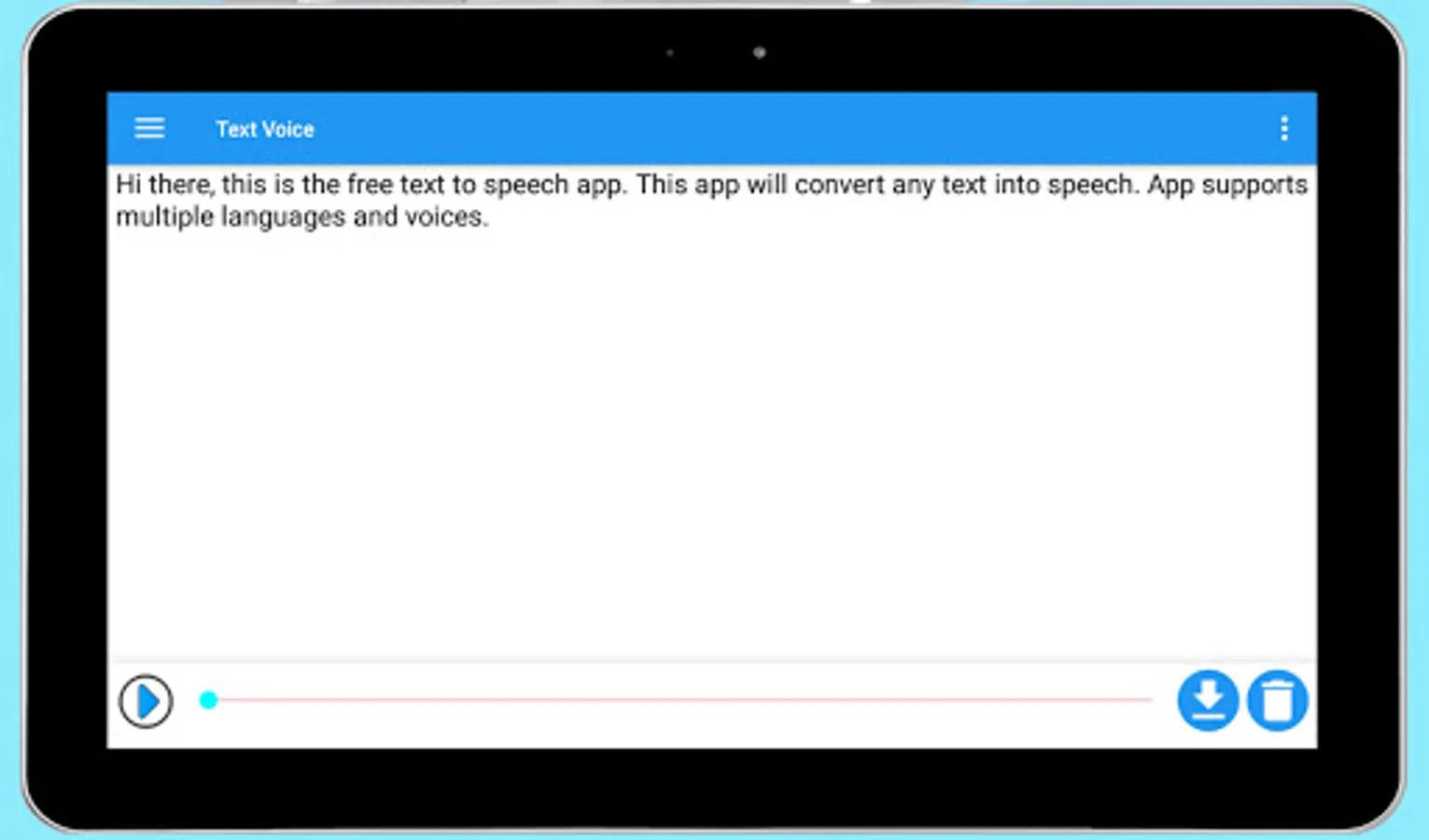
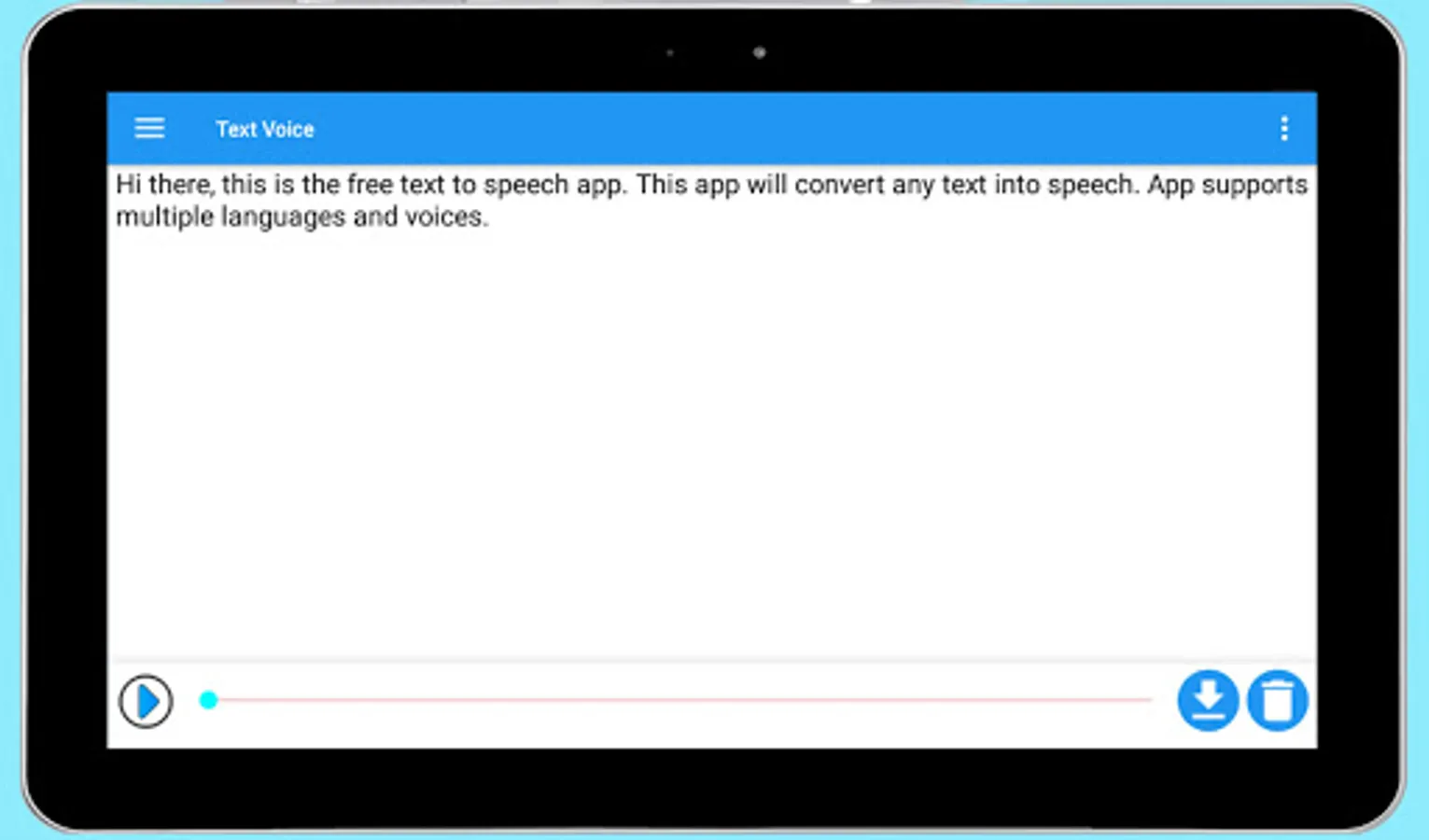
Transform your text into clear, natural-sounding speech with Text Voice. Whether you need to read documents, articles, or books, Text Voice is the perfect tool.
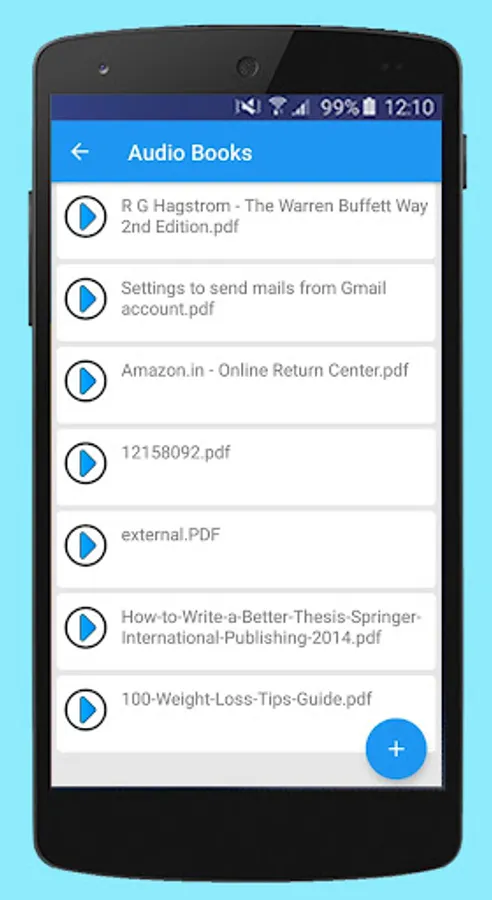
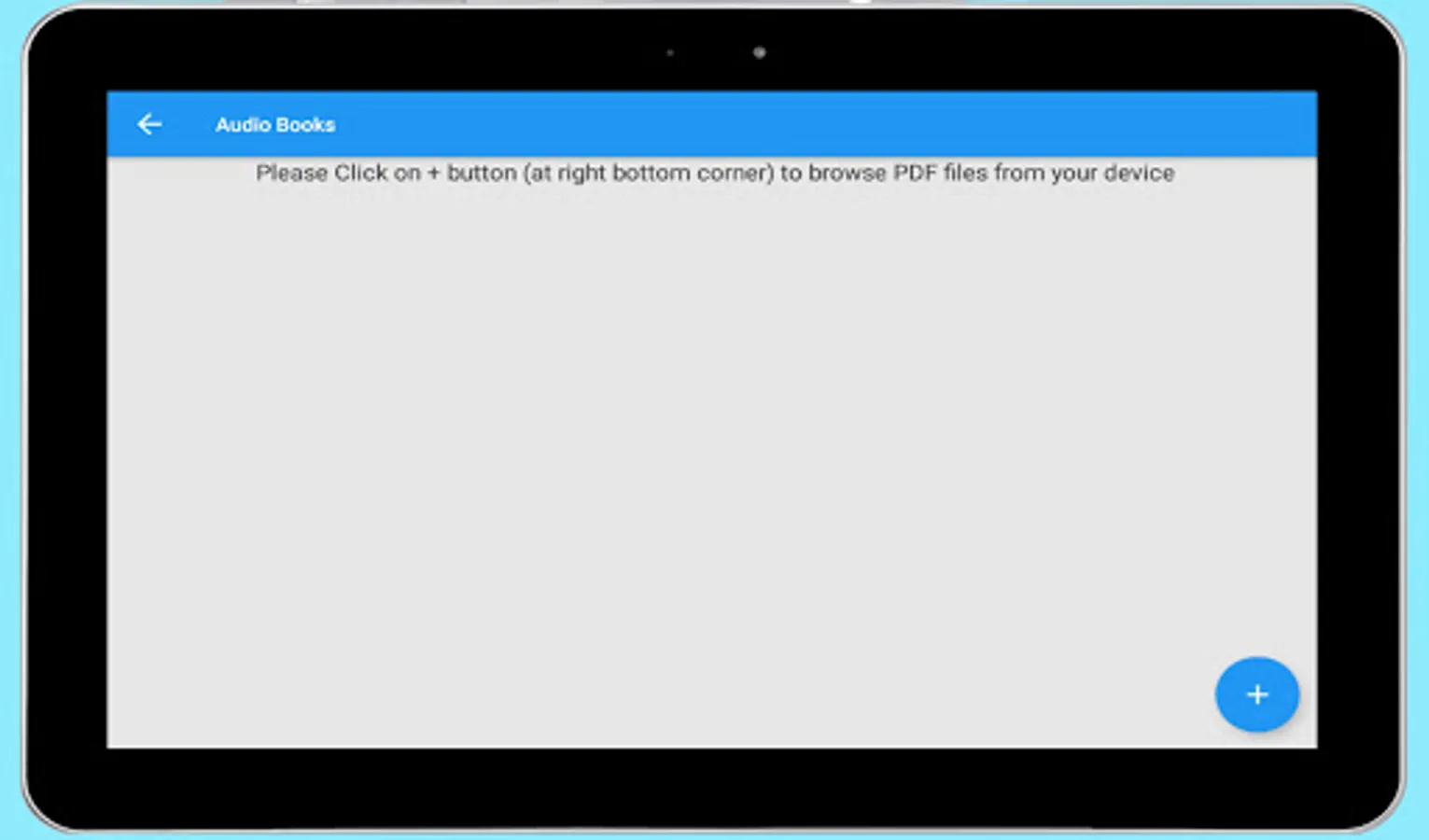
Download and share clean audio file. Supports PDF text to speech reader. Listen any PDF books free. Read text from txt (Notepad) file and convert it to audio file directly.
Latest version supports Disabled Person Mode. Specially designed for people who are not able to speak and not able to click small buttons. Also app supports Morse Keyboard so they can easily type and play. App also have special keys for Play, Clear text and Notes so they do not need to clicks on buttons.
Supported languages
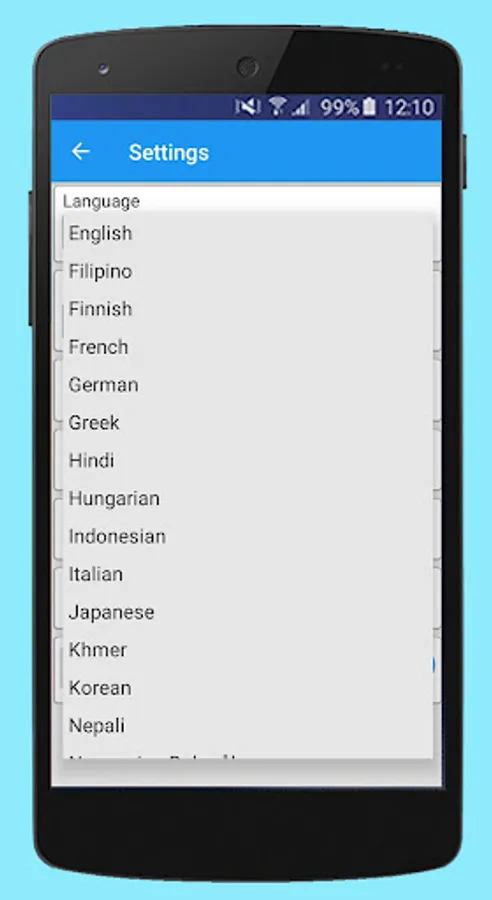
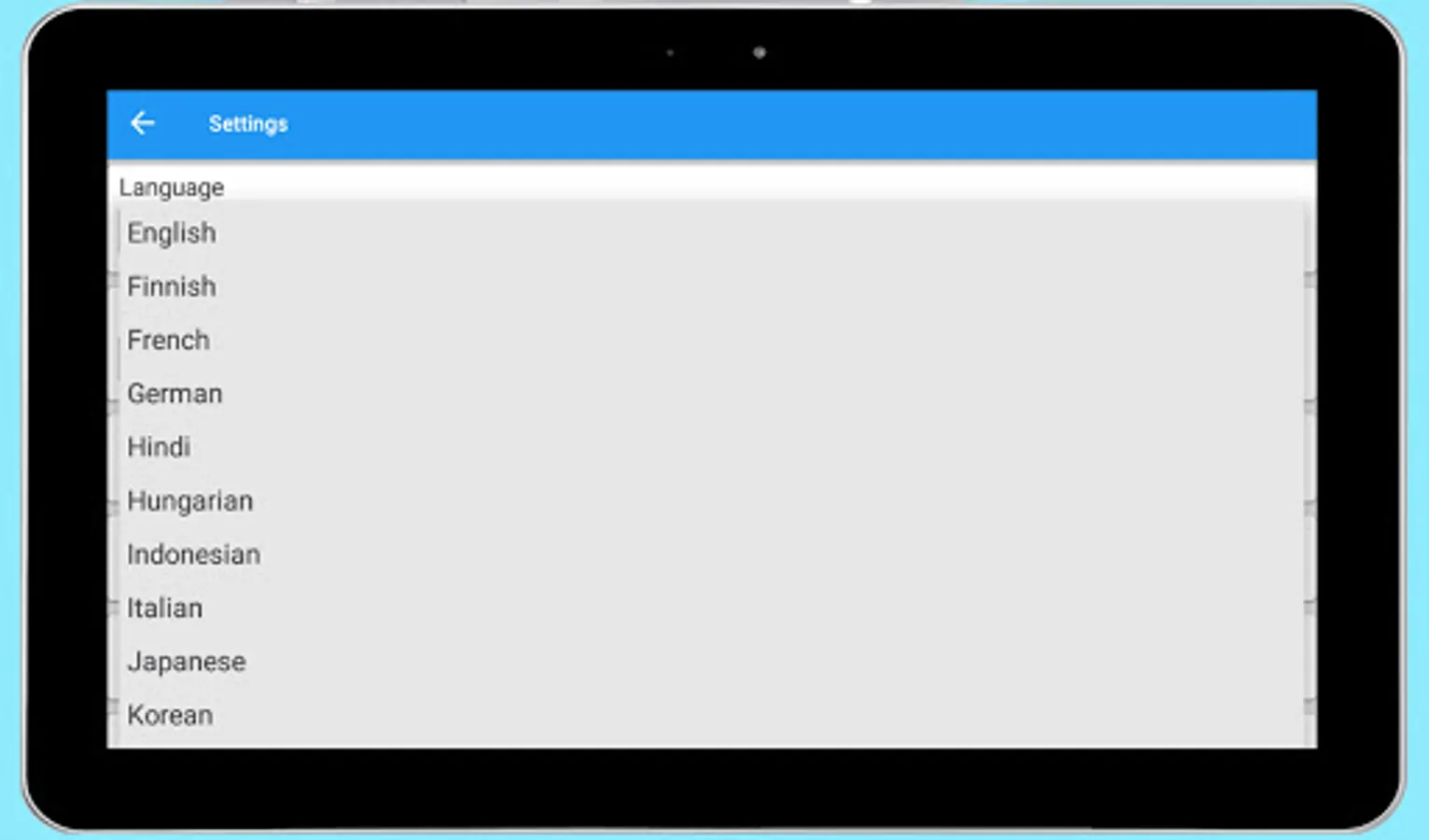
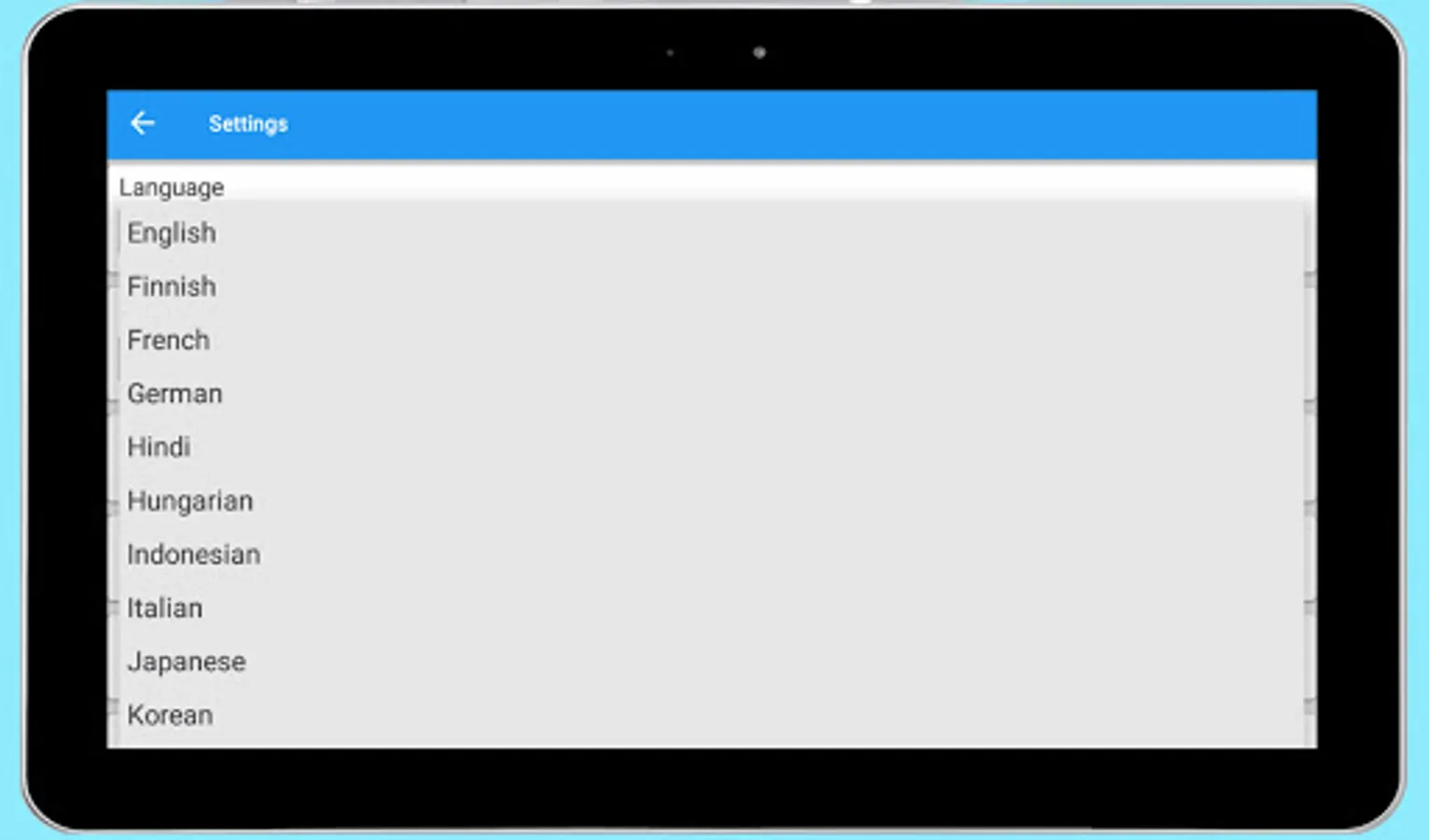
Albanian, Bengali, Bosnian, Catalan, Chinese, Croatian, Czech, Danish, Dutch, English, Filipino, Finnish, French, German, Greek, Hindi, Hungarian, Indonesian, Italian, Japanese, Khmer, Korean, Nepali, Norwegian Bokmål, Polish, Portuguese, Russian, Serbian, Sinhala, Slovak, Spanish, Swahili, Swedish, Tamil, Thai, Turkish, Ukrainian, Vietnamese, Welsh
Features
- High Quality Text to Speech application (tts)
- Supports multiple languages
- Disabled Person Mode
- App supports Morse Keyboard
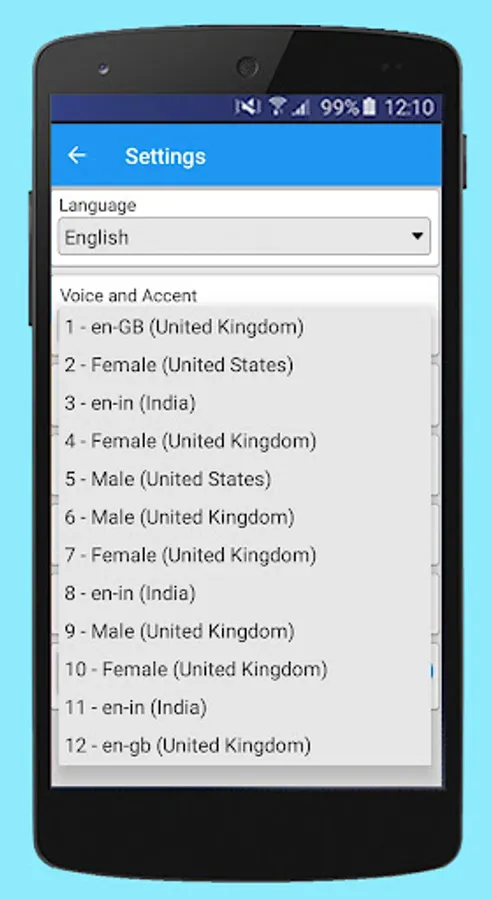
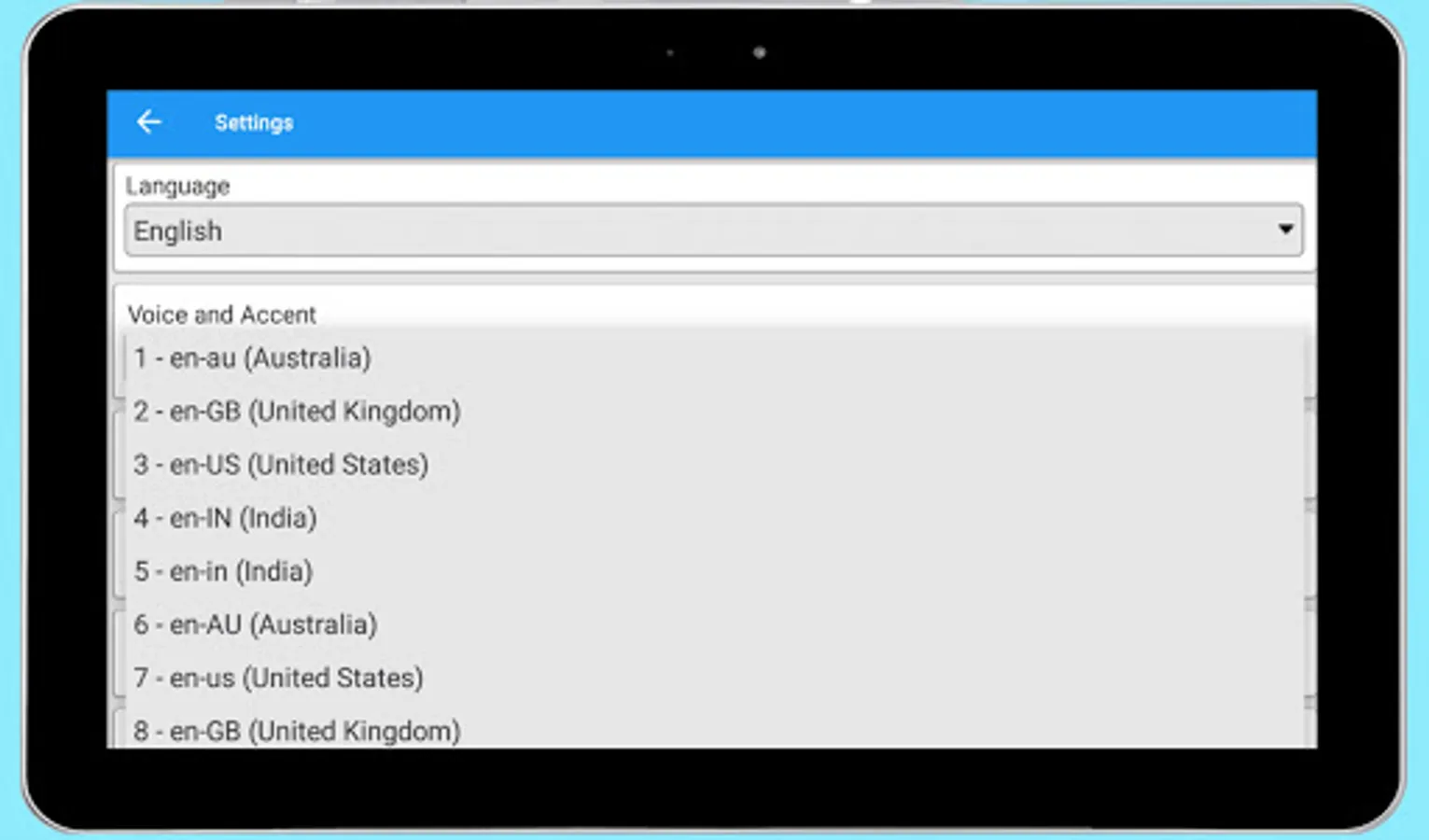
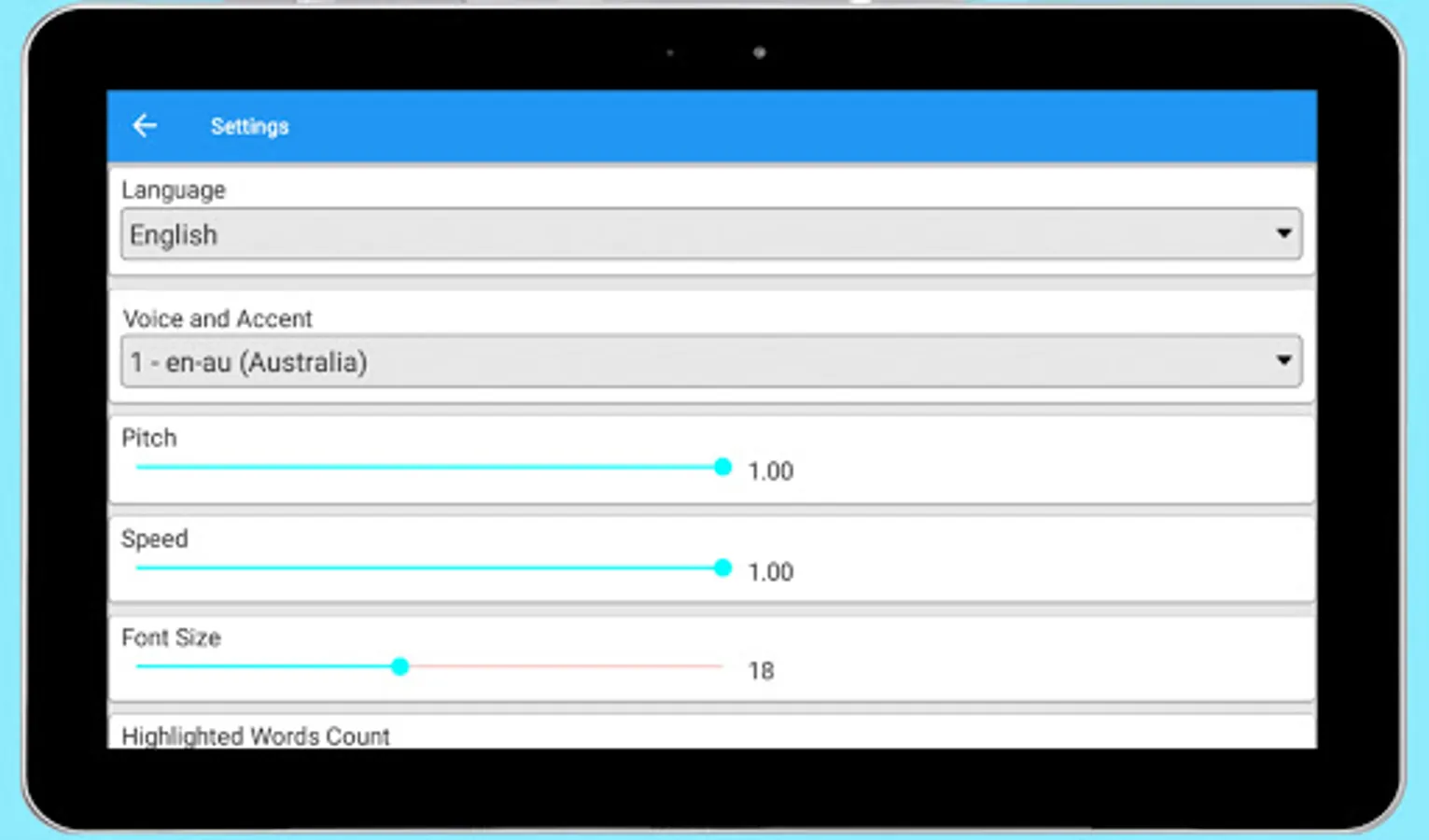
- Supports male and female voice options with different accents
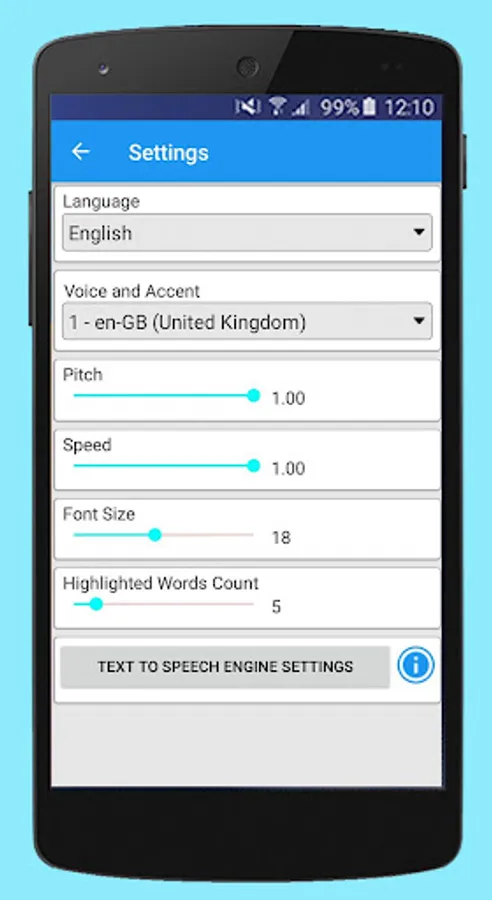
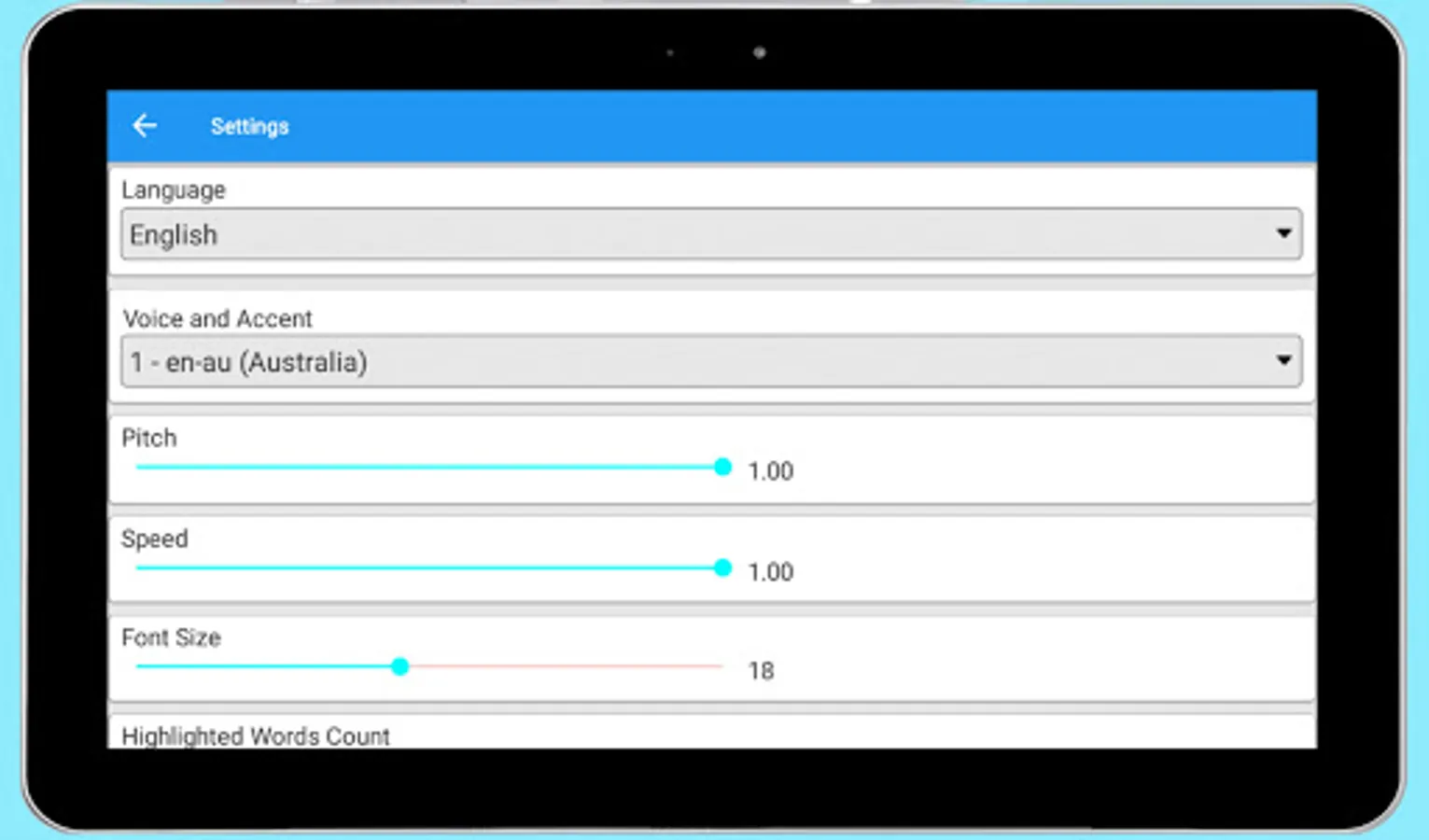
- Control pitch and speed of voice
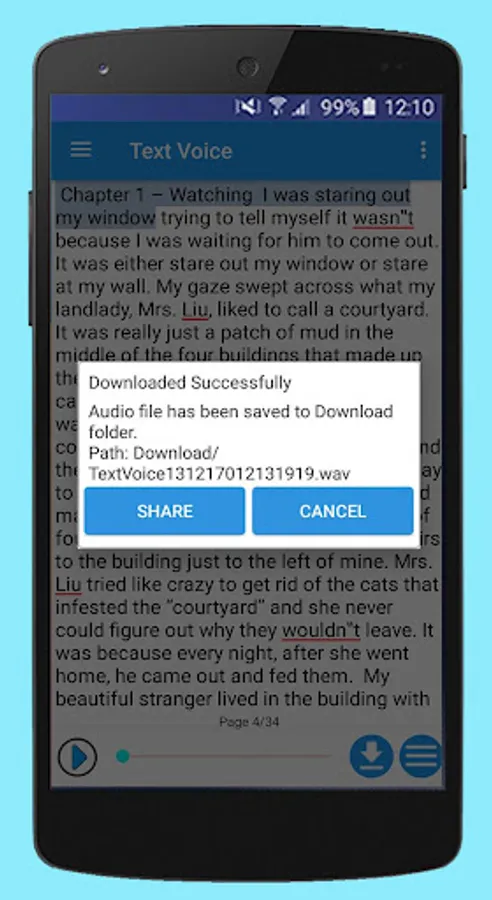
- Download any text into Audio (wav/mp3/wma/aac/aiff)
- Share downloaded audio file via social media
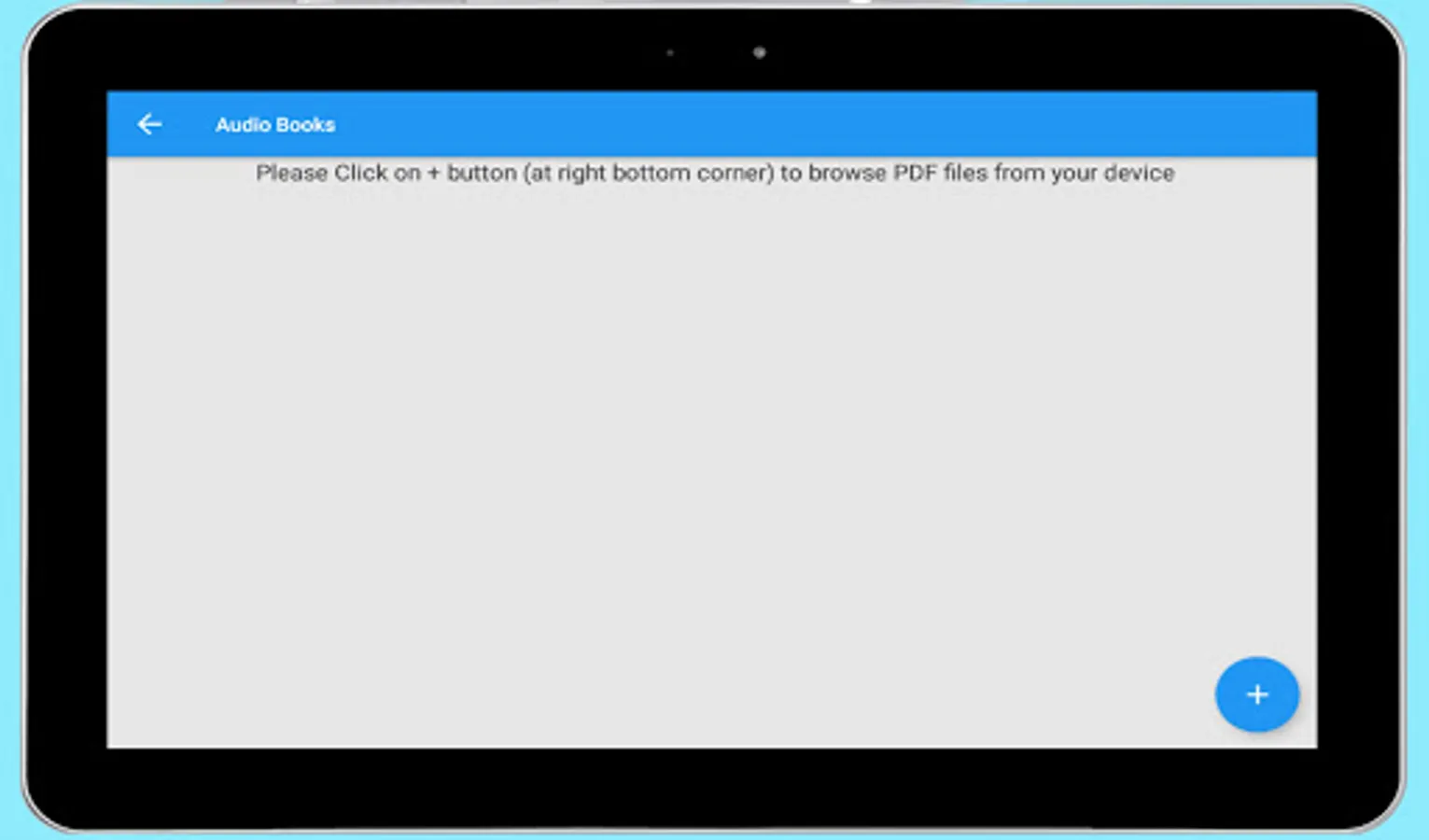
- Browse any eBook (PDF or txt) file and read text aloud
- Read text from PDF file and convert to audio directly
- Read text from txt (Notepad) file and convert to audio directly
- Play / Pause audio file anytime and highlight words while reading
- Next page, previous page and go to page options available for eBooks
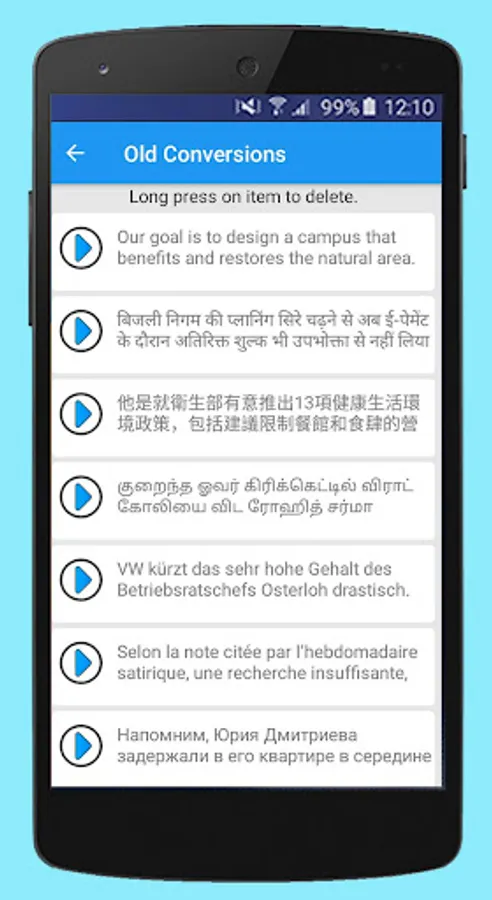
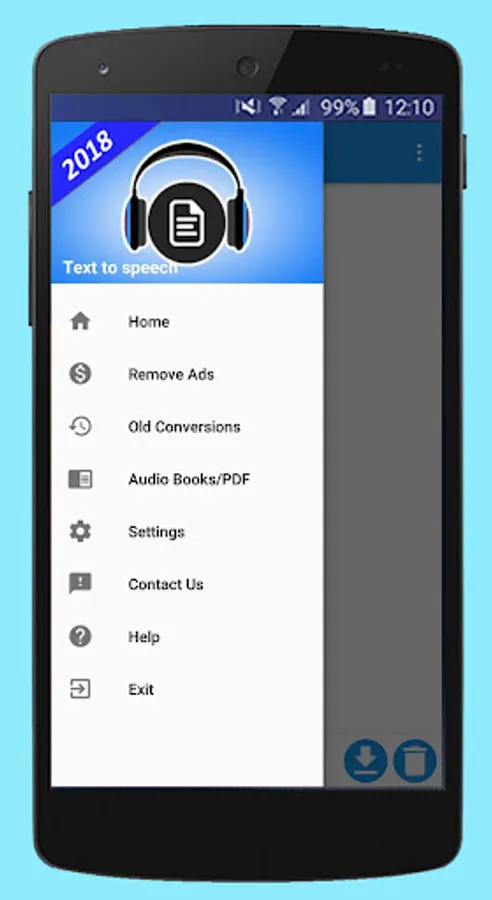
- Play old conversions anytime
- Supports various font size and select custom settings
- Supports text to speech Hindi and other more languages
- Supports text to voice
- Supports text to audio
- Supports text to talk
- Supports type and speak
- text reader - read text and convert text to audio
- PDF reader app
Uses
- Read news, blogs, eBooks and web pages aloud
- Learn new languages with pronunciations
- Helpful for visually impaired people
- Helpful for speech impaired people
Note
Google Text To Speech Engine is required to convert text into speech. Please click on link to install/update latest version of Google Text To Speech Engine. https://play.google.com/store/apps/details?id=com.google.android.tts
This app don't require any money, login credentials, memberships, location or other forms of authentication.
This app is not collecting any PII (personally identifiable information).
Transform your text into clear, natural-sounding speech with Text Voice. Whether you need to read documents, articles, or books, Text Voice is the perfect tool.
Download and share clean audio file. Supports PDF text to speech reader. Listen any PDF books free. Read text from txt (Notepad) file and convert it to audio file directly.
Latest version supports Disabled Person Mode. Specially designed for people who are not able to speak and not able to click small buttons. Also app supports Morse Keyboard so they can easily type and play. App also have special keys for Play, Clear text and Notes so they do not need to clicks on buttons.
Supported languages
Albanian, Bengali, Bosnian, Catalan, Chinese, Croatian, Czech, Danish, Dutch, English, Filipino, Finnish, French, German, Greek, Hindi, Hungarian, Indonesian, Italian, Japanese, Khmer, Korean, Nepali, Norwegian Bokmål, Polish, Portuguese, Russian, Serbian, Sinhala, Slovak, Spanish, Swahili, Swedish, Tamil, Thai, Turkish, Ukrainian, Vietnamese, Welsh
Features
- High Quality Text to Speech application (tts)
- Supports multiple languages
- Disabled Person Mode
- App supports Morse Keyboard
- Supports male and female voice options with different accents
- Control pitch and speed of voice
- Download any text into Audio (wav/mp3/wma/aac/aiff)
- Share downloaded audio file via social media
- Browse any eBook (PDF or txt) file and read text aloud
- Read text from PDF file and convert to audio directly
- Read text from txt (Notepad) file and convert to audio directly
- Play / Pause audio file anytime and highlight words while reading
- Next page, previous page and go to page options available for eBooks
- Play old conversions anytime
- Supports various font size and select custom settings
- Supports text to speech Hindi and other more languages
- Supports text to voice
- Supports text to audio
- Supports text to talk
- Supports type and speak
- text reader - read text and convert text to audio
- PDF reader app
Uses
- Read news, blogs, eBooks and web pages aloud
- Learn new languages with pronunciations
- Helpful for visually impaired people
- Helpful for speech impaired people
Note
Google Text To Speech Engine is required to convert text into speech. Please click on link to install/update latest version of Google Text To Speech Engine. https://play.google.com/store/apps/details?id=com.google.android.tts
This app don't require any money, login credentials, memberships, location or other forms of authentication.
This app is not collecting any PII (personally identifiable information).