In this photo editing app, you can apply filters, skew images, and add text or layers. Includes advanced blurring, custom filters, and perspective adjustments.
AppRecs review analysis
AppRecs rating 3.5. Trustworthiness 49 out of 100. Review manipulation risk 37 out of 100. Based on a review sample analyzed.
★★★☆☆
3.5
AppRecs Rating
Ratings breakdown
5 star
61%
4 star
7%
3 star
0%
2 star
13%
1 star
20%
What to know
✓
Authentic reviews
Natural distribution, no red flags
⚠
Review quality concerns
33% of sampled 5-star reviews are very short
⚠
High negative review ratio
33% of sampled ratings are 1–2 stars
About Perspective Lite
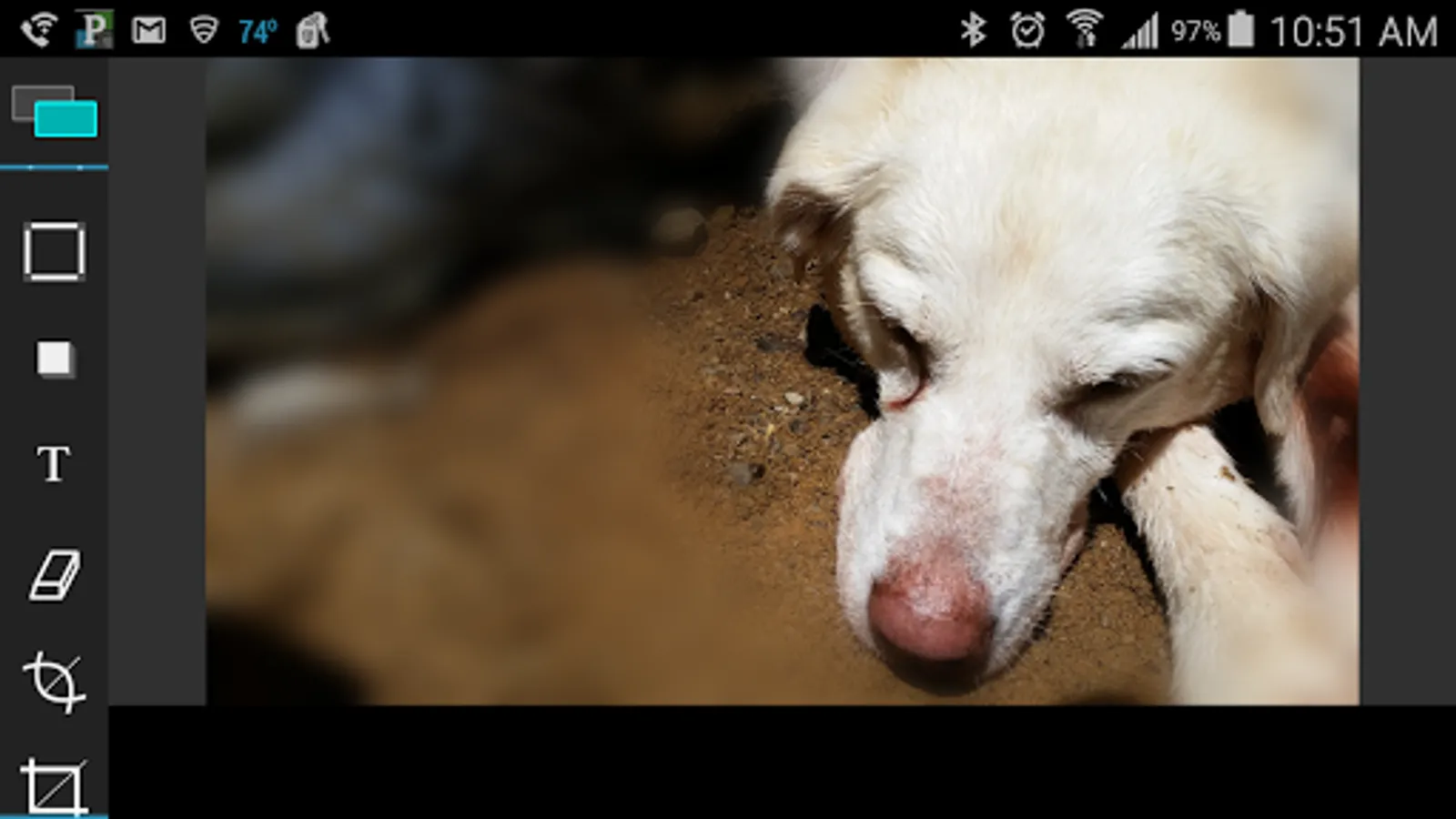
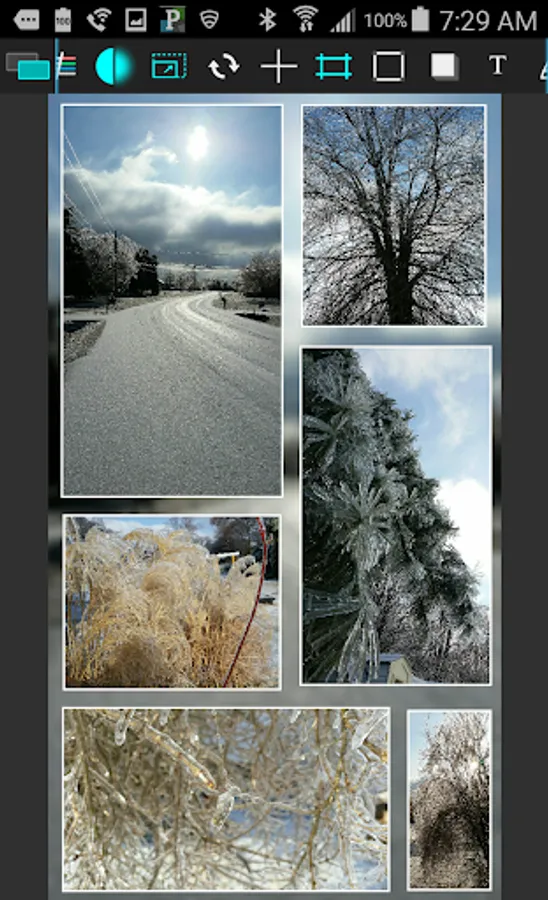
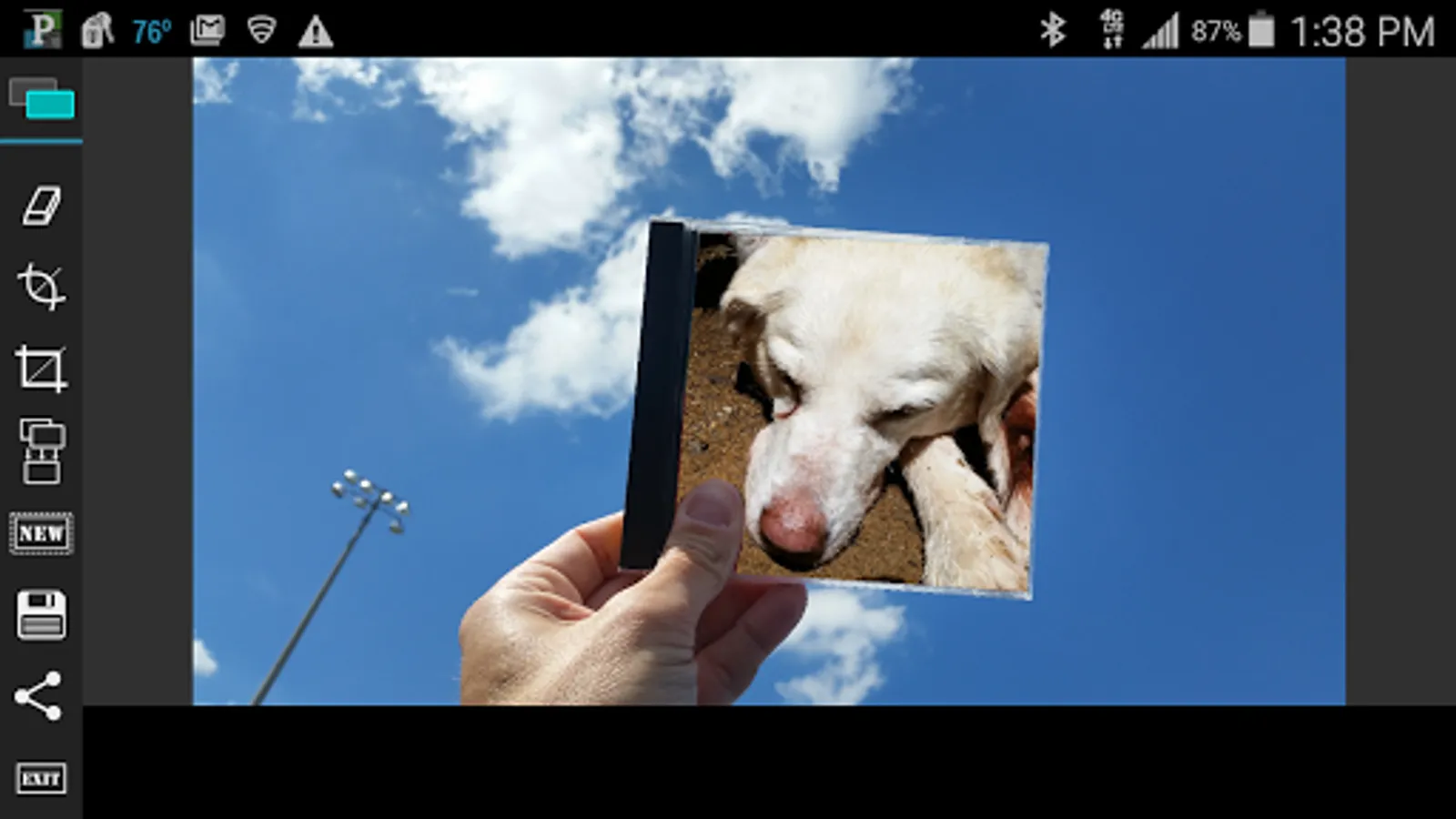
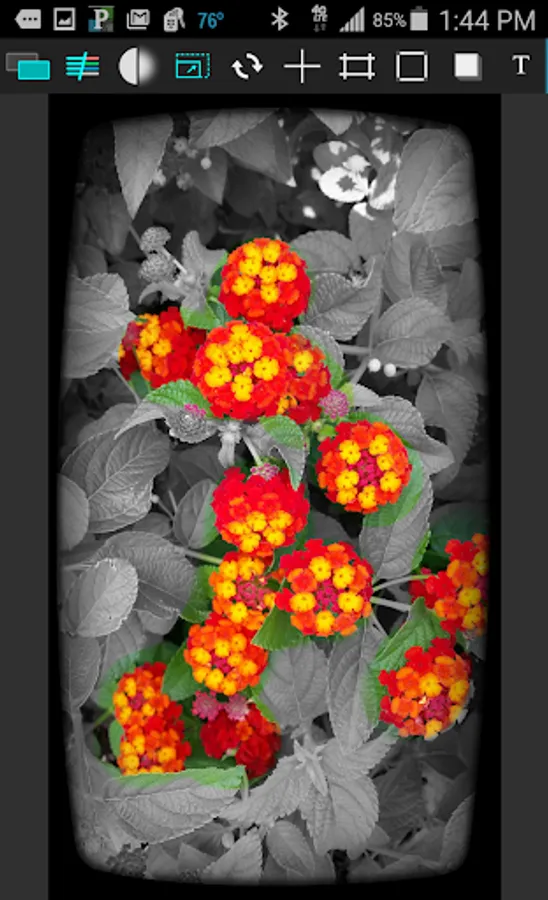
Probably the most advanced photo editor on Android in many ways. Allows full size or near full editing photos. Make photos that look just as good on your computer as they do on your device. Only editor on the market that allows you to skew your photos. Fully custom matrix style filters allow a completely endless creation of filters or just use the prebuilt one. Whether you are a photo professional or just like to tinker, this is your app. Make memes, cards, or complex photo montages with an easy to use interface. Multiple layers allow you move photos wherever, apply effects, merge, load new images, crop, erase, you name it.
--Features include--
*Endless filter selections
*Custom color framing and sizing
*Fully skew images to create complex perspective photos
*Crop directly from the background image to create custom photo areas for editing
*Complex top layer cropper allows cropping with individual radius corners
*Add picture frames if you like from our selection
*Add text, change text style, color and size as you customize your photos
*Add shadows if you like
*Advanced blurring
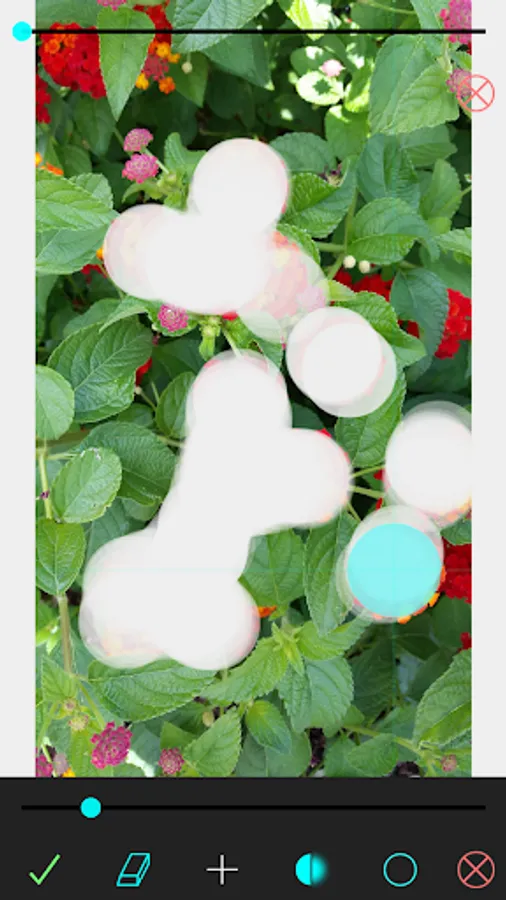
*Eraser allows you to control size, blur, and shape as you trim away to allow the background image to show through. This allows some extremely complex editing only seen in full fledged desktop editing.
*Save images, share images.
*Added pinch zoom.
Beta features are being worked on to allow a history so the user can undo changes.
--Features include--
*Endless filter selections
*Custom color framing and sizing
*Fully skew images to create complex perspective photos
*Crop directly from the background image to create custom photo areas for editing
*Complex top layer cropper allows cropping with individual radius corners
*Add picture frames if you like from our selection
*Add text, change text style, color and size as you customize your photos
*Add shadows if you like
*Advanced blurring
*Eraser allows you to control size, blur, and shape as you trim away to allow the background image to show through. This allows some extremely complex editing only seen in full fledged desktop editing.
*Save images, share images.
*Added pinch zoom.
Beta features are being worked on to allow a history so the user can undo changes.
Perspective Lite Screenshots
Tap to Rate:
Reviews for Perspective Lite
howard huang
8/21/2025
good
Adventist India Mathew Mukherjee
12/4/2021
I like it very much