JeevanPramaan
National Informatics Centre.
4.5 ★
9K ratings
5,000,000+
downloads
Free
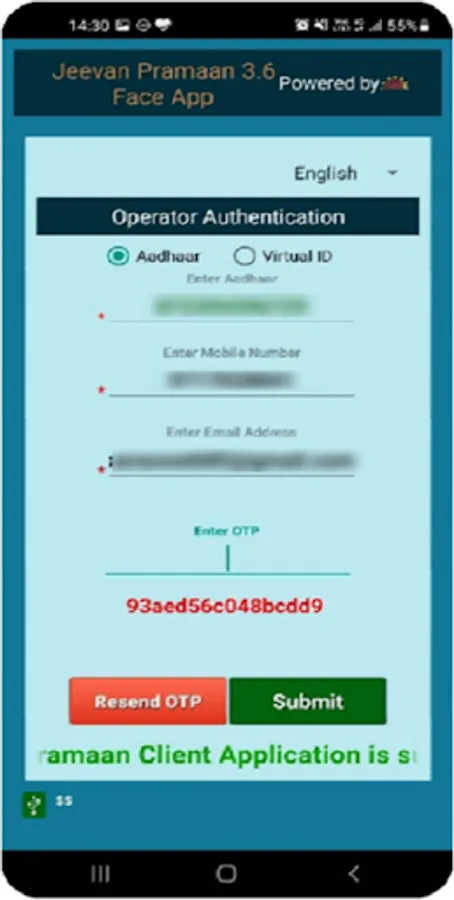
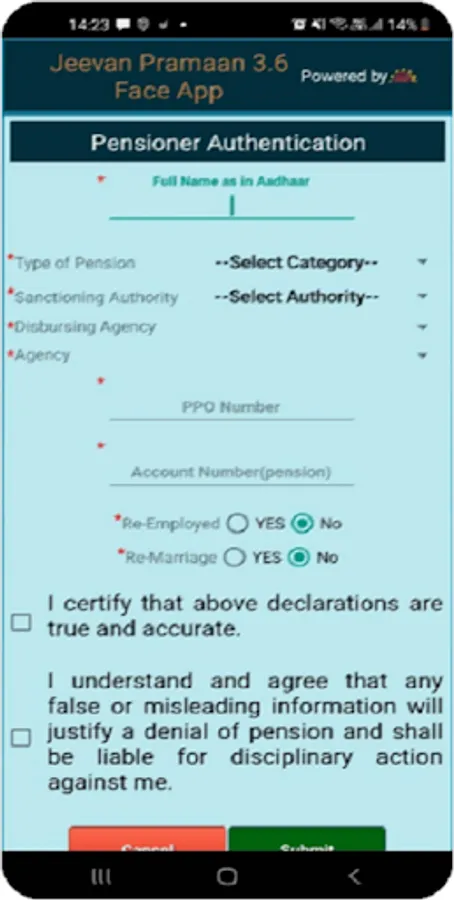
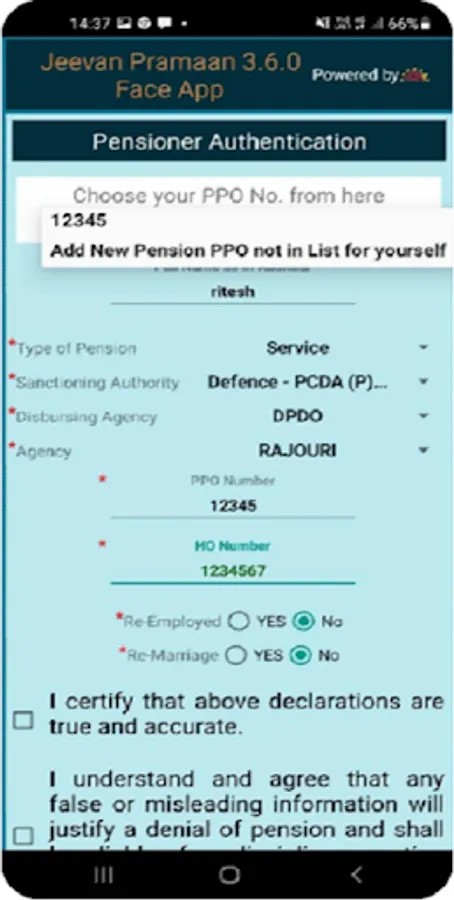
With this app, you can submit your digital life certificate using Aadhaar-based face, fingerprint, or iris authentication. Includes biometric verification options and submission confirmation with SMS.
AppRecs review analysis
AppRecs rating 4.4. Trustworthiness 72 out of 100. Review manipulation risk 36 out of 100. Based on a review sample analyzed.
★★★★☆
4.4
AppRecs Rating
Ratings breakdown
5 star
85%
4 star
0%
3 star
8%
2 star
0%
1 star
8%
What to know
✓
Credible reviews
72% trustworthiness score from analyzed reviews
✓
High user satisfaction
85% of sampled ratings are 5 stars
About JeevanPramaan
1.The App is for service pensioners and family pensioners.
2.The App works using Aadhaar based face, finger print or iris Authentication
A) Using app with Face Authentication (available in India only)
i) no external Biometric device is required, only AadhaarFaceRD service is
required.
ii) one can download AadhaarFaceRD from Google Play Store; search for
AadhaarFaceRd in Google Play Store ( Please note AadhaarFaceRD
service is available and works only in India )
B) Using app with Finger Print/Iris device
i) A registered biometric device is required either a finger print scanner or
iris scanner
ii) RD Service of the respective biometric device is required and can be
downloaded from Google Play Store
3. On successful submission of JeevanPramaan i.e Digital Life Certificate (DLC) a unique Pramaan-Id is generated and confirmatory SMS sent. Pramaan-id may be used for future reference and requirement if any.
4. Digital Life Certificate is automatically accessed by the Pension Disbursing Office for processing and hence it is not required to submit hard copy of DLC to the Pension Disbursing Office
5. Only those pensioners whose Pension Sanctioning Authority is onboarded onto JeevanPramaan can avail this facility. For list of Onboarded Pension Sanctioning Authorities please visit https://jeevanpramaan.gov.in
2.The App works using Aadhaar based face, finger print or iris Authentication
A) Using app with Face Authentication (available in India only)
i) no external Biometric device is required, only AadhaarFaceRD service is
required.
ii) one can download AadhaarFaceRD from Google Play Store; search for
AadhaarFaceRd in Google Play Store ( Please note AadhaarFaceRD
service is available and works only in India )
B) Using app with Finger Print/Iris device
i) A registered biometric device is required either a finger print scanner or
iris scanner
ii) RD Service of the respective biometric device is required and can be
downloaded from Google Play Store
3. On successful submission of JeevanPramaan i.e Digital Life Certificate (DLC) a unique Pramaan-Id is generated and confirmatory SMS sent. Pramaan-id may be used for future reference and requirement if any.
4. Digital Life Certificate is automatically accessed by the Pension Disbursing Office for processing and hence it is not required to submit hard copy of DLC to the Pension Disbursing Office
5. Only those pensioners whose Pension Sanctioning Authority is onboarded onto JeevanPramaan can avail this facility. For list of Onboarded Pension Sanctioning Authorities please visit https://jeevanpramaan.gov.in
JeevanPramaan Screenshots
Tap to Rate:
Reviews for JeevanPramaan
nirugds2002
12/31/2025
good 👍
Prem Chand
12/30/2025
The useless app. It doesn't work out side India, main problem a person face when he/she is abroad , but it doesn't work out side India, so it proved to be just hopeless and useless