AppRecs review analysis
AppRecs rating . Trustworthiness 90 out of 100. Review manipulation risk 15 out of 100. Based on a review sample analyzed.
★
AppRecs Rating
Ratings breakdown
5 star
50%
4 star
0%
3 star
0%
2 star
0%
1 star
50%
What to know
✓
Low review manipulation risk
15% review manipulation risk
✓
Credible reviews
90% trustworthiness score from analyzed reviews
About AAOMS Anesthesia App
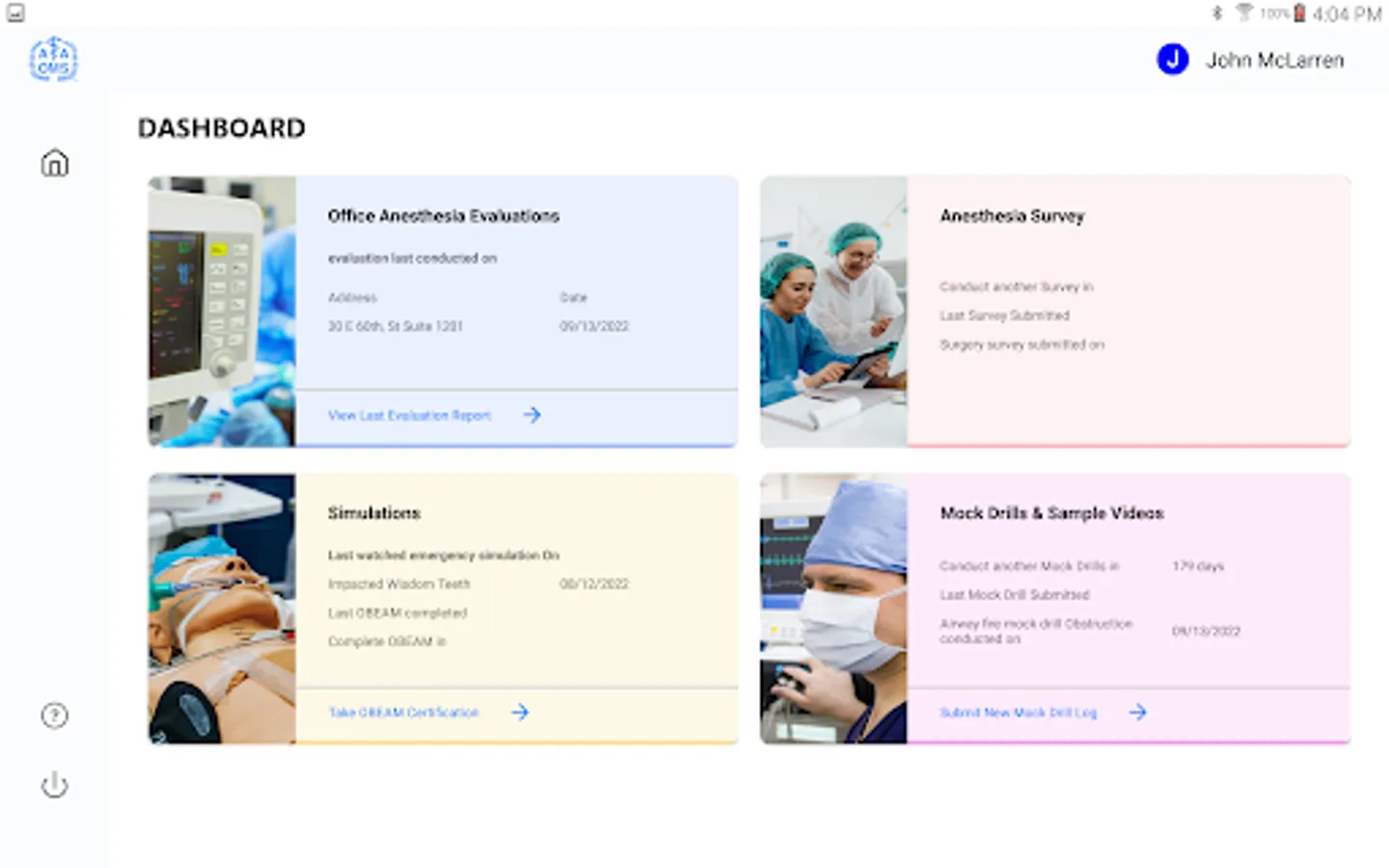
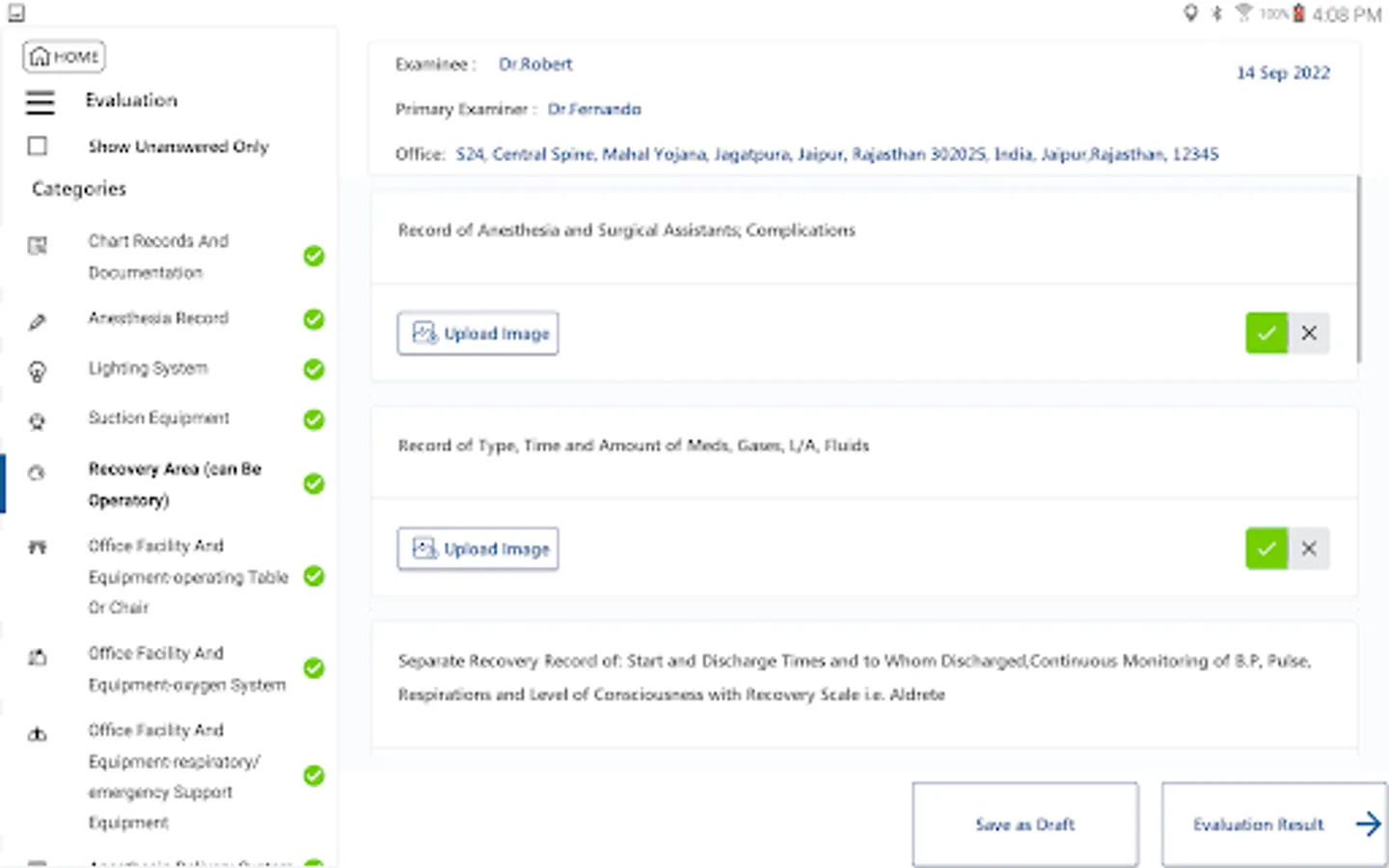
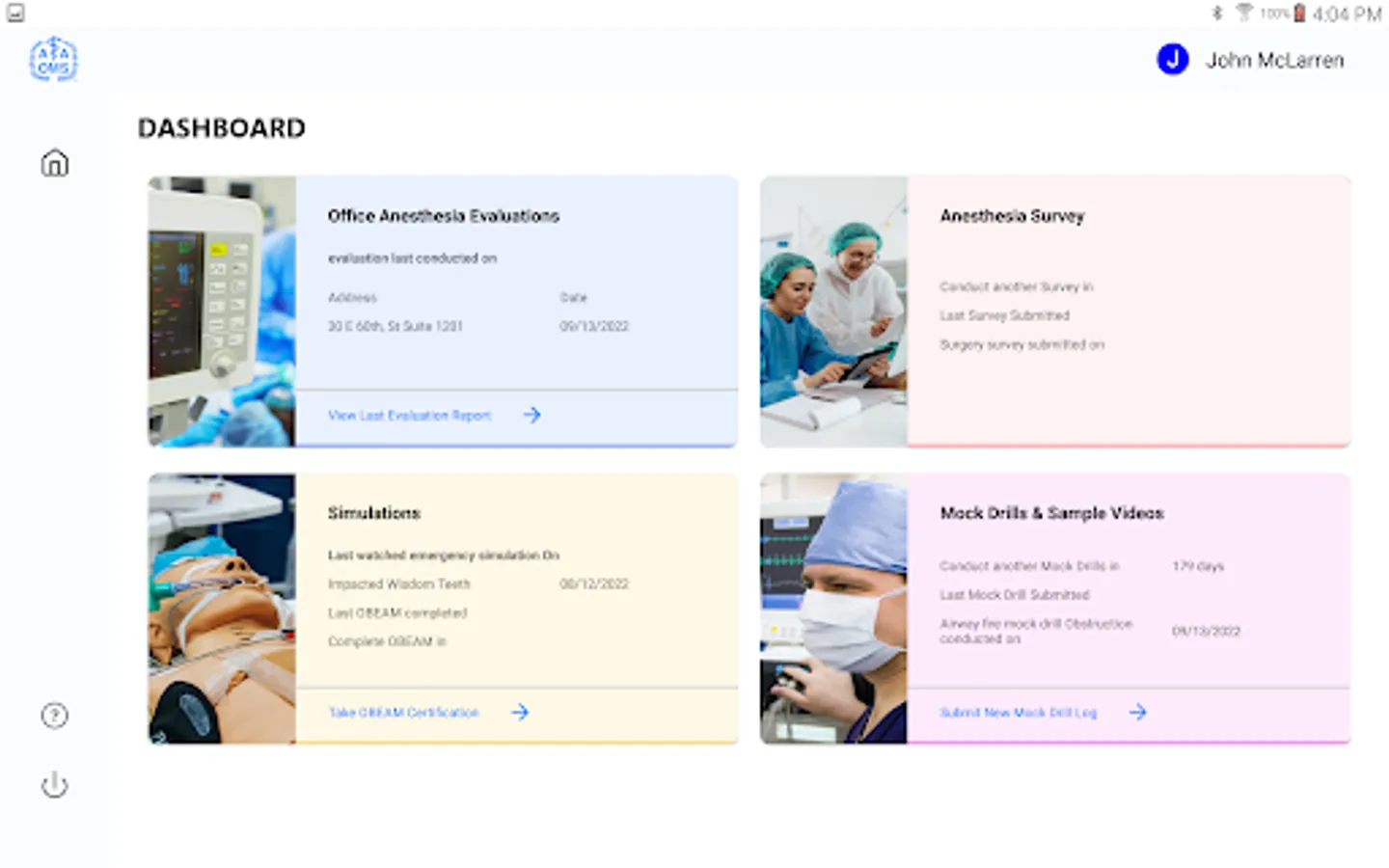
The Office Anesthesia Evaluation program is an initiative of the American Association of Oral and Maxillofacial Surgeons (AAOMS)and is designed to assure that each practicing member adheres to the safe office-based anesthesia (OBA) compliance requirements. The app consists of four main features: Office Anesthesia Evaluation, Anesthesia survey, Mock drills and Emergency simulations.
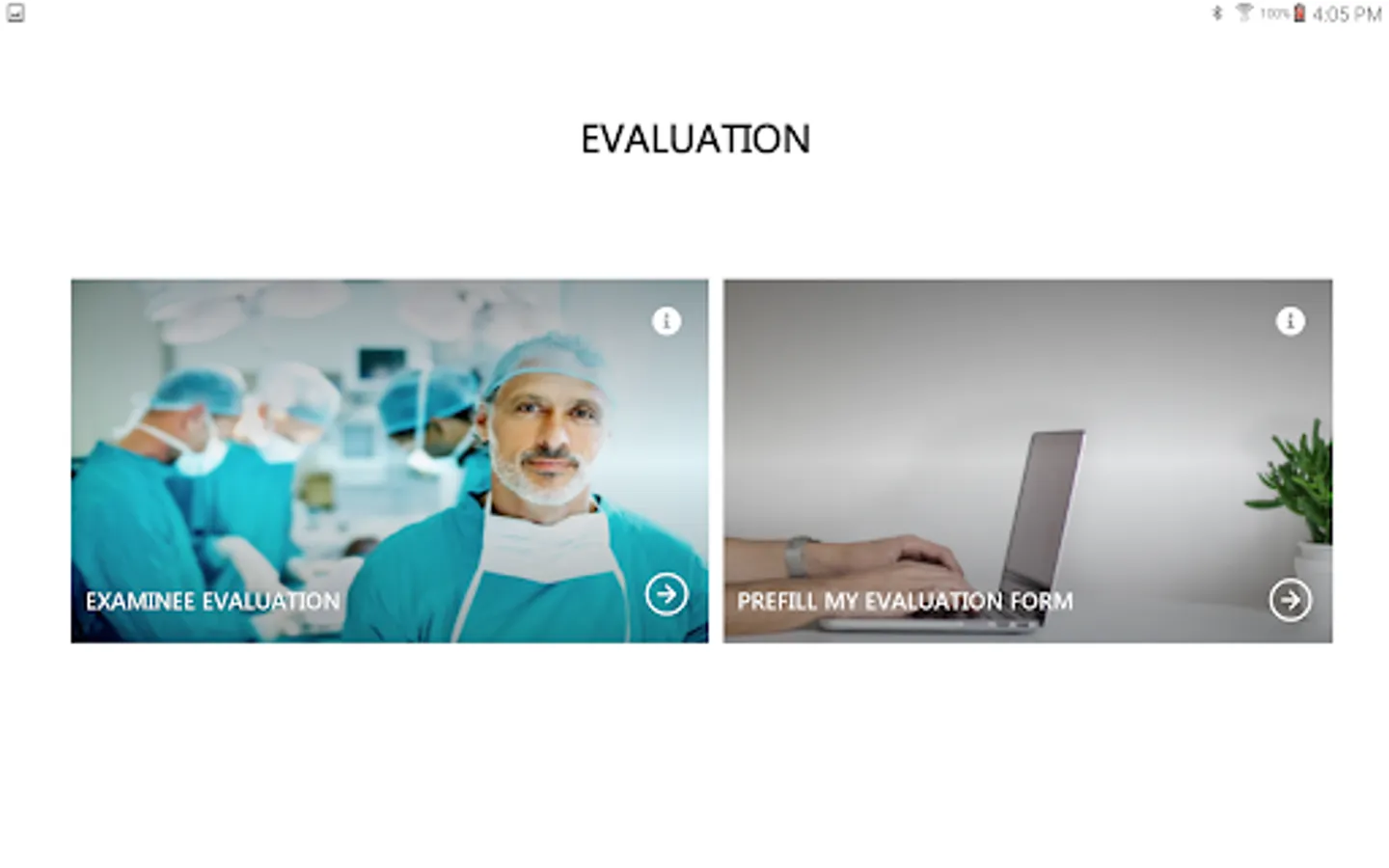
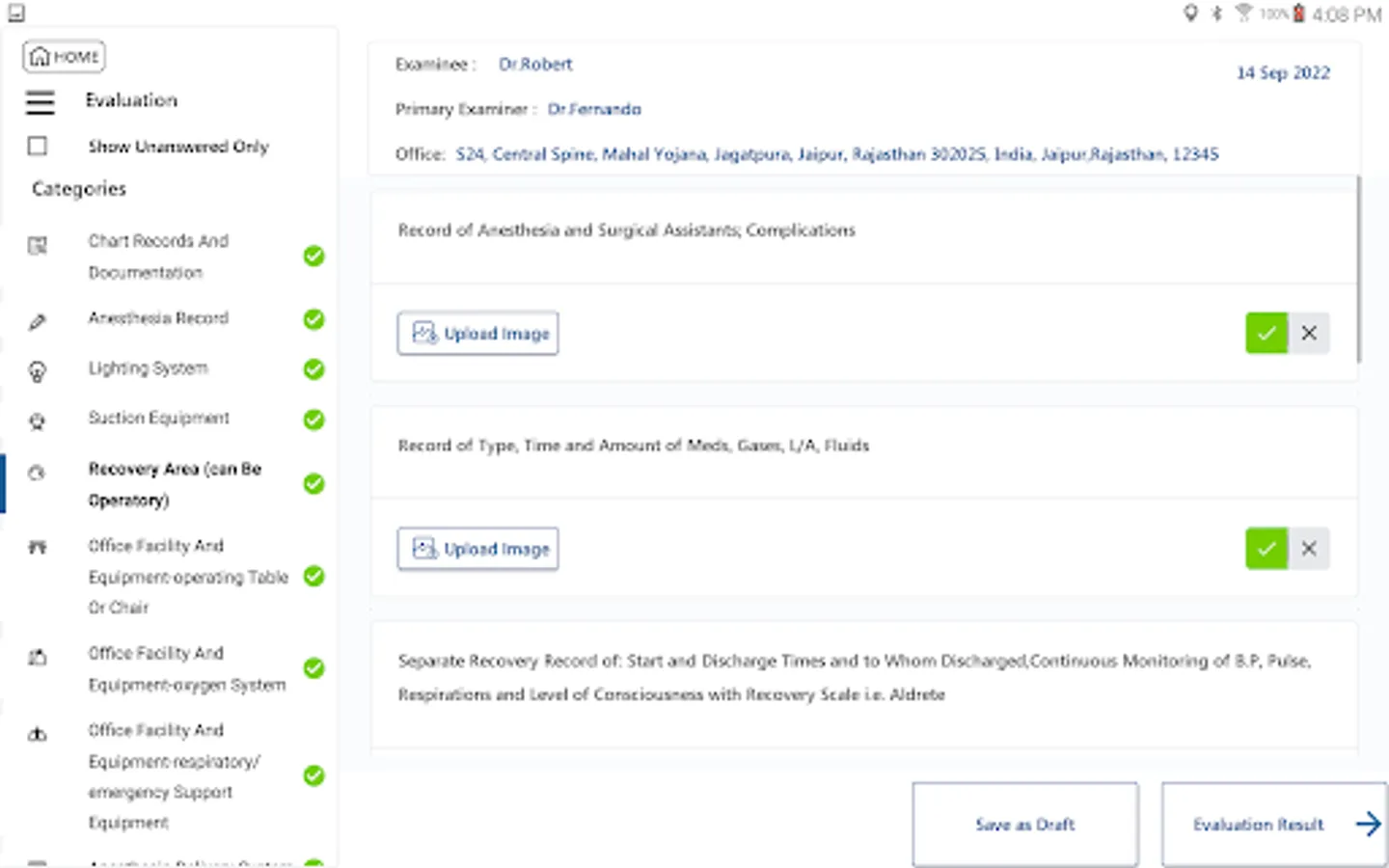
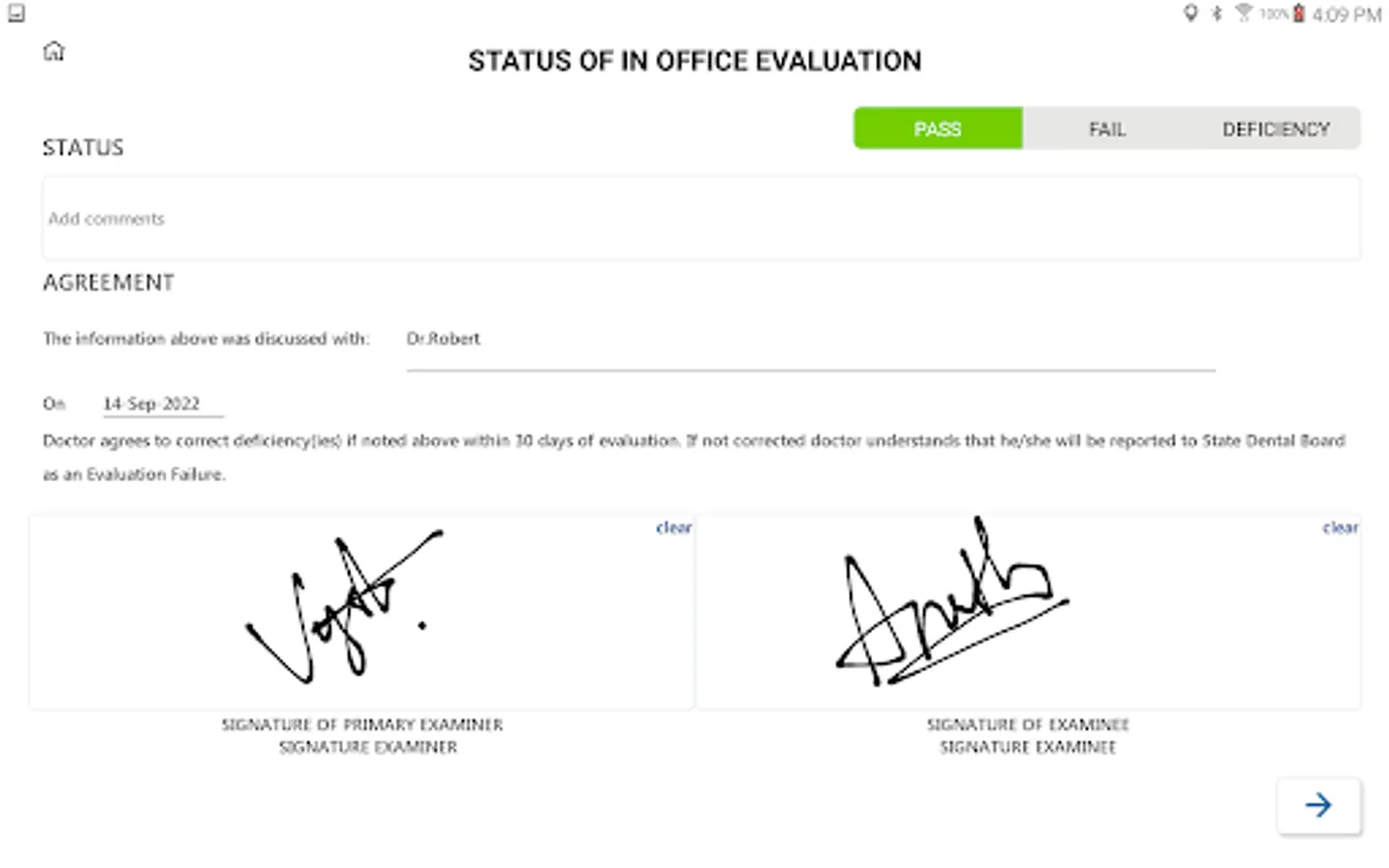
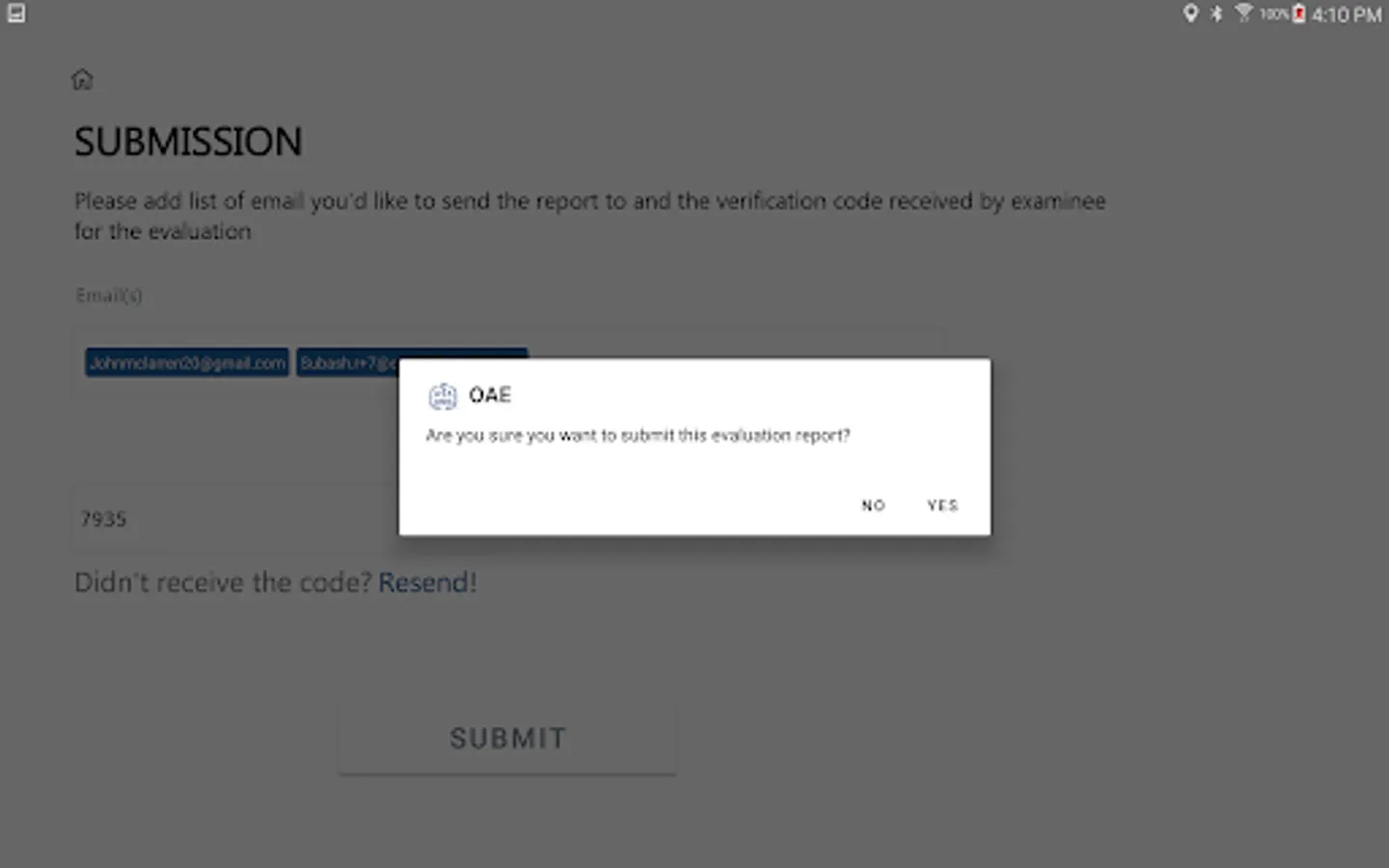
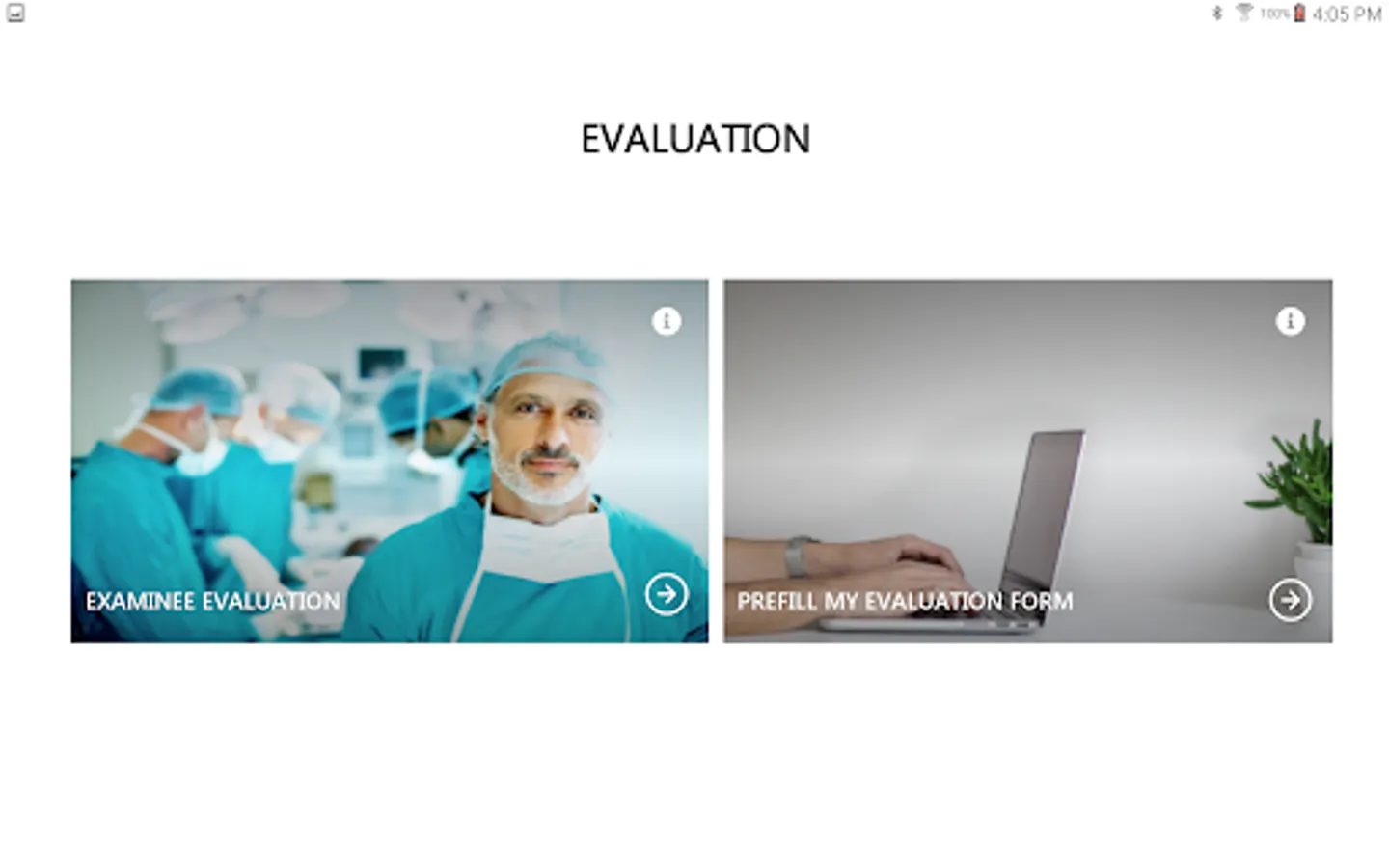
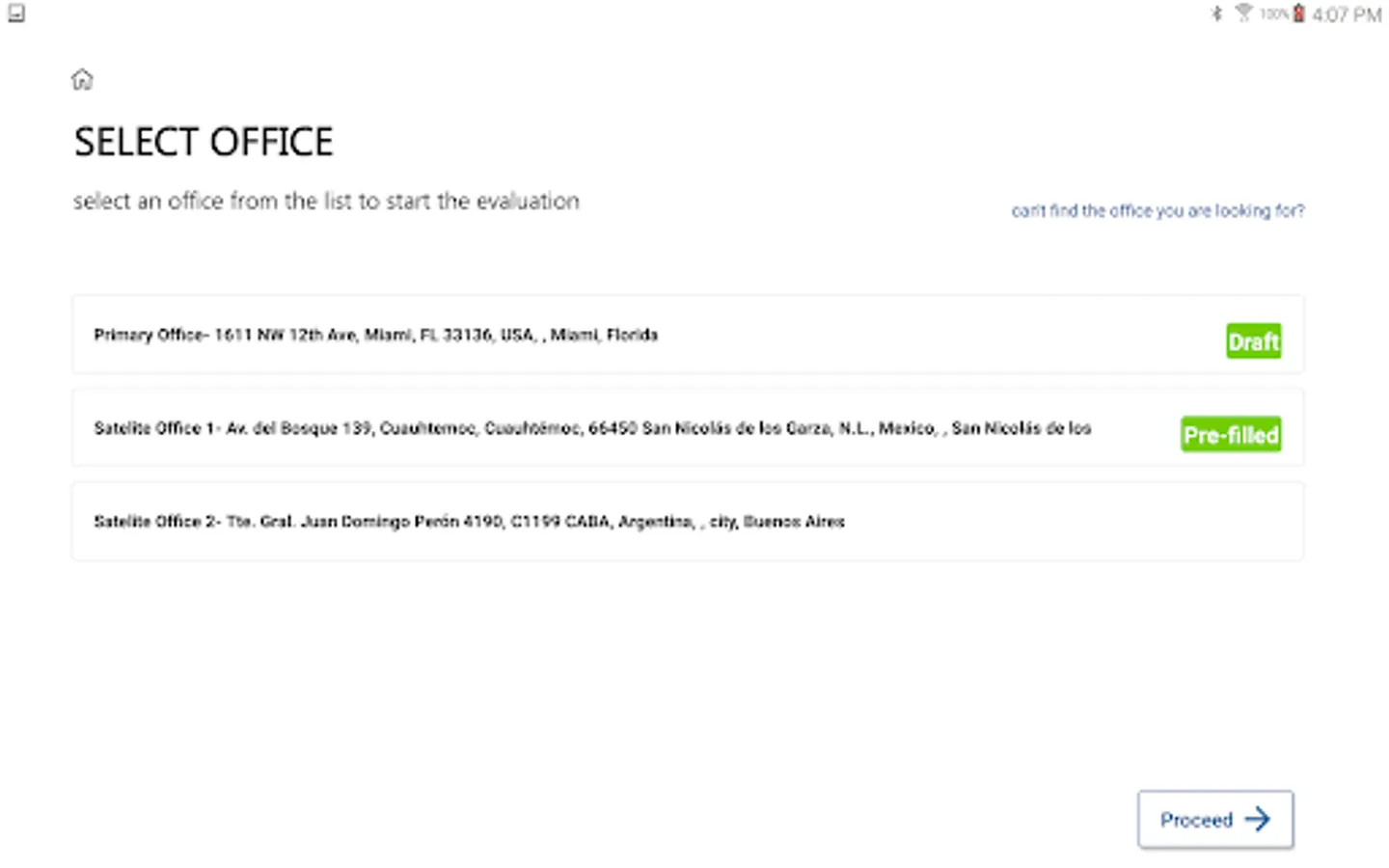
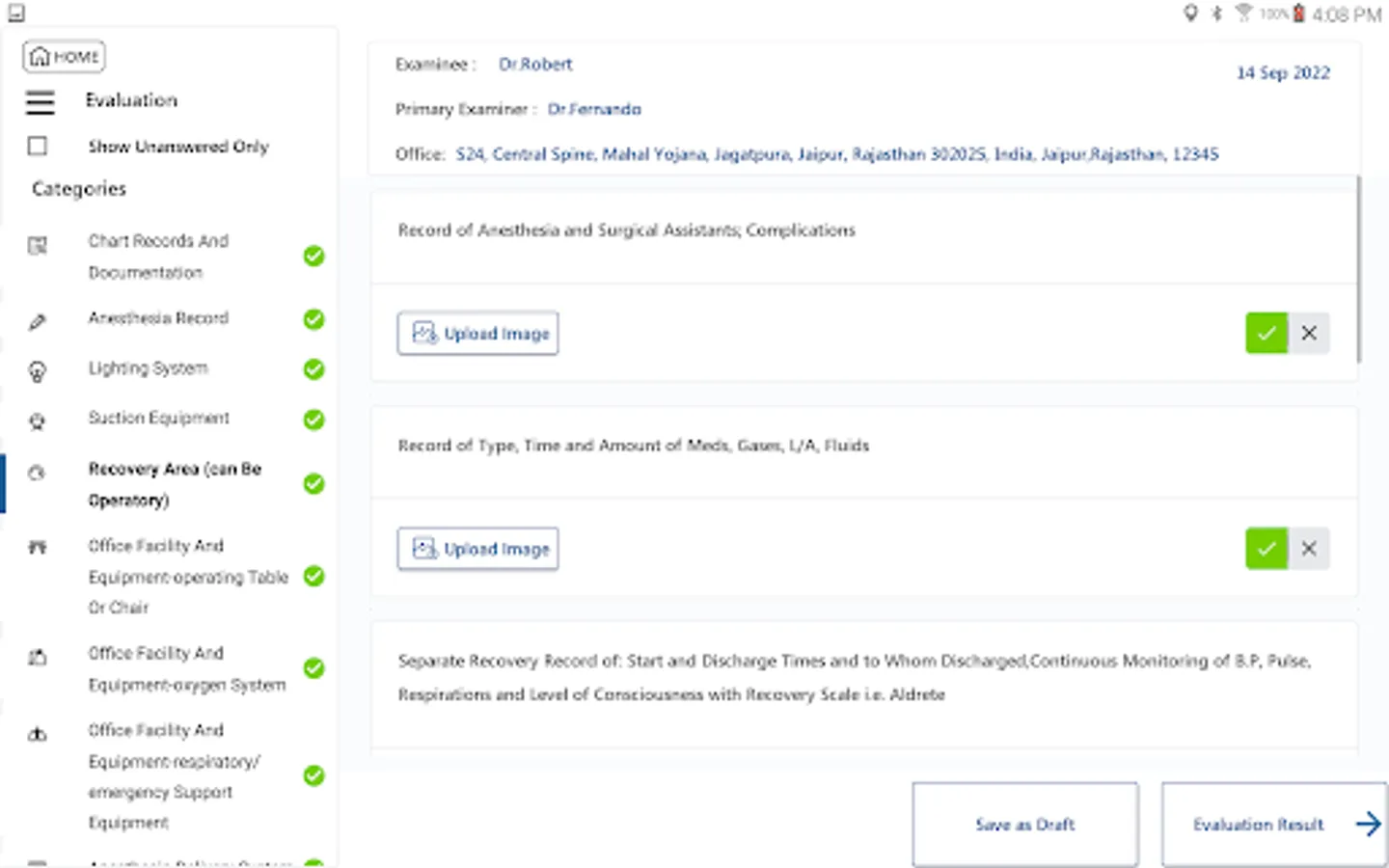
The AAOMS Anesthesia App assists the examiners and the examinees to complete the evaluation of the anesthesia setup at a clinical office facility, end to end, just by a few clicks. The user can submit their Anesthesia Survey through the app. The user can add logs for Mock Drills conducted and Emergency Simulations watched. The user can maintain their profile details, add/edit profile and office details, the user has the options to add their primary and secondary offices from the google map. The AAOMS Anesthesia App provides the account deletion feature in the user profile. The Help query menu provides the sample Get Started Video. Users can also raise queries on the app functionality from the help menu.
The AAOMS Anesthesia App assists the examiners and the examinees to complete the evaluation of the anesthesia setup at a clinical office facility, end to end, just by a few clicks. The user can submit their Anesthesia Survey through the app. The user can add logs for Mock Drills conducted and Emergency Simulations watched. The user can maintain their profile details, add/edit profile and office details, the user has the options to add their primary and secondary offices from the google map. The AAOMS Anesthesia App provides the account deletion feature in the user profile. The Help query menu provides the sample Get Started Video. Users can also raise queries on the app functionality from the help menu.