Final Shoot: Penalty-Shootout
Ace Project Inc.
4.2 ★
store rating
100,000+
downloads
Free
+ in-app
AppRecs review analysis
AppRecs rating 3.5. Trustworthiness 78 out of 100. Review manipulation risk 30 out of 100. Based on a review sample analyzed.
★★★☆☆
3.5
AppRecs Rating
Ratings breakdown
5 star
70%
4 star
5%
3 star
10%
2 star
5%
1 star
10%
What to know
✓
Credible reviews
78% trustworthiness score from analyzed reviews
⚠
Ad complaints
Many low ratings mention excessive ads
⚠
Review quality concerns
69% of sampled 5-star reviews are very short
About Final Shoot: Penalty-Shootout
[Game Features]
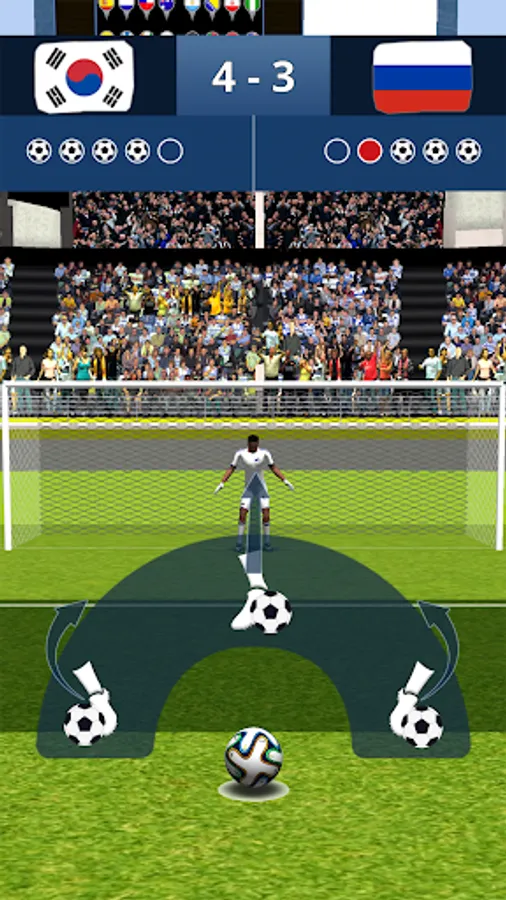
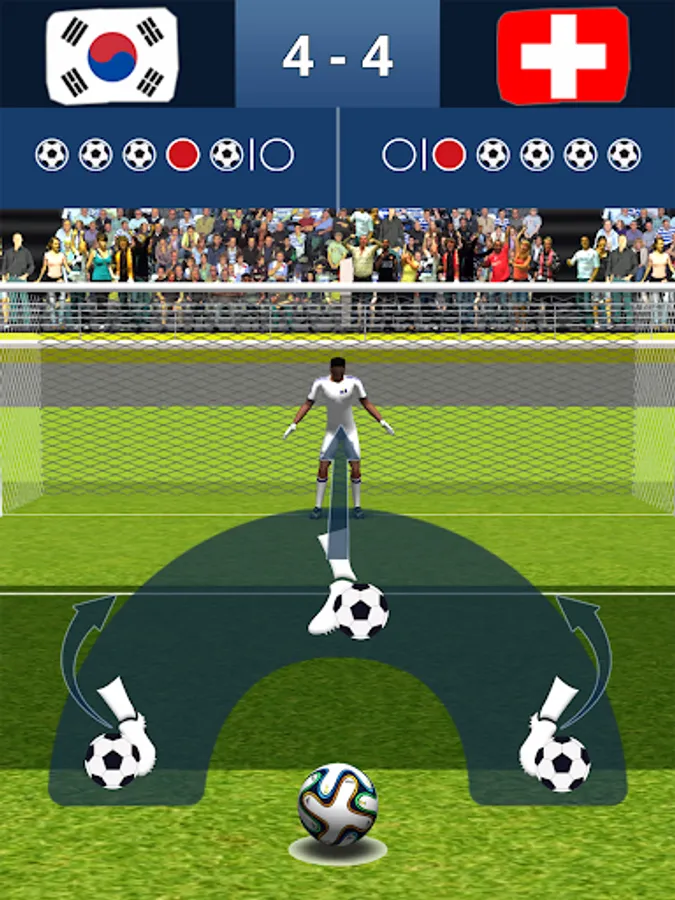
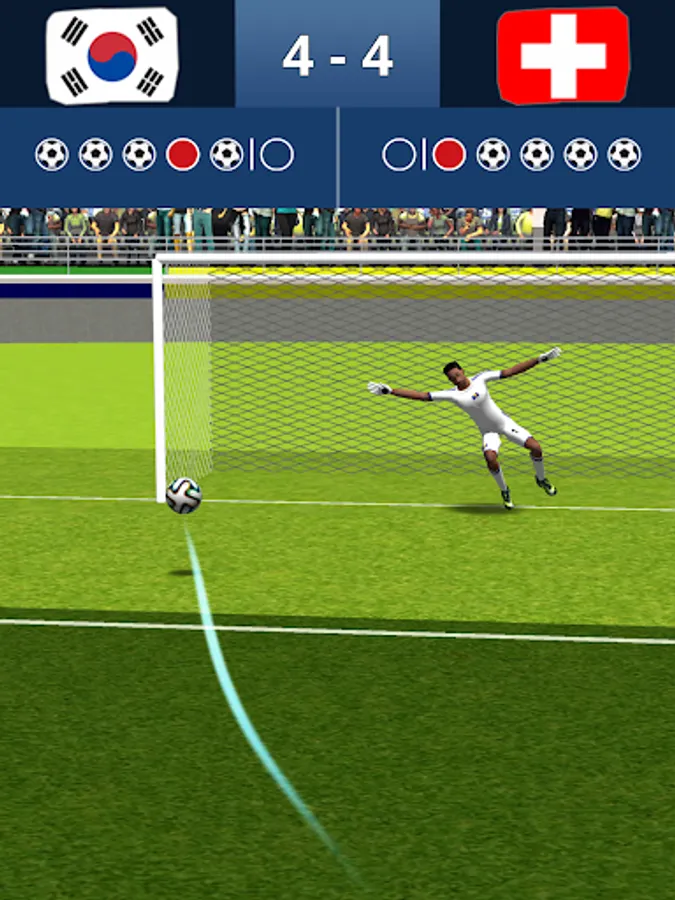
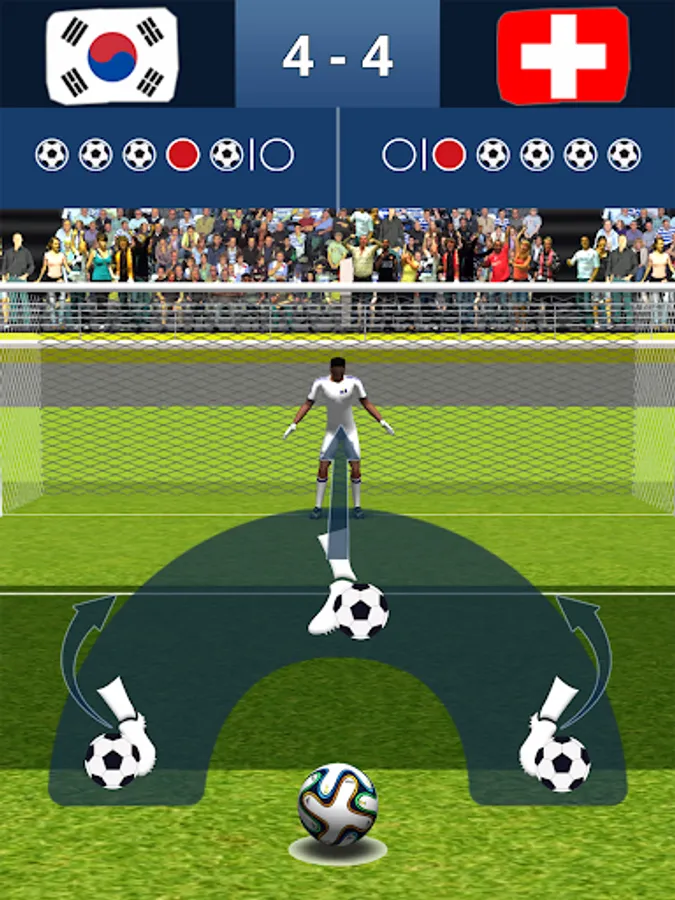
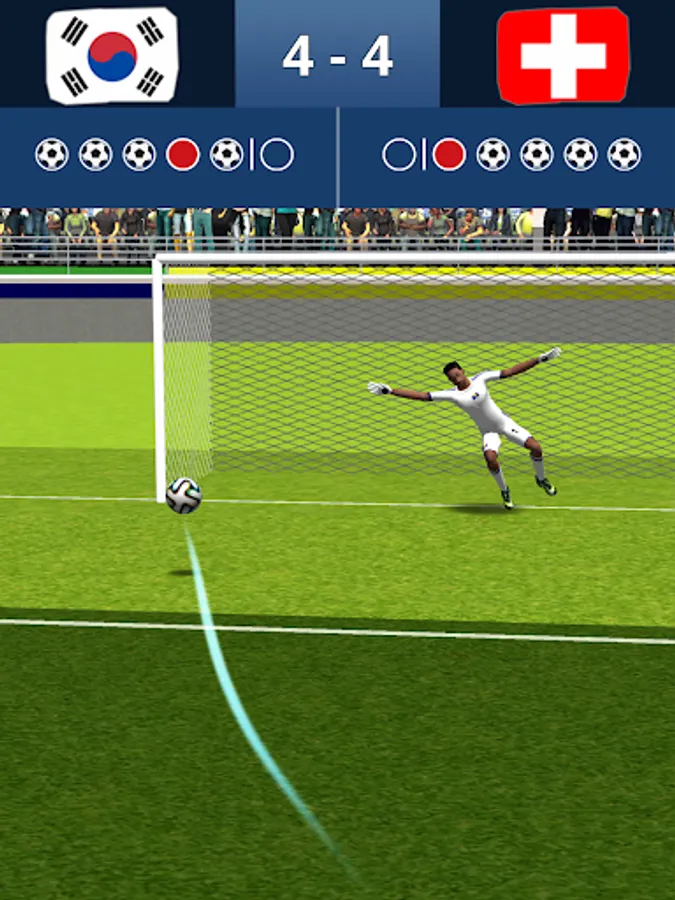
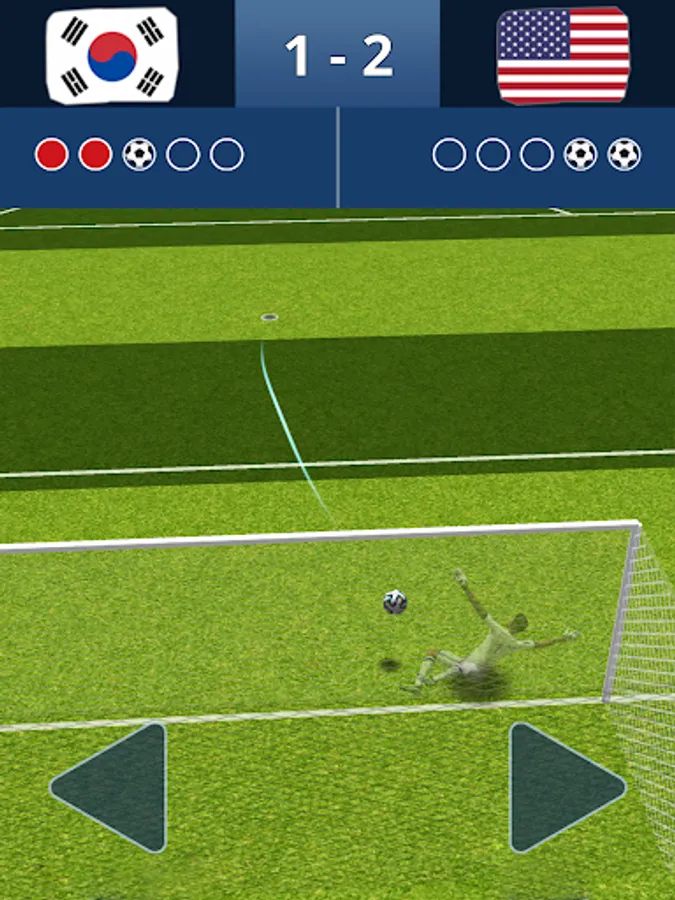
▷ “Russian Roulette of 11 Meters”, a penalty shootout game that is very familiar to those who like soccer.
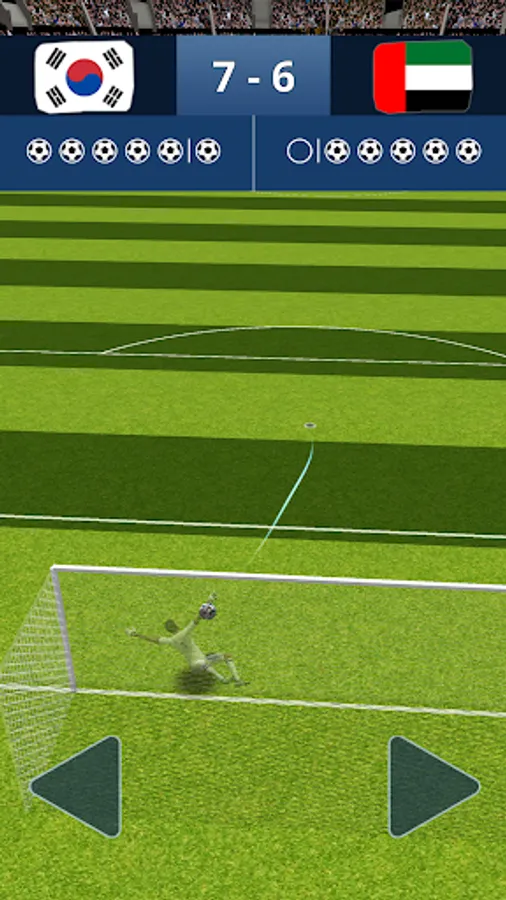
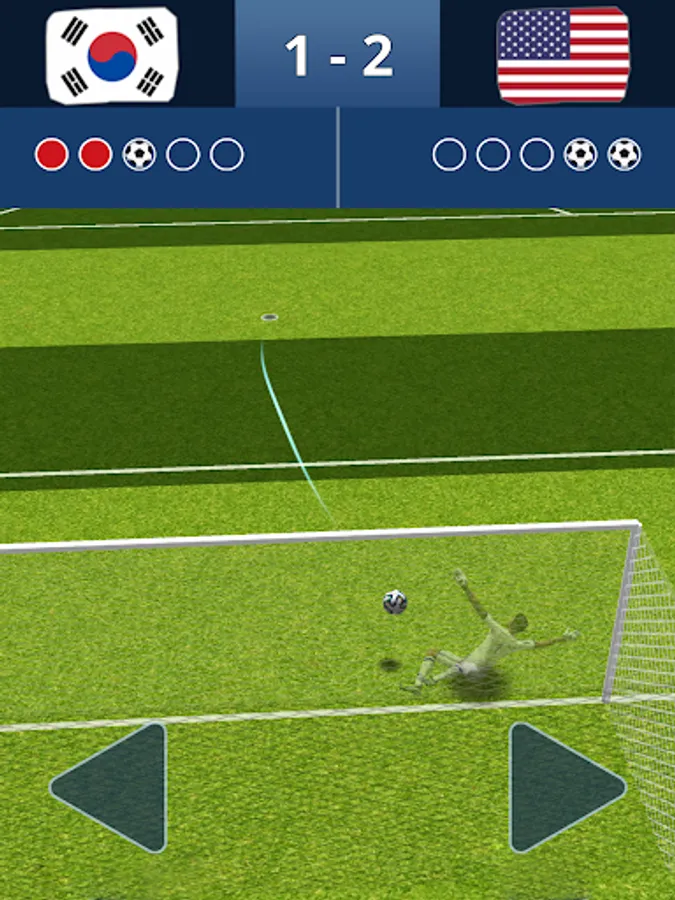
▷ Take turns taking a penalty kick every turn and move the goalkeeper to win!!
▷ Win 1 vs 1 matches with players from all over the world!!
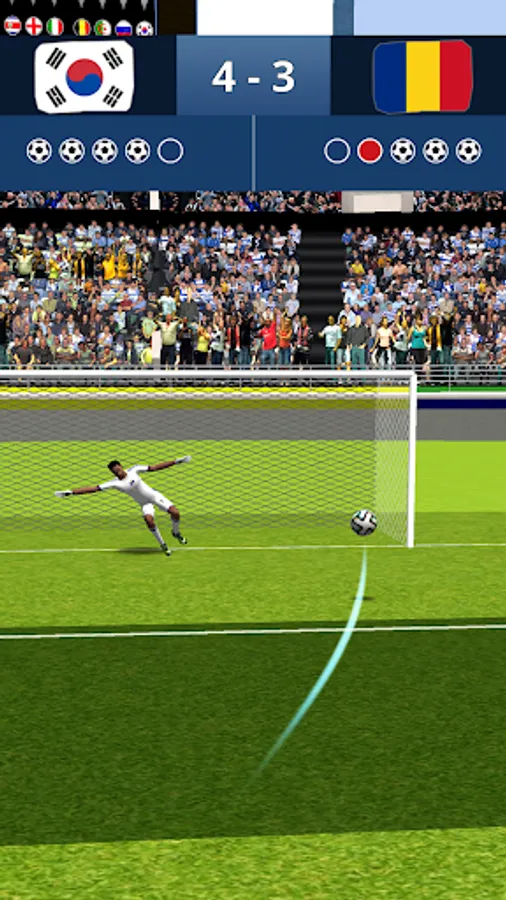
▷ Take advantage of psychological warfare!! Predict the dive direction of the goalkeeper and shoot.
▷ Predict the direction of your opponent's shot and try to blow your body.
▷ Train players to shoot more accurate and powerful shots.
▷ Train your goalkeeper to be more agile.
[Save data]
▷ Be careful!! Game data is not automatically saved.
▷ All data is stored in Google Drive.
▷ Make sure you are logged in to your Google account.
▷ Be sure to save data through the menu bar at the top right > Settings > Save data.
▷ If the Google Drive capacity is insufficient, data may not be saved.
▷ If data cannot be saved, check the Google Drive capacity.
▷ “Russian Roulette of 11 Meters”, a penalty shootout game that is very familiar to those who like soccer.
▷ Take turns taking a penalty kick every turn and move the goalkeeper to win!!
▷ Win 1 vs 1 matches with players from all over the world!!
▷ Take advantage of psychological warfare!! Predict the dive direction of the goalkeeper and shoot.
▷ Predict the direction of your opponent's shot and try to blow your body.
▷ Train players to shoot more accurate and powerful shots.
▷ Train your goalkeeper to be more agile.
[Save data]
▷ Be careful!! Game data is not automatically saved.
▷ All data is stored in Google Drive.
▷ Make sure you are logged in to your Google account.
▷ Be sure to save data through the menu bar at the top right > Settings > Save data.
▷ If the Google Drive capacity is insufficient, data may not be saved.
▷ If data cannot be saved, check the Google Drive capacity.