EZCast Pro
NimbleTech Digital Inc.
Free
rated 3.4 stars
1,000,000+
downloads
About EZCast Pro
Thank you for choosing EZCast Pro!
EZCast Pro app is designed to work with EZCast Pro, a leading innovator of wireless display and smart office solutions.
#Features:
1. Wireless presentations - Make wireless presentations for more efficient meetings.
2. 4 screen split - Display up to 4 presentations simultaneously in a 4 screen split.
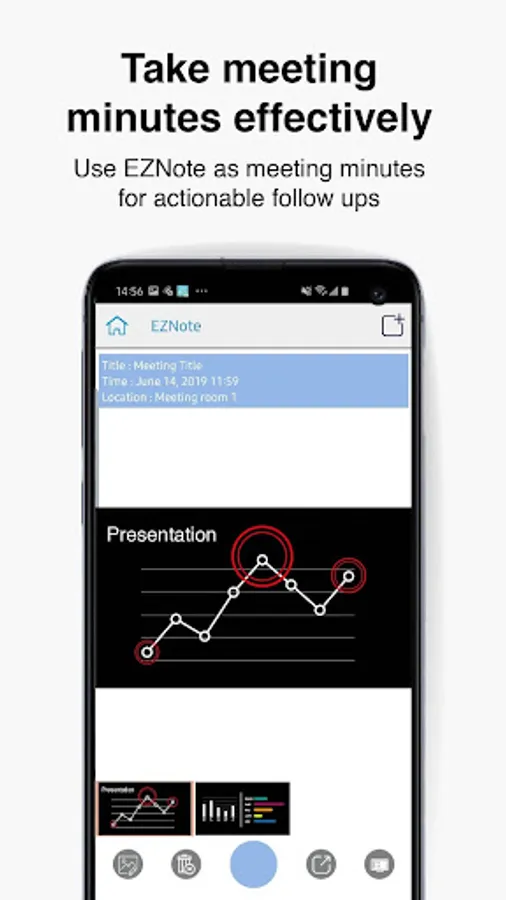
3. Take meeting minutes effectively – Use EZNote to save, annotate and edit presentation slides in real-time as meeting minutes for actionable follow-ups.
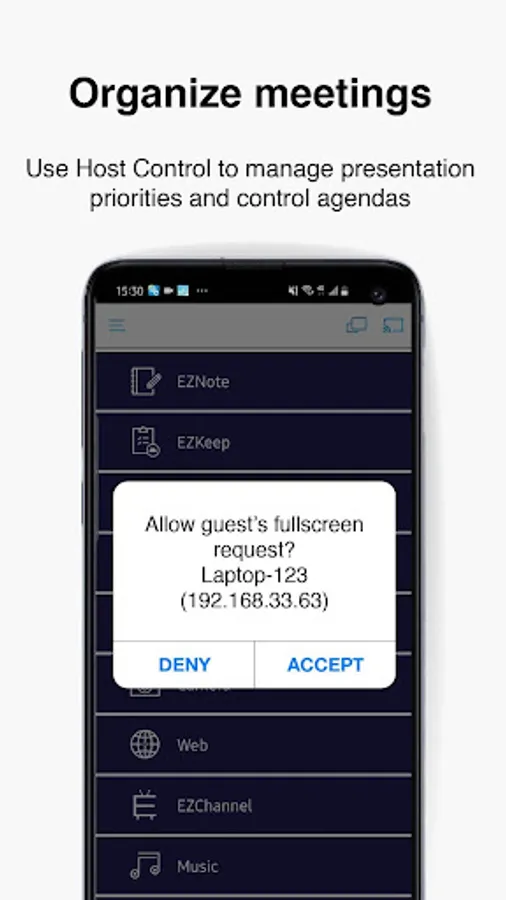
4. Organize meetings - Use Host Control to manage presentation priorities and control agendas.
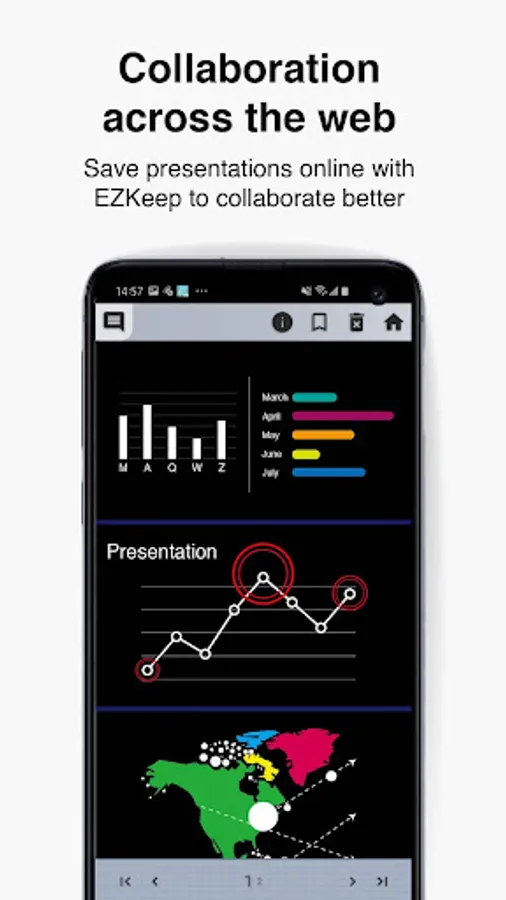
5. Collaboration across the web - Save presentations online with EZKeep to collaborate better.
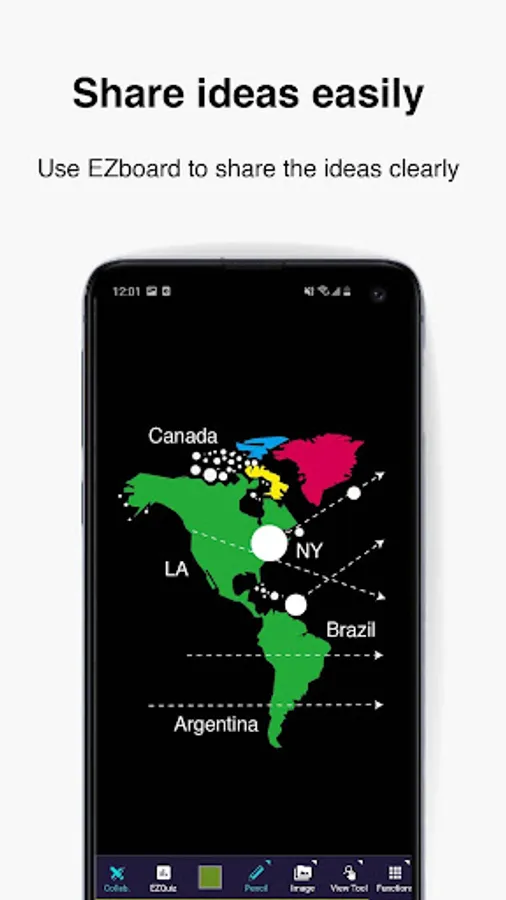
6. Share ideas easily – Use EZBoard to share ideas clearly to students or colleagues and give them a quiz.
7. A simpler way to broadcast – Use AirView to broadcast the presentations to attendees’ smart devices.
8. Cloud integration – Share presentations across Dropbox or other online storage service platforms for more flexible collaboration.
9. Supports OTA – Ongoing firmware upgrades to keep your dongle up to date.
10. Ensures data security – Supports encrypted transmission to keep your data safe.
EZCast Pro app is designed to work with EZCast Pro, a leading innovator of wireless display and smart office solutions.
#Features:
1. Wireless presentations - Make wireless presentations for more efficient meetings.
2. 4 screen split - Display up to 4 presentations simultaneously in a 4 screen split.
3. Take meeting minutes effectively – Use EZNote to save, annotate and edit presentation slides in real-time as meeting minutes for actionable follow-ups.
4. Organize meetings - Use Host Control to manage presentation priorities and control agendas.
5. Collaboration across the web - Save presentations online with EZKeep to collaborate better.
6. Share ideas easily – Use EZBoard to share ideas clearly to students or colleagues and give them a quiz.
7. A simpler way to broadcast – Use AirView to broadcast the presentations to attendees’ smart devices.
8. Cloud integration – Share presentations across Dropbox or other online storage service platforms for more flexible collaboration.
9. Supports OTA – Ongoing firmware upgrades to keep your dongle up to date.
10. Ensures data security – Supports encrypted transmission to keep your data safe.
EZCast Pro Screenshots
Reviews for EZCast Pro
Farhad Falahatparvar
3/21/2025
cant find my device
Harvey Cole
7/20/2024
Not recognizing connections ... even after inputting the ip address provided by the piece of equipment I'm trying to connect too ... just not a good app or program
D Bramante
4/14/2023
Public
JTC Intl
2/28/2023
Doesn't link
H G
1/9/2023
Please find a way so that we can choose the ezmirror function as the default mode.
Tap to Rate: