
Carquest Professional
Advance Auto Parts, Inc.
3.1 ★
44 ratings
10,000+
downloads
Free
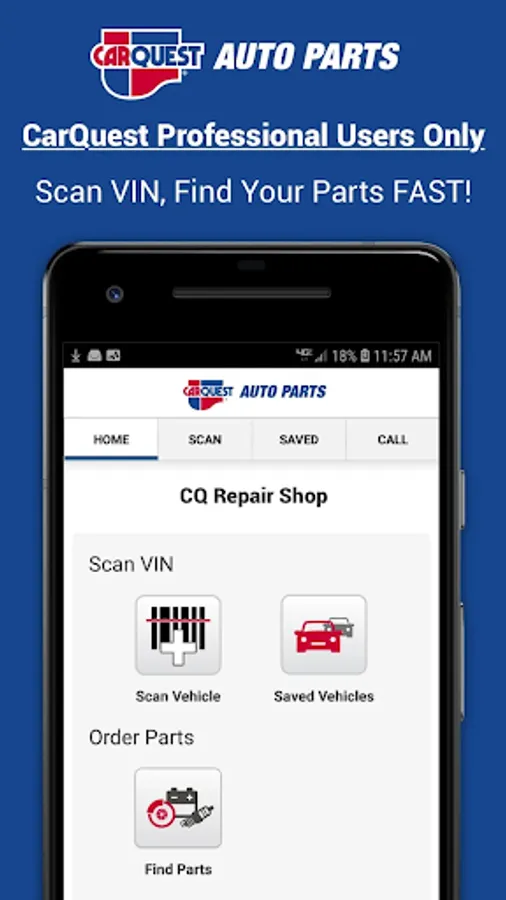
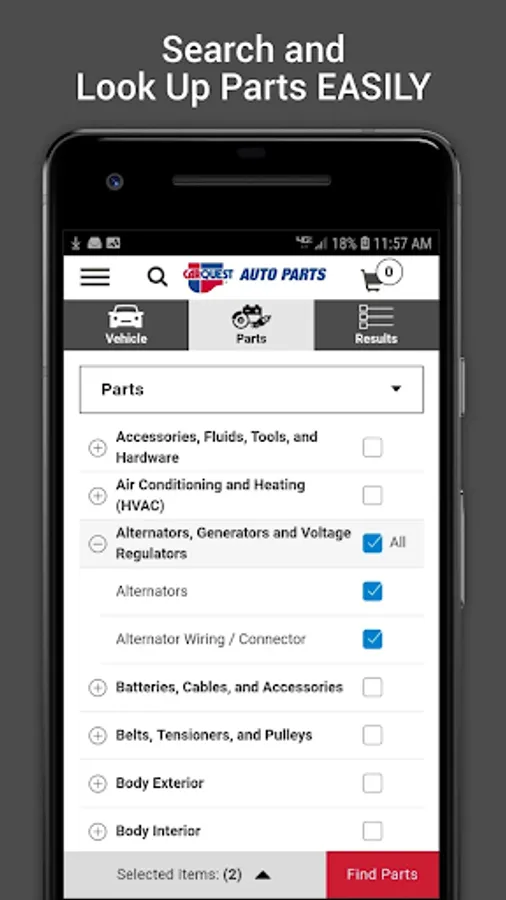
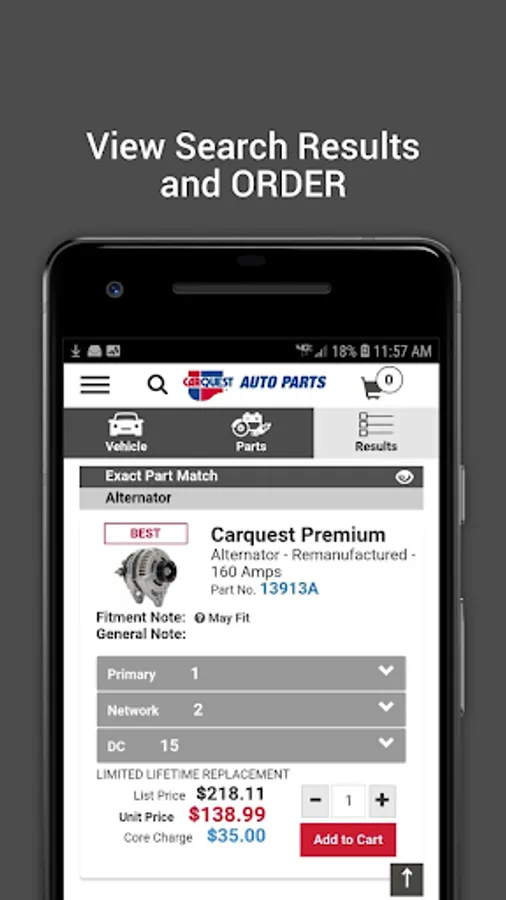
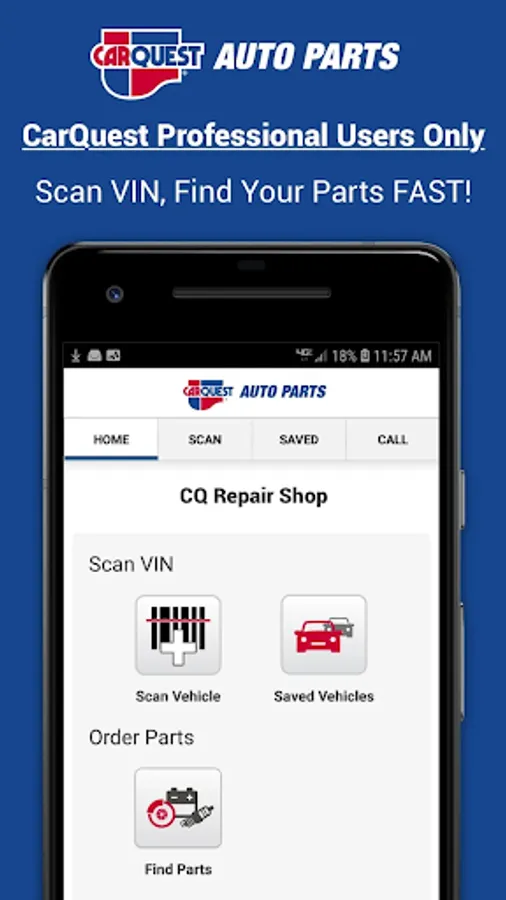
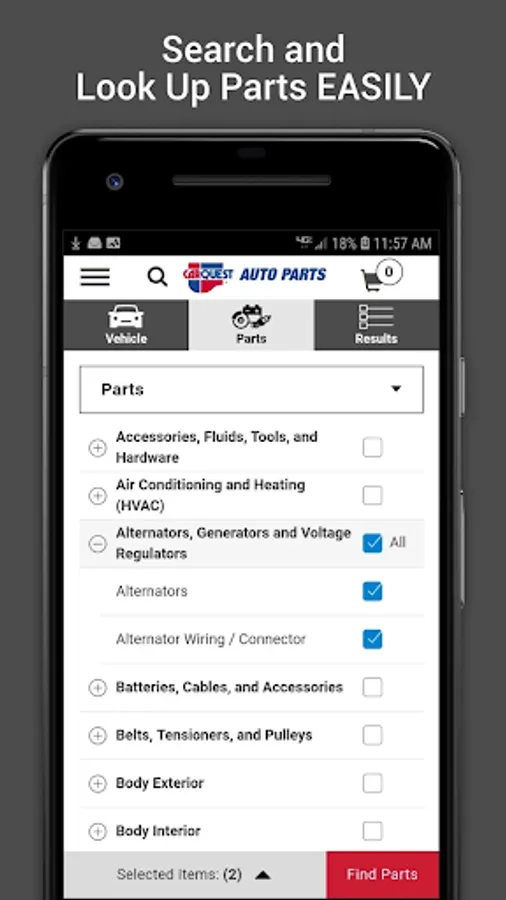
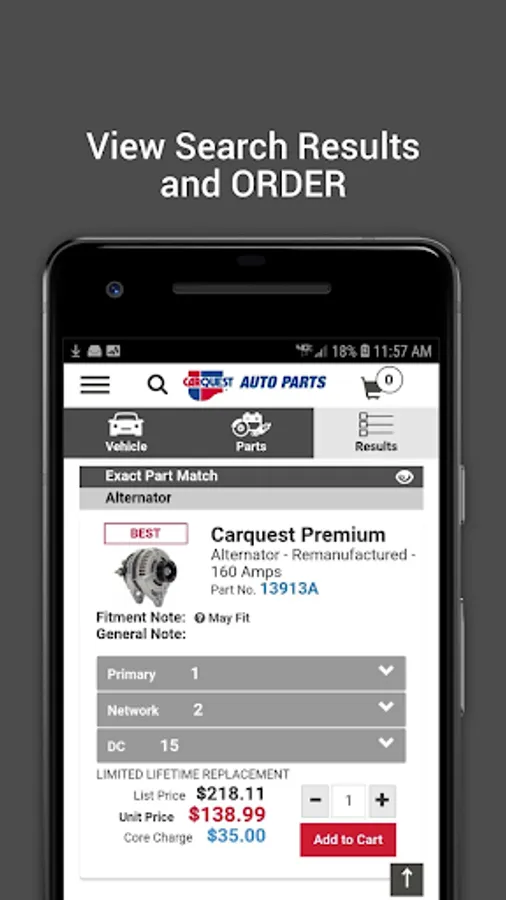
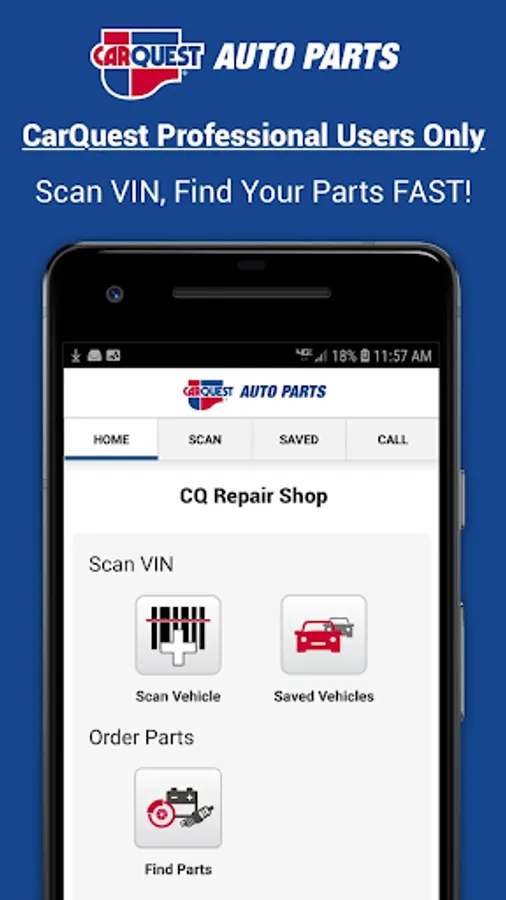
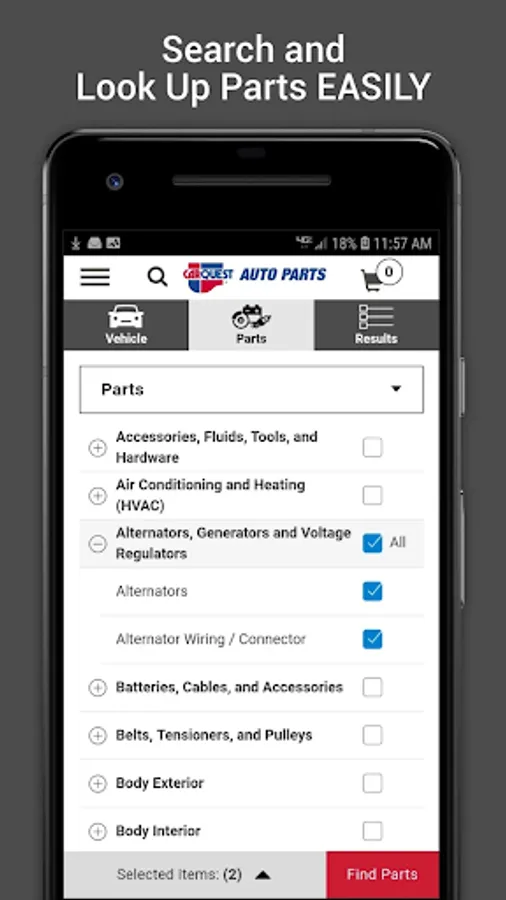
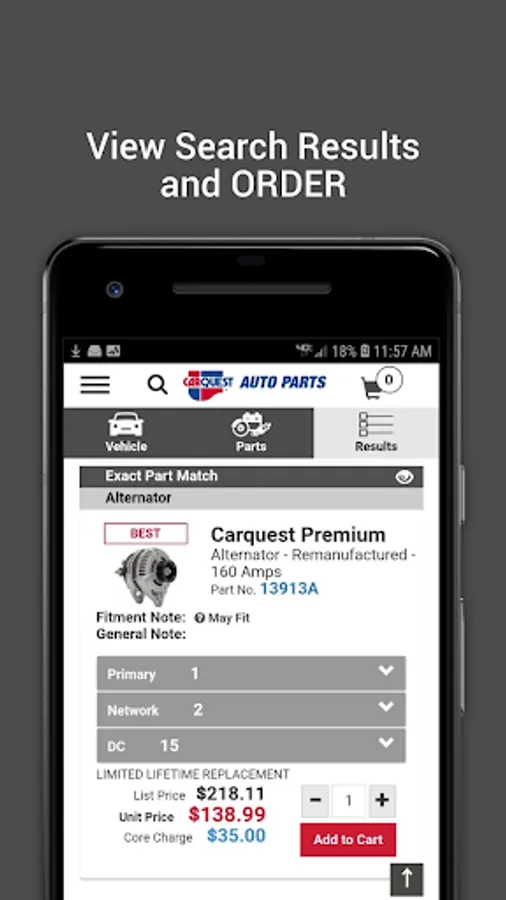
With this app, you can scan vehicle barcodes, search for parts, and place orders using your Carquest Professional account. Includes barcode scanning, vehicle information management, and part search features.
AppRecs review analysis
AppRecs rating 3.1. Trustworthiness 81 out of 100. Review manipulation risk 24 out of 100. Based on a review sample analyzed.
★★★☆☆
3.1
AppRecs Rating
Ratings breakdown
5 star
43%
4 star
10%
3 star
5%
2 star
2%
1 star
40%
What to know
✓
Low review manipulation risk
24% review manipulation risk
✓
Credible reviews
81% trustworthiness score from analyzed reviews
About Carquest Professional
Carquest® Independent Customers can scan directly from a vehicle’s barcode (windshield or door mounted), search for parts, and order directly from the app using their secure Carquest Professional account.
The decoded VIN information will appear on their account’s "Previous Vehicles" list and allows shops to:
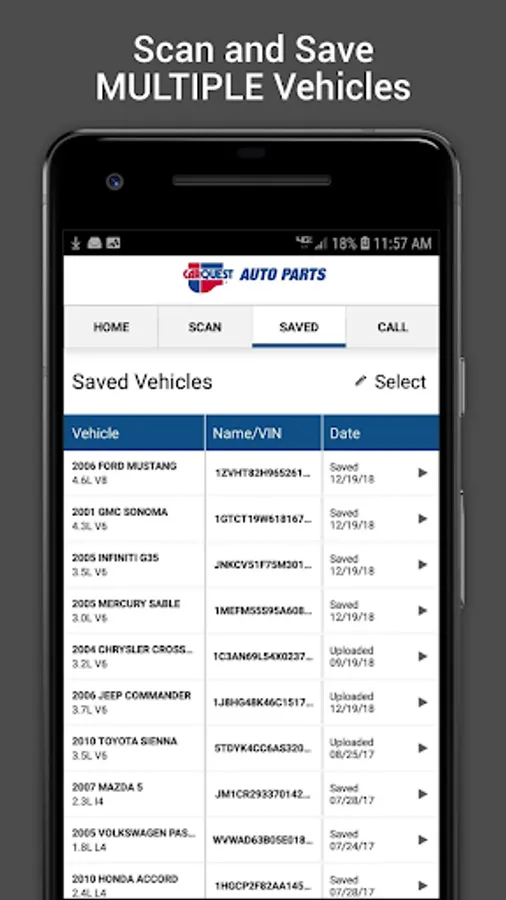
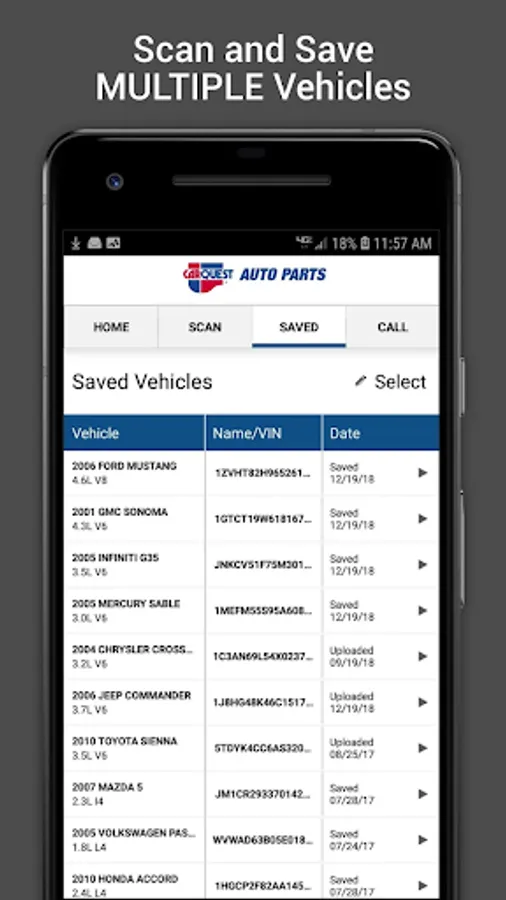
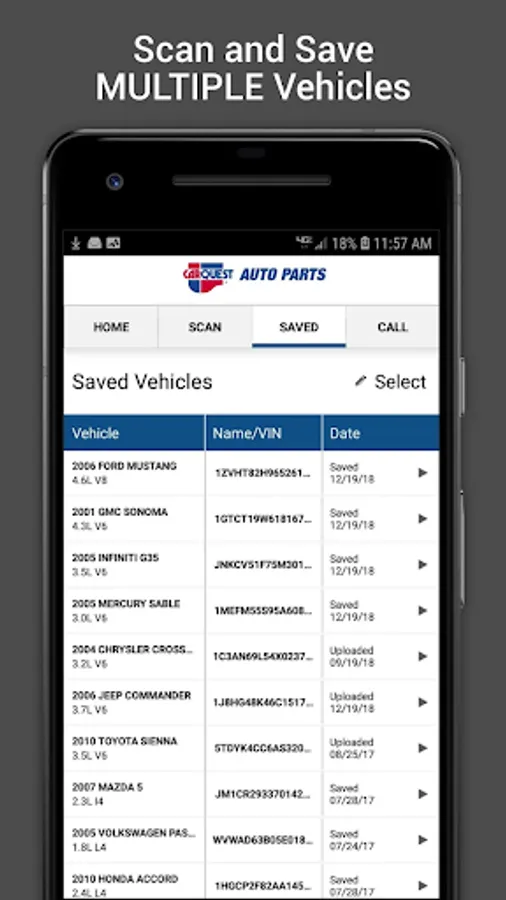
- Capture a vehicle’s detailed information, including year, make, model, and engine
- Launch CarquestPro to find parts for scanned vehicles right from the app
- Store recent vehicles scanned within the app itself
- Upload the scanned data into your Carquest Professional online account
To look up parts or upload scanned vehicles to your Carquest Professional account, you must be an active professional customer. Visit my.advancepro.com for information on starting a professional customer account or obtaining your online credentials.
For support questions on the mobile Carquest Professional app, contact Customer Service at 1-877-280-5965 during normal business hours
Don’t have a professional account? Download our DIY app – see below:
https://play.google.com/store/apps/details?id=com.advanceauto.mobile.commerce.dist
The decoded VIN information will appear on their account’s "Previous Vehicles" list and allows shops to:
- Capture a vehicle’s detailed information, including year, make, model, and engine
- Launch CarquestPro to find parts for scanned vehicles right from the app
- Store recent vehicles scanned within the app itself
- Upload the scanned data into your Carquest Professional online account
To look up parts or upload scanned vehicles to your Carquest Professional account, you must be an active professional customer. Visit my.advancepro.com for information on starting a professional customer account or obtaining your online credentials.
For support questions on the mobile Carquest Professional app, contact Customer Service at 1-877-280-5965 during normal business hours
Don’t have a professional account? Download our DIY app – see below:
https://play.google.com/store/apps/details?id=com.advanceauto.mobile.commerce.dist
Carquest Professional Screenshots
Tap to Rate:
Reviews for Carquest Professional
mario sousa
5/7/2025
good
Paul Reeves
5/1/2025
Even though I had been able to use the app because it needs a log in well just wanted y'all to know that I've never been able to log in and y'all have terrific stuff to order