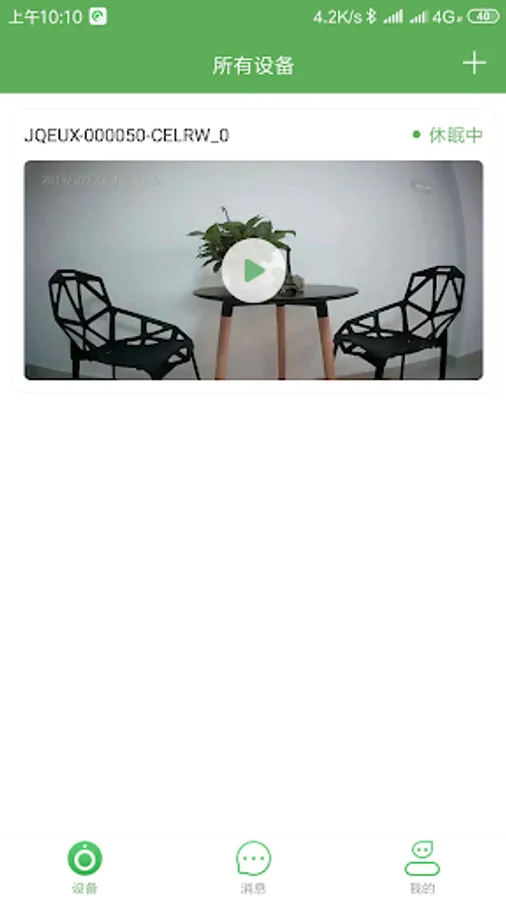
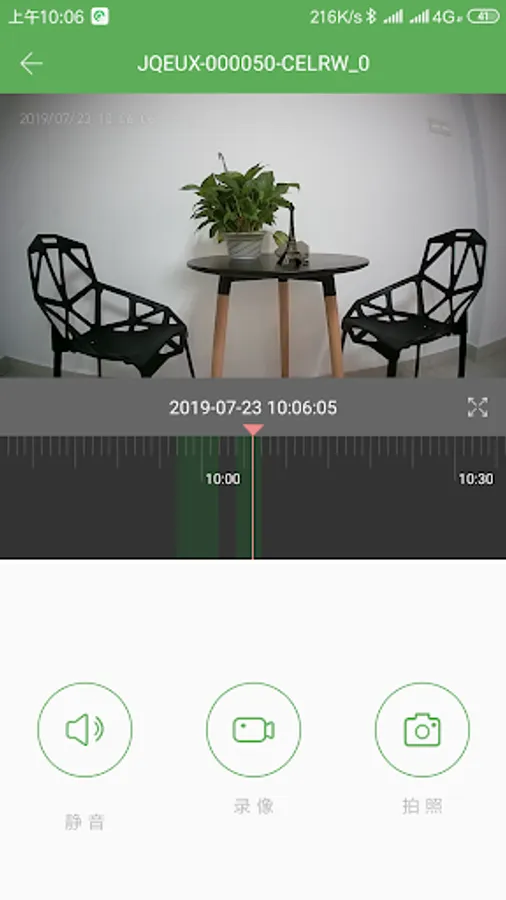
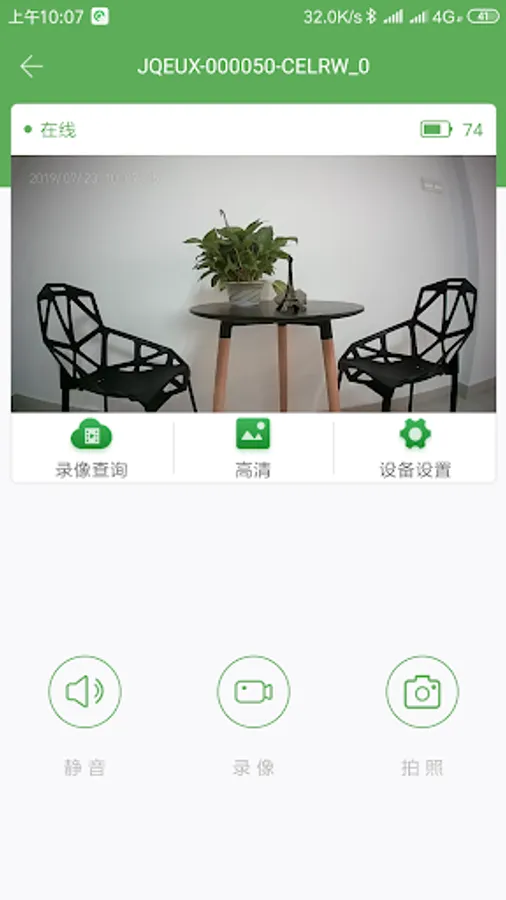
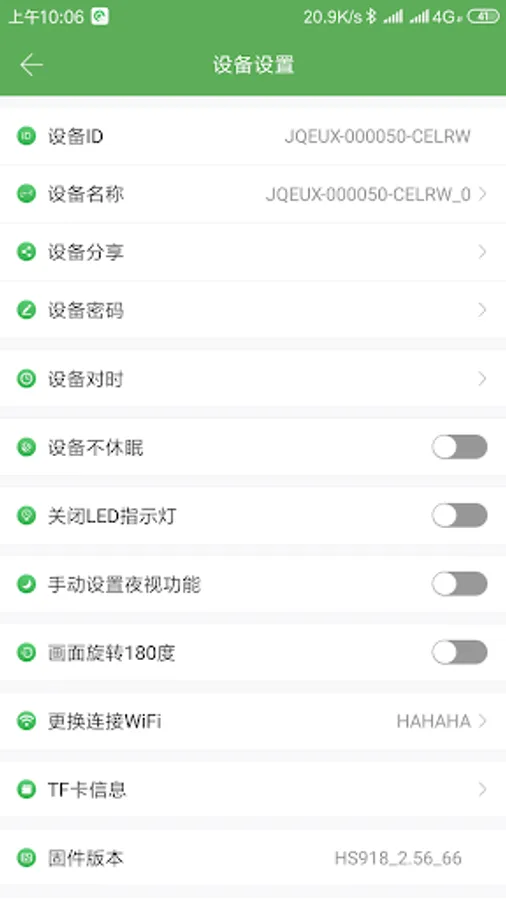
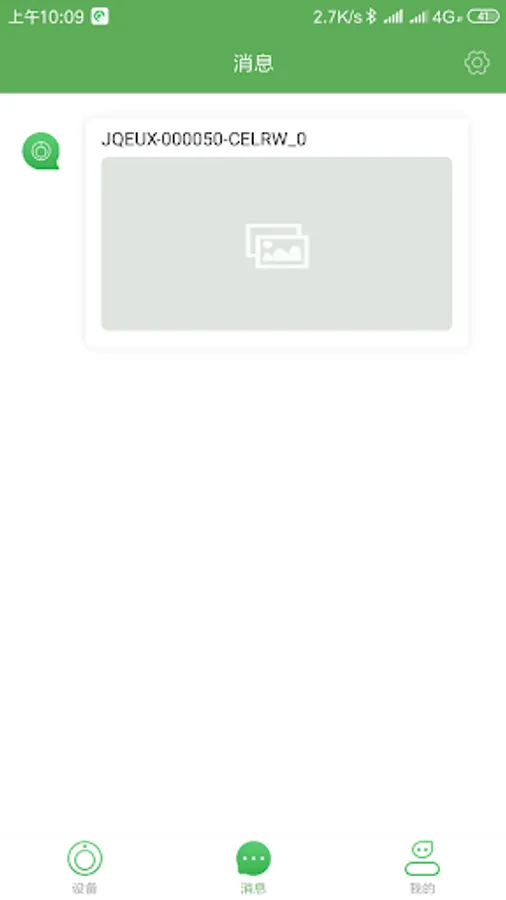
With this app, you can remotely access, view live video and audio, and control smart cameras. Includes live streaming, playback, recording, and device settings.
AppRecs review analysis
AppRecs rating 2.0. Trustworthiness 0 out of 100. Review manipulation risk 0 out of 100. Based on a review sample analyzed.
★☆☆☆☆
2.0
AppRecs Rating
Ratings breakdown
5 star
11%
4 star
3%
3 star
7%
2 star
23%
1 star
55%
What to know
✓
Authentic reviews
Natural distribution, no red flags
⚠
Mixed user feedback
Average 2.0★ rating suggests room for improvement
⚠
High negative review ratio
78% of sampled ratings are 1–2 stars
About AI-Cam
1. Through this app, you can remotely access the smart products developed by the company, such as low-power cameras;
2. After using this app to connect to the smart camera developed by our company through the network, you can directly view the live video and audio of the camera directly on the mobile phone;
3. Use this app to play back the video of the smart camera developed by the company;
4. Use this app to record the audio and video information of the smart camera developed by our company to the mobile phone;
5. Use this app to share the recorded audio and video to third-party social tools such as WeChat and QQ.
6. Use this app to share the device with your friends and relatives through QR code.
7. Use this app to set various parameters of the smart camera developed by the company, such as wifi, LED lights, etc.
8. Use this app to receive the alarm message pushed by the smart camera developed by our company.
2. After using this app to connect to the smart camera developed by our company through the network, you can directly view the live video and audio of the camera directly on the mobile phone;
3. Use this app to play back the video of the smart camera developed by the company;
4. Use this app to record the audio and video information of the smart camera developed by our company to the mobile phone;
5. Use this app to share the recorded audio and video to third-party social tools such as WeChat and QQ.
6. Use this app to share the device with your friends and relatives through QR code.
7. Use this app to set various parameters of the smart camera developed by the company, such as wifi, LED lights, etc.
8. Use this app to receive the alarm message pushed by the smart camera developed by our company.