AirFader Mobile
Molten Logic LLC
3.8 ★
931 ratings
100,000+
downloads
Free
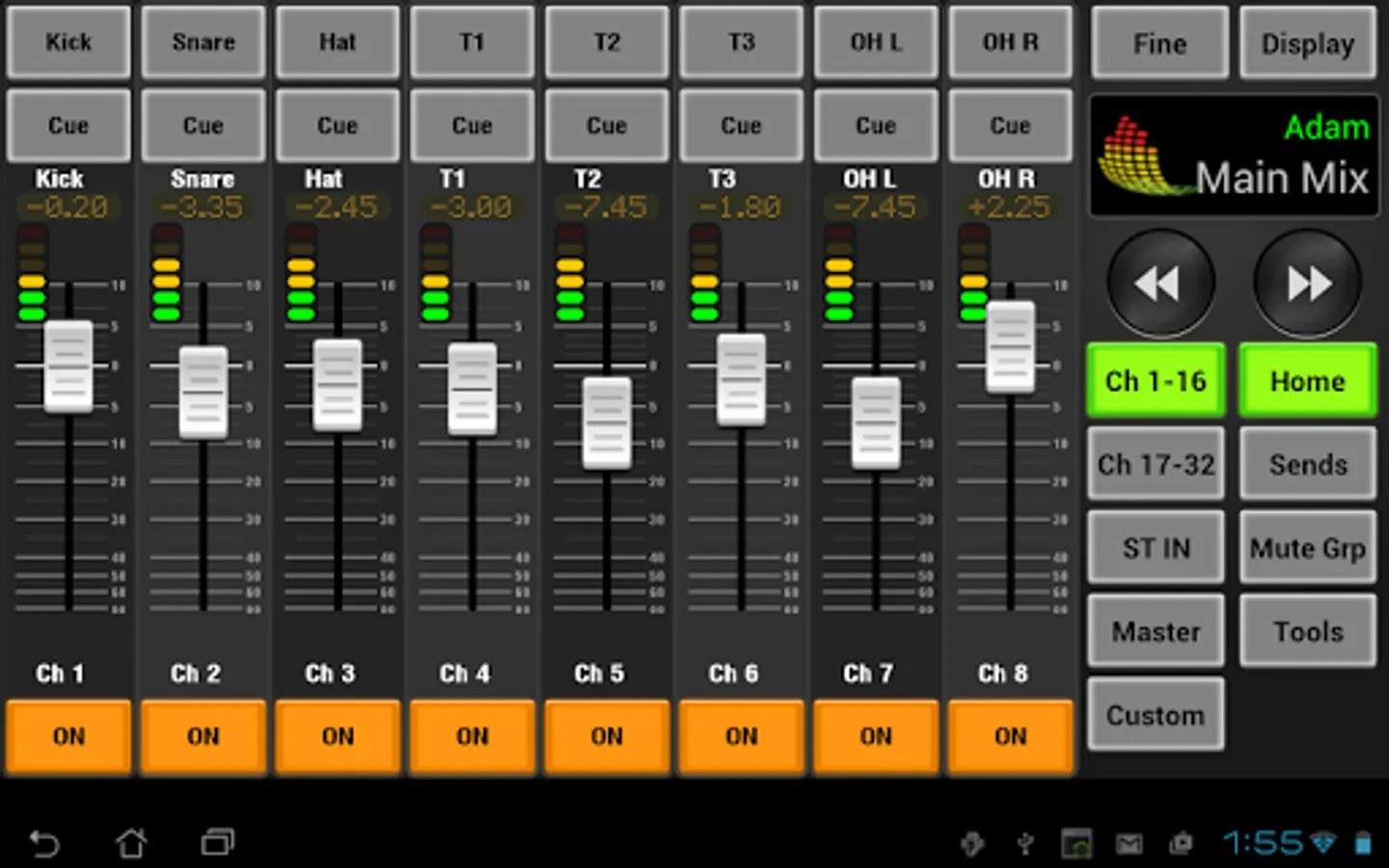
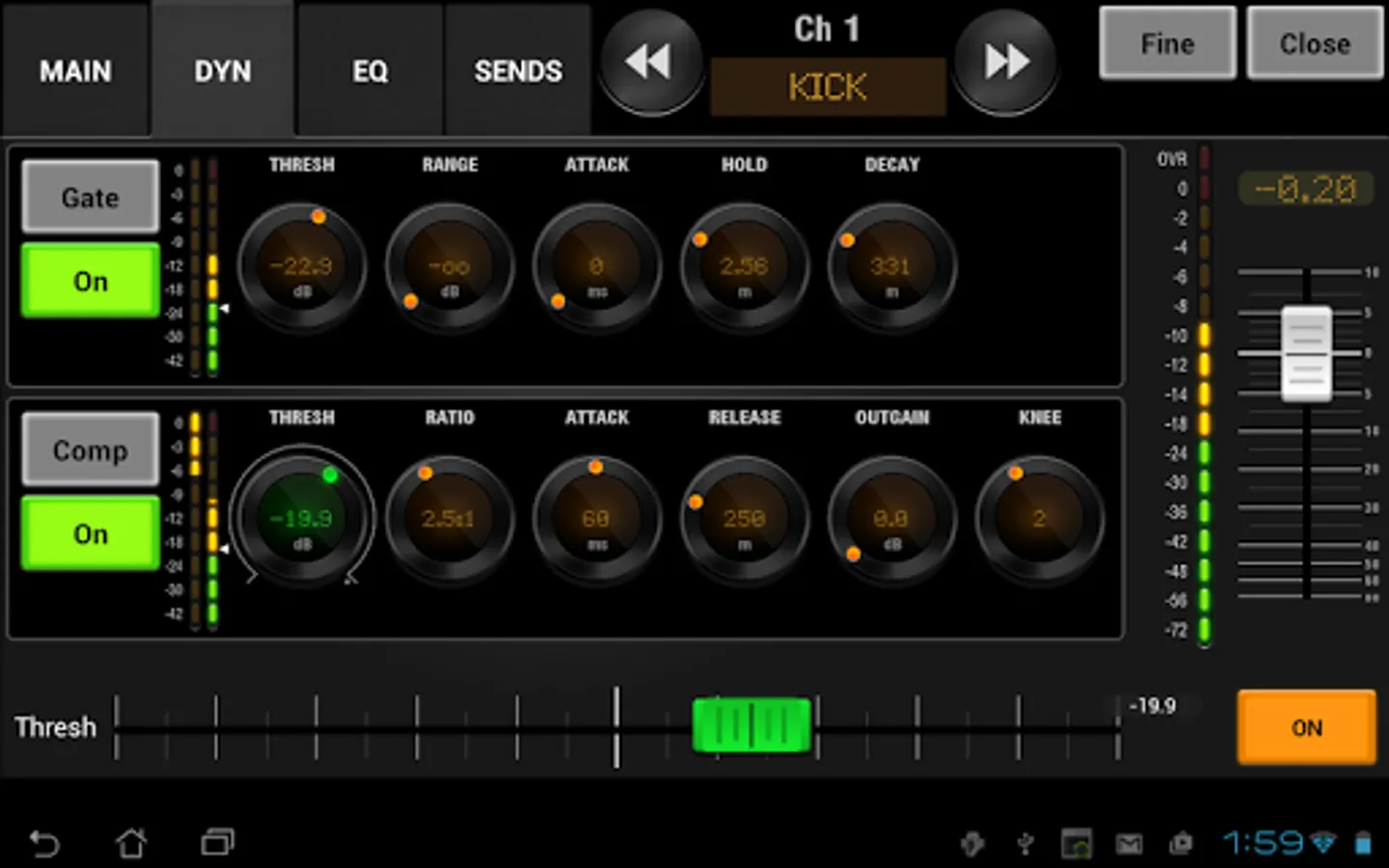
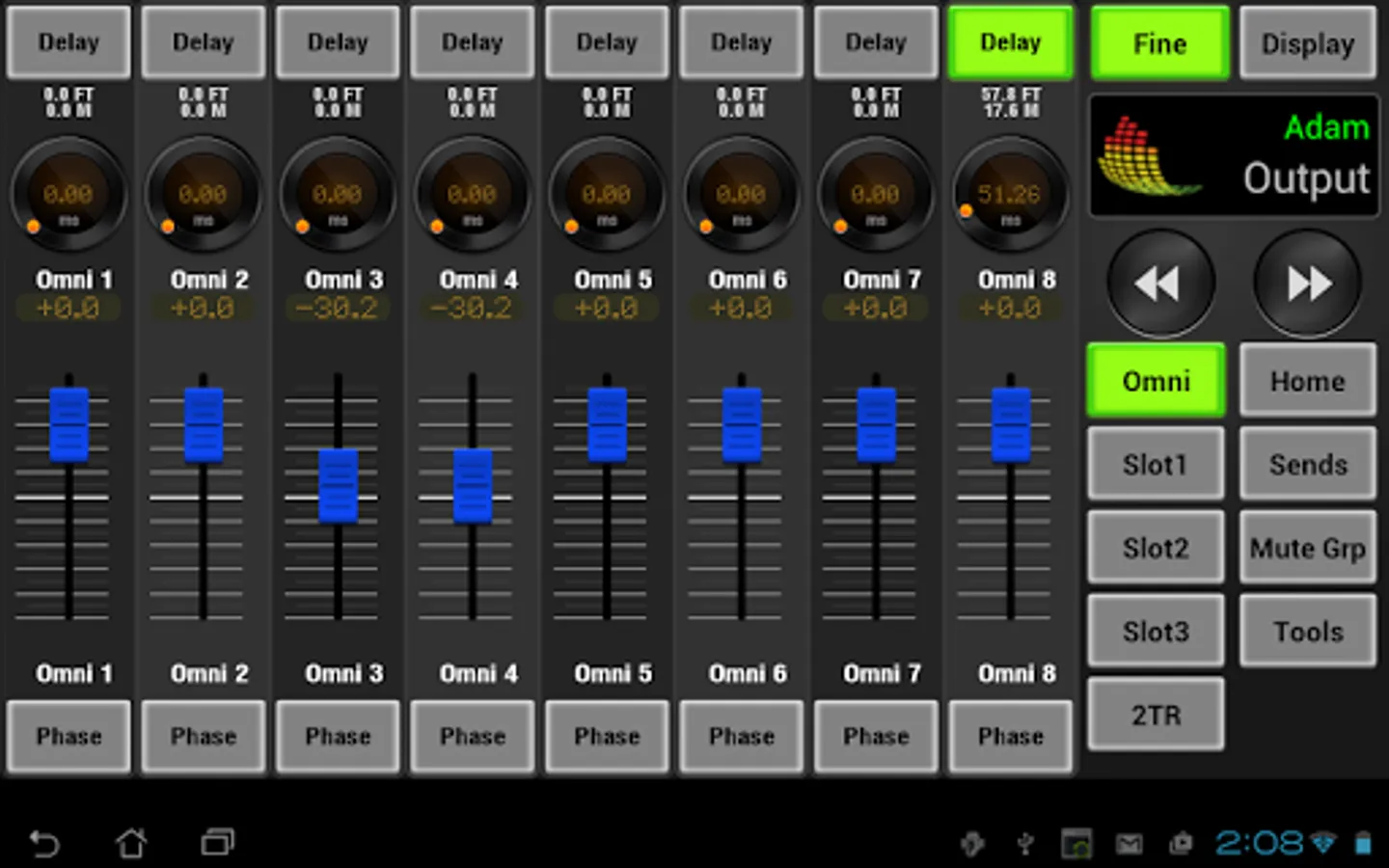
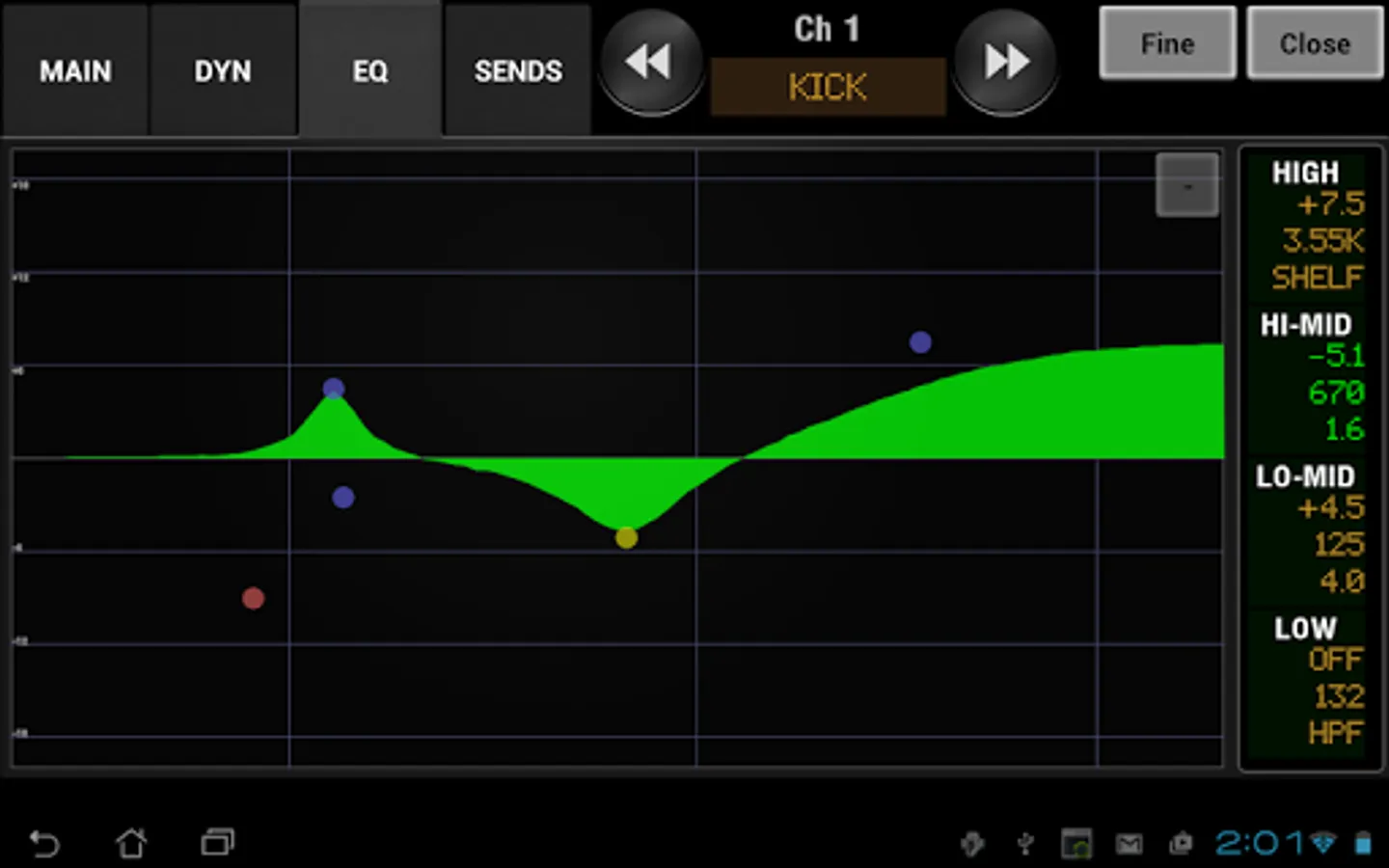
In this remote control app, you can manage digital audio mixers from your Android device by adjusting controls and creating specific mixes. Includes support for multiple users, access restrictions, and device synchronization.
AppRecs review analysis
AppRecs rating 3.7. Trustworthiness 50 out of 100. Review manipulation risk 36 out of 100. Based on a review sample analyzed.
★★★☆☆
3.7
AppRecs Rating
Ratings breakdown
5 star
58%
4 star
14%
3 star
0%
2 star
7%
1 star
22%
What to know
✓
Authentic reviews
Natural distribution, no red flags
About AirFader Mobile
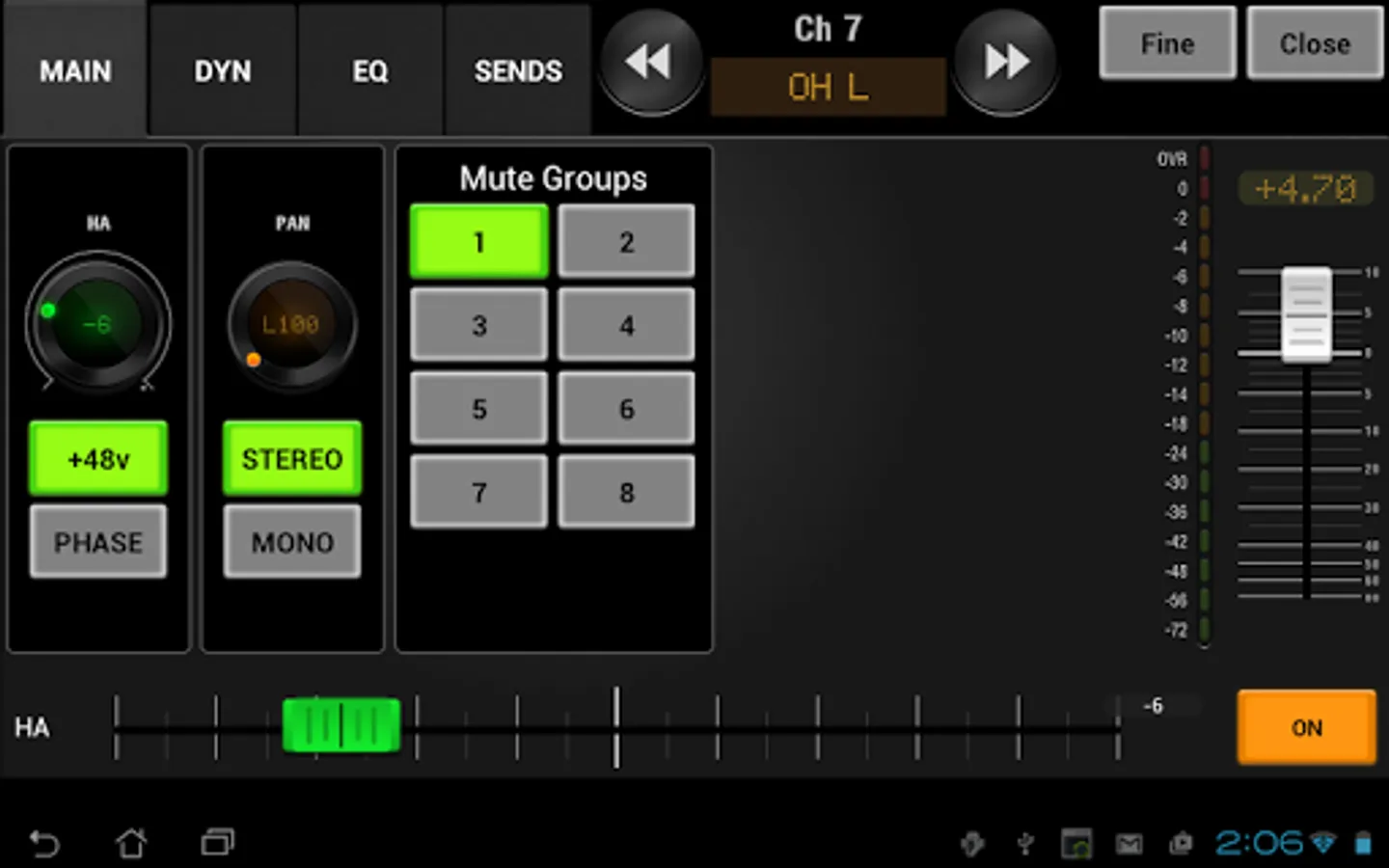
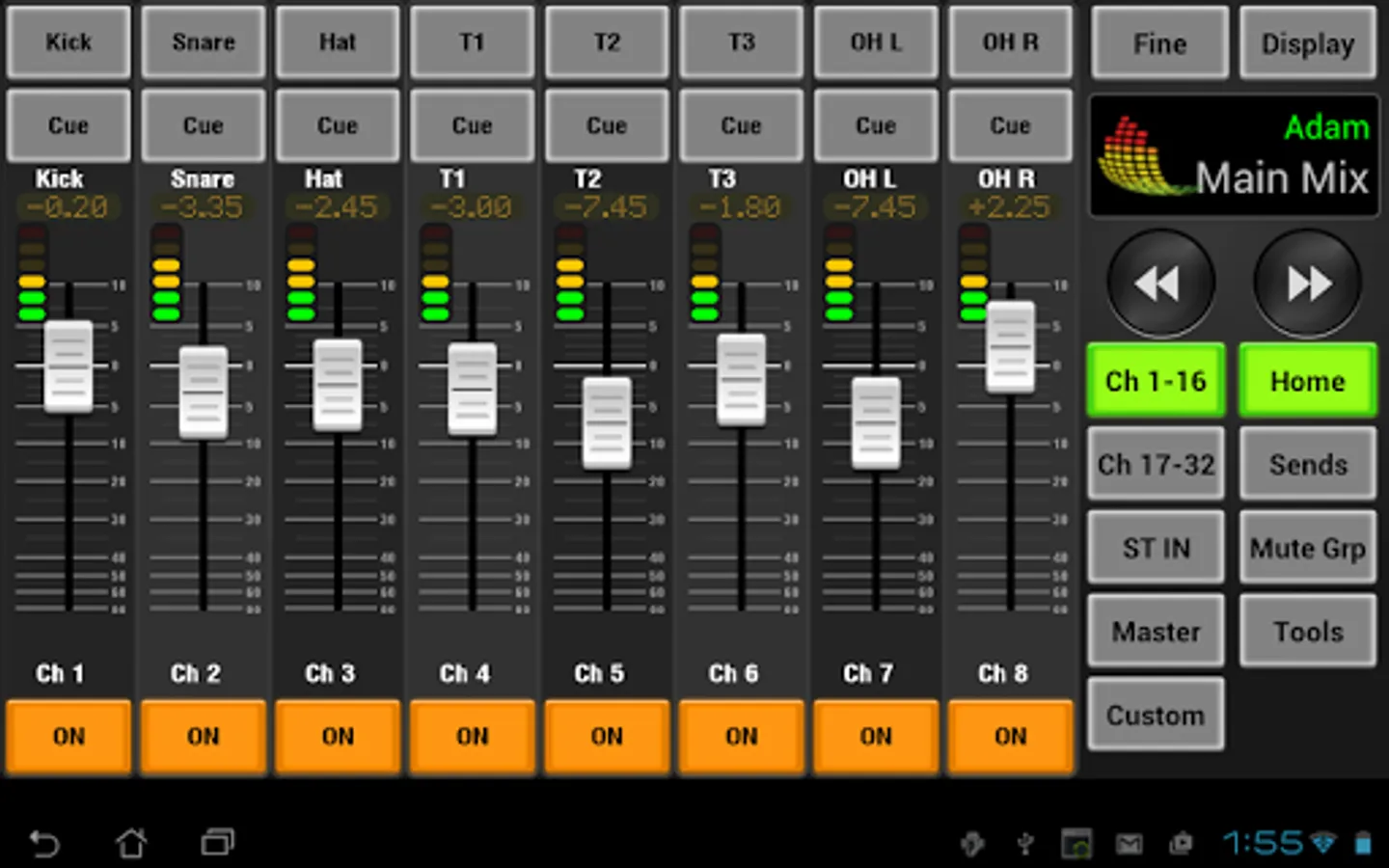
AirFader Mobile is a remote control client for AirFader Server (Microsoft Windows) that allows you to control digital audio mixers from your Android device. It's perfect as a personal monitor mixer OR as a tool for FOH and monitor engineers. Access controls built into the server allow you to limit each user to specific mixes. Currently supported are the Yamaha M7CL, LS9, and 01V96 digital mixing consoles.
Requirements: This "mobile" version of AirFader requires AirFader Server to be running on a Microsoft Windows computer or laptop. This allows multiple users at the same time. (To connect to the console directly from android, search for "AirFader Pro".)
Be sure to read the FAQ for troubleshooting and tips:
http://www.airfader.com/
* Control the Mix from anywhere - Get a feel for the room and make changes on-the-spot, even if the console's location is less than ideal.
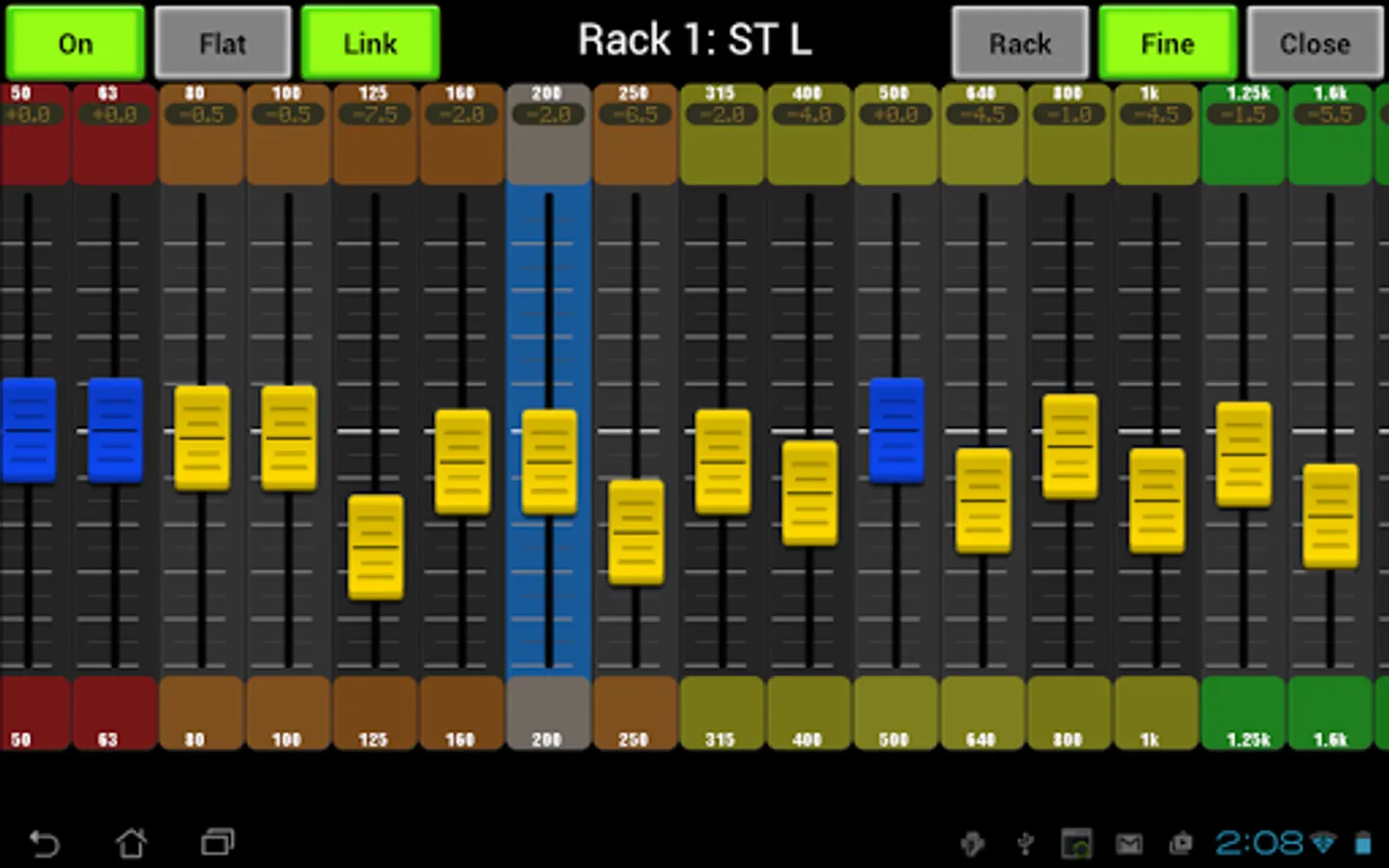
* Adjust monitor mixes from anywhere on stage - No more running off-stage for "more kick" or "less bass." Ring out feedback using GEQ controls.
* Use multiple devices at the same time - Give each performer their own Android-powered personal monitor mixer.
Requirements: This "mobile" version of AirFader requires AirFader Server to be running on a Microsoft Windows computer or laptop. This allows multiple users at the same time. (To connect to the console directly from android, search for "AirFader Pro".)
Be sure to read the FAQ for troubleshooting and tips:
http://www.airfader.com/
* Control the Mix from anywhere - Get a feel for the room and make changes on-the-spot, even if the console's location is less than ideal.
* Adjust monitor mixes from anywhere on stage - No more running off-stage for "more kick" or "less bass." Ring out feedback using GEQ controls.
* Use multiple devices at the same time - Give each performer their own Android-powered personal monitor mixer.