Go Fly Drones D.J.I Controller
Double-B Studio
3.5 ★
store rating
10,000+
downloads
Free
+ in-app
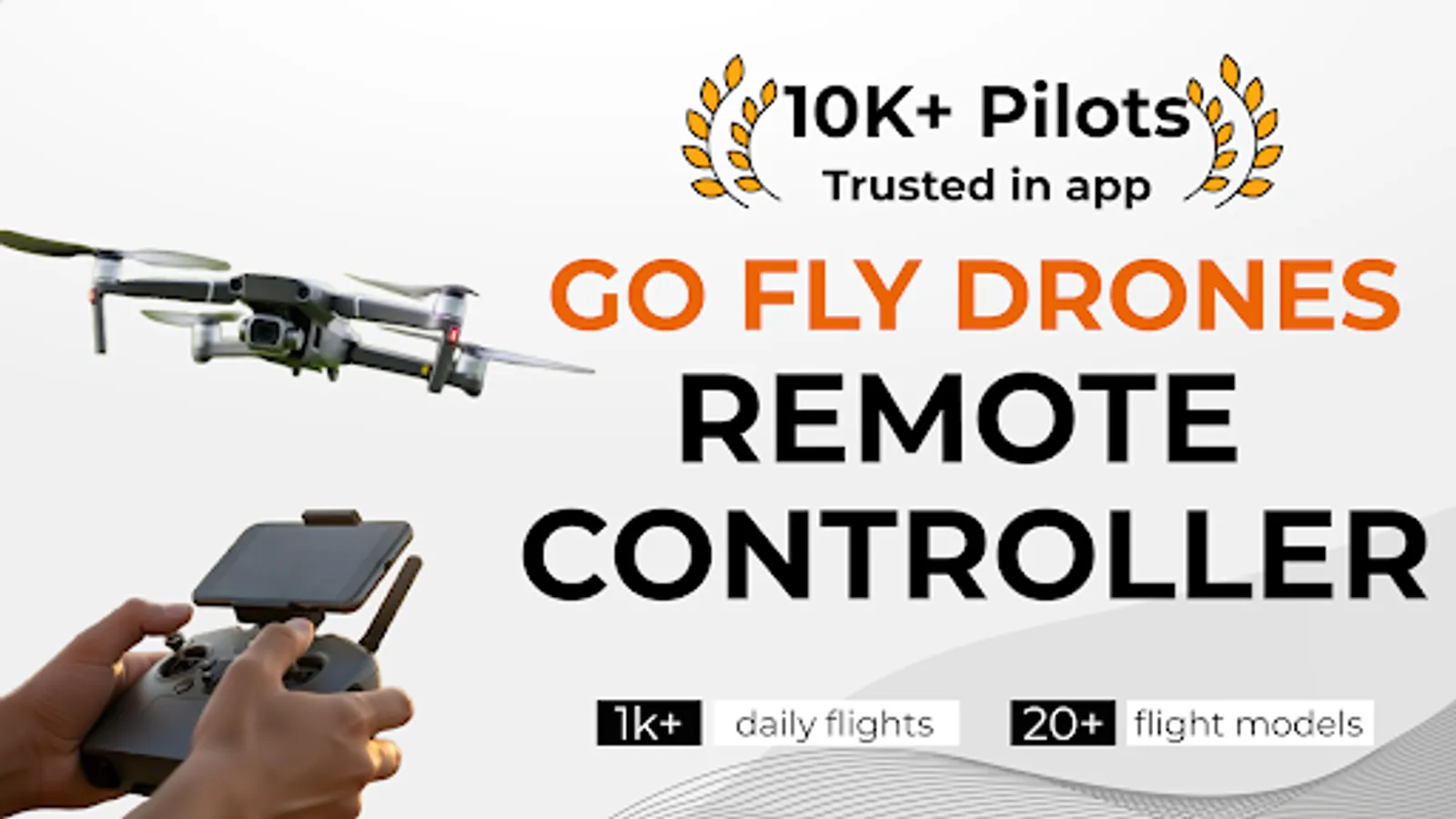
In this drone controller app, you can manage flight modes, adjust camera settings, and locate your drone remotely. Includes features like automated flight paths, camera control, and drone tracking.
AppRecs review analysis
AppRecs rating 3.3. Trustworthiness 80 out of 100. Review manipulation risk 26 out of 100. Based on a review sample analyzed.
★★★☆☆
3.3
AppRecs Rating
Ratings breakdown
5 star
48%
4 star
20%
3 star
0%
2 star
0%
1 star
32%
What to know
✓
Low review manipulation risk
26% review manipulation risk
✓
Credible reviews
80% trustworthiness score from analyzed reviews
⚠
High negative review ratio
32% of sampled ratings are 1–2 stars
About Go Fly Drones D.J.I Controller
🛸 Take your drone flying experience to new heights with the Go Fly Drones for D.J.I Smart Controller app, a feature-rich remote application designed to provide unparalleled control and convenience for drone enthusiasts.
Compatible with a wide range of drone models, our app ensures you have everything you need at your fingertips, whether you're a beginner or a seasoned pilot.
✨ Key Features:
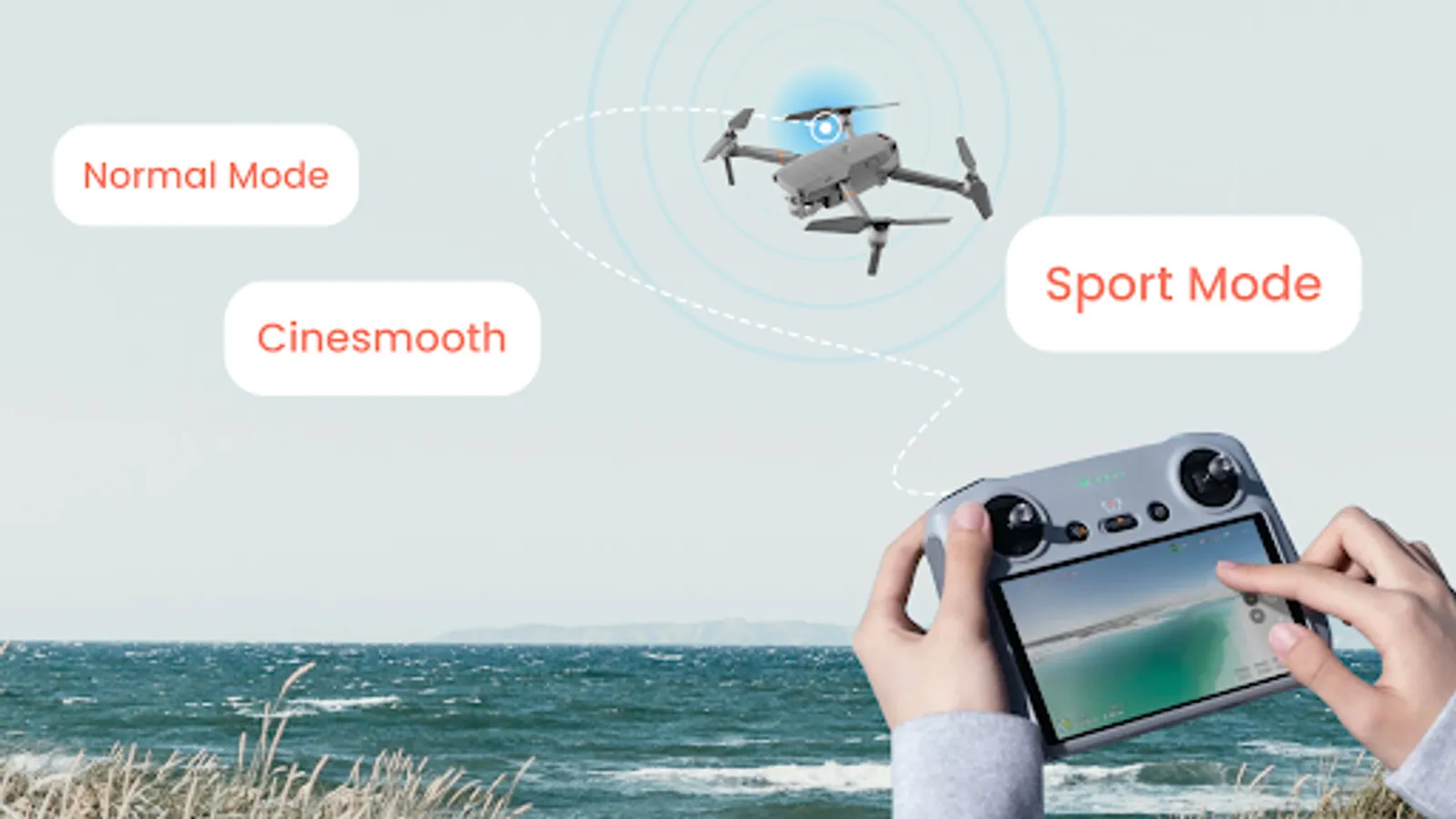
✈️ Smart Fly Mode: Elevate your flying experience with automated flight paths and advanced navigation assistance. This mode is designed for those who want to focus more on capturing stunning visuals and less on controlling the drone.
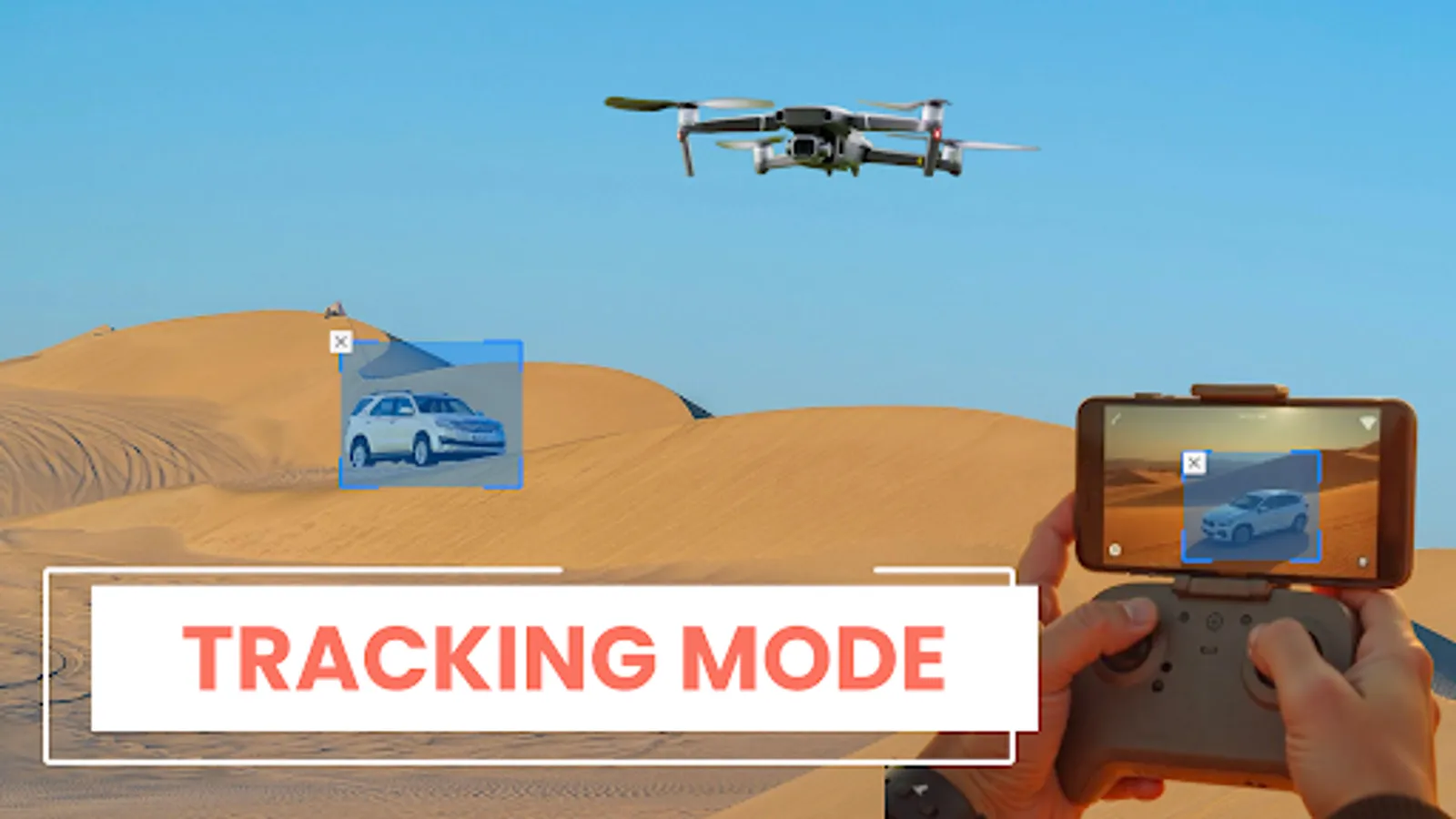
🎯Advanced Tracking Capabilities: Utilizes advanced algorithms to predict and follow the most dynamic movements, ensuring your subject is always perfectly captured.
📸 Camera Control Photo & Video:
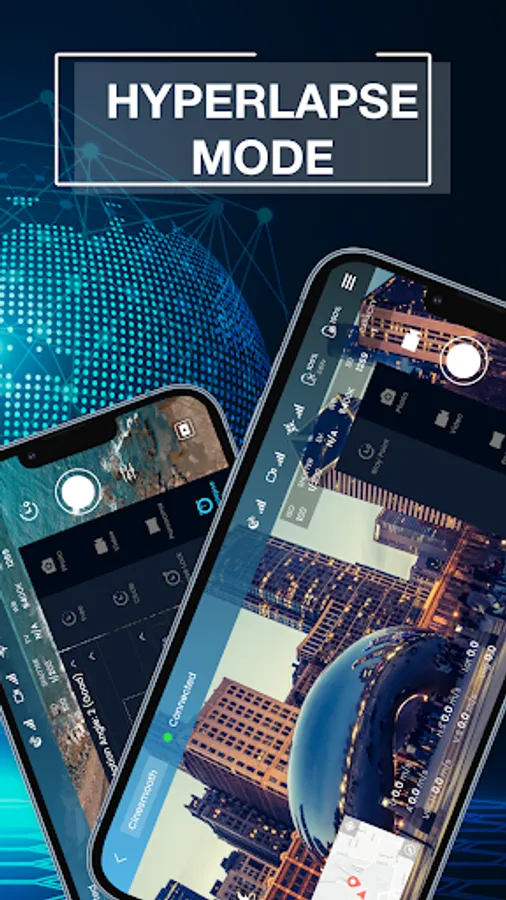
+ Photo: Capture high-resolution images with precise control over camera settings. The app supports various shooting modes, including burst shots and timed shots, to get the perfect picture every time.
+ Video: Record smooth, high-definition videos. Whether you're shooting a short clip or a long film, the app provides full control over frame rates and resolutions to meet your creative needs.
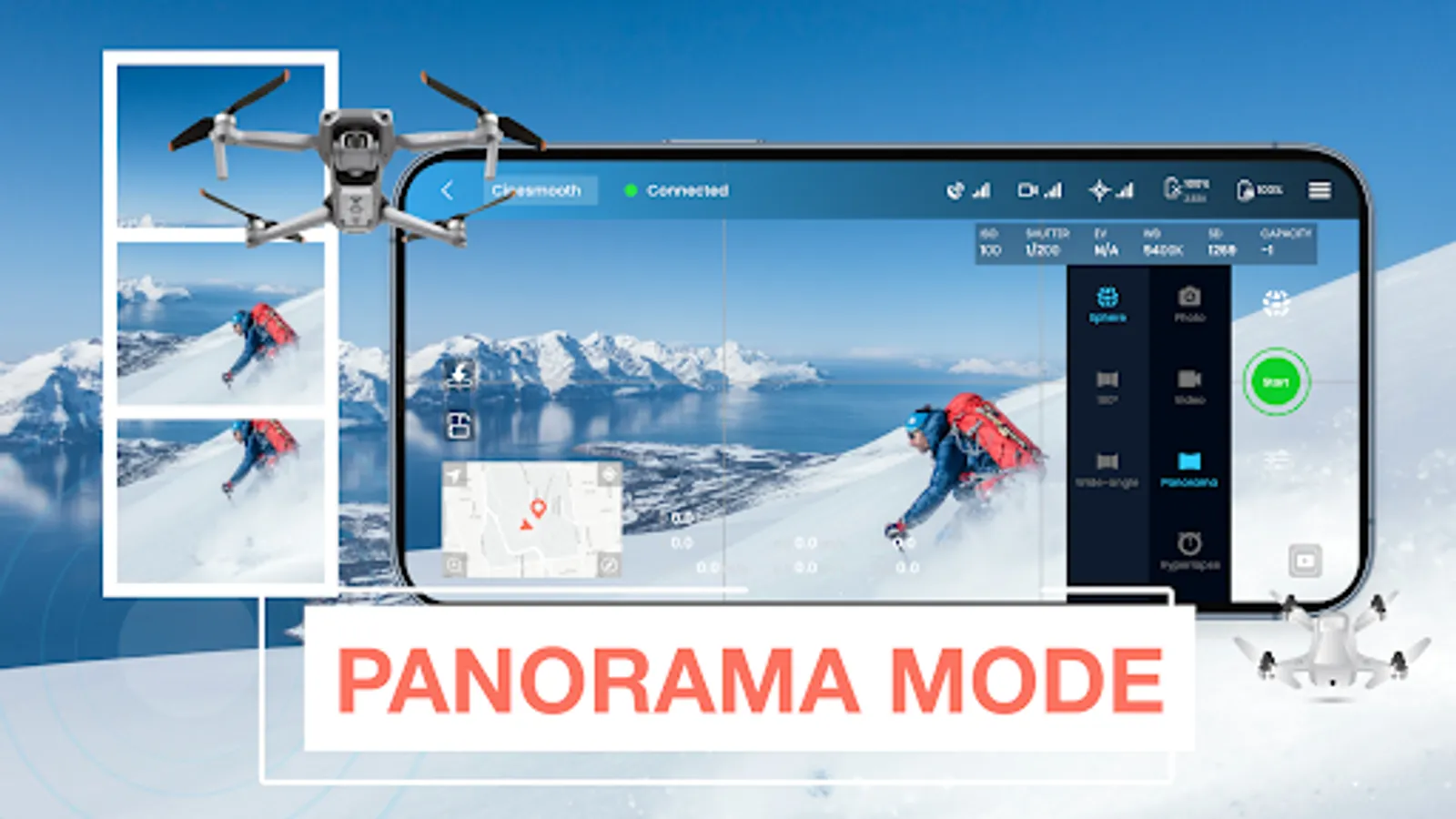
🌄 Panorama Photography: Easily create breathtaking panoramic images. The app automatically stitches multiple shots together, giving you stunning wide-angle photos with minimal effort.
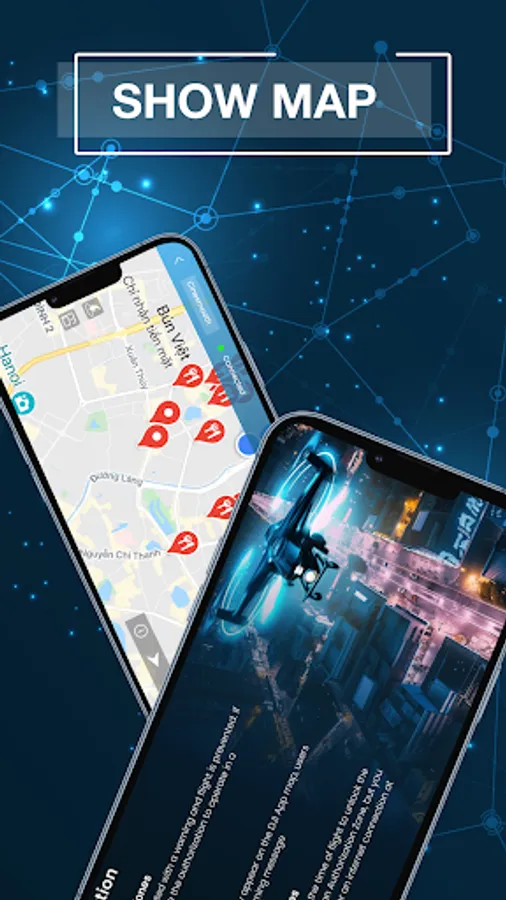
🛰️ Find My Drone: Never lose track of your drone again. This feature helps you locate your drone if it ever goes missing, displaying its last known location on the map and guiding you back to it.
🏠 Home Point: Set a designated return point for your drone. With a single tap, your drone will navigate back to this point, ensuring a safe return home every time.
🎥 Drone Gimbal Direction Adjustment: Achieve the perfect angle for your shots by adjusting the gimbal direction directly from the app. This feature allows you to fine-tune your camera’s position for optimal framing and composition.
- Album Management:
+ Album Video and Photo: Organize and manage all your aerial photos and videos in one place. The app’s album feature allows you to view, edit, and share your media effortlessly.
+ Easily Save to Device: With just a few taps, save your favorite images and videos directly to your mobile device, making it easy to share your aerial adventures with friends and family or on social media.
🧭 User-Friendly Interface
The Go Fly Drones app boasts an intuitive and user-friendly interface that makes it easy to navigate through various features and settings. Whether you're setting up a flight path, adjusting camera settings, or reviewing your latest shots, everything is designed to be accessible and straightforward.
🛡️ Enhanced Safety Features
Safety is paramount in drone flying. The Go Fly Drones app includes built-in safety features such as obstacle detection, altitude limits and signal lost behavior to ensure you fly safely and responsibly.
Compatible with: D.J.I Air 2S, D.J.I Mavic Mini 1, *M.a.v.i.c Air/Pro, P.h.a.n.t.o.m 4 Normal/Advanced/Pro/ProV2, P.h.a.n.t.o.m 3 Standard/ 4K/Advanced/Professional, I.n.s.p.i.r.e 1 X3/Z3/Pro/RAW, I.n.s.p.i.r.e 2, S.p.a.r.k, D.J.I Mini 2, D.J.I Mini SE, M.a.v.i.c 2 Enterprise Advanced
For *M.a.v.i.c users, there are some features our app haven't supported yet: Low Battery Warning, Critical Low Battery Warning, Time to Discharge, Lock Gimbal When Shooting, Sync Gimbal with Aircraft Heading, Gimbal Mode. Preview media, Play media, On/Off Head LEDs & Camera Forward/Down (M.a.v.i.c Air2S: double tap is C2, 1-tap is C1)
Terms of Use: https://sites.google.com/d/1plyt_dTZQPOfsMRcDdCLxyPzYcGyTiE1/p/1ZI-GQVQe3AtbFQizJipaa9DToGkP2vuN/edit
Privacy Policy: https://sites.google.com/d/1Jlgc-GIYEMzpdzQwQ8xwOreKUpx2aNSd/p/1XEEGGgwu9jb3LySBRTRYg3cL4-QLWF8L/edit
Contact us via: support.drone.app@gmail.com
We appreciate your feedback. All suggestions are welcome
Disclaimer: We are not an official app, but a support app
Compatible with a wide range of drone models, our app ensures you have everything you need at your fingertips, whether you're a beginner or a seasoned pilot.
✨ Key Features:
✈️ Smart Fly Mode: Elevate your flying experience with automated flight paths and advanced navigation assistance. This mode is designed for those who want to focus more on capturing stunning visuals and less on controlling the drone.
🎯Advanced Tracking Capabilities: Utilizes advanced algorithms to predict and follow the most dynamic movements, ensuring your subject is always perfectly captured.
📸 Camera Control Photo & Video:
+ Photo: Capture high-resolution images with precise control over camera settings. The app supports various shooting modes, including burst shots and timed shots, to get the perfect picture every time.
+ Video: Record smooth, high-definition videos. Whether you're shooting a short clip or a long film, the app provides full control over frame rates and resolutions to meet your creative needs.
🌄 Panorama Photography: Easily create breathtaking panoramic images. The app automatically stitches multiple shots together, giving you stunning wide-angle photos with minimal effort.
🛰️ Find My Drone: Never lose track of your drone again. This feature helps you locate your drone if it ever goes missing, displaying its last known location on the map and guiding you back to it.
🏠 Home Point: Set a designated return point for your drone. With a single tap, your drone will navigate back to this point, ensuring a safe return home every time.
🎥 Drone Gimbal Direction Adjustment: Achieve the perfect angle for your shots by adjusting the gimbal direction directly from the app. This feature allows you to fine-tune your camera’s position for optimal framing and composition.
- Album Management:
+ Album Video and Photo: Organize and manage all your aerial photos and videos in one place. The app’s album feature allows you to view, edit, and share your media effortlessly.
+ Easily Save to Device: With just a few taps, save your favorite images and videos directly to your mobile device, making it easy to share your aerial adventures with friends and family or on social media.
🧭 User-Friendly Interface
The Go Fly Drones app boasts an intuitive and user-friendly interface that makes it easy to navigate through various features and settings. Whether you're setting up a flight path, adjusting camera settings, or reviewing your latest shots, everything is designed to be accessible and straightforward.
🛡️ Enhanced Safety Features
Safety is paramount in drone flying. The Go Fly Drones app includes built-in safety features such as obstacle detection, altitude limits and signal lost behavior to ensure you fly safely and responsibly.
Compatible with: D.J.I Air 2S, D.J.I Mavic Mini 1, *M.a.v.i.c Air/Pro, P.h.a.n.t.o.m 4 Normal/Advanced/Pro/ProV2, P.h.a.n.t.o.m 3 Standard/ 4K/Advanced/Professional, I.n.s.p.i.r.e 1 X3/Z3/Pro/RAW, I.n.s.p.i.r.e 2, S.p.a.r.k, D.J.I Mini 2, D.J.I Mini SE, M.a.v.i.c 2 Enterprise Advanced
For *M.a.v.i.c users, there are some features our app haven't supported yet: Low Battery Warning, Critical Low Battery Warning, Time to Discharge, Lock Gimbal When Shooting, Sync Gimbal with Aircraft Heading, Gimbal Mode. Preview media, Play media, On/Off Head LEDs & Camera Forward/Down (M.a.v.i.c Air2S: double tap is C2, 1-tap is C1)
Terms of Use: https://sites.google.com/d/1plyt_dTZQPOfsMRcDdCLxyPzYcGyTiE1/p/1ZI-GQVQe3AtbFQizJipaa9DToGkP2vuN/edit
Privacy Policy: https://sites.google.com/d/1Jlgc-GIYEMzpdzQwQ8xwOreKUpx2aNSd/p/1XEEGGgwu9jb3LySBRTRYg3cL4-QLWF8L/edit
Contact us via: support.drone.app@gmail.com
We appreciate your feedback. All suggestions are welcome
Disclaimer: We are not an official app, but a support app