YOUnified Platform
SMI Technologies and Consulting Srl
Free
50+
downloads
About YOUnified Platform
The APP allows all users to access the contents of SMI's YOUnified Platform.
timesheet
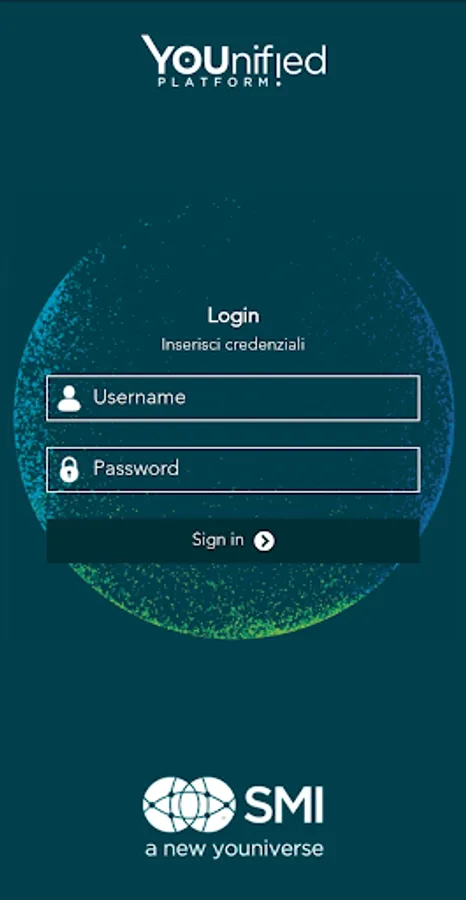
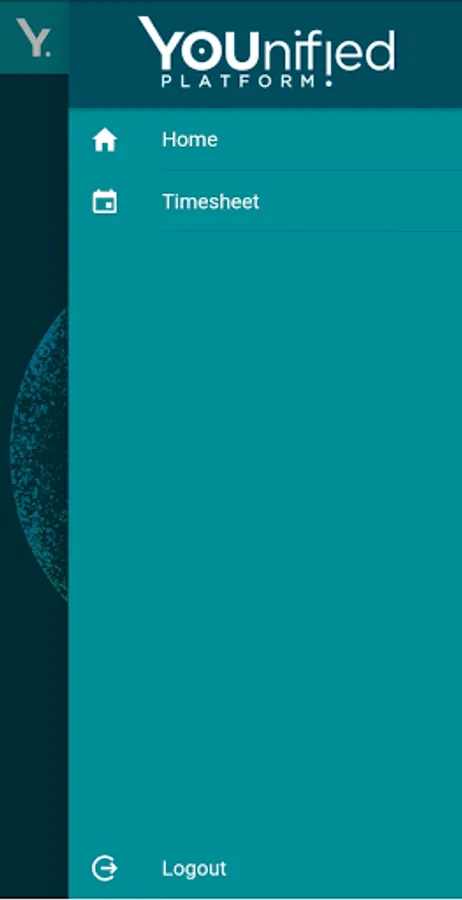
Once authenticated with the same credentials as the web application, the Timesheet module can be selected from the menu.
In the main screen of the Timesheet there is the calendar with the compilation status, the percentage of completion and the total expenses completed.
On the days when the times have been filled in, there is a dot to indicate which day is empty and which has been worked.
Clicking on the day you access the compilation tabs: Time, KM Refunds and Expense Notes.
The data to be filled in is the same as that filled in by the web interface.
Documents can be attached to the expense report tab. It is possible to attach documents on the device or take a photo of the receipt in real time. The keys are activated only if all the mandatory fields of the expense note have been filled out. When all the desired receipts have been attached, by pressing the "save" button the attachments will be uploaded and the data entered will be saved.
When the compilation of the month is complete and the percentage is 100%, you can change the status of the month by sending the confirmation to the manager for approval.
timesheet
Once authenticated with the same credentials as the web application, the Timesheet module can be selected from the menu.
In the main screen of the Timesheet there is the calendar with the compilation status, the percentage of completion and the total expenses completed.
On the days when the times have been filled in, there is a dot to indicate which day is empty and which has been worked.
Clicking on the day you access the compilation tabs: Time, KM Refunds and Expense Notes.
The data to be filled in is the same as that filled in by the web interface.
Documents can be attached to the expense report tab. It is possible to attach documents on the device or take a photo of the receipt in real time. The keys are activated only if all the mandatory fields of the expense note have been filled out. When all the desired receipts have been attached, by pressing the "save" button the attachments will be uploaded and the data entered will be saved.
When the compilation of the month is complete and the percentage is 100%, you can change the status of the month by sending the confirmation to the manager for approval.