1- Open the application and browse all services
2- Click on any service to see all the information about it
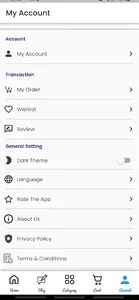
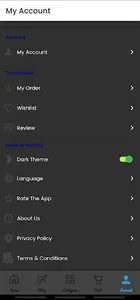
3- Click on the account and create an account
4- Log in either with the phone number or the email and the password that you registered with them to create the account
5- Add any service you need to the shopping cart
2- Click on any service to see all the information about it
3- Click on the account and create an account
4- Log in either with the phone number or the email and the password that you registered with them to create the account
5- Add any service you need to the shopping cart
Show More